Blue Byte · Strategy
Battle Isle
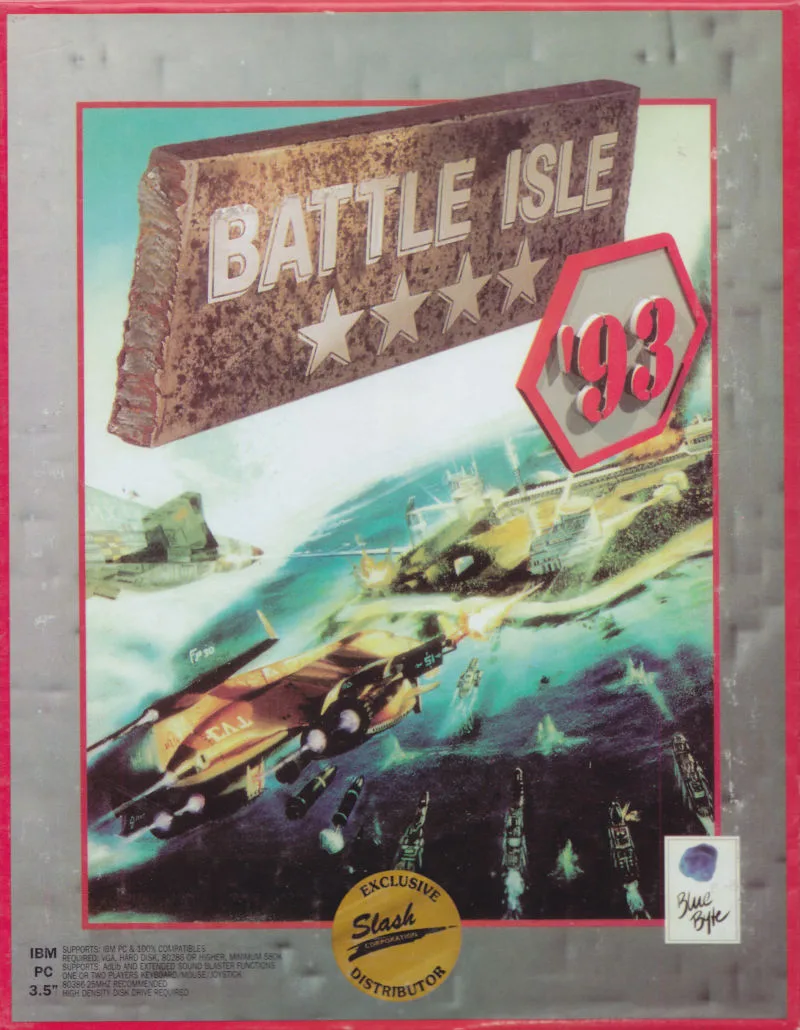
Battle Isle is a turn-based strategy game from Blue Byte, released in 1991 for DOS and Amiga. Plan your orders on a hex map.
Strategy game by Blue Byte (1991) for MS-DOS (in English) and Amiga. Playable in your browser (MS-DOS and Amiga) or downloadable.
Choose your version 2 platforms
— no rating yet
THE CLABA ARCHIVE
Inside the game.
Its history, its ideas and the reasons to come back.
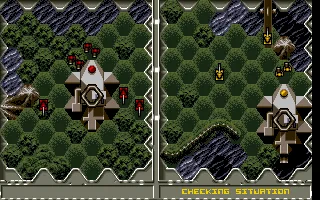
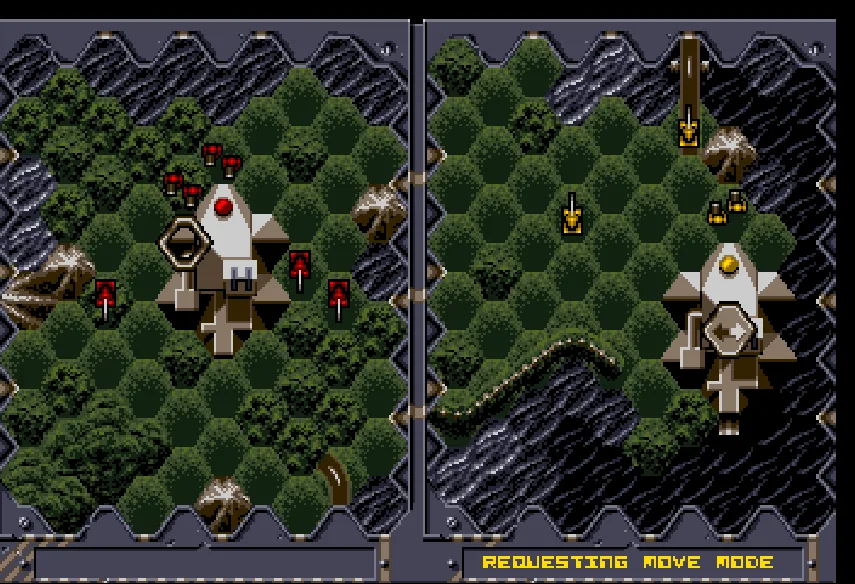
In Battle Isle, the battle begins before the first tank moves. You study the terrain, choose the units that will advance, and prepare your turn's actions while your opponent does the same. This strategy game from Blue Byte, copyrighted 1991, uses a hexagonal map and a split screen that lets you look at two areas of the battlefield at once.
Victory can come in two ways: destroy the enemy units or capture their headquarters. For the latter you need infantry. Vehicles, transports, and support units each handle different tasks; sending the whole army down the same path without looking at the terrain usually leaves an important piece out of position.
Movement, action, and supply
Turns alternate between a movement phase and an action phase. A move order sets up a route: the vehicle does not necessarily set off as soon as you select it. Actions are resolved when the phase changes, and the enemy can foil your plan before the unit reaches its destination. The split screen helps you follow the relationship between what you are preparing and what is happening on the other side of the map.
Buildings matter too. Headquarters, factories, and depots keep the army going; repairs and production consume energy. Capturing a factory can give you access to its units, while losing your headquarters ends the game. The original manual presents 32 maps and devotes a separate booklet to the characteristics of the weaponry.
The online game is the original Battle Isle for DOS, in English. To start the single-player campaign, you have to enter CONRA in Options. The FIRST map that appears by default is designed for two players; you should change it before pressing Start.
ONE GAME, 2 PLATFORMS
Versions.
2 platforms19912 playable online
Pick a platform: the screenshots, downloads and online game on this page switch with it.
- Year
- 1991
- Developer
- Blue Byte
- Downloads
- 2
- Screenshots
- 2
The MS-DOS version is the one this page covers: the information, review and main screenshots are from this platform.
- Year
- 1991
- Port by
- Blue Byte
- Downloads
- 3
- Screenshots
- 2
Battle Isle for Amiga is Blue Byte's original 1991 strategy game. It keeps the hex map split across two screens, the phase-based orders, and combat between units with different capabilities. This copy shows the menus in English. The solo campaign starts at CONRA; FIRST corresponds to the two-player maps.
Starting a solo game
When you open the player, you go straight to the start of CONRA, before giving orders to your troops. Your forces hold the left half; the other half belongs to the computer. Click inside the game to activate the keyboard. The arrow keys move the cursor across the hexes. Check the unit's name in the bottom strip before giving it an order.
Moving a unit and changing phase
Place the cursor over a friendly unit. Hold down X, press the up arrow, and release X before releasing the arrow. The game will show the squares it can reach. Choose a destination with the arrow keys and press X to see the route. Press X again on that destination to confirm the order. The message UNIT MOVED indicates the order has been registered.
When you finish, find a hex with no building or transport. Hold X, press left, and release X before releasing the arrow. The double arrow of the phase change will appear. When both sides are ready, press A: it is equivalent to the Amiga space bar and confirms SPACE: CHANGE MODE. Wait for the computer's response to finish before continuing.
Amiga keyboard and menus
V opens and closes the on-screen Amiga keyboard. Its arrow keys move across the keys and X presses the selected one; Enter lets you confirm the text when that keyboard is open. It is useful, for example, for entering map codes. In the game menus, the arrow keys choose and a short tap of X confirms. Holding a button may repeat the selection.
What each download contains
The WHDLoad package was prepared from the disks in the collection, using Wepl's installer. To use it outside the site you need an Amiga emulator compatible with WHDLoad and your own Kickstart. The ZIP files marked Original keep the IPF images of the floppy disks; they require an emulator that supports that format. The game is already set up in your browser.
Orders and phases are explained on pages 22–36 of Blue Byte's original manual. The general guides on this game page also describe the DOS edition; use the keys in these notes when you choose Amiga.
EVERY PIXEL COUNTS
The game in pictures.
Explore the screenshots and open every detail at full size.
GET READY FOR YOUR NEXT GAME
Choose your download.
Format, compatibility and server. All in view.
Version
SELECTED VERSIONMS-DOS2 files · also playable online
SELECTED VERSIONAmiga1991 · 3 files · also playable online
Download Repack
COMPATIBILITYRequires an emulator ✓ At no cost✓ No sign-up Download BoxSharer server · New tab BoxSharer02 Amiga · OriginalDownload Original
COMPATIBILITYRequires an emulator ✓ At no cost✓ No sign-up Download BoxSharer server · New tab BoxSharer03 Amiga · OriginalDownload Original
COMPATIBILITYRequires an emulator ✓ At no cost✓ No sign-up Download BoxSharer server · New tabClicking opens the CLABA loading area and, in a few seconds, your download. If a link fails, let us know via Contact or in the forum.
Your game starts here
Play in your browser.
There are 2 versions ready to play. Pick one and click.
Version
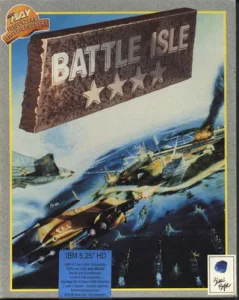
MS-DOSIn your browser
Battle Isle
MS-DOS version. Your next game starts here.
- 1 MB · downloads on click
- Save the game's files
- Keyboard, controller or touch
Controls
Click the game to use the keyboardOn mobile, play with the on-screen controller- ↑←↓→
- cursor
- Space
- hold it with an arrow key and release Space first to give an order
- F1
- confirm phase change
Campaign: Options, enter code CONRA, OK, Start.
- Full screen
Use the button on the bar. Esc returns to the game page; “Exit” closes the game.
- Saves
Save keeps the files the game creates, not the exact moment. Save inside the game, then press Save.
- Mobile and tablet
Press Controls during the game to show buttons and keyboard. Gamepad support depends on the browser.
Saves live in this browser and device. Clearing the site data deletes them too.
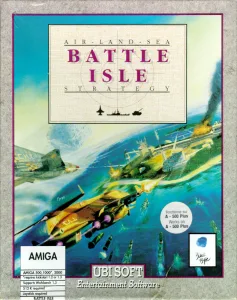
AmigaIn your browser
Battle Isle
Amiga version. Your next game starts here.
- 2 MB · downloads on click
- Save states in this browser
- Controller, keyboard or touch
Controls
Click the game to use the keyboardOn mobile, play with the on-screen controller- ↑←↓→
- move the cursor
- X
- move with the up arrow, releasing X first
- X
- press twice to set a destination
- X
- request a phase with the left arrow
- A
- confirm the phase
- V
- Amiga keyboard
Amiga.
- Full screen
Use the button on the bar. Esc returns to the game page; “Exit” closes the game.
- Saves
Save State, in the game's menu, keeps the exact moment. Load brings it back when you return.
- Mobile and tablet
Press Controls during the game to show buttons and keyboard. Gamepad support depends on the browser.
Saves live in this browser and device. Clearing the site data deletes them too.
THE SECRET SIDE OF THE GAME
Tips, tricks and secrets.
A hint at the right time. A code that changes everything.
Tip: keep your infantry
Protect at least one infantry unit when your goal is to capture buildings. The manual notes that infantry is the troop that can occupy them; tanks can clear the way, but they cannot replace infantry in that task.
Tip: check the whole map
Hold Space, press the right arrow, and release Space before the arrow. The eye symbol opens the overview. Use it to locate buildings, roads, and units that have not yet received orders.
Tip: save energy for repairs
Producing and repairing units consumes the building's energy. Check your reserves before spending everything on a new unit; a repaired veteran troop can be more useful than a reinforcement that arrives too late.
Tip: a marked route is still just a plan
Check your orders before confirming the phase change. The opponent can attack before your move is carried out, so don't count on a unit in danger having withdrawn just because you gave it a destination.
No matches. Try another effect or code.
THE NEXT STEP, CLEARER
Guides to move forward.
From the first installation to that mission that won't give in.
Starting the single-player campaign
Wait for the menu to appear over the seascape. Use the arrow keys to select Options and press Enter. On the first line, FIRST, press Enter, type CONRA, and confirm with Enter. Move down to OK, confirm, and choose Start in the main menu. This begins the first mission against the computer, instead of the starting map for two players.
How to choose an order with the keyboard
The arrow keys move the cursor. To open an order, hold Space, press the corresponding arrow, and release Space before releasing the arrow. Up chooses movement or attack depending on the phase; right opens the overview; down shows information; left opens the inventory of a building or transport and, over open terrain, lets you end the phase.
To move one of your units during the movement phase, place the cursor on it and choose Space plus the up arrow. The game shows its range. Move the cursor to a permitted destination and press Space to see the route. Press Space again on the same square to confirm the order.
Confirming the phase change
On a square with no building or transport, hold Space, press left, and release Space first. A double-arrow symbol appears. When both sides are ready, the screen prompts F1: CHANGE MODE; press F1 to resolve the orders and move on to the next phase. If the opponent is still calculating, wait for it to finish.
To leave the mission, Esc opens the confirmation. In this copy, the Z key confirms the exit to the menu.
What to download and how to start it in DOSBox
The Completed DOS download keeps the original executables, maps, and other files, and adds the data that was missing from the collection's copy. It is the basis of the online game. Extract that ZIP into a folder, mount it as drive C in DOSBox, and run BATTLE.EXE.
The Original download is kept unchanged for archival purposes: it is incomplete and does not start correctly on its own. Do not mix its files with those of the expansions. If you need to set up the emulator, see DOSBox from scratch.
Original manual and documentation
The original Blue Byte manual explains the objective and the 32 maps on printed page 19, the phases on page 20, the menus on pages 22–24, the orders on pages 26–28, and the phase change on page 36. Pages 38–40 describe the buildings and the capture of the headquarters.
The controls, the CONRA code, and the confirmation sequence were checked in this DOS copy. The copyright and development credits appear in the manual and in the game itself.
Something wrong?
Give us a hint.
A broken link, a detail to correct or a game that won't start. Your report helps keep this game page up to date.
Get in touchReport an issue with this game Discuss it in the forumCLABA ARCADE ROOM
This one and 250 more
play here.
When you finish your game, the room has other machines switched on.
Enter the roomTHE CLABA APP1.0 RC 1
Take the archive
with you.

Game pages, online play and your shelf on Android. Free, no sign-up.
ARCHIVE SECRETS
Did you know?
- The screen is split into two views of the map. Each side can examine its own area while the other prepares its orders.
- The manual distinguishes between movement and action: orders are programmed first and then carried out during the phase change.
- Only infantry can occupy buildings. Reaching the enemy headquarters with any vehicle is not enough to capture it.
- FIRST and CONRA are not equivalent levels: the first is for two players and the second starts the campaign against the computer.