Rockstar North · Action-adventure
Grand Theft Auto: San Andreas
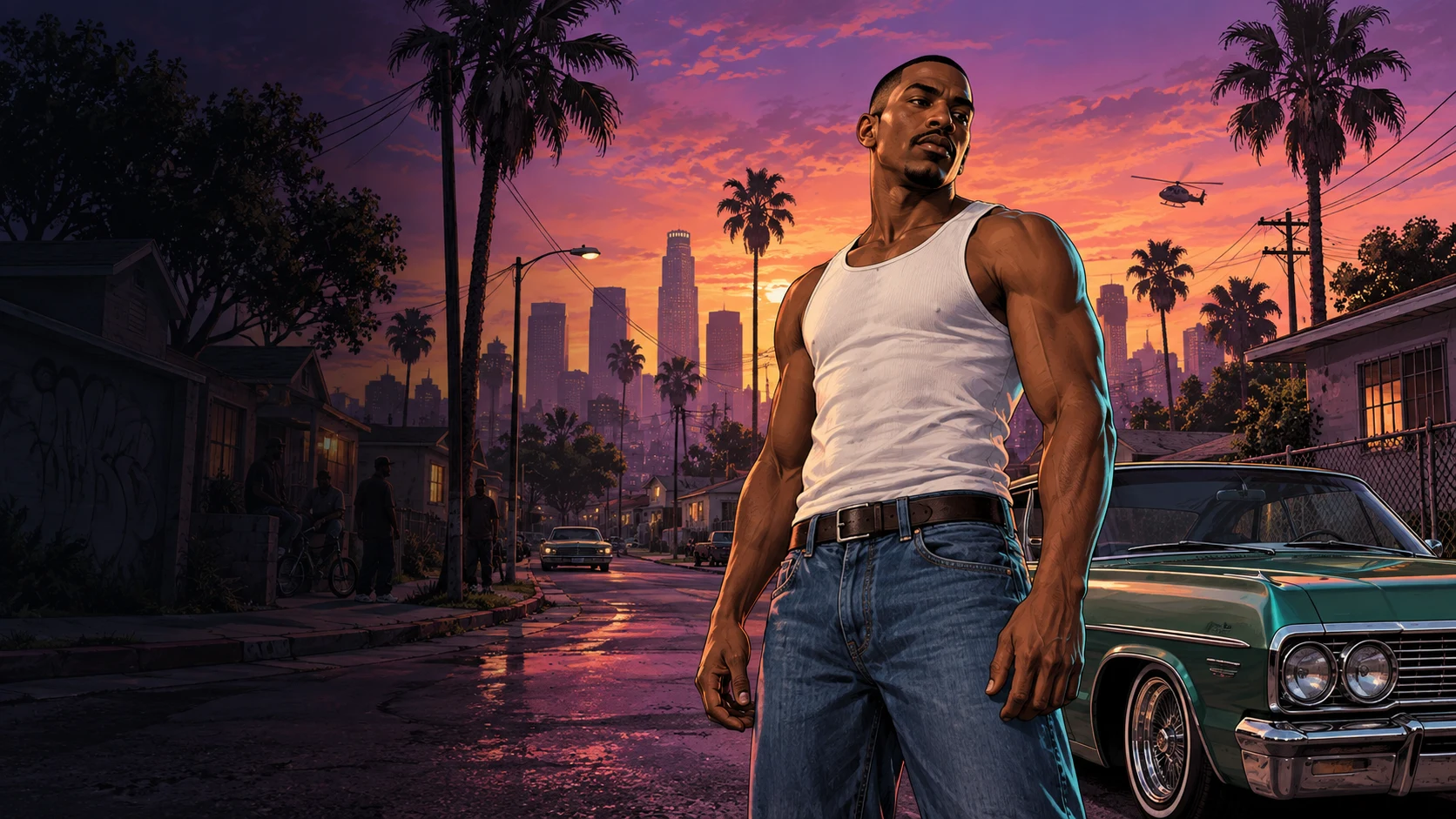
Back to Grove Street. Family, betrayals and an entire state to conquer. It all starts at home.
Choose your version 2 platforms
No computer handy? Play one of the 248 classics online right now
4.5 432 votes
THE CLABA ARCHIVE
Inside the game.
Its history, its ideas and the reasons to come back.
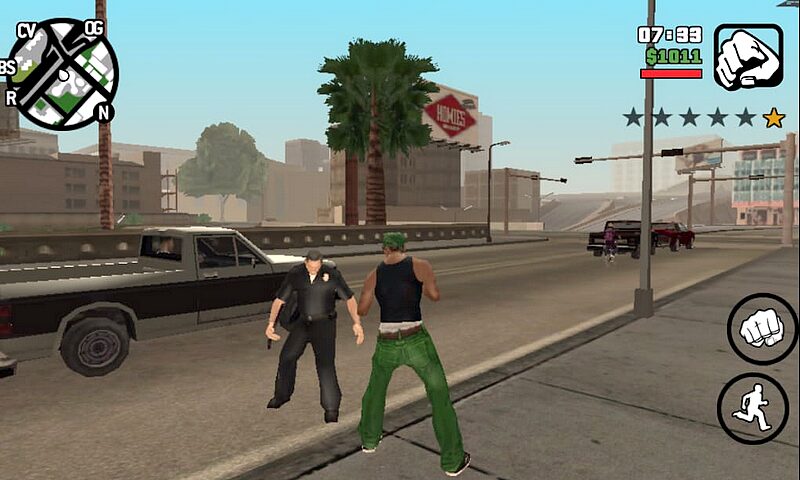
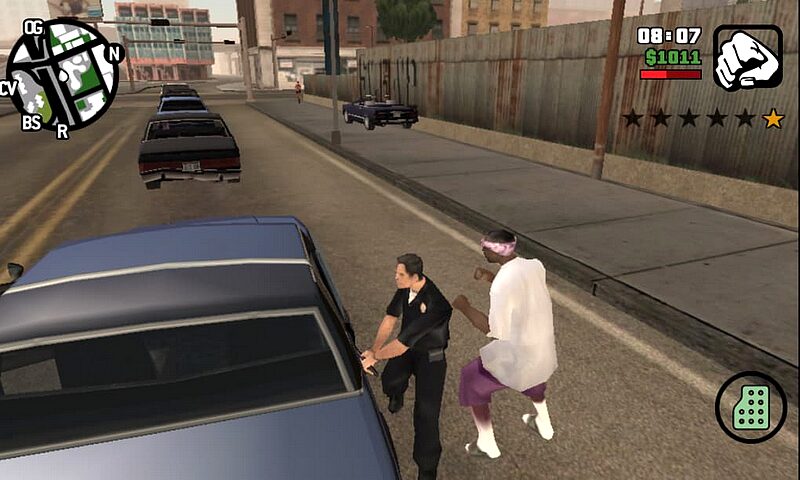
Going back to Grove Street doesn’t mean coming home in peace. Grand Theft Auto: San Andreas turns Carl «CJ» Johnson’s return into a journey through broken loyalties, corrupt cops and roads that seem to ask you to forget about the next mission. A bicycle, a radio left on and a neighborhood you still owe something to: that is how one of the great open worlds in video games begins.
From a neighborhood to an entire state
The story is set in 1992. After five years away, CJ returns to Los Santos following his mother’s death. His family is divided and the Grove Street Families have lost influence. What starts as a fight to win the neighborhood back ends up taking him through Los Santos, San Fierro and Las Venturas, as well as small towns, forests and deserts. Rockstar presents that homecoming and its conflicts on the official game page.
The next map icon can wait. Sometimes San Andreas is at its best when you take the wrong exit.
Your CJ, your way of getting lost
Third-person action, driving and exploration sit alongside a kind of progression that is unusual for the series: CJ works out, improves his skills and changes his look. You can devote yourself to missions, hunt for collectibles, race, work as a taxi driver or simply cruise around the state listening to the radio. Not all of its systems have the same depth; the appeal lies in how they intersect and in the number of improvised stories they leave behind.
- Three cities with personality: neighborhoods and highways, hills and streetcars, neon lights and casinos.
- A protagonist who evolves: clothes, hairstyles, muscle and skills accompany the adventure.
- Much more than cars: bicycles, motorcycles, boats and aircraft change the way you read the map.
- A single-player campaign: this page covers the classic PC game; the community’s multiplayer projects are separate experiences.
Which edition you are looking at
Developed by Rockstar North and published by Rockstar Games, San Andreas was originally released in 2004. The PC version arrived on June 7, 2005 in North America and June 10 in Europe, alongside the Xbox version. That is why the archive lists 2004 as the game’s year, even though this page is for the PC version. The dates are documented in Rockstar and Take-Two’s launch announcement (PDF).
On-screen text is available in Spanish; the original voices are in English. Don’t confuse this release with The Definitive Edition: their files and mods are not interchangeable. Under Guides you’ll find a setup walkthrough for the classic PC game; under Tips & tricks, keyboard codes to experiment with; and under Review, our editorial assessment of what still shines and what shows its age.
ONE GAME, 2 PLATFORMS
Versions.
2 platforms2004
Pick a platform: the screenshots, downloads and online game on this page switch with it.
- Year
- 2004
- Developer
- Rockstar North
- Downloads
- 2
- Screenshots
- 3
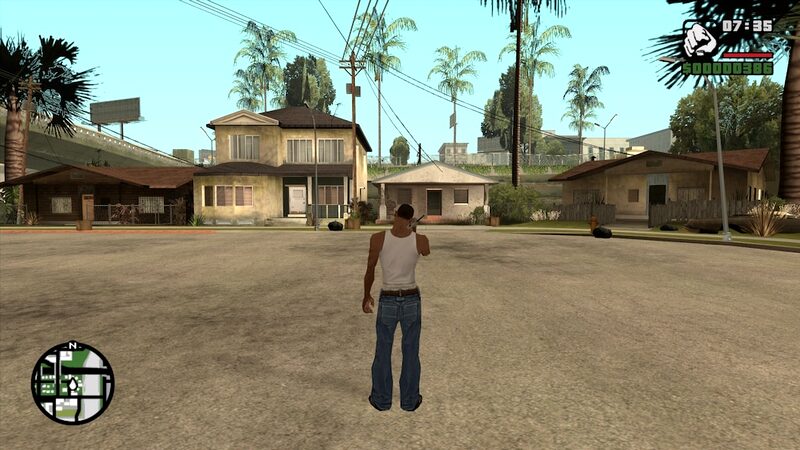
The PC version is the one this page covers: the information, review and main screenshots are from this platform.
- Year
- 2004
- Port by
- Rockstar North
- Downloads
- 1
- Screenshots
- 1
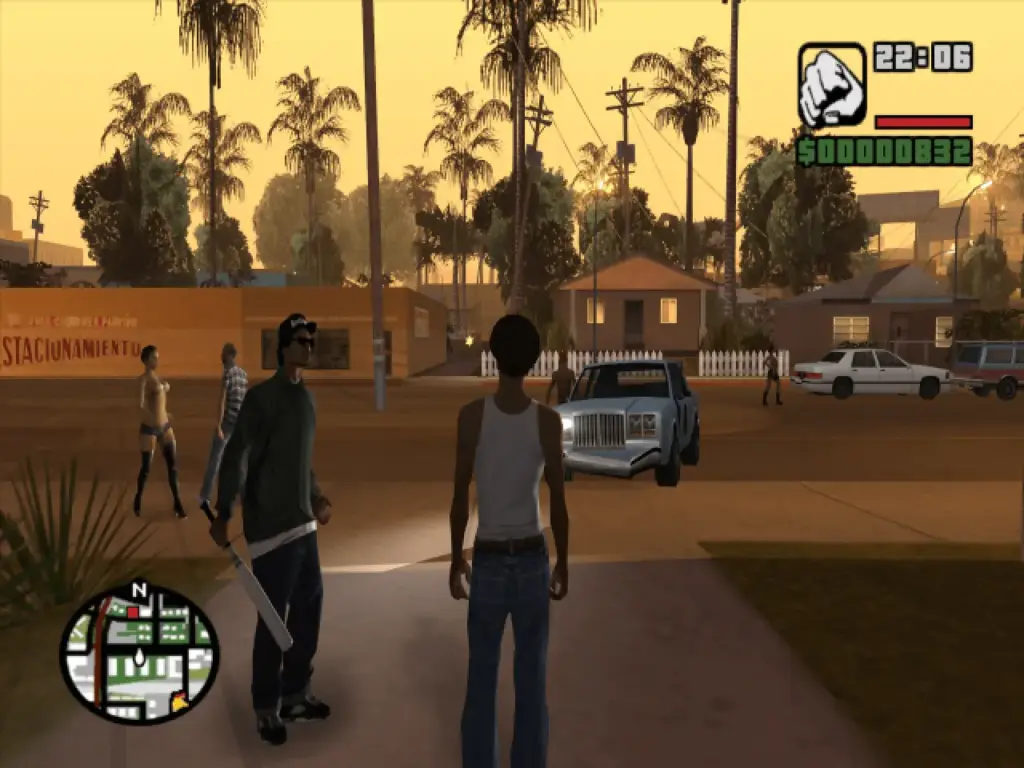
The PlayStation 2 edition was the first commercial version of Grand Theft Auto: San Andreas: it was published in 2004 and presents the fictional state of San Andreas, with Los Santos, San Fierro and Las Venturas. This PS2 installment also includes local co-op situations in open-world mode. The disc in this set corresponds to the US region.
EVERY PIXEL COUNTS
The game in pictures.
Explore the screenshots and open every detail at full size.

GET READY FOR YOUR NEXT GAME
Choose your download.
Format, compatibility and server. All in view.
Version
SELECTED VERSIONPC2 archivos
Clicking opens the CLABA loading area and, in a few seconds, your download. If a link fails, let us know via Contact or in the forum.
THE HOUSE VIEW
CLABA review.
What shines, what weighs it down and our verdict.
CLABA'S VERDICT
San Andreas: there's always a way back
CLABA editorial review · Classic PC version. San Andreas is still extraordinary because it understands the pleasure of taking a detour. Its map is not merely a distance between objectives: it is a succession of changes of atmosphere that turns a simple trip into a small adventure. Scale matters, but what matters more is that every region promises a different way to waste time.
A world that invites you to stay
Grove Street works as an emotional starting point. Before aspiring to dominate anything, CJ needs to reclaim his place. That opening gives weight to the streets and the characters; later, when the campaign widens the horizon, the contrast between the neighborhood, the countryside and the other cities conveys an exceptional sense of travel. The game knows how to use the landscape so that moving forward means something more than unlocking another cluster of icons.
Its variety is its best argument and also a source of unevenness. The driving, the customization, the side activities and CJ's progression offer plenty of reasons to put off a mission. None of those pieces needs to be a perfect simulation: together they produce a convincing sense of open play. It is easy to remember an absurd crash or an improvised route as clearly as an important scene.
The radio tells the story too
The music, the commercials and the voices make the car an essential part of the setting. Listening while you drive makes the world seem to keep existing outside the plot. The satire can be crude and some jokes have aged worse than the songs, but the sonic identity remains one of the great reasons to come back.
What demands patience today
There is an obvious gap between the open-endedness of exploration and the rigidity of certain missions. When a sequence demands that you repeat a trip or carry out exactly what was planned, the game shows its seams. The camera, the aiming and some driving or flying challenges can feel rough to anyone arriving from a more recent title. The narrative also loses focus as it moves away from its family core: it gains spectacle, though at times it sacrifices cohesion.
On PC it is worth taking a moment for setup. Our guide links to tools from their own authors and distinguishes between editions; it does not assume that any mod package will work with any installation. Community improvements can ease technical problems, but they do not transform the mission design or replace a version that runs properly.
Verdict: going back is worth it
Recommended for anyone who enjoys exploring and accepts a classic with rough edges. If you want flawless controls and a campaign without friction, you will need to adjust your expectations. If you want a world with character, a soundtrack with personality and the chance to head out for a drive with no plan, San Andreas still has something hard to reproduce. Its greatness lies in making an enormous state end up feeling like a place you can return to.
The score and the criteria below express CLABA's editorial judgment. The stars in the header reflect community votes.
The classic under the magnifying glass
ESCALA 0—100World and exploration
96/100Variety and progression
94/100Atmosphere and sound
96/100Story and characters
90/100Controls and aging
74/100What shines
03 CLAVES- A varied world that rewards getting lost
- Setting and radio with an unforgettable identity
- Open-ended play, customization and activities for many playthroughs
What falls short
03 CLAVES- Controls and camera that show their age
- Rigid missions and some spikes of frustration
- The classic PC edition requires attention to its configuration
HIT PLAY
The game in motion.
Trailers and videos to see it in action.
-
PS2 · How it plays
A Grand Theft Auto: San Andreas gameplay session on PS2.
THE SECRET SIDE OF THE GAME
Tips, tricks and secrets.
A hint at the right time. A code that changes everything.
Before you start · Codes for the classic PC game
Type the code during gameplay, without opening a console. Use a test game and keep an earlier save without cheats; don’t overwrite your main progress. This list is for the classic PC game and does not guarantee compatibility with remasters or mods.
Source of the codes: Cheat Happens / Nevermore San Andreas guide (PDF, PC Cheats section).
Health, armor and $250,000
Code: HESOYAM
Weapons · Set 1
Code: LXGIWYL
Weapons · Set 2
Code: KJKSZPJ
Weapons · Set 3
Code: UZUMYMW
Unlimited ammo
Code: WANRLTW
Clear your wanted level
Code: ASNAEB
Raise your wanted level by two stars
Code: OSRBLHH
Get a jetpack
Code: YECGAA
Get a parachute
Code: AIYPWZQP
Spawn a Hydra
Code: JUMPJET
Spawn a Rhino tank
Code: AIWPRTON
Spawn a Hunter helicopter
Code: OHDUDE
Flying cars
Code: RIPAZHA
Maximum muscle
Code: JYSDSOD
No matches. Try another effect or code.
THE NEXT STEP, CLEARER
Guides to move forward.
From the first installation to that mission that won't give in.
Classic San Andreas on PC · Setup
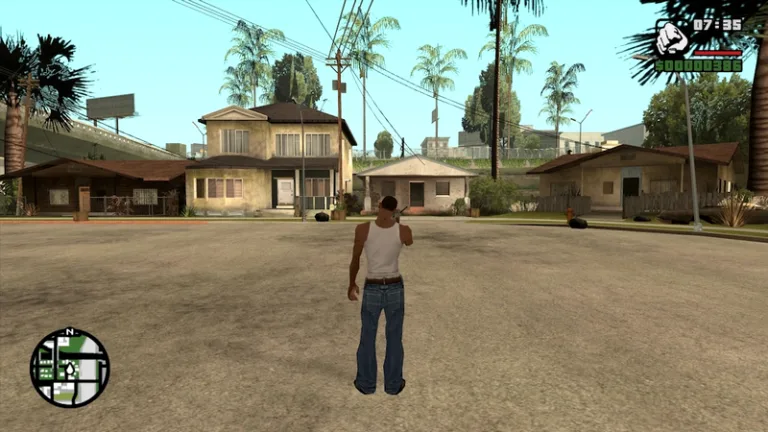
For the classic PC edition. Start with an installed copy that you can launch, and keep a backup of your saves and of any files you are going to change.
- Identify the edition. Check whether it is the classic game or The Definitive Edition. The patches in this guide are for the classic one.
- Test the base game. Start a game and check the picture, sound and controls before adding any mods.
- Check out SilentPatch. Download it from its author’s page and follow its documentation for your executable. Not all of its fixes support the same versions. Its fixed frame limiter correctly targets 30 FPS; keep the limiter enabled when setting up a classic configuration.
- Adjust the display. If you need to fix the widescreen presentation, see the San Andreas module of Widescreen Fixes Pack. Use its specific package and instructions. Current builds of the project do not support Windows XP.
- Validate one change at a time. Load a save, drive around, open the map and check the mouse. If a problem appears, undo the last change before continuing.
The goal is to preserve the classic game with a stable configuration, without mixing packages or files from different editions.
First steps in Grove Street · No spoilers
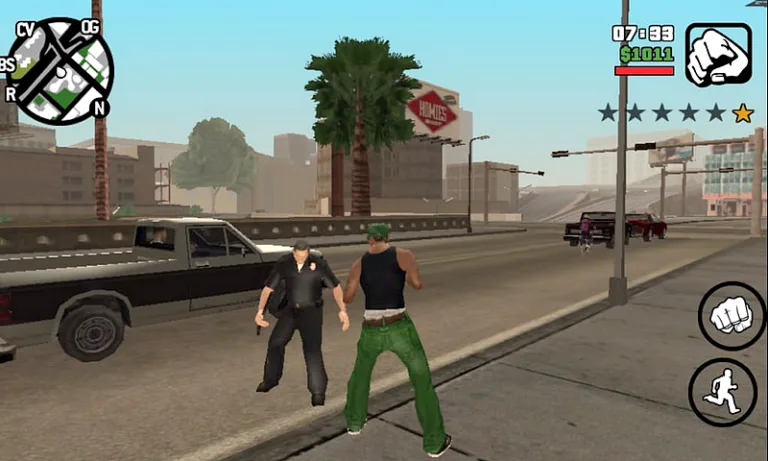
A relaxed route for your first playthrough, with no spoilers.
- Learn the neighborhood. Spend the first few minutes getting familiar with the map and the controls. The bicycle is a good way to get your bearings.
- Save with some margin. Alternate between several slots before chains of missions or experiments with mods.
- Practice outside missions. Drive, aim and try the activities without the pressure of a timed objective.
- Don’t try to do everything at once. Move the story forward and come back to explore later. Switching activities helps when a mission gets you stuck.
- Keep the campaign separate from the chaos. Use a separate save for the codes under Tips & tricks. That way you can experiment and then return to your normal progress.
For specific objectives, there is the archive of guides and maps at GTA-SanAndreas.com.
Something wrong?
Give us a hint.
A broken link, a detail to correct or a game that won't start. Your report helps keep this game page up to date.
Get in touchReport an issue with this game Discuss it in the forumCLABA ARCADE ROOM
248 classics
without installing anything.
Don't feel like installing? These play right in your browser.
Enter the roomTHE CLABA APP1.0 RC 1
Take the archive
with you.

Game pages, online play and your shelf on Android. Free, no sign-up.
ARCHIVE SECRETS
Did you know?
- A year’s difference: the original release was in 2004, but PC and Xbox followed in June 2005. Take-Two announcement.
- The promotional campaign traveled too: the three 2004 trailers went from a first look at Los Santos to introducing the state and CJ’s return. Archive of the original trailers.
- Two games under a similar name: the classic edition and The Definitive Edition need different mods. SilentPatch specifies that its San Andreas version is for the classic game. Author’s documentation.