ID Software · Shooter
Doom
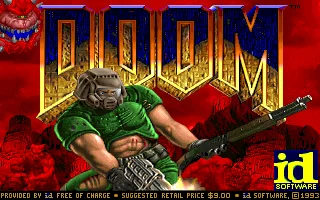
Doom is an id Software shooter for MS-DOS, released in 1993. Play the English copy here with the three original episodes, using the 1.9 executable.
Choose your version 7 platforms
4.4 121 votes
THE CLABA ARCHIVE
Inside the game.
Its history, its ideas and the reasons to come back.
A base on a moon of Mars, a portal experiment gone horribly wrong and a lone marine, with a pistol, facing everything that has crossed over from the other side. Doom needed no more story than that. What mattered was what happened on screen: dark corridors, doors that opened onto rooms full of demons and a shotgun that sounded like no other.
The shareware that stopped the offices
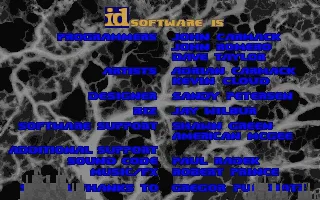
id Software released it on December 10, 1993, by uploading the shareware version to an FTP server at the University of Wisconsin. The first episode was available at no cost and could be copied to anyone you liked; the other two were bought by mail order. Behind it were John Carmack, John Romero and Dave Taylor on programming, Adrian Carmack and Kevin Cloud on art, Sandy Petersen on a good part of the level design and Bobby Prince on music.
id itself predicted in a press release that Doom would be one of the main causes of lost productivity in companies, and it was not far off: Intel and Carnegie Mellon University ended up banning it. The early versions, moreover, saturated the local network when played in multiplayer.
How it plays
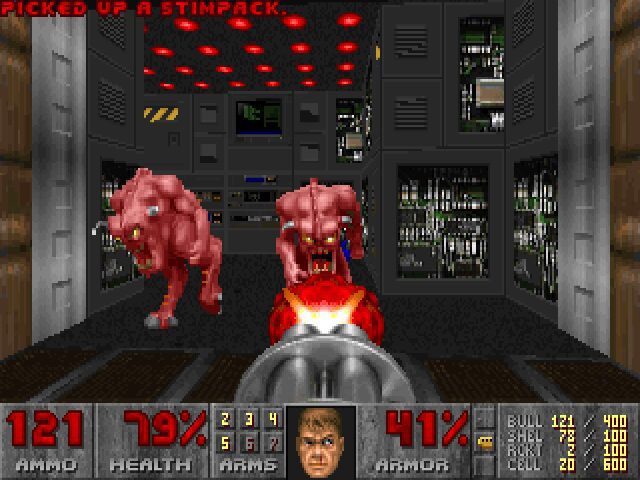
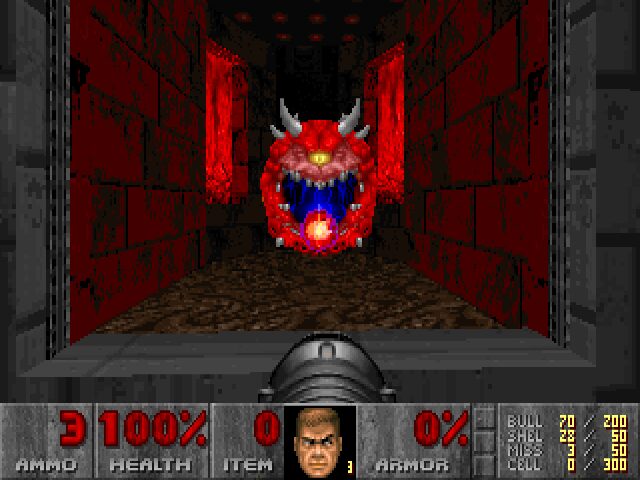
You advance through levels in first person looking for the exit, and to reach it you need colored keycards that open locked doors. Along the way there are switches, elevators, traps, secret areas and a variety of enemies that calls for changing weapons and tactics: armed zombies, imps that throw fireballs, demons that charge at you, floating cacodemons and, at the end of each episode, something considerably bigger. The arsenal runs from fist and chainsaw to the shotgun, the rocket launcher, the plasma rifle and the BFG9000.
The registered game has three episodes of nine levels each: Knee-Deep in the Dead on Phobos, The Shores of Hell on Deimos and Inferno. You can play co-op or deathmatch with up to four players on a local network, or two by cable or modem.
What made it special
Doom did not invent first-person shooting, but it took it to another level: environments with different heights, changing lights and a speed that made Wolfenstein 3D look like it came from another era. And, above all, it could be modified. The levels and graphics live in WAD files, and by 1994 there were already editors for creating your own maps. When id released the source code in 1997, the community began creating source ports, modern versions of the engine that today let you play it on any system.
The edition you have here
In Downloads there are two options of version 1.9, the last of the original Doom, in English:
- Repack: installs and plays on Windows XP, 7 and 10. It uses DOSBox, so you will see the game as it was on MS-DOS.
- Original: the MS-DOS files, for anyone who wants to set it up their own way in DOSBox or use the data file with a source port.
The fourth episode, Thy Flesh Consumed, is not here: it arrived with Ultimate Doom, which has its own game page. In Guides we explain how to configure the repack’s controls and how to play it with GZDoom or Chocolate Doom if you prefer a modern mouse or more resolution.
More hell in the catalog
The story continues in Doom 2 and Final Doom, and is reinvented in Doom 3. Heretic and Hexen were made with the same engine. You can watch a commented playthrough on CLABA TV (in Spanish), and get your questions answered in the Doom thread on the forum (in Spanish).
ONE GAME, 7 PLATFORMS
Versions.
7 platforms1993–20017 playable online
Pick a platform: the screenshots, downloads and online game on this page switch with it.
- Year
- 1993
- Port by
- id Software
- Downloads
- 3
- Screenshots
- 6
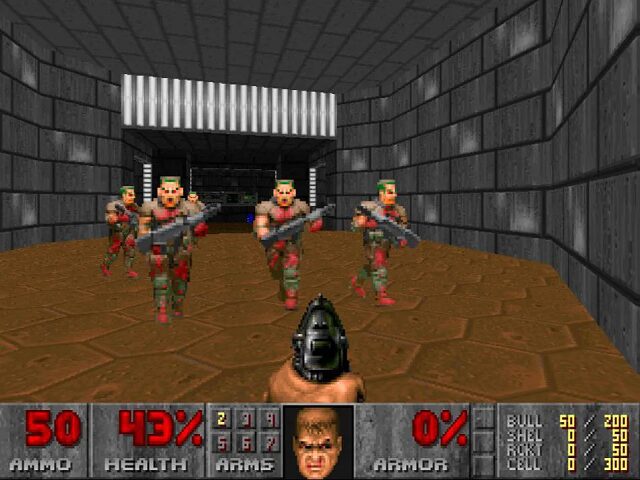
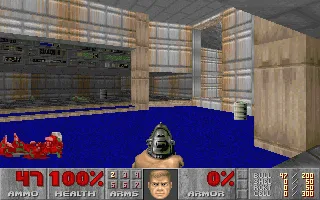
The original from id Software for MS-DOS, from December 1993. This game page offers version 1.9, the last of the original Doom, with its three episodes (Phobos, Deimos and Inferno) in English: a repack for Windows and the original files for MS-DOS.
- Year
- 1994
- Port by
- id Software
- Downloads
- 1
- Screenshots
- 6
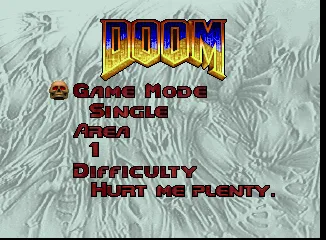
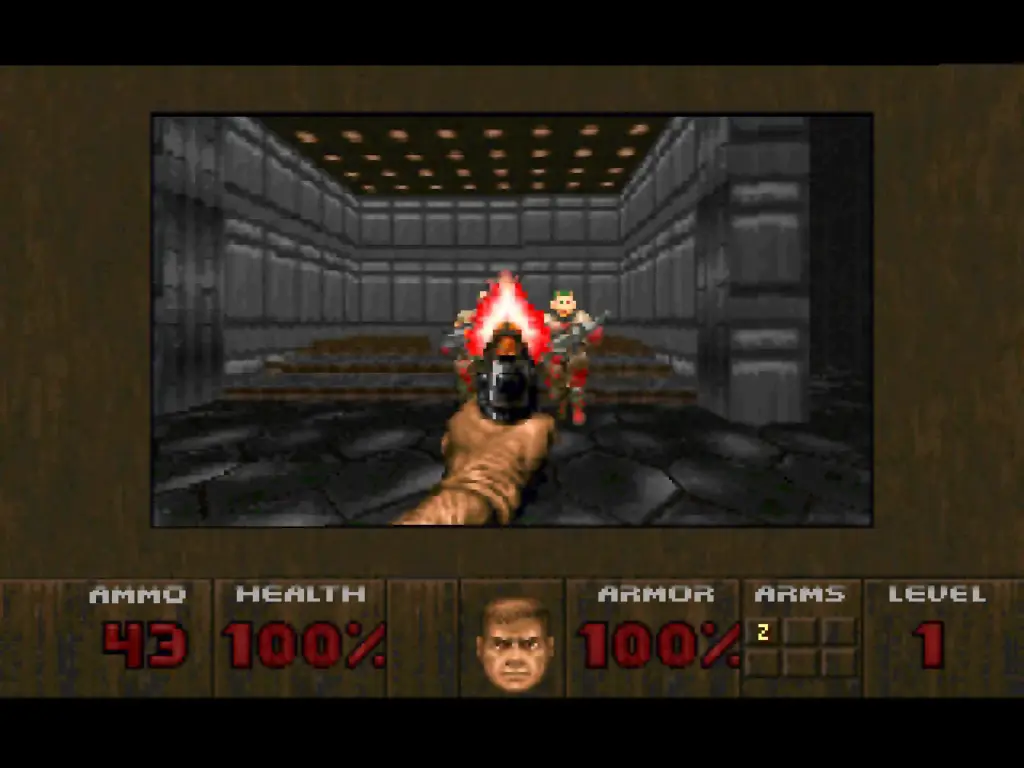
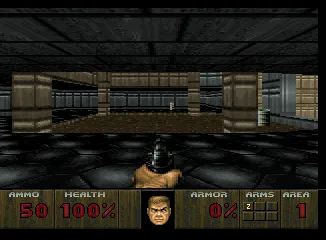
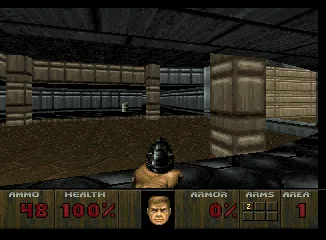
The 1994 Atari Jaguar edition is a conversion by id Software. Its areas and presentation differ from the DOS game: select Atari Jaguar to open this game image; codes typed on the PC keyboard should not be assumed to work on the cartridge.
Getting started in the browser
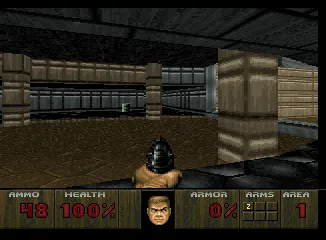
Press X to exit the demo and open the menu. Leave Game Mode on Single and Area on 1 to begin; the arrow keys let you change the available area and the difficulty. Confirm with X and wait for Loading to finish.
Verified controls
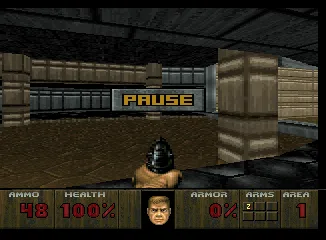
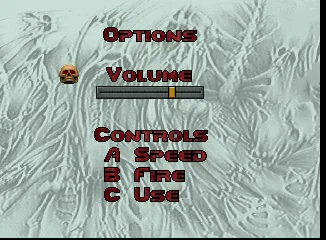
The arrow keys move forward, move back, and turn. X fires; S corresponds to the controller's C button, used for doors and switches and for strafing when held with left or right. Z corresponds to the A button, used to run with a direction. V pauses and Enter opens the options. The player menu lets you view and change the controller mapping.
This test has verified the start of area 1, movement, turning, and ammunition use when firing. The Jaguar emulator used here does not support save states: it does not offer the instant saving of the other consoles. The initial check is not the same as having played through the entire campaign.
Reference for the cartridge's buttons: original Doom manual for Atari Jaguar.
- Year
- 1996
- Port by
- Logicware / Art Data Interactive
- Downloads
- 1
- Screenshots
- 6
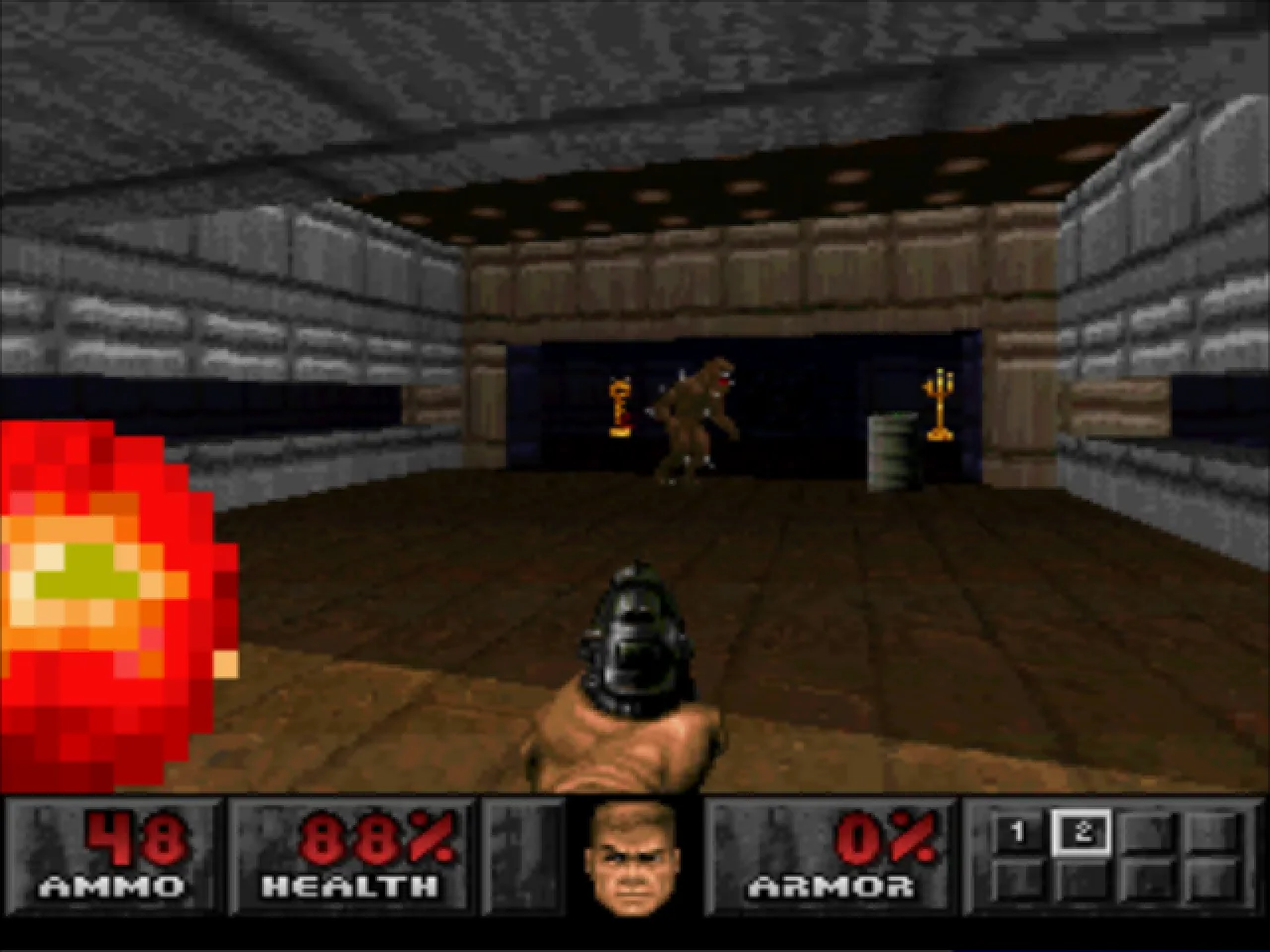
The 3DO conversion of Doom appeared in 1996. Logicware adapted id Software's game for the console on commission from Art Data Interactive. The result keeps the campaign against the demons of Phobos and Deimos and uses a soundtrack played from the CD. The configuration and performance of this edition differ from the PC version.
To begin, wait for the logos and credits. In the main menu you can choose a level and a difficulty; confirm with X and let the Loading notice finish. The test run of this copy starts at level 1, moving and turning with the arrow keys and firing with S.
On the player's keyboard, S corresponds to the 3DO controller's A button and X to the B button, used for actions and confirmations. Enter pauses and resumes the game; V opens the options menu, where the sound and music settings appear. This mapping has been verified in this edition.
The check covers movement, turning, firing with ammunition use, and pausing on the starting level. The screenshots and the video in this tab belong to the 3DO conversion. To play outside the browser, you need an emulator compatible with the console and its BIOS.
Sources: original archive of the Doom 3DO development and testing of the copy preserved in RetroBat.

- Year
- 2001
- Port by
- David A. Palmer Productions
- Downloads
- 1
- Screenshots
- 6
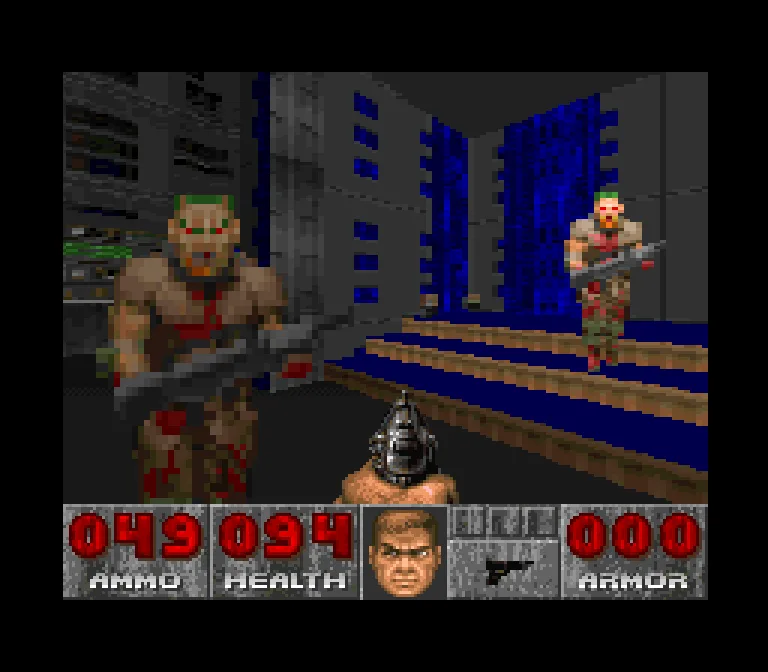
Doom for Game Boy Advance brings id Software's first-person combat to the handheld. This 2001 edition was developed together with David A. Palmer Productions and published by Activision. You make your way through labyrinthine bases, look for keys and weapons, and fight the demons that block your path. The handheld campaign has 24 levels; its controls and presentation are adapted to the GBA's pad and screen. The original cartridge's linked modes require compatible consoles and cable.
The download contains the cartridge image inside a ZIP. To use it outside the browser you need an emulator that supports Game Boy Advance. This version has its own cover art, screenshots and video, separate from the computer materials.
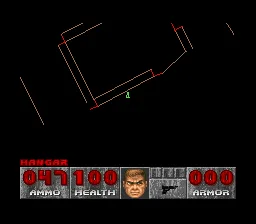
A single-player game in the browser has been tested in Hangar: movement, turning, shooting and checking the map. Z fires, X is the action button for doors and switches, and the arrow keys let you move and turn; Q and E are the controller's shoulder buttons and V shows the map. The player can save and restore a state in this browser. The cartridge's cable modes have not been tested in the browser.
- Year
- 1995
- Port by
- Sculptured Software
- Downloads
- 3
- Screenshots
- 6
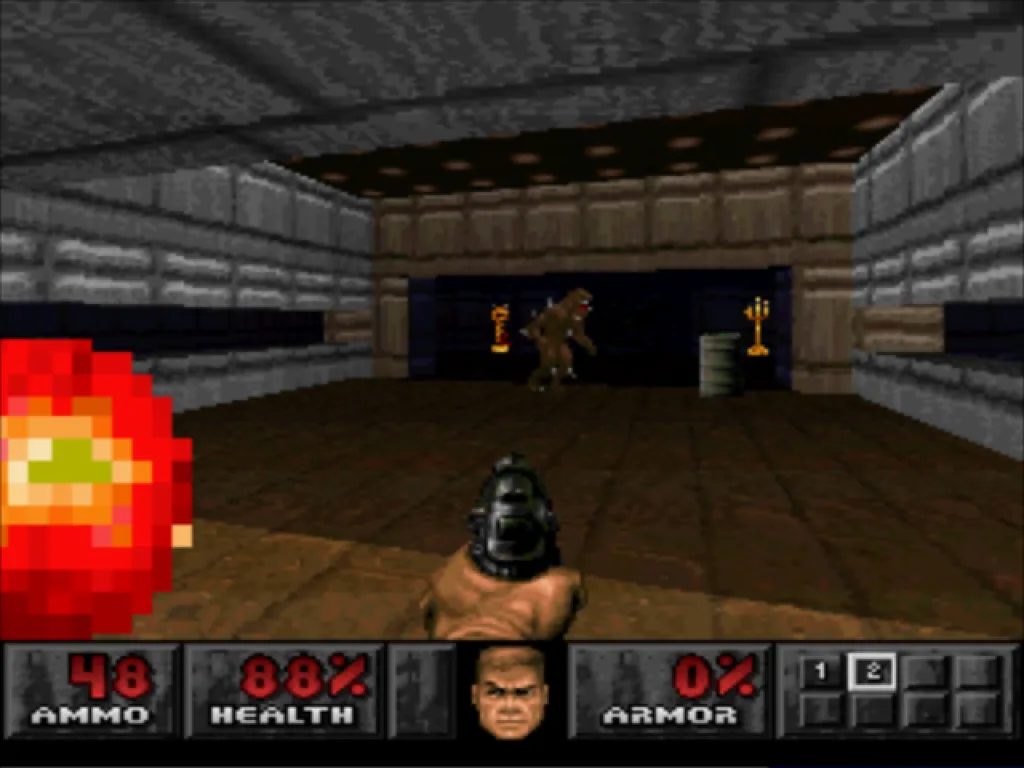
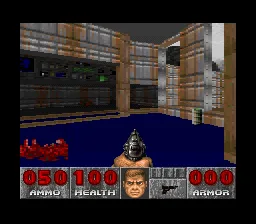
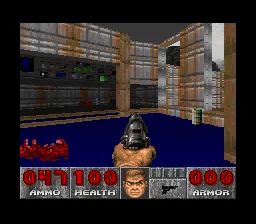
Doom came to Super Nintendo in 1995, in a port by Sculptured Software programmed by Randal Linden. This cartridge uses the Super FX2 coprocessor and has its own game window, image, and pacing. What loads here is the original English-language U.S. edition from RetroBat, not the expanded 2025 revision.
Starting and moving
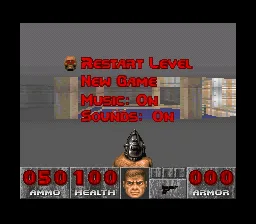
Press Enter to open the menu. Choose New Game with the arrow keys and confirm with X. The arrow keys move forward, move backward, and turn. S fires, X confirms menus and lets you run while moving; Z uses doors and switches. Enter opens the pause menu and V shows or hides the map.
First steps
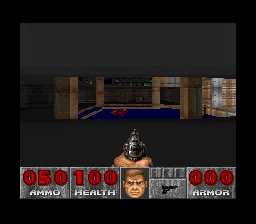
Practice your turns in the starting room before approaching the enemies. Fire straight ahead, keep an eye on the ammo count in the bottom indicator, and look for the exit after exploring the rooms. Cheats written for DOS are not instructions for this version. You can view and change the controller mapping in the player menu.
The test verified a new game in Hangar, movement, turning, firing with ammo consumption, pause, and the map. The full campaign has not been played through. To keep a point in your game, use Guardar Estado (Save State) in the player menu, and Cargar (Load) to restore it in this browser.
Background on the original edition and the later revision: interview with Randal Linden published by Limited Run Games.
- Year
- 1995
- Port by
- Williams Entertainment
- Downloads
- 1
- Screenshots
- 6
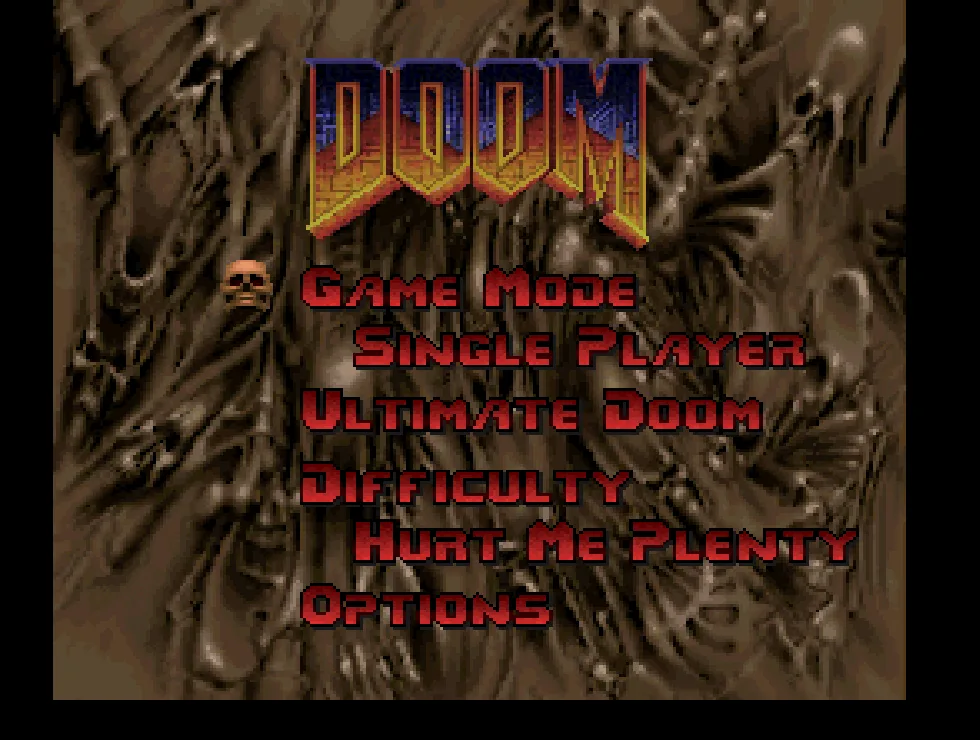
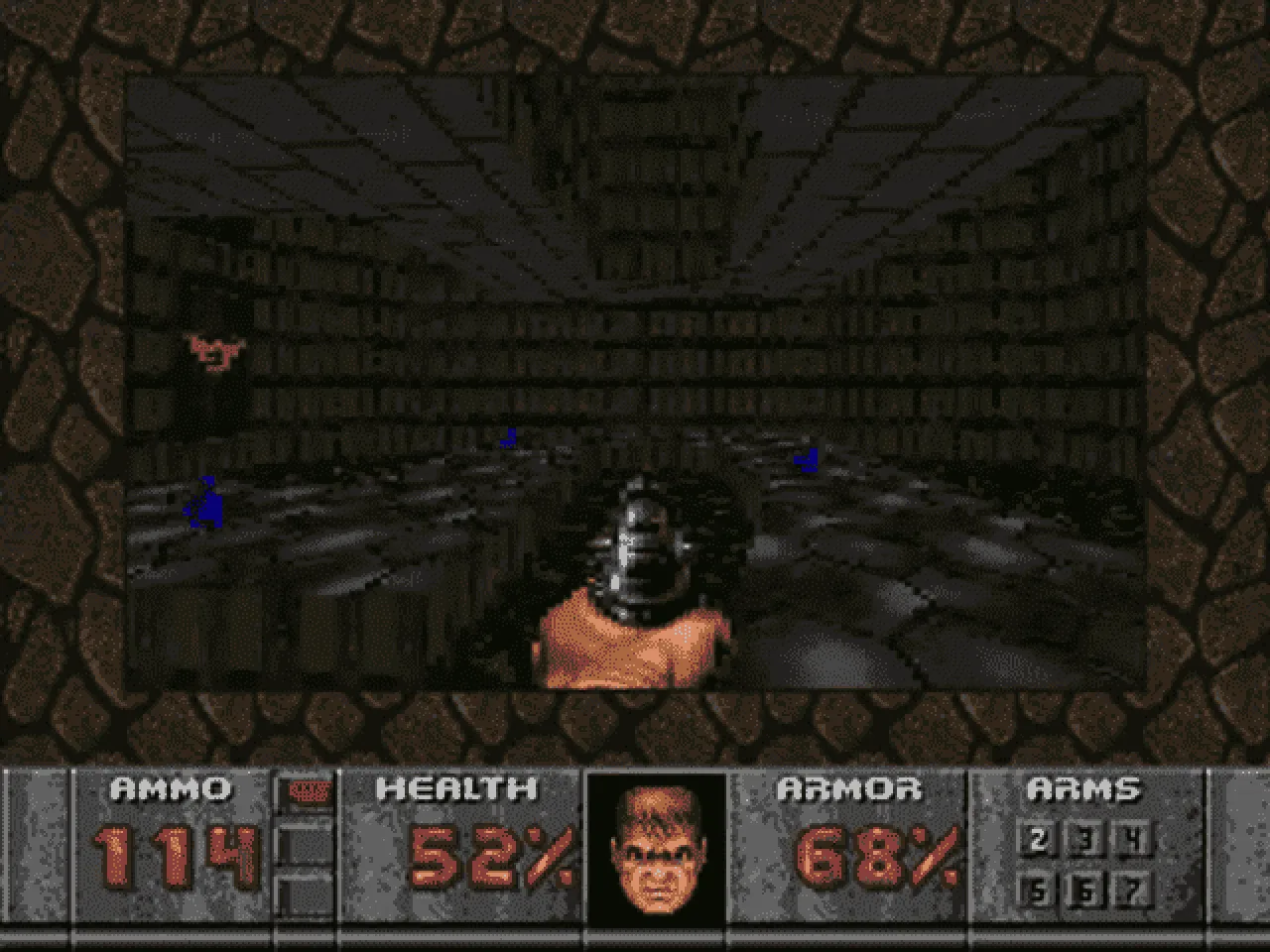
Doom for PlayStation brings together Ultimate Doom and Doom II on the same 1995 disc. From the main menu you can choose the level set and the difficulty. This game page uses the US English disc from RetroBat: the presentation, the maps, and the sound design belong to the console conversion.
Startup and selection
Wait for the PlayStation and publisher screens to pass. Press Enter to open the menu. The up and down arrow keys move the skull between the options; left and right change its value. Leave Game Mode on Single Player to play alone and confirm with Enter. If Loading appears, wait for it to finish.
The buttons in this version
A fires, Z corresponds to the controller's circle button for using doors and switches, X to the cross button for strafing, and S to the square button for running. The arrow keys move forward, move backward, and turn. Enter pauses; V opens the map during play, and the options menu if the game is already paused. The player's controls menu lets you check the assignments.
Testing verified the start of Hangar in Ultimate Doom and of Entryway in Doom II, movement, turning, shooting with ammo consumption, pause, and the map. A Doom II save game was also restored: after spending ammo, it went back to 47 bullets. Guardar Estado (Save State) and Cargar (Load) are in the player's menu. The complete campaign has not been played through. The DOS keyboard codes should not be assumed to work in this conversion: use the PlayStation controls and the options on the disc itself.
Reference: original US manual for Doom for PlayStation.
- Year
- 1994
- Port by
- id Software
- Downloads
- 1
- Screenshots
- 6
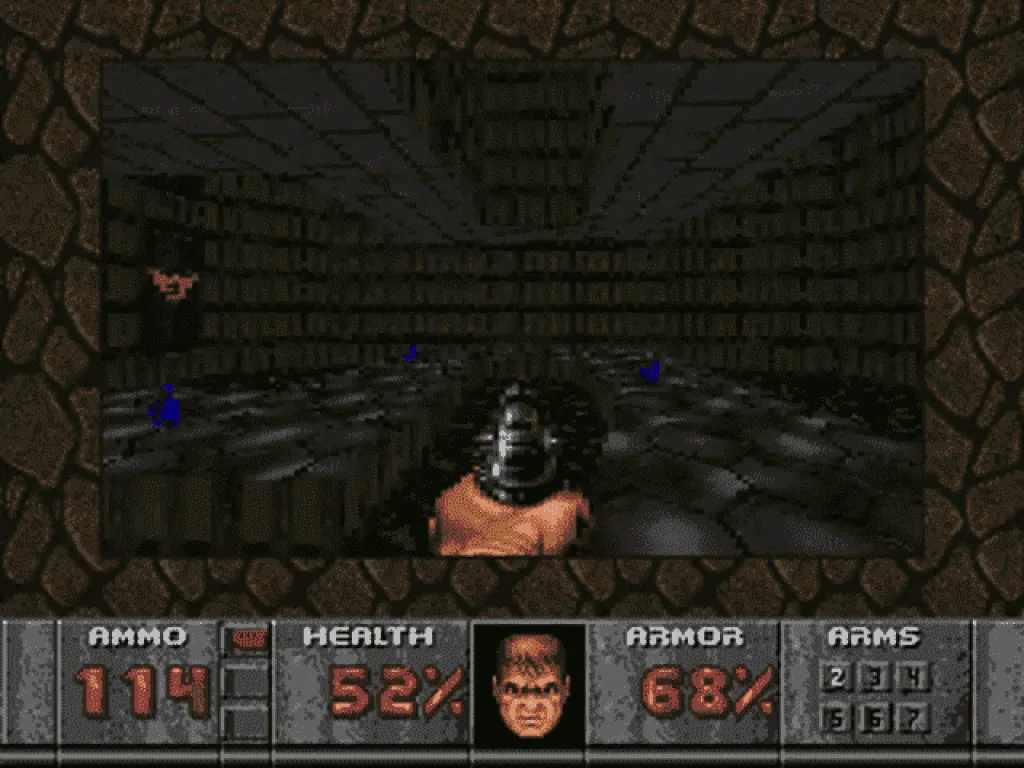
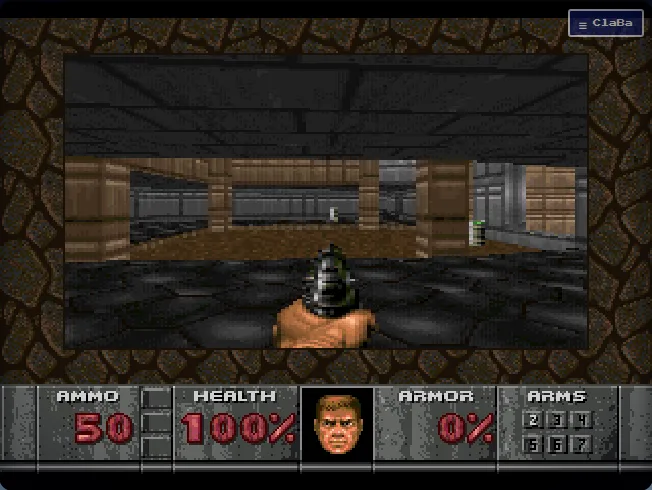
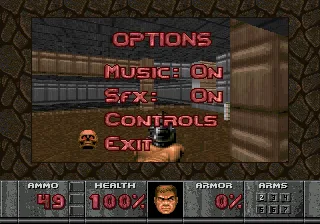
Doom for Sega 32X is the id Software conversion released in 1994. This edition uses the original RetroBat cartridge for Japan and the United States, with English text. Its framed game window and its menus belong to 32X; it is not a DOS package or a later modification of the game.
Starting a game
On the title screen, press Enter. Choose the difficulty with the arrow keys and confirm with X. To get to know this version, stay on the first level and practice your turns before leaving the starting room.
Controls in this player
The arrow keys move forward, move backward, and turn. X fires, S corresponds to the controller's A button for running, and Z to the C button for using doors and switches, or for strafing when held together with left or right. Enter pauses and resumes. The buttons on the Sega controller do not have the same names as the keys on your computer: check Controls in the player menu if you change the mapping.
A new game, movement, turning, firing with ammunition consumption, and pausing have all been tested. A game was also saved with 49 bullets, fired until 46 were left, and then restored to the state with 49. Save State and Load keep that point in this browser; this check does not cover the entire campaign.
Reference for the original buttons: Doom for Sega 32X manual.
EVERY PIXEL COUNTS
The game in pictures.
Explore the screenshots and open every detail at full size.
- 01MS-DOS
 02MS-DOS
 03MS-DOS
 04MS-DOS
 05MS-DOS
 06MS-DOS
- 07Atari Jaguar
 08Atari Jaguar
 09Atari Jaguar
 10Atari Jaguar
 11Atari Jaguar
 12Atari Jaguar
- 133DO
 143DO
 153DO
 163DO
 173DO
 183DO
- 19Game Boy Advance
 20Game Boy Advance
 21Game Boy Advance
 22Game Boy Advance
 23Game Boy Advance
 24Game Boy Advance
- 25Super Nintendo
 26Super Nintendo
 27Super Nintendo
 28Super Nintendo
 29Super Nintendo
 30Super Nintendo
- 31PSX
 32PSX
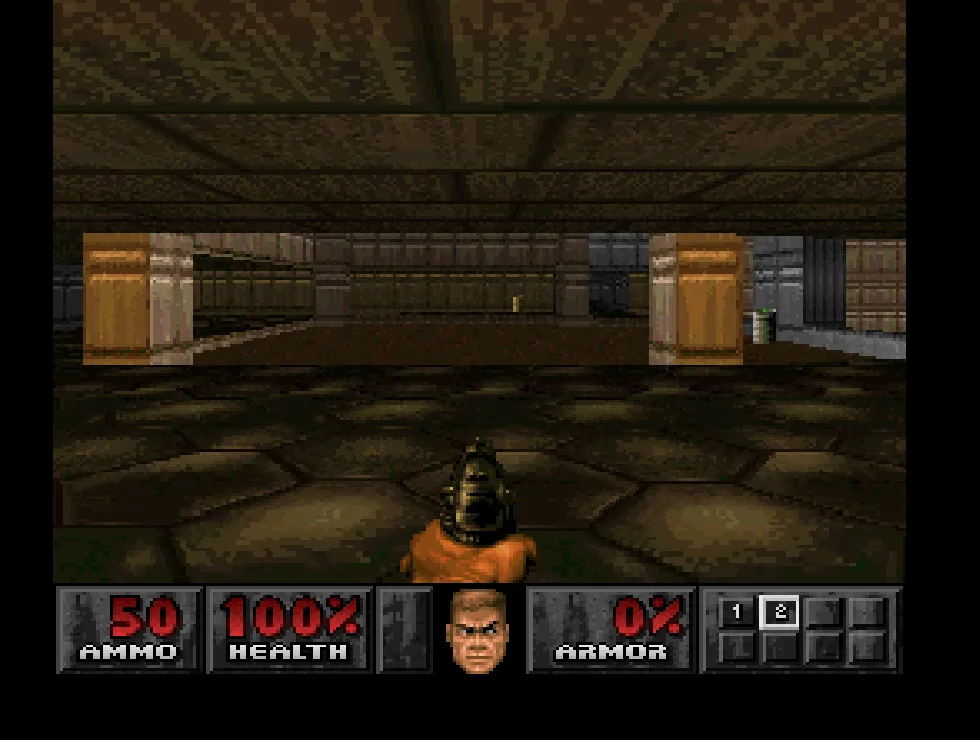 33PSX
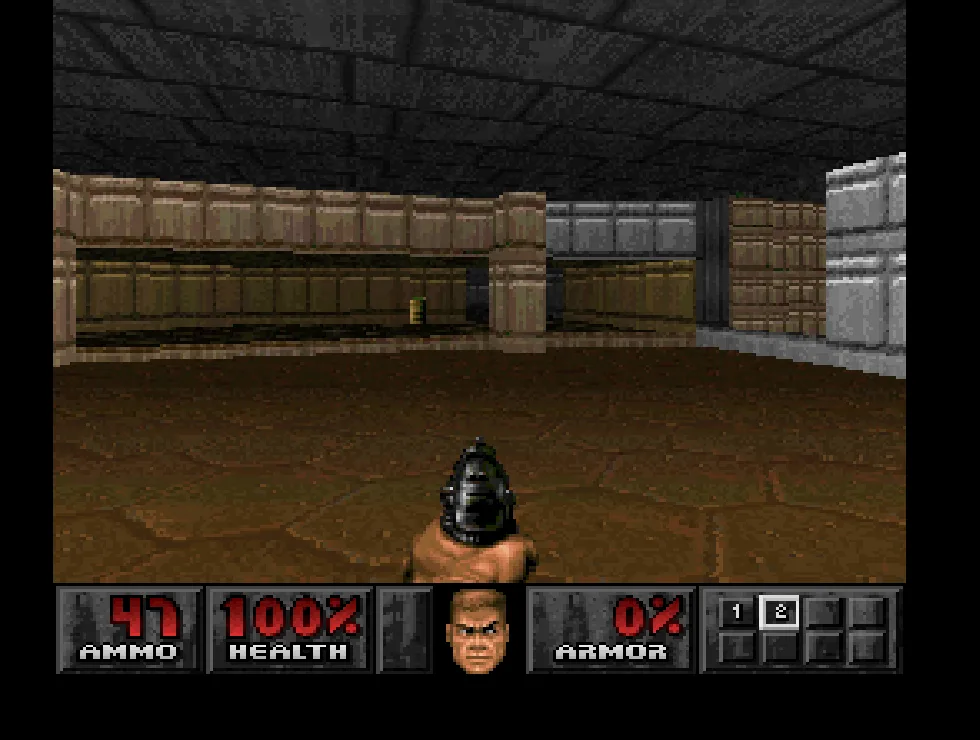 34PSX
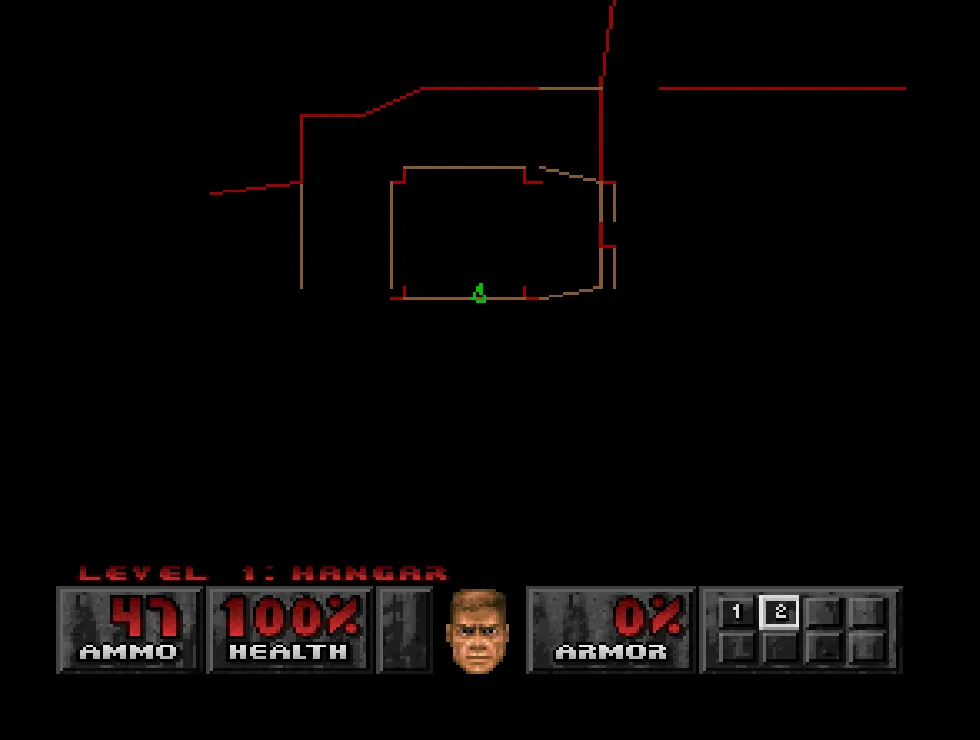 35PSX
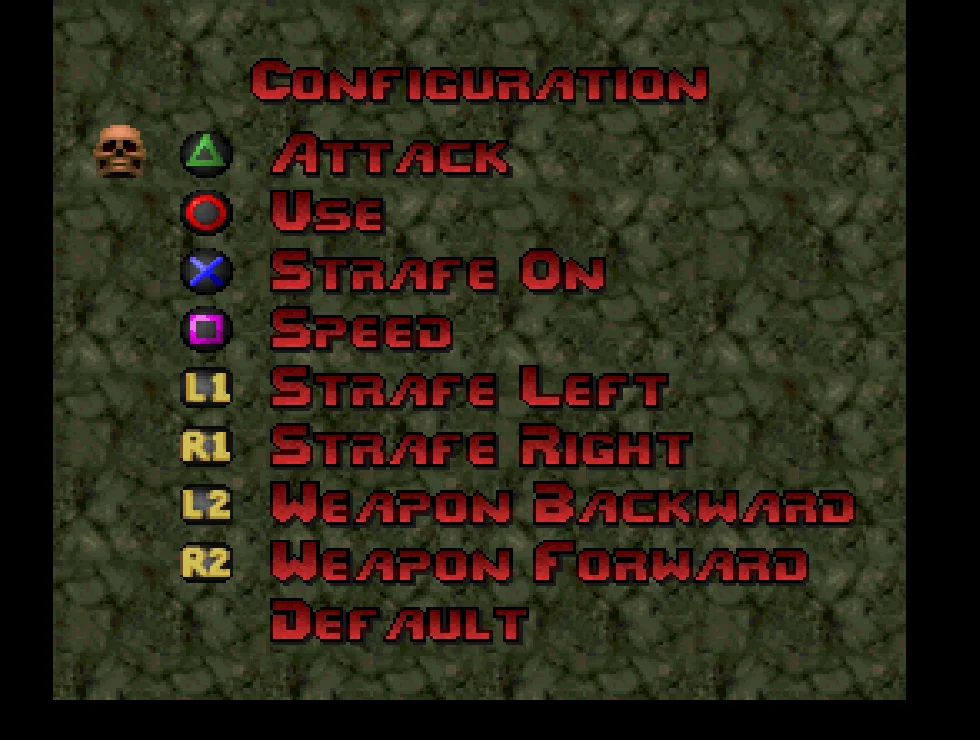 36PSX
- 37Sega 32X
 38Sega 32X
 39Sega 32X
 40Sega 32X
 41Sega 32X
 42Sega 32X

GET READY FOR YOUR NEXT GAME
Choose your download.
Format, compatibility and server. All in view.
Version
SELECTED VERSIONMS-DOS1993 · 3 files · also playable online
Download Repack
COMPATIBILITYWindows XP / 7 / 10 ✓ At no cost✓ No sign-up Download www.mediafire.com · New tab MediaFire02 MS-DOS · OriginalDownload Original
COMPATIBILITYMS-DOS 6.22+ ✓ At no cost✓ No sign-up Download www.mediafire.com · New tab BoxSharer03 MS-DOS · PortableDownload Portable
COMPATIBILITYMS-DOS 6.22+ ✓ At no cost✓ No sign-up Download BoxSharer server · New tabSELECTED VERSIONAtari Jaguar1994 · 1 file · also playable online
SELECTED VERSION3DO1996 · 1 file · also playable online
SELECTED VERSIONGame Boy Advance2001 · 1 file · also playable online
SELECTED VERSIONSuper Nintendo1995 · 3 files · also playable online
Download the game image
COMPATIBILITYRequires an emulator ✓ At no cost✓ No sign-up Download BoxSharer server · New tab BoxSharer02 Super Nintendo · OriginalDownload the alternate version
COMPATIBILITYRequires an emulator ✓ At no cost✓ No sign-up Download BoxSharer server · New tab BoxSharer03 Super Nintendo · OriginalDownload the alternate version
COMPATIBILITYRequires an emulator ✓ At no cost✓ No sign-up Download BoxSharer server · New tabSELECTED VERSIONPSX1995 · 1 file · also playable online
SELECTED VERSIONSega 32X1994 · 1 file · also playable online
Clicking opens the CLABA loading area and, in a few seconds, your download. If a link fails, let us know via Contact or in the forum.
Your game starts here
Play in your browser.
There are 7 versions ready to play. Pick one and click.
Version
MS-DOSIn your browser
Doom
MS-DOS version. Your next game starts here.
- 8 MB · downloads on click
- Save the game's files
- Keyboard, controller or touch
Controls
Click the game to use the keyboardOn mobile, play with the on-screen controller- Esc
- menu
- Enter
- confirm
- ↑←↓→
- move/turn
- Ctrl
- fire
- Space
- open
- Alt
- strafe
- Tab
- map
Right Shift: run. F2/F3: save/load.
- Full screen
Use the button on the bar. Esc returns to the game page; “Exit” closes the game.
- Saves
Save keeps the files the game creates, not the exact moment. Save inside the game, then press Save.
- Mobile and tablet
Press Controls during the game to show buttons and keyboard. Gamepad support depends on the browser.
Saves live in this browser and device. Clearing the site data deletes them too.
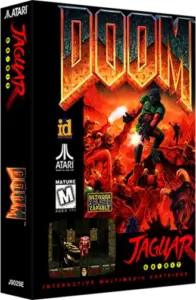
Atari JaguarIn your browser
Doom
Atari Jaguar version. Your next game starts here.
- 2 MB · downloads on click
- Saving depends on the game
- Controller, keyboard or touch
Controls
Click the game to use the keyboardOn mobile, play with the on-screen controller- X
- start and fire
- S
- use and strafe
- Z
- run
- V
- pause
- Enter
- options
- ↑←↓→
- move forward, move back, and turn
- Full screen
Use the button on the bar. Esc returns to the game page; “Exit” closes the game.
- Saves
This emulator does not support save states. Use in-game passwords when available.
- Mobile and tablet
Press Controls during the game to show buttons and keyboard. Gamepad support depends on the browser.
Saves live in this browser and device. Clearing the site data deletes them too.
3DOIn your browser
Doom
3DO version. Your next game starts here.
- 98 MB · downloads on click
- Save states in this browser
- Controller, keyboard or touch
Controls
Click the game to use the keyboardOn mobile, play with the on-screen controller- X
- confirm and use
- S
- fire
- Enter
- pause
- V
- options
- ↑←↓→
- move forward, move backward, and turn
Wait for Loading to finish.
- Full screen
Use the button on the bar. Esc returns to the game page; “Exit” closes the game.
- Saves
Save State, in the game's menu, keeps the exact moment. Load brings it back when you return.
- Mobile and tablet
Press Controls during the game to show buttons and keyboard. Gamepad support depends on the browser.
Saves live in this browser and device. Clearing the site data deletes them too.
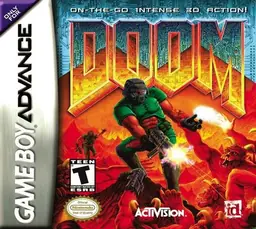
Game Boy AdvanceIn your browser
Doom
Game Boy Advance version. Your next game starts here.
- 3 MB · downloads on click
- Save states in this browser
- Controller, keyboard or touch
Controls
Click the game to use the keyboardOn mobile, play with the on-screen controller- Enter
- start and open the pause menu
- Z
- confirm and fire
- X
- open doors and activate switches
- ↑←↓→
- move forward, move back and turn
- Q
- strafe left
- E
- strafe right
- V
- open and close the map
- Full screen
Use the button on the bar. Esc returns to the game page; “Exit” closes the game.
- Saves
Save State, in the game's menu, keeps the exact moment. Load brings it back when you return.
- Mobile and tablet
Press Controls during the game to show buttons and keyboard. Gamepad support depends on the browser.
Saves live in this browser and device. Clearing the site data deletes them too.
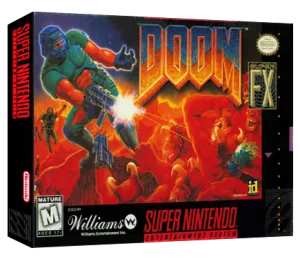
Super NintendoIn your browser
Doom
Super Nintendo version. Your next game starts here.
- 1 MB · downloads on click
- Save states in this browser
- Controller, keyboard or touch
Controls
Click the game to use the keyboardOn mobile, play with the on-screen controller- Enter
- start and pause
- X
- confirm and run
- Z
- use
- S
- fire
- V
- map
- ↑←↓→
- move forward, move backward, and turn
- Full screen
Use the button on the bar. Esc returns to the game page; “Exit” closes the game.
- Saves
Save State, in the game's menu, keeps the exact moment. Load brings it back when you return.
- Mobile and tablet
Press Controls during the game to show buttons and keyboard. Gamepad support depends on the browser.
Saves live in this browser and device. Clearing the site data deletes them too.
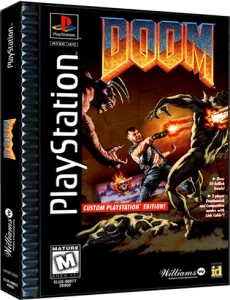
PlayStationIn your browser
Doom
PlayStation version. Your next game starts here.
- 174 MB · downloads on click
- Save states in this browser
- Controller, keyboard or touch
Controls
Click the game to use the keyboardOn mobile, play with the on-screen controller- Enter
- start and pause
- A
- fire
- Z
- use
- X
- strafe
- S
- run
- V
- map; when paused, options
- ↑←↓→
- move and turn
- Full screen
Use the button on the bar. Esc returns to the game page; “Exit” closes the game.
- Saves
Save State, in the game's menu, keeps the exact moment. Load brings it back when you return.
- Mobile and tablet
Press Controls during the game to show buttons and keyboard. Gamepad support depends on the browser.
Saves live in this browser and device. Clearing the site data deletes them too.
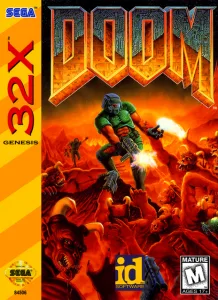
Sega 32XIn your browser
Doom
Sega 32X version. Your next game starts here.
- 1 MB · downloads on click
- Save states in this browser
- Controller, keyboard or touch
Controls
Click the game to use the keyboardOn mobile, play with the on-screen controller- Enter
- start and pause
- X
- confirm and fire
- S
- run
- Z
- use and strafe
- ↑←↓→
- move forward, move backward, and turn
- Full screen
Use the button on the bar. Esc returns to the game page; “Exit” closes the game.
- Saves
Save State, in the game's menu, keeps the exact moment. Load brings it back when you return.
- Mobile and tablet
Press Controls during the game to show buttons and keyboard. Gamepad support depends on the browser.
Saves live in this browser and device. Clearing the site data deletes them too.
HIT PLAY
The game in motion.
Trailers and videos to see it in action.
-

MS-DOS · CLABA TV · DOOM: demo with commentary
We comment on the DOOM demo, id Software's 1993 classic (in Spanish). Running time: 6:39.
-
3DO · How it plays
A Doom gameplay session on 3DO.
-
Game Boy Advance · How it plays
A Doom gameplay session on Game Boy Advance.
-
Super Nintendo · How it plays
Doom gameplay on Super Nintendo.
-
PSX · How it plays
A game of Doom on PlayStation.
-
Sega 32X · How it plays
A game of Doom on Sega 32X.
THE SECRET SIDE OF THE GAME
Tips, tricks and secrets.
A hint at the right time. A code that changes everything.
How to use them
They are typed during the game, without pressing Enter. In the original DOS version they do not work on Nightmare difficulty or in network games (except IDCLEV, which is only blocked on a network). Some source ports are more permissive.
IDDQD · god mode
Sets your health to 100% and protects you from any damage under 1000 points. Telefragging still kills.
IDKFA and IDFA · full arsenal
IDKFA: 200% armor, all weapons, full ammo and all keys. IDFA: the same, but without keys.
IDSPISPOPD · walk through walls
In the original Doom the code is IDSPISPOPD. The better-known IDCLIP is the Doom II equivalent; many source ports accept both, but DOS v1.9 only accepts the first.
IDBEHOLD · items on demand
Type IDBEHOLD and a letter: V invulnerability, S berserk, I partial invisibility, R radiation suit, A full map and L light-amplification visor.
IDCLEV, IDDT and IDCHOPPERS
IDCLEVxy takes you to episode x, level y (IDCLEV31 = E3M1). In this version there are only episodes 1 to 3. IDDT, with the map open (Tab), reveals the whole map; repeat it to see the objects too. IDCHOPPERS gives you the chainsaw with a joke message. IDMUS had a bug in Doom 1 v1.9: it tried to load Doom II music.
Tip · barrels are your friends
The manual itself recommends it: wait until several enemies get close to an explosive barrel and shoot it. And if there are many monsters of different types, let them fight each other.
No matches. Try another effect or code.
THE NEXT STEP, CLEARER
Guides to move forward.
From the first installation to that mission that won't give in.
Start here · the repack on Windows
- In Downloads choose the Repack, unzip it and run the installer.
- Before playing, open the setup from the Start menu or from the install folder. Under «Configure Controller» → «Select Control Type» you can choose keyboard, mouse or joystick. By default only the keyboard is on.
- Save the configuration and launch the game from its shortcut.
The repack runs on DOSBox. If the mouse stops responding in the menus, the forum (in Spanish) recommends moving it and clicking so it works again. If you want to adjust performance, the DOSBox options (for example cycles) are in its configuration file.
Original controls
- Arrow keys: move forward, move back and turn. Alt + arrow: strafe. Shift: run.
- Ctrl: fire. Space: open doors and operate switches.
- 1–7: choose weapon. Tab: map (on the map, F follows the player and M places marks).
- F2 save, F3 load, F6 quick save, F9 quick load. +/−: screen size.
- Mouse: the left button fires and the right one moves forward.
Source: original 1993 manual.
First steps and strategy
- Save often. If you die, you restart the level with only the pistol.
- Look for the keycards. If a door won’t open, the color of the frame tells you which key you need.
- Switches that seem to do nothing usually serve something you can’t do yet. Come back later.
- Berserk multiplies the strength of your punches for the whole level, not of your weapons.
- Armor: you only pick up a new one if it protects more than the one you are wearing.
- Shotgun for almost everything, and save rockets and plasma for the big enemies.
Playing with a source port (GZDoom or Chocolate Doom)
Since id released the source code in 1997 there are modern versions of the engine that run directly on Windows, without DOSBox. They only need the game’s data file, DOOM.WAD, which you will find in the Original download.
- GZDoom: mouse look, high resolution, widescreen and compatibility with thousands of mods.
- Chocolate Doom: reproduces the original game as faithfully as possible, bugs included. It is the option for playing it as in 1993.
Copy DOOM.WAD to the source port’s folder and start it. For the original in DOSBox, our tutorial DOSBox from scratch (in Spanish) guides you step by step.
Sources
- Original PC manual (PDF): controls and tips.
- Doom Wiki: release, episodes, development, music and codes.
- MobyGames: trivia and dates.
- Chocolate Doom code: exact behavior of the cheats in v1.9.
- PCGamingWiki: requirements, DOSBox and source ports.
- Forum thread (in Spanish): the repack’s controls configuration.
Something wrong?
Give us a hint.
A broken link, a detail to correct or a game that won't start. Your report helps keep this game page up to date.
Get in touchReport an issue with this game Discuss it in the forumCLABA ARCADE ROOM
This one and 247 more
play here.
When you finish your game, the room has other machines switched on.
Enter the roomTHE CLABA APP1.0 RC 1
Take the archive
with you.

Game pages, online play and your shelf on Android. Free, no sign-up.
ARCHIVE SECRETS
Did you know?
The name comes from the movies. John Carmack took it from The Color of Money: Tom Cruise arrives with a pool cue in a case and, when asked what is inside, answers «Doom».
Toy weapons. The shotgun, the pistol, the machine gun, the plasma rifle and the BFG come from photos of toy guns. The chainsaw was real, borrowed from Tom Hall’s girlfriend, and the hands you see on screen are Kevin Cloud’s.
Metal in the background. Several Bobby Prince tracks cover bands such as Metallica, Pantera or Slayer. The original MIDI files that surfaced in 2023 confirmed that «At Doom’s Gate», the music of the first level, is inspired by «Master of Puppets».
A designer against the clock. Sandy Petersen joined id about ten weeks before launch and in that time made twenty levels: all of episodes 2 and 3 and two levels of the first.
Cheats with a history. IDDQD comes from «Delta-Q-Delta», an informal fraternity from Dave Taylor’s college days, and IDDT is its initials. IDSPISPOPD stands for «Smashing Pumpkins Into Small Piles Of Putrid Debris».