Atari · Shooter
Battlezone
Atarisoft's Battlezone for IBM PC, released in 1983. Tank combat with radar and line graphics, in English and playable online with the keyboard.
Shooter by Atari (1983) for MS-DOS (in English), Atari ST, Game Boy and two other platforms. Playable in your browser (five versions) or downloadable.
Choose your version 5 platforms
— no rating yet
THE CLABA ARCHIVE
Inside the game.
Its history, its ideas and the reasons to come back.
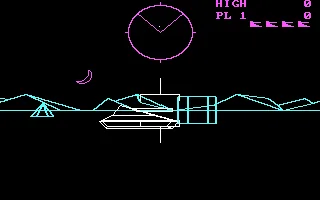
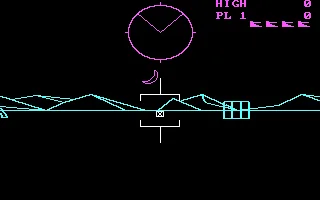
Battlezone for IBM PC brings Atari's tank combat to IBM's computer. Atarisoft published this edition in 1983. You drive from the tank's point of view, look for enemies on the radar and aim the sight before firing. The landscape and the vehicles are drawn with lines on a black background.
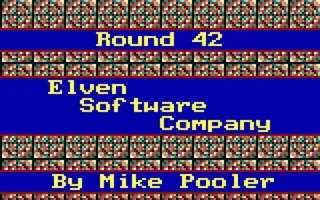
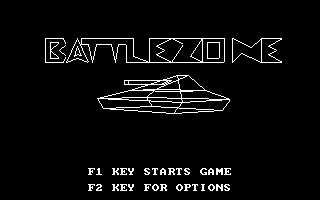
The copy we offer is in English. Its title screen shows the tank beneath the title and two prompts to get started. F1 starts the game and F2 opens the options. On the battlefield you will see the radar, the sight, the score and the icons for the available tanks.
Driving by the radar
The arrow keys control movement and turning. Up sets the tank in motion; Down stops the advance and, if you press it again, reverses. Left and Right turn the vehicle. To end a turn, use the opposite direction. Movement continues after you release the key, so it pays to watch how the landscape responds after each command.
The radar at the top helps you locate your opponent while it is still outside your front view. The scenery objects and the mountains change position as you maneuver. That visual reference lets you tell a turn apart from heading toward an obstacle or an enemy tank.
Lining up and firing
Space fires the cannon. The sight sits at the center of the screen and the shot travels through the space in front of the tank. Wait until the projectile has finished its path before firing again. If the enemy changes direction, correct the vehicle's heading and look for a new firing position.
The game displays warnings such as ENEMY IN RANGE when a rival comes within range. Check the radar and the visible terrain as well. An obstacle can come between the two vehicles; moving and changing your angle helps you regain a line of fire.
Getting ready for the next game
F2 takes you back to the options. There you will find player selection, difficulty, sound, the control type and the picture adjustment. The screen shows which key corresponds to each function. C opens the remapping of the five game actions. You can check the assignments before starting another game with F1.
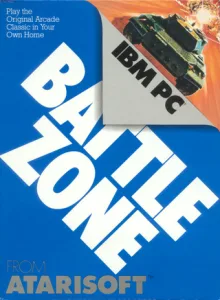
The box on this game page expressly identifies the Atarisoft IBM PC edition. The gallery shows its title screen and screenshots of a game run with the keyboard. The header background comes from the game's original menu.
ONE GAME, 5 PLATFORMS
Versions.
5 platforms19835 playable online
Pick a platform: the screenshots, downloads and online game on this page switch with it.
- Year
- 1983
- Developer
- Atari
- Downloads
- 1
- Screenshots
- 3
The MS-DOS version is the one this page covers: the information, review and main screenshots are from this platform.
- Port by
- Andromeda
- Downloads
- 1
- Screenshots
- 2
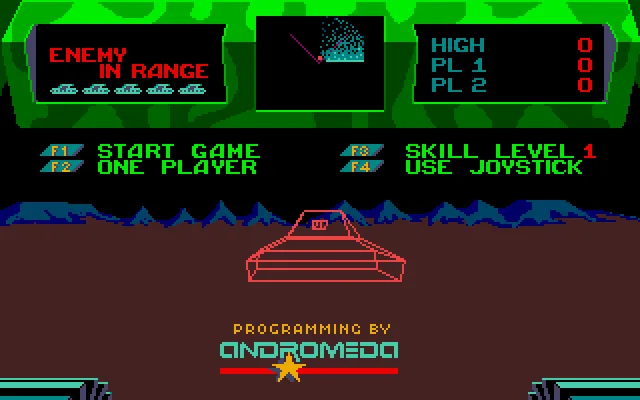
Battlezone for Atari ST presents Atari's tank battles with a view from inside the vehicle, a radar and enemies drawn with lines. The intro screen credits the programming to Andromeda and shows the 1985 Atari copyright. This copy is in English.
The disk contains BATTLE.PRG in its root directory. The player opens it automatically with the owner's TOS. Wait for the intro tank and the prompts F1 START GAME, F2 ONE PLAYER, F3 SKILL LEVEL and F4 USE JOYSTICK to appear.
Starting out and maneuvering
F1 starts the game. The arrow keys let you move forward, back up and turn. Movement continues after you release a direction. Press the opposite direction to stop that maneuver. If you combine forward movement and turning, the tank describes a curve. Watch the mountains and the obstacles to notice the change of position.
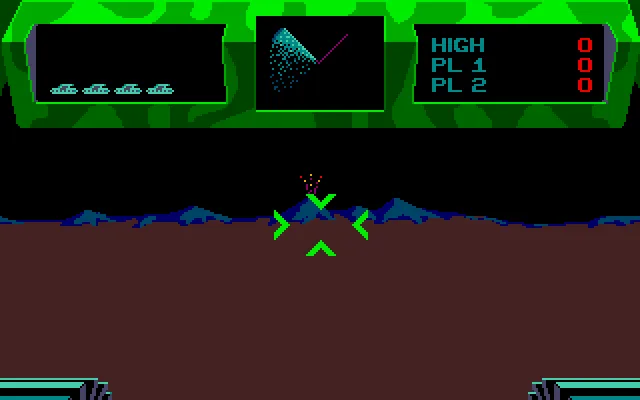
The radar occupies the center of the top panel. Its sector marks the area in front of you and the dots show the positions of the enemies. The crosshair appears in the center of the battlefield. The warnings on the left report how close the enemy is and how many tanks you have left. The scores are shown on the right.
Lining up the crosshair and firing
Space fires the cannon. Turn until you have the opponent in front of you and use the radar when it leaves your view. A shot has to complete its flight before you can fire the next one. Obstacles on the terrain can cut the trajectory, so it is wise to change position when they block your sight.
In the test of this copy, advancing, turning and firing were checked. The screenshots show the original intro and a projectile during a game controlled with the keyboard. The screen keeps the colors and the panel of the Atari ST version.
Options, video and download
The intro menu shows the keys for choosing players, difficulty and controls. The original Atari ST manual explains those options and the controls of this edition. The tests for this page were carried out with one player and a keyboard.
ClaBa Player lets you pause, mute, enlarge the screen, take a screenshot, restart and close. Restart reloads the disk and its intro. This edition does not offer persistent save states in the browser.
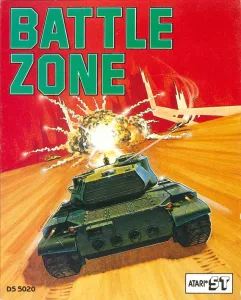
The download keeps the ZIP and the original ST disk. To use it outside the site you need a compatible Atari ST emulator and your own TOS. The video in the Videos tab comes from the same collection and shows a game on this platform. The box identifies Atari ST and the screenshots were taken by running its disk.
- Downloads
- 1
- Screenshots
- 2
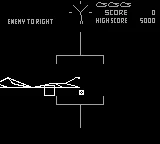
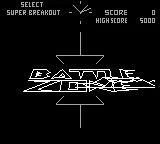
Battlezone for Game Boy is part of Arcade Classics: Super Breakout & Battlezone. The compilation lets you choose between the two games from its title screen. This game page opens the Battlezone mode of the compilation's game image. The text is in English and the player uses the monochrome Game Boy image.
Choosing Battlezone
Wait for the selection screen. Check that the Battlezone logo appears and use the D-pad if you need to change the selected game. On the player's keyboard, the arrow keys stand in for that D-pad. Enter corresponds to Start and begins the game you have selected.
Battlezone shows the radar, the crosshair, the mountains, the obstacles, and the enemy warnings. The score and the high score appear at the top. Vehicles are drawn with lines, and the field of view takes up the center of the screen.
Moving the tank and firing
The arrow keys let you aim and move the tank. Use Left and Right to turn until the enemy is in front of you. Up moves you forward. Watch the mountains, the blocks, and the pyramids to recognize the change in direction and position. The radar helps you find the enemy when it is outside the crosshair.
Z corresponds to the A button and fires. In testing, firing with X, which corresponds to the B button, was also confirmed. A small square projectile appears in front of the crosshair and travels across the battlefield. Wait for it to finish its path before firing again.
The warnings may indicate that the enemy is to your right, behind you, or within range. Motion Blocked means that an obstacle prevents you from continuing to move. Change your heading and look at the terrain before trying to move forward again. The screenshots on this game page show the compilation's menu and a game controlled with the keyboard.
The compilation's game image
The collection contains the same game image in the Game Boy and Super Game Boy folders. Their 262,144 bytes were compared and they match entirely. The online entry uses the Game Boy core and shows Battlezone in black and white. Super Breakout remains available in the original selection of that same game image.
ClaBa Player lets you pause, mute, enlarge the screen, take a screenshot, restart, and close. Restart returns you to the start of the compilation. The download keeps the original ZIP. To use it outside our site you need an emulator compatible with Game Boy.
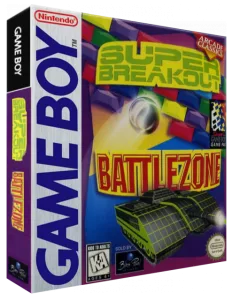
The Arcade Classics box comes from the owner's collection. The screenshots were taken by running its game image.
- Downloads
- 1
- Screenshots
- 2
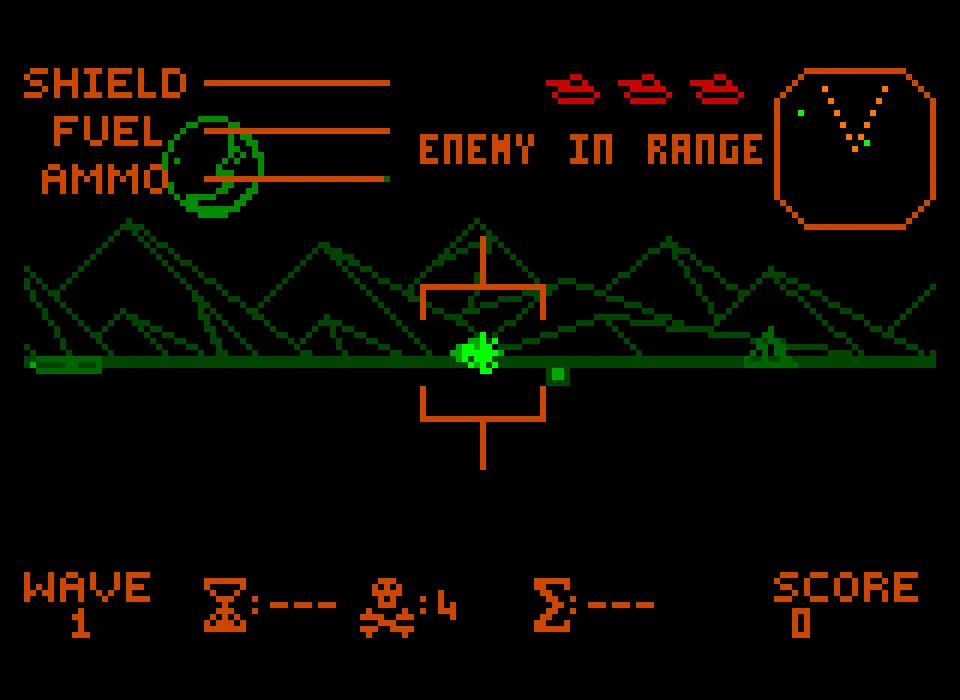
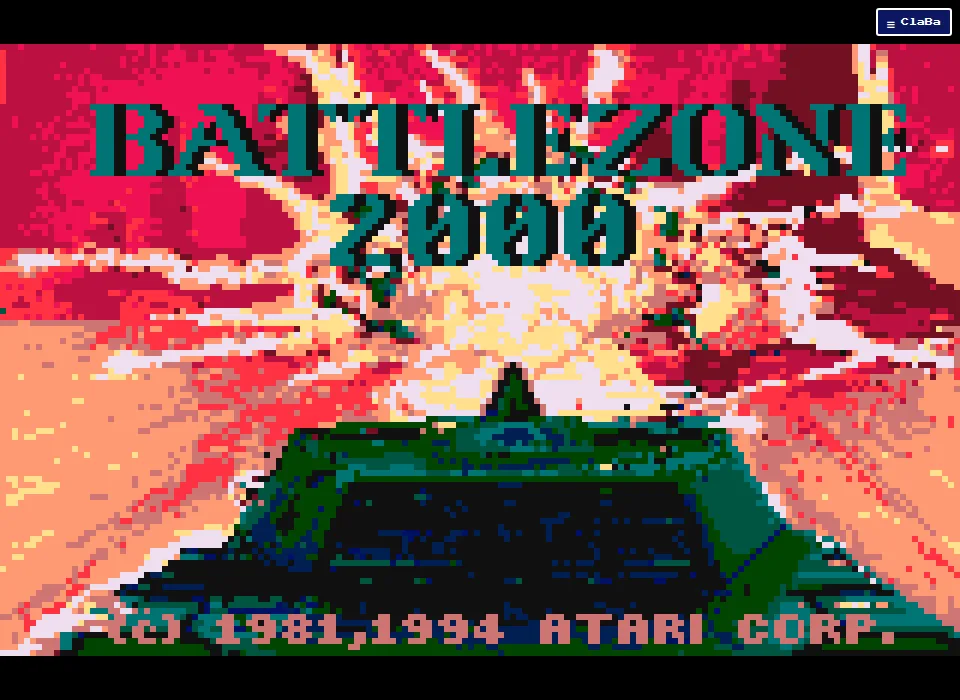
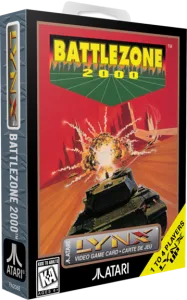
Battlezone 2000 for Atari Lynx keeps the view from the tank, the vehicles drawn with lines and the radar of Battlezone. The intro of this edition shows the Atari copyright of 1991 and 1994. The game image includes its setup and combat screens with English text.
Choosing and preparing the tank
Wait for the intro and press X to move on. From Enemy Review, X opens the Setup menu to prepare the tank. Setup shows the vehicle and its parameters. The Up and Down arrows change the selection. When you want to go into combat, select OK and confirm with Z.
In the game that was tested, the Wolf tank was chosen and the first wave was reached. Check that the battlefield appears before you accelerate or fire. Enter corresponds to Pause. If the action is stopped, pressing Enter resumes it.
Finding your way among the enemies
The arrow keys move the tank. Up moves forward, and Left and Right change your heading. Watch the mountains, the shapes on the terrain and the vehicles to notice the movement. The radar on the right helps you locate the enemy when it is out of your sights.
The panel shows Shield, Fuel and Ammo. Their bars let you follow the state of the armor, the fuel and the ammunition. At the bottom appear the wave and the score. The messages in the center report the enemy's position and whether it is within range.
Z corresponds to the Lynx controller's A button and fires the cannon. X corresponds to the B button and launches a missile. Both inputs were checked during combat. To follow the direction of the projectile, fire with the tank facing a visible landmark on the terrain.
The original manual explains how to prepare the vehicle and distinguishes the functions of the A and B buttons. You can read it at the Battlezone 2000 manual kept by AtariAge.
The download
The download keeps the original ZIP and its 262,208 bytes of Lynx image. To open it outside the site you need a compatible emulator and whatever system files it requires.
The screenshots were taken by running this game image. The video shows combat in the Lynx edition. ClaBa Player lets you pause, mute, enlarge the screen, take a screenshot, restart and close.
- Year
- 1983
- Downloads
- 1
- Screenshots
- 6
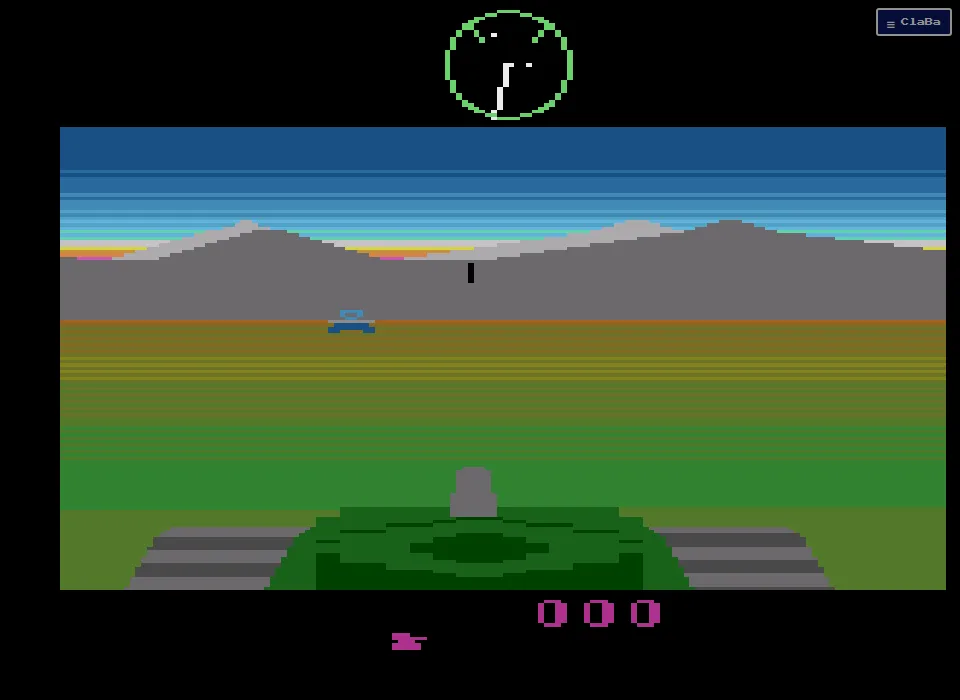
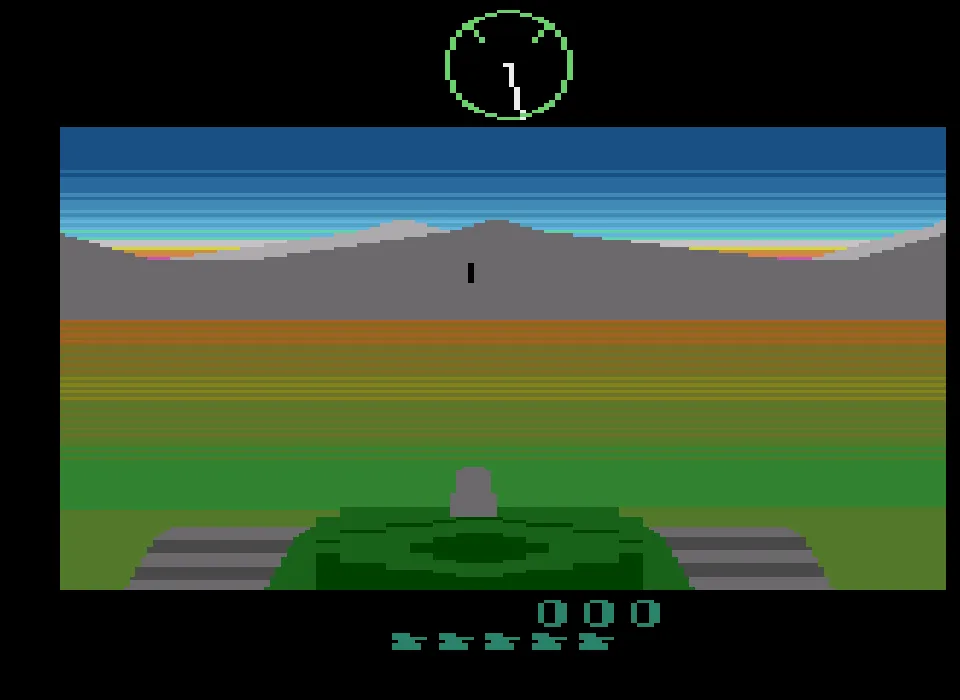
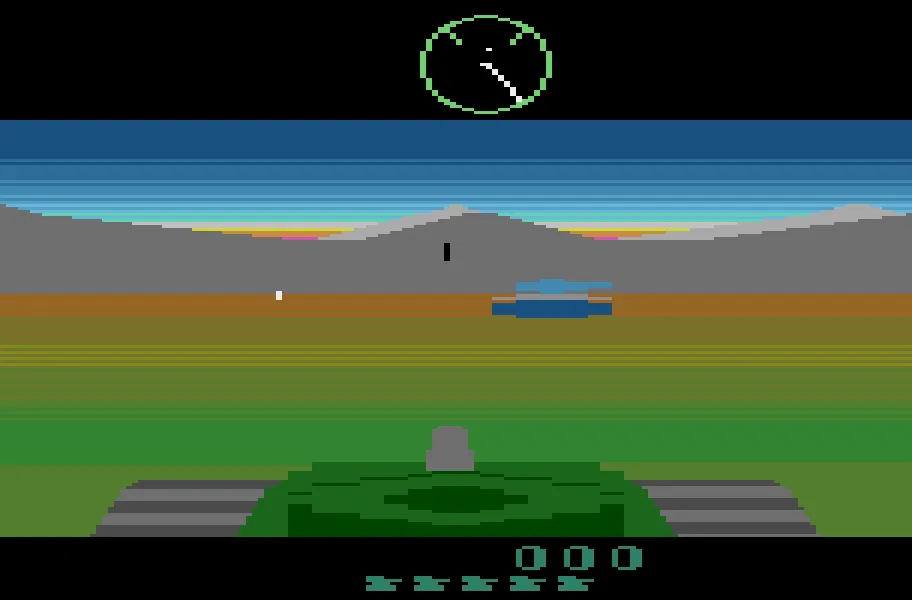
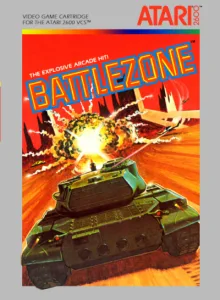
Battlezone for Atari 2600 puts the view from the tank, with its cannon at the bottom and a circular radar at the top. The horizon combines gray mountains, bands of sky, and colored terrain. Enemy vehicles appear as solid figures that change size as they get closer. This edition uses the U.S. cartridge.
Going into combat
Wait for the battlefield to appear and press Enter. This key stands in for the console's Reset switch and starts a new game. Check the score and the tank symbols shown at the bottom. The original manual says you start with five tanks. This start was verified from the player during testing.
The tank you are currently driving is part of that reserve. When you lose it, the game continues as long as vehicles remain. If you press Enter again, you start another game from its initial state.
Driving and firing
The arrow keys stand in for the joystick. Left and Right turn the tank and change the orientation of the landscape and the radar. Up moves you forward. To recognize movement, watch the silhouette of the mountains and the position of the vehicles. The radar helps you find enemies that are outside the forward view.
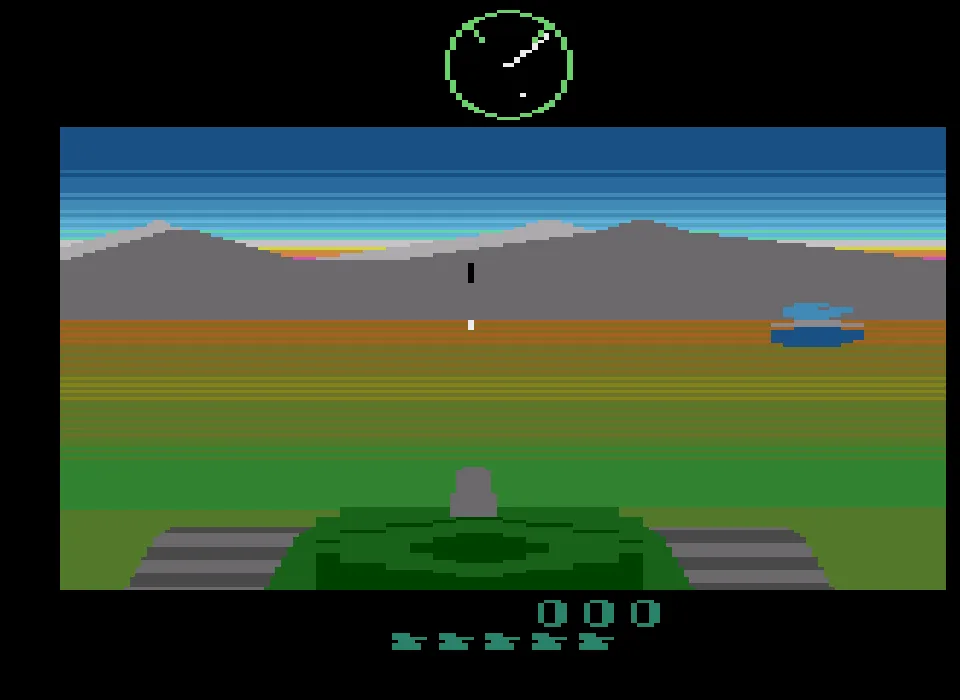
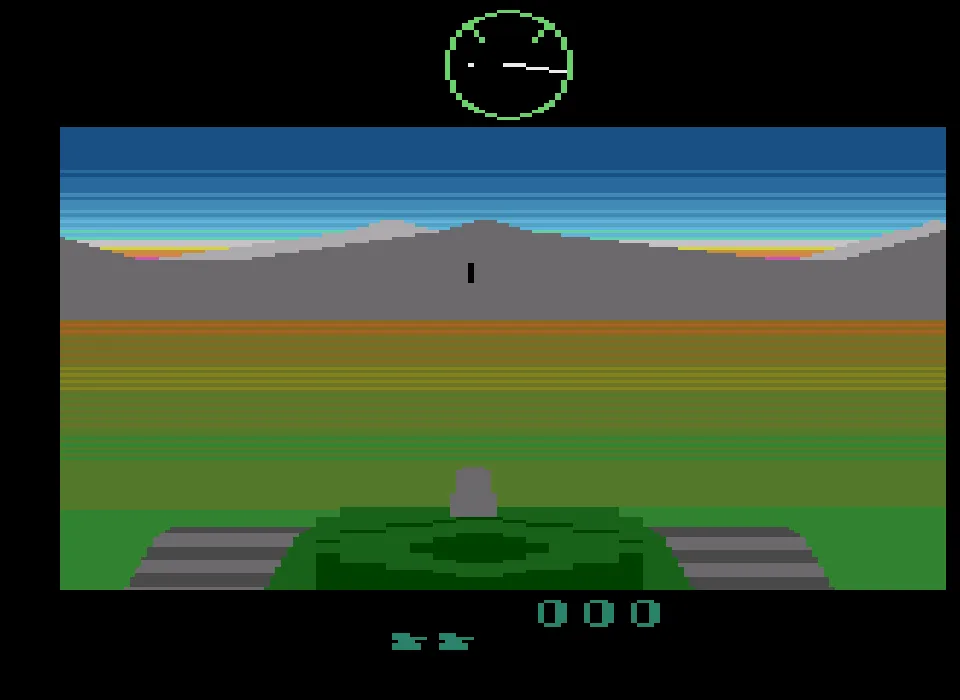
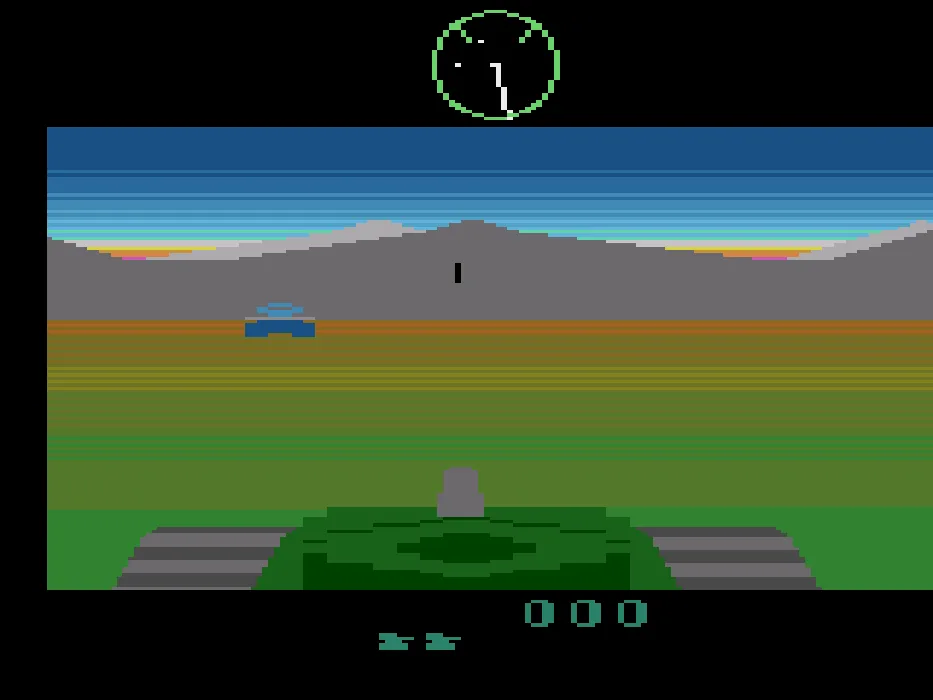
X stands in for the fire button. When you press it, a bright projectile appears in front of the cannon and continues along its path across the battlefield. The tests verified turning in both directions, moving forward, and firing input. The screenshots show different moments of that run, with enemies visible and changes in the terrain's orientation.
Consulting the manual
The manual distinguishes tanks, supertanks, fighters, and flying saucers. It explains how to recognize them and how to use the radar to guide your search. You can consult the original Battlezone manual for Atari 2600, which includes instructions in Spanish.
The cartridge in the collection
The download keeps the original ZIP. To use it outside the site, you need an emulator compatible with Atari 2600. The gallery adds images captured by running the same cartridge in the browser.
The video on this page shows the Atari 2600 edition. ClaBa Player lets you pause, mute, enlarge the screen, take a screenshot, restart, and close. The player's pause lets you stop the emulation while you read the instructions.
EVERY PIXEL COUNTS
The game in pictures.
Explore the screenshots and open every detail at full size.
GET READY FOR YOUR NEXT GAME
Choose your download.
Format, compatibility and server. All in view.
Version
SELECTED VERSIONMS-DOS1 file · also playable online
SELECTED VERSIONAtari ST1 file · also playable online
SELECTED VERSIONGame Boy1 file · also playable online
SELECTED VERSIONAtari Lynx1 file · also playable online
SELECTED VERSIONAtari 26001983 · 1 file · also playable online
Clicking opens the CLABA loading area and, in a few seconds, your download. If a link fails, let us know via Contact or in the forum.
Your game starts here
Play in your browser.
There are 5 versions ready to play. Pick one and click.
Version
MS-DOSIn your browser
Battlezone
MS-DOS version. Your next game starts here.
- 48 KB · downloads on click
- Save the game's files
- Keyboard, controller or touch
Controls
Click the game to use the keyboardOn mobile, play with the on-screen controller- F1
- start/restart
- F2
- options
- ↑←↓→
- move forward, move back and turn
- Space
- fire
Opposite direction: stop the maneuver.
- Full screen
Use the button on the bar. Esc returns to the game page; “Exit” closes the game.
- Saves
Save keeps the files the game creates, not the exact moment. Save inside the game, then press Save.
- Mobile and tablet
Press Controls during the game to show buttons and keyboard. Gamepad support depends on the browser.
Saves live in this browser and device. Clearing the site data deletes them too.
Atari STIn your browser
Battlezone
Atari ST version. Your next game starts here.
- 360 KB · downloads on click
- Partida durante la sesión
- Keyboard and mouse
Controls
Click the game to use the keyboardOn mobile, play with the on-screen controller- F1
- start
- ↑←↓→
- forward, back up and turn
- Space
- fire
Opposite direction: stop the maneuver.
- Full screen
Use the button on the bar. Esc returns to the game page; “Exit” closes the game.
- Saves
El reinicio vuelve a cargar el disco original. Los archivos que crees durante la sesión se conservan mientras mantengas abierta la partida.
- Mobile and tablet
Press Controls during the game to show buttons and keyboard. Gamepad support depends on the browser.
Saves live in this browser and device. Clearing the site data deletes them too.
Game BoyIn your browser
Battlezone
Game Boy version. Your next game starts here.
- 140 KB · downloads on click
- Save states in this browser
- Controller, keyboard or touch
Controls
Click the game to use the keyboardOn mobile, play with the on-screen controller- ↑←↓→
- D-pad, move/turn and choose game
- Enter
- Start
- Z
- A button, fire
- X
- B button, also fires
- Full screen
Use the button on the bar. Esc returns to the game page; “Exit” closes the game.
- Saves
Save State, in the game's menu, keeps the exact moment. Load brings it back when you return.
- Mobile and tablet
Press Controls during the game to show buttons and keyboard. Gamepad support depends on the browser.
Saves live in this browser and device. Clearing the site data deletes them too.
Atari LynxIn your browser
Battlezone
Atari Lynx version. Your next game starts here.
- 140 KB · downloads on click
- Save states in this browser
- Controller, keyboard or touch
Controls
Click the game to use the keyboardOn mobile, play with the on-screen controller- ↑←↓→
- move/turn and choose
- Z
- button A, confirm and cannon
- X
- button B, missile
- Enter
- Pause, pause/resume
- Full screen
Use the button on the bar. Esc returns to the game page; “Exit” closes the game.
- Saves
Save State, in the game's menu, keeps the exact moment. Load brings it back when you return.
- Mobile and tablet
Press Controls during the game to show buttons and keyboard. Gamepad support depends on the browser.
Saves live in this browser and device. Clearing the site data deletes them too.
Atari 2600In your browser
Battlezone
Atari 2600 version. Your next game starts here.
- 6 KB · downloads on click
- Save states in this browser
- Controller, keyboard or touch
Controls
Click the game to use the keyboardOn mobile, play with the on-screen controller- ↑←↓→
- move and turn
- X
- fire
Enter starts another game via the Atari 2600 Reset.
- Full screen
Use the button on the bar. Esc returns to the game page; “Exit” closes the game.
- Saves
Save State, in the game's menu, keeps the exact moment. Load brings it back when you return.
- Mobile and tablet
Press Controls during the game to show buttons and keyboard. Gamepad support depends on the browser.
Saves live in this browser and device. Clearing the site data deletes them too.
HIT PLAY
The game in motion.
Trailers and videos to see it in action.
-
Atari ST · Battlezone for Atari ST, tank combat
Video kept alongside the Atari ST disk. Approximate length: 30 seconds.
-
Atari Lynx · Battlezone 2000, combat on the Atari Lynx
Video of the Atari Lynx edition, about 37 seconds long.
-
Atari 2600 · How it's played
A game of Battlezone on Atari 2600.
THE SECRET SIDE OF THE GAME
Tips, tricks and secrets.
A hint at the right time. A code that changes everything.
Tip: use the radar to get your bearings
Watch the radar when your rival leaves the front view. Turn until its position gets close to the direction of the sight, then check the terrain again. Alternating between both references helps you follow it during maneuvers.
Tip: control your turns
Releasing Left or Right keeps the tank moving. Press the opposite direction to end the turn. Practice this response at the start, before an enemy fills the whole sight.
Tip: choose the moment to fire
Line up the sight and press Space. Wait for the projectile to finish its path before correcting and firing again. The ENEMY IN RANGE warning helps you recognize a nearby encounter; the opponent's position remains decisive.
Tip: practice your maneuvers
From the options you can choose the difficulty with F5. Start with the initial level while you learn to stop your advance and your turn. F1 sets up a new game whenever you want to repeat the practice.
No matches. Try another effect or code.
THE NEXT STEP, CLEARER
Guides to move forward.
From the first installation to that mission that won't give in.
Starting Battlezone in the browser
Open Play online and press Play now. Wait for the title screen showing the title and the drawing of the tank. Click inside the game to give it keyboard focus. F1 starts the game; F2 lets you check the options first. The level and the number of players appear on that screen.
Moving forward, backing up and turning
Up starts the advance. Down stops it; pressing it a second time lets you reverse. Left and Right turn the tank, and the opposite key stops that rotation. Watch how the mountains, the obstacles and the vehicles shift to recognize the maneuver. Combining movement and turning lets you change your path.
Using the sight and firing
Find your rival with the radar and turn until you see it ahead. Space fires through the center of the sight. Let the projectile finish its path before repeating. Testing of this copy confirmed advancing, turning and firing with the keyboard. The scoreboard lets you see the points obtained during your own game.
Checking the game options
Press F2 to open the options screen. F3 switches between one and two players and F5 selects the level. S turns the sound effects on or off. The screen also offers control selection, picture centering and joystick calibration. Use F1 when you have finished setting up the game. For the tests on this game page, one player with the keyboard was used.
Redefining the five actions
From the options, press C. The game asks for one key for FWD, another for BACK, another for LEFT, another for RIGHT and a last one for FIRE. The Up, Down, Left and Right arrow keys, followed by Space, let you use the assignments described on this game page. Read each prompt before pressing the corresponding key. Then F1 starts the game.
Using the download and the player
The download includes bzone.com and bzone.bin. Keep both files together and run bzone.com in a compatible DOS environment. The tutorial DOSBox from scratch (in Spanish) explains how to set up a folder for these games.
On our site, the ClaBa Player bar lets you pause, mute, enlarge the screen, take a screenshot, restart and close. Restarting returns to the original title screen. The original Atarisoft manual for IBM PC describes the controls and options of this edition. The box and the screenshots on this game page come from the collection and from running its copy.
Something wrong?
Give us a hint.
A broken link, a detail to correct or a game that won't start. Your report helps keep this game page up to date.
Get in touchReport an issue with this game Discuss it in the forumCLABA ARCADE ROOM
This one and 250 more
play here.
When you finish your game, the room has other machines switched on.
Enter the roomTHE CLABA APP1.0 RC 1
Take the archive
with you.

Game pages, online play and your shelf on Android. Free, no sign-up.
ARCHIVE SECRETS
Did you know?
- The Atarisoft box identifies this edition with an IBM PC banner.
- The battlefield combines line-drawn vehicles, a radar and a central sight.
- The menu lets you redefine forward, backward, left turn, right turn and fire separately.
- The original options include difficulty selection and a two-player mode.