Tynesoft · Other
Beverly Hills Cop
Beverly Hills Cop is Tynesoft's 1990 action game starring Axel Foley. Shooting and driving in the DOS, Atari ST, Amiga, Commodore 64 and Spectrum versions.
Game by Tynesoft (1990) for MS-DOS (in English), Atari ST, Amiga and two other platforms. Playable in your browser (five versions) or downloadable.
Choose your version 5 platforms
— no rating yet
THE CLABA ARCHIVE
Inside the game.
Its history, its ideas and the reasons to come back.
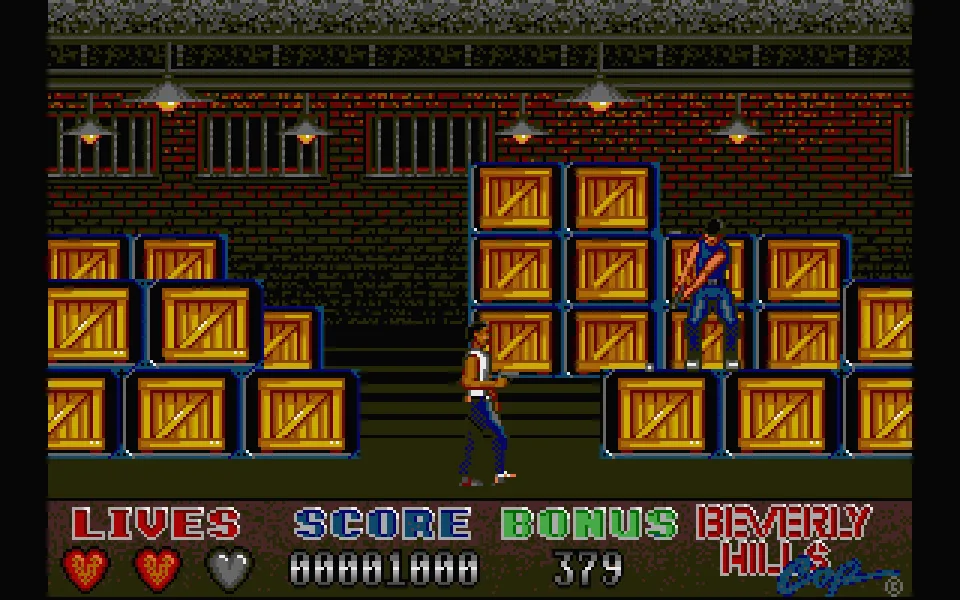
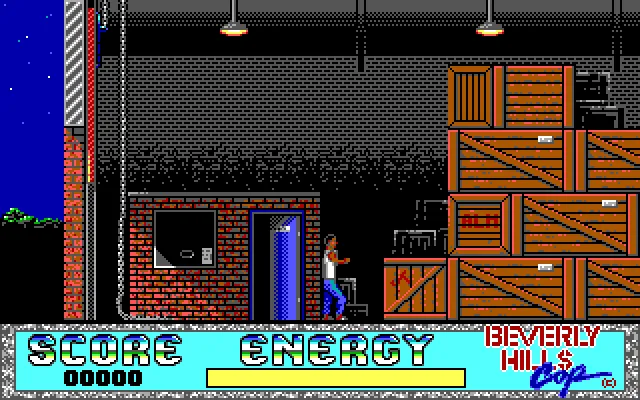
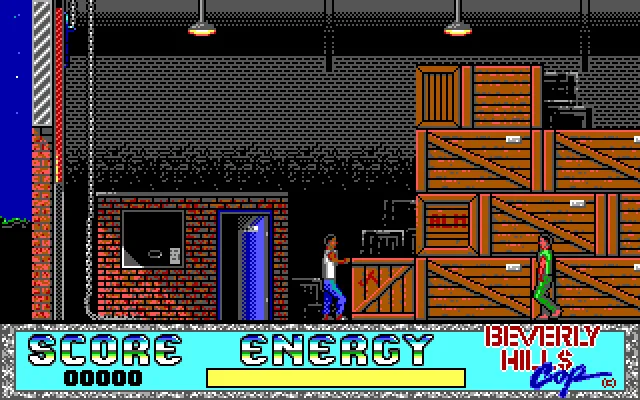
Beverly Hills Cop takes Axel Foley into a warehouse full of crates and armed men. Right at the start, the detective stands beside a blue door, with the score and energy at his feet. Moving past a few crates is enough to discover that his adversaries are coming for him too. The first decision is to move, work out where to aim and keep the energy bar from running out before you recognize the place.
Tynesoft adapts the character played by Eddie Murphy for the computer. The intro opens with the Paramount and company emblems and then rolls its credits. The DOS program combines several action events under a menu that lets you start from the beginning or pick one of its four stages. The copy on this page keeps the original English text.
Between crates and gunfire
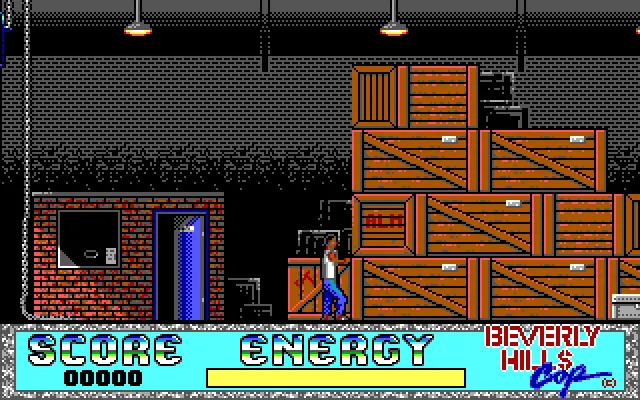
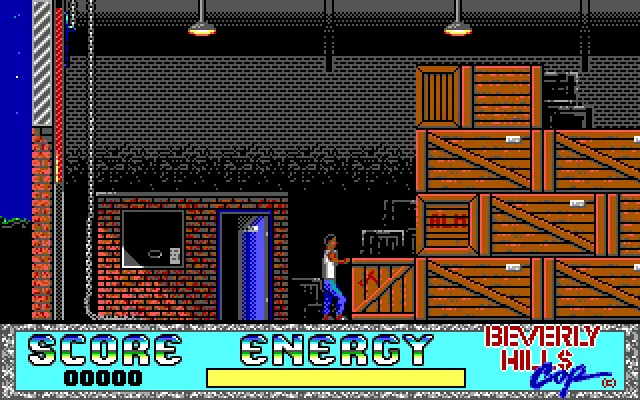
The warehouse uses a side view. Axel stays near the center while the scenery scrolls with his steps. The stacked crates, windows and doors let you tell how far you have advanced and spot a change of direction. The men who appear on both sides force you to look over the route before holding down a key for a long time.
Left and Right move the detective. Down crouches him and Space fires the weapon. Try each movement at the start and watch Axel's posture when he aims. When another enemy arrives, changing position leaves you more room to tell where the attack is coming from. The energy shown in the lower panel indicates how much punishment he can still take.
Hits can interrupt the action with a notice that Axel has been wounded. That screen also shows how many lives remain. It is worth reading before going back into the warehouse, because losing energy and losing a life are two different moments in the game. The opening gives you a chance to get familiar with the route and the reach of the controls.
Choosing how the game starts
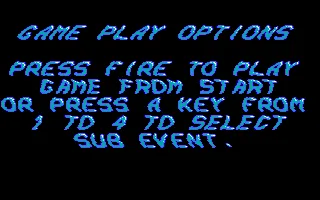
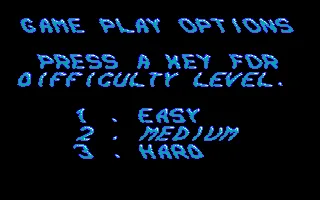
Game Play Options offers a start from the beginning and the selection of a stage with keys 1 to 4. Difficulty comes next, with Easy, Medium and Hard. For a first try, choose Easy with 1. When the warehouse notice is displayed, press Space to enter the action.
Let the loading finish between those screens. Switching to a stage can keep the background black for a few seconds. Wait for the next message before repeating a command. A brief keypress makes it easier to tell which option has been chosen and keeps you from skipping through several screens without reading them.
The four entries in the menu are handy when you want to return to a specific event. If you have just arrived at the game, begin with the warehouse and get to know its panel. The format brings together different situations from Axel's adventure and gives each its own start, instead of presenting all the action on a single side-scrolling stage.
Playing the DOS edition
The player opens the original files through DOSBox-X. The prepared configuration keeps the programs and images of that copy and adds a small startup file. The gallery gathers the logo, the options, the difficulty screen and several scenes captured while running the game.
The background comes from the original menu. The download keeps the original DOS ZIP. To recognize this version, look at its panel with Score and Energy and at the warehouse graphics. The Atari ST edition has its own screenshots, instructions and controls inside its platform tab.
When the game opens, focus the screen before using the keyboard. ClaBa Player lets you stop the emulation, mute it, enlarge the view, take a screenshot and restart. The pause is useful for checking the instructions and then returning to the point where you left the action.
ONE GAME, 5 PLATFORMS
Versions.
5 platforms19905 playable online
Pick a platform: the screenshots, downloads and online game on this page switch with it.
- Year
- 1990
- Developer
- Tynesoft
- Downloads
- 1
- Screenshots
- 8
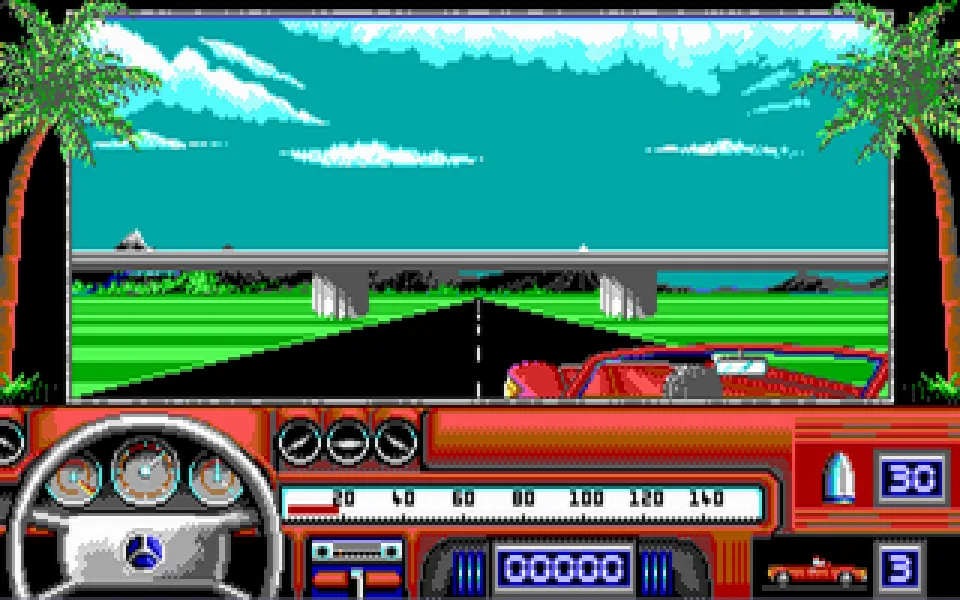
The MS-DOS version is the one this page covers: the information, review and main screenshots are from this platform.
- Year
- 1990
- Downloads
- 1
- Screenshots
- 8
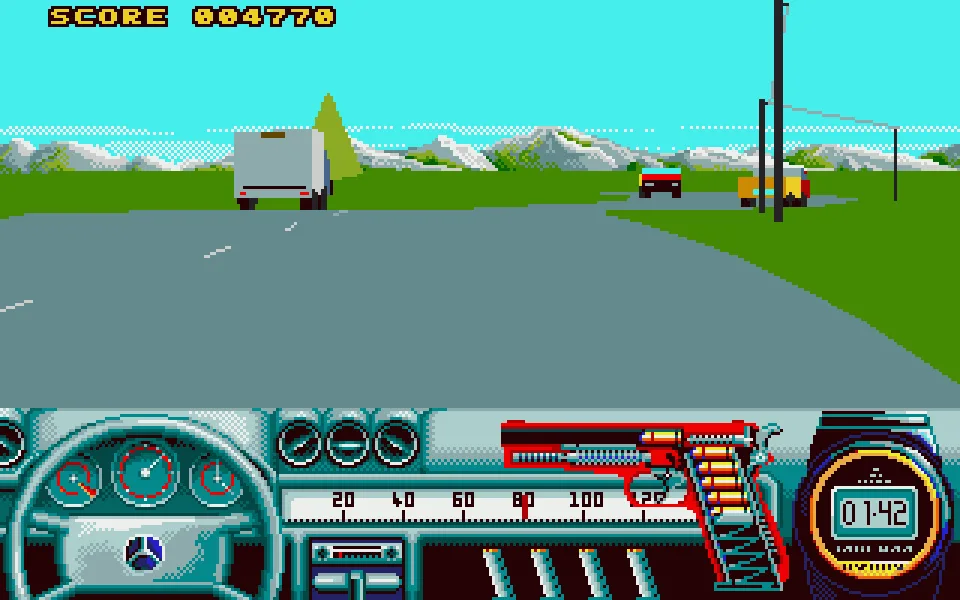
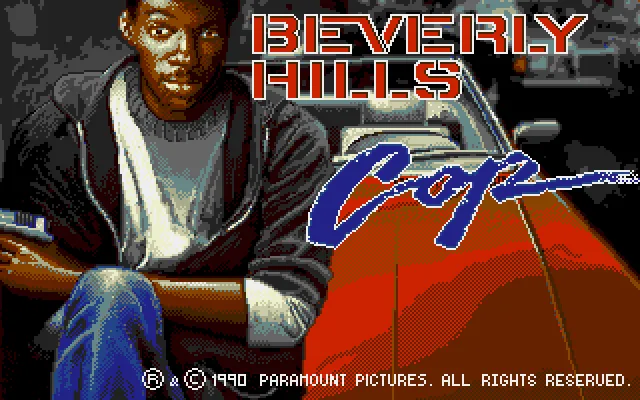
Beverly Hills Cop for Atari ST presents Axel Foley beside the red car before sending him to the warehouse. The original screen shows the 1990 Paramount copyright. This copy keeps the messages in English and opens with an intro by the group Empire that was already included on the disk.
Getting past the intro and starting
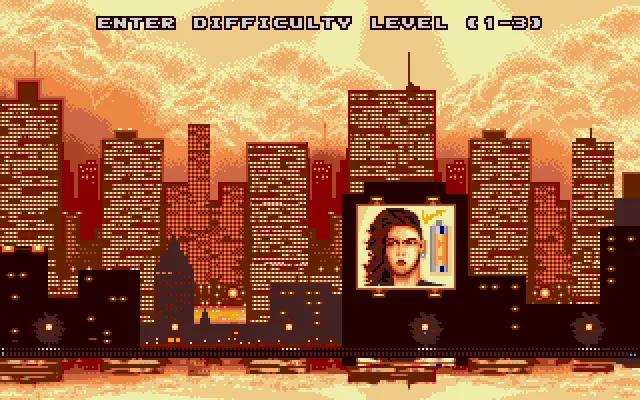
Press Space to leave the Empire intro. Wait for the original image of Axel to appear, because reading the disk can keep the screen black for a moment. Press Space on that image to reach the difficulty selection. The program asks for a level from 1 to 3. Use 1 to start at the lowest difficulty.
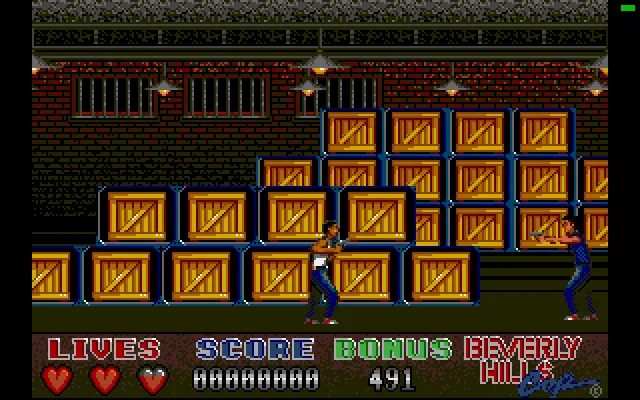
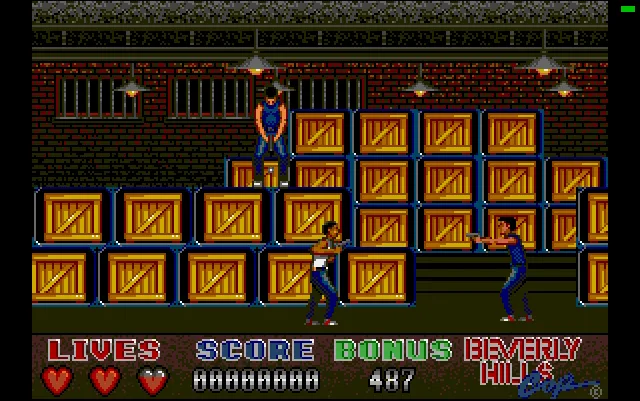
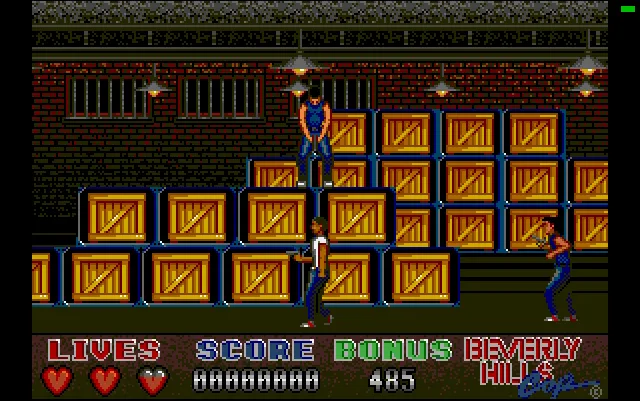
The loading shows the title again and then Get Ready Axel appears. Wait until you see the detective inside the warehouse. At that point the bottom panel shows three hearts, the score and the Bonus counter. The stacked crates take up a good part of the scene and armed men come in from both sides.
Moving and arming Axel
The player sets up the usual Atari ST joystick through the keyboard. Left and Right move Axel through the warehouse and Down lets you crouch him. Right Ctrl fires. In the ClaBa Player controls, the arrow keys and the Fire button perform those same actions.
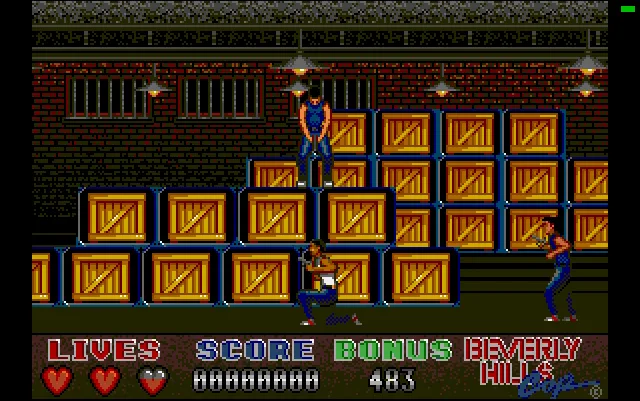
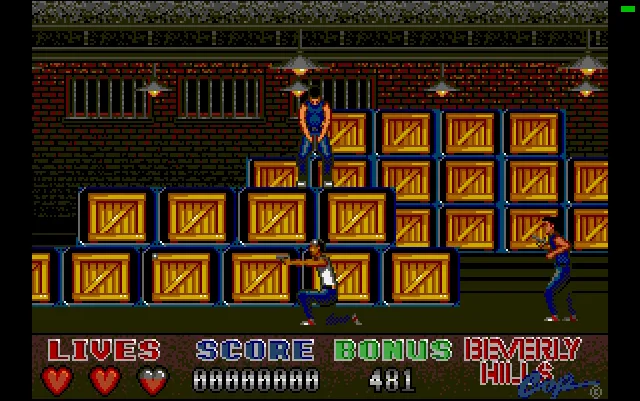
Make a short move to the right and come back to the left. The movement of the background lets you recognize the distance covered even if Axel stays near the center. Then try the crouching stance and the weapon. Check which way the character is aiming before you shoot. The nearest opponent may arrive from the opposite side to the one you were watching.
The hearts show the lives available and Bonus changes during the action. A fall can send Axel back to the start of the area. When the lives run out, the program asks Replay This Game (Y/N). Y lets you try again. If you need to stop to read the instructions, use the player's pause before letting the counter run.
The Atari ST copy and its images
The online game uses the collection's ST disk and the TOS supplied by the owner. Both files are checked by their fingerprint before starting. The disk keeps its original bytes, including the Empire intro that comes before the game. The gallery shows the cover, the difficulty selection, the warehouse and the actions performed with the on-screen controller.
This edition has pause, sound, full screen, screenshot and restart in ClaBa Player. Restart reloads the disk from its opening intro. The video in the Videos tab comes from the same Atari ST folder and shows a game on this platform. The download keeps the ZIP with its disk image.
To use that file on your computer you need an Atari ST emulator and your own TOS. The Hatari documentation explains joystick emulation with the arrow keys and Right Ctrl. The notes in this tab correspond to the controls that were checked on the Atari ST version.
- Year
- 1990
- Downloads
- 2
- Screenshots
- 8
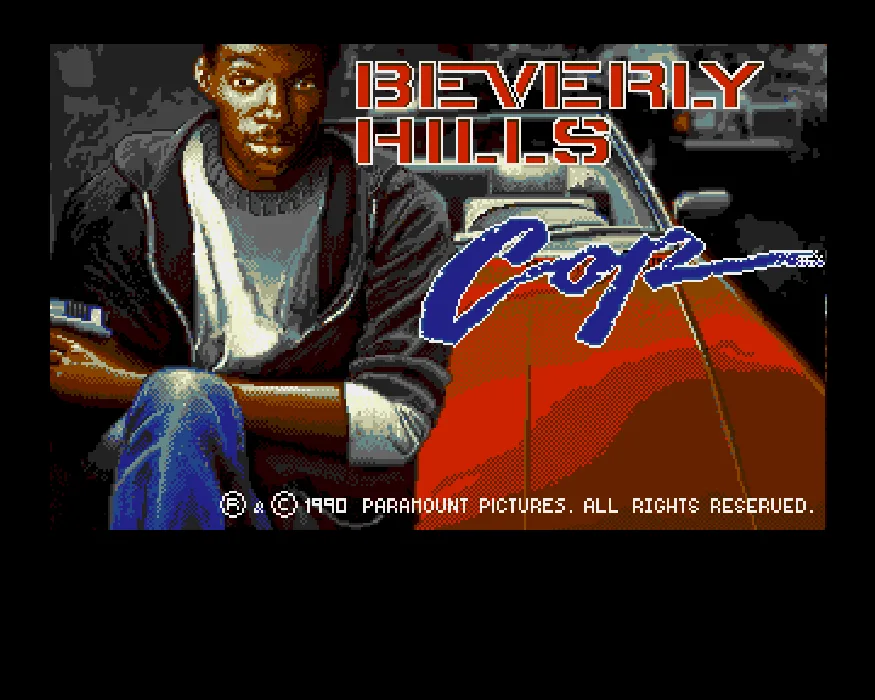
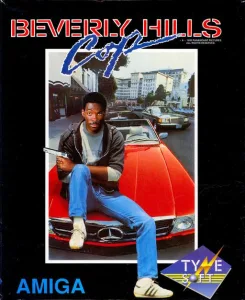
Beverly Hills Cop for Amiga takes Axel Foley to a warehouse full of crates and armed men. Tynesoft published this conversion in 1990. The intro shows the detective beside the red car and keeps the Paramount copyright. The messages in this copy are in English.
Choosing the difficulty with the Amiga keyboard
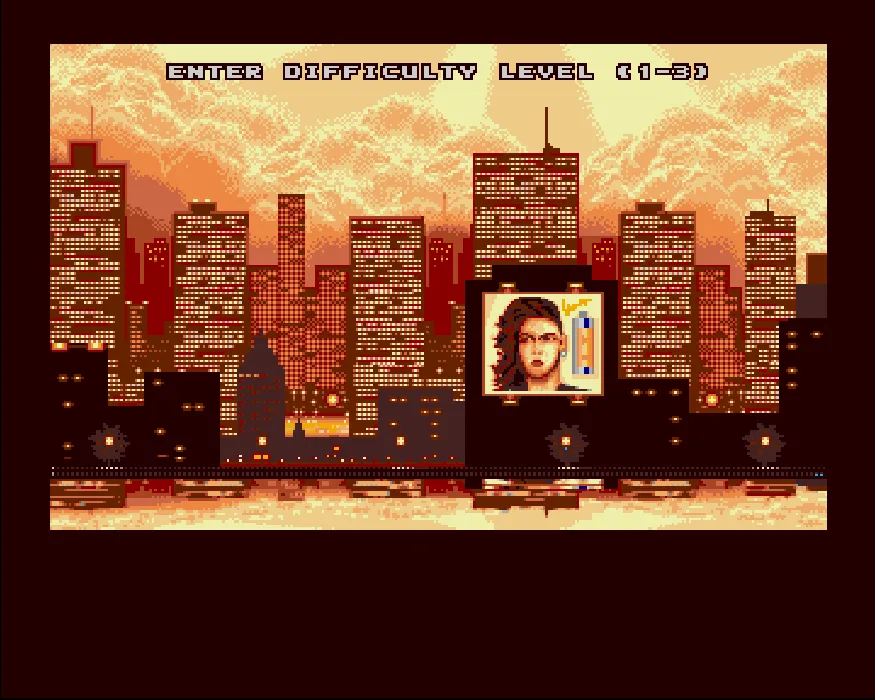
Press Play now and wait for the intro or the table The Top Ten Supercops to appear. Click inside the screen to give it focus. X lets you continue to Enter Difficulty Level (1–3).
To enter the difficulty, press V and the Amiga's virtual keyboard will appear over the image. Move the selection with the arrow keys to the 1 key on that keyboard and press X to choose the lowest level. Press V again to hide it. The program loads the warehouse and shows Get Ready Axel before starting. Wait for Axel to appear in the play area.
The selected key darkens inside the Amiga keyboard. Check that you have marked 1 before confirming it with X. In this setup, the number keys on the physical keyboard do not make that selection.
Walking, crouching and shooting
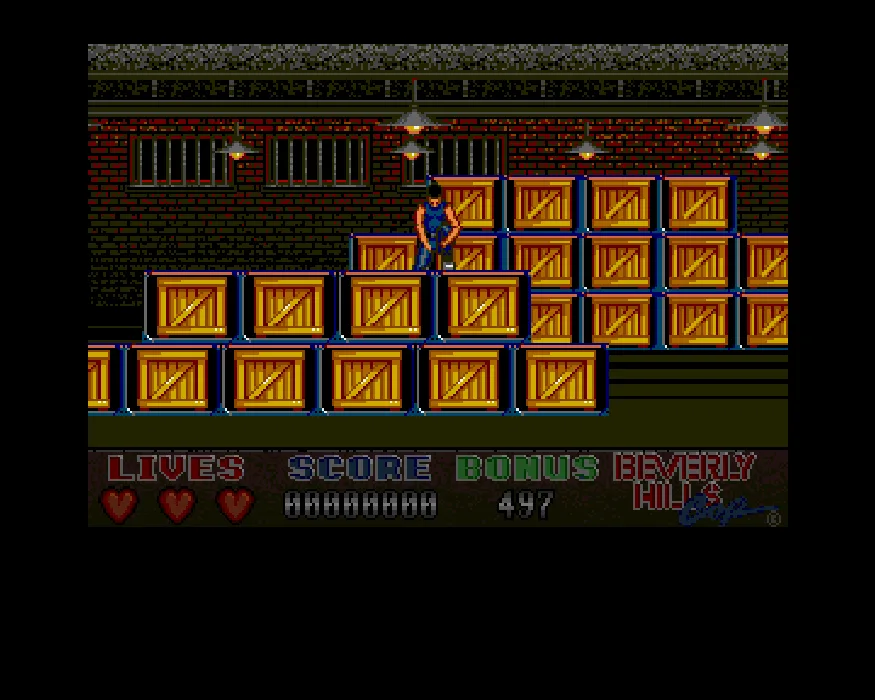
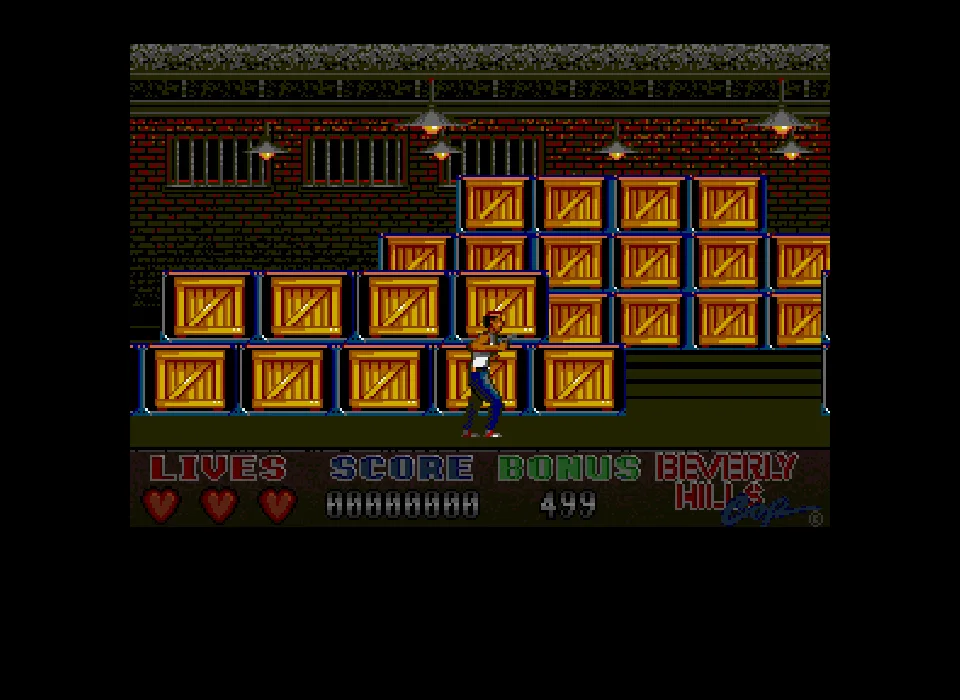
Left and Right move Axel through the warehouse. The scenery scrolls while the detective stays near the center. Down crouches him and X uses the weapon.
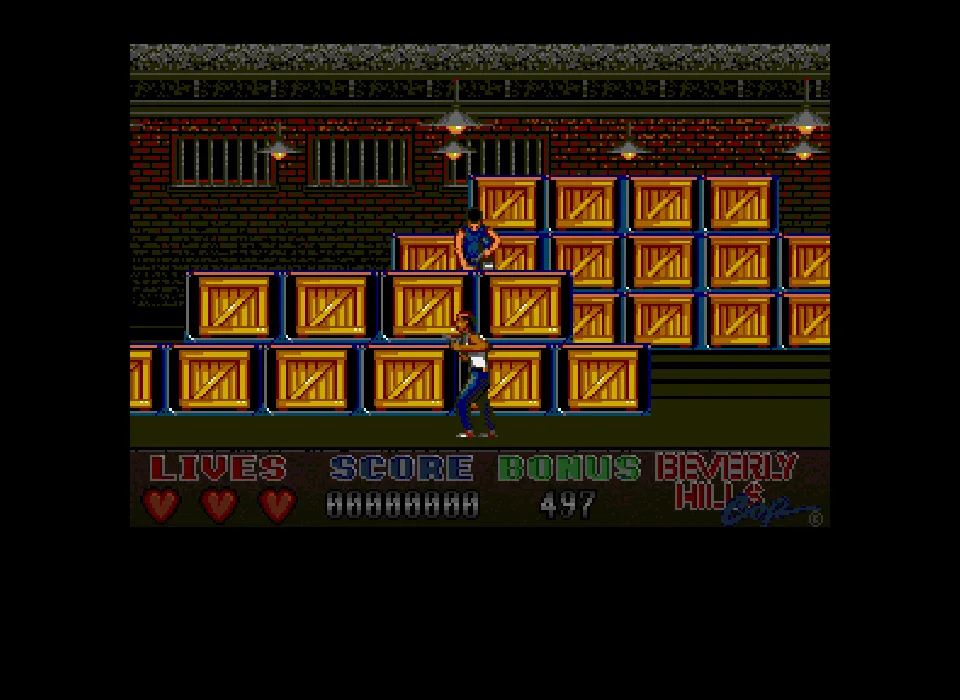
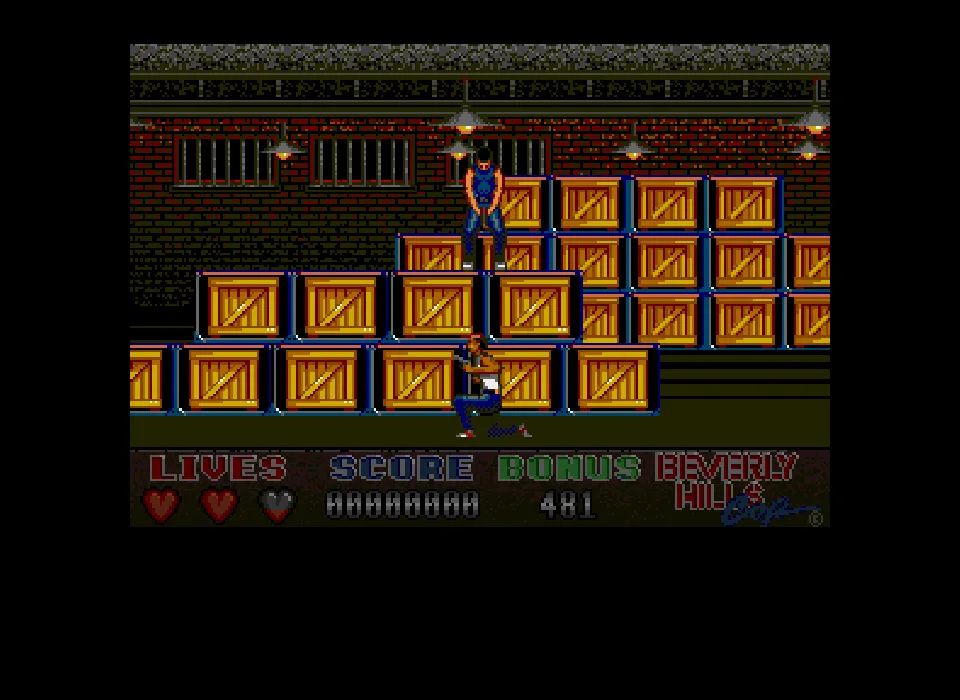
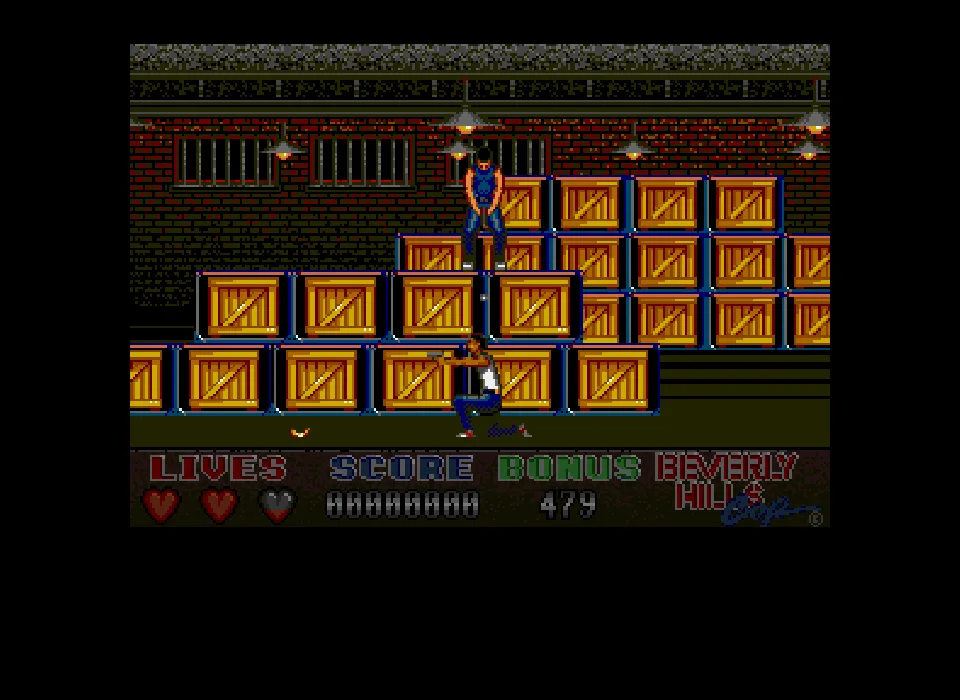
Try a short move in each direction before advancing among the crates. Look where Axel is aiming and watch the opposite side as well. Enemies can approach while you are facing another area. Holding Down shows the character on his knees, weapon ready.
The bottom panel shows the lives as hearts and displays Score and Bonus. The game starts with three lives. The counter changes during the action and enemy attacks can cost you a life quickly. Use the pause in ClaBa Player if you are going to stop and read the guide.
The hard disk copy and the downloads
The online game boots a WHDLoad installation. Its ReadMe identifies the installer by Bored Seal and Slipstream for Tynesoft's two-disk edition. The browser package keeps the eight files of that installation and adds a launcher to boot it.
The WHDLoad download is for using the hard disk installation in a compatible Amiga environment. The download of the two floppy disks in IPF format is also kept. To play outside the site you need an Amiga emulator, your own Kickstart files and whatever support the chosen format calls for.
The gallery brings together screenshots of the intro, the difficulty selection and the actions in the warehouse. The video of this edition runs about 34 seconds. It shows the same scene, with the panel of lives, score and Bonus.
- Year
- 1990
- Downloads
- 1
- Screenshots
- 8
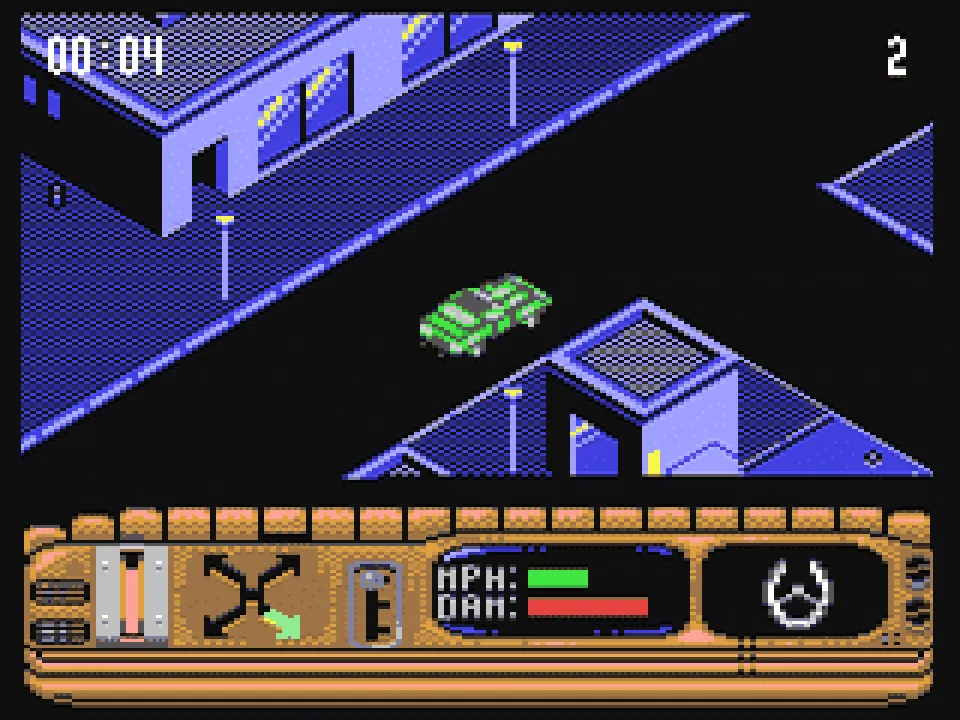
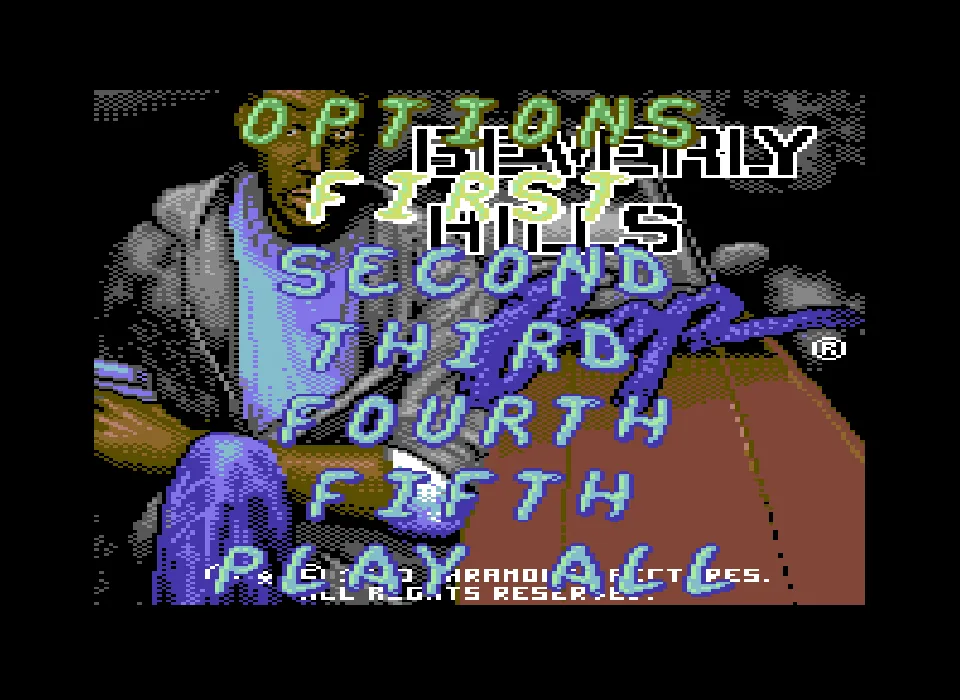
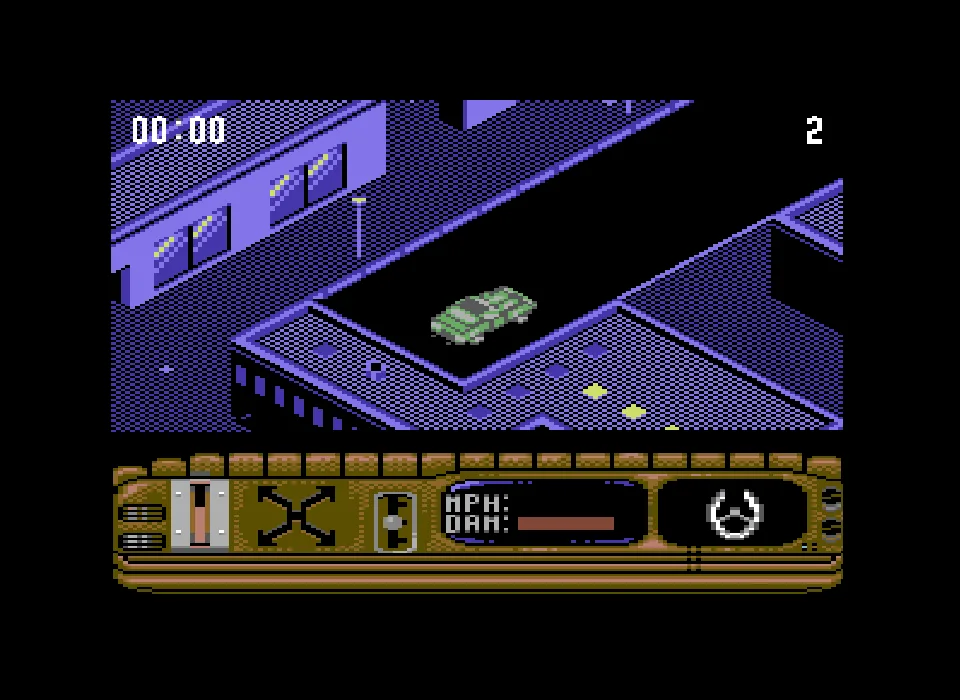
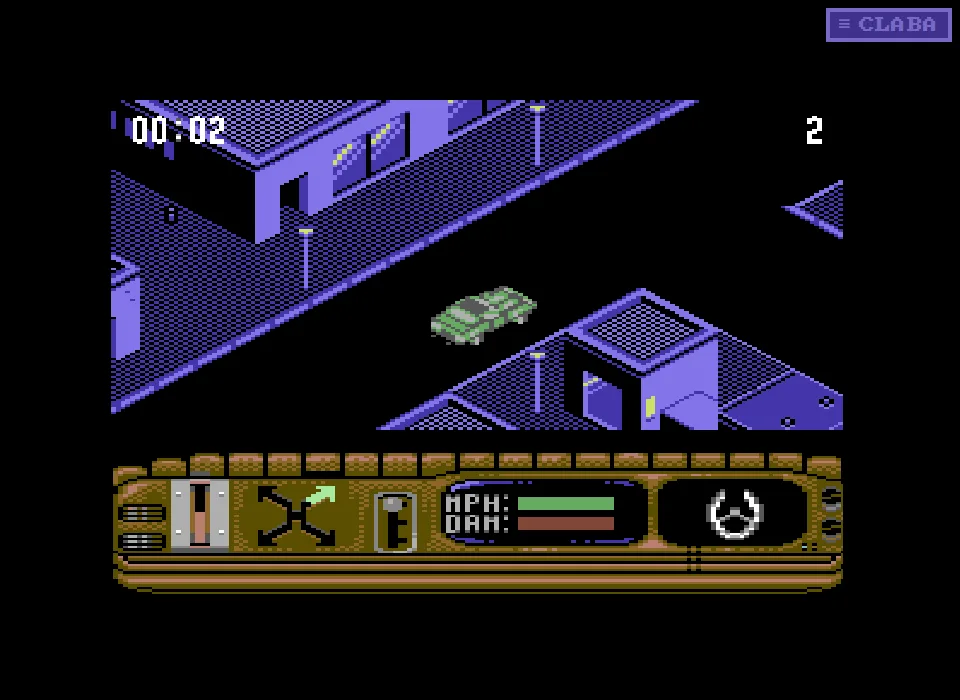
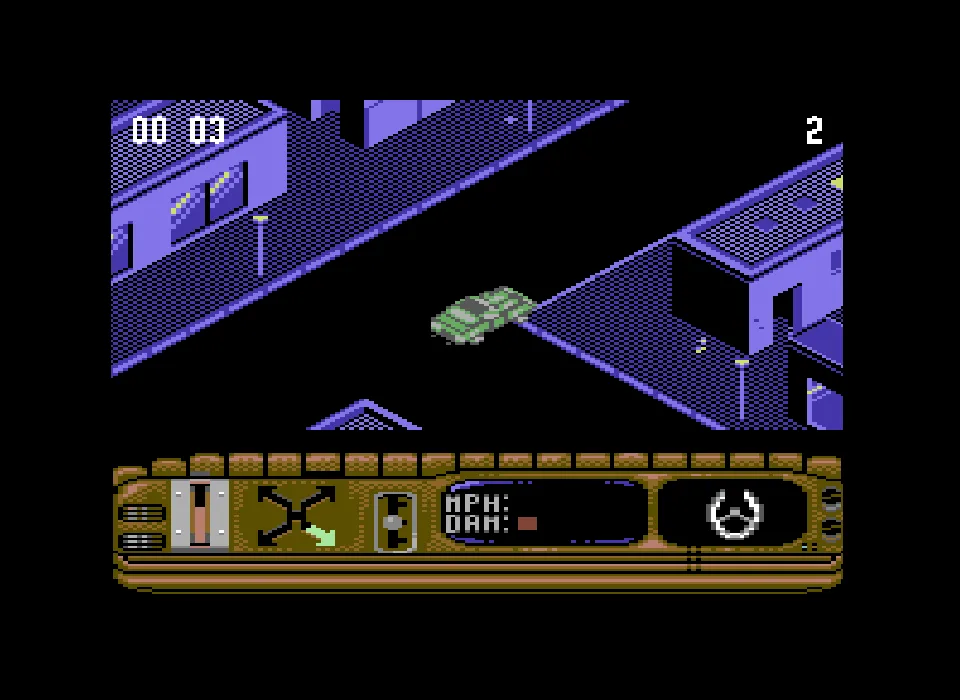
Beverly Hills Cop for Commodore 64 begins with Axel Foley at the wheel. The streets are seen in diagonal perspective and the car stays in the center while the city scrolls around it. The intro credits Ian Davison and Michael Hedley, and leads to a menu with five levels and the Play All option.
Getting past the loader and choosing a level
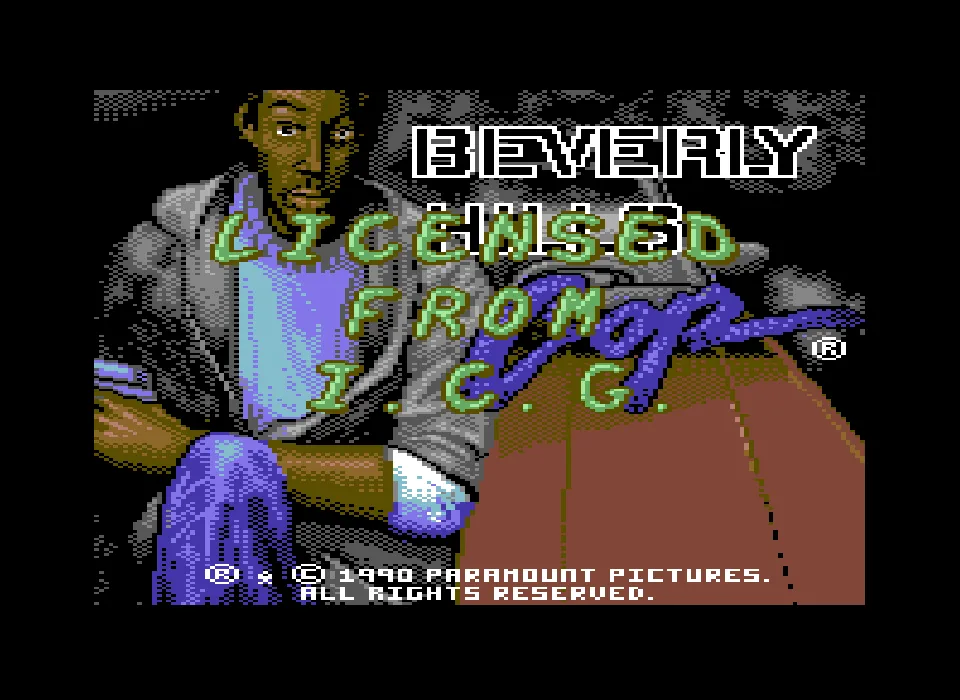
This copy includes a Lotus intro before the original title. The prompt Unlimited Lives (All Levels) appears set to NO. Keep that answer and press Space to continue. Let the disk finish reading until you see Axel beside the red car.
The intro shows the credits and the message Press Fire to Begin. Press X to open Options. Up and Down move through the list of levels. The highlighted option changes color. Select First and confirm with X to start the first stage. Play All lets you select the game that runs through the levels in order.
Loading a level can leave the screen black and show light lines at the border. Wait for the street and the car's panel to appear before trying to drive. Keys pressed during loading may arrive too early to register an action.
Driving through the streets
Up sets the car in motion. Left and Right let you change direction. The four-arrow indicator on the panel helps you follow the direction chosen. Watch how the buildings and the intersections move to recognize your route.
The panel includes the MPH and DAM gauges, as well as the drawing of the steering wheel. At the top appear the time and a number that changes when an attempt is lost. Try short moves at the start. A held command can carry the car to the next intersection and make the maneuver you wanted harder.
Start by practicing on one street and watch the direction indicator after each key press. If you crash and the car goes back to the starting point, check the panel before continuing. The pause in ClaBa Player lets you stop the action while you read these instructions.
The disk and the images of this edition
The online game uses the collection's D64 disk, kept inside its original ZIP. The browser setup uses the drive's virtual reading so that the first level loads. The game files are kept unchanged.
The gallery shows the Lotus intro, the original image of Axel, the menu and the driving. The video of this version runs about a minute and a half. You can open it from the Videos tab to see the city and its panel.
The download keeps the collection's disk. To use it on your computer you need a Commodore 64 emulator that supports D64. The VICE documentation explains the joystick ports and the emulator's virtual keyboard.
- Year
- 1990
- Downloads
- 1
- Screenshots
- 7
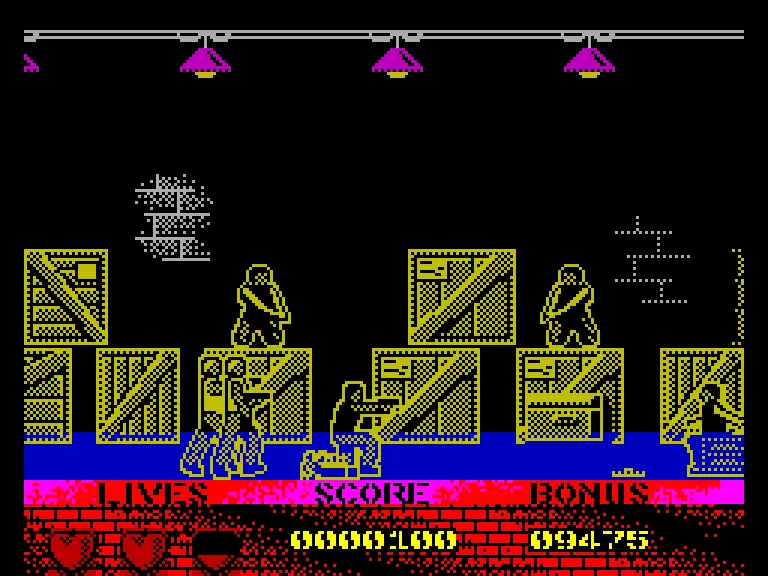
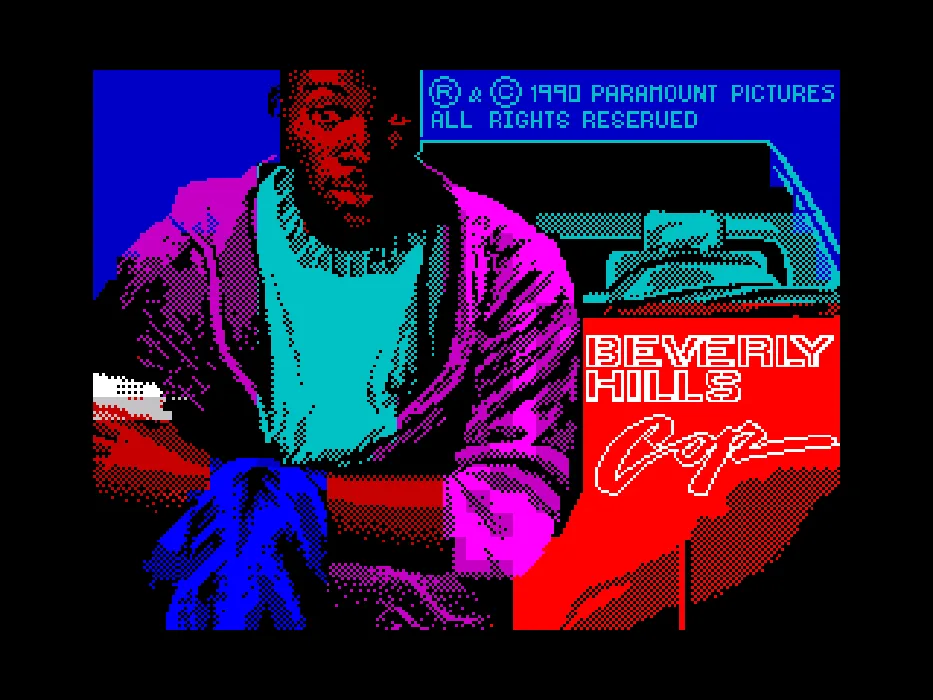
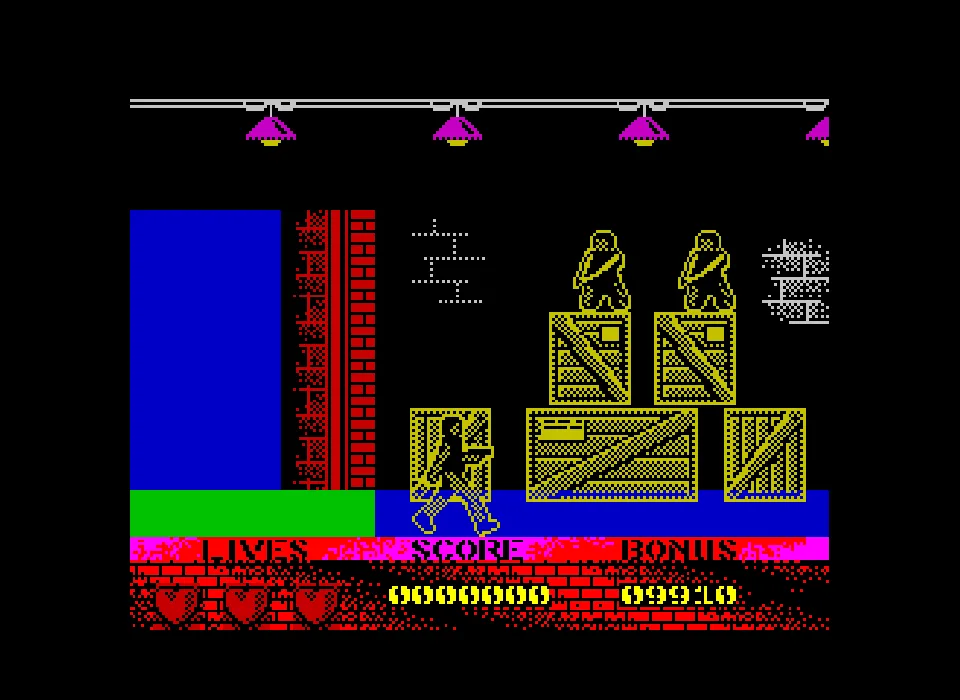
Beverly Hills Cop for ZX Spectrum presents Axel Foley beside the red car and lets you pick a stage from its menu. The Warehouse opens the warehouse, with stacked crates, armed men and a panel of lives, score and Bonus. The title screen keeps the 1990 Paramount copyright.
From the intro to the warehouse
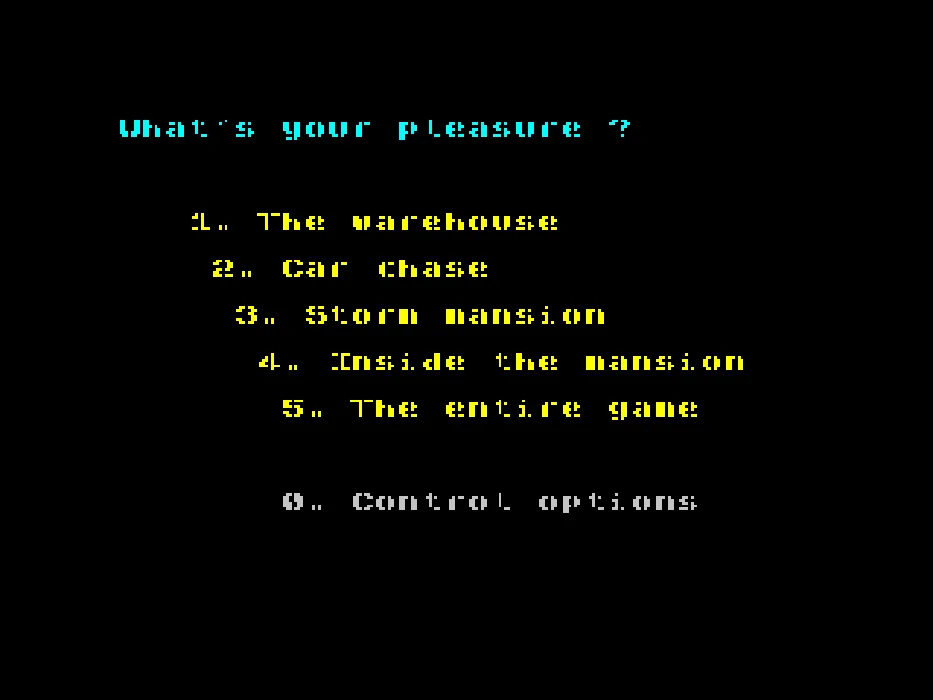
Press Play now and wait for the image of Axel to appear. The E key on the physical keyboard sends Space to the Spectrum and lets you move on to the menu What's Your Pleasure? There you will find The Warehouse, Car Chase, Storm Mansion, Inside the Mansion and The Entire Game.
The options are chosen with the Spectrum's virtual keyboard. Press V to open it, use the arrow keys to mark 1 and confirm with Z. The keyboard disappears when the key is sent. Wait for the loading to finish and for Axel to appear in front of the crates before you start moving him.
V brings the keyboard back when you need to enter another Spectrum key. Inside that keyboard, Z confirms the selected key. In the game, that same Z performs the fire action. Check which screen is open before pressing it.
Walking and taking cover among the crates
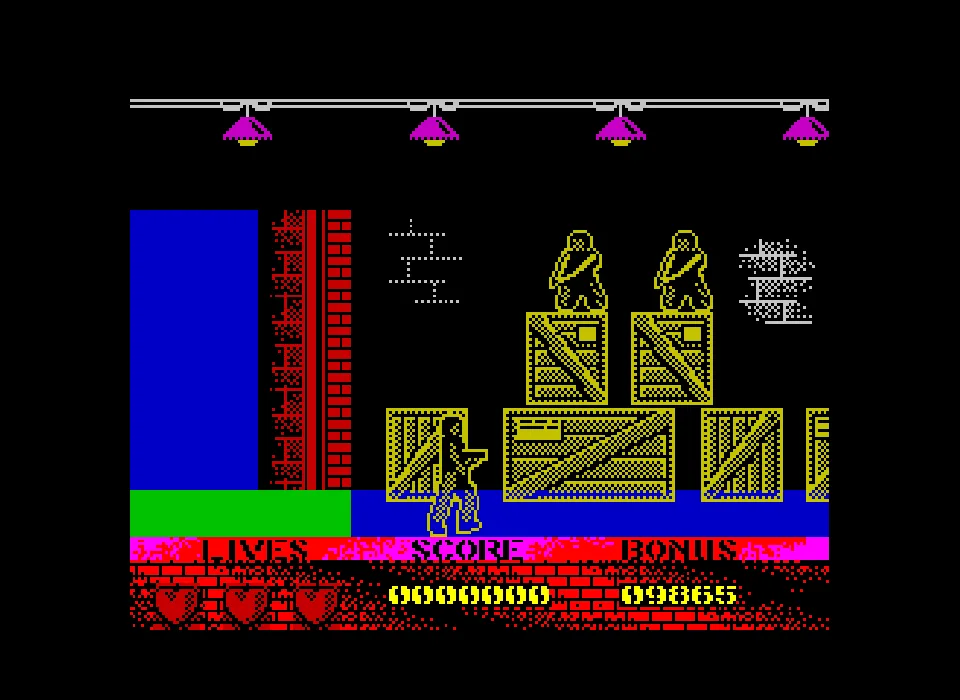
Left and Right move Axel and make the warehouse scroll across the screen. Down crouches him. Z is fire. Start with two short moves, one in each direction, and watch which way the character is facing.
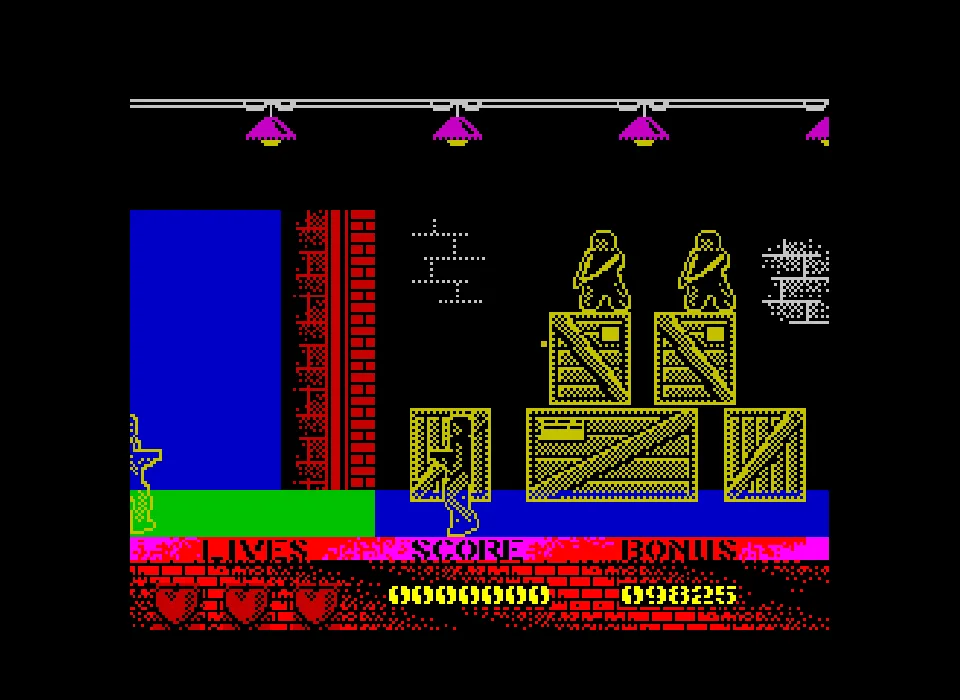
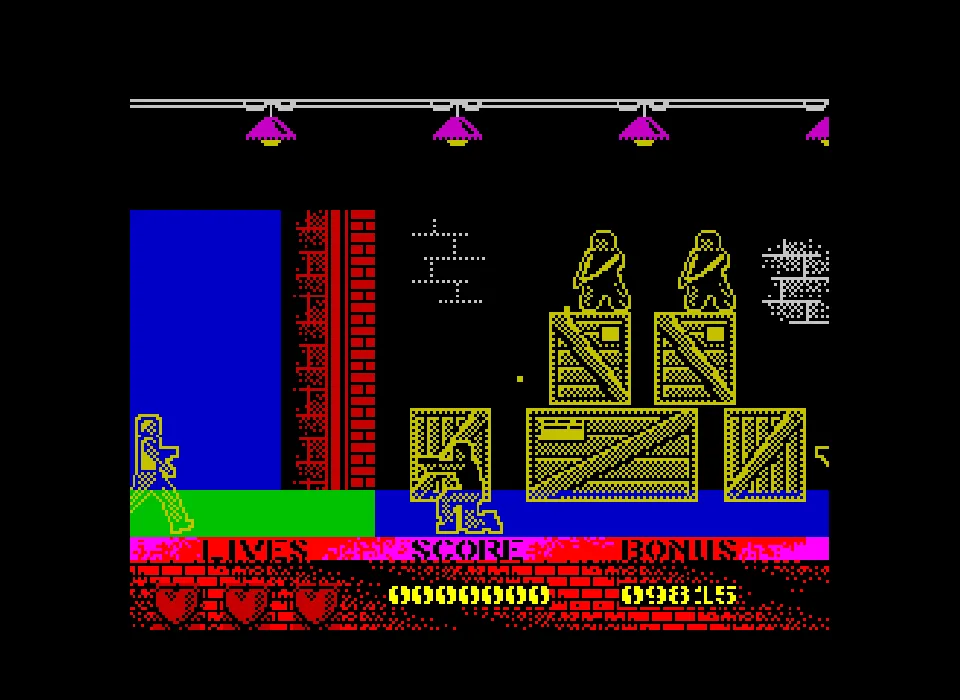
Enemies appear both at Axel's level and on top of the crates. They can also approach from behind. Watch both sides as you advance. The bottom panel keeps the labels Lives, Score and Bonus so you can check the state of the game.
A hit can knock Axel down and leave him on the ground for a moment. Wait for him to be back on his feet before reading a new key press as movement. The pause in ClaBa Player stops the emulation if you need to consult the instructions.
Choosing the program's controls
The site's setup uses the Keyboard mode that is selected at the start. If you enter Control Options, keep that option. To open this section from the main menu, enter 0 with the virtual keyboard. The screen also offers Sinclair Port 1, Sinclair Port 2 and Kempston Joystick. E sends Space to leave that screen.
The original IBSA manual lists Z, X, J, N and K as the game's keys. The player adapts those inputs to the arrow keys and Z on the physical keyboard. To consult the reference you can open the Spectrum and Amstrad manual. The Fuse documentation explains the virtual keyboard and the mapping of the controller inputs.
The collection's tape
The online game uses the TAP included in the original ZIP, with the same bytes as the collection's tape. The download keeps that original ZIP. To use it on your computer you need a Spectrum emulator that supports TAP.
The gallery contains the intro, the menu and screenshots of the warehouse. The video of this edition runs about 30 seconds. It shows the same scene and its panel of lives, score and Bonus.
EVERY PIXEL COUNTS
The game in pictures.
Explore the screenshots and open every detail at full size.
- 01MS-DOS
 02MS-DOS
 03MS-DOS
 04MS-DOS
 05MS-DOS
 06MS-DOS
 07MS-DOS
 08MS-DOS
- 09Atari ST
 10Atari ST
 11Atari ST
 12Atari ST
 13Atari ST
 14Atari ST
 15Atari ST
 16Atari ST
- 17Amiga
 18Amiga
 19Amiga
 20Amiga
 21Amiga
 22Amiga
 23Amiga
 24Amiga
- 25Commodore 64
 26Commodore 64
 27Commodore 64
 28Commodore 64
 29Commodore 64
 30Commodore 64
 31Commodore 64
 32Commodore 64
- 33Spectrum
 34Spectrum
 35Spectrum
 36Spectrum
 37Spectrum
 38Spectrum
 39Spectrum
GET READY FOR YOUR NEXT GAME
Choose your download.
Format, compatibility and server. All in view.
Version
SELECTED VERSIONMS-DOS1 file · also playable online
SELECTED VERSIONAtari ST1990 · 1 file · also playable online
SELECTED VERSIONAmiga1990 · 2 files · also playable online
Download for hard disk
COMPATIBILITYRequires an emulator ✓ At no cost✓ No sign-up Download BoxSharer server · New tab BoxSharer02 Amiga · Floppy disksDownload original floppy disks
COMPATIBILITYRequires an emulator ✓ At no cost✓ No sign-up Download BoxSharer server · New tabSELECTED VERSIONCommodore 641990 · 1 file · also playable online
SELECTED VERSIONSpectrum1990 · 1 file · also playable online
Clicking opens the CLABA loading area and, in a few seconds, your download. If a link fails, let us know via Contact or in the forum.
Your game starts here
Play in your browser.
There are 5 versions ready to play. Pick one and click.
Version
MS-DOSIn your browser
Beverly Hills Cop
MS-DOS version. Your next game starts here.
- 339 KB · downloads on click
- Save the game's files
- Keyboard, controller or touch
Controls
Click the game to use the keyboardOn mobile, play with the on-screen controllerSpace advances the intro, confirms and fires. 1 selects Easy. The left and right arrow keys move. Down crouches. 1–4 select a stage in the menu.
- Full screen
Use the button on the bar. Esc returns to the game page; “Exit” closes the game.
- Saves
Save keeps the files the game creates, not the exact moment. Save inside the game, then press Save.
- Mobile and tablet
Press Controls during the game to show buttons and keyboard. Gamepad support depends on the browser.
Saves live in this browser and device. Clearing the site data deletes them too.
Atari STIn your browser
Beverly Hills Cop
Atari ST version. Your next game starts here.
- 810 KB · downloads on click
- Partida durante la sesión
- Keyboard and mouse
Controls
Click the game to use the keyboardOn mobile, play with the on-screen controller- Space
- skip the intros
- ↑←↓→
- move
- Y
- retry after losing
1: choose difficulty. Down: crouch. Right Ctrl or Fire: use the weapon.
- Full screen
Use the button on the bar. Esc returns to the game page; “Exit” closes the game.
- Saves
El reinicio vuelve a cargar el disco original. Los archivos que crees durante la sesión se conservan mientras mantengas abierta la partida.
- Mobile and tablet
Press Controls during the game to show buttons and keyboard. Gamepad support depends on the browser.
Saves live in this browser and device. Clearing the site data deletes them too.
AmigaIn your browser
Beverly Hills Cop
Amiga version. Your next game starts here.
- 494 KB · downloads on click
- Save states in this browser
- Controller, keyboard or touch
Controls
Click the game to use the keyboardOn mobile, play with the on-screen controller- X
- continue and fire
- V
- open the Amiga keyboard
Arrow keys select 1, X confirms and V hides it. In the game, arrow keys move and Down crouches.
- Full screen
Use the button on the bar. Esc returns to the game page; “Exit” closes the game.
- Saves
Save State, in the game's menu, keeps the exact moment. Load brings it back when you return.
- Mobile and tablet
Press Controls during the game to show buttons and keyboard. Gamepad support depends on the browser.
Saves live in this browser and device. Clearing the site data deletes them too.
Commodore 64In your browser
Beverly Hills Cop
Commodore 64 version. Your next game starts here.
- 148 KB · downloads on click
- Save states in this browser
- Controller, keyboard or touch
Controls
Click the game to use the keyboardOn mobile, play with the on-screen controller- X
- open options and confirm
- ↑←↓→
- choose level
Keep NO and press Space at the loader. On the street, Up moves forward and Left/Right steer.
- Full screen
Use the button on the bar. Esc returns to the game page; “Exit” closes the game.
- Saves
Save State, in the game's menu, keeps the exact moment. Load brings it back when you return.
- Mobile and tablet
Press Controls during the game to show buttons and keyboard. Gamepad support depends on the browser.
Saves live in this browser and device. Clearing the site data deletes them too.

ZX SpectrumIn your browser
Beverly Hills Cop
ZX Spectrum version. Your next game starts here.
- 115 KB · downloads on click
- Save states in this browser
- Controller, keyboard or touch
Controls
Click the game to use the keyboardOn mobile, play with the on-screen controller- V
- open the Spectrum keyboard
E sends Space. Arrow keys choose a key and Z confirms. In the game, Left/Right move, Down crouches and Z fires.
- Full screen
Use the button on the bar. Esc returns to the game page; “Exit” closes the game.
- Saves
Save State, in the game's menu, keeps the exact moment. Load brings it back when you return.
- Mobile and tablet
Press Controls during the game to show buttons and keyboard. Gamepad support depends on the browser.
Saves live in this browser and device. Clearing the site data deletes them too.
HIT PLAY
The game in motion.
Trailers and videos to see it in action.
-
Atari ST · Beverly Hills Cop for Atari ST, a game in the warehouse
Video kept alongside the Atari ST disk. Approximate length: 30 seconds.
-
Amiga · Beverly Hills Cop for Amiga, a game in the warehouse
Video of the Amiga edition. Approximate length: 34 seconds.
-
Commodore 64 · Beverly Hills Cop for Commodore 64, driving through the city
Video of the Commodore 64 edition. Approximate length: 91 seconds.
-
Spectrum · Beverly Hills Cop for Spectrum, a game in the warehouse
Video of the Spectrum edition. Approximate length: 30 seconds.
THE SECRET SIDE OF THE GAME
Tips, tricks and secrets.
A hint at the right time. A code that changes everything.
Get to know the warehouse with short moves
Move to the right for a moment and then back to the left. Look at the crates and the blue door to check the change of position. Then try Down. That short sequence lets you get a feel for the movement and the crouching posture before you leave the starting point.
Watch where Axel is aiming
Space fires the weapon. Before holding it down, turn the detective toward the side the adversary is coming from. If you need to change direction, make a brief move and check his posture again. The gallery shows the character aiming in the warehouse.
Keep an eye on the energy and the wound notices
The lower panel keeps the Energy bar visible during the action. When the notice appears that Axel has been wounded, read the number of remaining lives. Use your next entry into the warehouse to fix the maneuver that left you exposed.
No matches. Try another effect or code.
THE NEXT STEP, CLEARER
Guides to move forward.
From the first installation to that mission that won't give in.
Starting a game from the beginning
Open Play online and press Play now. Wait for the original intro. Space lets you reach Game Play Options. Press Space again to start from the beginning. When the difficulty appears, press 1 for Easy. Wait for the warehouse message and use Space to begin the stage. At screen changes, let the loading finish before repeating a key.
Using the keyboard and the on-screen gamepad
The Left and Right arrow keys move Axel through the warehouse. Down crouches him. Space fires the weapon and also confirms the start notices. In the ClaBa Player controls you will find the directions and the Disparar (Fire) button. The number keys let you choose the options the program shows. Focus the screen to return to the keyboard after using the player menu.
Choosing a stage and its difficulty
From Game Play Options you can use keys 1 to 4 to choose a subevent. On the next screen, 1 corresponds to Easy, 2 to Medium and 3 to Hard. Read the stage notice before continuing with Space. If you are learning the warehouse, select 1 in the stage menu and then 1 for the difficulty.
Checking the copy and its sources
The download keeps the original DOS ZIP. The title, the credits and the menus of that program are the reference for the instructions on this page. The DOSBox compatibility entry identifies the Tynesoft game and notes the need to reduce cycles. The online configuration has been checked with this copy and its controls.
Something wrong?
Give us a hint.
A broken link, a detail to correct or a game that won't start. Your report helps keep this game page up to date.
Get in touchReport an issue with this game Discuss it in the forumCLABA ARCADE ROOM
This one and 250 more
play here.
When you finish your game, the room has other machines switched on.
Enter the roomTHE CLABA APP1.0 RC 1
Take the archive
with you.

Game pages, online play and your shelf on Android. Free, no sign-up.
ARCHIVE SECRETS
Did you know?
The computer appears in the cast. The credits present Eddie Murphy and then list the PC, XT, AT and PS/2 families as supporting players. The intro thus turns the machines that run the program into part of its opening joke.
The copy keeps 1989 credits. The program shows that Tynesoft copyright, and the DOS check file includes an assembly date of November 23, 1989.
Stage selection is in the original menu. Game Play Options offers keys 1 to 4 to choose a subevent. The intro also credits Pixel Vision and Partisound, along with those responsible for the various conversions.