Windmill Software · Other
Digger
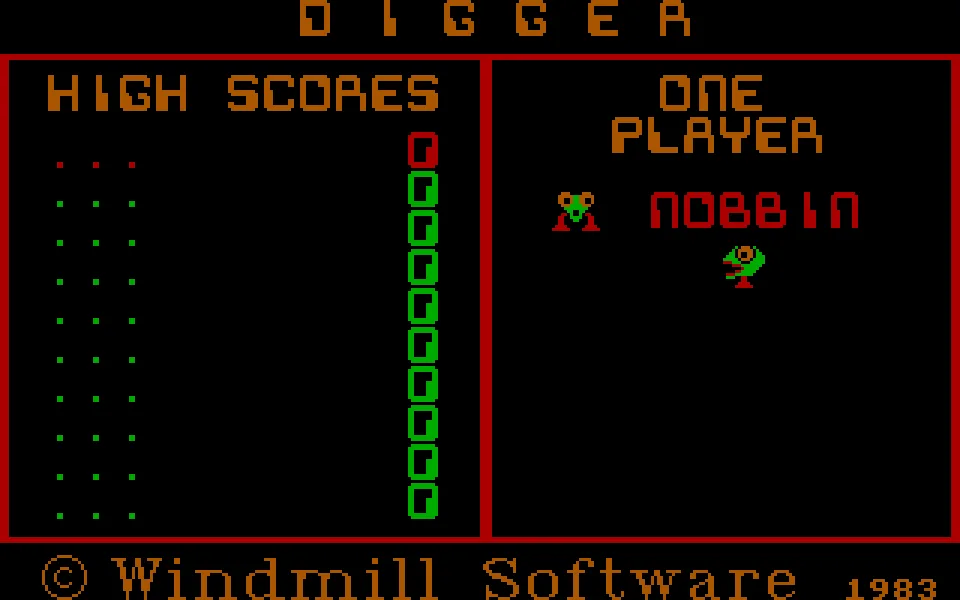
Digger is Windmill Software's 1983 digging game for IBM PC. This RetroBat DOS copy keeps the classic game, its CGA graphics and English text.
— no rating yet
THE CLABA ARCHIVE
Inside the game.
Its history, its ideas and the reasons to come back.
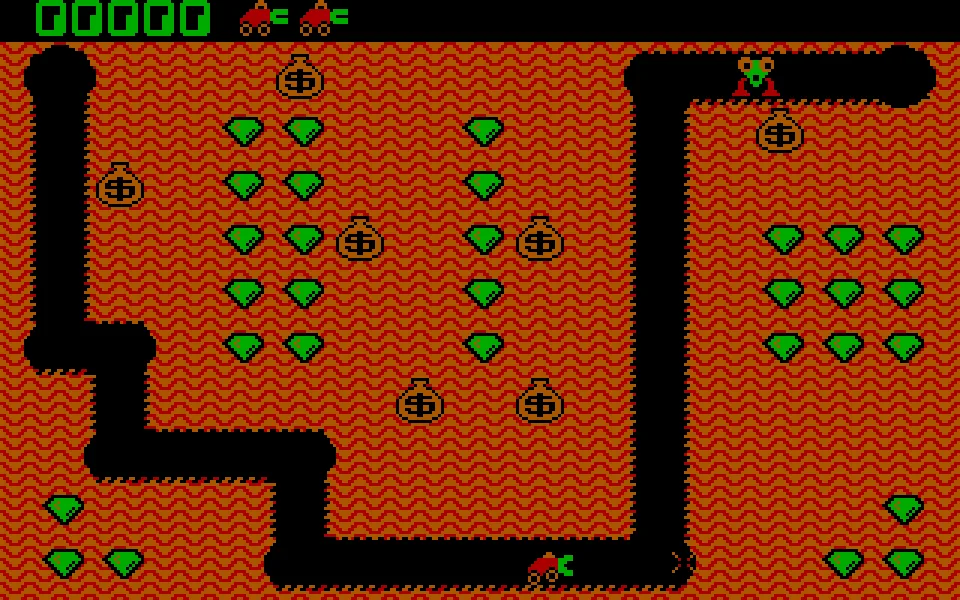
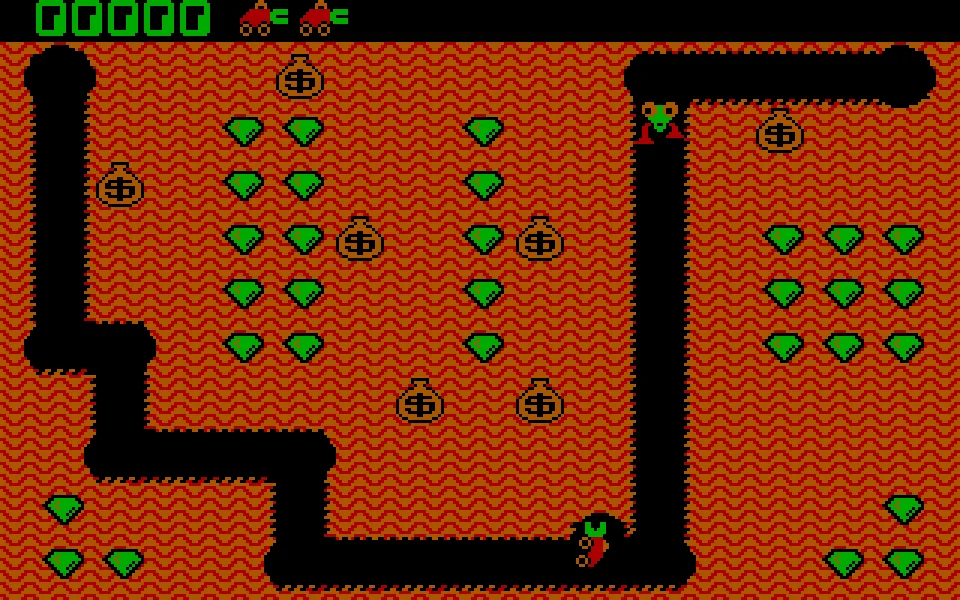
The excavator in Digger carves its own path through a mine of emeralds, sacks, and creatures that won't let it work in peace. The arrow keys let you move through existing tunnels or dig new ones. Collecting a row of gems seems simple until an enemy shows up in the passage you just dug.
Windmill Software published the game for IBM PC in 1983. The executable in this copy identifies the studio in its copyright, although the name of the RetroBat ZIP mistakenly mentions Millennium Interactive. Gameplay confirms that this is Windmill's Digger: a digging vehicle, green emeralds, and Nobbins enemies, with CGA graphics and PC speaker sound.
Digging also changes your escape routes
A new passage can bring you close to several gems and leave you trapped between a sack and a pursuer. Before turning, look at what is above you and where you will be able to get out. Sacks fall when they lose their support; using them against enemies requires stepping aside in time. The F1 fireball works as a defense, but it doesn't regenerate instantly.
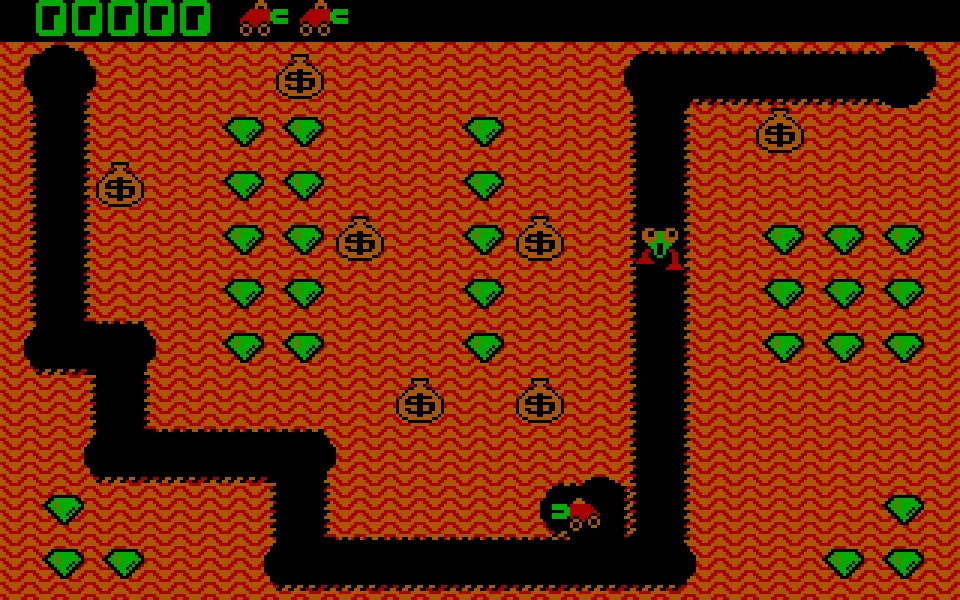
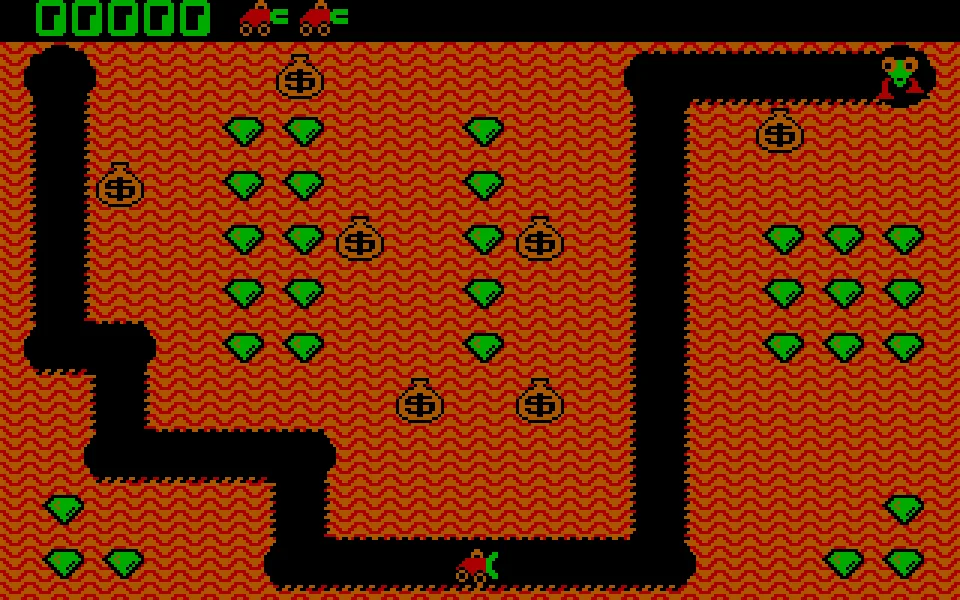
Levels are cleared by collecting all the emeralds or eliminating the enemies. Here, deciding on the route matters as much as carrying it out. In our test game, we started with the keyboard, dug in several directions, collected gems, and used F1; the open tunnels remain visible and the points go up as you collect them.
Original, DOS copy, and documentation
The original commercial edition started from its own floppy disk. What RetroBat contains is a DIGGER.COM executable that runs under DOS, set up here to start directly in DOSBox. It has not been replaced with Digger Remastered: that later recreation adds features that should not automatically be attributed to the 1983 copy.
The ZIP also includes a DIGGERS.DOC file devoted to another game, Diggers. We keep it inside the original download, but we do not use it as a Digger manual or as a source for its controls. Nor do we associate the Amiga title of the same name, which describes a different adventure with a character named Bob.
EVERY PIXEL COUNTS
The game in pictures.
Explore the screenshots and open every detail at full size.
GET READY FOR YOUR NEXT GAME
Choose your download.
Format, compatibility and server. All in view.
Clicking opens the CLABA loading area and, in a few seconds, your download. If a link fails, let us know via Contact or in the forum.
Your game starts here
Play in your browser.
Pick, press and go back to the classics without leaving the game page.
RetrogamingRight in your browserNo installation
MS-DOSIn your browser
Digger
Your next game starts here.
- 27 KB · downloads on click
- Save the game's files
- Keyboard, controller or touch
Controls
Click the game to use the keyboardOn mobile, play with the on-screen controller- ↑←↓→
- move and dig
- F1
- fireball
- Space
- pause
- F7
- music
- F9
- sound
- Full screen
Use the button on the bar. Esc returns to the game page; “Exit” closes the game.
- Saves
Save keeps the files the game creates, not the exact moment. Save inside the game, then press Save.
- Mobile and tablet
Press Controls during the game to show buttons and keyboard. Gamepad support depends on the browser.
Saves live in this browser and device. Clearing the site data deletes them too.
THE SECRET SIDE OF THE GAME
Tips, tricks and secrets.
A hint at the right time. A code that changes everything.
Tip: save the shot for a tough spot
The F1 fireball needs time to regenerate. Use it when an enemy blocks your passage, instead of spending it constantly when you could escape by another route.
Tip: don't stay under the sack
Opening a tunnel beneath a bag can help you eliminate a pursuer, but it also endangers your digger. Have a sideways exit ready before you remove the support.
Tip: avoid opening dead ends
Before digging toward an isolated gem, check how you are going to get back. A short detour can be safer than getting trapped between a bag and an enemy.
No matches. Try another effect or code.
THE NEXT STEP, CLEARER
Guides to move forward.
From the first installation to that mission that won't give in.
Starting the keyboard game
Open Play online and click Play now. When the Digger title appears, press a key to start with the keyboard. The four arrow keys move the digger and F1 launches a fireball.
Reading the terrain before digging
Look for a route through the emeralds that has an exit. If you are going to dig beneath a sack, leave room to retreat to one side before it falls. The passages you open can also serve as a path for your pursuers.
Pause, sound, and version
Digger lets you pause with Space. F7 toggles the music and F9 toggles music and effects, according to the original instructions. The player bar offers its own sound, pause, and restart controls; those buttons belong to the browser and do not change the downloadable copy.
Sources and the right documentation
The RetroBat executable was compared with the Digger title screen and with the original Windmill instructions, preserved by Andrew Jenner. His Digger Remastered site explains the difference from the 1998 recreation. The DIGGERS.DOC file in the ZIP is not documentation for this game.
Something wrong?
Give us a hint.
A broken link, a detail to correct or a game that won't start. Your report helps keep this game page up to date.
Get in touchReport an issue with this game Discuss it in the forumCLABA ARCADE ROOM
This one and 206 more
play here.
When you finish your game, the room has other machines switched on.
Enter the roomTHE CLABA APP1.0 RC 1
Take the archive
with you.
Game pages, online play and your shelf on Android. Free, no sign-up.
ARCHIVE SECRETS
Did you know?
- The internal copyright of DIGGER.COM identifies Windmill Software; the name of the RetroBat file mistakenly mentions another studio.
- The original version was distributed on a bootable floppy disk; this download contains a DOS executable.
- DIGGERS.DOC, included in the same ZIP, is about Diggers and does not describe this game.