Unknown developer · Other
ROBBOX
Logic puzzles and arcade action with a robot that upgrades its abilities, in 3D with more than 50 levels. English and Spanish repack, original and translation.
Game released in 2007 for PC, in Spanish and English. Available to download.
— no rating yet
THE CLABA ARCHIVE
Inside the game.
Its history, its ideas and the reasons to come back.
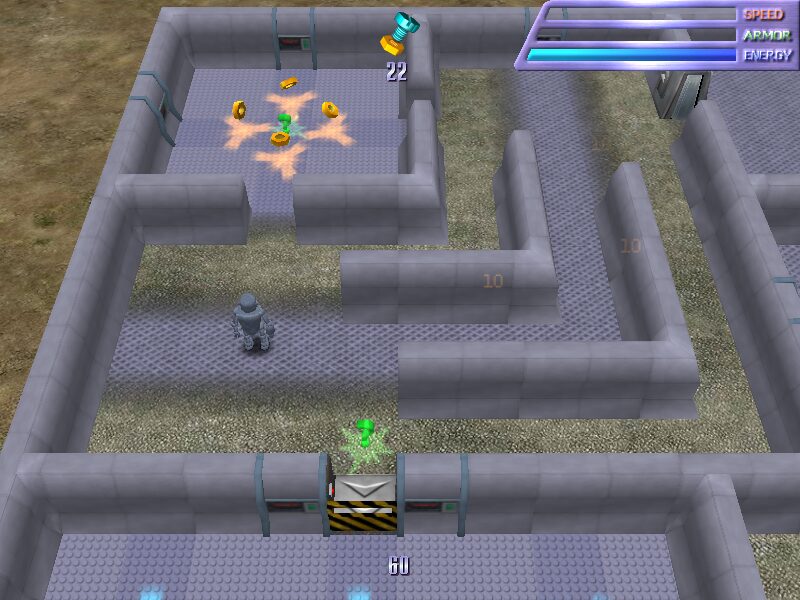
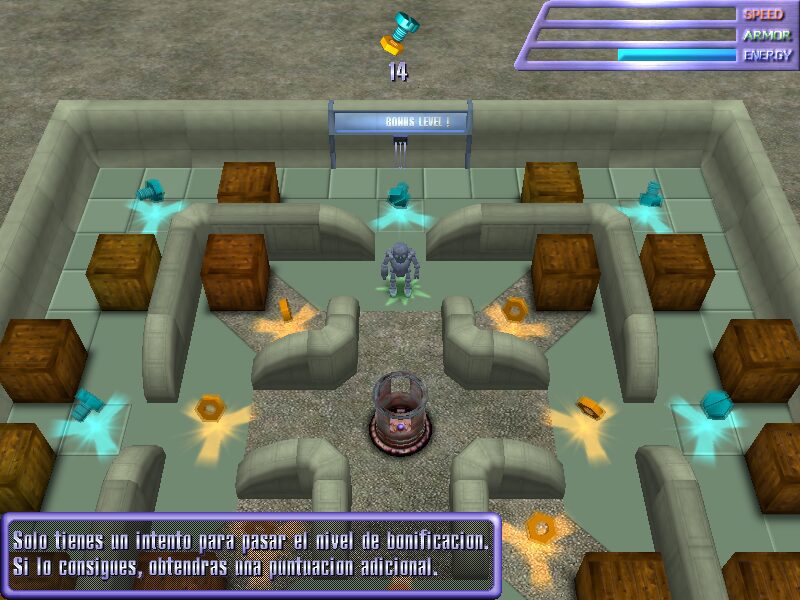
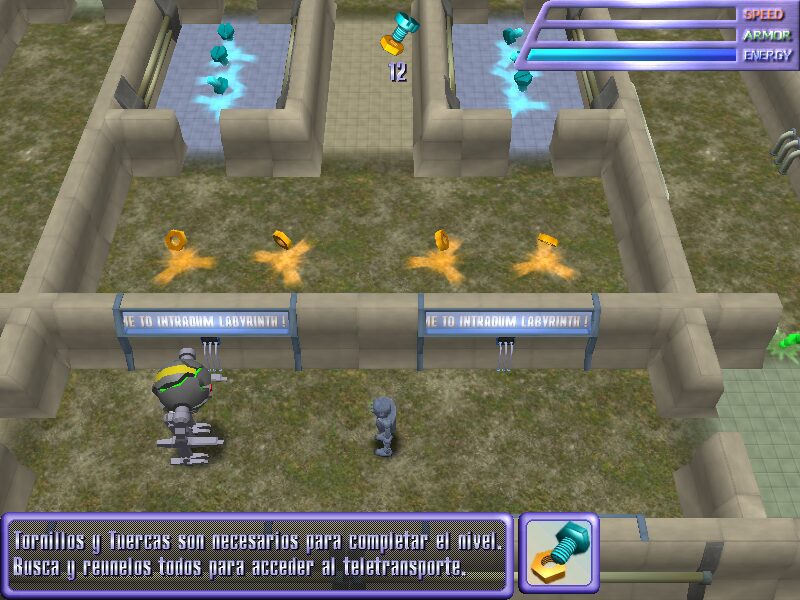
A little robot, a maze full of traps and a contest that only the cleverest wins. Robbox is one of those 2007 casual games that mix puzzles and reflexes, with a 3D camera, meant to make you think before stepping on the wrong button.
What Robbox is
It is a robot-themed puzzle game, published by Realore Studios in 2007 and developed, according to the My Abandonware database, by Artfrost. The original description presents it as a blend of logic and classic arcade: you start from a simple robot and aspire to be the winner of the maze contest. The description that accompanies the Internet Archive copy sums it up differently, and amounts to the same thing: you have to prove you have built the smartest robot. With that simple premise, the game asks you to combine the ingenuity of a puzzle with the steady hand of an arcade game, and it rewards you for taking care of your robot.
How it plays
The game takes place in a three-dimensional space through which you can move your robot freely, and it is also seen from a top-down perspective in My Abandonware’s classification. But wandering around is not enough: to win you have to solve increasingly convoluted logic tasks. As you drive well, the robot improves its abilities, so there is a progression side: picking up upgrades and using them wisely is what lets you face tougher rivals and challenges. According to the description, there are more than 50 levels, with music and sound effects throughout the adventure.
Between puzzle and arcade
If you like the logic puzzles of The Incredible Machine or Lemmings, Robbox will feel familiar in the essentials: it is about thinking up the solution before carrying it out. The difference is that here you directly control a robot inside a 3D environment, so the arcade part, moving with precision, counts for as much as the reasoning. We have not found period reviews that place it in more detail, so we prefer not to invent comparisons.
The edition we offer
In Downloads there are three files. The repack is in English and Spanish, prepared for Windows XP and later. You also have the original English version and, separately, a Spanish translation 1.0, for those who prefer to install the original game and then apply the Spanish texts. The repack already includes both languages; the translation is available separately for anyone who wants to use it with the original copy.
If you want to know more about getting it to work, in Guides you have the first launch, the controls and the sources, and in Tips & tricks, gameplay tips. Since it is a 2007 niche title, documentation is scarce; that is why in the guides we separate what we know from what we do not. For modern machines, our tutorial on Windows XP classics on Windows 10 and 11 (in Spanish) will help you with compatibility.
EVERY PIXEL COUNTS
The game in pictures.
Explore the screenshots and open every detail at full size.
GET READY FOR YOUR NEXT GAME
Choose your download.
Format, compatibility and server. All in view.
Download Repack
COMPATIBILITYWindows XP / 7 / 10 ✓ At no cost✓ No sign-up Download www.mediafire.com · New tab MediaFire02 OriginalDownload Original
COMPATIBILITYWindows XP / 7 / 10 ✓ At no cost✓ No sign-up Download www.mediafire.com · New tab MediaFire03 OriginalSPANISH TRANSLATION
FORMATOriginal ✓ At no cost✓ No sign-up Download www.mediafire.com · New tabClicking opens the CLABA loading area and, in a few seconds, your download. If a link fails, let us know via Contact or in the forum.
THE SECRET SIDE OF THE GAME
Tips, tricks and secrets.
A hint at the right time. A code that changes everything.
Tip · no known codes
We have not found reliable cheats or codes for Robbox in any source, and we do not make them up to fill space. Instead, here are gameplay tips based on the title’s own description: upgrade your robot’s abilities, and think through each solution before moving.
Tip · upgrades matter
The game’s description insists that if you drive well, the robot improves its abilities and that the upgrades turn you into a threat to your rivals. Always pick up the ones you find and be clear what they are for before spending them.
Tip · think before you move
The game mixes logic and arcade, and its puzzles reward thinking before acting. Before you rush in, study each scenario carefully and plan your route.
Tip · original version or repack
If you do not need the Spanish texts, the original English copy is the most faithful. If you want the Spanish texts, the repack includes them already applied, and translation 1.0 can be applied separately.
No matches. Try another effect or code.
THE NEXT STEP, CLEARER
Guides to move forward.
From the first installation to that mission that won't give in.
Start here · first launch on a current PC
- In Downloads choose the English and Spanish repack, which is the most convenient; the English original and translation 1.0 are for those who prefer to assemble it by hand.
- Install it to a short path, such as
C:\Juegos\Robbox, outsideProgram Files. - Run the game from the shortcut created by the installer. If the machine is modern and the picture does not look right, try Windows XP compatibility mode in the executable’s properties.
If you want to keep your progress, our tutorial explains how to copy and restore save games (in Spanish); look for the game’s data folder inside its installation path.
Controls
We have no reliable key layout documented for Robbox, so the prudent thing is to check the game’s own options menu, where the assigned controls usually appear. What we do know is that the robot moves freely through a three-dimensional space.
First steps · strategy
- Start with the first levels to learn what each upgrade does.
- According to the description, the robot improves its abilities the better you drive it: do not rush and look for the clean route.
- When a puzzle has you stuck, go back and check whether you have left any upgrade uncollected.
Technical notes
The copy preserved on the Internet Archive takes up about 530 MB and dates from 2007, the era of Windows XP and Vista. To install the original game on current systems, the safest route is the repack. If something fails, a My Abandonware user mentions errors when installing the original copy with a file called magicdeque.cox; the repack avoids that step.
Sources
- My Abandonware · Robbox: year, publisher, developer, genre and perspective.
- Internet Archive · ROBBOX: description, publisher and image size.
- The original game page on this site: plot, number of levels and available editions.
Something wrong?
Give us a hint.
A broken link, a detail to correct or a game that won't start. Your report helps keep this game page up to date.
Get in touchReport an issue with this game Discuss it in the forumCLABA ARCADE ROOM
251 classics
without installing anything.
Don't feel like installing? These play right in your browser.
Enter the roomTHE CLABA APP1.0 RC 1
Take the archive
with you.

Game pages, online play and your shelf on Android. Free, no sign-up.
ARCHIVE SECRETS
Did you know?
A label of its own. Robbox came out in 2007 under the Realore Studios label, according to My Abandonware, and is cataloged as a robot-themed puzzle game.
A 530 MB disc. The ISO image preserved by the Internet Archive takes up about 530 MB, a considerable size for a casual game of the period.
A maze contest. The original description frames the game as a contest: you go from being just any robot to winner of the maze championship.
More than 50 levels. The game’s presentation speaks of more than fifty logic levels, with 3D graphics, music and sound effects.