Softdisk Publishing · Other
Accordion
Accordion is the solitaire game by George Leritte and Softdisk for DOS, published in 1990. This RetroBat copy keeps its menus and instructions in English.
— no rating yet
THE CLABA ARCHIVE
Inside the game.
Its history, its ideas and the reasons to come back.
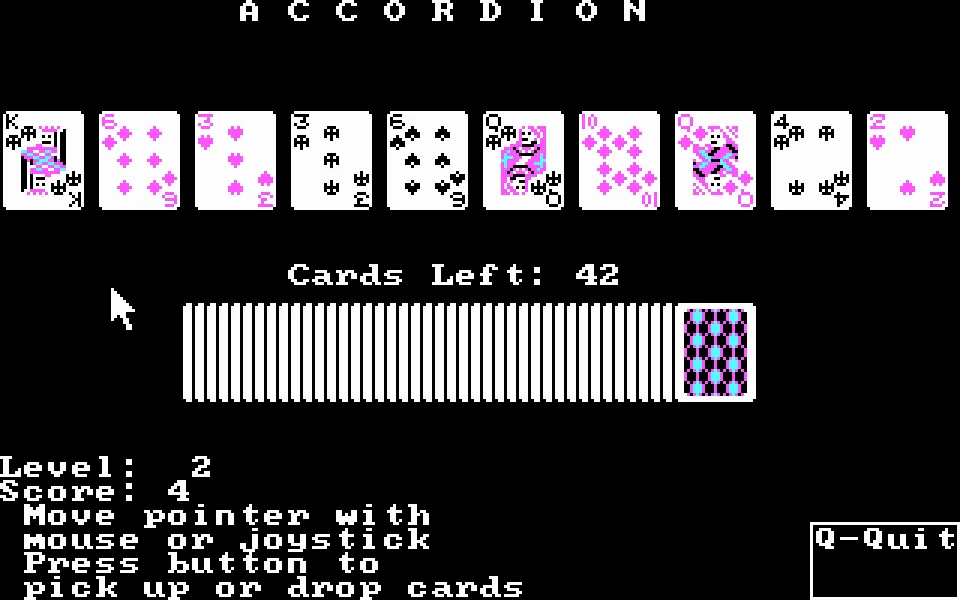
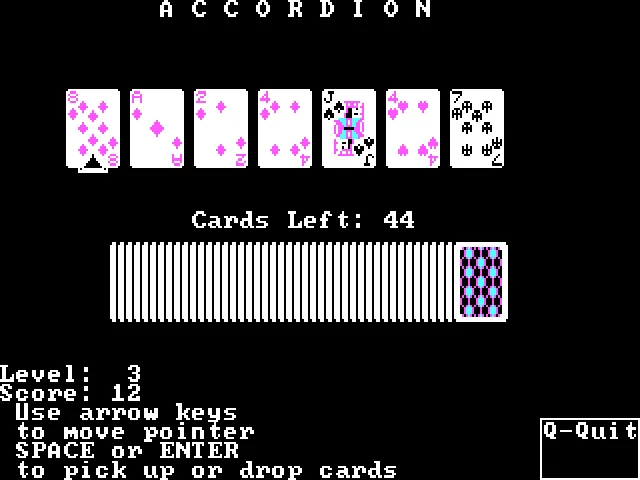
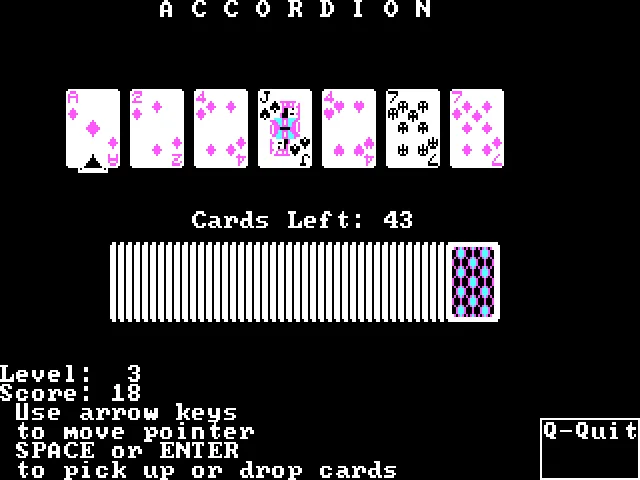
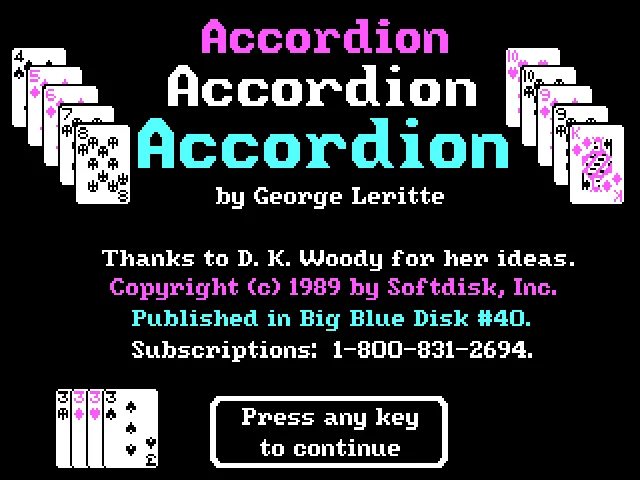
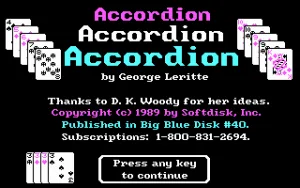
In Accordion, the table keeps compressing as new cards arrive. George Leritte is credited with this solitaire game for DOS, published by Softdisk in Big Blue Disk #40, February 1990. The title screen shows a 1989 copyright and thanks D. K. Woody for ideas.
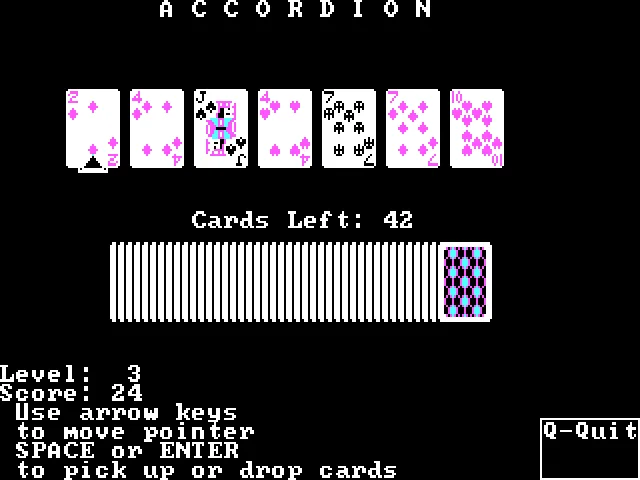
The goal is to gather the cards into a single pile. You can move a card, along with any cards beneath it, onto one of the two piles immediately to its left when the suit or the value of the top card matches. After a valid move, another card from the deck appears, until the deck runs out.
Choosing the layout and moving the piles
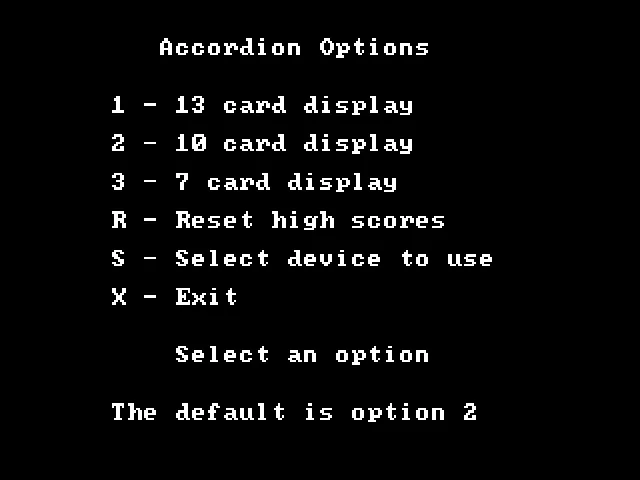
The menu offers a starting layout of thirteen, ten, or seven cards. With the keyboard, the arrow keys move the pointer, and Space or Enter let you pick up and put down cards. The scoreboard shows the level, the score, and the cards left to deal.
An easy match can close off the path to another suit. It pays to check the piles that remain to the right before compressing part of the row. The original title screen and the screenshots on this game page come from RetroBat's DOS copy.
EVERY PIXEL COUNTS
The game in pictures.
Explore the screenshots and open every detail at full size.
GET READY FOR YOUR NEXT GAME
Choose your download.
Format, compatibility and server. All in view.
Clicking opens the CLABA loading area and, in a few seconds, your download. If a link fails, let us know via Contact or in the forum.
Your game starts here
Play in your browser.
Pick, press and go back to the classics without leaving the game page.
RetrogamingRight in your browserNo installation
MS-DOSIn your browser
Accordion
Your next game starts here.
- 35 KB · downloads on click
- Save the game's files
- Keyboard, controller or touch
Controls
Click the game to use the keyboardOn mobile, play with the on-screen controllerTeclado del ordenador. En pantallas táctiles, abre Controles durante la partida para ver botones y teclado.
- Full screen
Use the button on the bar. Esc returns to the game page; “Exit” closes the game.
- Saves
Save keeps the files the game creates, not the exact moment. Save inside the game, then press Save.
- Mobile and tablet
Press Controls during the game to show buttons and keyboard. Gamepad support depends on the browser.
Saves live in this browser and device. Clearing the site data deletes them too.
THE SECRET SIDE OF THE GAME
Tips, tricks and secrets.
A hint at the right time. A code that changes everything.
Tip: keep connections between suits
Before moving a card, check whether it leaves a card of the same suit isolated farther to the right. An immediate match can remove the link you needed to gather the last piles.
Tip: check the whole row
After a move, don't keep looking only at the pile you just grew. The new card and the shifting of the piles can open up matches elsewhere on the table.
No matches. Try another effect or code.
THE NEXT STEP, CLEARER
Guides to move forward.
From the first installation to that mission that won't give in.
Choosing keyboard and layout
Press a key on the title screen. K selects keyboard and M offers mouse. Options 1, 2, and 3 choose thirteen, ten, and seven cards, respectively.
Making a move with the keyboard
Use the arrow keys to move the pointer to the card you want to move. Press Space or Enter to pick it up, move to the destination pile, and confirm again. The destination must be one or two positions to the left and share suit or value.
Following the deck
Each valid move reduces the pending cards and changes the table. Don't confuse the cards left to deal with the number of visible piles. Check which new matches the last card has created before repeating a move.
Sources and download
The download preserves the files and documentation of the DOS edition. The rules and controls are described in ACORDION.TXT. The publication date of Big Blue Disk #40 is cross-checked with MobyGames.
Something wrong?
Give us a hint.
A broken link, a detail to correct or a game that won't start. Your report helps keep this game page up to date.
Get in touchReport an issue with this game Discuss it in the forumCLABA ARCADE ROOM
This one and 214 more
play here.
When you finish your game, the room has other machines switched on.
Enter the roomTHE CLABA APP1.0 RC 1
Take the archive
with you.
Game pages, online play and your shelf on Android. Free, no sign-up.
ARCHIVE SECRETS
Did you know?
- The title screen confirms its publication in Big Blue Disk #40, even though it keeps the previous year's copyright.
- The executable is called ACORDION.EXE, with a single c in that part of the name.
- The title screen credits George Leritte and thanks D. K. Woody for ideas.