L. Scott Emmons · Other
Autobots
Autobots is L. Scott Emmons's turn-based robot-chase game for DOS from 1989. This RetroBat copy keeps its on-screen text in English.
— no rating yet
THE CLABA ARCHIVE
Inside the game.
Its history, its ideas and the reasons to come back.
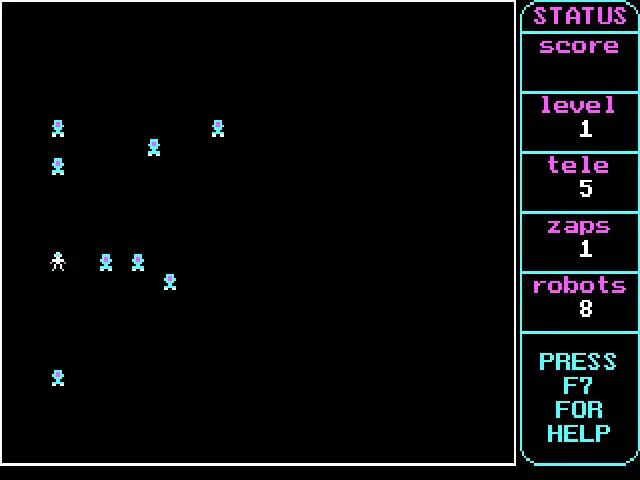
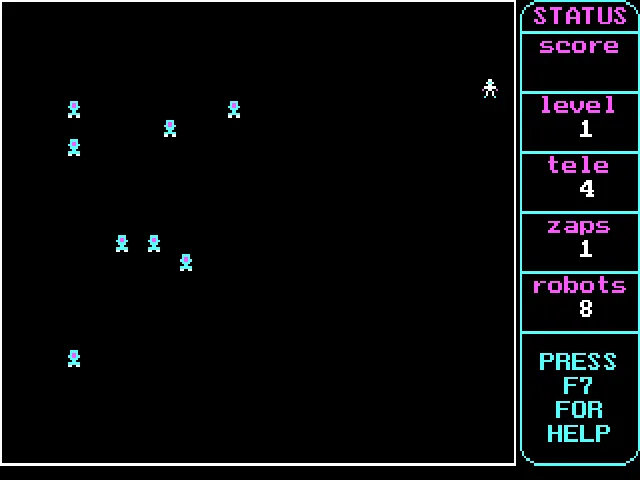
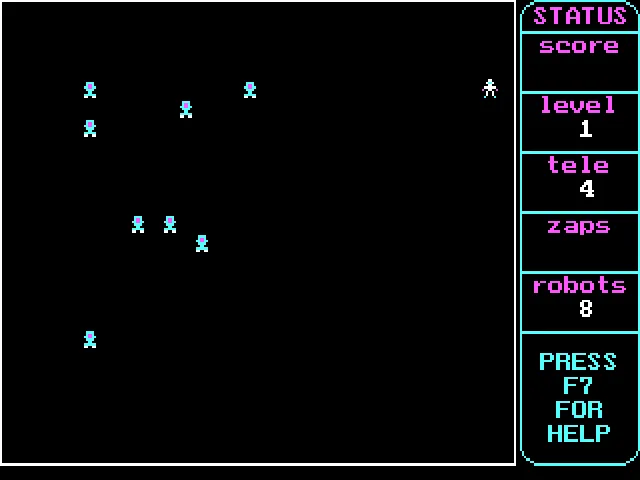
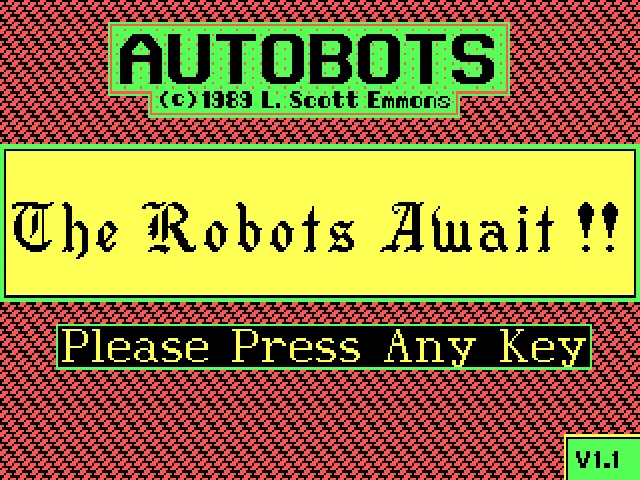
The robots close in every time you take a step. In Autobots, by L. Scott Emmons for DOS, your character must get the machines to crash into each other before they catch up. The title screen shows the 1989 copyright, and the download preserves the documentation for version 1.1p.
The board uses CGA graphics and reserves one column for the game status. There you will find the score, the level, the robots remaining, and the teleport and zapper reserves. Moves are resolved turn by turn: before pressing another direction, you can study how the enemies have positioned themselves.
Turning the chase into a trap
The robots follow the character's position. When they collide they leave wrecks that can be used to destroy other machines. Simply running away is not enough: you want to plan routes that force several enemies to share a square or run into an obstacle.
F1 lets you teleport and F2 uses the zapper against nearby robots. The game begins with five teleports and one zapper. Spending these resources can open an escape route, but it pays to look at the board's new layout before moving again.
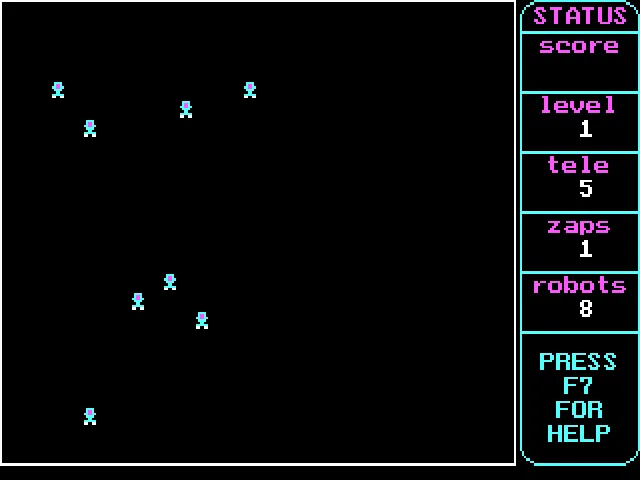
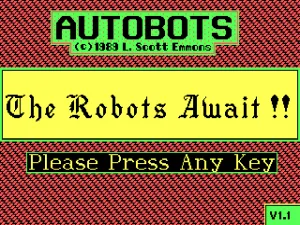
The RetroBat collection labels the file as Actobots. The title and the program's documentation confirm Autobots, which is the name used on this game page. The identifying image and the background reproduce its original title screen; the other screenshots come from a game session on this copy.
EVERY PIXEL COUNTS
The game in pictures.
Explore the screenshots and open every detail at full size.
GET READY FOR YOUR NEXT GAME
Choose your download.
Format, compatibility and server. All in view.
Clicking opens the CLABA loading area and, in a few seconds, your download. If a link fails, let us know via Contact or in the forum.
Your game starts here
Play in your browser.
Pick, press and go back to the classics without leaving the game page.
RetrogamingRight in your browserNo installation
MS-DOSIn your browser
Autobots
Your next game starts here.
- 29 KB · downloads on click
- Save the game's files
- Keyboard, controller or touch
Controls
Click the game to use the keyboardOn mobile, play with the on-screen controllerTeclado del ordenador. En pantallas táctiles, abre Controles durante la partida para ver botones y teclado.
- Full screen
Use the button on the bar. Esc returns to the game page; “Exit” closes the game.
- Saves
Save keeps the files the game creates, not the exact moment. Save inside the game, then press Save.
- Mobile and tablet
Press Controls during the game to show buttons and keyboard. Gamepad support depends on the browser.
Saves live in this browser and device. Clearing the site data deletes them too.
THE SECRET SIDE OF THE GAME
Tips, tricks and secrets.
A hint at the right time. A code that changes everything.
Tip: set up a collision line
Look for a position that makes two robots converge. After a collision, check whether the wrecks have created a new obstacle you can use against the next pursuers.
Tip: check where the teleport lands
After pressing F1, stop before your next move. The new square may give you room to escape, but the robots' arrangement has changed and calls for a different route.
No matches. Try another effect or code.
THE NEXT STEP, CLEARER
Guides to move forward.
From the first installation to that mission that won't give in.
Starting and moving
Press a key on the title screen. The arrow keys move the character, and each move makes the robots advance. Look at the board after each command: holding a direction down can chain together turns you hadn't calculated.
Teleport and zapper
F1 changes the character's position and reduces the teleport reserve. F2 acts against robots on adjacent squares. The counters on the right let you check which resources remain before attempting another maneuver.
Letting the robots advance
F3 or Space lets you wait one move without changing squares. F4 advances the remaining moves; use it only when the arrangement already favors collisions between enemies, because they can also reach the character.
Keeping the download files together
The game needs AUTOBOTS.EXE, AUTOBOTS.DAT, CGA.BGI, and TRIP.CHR together; AUTOBOTS.DOC contains the original documentation. The download keeps all five files. The rules, the keys, and the author's name are cross-checked against that document and the program itself.
Something wrong?
Give us a hint.
A broken link, a detail to correct or a game that won't start. Your report helps keep this game page up to date.
Get in touchReport an issue with this game Discuss it in the forumCLABA ARCADE ROOM
This one and 212 more
play here.
When you finish your game, the room has other machines switched on.
Enter the roomTHE CLABA APP1.0 RC 1
Take the archive
with you.
Game pages, online play and your shelf on Android. Free, no sign-up.
ARCHIVE SECRETS
Did you know?
- The file was labeled Actobots, but the program and its documentation are titled Autobots.
- The title screen indicates V1.1 and the documentation labels the release as 1.1p.
- The original help explains that the wrecks of destroyed robots can also eliminate other enemies.