Presearch Incorporated · Strategy
Air Trax
Air Trax is the air traffic control game by Richard Kram and Michael Bongiovi for DOS, published by Presearch in 1983. This copy is in English.
Strategy game by Presearch Incorporated (1983) for MS-DOS, in English. Playable in your browser or downloadable.
— no rating yet
THE CLABA ARCHIVE
Inside the game.
Its history, its ideas and the reasons to come back.
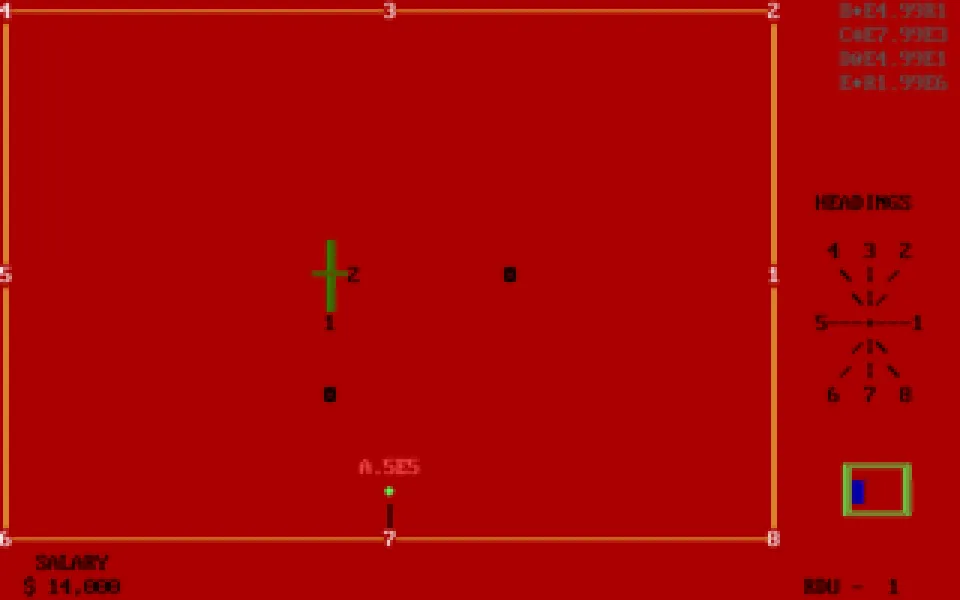
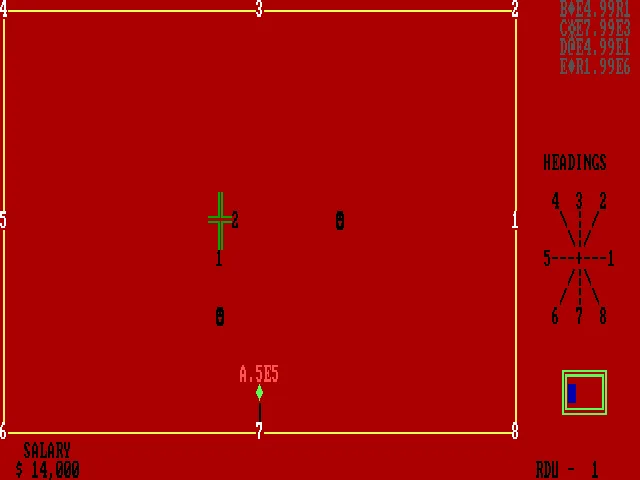
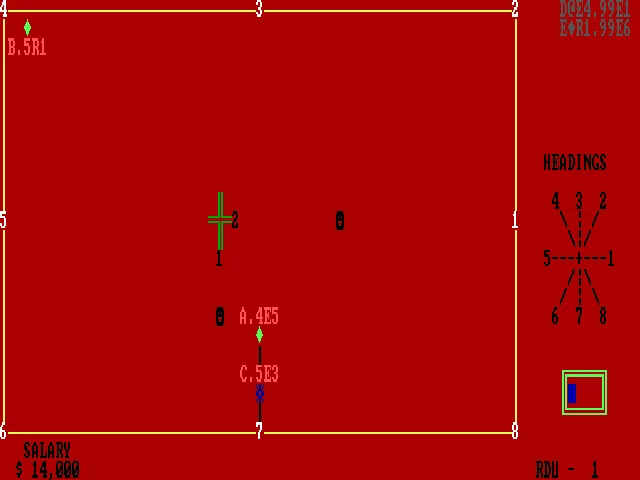
One plane enters at the edge of the radar and another needs to reach a runway. In Air Trax you direct the traffic with keyboard commands: change altitude, turn, land, or take off. Richard Kram and Michael Bongiovi developed the program for Presearch Incorporated. The executable identifies version 1.00 and the date October 27, 1983.
Each aircraft has a letter and a status line. The altitude figure represents thousands of feet; the destination indicates an exit at the edge or a runway. Commands take effect over the following updates, so a turn or a descent is not necessarily completed at the instant you type it.
Separating traffic before it crosses
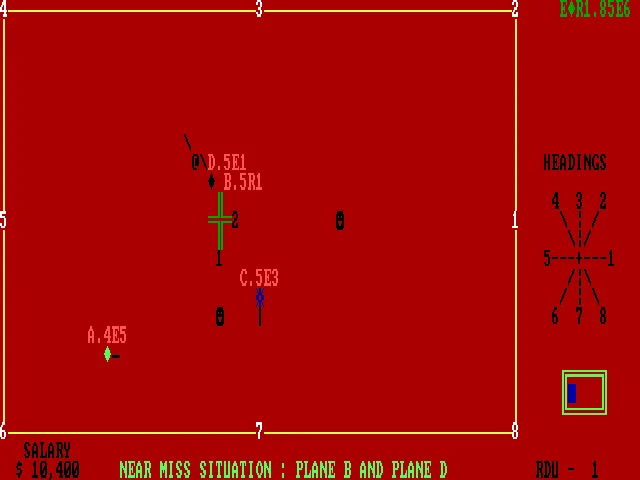
The radar shows the runways, the exits, and a heading reference. The balance appears as a salary, and proximity warnings flag conflicts between aircraft. Giving the right command to one plane does not stop two others from closing in on each other: you have to watch the whole screen.
The F1 to F6 keys let you adjust the time between updates. F8 stops the action and shows a table of commands. This edition keeps its instructions in English and requires the command letters to be entered in uppercase.
EVERY PIXEL COUNTS
The game in pictures.
Explore the screenshots and open every detail at full size.
GET READY FOR YOUR NEXT GAME
Choose your download.
Format, compatibility and server. All in view.
Clicking opens the CLABA loading area and, in a few seconds, your download. If a link fails, let us know via Contact or in the forum.
Your game starts here
Play in your browser.
Pick, press and go back to the classics without leaving the game page.
RetrogamingRight in your browserNo installation
MS-DOSIn your browser
Air Trax
Your next game starts here.
- 13 KB · downloads on click
- Save the game's files
- Keyboard, controller or touch
Controls
Click the game to use the keyboardOn mobile, play with the on-screen controller- N
- continue
- Enter
- first board
- F6
- slow
- F8
- pause/help
Caps Lock: turn on capital letters. AD4: descend A to 4,000 feet.
- Full screen
Use the button on the bar. Esc returns to the game page; “Exit” closes the game.
- Saves
Save keeps the files the game creates, not the exact moment. Save inside the game, then press Save.
- Mobile and tablet
Press Controls during the game to show buttons and keyboard. Gamepad support depends on the browser.
Saves live in this browser and device. Clearing the site data deletes them too.
THE SECRET SIDE OF THE GAME
Tips, tricks and secrets.
A hint at the right time. A code that changes everything.
Tip: check the altitudes
Two flight paths can cross without sharing an altitude. Check the figures for both planes before ordering a turn, and wait for the altitude change you requested to finish.
Tip: watch all the planes
After correcting one route, check the others. Proximity warnings may refer to aircraft other than the one you just controlled.
No matches. Try another effect or code.
THE NEXT STEP, CLEARER
Guides to move forward.
From the first installation to that mission that won't give in.
Startup and uppercase
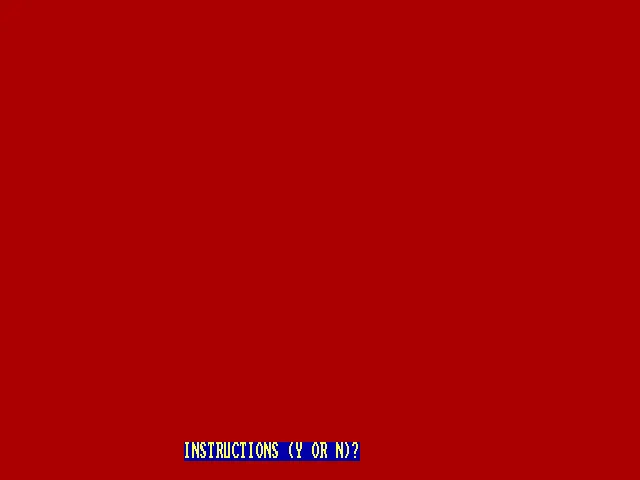
Press a key on the title screen and turn on Caps Lock. Y opens the instructions and N lets you continue. If a prompt for a board code appears, press Enter to start with the first one. Commands in this copy must be entered in uppercase.
Giving a command to a plane
Start with the letter that identifies the aircraft. AD4 orders plane A to descend to 4,000 feet. AW5 requests a clockwise turn to heading 5. Watch the following updates to check the new altitude and the flight path.
Pause and speed
F6 leaves six seconds between updates; F1 speeds them up to one second. F8 shows the table of commands and pauses the planes. A key lets you go back. Start slowly so you have time to check the status lines.
Original instructions
The built-in help explains altitudes, turns, landings, and takeoffs. C continues through its pages and S lets you exit them. The download preserves the original executable; the background and screenshots on this game page come from the program itself.
Something wrong?
Give us a hint.
A broken link, a detail to correct or a game that won't start. Your report helps keep this game page up to date.
Get in touchReport an issue with this game Discuss it in the forumCLABA ARCADE ROOM
This one and 250 more
play here.
When you finish your game, the room has other machines switched on.
Enter the roomTHE CLABA APP1.0 RC 1
Take the archive
with you.

Game pages, online play and your shelf on Android. Free, no sign-up.
ARCHIVE SECRETS
Did you know?
- The executable dates version 1.00 to October 27, 1983.
- The scoreboard uses a salary as the score.
- F8 combines pausing the game with a table of commands.