
Bill Williams · Platformer
Alley Cat
Alley Cat is Bill Williams's 1984 action game for IBM PC. It includes the RetroBat DOS copy, English text and keyboard play in your browser.
— no rating yet
THE CLABA ARCHIVE
Inside the game.
Its history, its ideas and the reasons to come back.
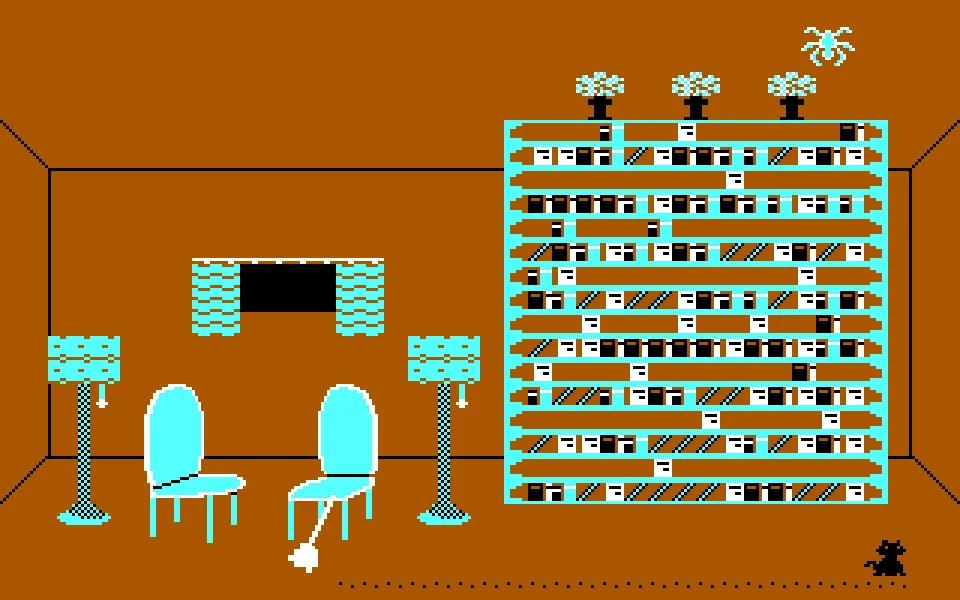
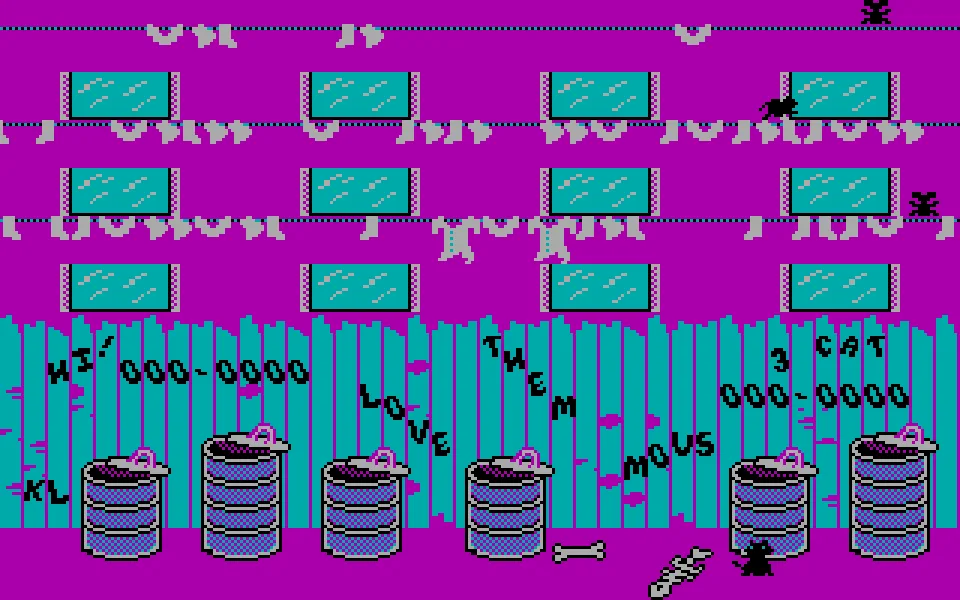
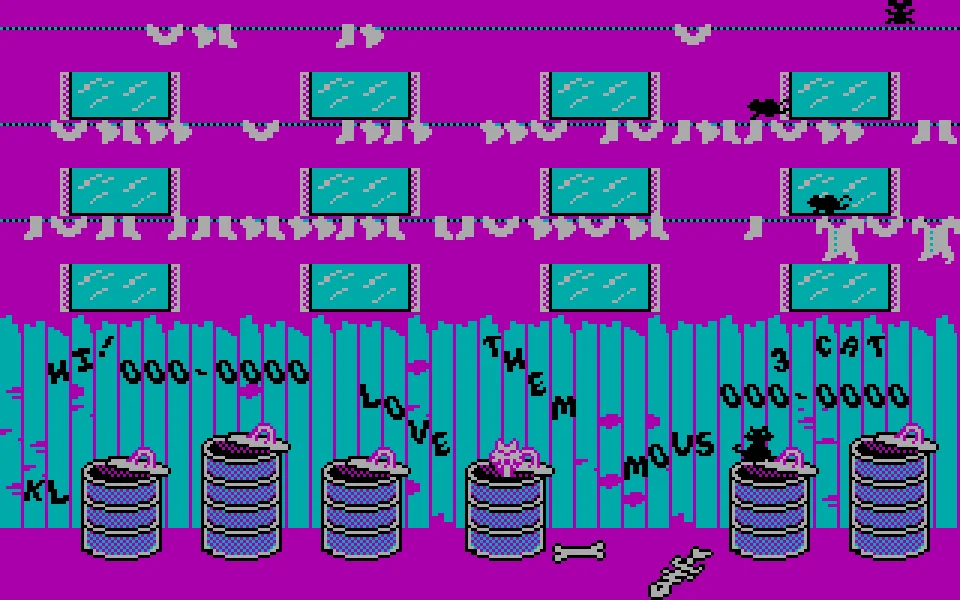
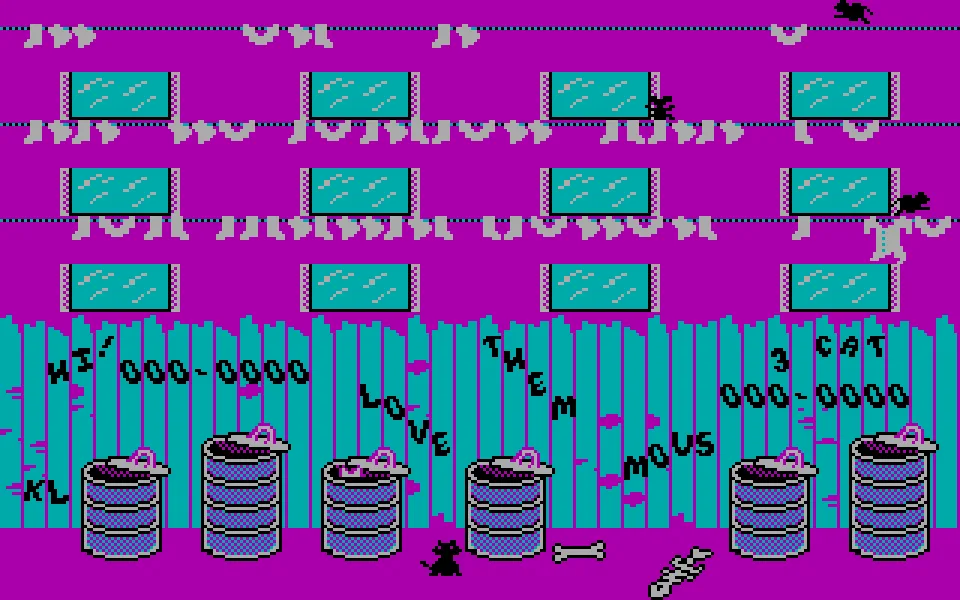
Freddy lives in an alley where even the laundry is a way to get around. In Alley Cat you have to climb onto the trash cans, reach the ropes, and slip through an open window. Dogs patrol below and the neighbors throw objects from the apartments. You don't need to leave that courtyard to discover that the life of an alley cat involves quite a bit of work.
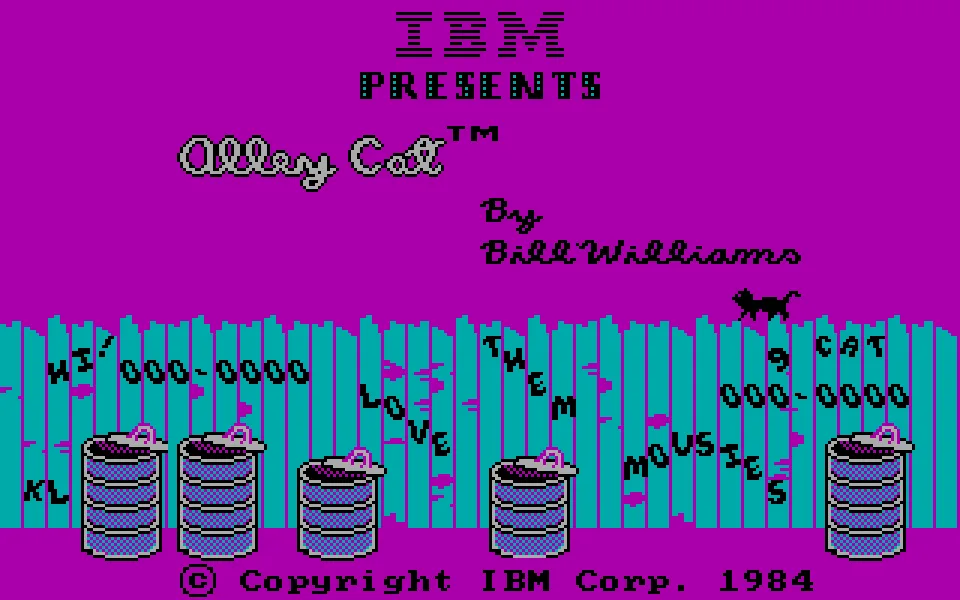
Bill Williams is the author of this 1984 IBM PC version, whose title screen shows the IBM name. The edition for Atari eight-bit computers appeared earlier; the PC copy keeps the small household challenges and a CGA palette in which magenta takes over the building. Here we offer the DOS executable from RetroBat, with its screens in English.
The jump matters more than the rush
The arrow keys move the cat. To jump to one side, combine up with left or right; doing so after taking a run-up helps reach farther spots. Each window leads to a different situation, and completing the tasks lets you move toward the meeting with the female cat waiting in the building. The rooms change the rules of that small course, so it pays to observe before leaping.
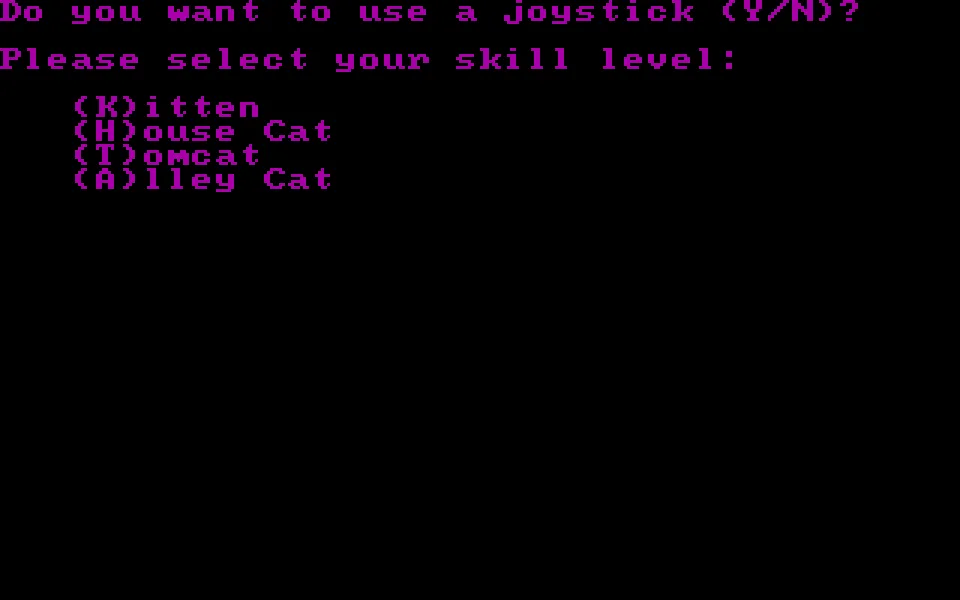
In testing this copy we started with keyboard and the Kitten difficulty. The startup sequence has several steps: one key closes the title screen, N rejects the joystick, K selects the easiest level, and another key starts the game. The selection is not made with the number keys.
The edition played here
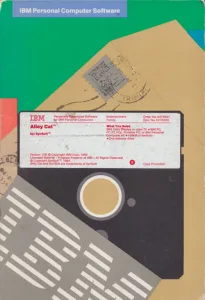
The RetroBat package contains a single file, ALLYCAT.EXE, which is kept unmodified. For the browser we pair it with a CGA configuration at a fixed speed.
The C64 game called Alley Cat, published by Solar Software, has a different protagonist and a different course. Sharing a name does not make it an edition of this title. Bill Williams's Atari version is documented separately when it is added to this game page.
EVERY PIXEL COUNTS
The game in pictures.
Explore the screenshots and open every detail at full size.
GET READY FOR YOUR NEXT GAME
Choose your download.
Format, compatibility and server. All in view.
Clicking opens the CLABA loading area and, in a few seconds, your download. If a link fails, let us know via Contact or in the forum.
Your game starts here
Play in your browser.
Pick, press and go back to the classics without leaving the game page.
RetrogamingRight in your browserNo installation
MS-DOSIn your browser
Alley Cat
Your next game starts here.
- 31 KB · downloads on click
- Save the game's files
- Keyboard, controller or touch
Controls
Click the game to use the keyboardOn mobile, play with the on-screen controller- N
- keyboard
- K
- Kitten difficulty
- ↑←↓→
- move; up with left/right: side jump
- Full screen
Use the button on the bar. Esc returns to the game page; “Exit” closes the game.
- Saves
Save keeps the files the game creates, not the exact moment. Save inside the game, then press Save.
- Mobile and tablet
Press Controls during the game to show buttons and keyboard. Gamepad support depends on the browser.
Saves live in this browser and device. Clearing the site data deletes them too.
THE SECRET SIDE OF THE GAME
Tips, tricks and secrets.
A hint at the right time. A code that changes everything.
Tip: start on Kitten
Select K on the difficulty menu. The initials H, T, and A correspond to more demanding levels; to learn the jumps, Kitten lets you concentrate on reaching the first platforms.
Tip: set up the side jump
Position yourself beside the foothold and get a running start before pressing up together with the direction. Watch where the jump ends and adjust your next attempt; jumping from the same spot without correcting your position repeats the mistake.
No matches. Try another effect or code.
THE NEXT STEP, CLEARER
Guides to move forward.
From the first installation to that mission that won't give in.
Starting with the keyboard and Kitten difficulty
Click Play online and then Play now. Wait for the title screen; one key lets you exit it. When asked about the joystick, press N. Choose K for Kitten and press another key to start. If it doesn't respond, click on the game screen to give it focus.
Climbing up from the alley
Use left and right to get into position. Combine up with a sideways direction to jump toward the garbage cans, the fence, and the hanging laundry. It's best to test the distance of the jumps near the ground first before looking for a window.
Sources
Esta ficha corresponde al Alley Cat de Bill Williams, con ejecutable ALLYCAT.EXE para PC. Las instrucciones originales de Synapse se conservan en Atarimania y describen la edición Atari; no se trasladan aquí sus teclas de consola. La reconstrucción técnica de la versión PC documenta el arranque y sus controles.
Something wrong?
Give us a hint.
A broken link, a detail to correct or a game that won't start. Your report helps keep this game page up to date.
Get in touchReport an issue with this game Discuss it in the forumCLABA ARCADE ROOM
This one and 206 more
play here.
When you finish your game, the room has other machines switched on.
Enter the roomTHE CLABA APP1.0 RC 1
Take the archive
with you.
Game pages, online play and your shelf on Android. Free, no sign-up.
ARCHIVE SECRETS
Did you know?
- The title screen of the PC copy shows Bill Williams's name and the 1984 IBM copyright.
- The difficulty levels are selected with their English initials: Kitten, House Cat, Tomcat, and Alley Cat.
- The C64 Alley Cat is a different game from Solar Software, not a conversion of Bill Williams's title.


