Mc Rakaska · Other
Chess
An early IBM PC chess program based on the work of M. C. Rakaska.
Game by Mc Rakaska (1981) for MS-DOS. Playable in your browser or downloadable.
— no rating yet
THE CLABA ARCHIVE
Inside the game.
Its history, its ideas and the reasons to come back.
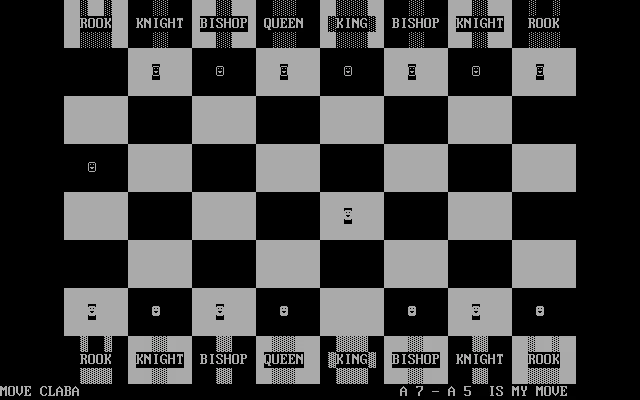
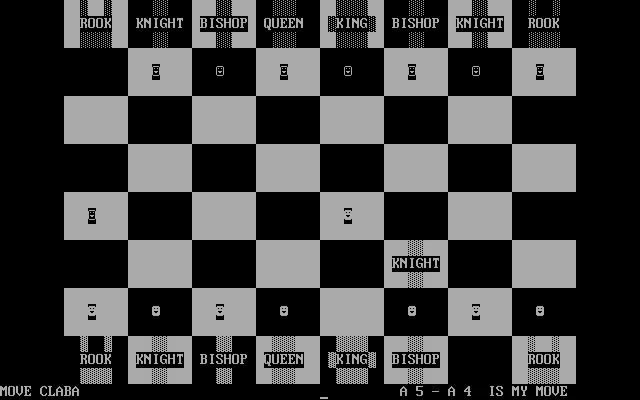
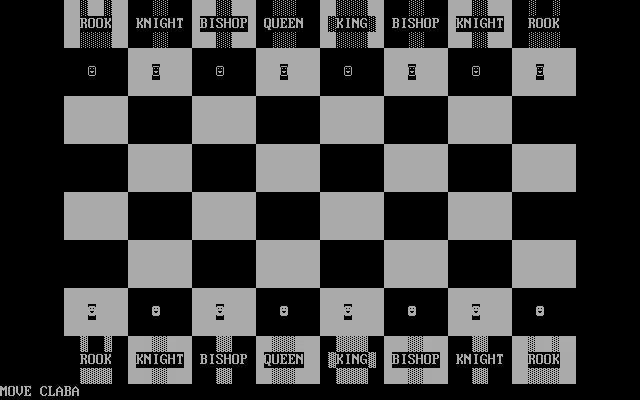
Chess offers a game against the computer on a monochrome board with piece names drawn on the screen. This edition credits the program to M. C. Rakaska and its IBM PC adaptation to S. W. Huggins in 1981.
At startup you can choose whether to read instructions, enter your name, select a level and choose the white pieces. To move, enter the starting and destination squares in capitals, for example E2E4, and confirm with Enter. Wait for the computer to display its reply before making your next move.
EVERY PIXEL COUNTS
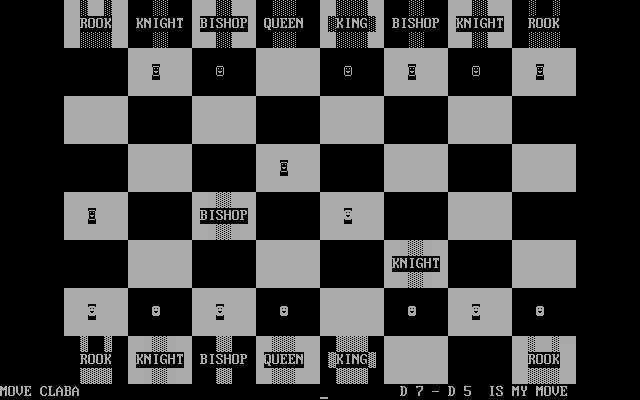
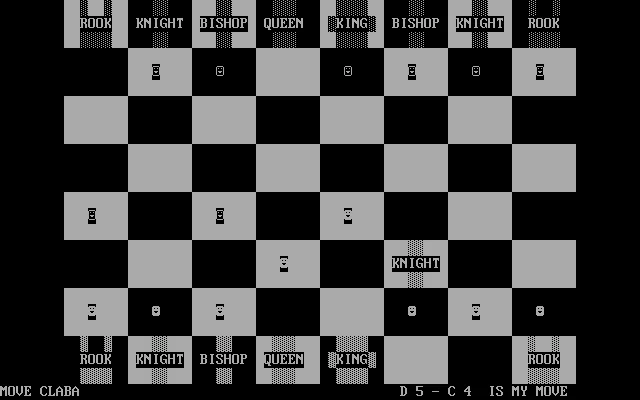
The game in pictures.
Explore the screenshots and open every detail at full size.
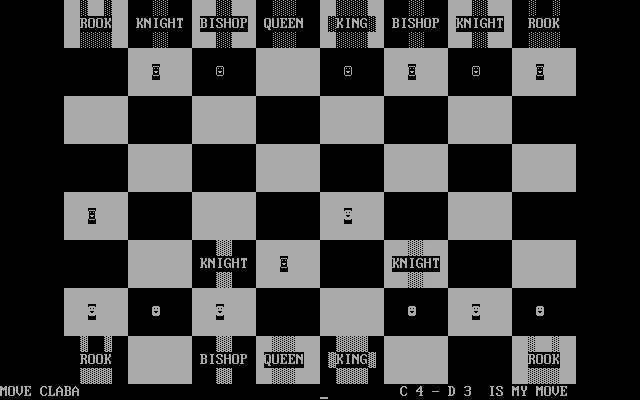
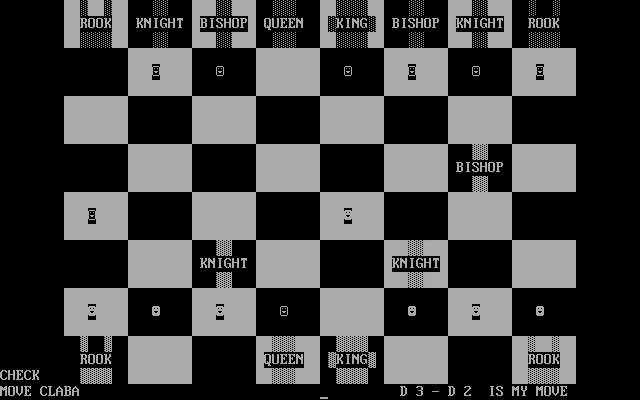
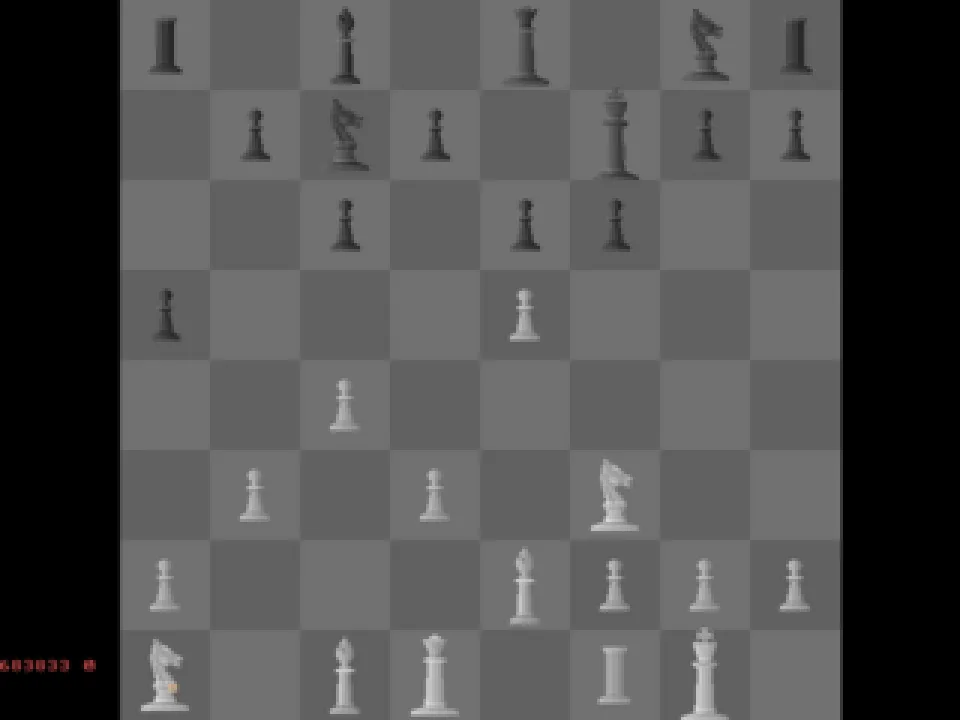
GET READY FOR YOUR NEXT GAME
Choose your download.
Format, compatibility and server. All in view.
Clicking opens the CLABA loading area and, in a few seconds, your download. If a link fails, let us know via Contact or in the forum.
Your game starts here
Play in your browser.
Pick, press and go back to the classics without leaving the game page.
RetrogamingRight in your browserNo installation
MS-DOSIn your browser
Chess
Online play uses the MS-DOS version; the game page and main download remain the PC one.
- 23 KB · downloads on click
- Save the game's files
- Keyboard, controller or touch
Controls
Click the game to use the keyboardOn mobile, play with the on-screen controllerAnswer N to instructions, type your name and level 1, and answer Y to play White. Enter starting and destination squares in capitals, for example E2E4, and press Enter.
- Full screen
Use the button on the bar. Esc returns to the game page; “Exit” closes the game.
- Saves
Save keeps the files the game creates, not the exact moment. Save inside the game, then press Save.
- Mobile and tablet
Press Controls during the game to show buttons and keyboard. Gamepad support depends on the browser.
Saves live in this browser and device. Clearing the site data deletes them too.
Something wrong?
Give us a hint.
A broken link, a detail to correct or a game that won't start. Your report helps keep this game page up to date.
Get in touchReport an issue with this game Discuss it in the forumCLABA ARCADE ROOM
This one and 612 more
play here.
When you finish your game, the room has other machines switched on.
Enter the roomTHE CLABA APP1.0 RC 1
Take the archive
with you.

Game pages, online play and your shelf on Android. Free, no sign-up.