Futura · Fighting
Best of the Best: Championship Karate
Fighting game by Futura for DOS, released in 1992. Kickboxing bouts, move selection and training in a preserved copy with English and French text.
Fighting game by Futura (1992) for MS-DOS (in English and French), Mega Drive, Game Boy and two other platforms. Playable in your browser (five versions) or downloadable.
Choose your version 5 platforms
— no rating yet
THE CLABA ARCHIVE
Inside the game.
Its history, its ideas and the reasons to come back.
Best of the Best: Championship Karate is a fighting game by Futura, published by Loriciel for DOS in 1992. Its bouts pit two kickboxers against each other in side view, with punches, kicks, short footwork and a referee in the ring. The preserved copy includes English and French text. The menu lets you prepare your boxer before choosing the next match.
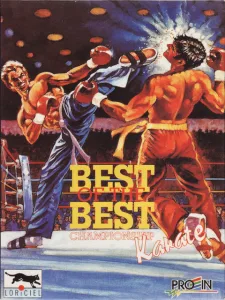
The title Championship Karate appears on the cover art, although the program also uses the gloves, techniques and presentation of kickboxing. The Spanish Loriciel and Proein box describes a game with practice, a choice of bouts and sixteen boxers. It also presents Best of the Best as a revision of Panza Kick Boxing.
Setting up the fight from the menu
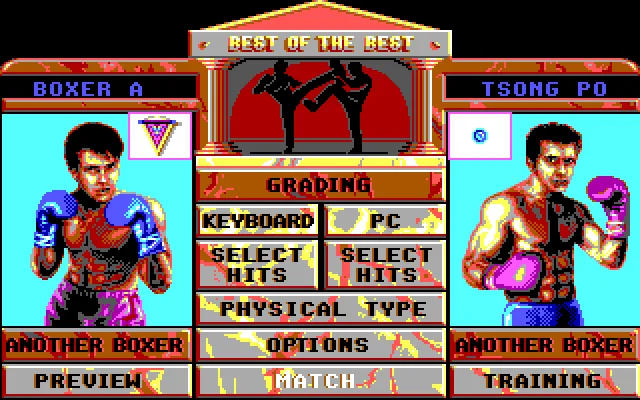
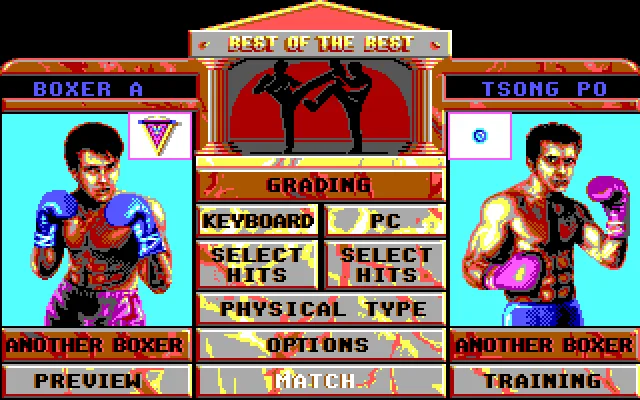
The menu shows the two fighters on either side of the options. In the tested DOS session, Boxer A appears on the left and Tsong Po on the right. Below the names are the indicators for the type of control. Keyboard lets you use the keyboard, and PC identifies the opponent controlled by the computer.
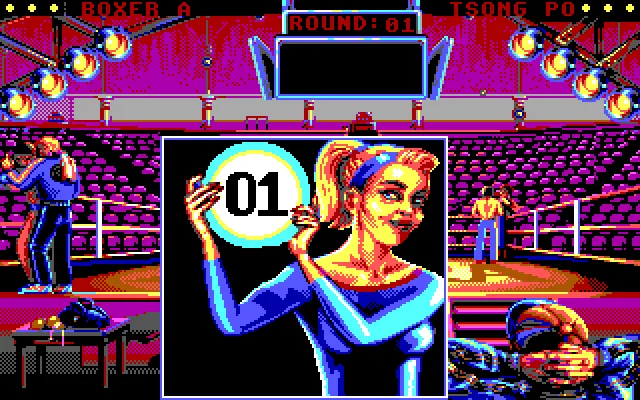
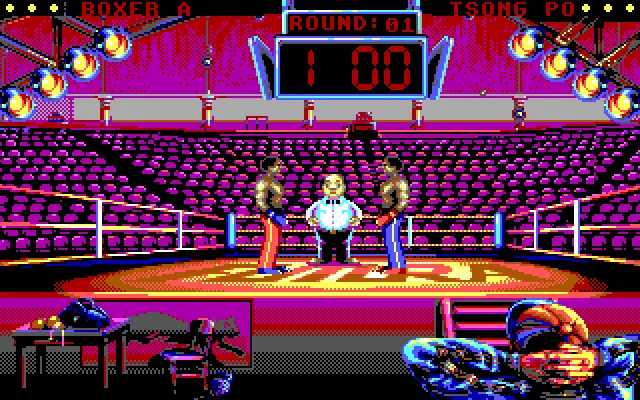
Match starts the bout. Before the fight, the Round 01 intro appears. The top scoreboard keeps the names of both boxers and leaves room for the round timer. The ring, the referee, the crowd and the spotlights fill the rest of the screen. The small indicators next to the names help you keep track of the fighters' condition.
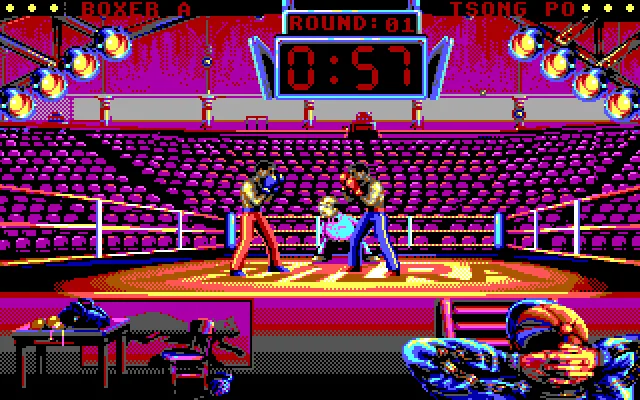
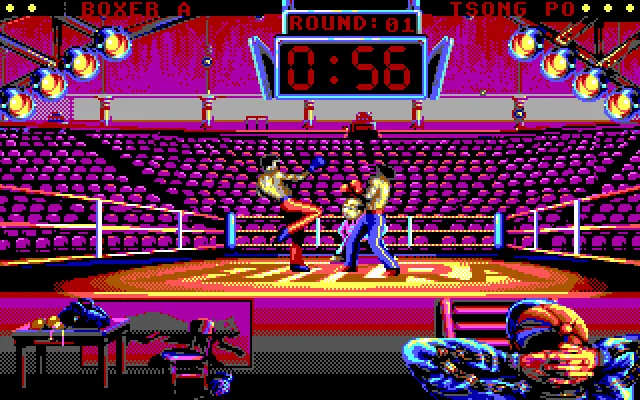
The browser test covers the start of a game, movement to both sides and a technique with Ctrl and Right. The images in the gallery show those actions in the DOS edition. The test uses the EGA graphics mode and the boot option without sound.
Distance and facing
The arrow keys let you give directions to the boxer when Keyboard is selected. Left and Right change your position in the ring. A short move can bring you closer to your opponent or leave space between you. It pays to watch the character's stance and your opponent's position before holding a direction.
Ctrl combines the direction with a technique. In the tested sequence, Ctrl and Right produces a kick from Boxer A toward Tsong Po. The reach of your blows matters. A technique thrown when the opponent is too far away can end without contact and give them time to close in.
The Select Hits section gathers the techniques available to each boxer. The manual included in the collection explains how to assign blows to the direction positions and to combinations with the action button. Changing that selection alters the character's repertoire and requires recognizing its moves again during the fight.
The gym and the fighter's attributes
Physical Type lets you check the boxer's attributes. The preparation distinguishes strength, stamina and reflexes. The manual links gym training to those three aspects and explains that the fighter's progress also depends on the results of the bouts.
Training offers the preparation activities. The manual describes work with weights, the jump rope and training targets. Each activity has its own rhythm and uses the direction controls. Before seeking out a tougher opponent, you can check the character's attributes and decide which part of the preparation you want to improve.
Another Boxer lets you browse other fighters. Grading shows the ranking. The menu also offers Preview to watch a demonstration bout. If you leave the menu untouched for a while, one of those demonstrations may start. Esc lets you leave the fight or the demonstration and return to the options.
The DOS copy
The original package contains eighty-seven files. It includes the main executable kick.exe, the launcher run.exe, the installer and the data folders. The download keeps the collection's ZIP. The browser adaptation uses the launcher that already came with that copy.
The original installation uses the directory C:\KICK. The installer also distributes images and data into subfolders. The prepared copy keeps the original files and adds the necessary installation copies, with identical content. The DOS configuration and the small startup file allow that process to be repeated from the player.
The Mega Drive (Genesis) edition is in the version selector on this game page. It has its own cartridge, presentation, controls and screenshots. The instructions for each version are kept in their own section so you can check the ones that match the game you chose.
ONE GAME, 5 PLATFORMS
Versions.
5 platforms1992–19935 playable online
Pick a platform: the screenshots, downloads and online game on this page switch with it.
- Year
- 1992
- Developer
- Futura
- Downloads
- 1
- Screenshots
- 7
The MS-DOS version is the one this page covers: the information, review and main screenshots are from this platform.
- Year
- 1993
- Downloads
- 1
- Screenshots
- 7
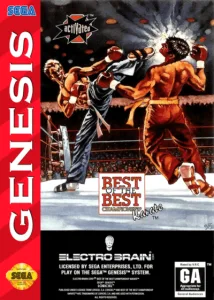
Best of the Best: Championship Karate for Mega Drive (Genesis) uses the championship presentation and the bouts between two kickboxers in profile view. This version has its own graphics, menus and console controls. The copy in the collection shows the game text in English and keeps the original game image inside its ZIP.
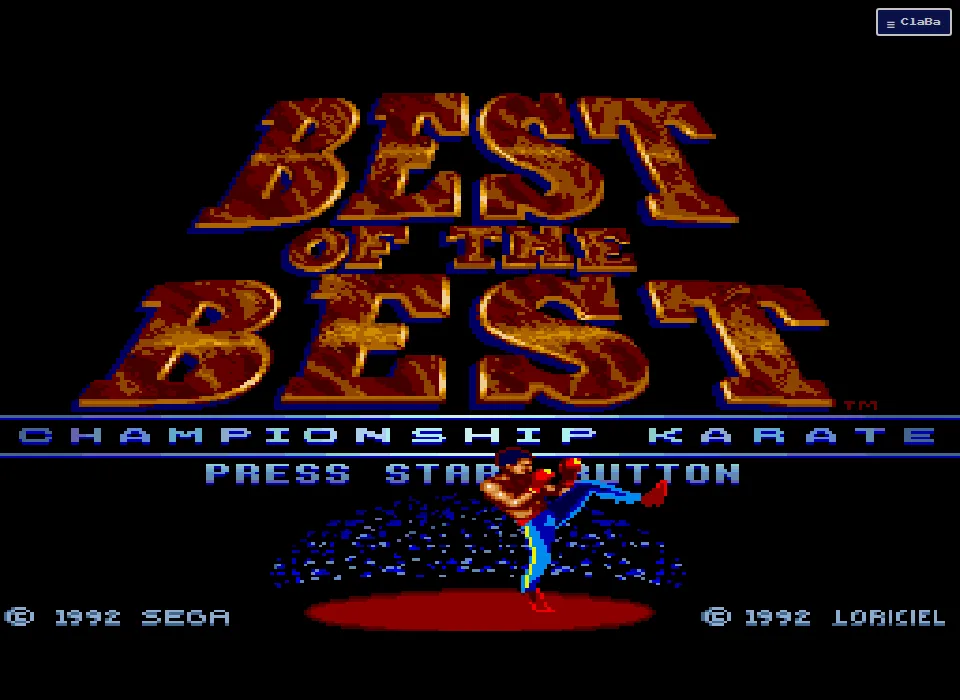
From the title screen to the first round
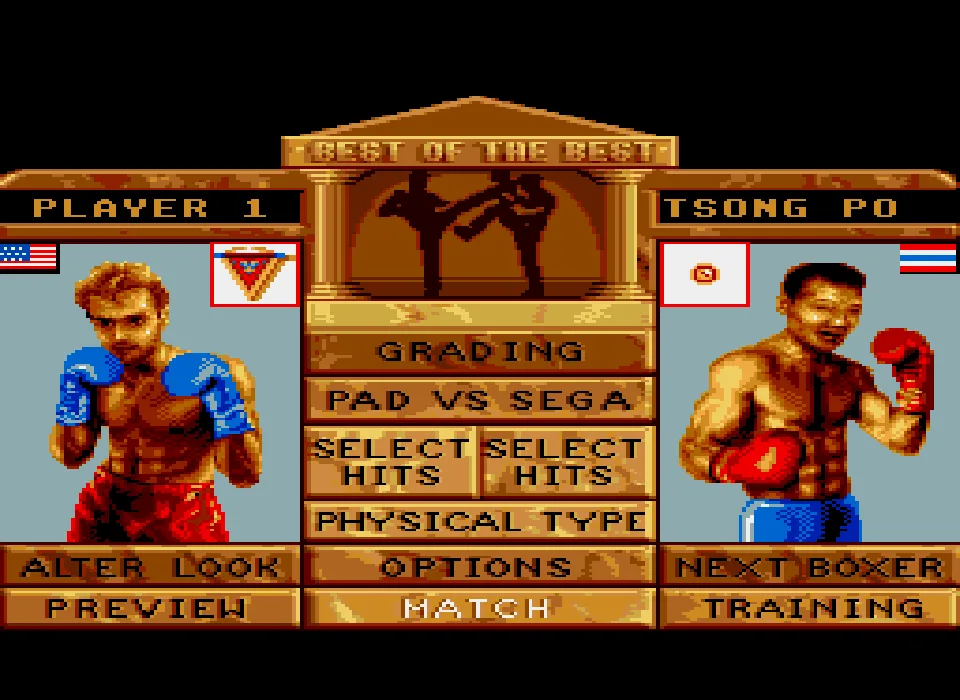
Wait at the title screen with Press Start Button and press Enter. The menu shows Player 1 on the left and Tsong Po on the right. Pad vs Sega indicates one player against the computer. Match lets you begin the bout, and Z confirms the selection in the test done with a keyboard.
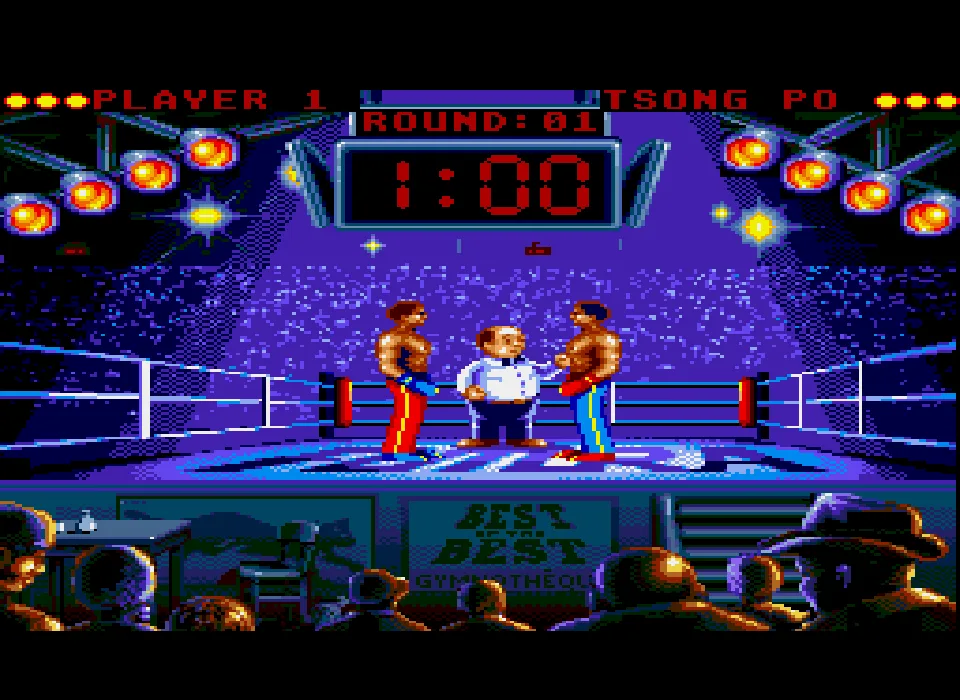
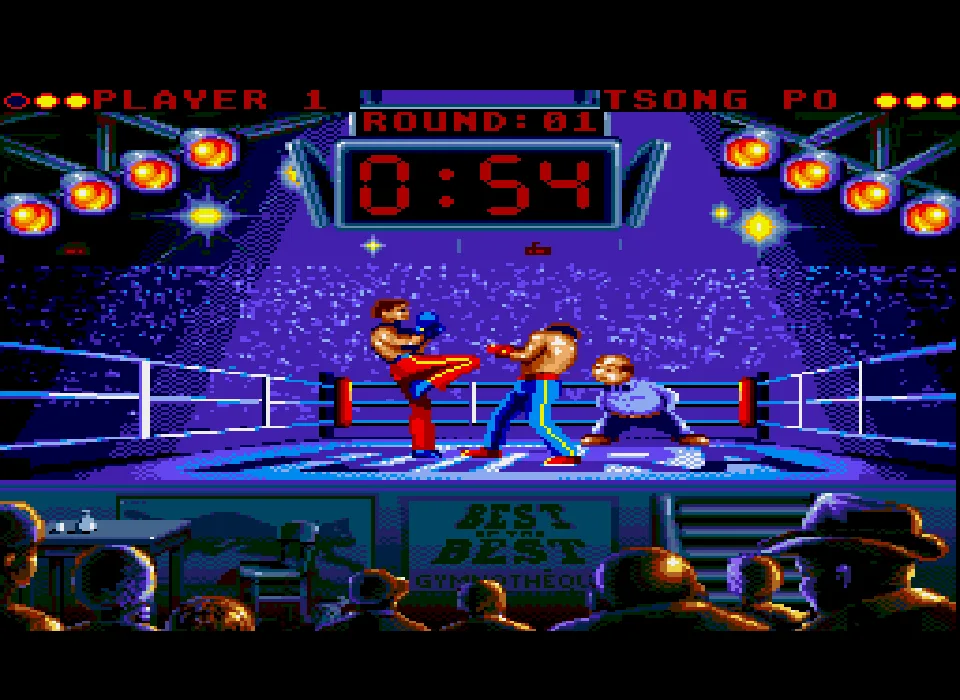
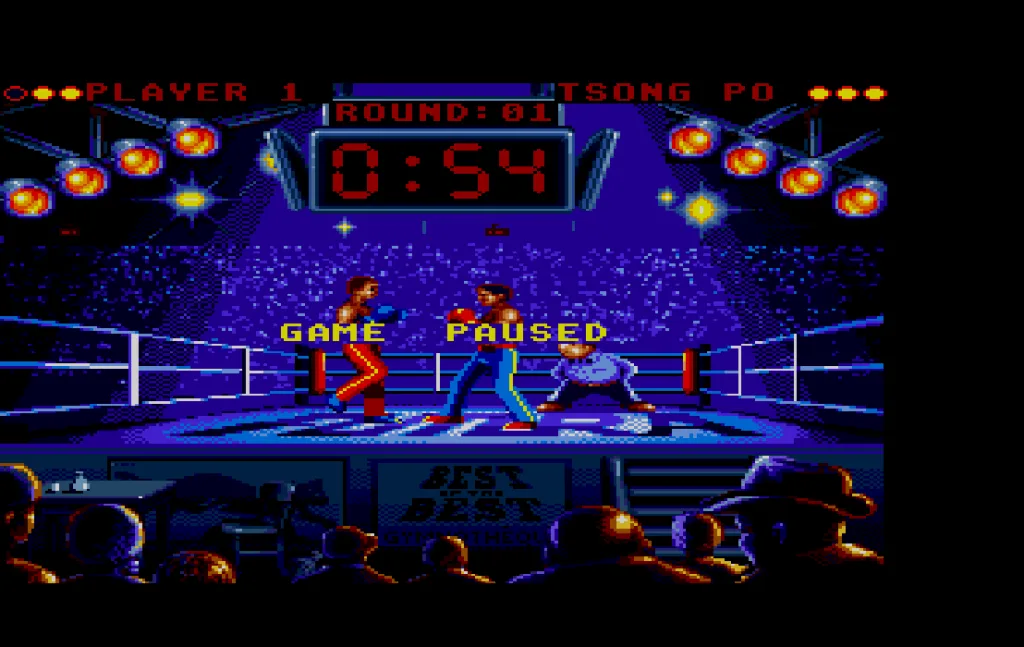
Before you can fight, the round introduction and the referee's cues appear. Wait for that entrance to finish. The scoreboard shows the time available for the round at the top of the ring. Check that the Game Paused message has disappeared before using the directional controls.
Preview lets you watch a demonstration. The menu can start one of those sequences if you leave it untouched. The gameplay check was done by entering Match expressly with Pad vs Sega selected.
Moving and combining a technique
The arrow keys represent the directions on the controller. Left and Right change the fighter's position in the ring. In the tested sequence, lateral movement was used and then an approach toward the opponent.
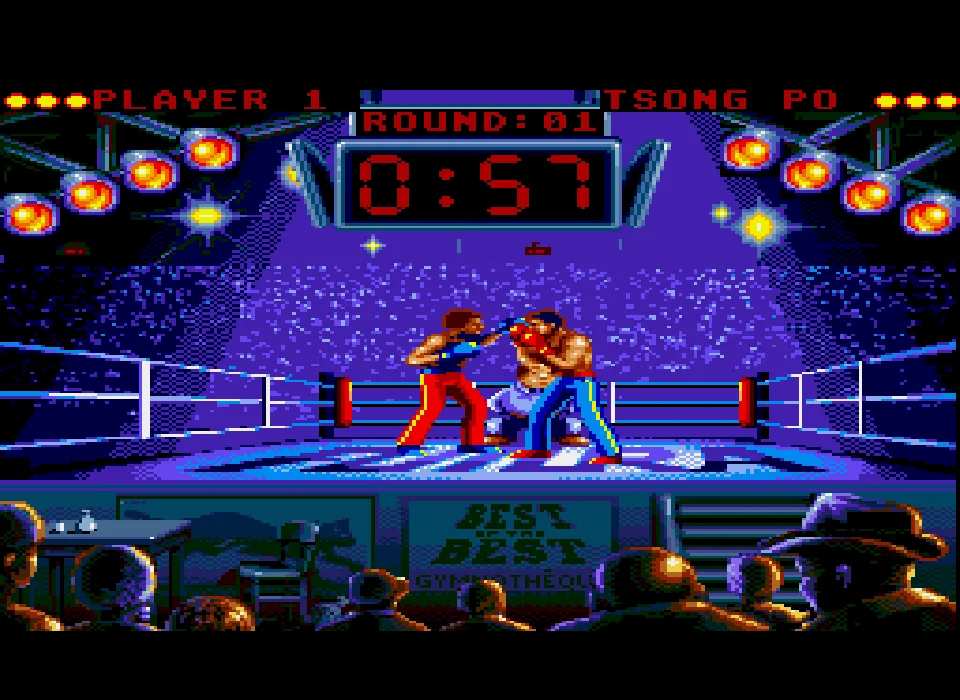
X combined with Right produces the technique shown in the gallery. The screenshot captures a kick from Player 1 toward the rival. The stance and the distance between the boxers show when the move begins and where its reach ends.
The repertoire depends on the techniques chosen in Select Hits. Physical Type shows the fighter's characteristics. The menu also offers Grading, Another Boxer, Options and Training. You can review those sections before returning to Match.
The console pause and the player pause
Enter corresponds to Start during the bout. Pressing it brings up Game Paused over the ring. Enter lets you continue. The pause button of ClaBa Player offers another way to halt the emulation while you check the instructions.
The screenshots for this edition come from the cartridge running in the browser. They include the menu, the referee's introduction, action from the bout and an image taken with the player's capture function. The verification covers startup, movement and the indicated technique.
The Mega Drive cartridge
The download keeps the original ZIP with a one-megabyte game image. The internal header identifies Best of the Best Championship Karate and the Sega Mega Drive console. This game page dates this edition to 1993. The title screen keeps the 1992 copyright that appears in the program itself.
The associated video shows the Mega Drive edition kept in the collection. To use the download outside the site you need an emulator compatible with that console. The boot options and the DOS keys are explained in the section for PC.
- Year
- 1992
- Downloads
- 1
- Screenshots
- 8
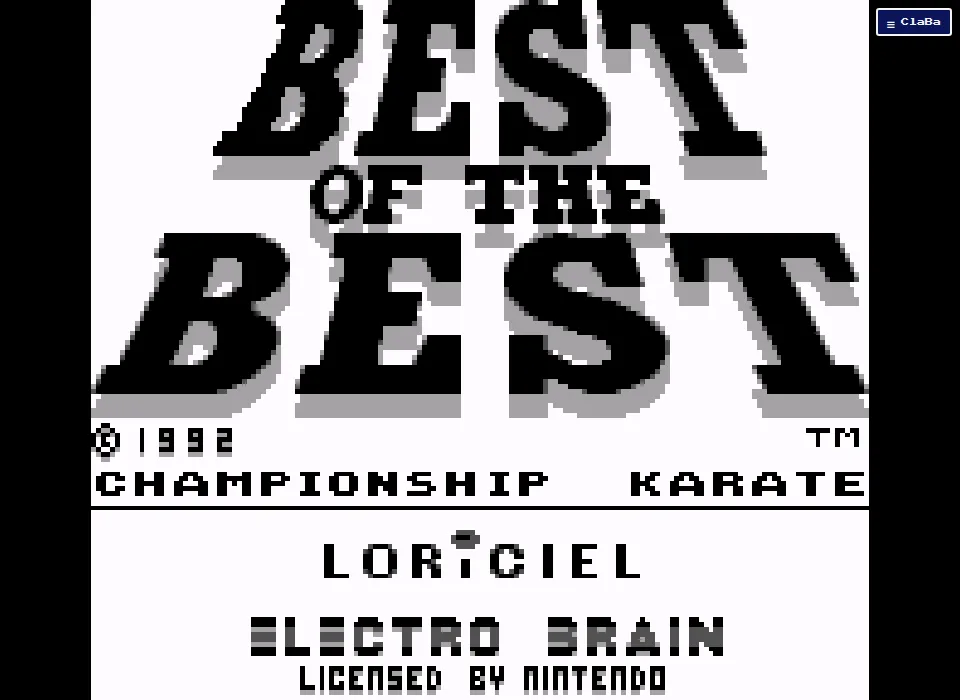
Best of the Best: Championship Karate for Game Boy brings the kickboxing championship to Nintendo's handheld. The title screen shows the 1992 copyright, the names of Loriciel and Electro Brain, and the Nintendo license. The copy in the collection keeps the game's menus and messages in English.
Entering Match
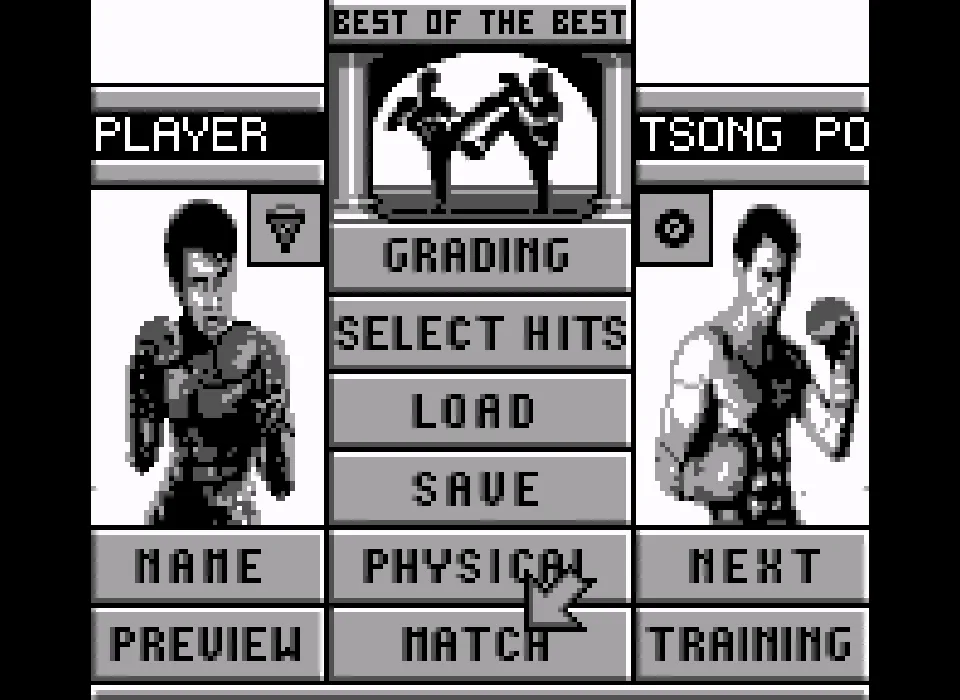
Press Enter on the title screen to reach the menu. Player 1 appears on the left and Tsong Po on the right. The central area lets you check Grading, Select Hits, Load, Save and Physical. The bottom row holds Preview, Match and Training.
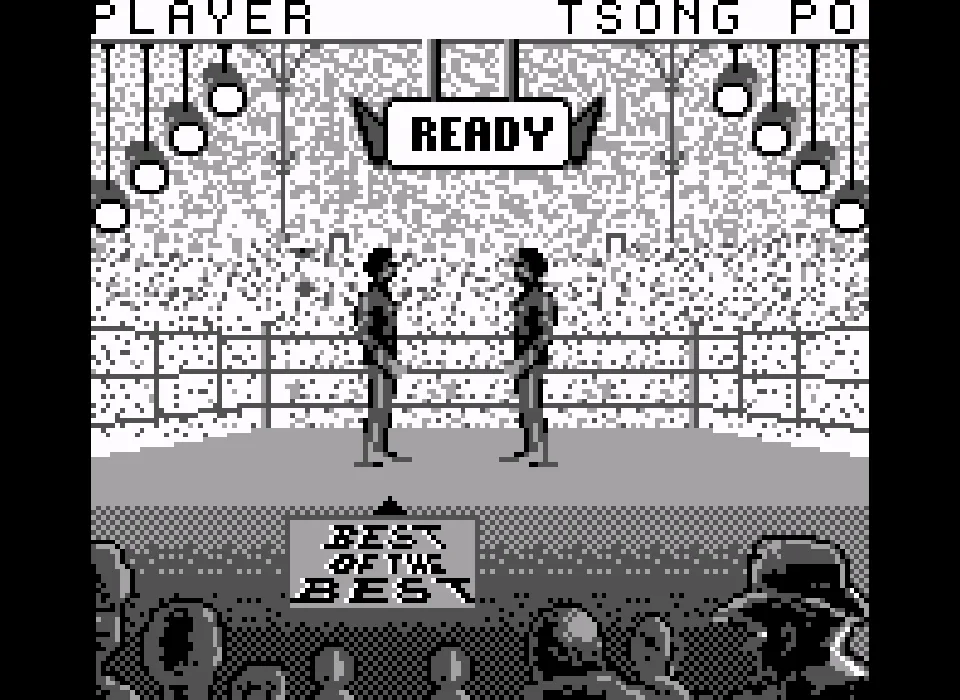
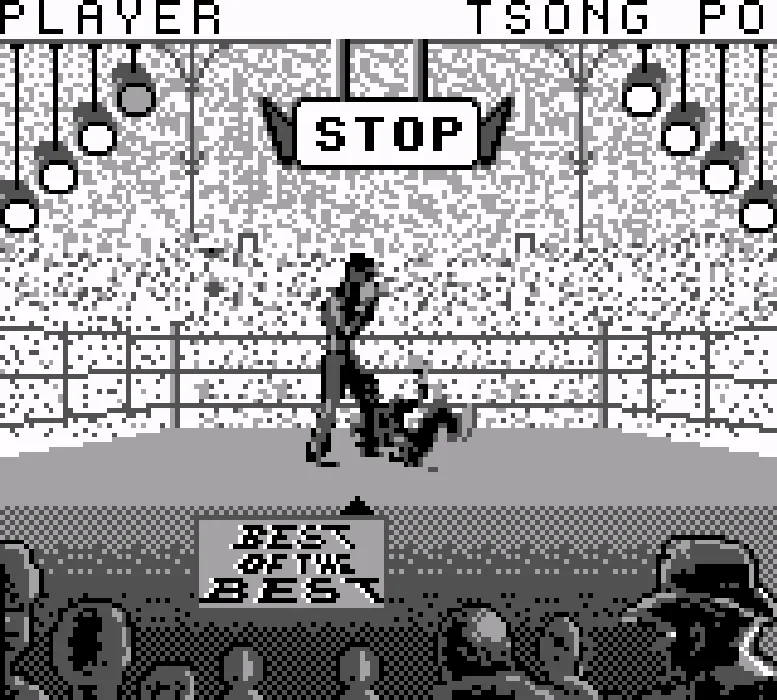
In the session we tested, Z confirms the initial selection of Match. The ring then appears along with the Ready message. Wait for that introduction to finish and for the clock to start counting down before you use the move as a reference. The first steps of the verification were taken while Ready was still showing, and the later images show the fight already under way.
The directions and the tested attack
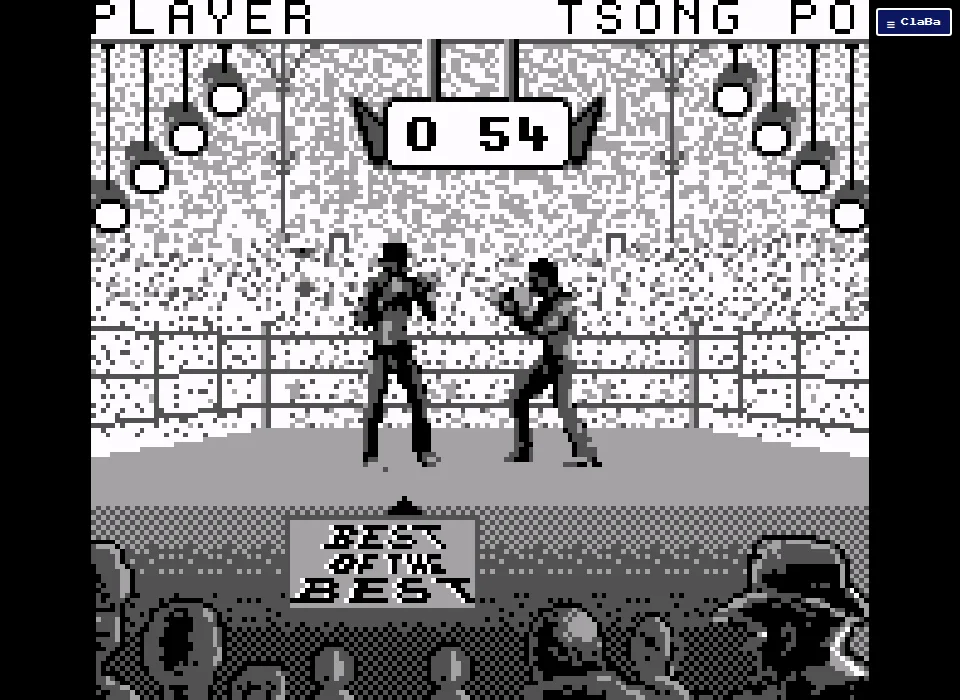
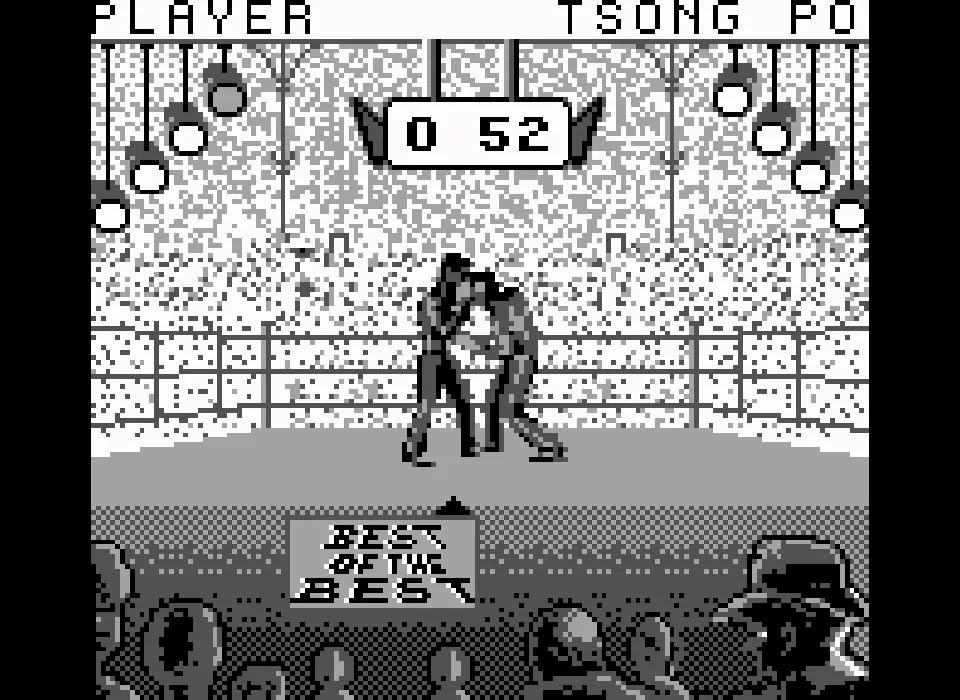
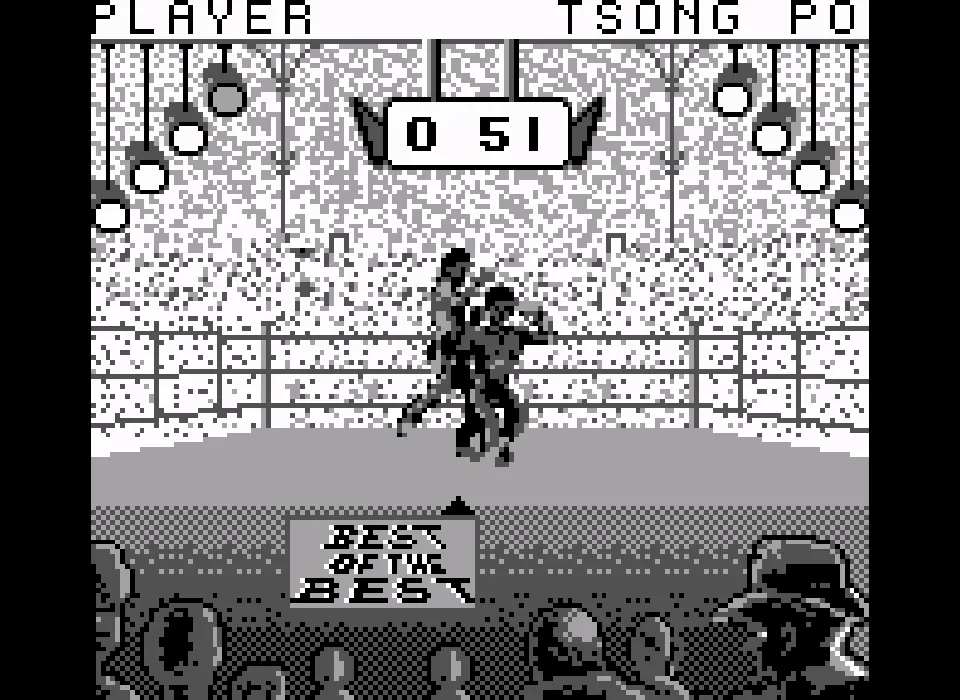
Use Left and Right to move Player 1. In the verified match the fighter was made to step back and then advance toward the opponent again. Holding a direction for a moment lets you tell the movement apart from the animation of a strike.
The combination of X with Right performs the attack shown in the screenshots. The sequence shows Player 1 approaching Tsong Po and extending an arm toward him. You can repeat those movements to adjust your distance before chaining other actions.
Select Hits and Physical let you check the fighter's preparation from the menu. Preview opens the demonstration that the program offers. The images in the gallery come from a match started expressly in Match and controlled with the keyboard.
The handheld's image
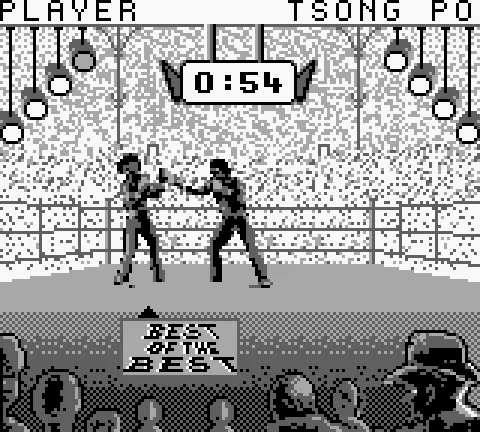
This edition uses the monochrome Game Boy presentation. The menu keeps the portraits and lays the options out in large boxes. During the bout, the time sits at the top of the ring and the crowd fills the lower area. The screenshots keep the four shades that the game produces in the emulator.
ClaBa Player's capture feature lets you download an image of the screen. You can open the player menu and use Captura (Capture). The pause button on the player bar stops the emulation while you read this page. When you resume, focus the screen again so that your keystrokes go to the game.
The collection's copy
The download keeps the original ZIP with a single 256 KiB cartridge file. To use it on your computer you need an emulator compatible with Game Boy. The video in this tab corresponds to the handheld edition that accompanies that copy in the collection.
- Year
- 1993
- Downloads
- 2
- Screenshots
- 8
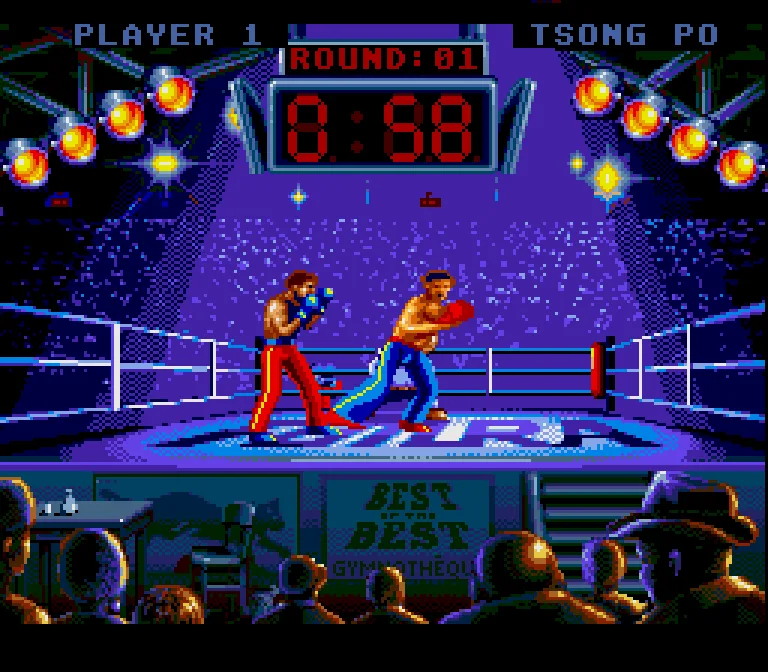
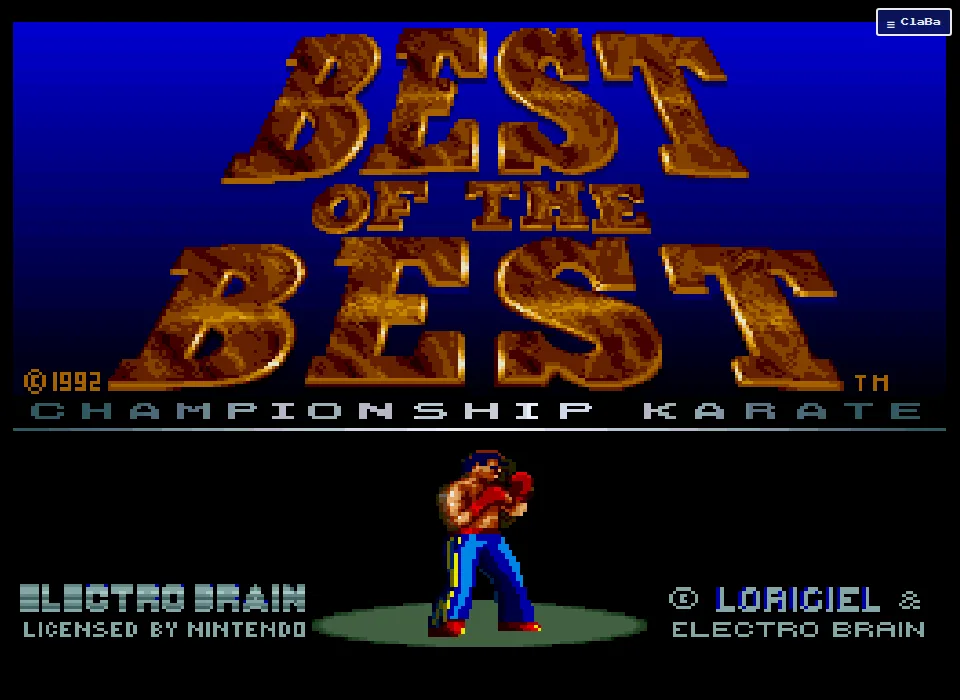
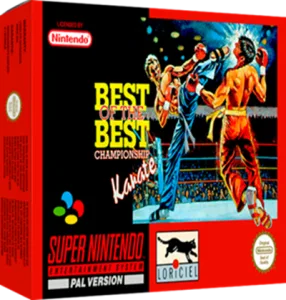
Best of the Best: Championship Karate for Super Nintendo presents the tournament with this console's graphics and controls. The title screen shows the 1992 copyright and the Loriciel and Electro Brain brands. This game page dates the edition to 1993. The menus and messages of the copy used in the online session are in English.
Choosing the match
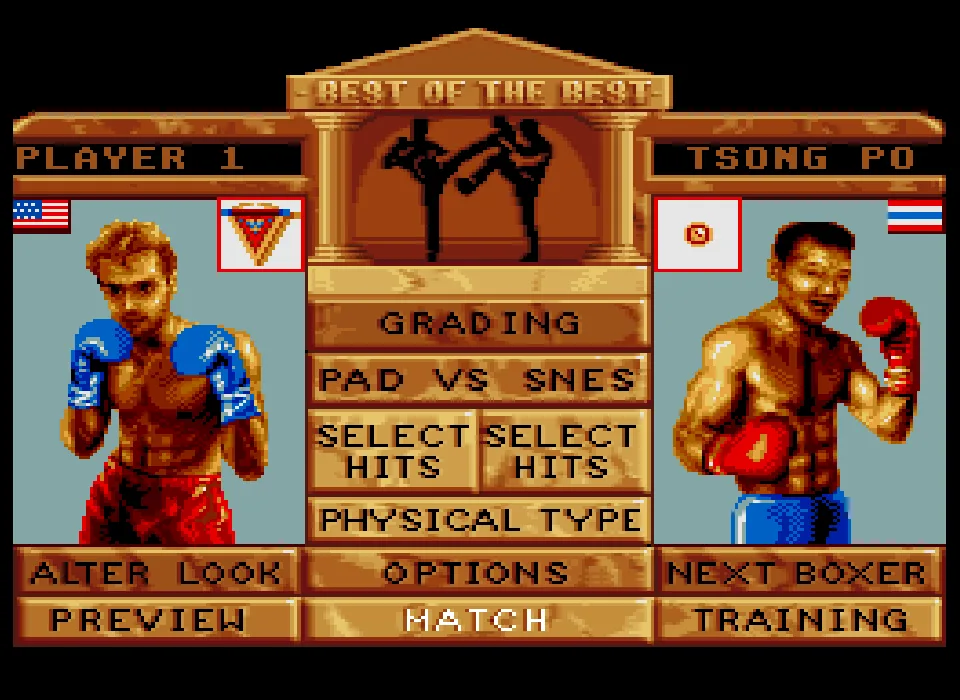
Let the title animation finish before pressing Enter. The menu shows Player 1 and Tsong Po. Pad vs Snes indicates the match against the console. Match is in the bottom row, between Preview and Training.
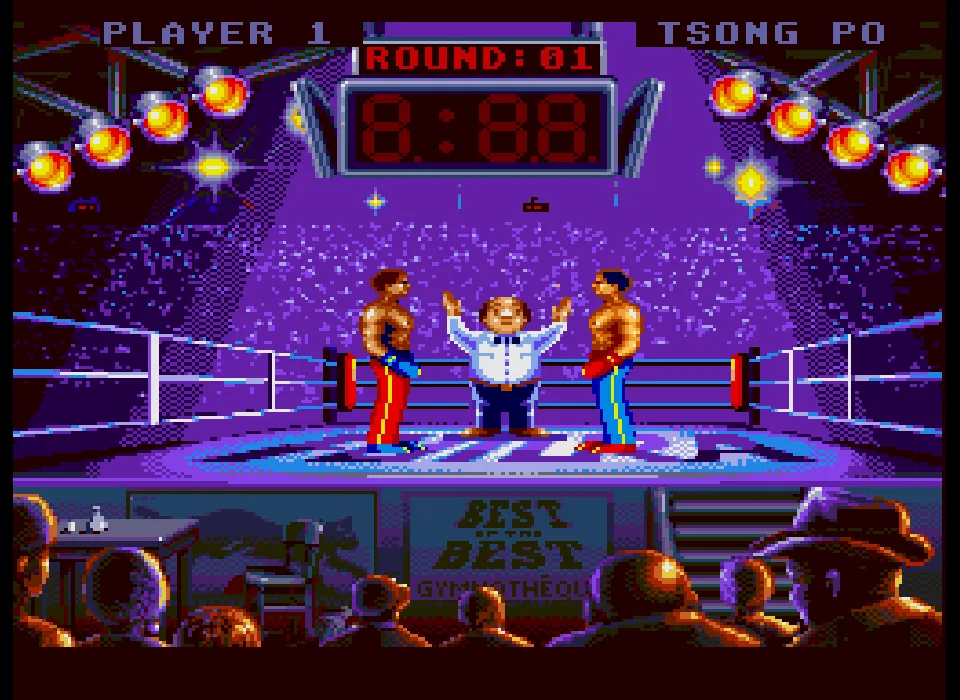
X confirms Match from that menu. The round introduction and the referee's cues come before the exchange of blows. Wait until both fighters are ready and the referee lets the fight begin before you try out the directions.
Preview lets you watch a demonstration and Training opens the gym. In the menu you will also find Grading, Select Hits, Physical Type, Alter Look, Options and Next Boxer. The portraits and stats let you check a fighter before going back to the ring.
Controlling the distance
Left and Right send the controller's directions. You can move Player 1 away from the opponent and bring him close again. Hold each direction for a moment to see how the fighter's position changes.
The verified sequence uses lateral movement, approaching, and X together with Right during the match. Watch both characters' arms and legs to tell the start of a technique from the opponent's strike. The distance between the two determines when they come into contact.
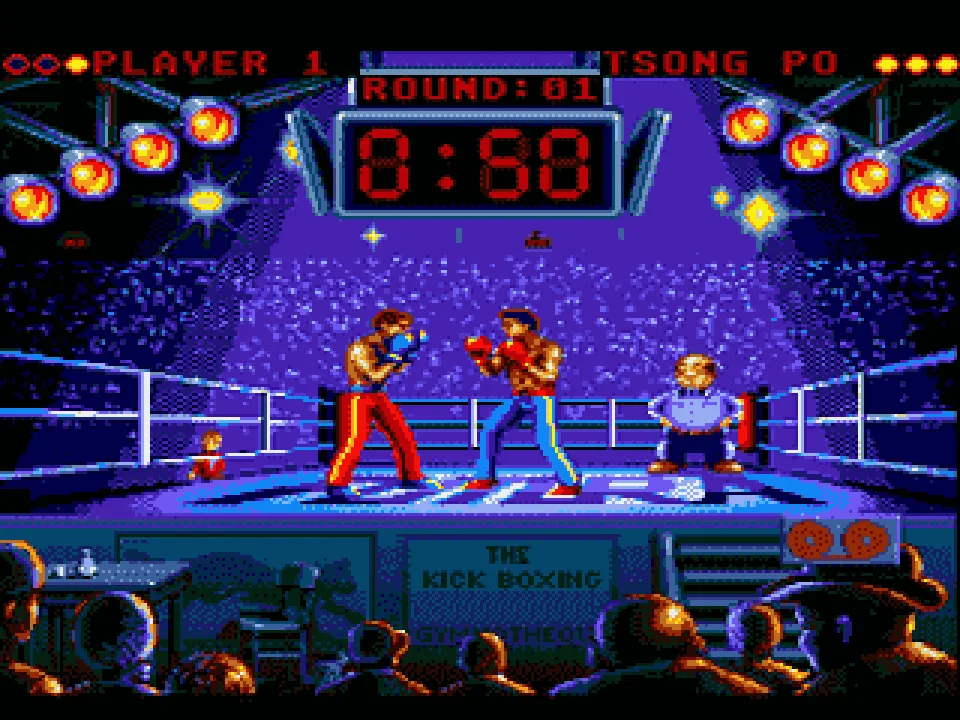
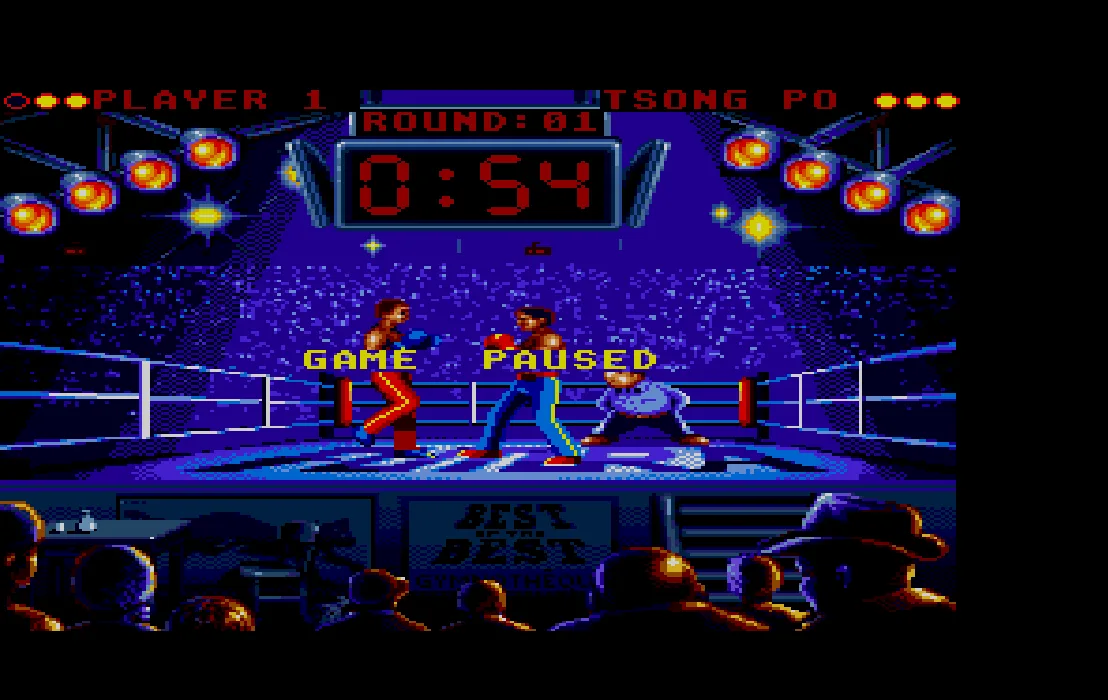
The screenshots show the first round against Tsong Po and several moments of that controlled game. The fighter on the left wears red pants and blue gloves. His opponent wears blue pants and red gloves.
Pausing and taking a screenshot
The ClaBa Player pause button stops the emulation while you read the instructions. To use the keys again, resume and focus the game screen. Restart lets you begin again from the original presentation.
Open the player menu and use Captura (Capture) to download the image you are looking at. The gallery includes a screenshot taken with that function during the fight. It keeps the game frame and its proportions.
The two preserved copies
The collection includes the original ZIP files from Europe and the U.S. The online session uses the U.S. cartridge, which keeps a one-megabyte file. Both downloads keep their original files and need a Super Nintendo emulator to use them outside the site.
The video in this tab belongs to the Super Nintendo edition. The other tabs on this game page gather the versions verified for their respective platforms.
- Year
- 1992
- Downloads
- 1
- Screenshots
- 8
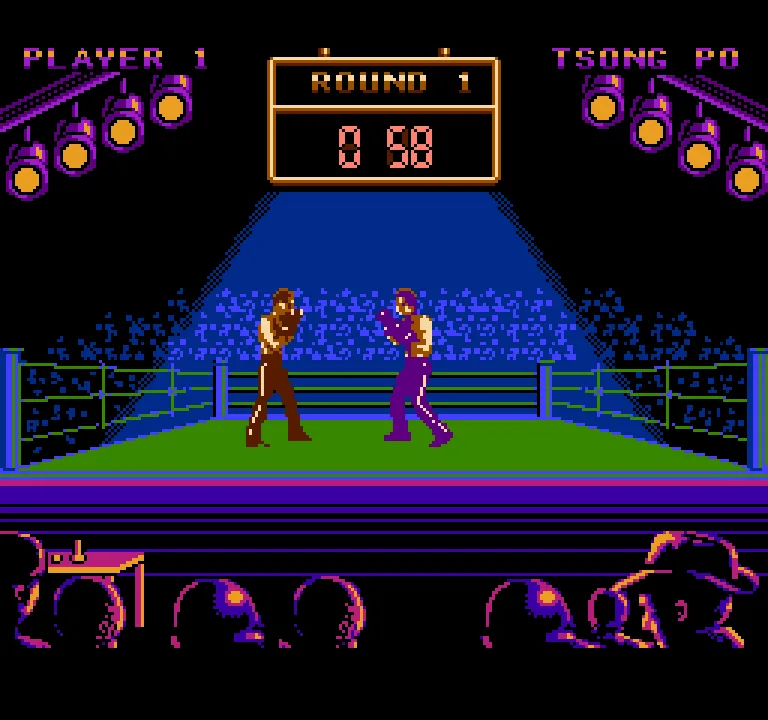
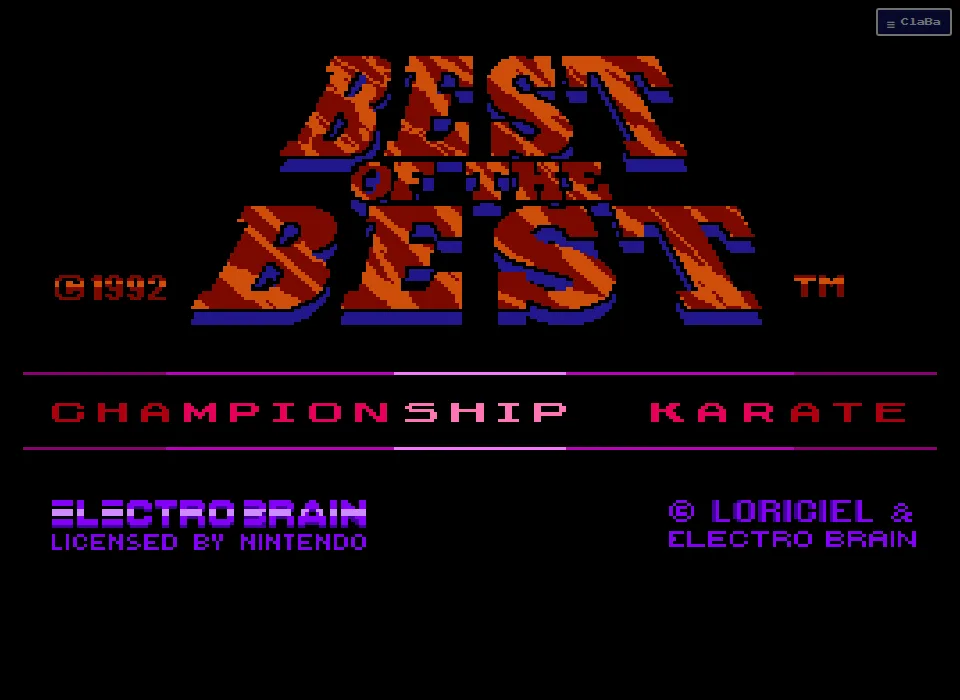
Best of the Best: Championship Karate for NES presents the kickboxing championship with the graphics of Nintendo's console. The title screen keeps the 1992 copyright and the Electro Brain brand. The collection's copy uses English text and initially pits Player 1 against Tsong Po.
From the Title Screen to the Ring
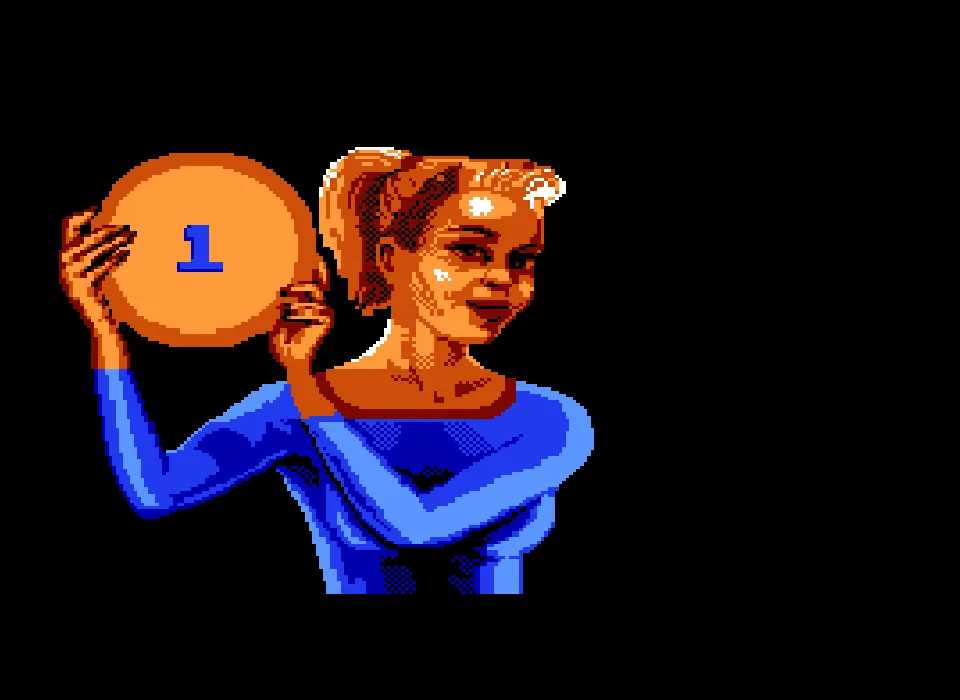
Wait for the title screen to appear in full before pressing Enter. From the menu, X confirms the selection that leads to the match. The introduction to the first round shows a woman holding the round number sign. Then the fighters and the referee appear.
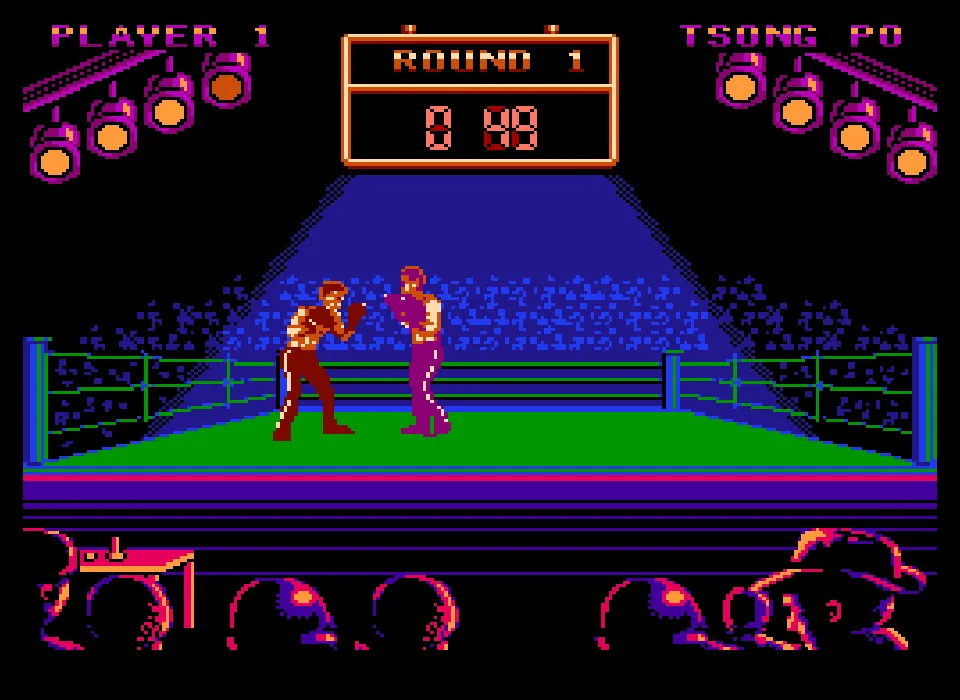
Let that entrance finish before moving the character. During the fight, the scoreboard at the top shows Round 1 and the clock. The ring bar and the names help you recognize the fighter you are controlling when the two opponents get close.
Moving and Attacking
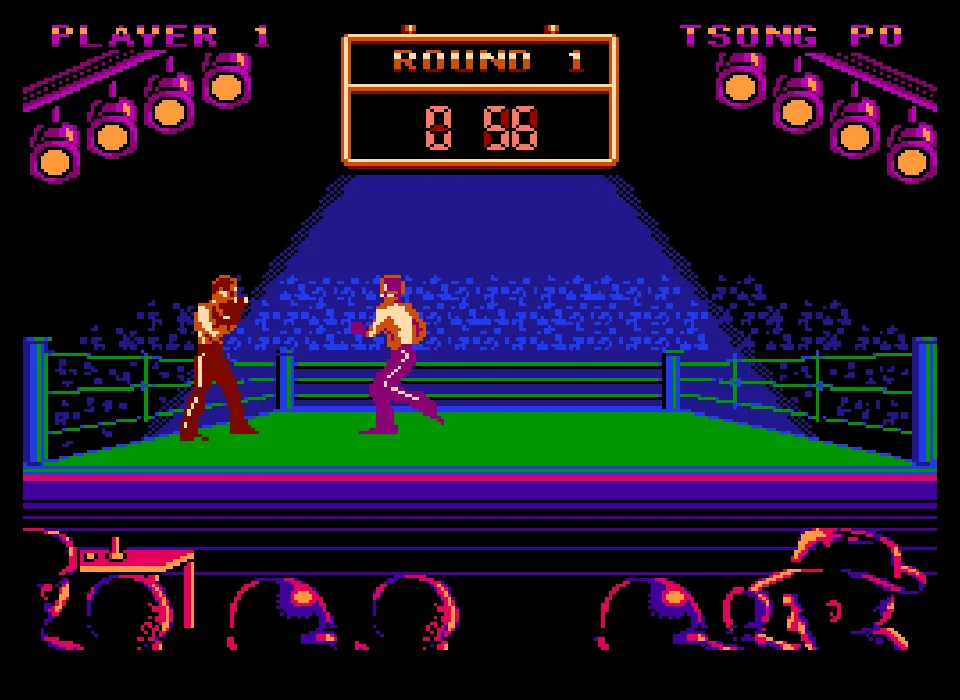
The arrow keys send the controller's directions. In the keyboard check, Left was used to back away and Right to move toward the opponent again. Holding the direction for a moment makes it easier to see the change in position.
X together with Right was also tested to perform an attack. The gallery shows the fighter's movement and the encounter with Tsong Po. You can start by practicing the distance, advancing toward your opponent and combining the direction with the action button.
The ClaBa Player pause stops the emulation while you read these instructions. When you return to the game, focus the screen so that it receives the keyboard. The Capture function in the player menu downloads an image of the game.
The NES Presentation
This conversion draws the ring with a black background and a blue spotlight on the fighters. The spectators fill the lower part of the image. The characters' shorts and gloves help tell their positions apart in close exchanges.
The images in this tab come from the cartridge running in the browser. They include the round introduction, the ring and actions from a controlled game. The screenshot downloaded with the player's function keeps the NES image and its proportions.
The Copy in the Collection
The download keeps the collection's original ZIP with a single NES game image. The online game uses that same content. You can download it to open it in an emulator compatible with Nintendo's console.
The video for this edition corresponds to the NES game that accompanies that copy in the collection. The DOS instructions and those for other consoles are in their respective tabs.
EVERY PIXEL COUNTS
The game in pictures.
Explore the screenshots and open every detail at full size.
- 01MS-DOS
 02MS-DOS
 03MS-DOS
 04MS-DOS
 05MS-DOS
 06MS-DOS
 07MS-DOS
- 08Mega Drive
 09Mega Drive
 10Mega Drive
 11Mega Drive
 12Mega Drive
 13Mega Drive
 14Mega Drive
- 15Game Boy
 16Game Boy
 17Game Boy
 18Game Boy
 19Game Boy
 20Game Boy
 21Game Boy
 22Game Boy
- 23Super Nintendo
 24Super Nintendo
 25Super Nintendo
 26Super Nintendo
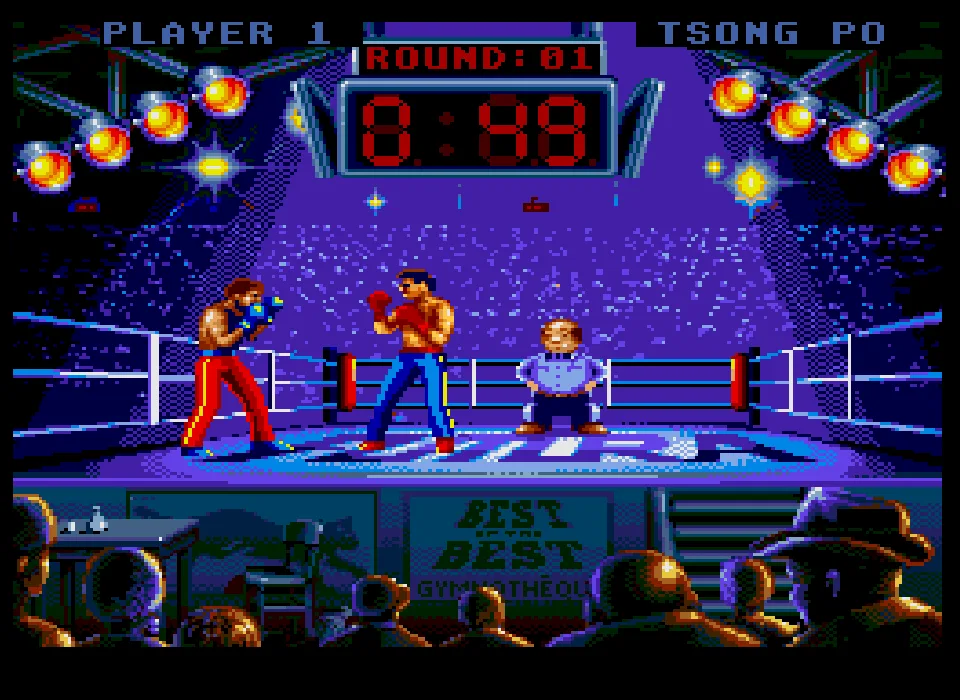 27Super Nintendo
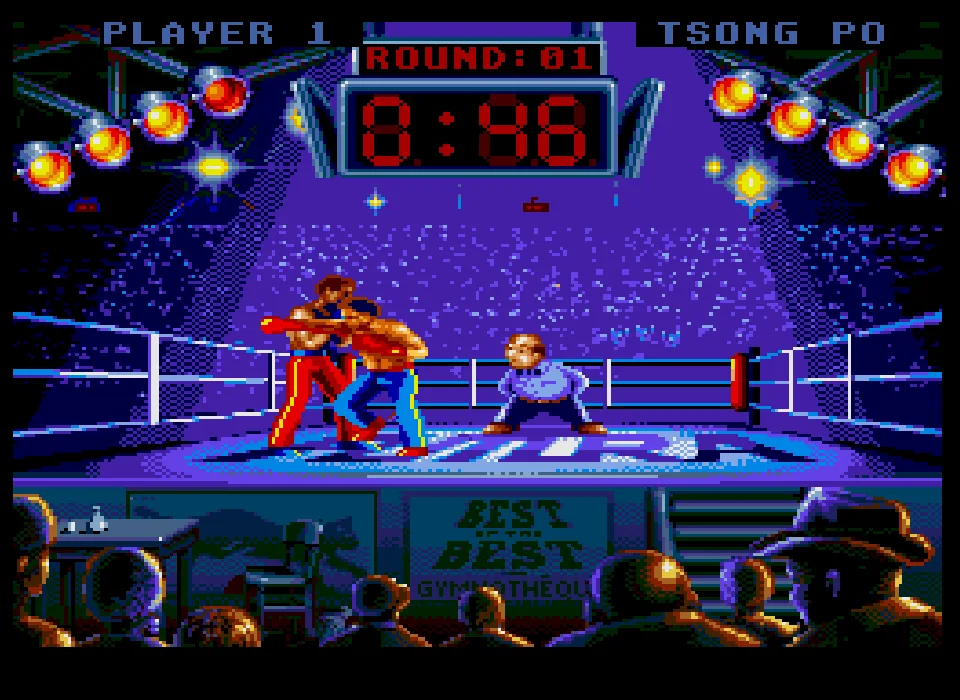 28Super Nintendo
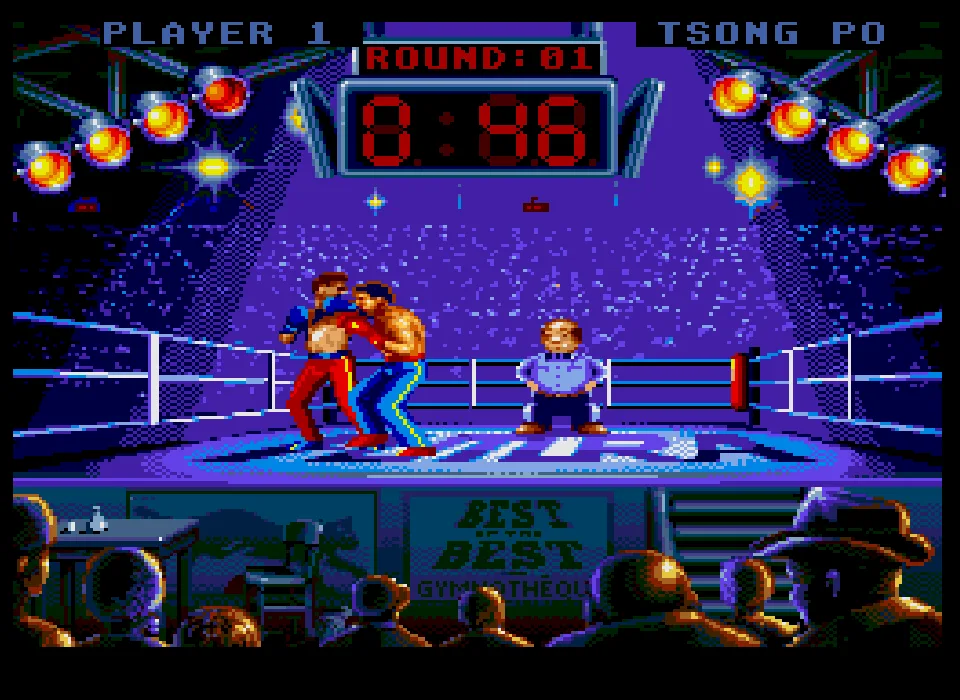 29Super Nintendo
 30Super Nintendo
- 31NES
 32NES
 33NES
 34NES
 35NES
 36NES
 37NES
 38NES
GET READY FOR YOUR NEXT GAME
Choose your download.
Format, compatibility and server. All in view.
Version
SELECTED VERSIONMS-DOS1 file · also playable online
SELECTED VERSIONMega Drive1993 · 1 file · also playable online
SELECTED VERSIONGame Boy1992 · 1 file · also playable online
SELECTED VERSIONSuper Nintendo1993 · 2 files · also playable online
European edition
COMPATIBILITYRequires an emulator ✓ At no cost✓ No sign-up Download BoxSharer server · New tab BoxSharer02 Super Nintendo · OriginalU.S. edition
COMPATIBILITYRequires an emulator ✓ At no cost✓ No sign-up Download BoxSharer server · New tabSELECTED VERSIONNES1992 · 1 file · also playable online
Clicking opens the CLABA loading area and, in a few seconds, your download. If a link fails, let us know via Contact or in the forum.
Your game starts here
Play in your browser.
There are 5 versions ready to play. Pick one and click.
Version
MS-DOSIn your browser
Best of the Best: Championship Karate
MS-DOS version. Your next game starts here.
- 1 MB · downloads on click
- Save the game's files
- Keyboard, controller or touch
Controls
Click the game to use the keyboardOn mobile, play with the on-screen controllerF2 selects EGA. F5 continues without sound. Enter confirms. Esc returns to the menu. Arrow keys move. Ctrl starts the round and combines with directions for techniques.
- Full screen
Use the button on the bar. Esc returns to the game page; “Exit” closes the game.
- Saves
Save keeps the files the game creates, not the exact moment. Save inside the game, then press Save.
- Mobile and tablet
Press Controls during the game to show buttons and keyboard. Gamepad support depends on the browser.
Saves live in this browser and device. Clearing the site data deletes them too.
Mega DriveIn your browser
Best of the Best: Championship Karate
Mega Drive version. Your next game starts here.
- 485 KB · downloads on click
- Save states in this browser
- Controller, keyboard or touch
Controls
Click the game to use the keyboardOn mobile, play with the on-screen controllerEnter is Start and pauses the bout. Z confirms Match. Arrow keys move. X with a direction activates a technique. Wait for the referee's entrance.
- Full screen
Use the button on the bar. Esc returns to the game page; “Exit” closes the game.
- Saves
Save State, in the game's menu, keeps the exact moment. Load brings it back when you return.
- Mobile and tablet
Press Controls during the game to show buttons and keyboard. Gamepad support depends on the browser.
Saves live in this browser and device. Clearing the site data deletes them too.
Game BoyIn your browser
Best of the Best: Championship Karate
Game Boy version. Your next game starts here.
- 119 KB · downloads on click
- Save states in this browser
- Controller, keyboard or touch
Controls
Click the game to use the keyboardOn mobile, play with the on-screen controllerEnter opens the menu from the title screen. Z confirms Match. Arrow keys move. X with Right performs the tested attack. Wait for Ready to finish.
- Full screen
Use the button on the bar. Esc returns to the game page; “Exit” closes the game.
- Saves
Save State, in the game's menu, keeps the exact moment. Load brings it back when you return.
- Mobile and tablet
Press Controls during the game to show buttons and keyboard. Gamepad support depends on the browser.
Saves live in this browser and device. Clearing the site data deletes them too.
Super NintendoIn your browser
Best of the Best: Championship Karate
Super Nintendo version. Your next game starts here.
- 588 KB · downloads on click
- Save states in this browser
- Controller, keyboard or touch
Controls
Click the game to use the keyboardOn mobile, play with the on-screen controllerEnter opens the menu from the title screen. X confirms Match. Arrow keys move. X with a direction is part of the fight. Wait for the referee to come in.
- Full screen
Use the button on the bar. Esc returns to the game page; “Exit” closes the game.
- Saves
Save State, in the game's menu, keeps the exact moment. Load brings it back when you return.
- Mobile and tablet
Press Controls during the game to show buttons and keyboard. Gamepad support depends on the browser.
Saves live in this browser and device. Clearing the site data deletes them too.
NESIn your browser
Best of the Best: Championship Karate
NES version. Your next game starts here.
- 256 KB · downloads on click
- Save states in this browser
- Controller, keyboard or touch
Controls
Click the game to use the keyboardOn mobile, play with the on-screen controllerEnter skips the title screen. X confirms the match from the menu. Arrow keys move. X with Right performs the tested attack. Wait for the introduction.
- Full screen
Use the button on the bar. Esc returns to the game page; “Exit” closes the game.
- Saves
Save State, in the game's menu, keeps the exact moment. Load brings it back when you return.
- Mobile and tablet
Press Controls during the game to show buttons and keyboard. Gamepad support depends on the browser.
Saves live in this browser and device. Clearing the site data deletes them too.
HIT PLAY
The game in motion.
Trailers and videos to see it in action.
-
Mega Drive · How it's played
A Best Of The Best gameplay session on Mega Drive.
-
Game Boy · How it plays
A match of Best of the Best: Championship Karate on Game Boy.
-
Super Nintendo · How it plays
A game of Best of the Best: Championship Karate on Super Nintendo.
-
NES · How It Plays
Gameplay of Best of the Best: Championship Karate on NES.
THE SECRET SIDE OF THE GAME
Tips, tricks and secrets.
A hint at the right time. A code that changes everything.
Tip for choosing the control
Check that the left side of the menu shows Keyboard. The right side can keep PC so you face the computer. Esc lets you leave a demonstration and return to that menu.
Tip for judging the distance
Try short moves with Left and Right. Watch where each technique ends before holding a combination. Ctrl and Right is the tested combination for the kick shown in the gallery.
Tip for recognizing the demonstration
Preview shows a demonstration bout and may start after a period of inactivity. Press Esc to get the menu back and choose Match when you want to start your own game.
Tip for reviewing the moves
Select Hits lets you review the boxer's repertoire. If you change a technique, test its direction and its combination with Ctrl afterward to recognize the move you chose.
No matches. Try another effect or code.
THE NEXT STEP, CLEARER
Guides to move forward.
From the first installation to that mission that won't give in.
Starting the DOS copy
When the graphics options appear, press F2 to choose EGA. In the sound options, F5 lets you continue without sound. This is the sequence used in the tested session.
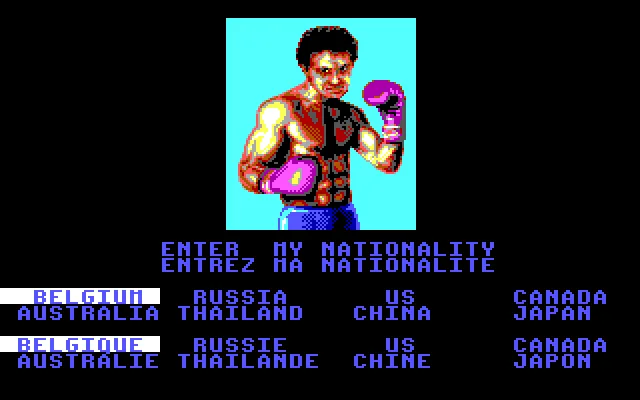
Enter lets you continue from the intro. If Enter My Nationality appears, the program shows the available nationalities next to the portrait. In the tested session, we continued with Enter from that section.
Starting a bout with Keyboard
When the menu appears, check Keyboard on the left and PC on the right. Match is the fight option. Enter confirms the selection and leads to the round intro.
Press Ctrl when the round intro appears. Wait until you see both boxers and the timer on the scoreboard before using the directions.
Testing movement and a technique
Use Left and Right with short presses to change Boxer A's position. Move toward your opponent until you get a sense of the distance between you.
Combine Ctrl with Right to try the technique shown in the screenshots. The verification covers that startup and those actions. Winning a bout, complete progression and saving a campaign are outside this check.
Pausing and repeating the startup
The ClaBa Player pause button lets you stop the emulation while you read the instructions. When you resume, the game picks up where it left off. You can take a screenshot from the player menu.
To repeat the startup, use Restart and confirm the action. Choose F2 for EGA again and F5 to continue without sound. The original download is kept separate from the browser package.
Something wrong?
Give us a hint.
A broken link, a detail to correct or a game that won't start. Your report helps keep this game page up to date.
Get in touchReport an issue with this game Discuss it in the forumCLABA ARCADE ROOM
This one and 250 more
play here.
When you finish your game, the room has other machines switched on.
Enter the roomTHE CLABA APP1.0 RC 1
Take the archive
with you.

Game pages, online play and your shelf on Android. Free, no sign-up.
ARCHIVE SECRETS
Did you know?
- The DOS setup screen shows Best of the Best, the year 1992 and the Futura credit.
- The Spanish box bears the Loriciel and Proein marks and presents the game as a revision of Panza Kick Boxing.
- The menu separates technique selection, physical attributes, training and the choice of opponent.
- This copy includes an Enter My Nationality section with eight options and English and French text.