
Bmb Compuscience · Shooter
Sopwith
Sopwith is a biplane combat game by David L. Clark and BMB Compuscience, released in 1984 for IBM PC. This page covers RetroBat's DOS copy, with English text.
— no rating yet
THE CLABA ARCHIVE
Inside the game.
Its history, its ideas and the reasons to come back.
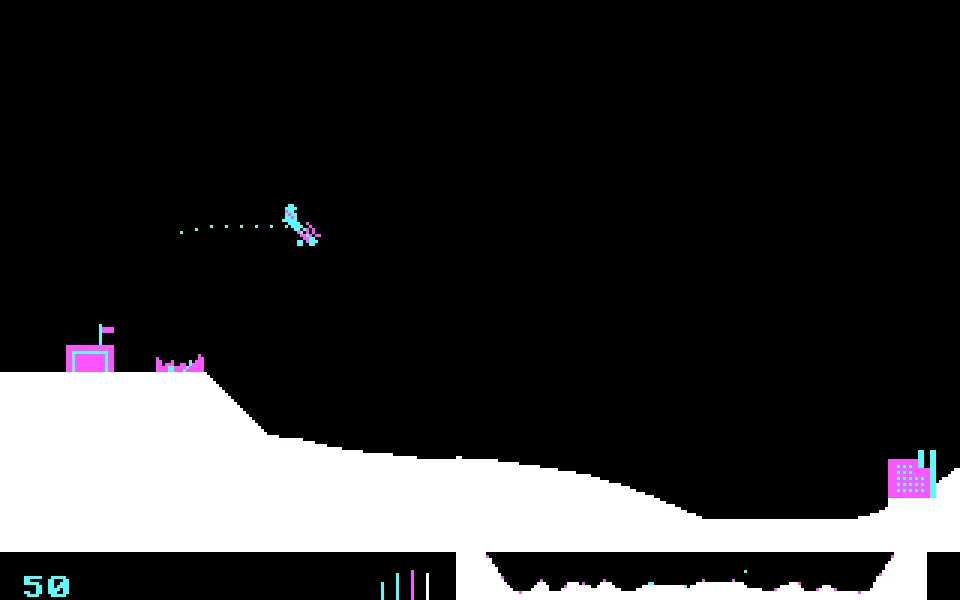
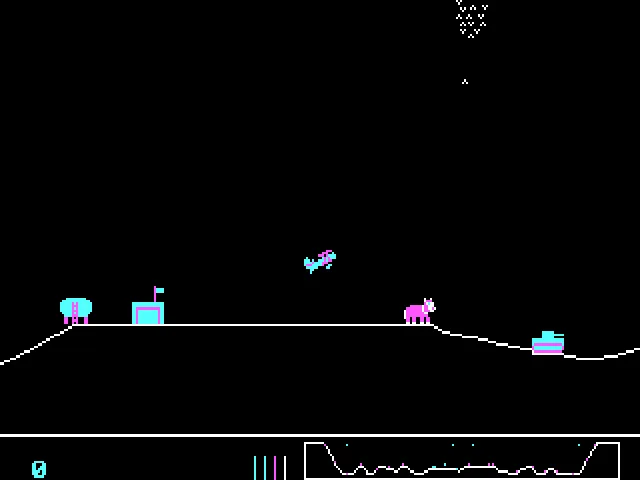
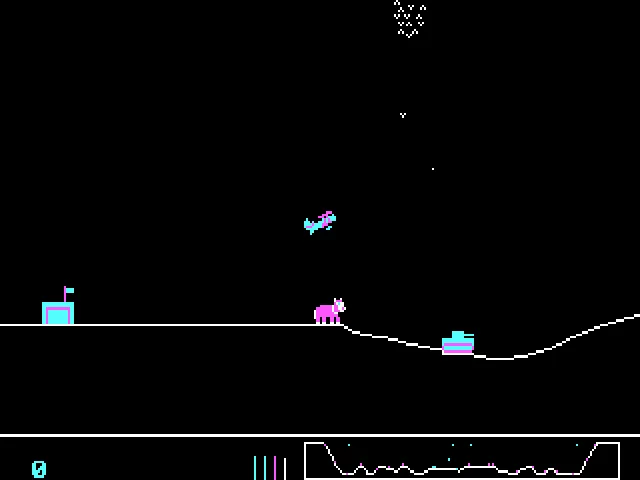
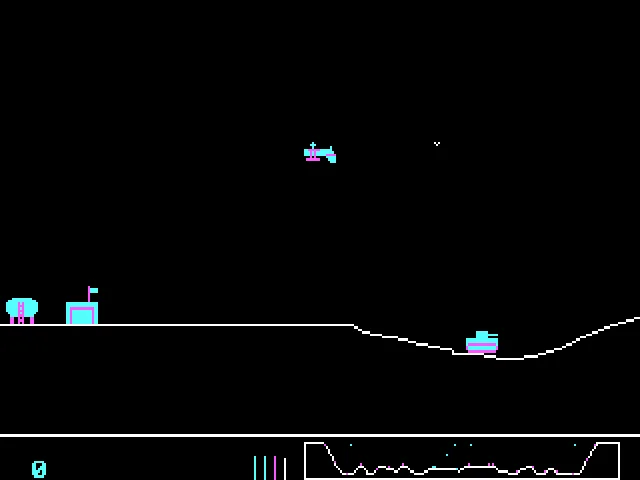
Your plane waits beside the hangar, and the runway runs out fast. In Sopwith, accelerating isn't enough: you have to lift the nose, gain altitude, and point the biplane the right way before the ground ends the flight. The landscape scrolls sideways, and the small map at the bottom helps you locate targets that are off screen.
David L. Clark developed the game for BMB Compuscience in 1984. RetroBat's DOS copy keeps a text intro screen and CGA graphics. Its look fits into just a few colors, but the controls demand that you learn what each key does and how the plane's response changes when you turn it over.
Learn to take off first
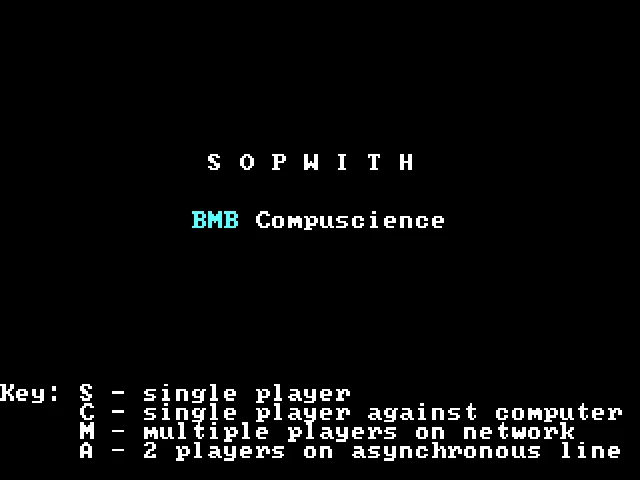
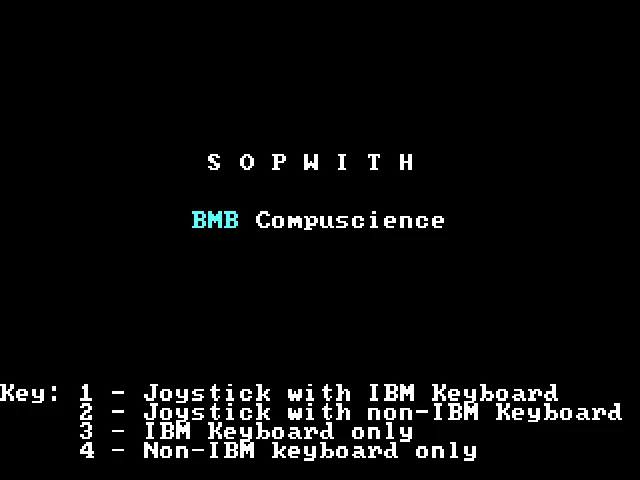
The menu offers a single-player game with S and a game against the computer with C. It then asks for the control type: 3 selects the IBM keyboard. This is a second selection screen; pressing S alone still doesn't let you fly. To practice, it's best to start without the enemy planes.
X speeds up and Z slows down. The comma moves the elevator up, the slash moves it down, and the period flips the plane over. Orientation matters: with the biplane inverted, the same vertical maneuver has a different effect. You fire with Space and drop bombs with B.
The return trip counts
The goal is to destroy the enemy targets while keeping your planes and avoiding damage to those of your own color. Fuel and ammunition are limited. H hands the return home over to the computer; once at the base, you can refuel and rearm. The indicators at the bottom show your resources and available planes next to the map.
Sopwith was also born as a demonstration of BMB's Imaginet network. That explains the network options in its original menu. Here you play a single-player session in your browser; the historical menu does not imply that a multiplayer room connected to that network exists.
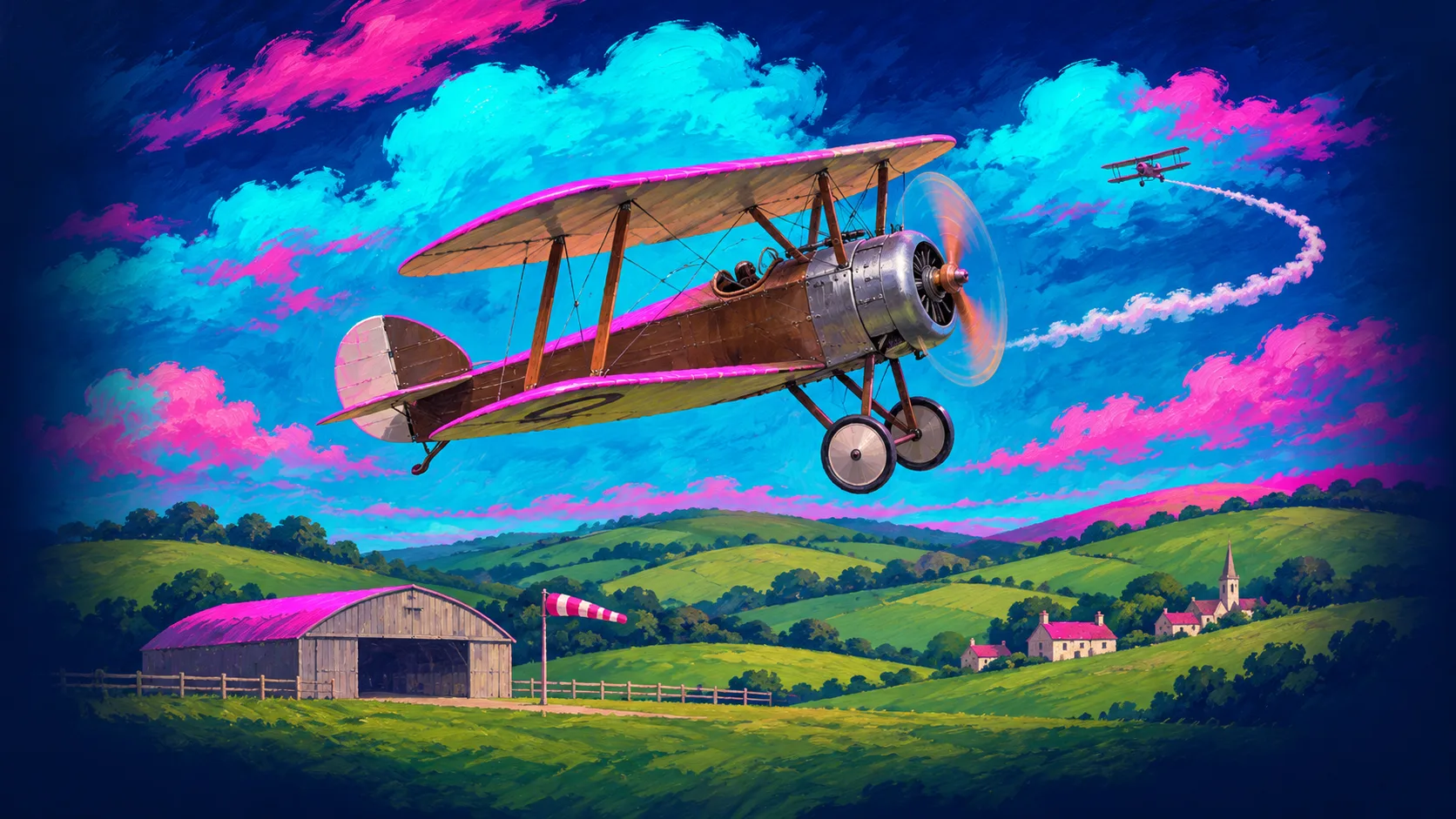
The ZIP in our collection contains SOPWITH.EXE. That DOS copy is kept, with a fixed speed profile for the player. The cover art shows its original title screen, and the background is an editorial illustration. SDL Sopwith is a later adaptation maintained by another project: its documentation preserves useful historical material, but its new features are not attributed to this executable.
EVERY PIXEL COUNTS
The game in pictures.
Explore the screenshots and open every detail at full size.
GET READY FOR YOUR NEXT GAME
Choose your download.
Format, compatibility and server. All in view.
Clicking opens the CLABA loading area and, in a few seconds, your download. If a link fails, let us know via Contact or in the forum.
Your game starts here
Play in your browser.
Pick, press and go back to the classics without leaving the game page.
RetrogamingRight in your browserNo installation
MS-DOSIn your browser
Sopwith
Your next game starts here.
- 25 KB · downloads on click
- Save the game's files
- Keyboard, controller or touch
Controls
Click the game to use the keyboardOn mobile, play with the on-screen controller- S
- single player; then 3: keyboard
- Space
- fire
- B
- bomb
- H
- return
- Full screen
Use the button on the bar. Esc returns to the game page; “Exit” closes the game.
- Saves
Save keeps the files the game creates, not the exact moment. Save inside the game, then press Save.
- Mobile and tablet
Press Controls during the game to show buttons and keyboard. Gamepad support depends on the browser.
Saves live in this browser and device. Clearing the site data deletes them too.
THE SECRET SIDE OF THE GAME
Tips, tricks and secrets.
A hint at the right time. A code that changes everything.
Tip: practice without enemy aircraft
S mode lets you spend your first attempts on takeoff and return. Once you can hold your altitude, try C to add opposition from the computer.
Tip: don't bomb as you leave the hangar
A bomb falls toward the terrain beneath you. Gain altitude and check where your base is before dropping it: you can damage the targets on your own side.
Tip: check the map before heading back
Check the minimap and your resources before going too far away. Returning with some margin leaves time to correct your approach if you've flown too low.
No matches. Try another effect or code.
THE NEXT STEP, CLEARER
Guides to move forward.
From the first installation to that mission that won't give in.
Starting a game with keyboard controls
Press S in the first menu to practice solo. In the next one, press 3 for the IBM keyboard. C in the first menu adds computer-controlled planes. The M and A options belong to the original network and serial-connection multiplayer.
Taking off and changing altitude
Hold X to accelerate and press the comma to raise the nose. Practice with short presses. Z brakes, the slash lowers the nose, and the period flips the plane. Get enough altitude before attempting a turn near a hill.
Firing and returning to base
Space fires and B drops bombs. Watch the color of the targets to avoid friendly fire. H starts the automatic return; the plane can be resupplied when it is stopped at its base. The indicators at the bottom help you decide when to head back.
Running the download and checking the sources
The download contains the DOS executable SOPWITH.EXE. Unzip it and run it in DOSBox with CGA graphics. The original documentation preserved by SDL Sopwith explains the keys and the historical modes. The SDL project is a different adaptation and is consulted as a historical reference.
Something wrong?
Give us a hint.
A broken link, a detail to correct or a game that won't start. Your report helps keep this game page up to date.
Get in touchReport an issue with this game Discuss it in the forumCLABA ARCADE ROOM
This one and 200 more
play here.
When you finish your game, the room has other machines switched on.
Enter the roomTHE CLABA APP1.0 RC 1
Take the archive
with you.
Game pages, online play and your shelf on Android. Free, no sign-up.
ARCHIVE SECRETS
Did you know?
- The documentation preserved by SDL Sopwith comes from messages posted in 1993 by a BMB employee and explains its role as an Imaginet demonstration.
- The map at the bottom shows a wider area than the main window: it lets you look for targets without having them next to your plane.
- The H key activates the automatic return to base to refuel and rearm.


