

Greg Kuperberg · Shooter
Paratrooper
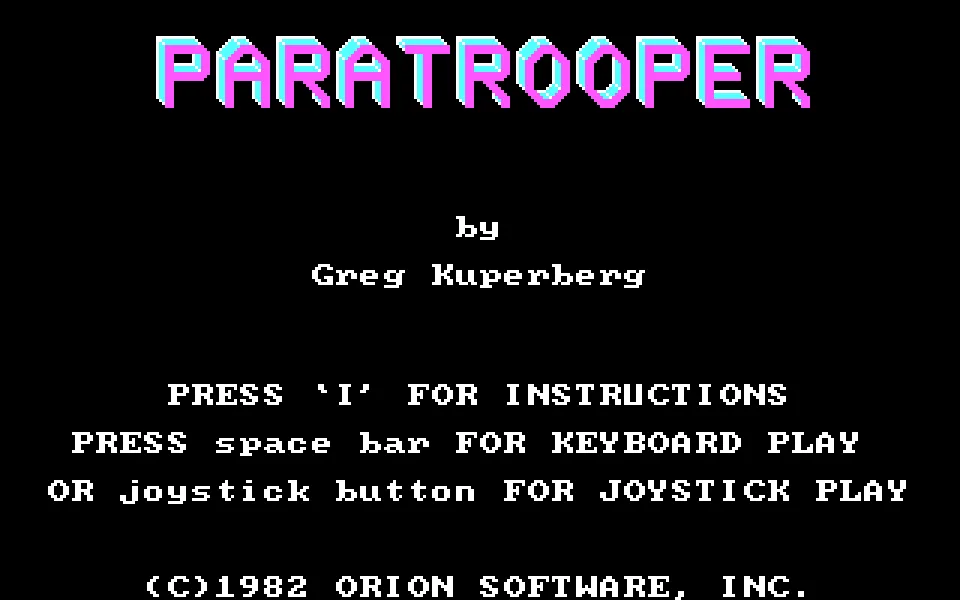
Paratrooper is a shooter by Greg Kuperberg, published by Orion in 1982 for IBM PC. Includes the RetroBat DOS copy, English instructions, and in-browser play.
— no rating yet
THE CLABA ARCHIVE
Inside the game.
Its history, its ideas and the reasons to come back.
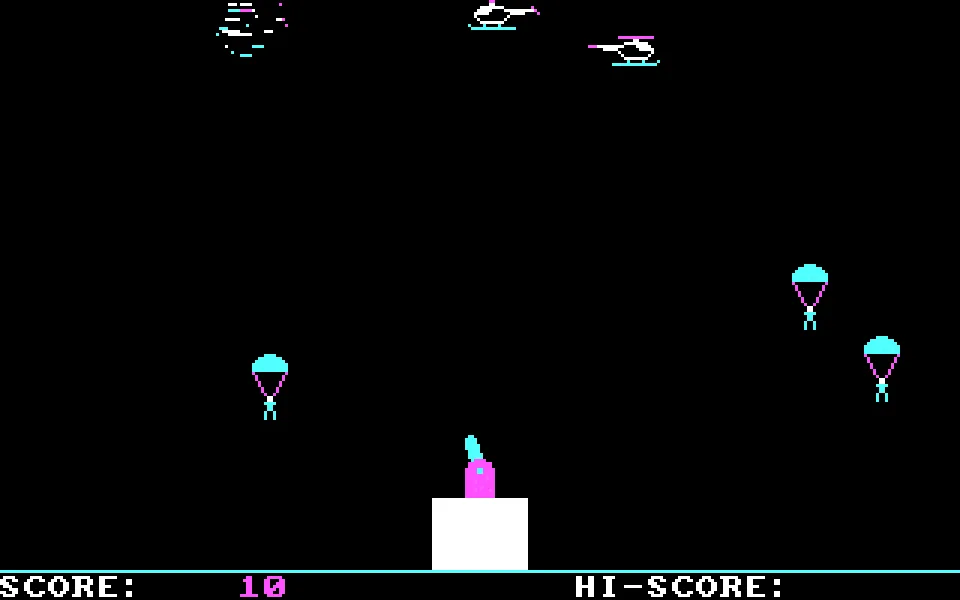
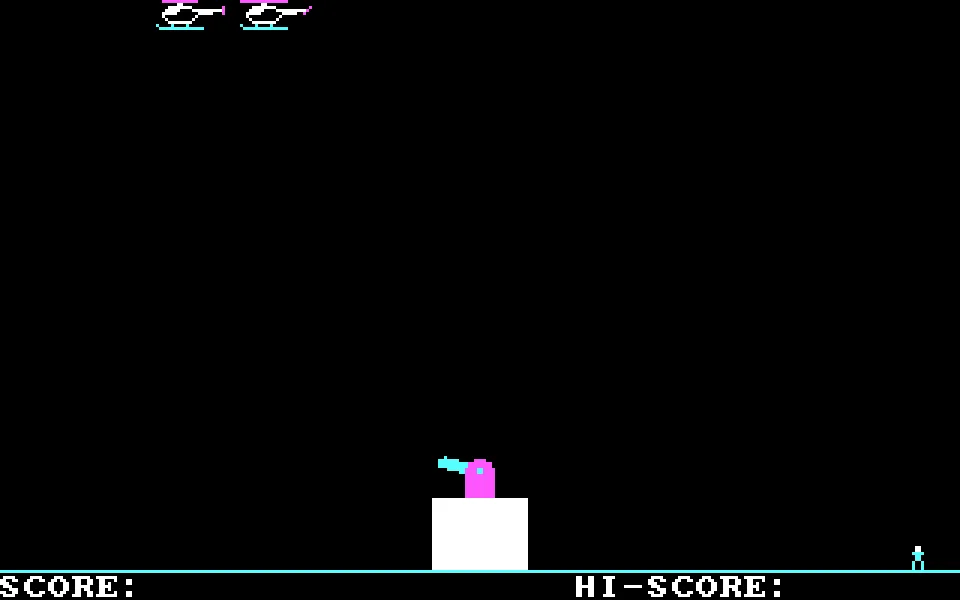
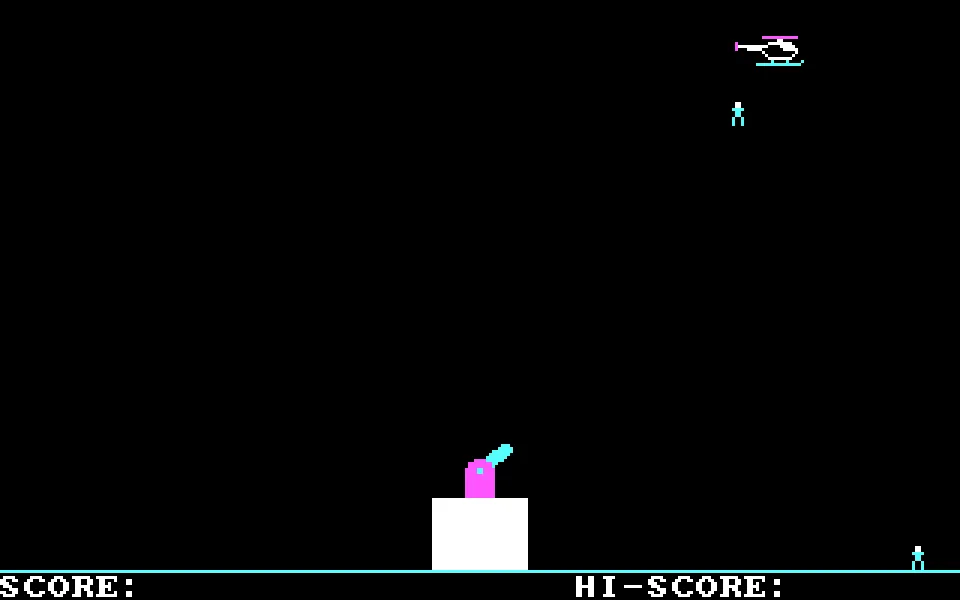
Your cannon is planted in the middle of the screen. Helicopters pass overhead, paratroopers drop, and every shot you fire costs you a point. Paratrooper, written by Greg Kuperberg and published by Orion Software in 1982 for the IBM PC, turns that situation into a game of marksmanship and nerves: the turret rotates, but the base never moves.
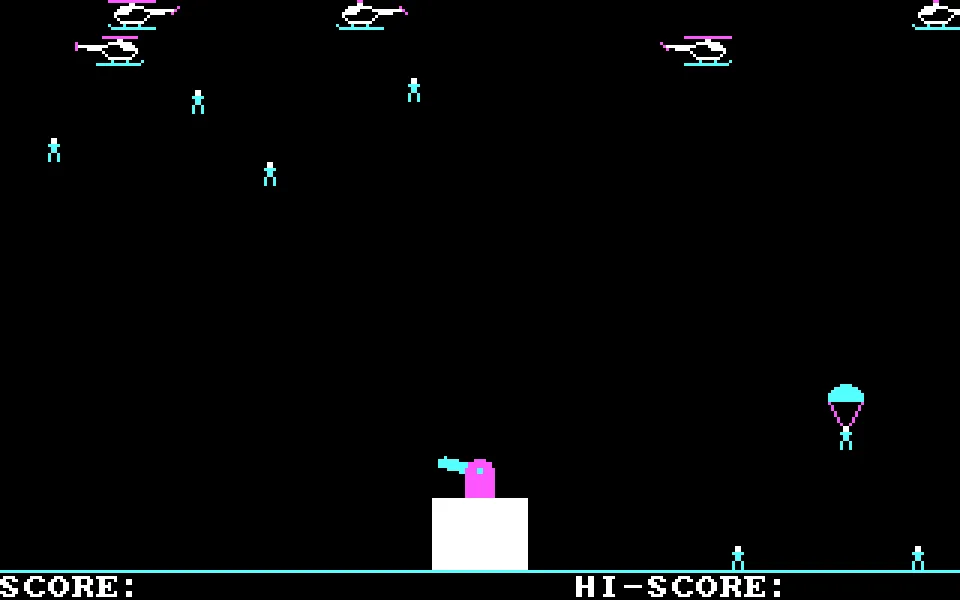
At first it is enough to follow the air traffic and work out where each target will be when your shell arrives. The trouble starts down below. Paratroopers who land pile up on the sides; if four gather on the same side, they storm the cannon and the game is over. Watching only the helicopters is a fairly quick way to lose.
One screen, two threats
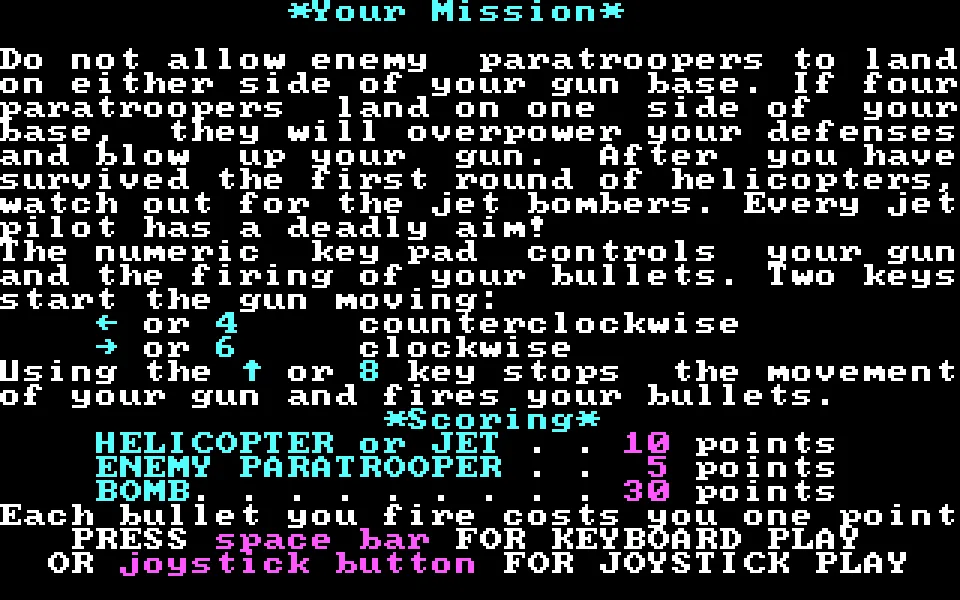
Your shots can intercept both aircraft and paratroopers during their descent. Since each bullet costs a point, sweeping the sky without aiming has a price. It pays to follow the movement, fire when the trajectory is favorable, and check how many soldiers have reached the ground before looking for another target.
Later, bombers appear. Their bombs add a direct threat to the turret and force you to split your attention between the sky and the flanks. The game keeps a four-color CGA presentation and sound from the PC's internal speaker; its instructions can be read from the title screen itself with the I key.
The RetroBat copy
This page uses the DOS package from our RetroBat collection. The launcher is PTROOPER.COM; the same ZIP contains TROOPER.COM, which in this copy has exactly the same contents. An alternate revision is also kept as a separate download. The browser player uses DOSBox with a fixed speed and CGA graphics to maintain a pace suited to this early PC game.
EVERY PIXEL COUNTS
The game in pictures.
Explore the screenshots and open every detail at full size.
GET READY FOR YOUR NEXT GAME
Choose your download.
Format, compatibility and server. All in view.
Download Portable
COMPATIBILITYMS-DOS 6.22+ ✓ At no cost✓ No sign-up Download BoxSharer server · New tab BoxSharer02 OriginalDownload alternate version
COMPATIBILITYMS-DOS 6.22+ ✓ At no cost✓ No sign-up Download BoxSharer server · New tabClicking opens the CLABA loading area and, in a few seconds, your download. If a link fails, let us know via Contact or in the forum.
Your game starts here
Play in your browser.
Pick, press and go back to the classics without leaving the game page.
RetrogamingRight in your browserNo installation
MS-DOSIn your browser
Paratrooper
Your next game starts here.
- 14 KB · downloads on click
- Save the game's files
- Keyboard, controller or touch
Controls
Click the game to use the keyboardOn mobile, play with the on-screen controller- I
- instructions
- Space
- start with keyboard
- Full screen
Use the button on the bar. Esc returns to the game page; “Exit” closes the game.
- Saves
Save keeps the files the game creates, not the exact moment. Save inside the game, then press Save.
- Mobile and tablet
Press Controls during the game to show buttons and keyboard. Gamepad support depends on the browser.
Saves live in this browser and device. Clearing the site data deletes them too.
THE SECRET SIDE OF THE GAME
Tips, tricks and secrets.
A hint at the right time. A code that changes everything.
Tip: fire along a favorable trajectory
Each bullet costs a point. Follow a target and work out the intersection before holding down the fire key; filling the screen with projectiles can leave you with a lower score than you expected.
Tip: watch the more crowded side
Alternate your gaze between both ends of the base. When one side gathers several soldiers, preventing the next landing there is worth more than chasing a helicopter that is already moving away.
Tip: cut the rotation to correct your angle
Left and right start the cannon's movement. Use the fire key to stop it at the angle you want and start rotating again afterward; there's no need to sweep the whole arc for every target.
No matches. Try another effect or code.
THE NEXT STEP, CLEARER
Guides to move forward.
From the first installation to that mission that won't give in.
Starting up and choosing controls
Press Play online and then Play now. Wait for the title screen to finish drawing. On the title screen, I opens the instructions and Space starts keyboard mode. Click the screen to give it focus if the keys don't respond.
Aiming without losing sight of the ground
The left and right arrow keys make the cannon rotate in each direction; the up arrow stops the rotation and fires. Try short key presses first to check the angle. Helicopters keep moving while the shell travels upward, so it pays to anticipate their path.
Surviving the first wave
Count the paratroopers who land on each side. When one end starts to fill up, prioritize those descending toward it. A good score won't prevent defeat if four soldiers manage to gather on the same side of the base.
Bombs, sound, and speed
When the bombers arrive, also look for the projectiles falling toward the cannon. The player has sound, pause, and restart controls on its bar; when you restart, you return to the start of the game. The online configuration of this copy fixes the DOSBox speed: you don't need to install anything to try it.
Sources and verified edition
The main source is the presentation and built-in instructions of PTROOPER.COM, kept unmodified inside the RetroBat package. The release and startup were cross-checked with Abandonware France and the My Abandonware page. The tips on this page are gameplay advice; they are not invulnerability codes.
Something wrong?
Give us a hint.
A broken link, a detail to correct or a game that won't start. Your report helps keep this game page up to date.
Get in touchReport an issue with this game Discuss it in the forumCLABA ARCADE ROOM
This one and 199 more
play here.
When you finish your game, the room has other machines switched on.
Enter the roomTHE CLABA APP1.0 RC 1
Take the archive
with you.
Game pages, online play and your shelf on Android. Free, no sign-up.
ARCHIVE SECRETS
Did you know?
- Greg Kuperberg's name and Orion's 1982 copyright appear on the title screen of the executable itself.
- The built-in instructions explain an inconvenient penalty for anyone who shoots without thinking: each bullet subtracts one point.
- Defeat by ground troops is calculated per side: four soldiers on the left or four on the right, not four split between both ends.


