
Core Design · Racing
BC Racers
BC Racers, Core Design's prehistoric racer for DOS from 1995. Sidecar bikes, dinosaurs and rivals, in English and playable online with a keyboard.
Racing game by Core Design (1995) for MS-DOS (in English), Sega 32X, 3DO and Sega CD. Playable in your browser (four versions) or downloadable.
Choose your version 4 platforms
— no rating yet
THE CLABA ARCHIVE
Inside the game.
Its history, its ideas and the reasons to come back.
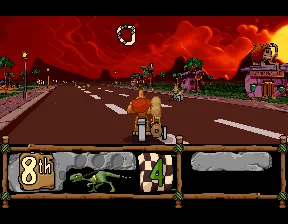
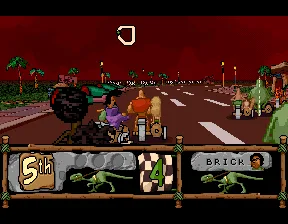
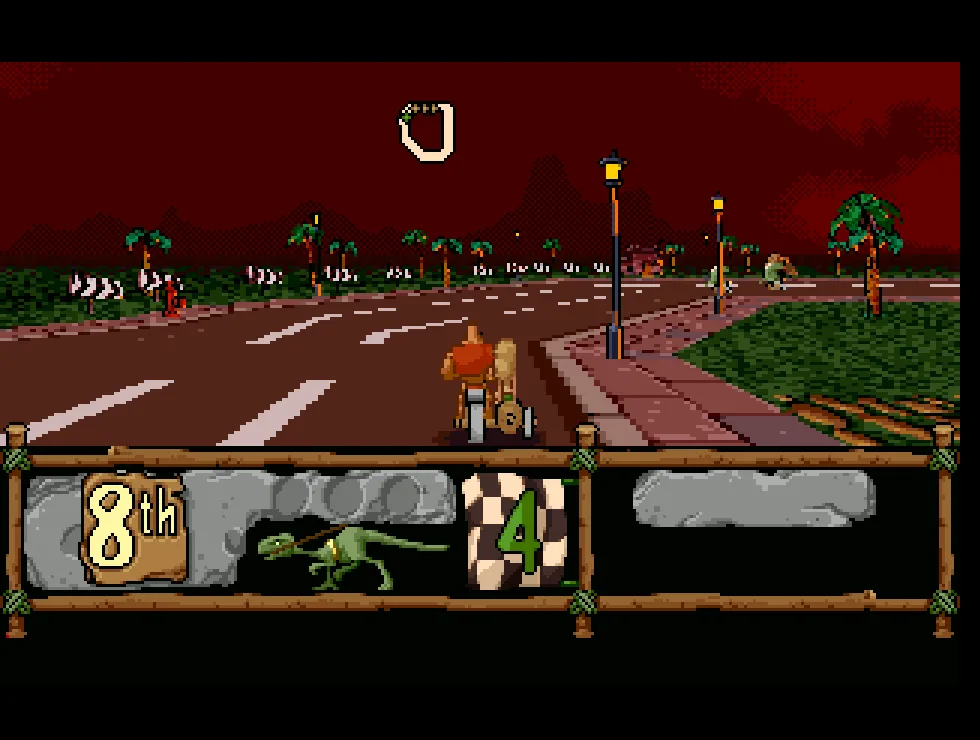
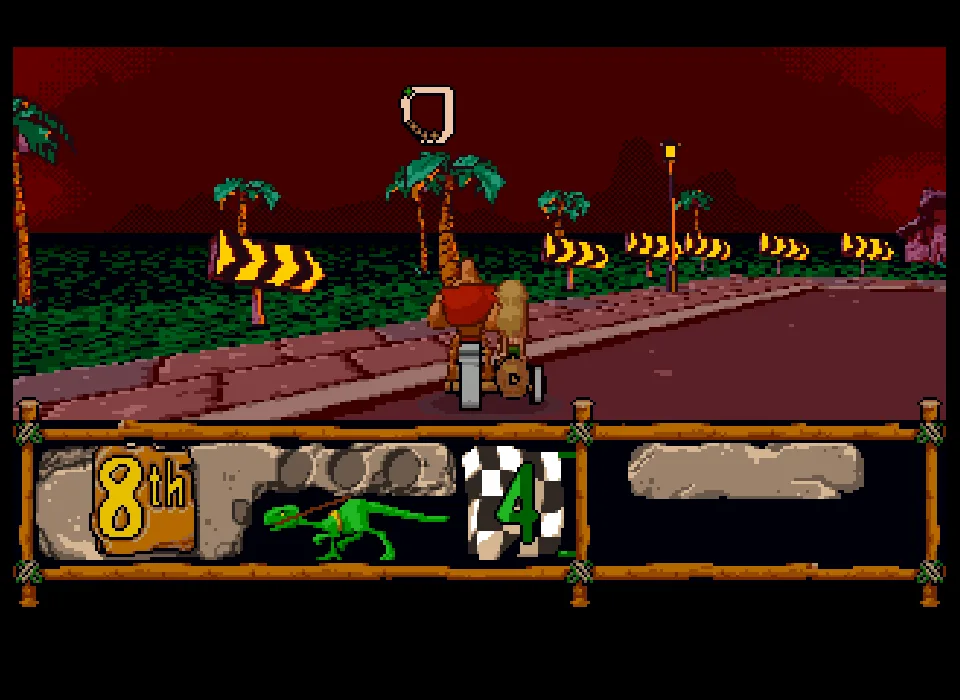
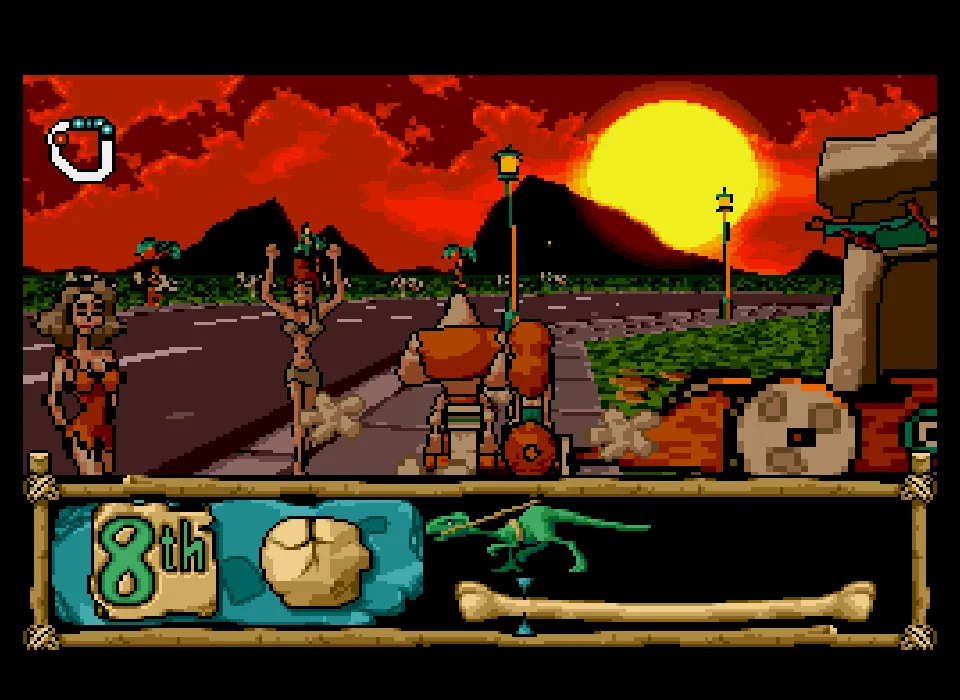
BC Racers for DOS is a racing game from Core Design released in 1995. Its riders compete on prehistoric sidecar bikes, among dinosaurs, palm trees and stone buildings. This copy is in English and lets you choose the difficulty, set up the options and select a team before you enter the track.
The PC CD-ROM box shows its characters surrounded by dinosaurs. Inside the game, the menu places Race Difficulty, Options and Start over a stone-age scene with riders and creatures. The gallery and the background of this game page come from running the DOS copy.
Choosing a difficulty and a team
The first option on the menu is Race Difficulty. Enter changes the chosen level. The arrow keys move through the entries and let you reach Start. To begin with the default settings, go down to Start and confirm with Enter. Wait for the rider selection to appear.
That screen shows the teams and their vehicles. The message Press Return to Choose means that Enter confirms your choice. Let the transition to the track finish before you hold down the accelerator key. Commands entered during an earlier screen can coincide with the scene change.
Driving with Q, comma and period
The race controls in this copy use Q to accelerate and A to brake. The comma turns left and the period turns right. The arrow keys still work for the menus. Practice the corners first with short key presses to get a feel for how much the bike's heading changes.
The camera follows the vehicle from behind. When you turn, the layout of the road and the landmarks in the scenery change, and the rider leans into the maneuver. If you leave the pavement, look for the asphalt and correct your heading. Holding the accelerator while you prolong a turn can take you into the trees or the buildings.
The scoreboard shows your race position and the laps. The other teams may be ahead, beside you or out of sight while you maneuver. When you get back on the track you will have to make up ground. The rivals and the scenery take up space, so it is wise to look at the next stretch before turning.
Continues and settings
When you lose your vehicle, Player 1 Continue? may appear alongside the number of continues available. Select Yes and confirm with Enter to try again. The game prepares another start and lets you keep racing. Read the message that appears before you enter the next commands.
Options holds settings such as the rivals' difficulty, the players' control modes and the laps. Check the visible values before you start. In the menus of this copy, Esc can close the program and return you to the DOS prompt. The ClaBa Player bar lets you restart from the intro whenever you want to set up a new game.
The main download keeps the game folder, with bcracers.exe, the DOS extender and its data. A second ZIP is also kept, containing the installer and its files arcive.01 and arcive.02. The player uses the game folder with a separate DOSBox configuration.
ONE GAME, 4 PLATFORMS
Versions.
4 platforms4 playable online
Pick a platform: the screenshots, downloads and online game on this page switch with it.
- Year
- 1995
- Developer
- Core Design
- Downloads
- 2
- Screenshots
- 3
The MS-DOS version is the one this page covers: the information, review and main screenshots are from this platform.

- Downloads
- 1
- Screenshots
- 2
BC Racers for Sega 32X brings Core Design's prehistoric racing to the cartridge of Sega's add-on. The teams race sidecar bikes among palm trees, stone buildings, dinosaurs and other riders. The game image is the US edition and its text is in English.
Getting ready to start
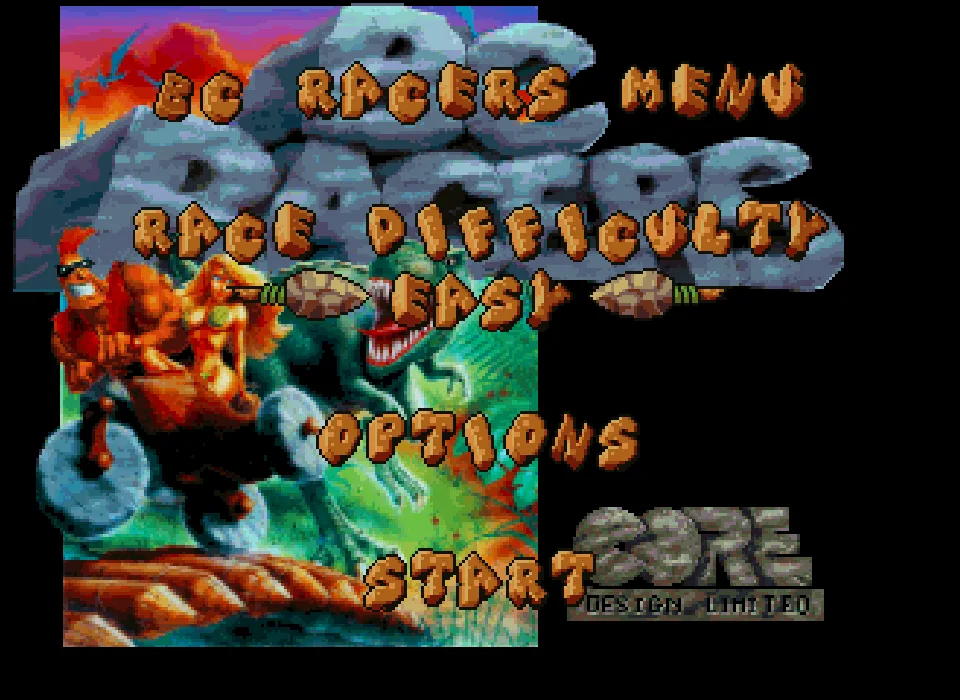
Wait for the BC Racers Menu. Race Difficulty lets you pick the level, Options holds the settings and Start opens the team selection. Use the arrow keys to move through the menu and Enter to confirm. From the initial option, go down two positions to Start if you want to begin with the values shown at startup.
The selection screen shows the riders and their vehicles. Go through the options with the arrow keys and confirm with Enter when Press Start to Choose appears. Wait for the transition to finish and the track to appear. The scoreboard shows the team's position and the laps of the race.
Driving with the player's keyboard
In this version, S accelerates. The Left and Right arrows steer the bike. Enter corresponds to Start and pauses the race; pressing it again resumes the action. Before you accelerate, check that you have reached the circuit and that the Pause message has gone.
The camera follows the vehicle's heading. Holding a direction for a long time shifts the road and can take you off the pavement. Use short corrections and watch the edges of the track and the posts. In testing, acceleration with S, turns to both sides and the original pause of this game image were checked.
The passenger occupies the side seat and takes part in the action alongside the driver. The gallery scenes show the menu and a corner during a hands-on game. The video comes from the resources kept alongside the Sega 32X version.
Download and player
The download keeps the original ZIP and its game image BC Racers (USA).32x. To use it outside the site you need an emulator compatible with Sega 32X. The cartridge image keeps the collection's bytes intact.
ClaBa Player lets you pause, mute, enlarge the screen, take a screenshot, restart and close. Restart goes back to the boot of this edition. The yellow box identifies Genesis 32X and the US rating Kids to Adults. It was consulted at the BC Racers gallery on IMDb and its source is also given in the image caption.
- Downloads
- 1
- Screenshots
- 2
BC Racers for 3DO presents Core Design's sidecar bike racing on the 3DO CD system. The teams race among palm trees, stone buildings and dinosaurs. The owner's disc is the USA and Europe edition and its text is in English.
From the menu to the circuit
Wait for the BC Racers Menu. The Race Difficulty option lets you pick the difficulty. Start opens the rider selection and Options holds the race settings. The arrow keys move the selection and Enter confirms.
Options shows Race Difficulty, 1 Player, Laps, Sound, SFX and Done. If you want to go back to the menu, select Done and confirm. To begin a single race, choose Start. The next screen presents the teams around the chosen vehicle and shows Press Start to Choose.
Go through the riders with the arrow keys and confirm with Enter. Then Loading Level appears. Wait for the loading to finish and the bike to appear on the circuit. The position sits in the lower left and the lap indicator appears next to it.
Accelerating and correcting your steering
S accelerates with the player's keyboard. Left and Right change the vehicle's direction and the camera's heading. Start with short presses and use the road lines and the posts to see where the bike is pointing.
The corners are marked with arrows. If you hold the turn too long, you can leave the road and end up facing the palm trees or the buildings. Release the direction and correct back toward the pavement before accelerating again.
Enter corresponds to Start and pauses the race. The Pause message appears over the track. Another press of Enter resumes the action. In testing, entering the circuit, accelerating with S, turning to both sides and this original pause were checked.
The preserved disc and the playable copy
The download keeps the original CHD. For the player, an ISO copy was prepared with the single data track of that same disc. The integrity check of the CHD and the extraction of its data finished correctly. The resulting image takes up 328,077,312 bytes.
The screenshots show the menu and a hands-on game with the owner's disc. The video is kept alongside the 3DO edition in the collection and shows a race with another team.
ClaBa Player lets you pause, mute, enlarge the screen, take a screenshot, restart and close. To use the download outside the site you need a 3DO emulator and its system files.
- Downloads
- 1
- Screenshots
- 2
BC Racers for Sega CD brings Core Design's prehistoric racing to the Mega Drive's CD drive. The teams ride sidecar bikes around circuits with palm trees, stone settlements and other racers. The disc is the US edition and its text is in English.
Choosing a difficulty and a team
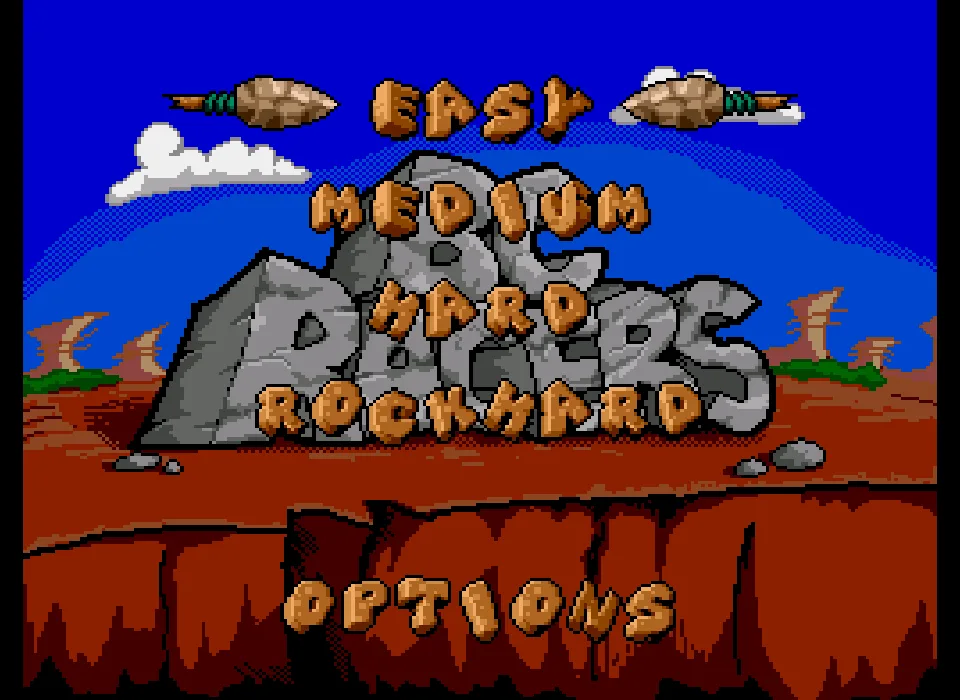
Wait for the game menu. Easy, Medium, Hard and Rockhard are the difficulty levels available. The arrow keys change the selection and Enter confirms. To start at the initial level, confirm Easy when it is highlighted.
The next screen shows the teams and their vehicles. Go through the riders with the arrow keys and use Enter to confirm. Then Please Wait appears while the circuit is prepared. Wait for the loading to finish and the bike to appear on the track.
Driving in the player
In this edition, X accelerates with the keyboard. The Left and Right arrows steer the bike. The camera follows the vehicle's heading, so the road edges, the posts and the signs help you check the turn.
Start with short corrections. If you hold the direction too long, you can leave the pavement and end up in front of a building or a palm tree. Release the turn and point the bike back toward the track before pressing on with the acceleration.
The team's position appears in the lower left area. The lap counter and the indicators accompany the action. The driver and his partner share the vehicle, which occupies the center of the view during the race.
Enter corresponds to Start and pauses the action. The Paused message appears over the scenery. Another press resumes the race. In testing, team selection, entering the circuit, accelerating with X and turning to both sides were checked.
The disc and the online setup
The download keeps the original CHD. The copy used by the player converts that container to CHD v5 and keeps the same data and audio tracks. The internal hashes of the disc were compared and both images were verified.
The player applies to this game a CD access setting to get past the freeze at the Sega logo during boot. The screenshots show the menu and a hands-on game with the owner's disc.
ClaBa Player lets you pause, mute, enlarge the screen, take a screenshot, restart and close. To use the download outside the site you need an emulator compatible with Sega CD and its system files.
EVERY PIXEL COUNTS
The game in pictures.
Explore the screenshots and open every detail at full size.
GET READY FOR YOUR NEXT GAME
Choose your download.
Format, compatibility and server. All in view.
Version
SELECTED VERSIONMS-DOS2 files · also playable online
SELECTED VERSIONSega 32X1 file · also playable online
SELECTED VERSION3DO1 file · also playable online
SELECTED VERSIONSega CD1 file · also playable online
Clicking opens the CLABA loading area and, in a few seconds, your download. If a link fails, let us know via Contact or in the forum.
Your game starts here
Play in your browser.
There are 4 versions ready to play. Pick one and click.
Version
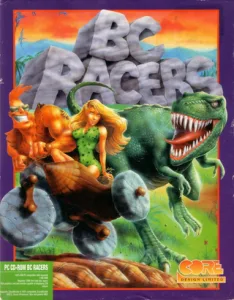
MS-DOSIn your browser
BC Racers
MS-DOS version. Your next game starts here.
- 2 MB · downloads on click
- Save the game's files
- Keyboard, controller or touch
Controls
Click the game to use the keyboardOn mobile, play with the on-screen controller- Enter
- choose team/continue
Menus: arrow keys and Enter. Race: Q accelerate, A brake, comma turn left, period turn right.
- Full screen
Use the button on the bar. Esc returns to the game page; “Exit” closes the game.
- Saves
Save keeps the files the game creates, not the exact moment. Save inside the game, then press Save.
- Mobile and tablet
Press Controls during the game to show buttons and keyboard. Gamepad support depends on the browser.
Saves live in this browser and device. Clearing the site data deletes them too.
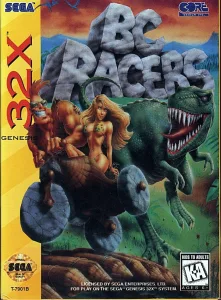
Sega 32XIn your browser
BC Racers
Sega 32X version. Your next game starts here.
- 1 MB · downloads on click
- Save states in this browser
- Controller, keyboard or touch
Controls
Click the game to use the keyboardOn mobile, play with the on-screen controller- Enter
- Start and race pause
Menus: arrow keys and Enter. Race: S accelerate; Left/Right steer.
- Full screen
Use the button on the bar. Esc returns to the game page; “Exit” closes the game.
- Saves
Save State, in the game's menu, keeps the exact moment. Load brings it back when you return.
- Mobile and tablet
Press Controls during the game to show buttons and keyboard. Gamepad support depends on the browser.
Saves live in this browser and device. Clearing the site data deletes them too.
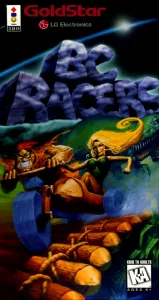
3DOIn your browser
BC Racers
3DO version. Your next game starts here.
- 313 MB · downloads on click
- Save states in this browser
- Controller, keyboard or touch
Controls
Click the game to use the keyboardOn mobile, play with the on-screen controller- Enter
- Start, pause/resume
Menus: arrow keys and Enter. Race: S accelerate, Left/Right steer.
- Full screen
Use the button on the bar. Esc returns to the game page; “Exit” closes the game.
- Saves
Save State, in the game's menu, keeps the exact moment. Load brings it back when you return.
- Mobile and tablet
Press Controls during the game to show buttons and keyboard. Gamepad support depends on the browser.
Saves live in this browser and device. Clearing the site data deletes them too.
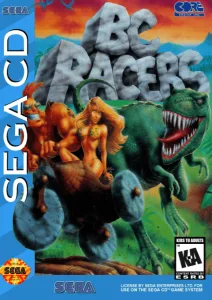
Sega CDIn your browser
BC Racers
Sega CD version. Your next game starts here.
- 207 MB · downloads on click
- Save states in this browser
- Controller, keyboard or touch
Controls
Click the game to use the keyboardOn mobile, play with the on-screen controller- Enter
- Start, pause/resume
Menus: arrow keys and Enter. Race: X accelerate, Left/Right steer.
- Full screen
Use the button on the bar. Esc returns to the game page; “Exit” closes the game.
- Saves
Save State, in the game's menu, keeps the exact moment. Load brings it back when you return.
- Mobile and tablet
Press Controls during the game to show buttons and keyboard. Gamepad support depends on the browser.
Saves live in this browser and device. Clearing the site data deletes them too.
HIT PLAY
The game in motion.
Trailers and videos to see it in action.
-
Sega 32X · BC Racers for Sega 32X, a prehistoric race
Video of the Sega 32X edition. Approximate length: 41 seconds.
-
3DO · BC Racers for 3DO, a sidecar race
Video kept alongside the 3DO edition, about 36 seconds long.
-
Sega CD · BC Racers for Sega CD, a prehistoric race
Video of the Sega CD edition, 36 seconds long.
THE SECRET SIDE OF THE GAME
Tips, tricks and secrets.
A hint at the right time. A code that changes everything.
Tip for starting from the menu
The initial option is Race Difficulty and Enter changes its value. Go down to Start before confirming if you want to enter the team selection. Wait until you see Press Return to Choose and confirm there with Enter.
Tip for learning to steer
Accelerate with Q and use short presses of the comma or period. Watch the edge of the road and the lean of the rider. That reference lets you correct before you end up among the trees outside the track.
Tip for getting back on the pavement
If the bike ends up off the asphalt, ease off the accelerator and point the vehicle back toward the track. A brakes, the comma turns left and the period turns right. Get back to a line you can hold before accelerating again.
Tip for using a continue
Read Player 1 Continue? when it appears after you lose your vehicle. Choose Yes and confirm with Enter. Wait for the new start before holding Q again. The screen shows how many continues are left.
No matches. Try another effect or code.
THE NEXT STEP, CLEARER
Guides to move forward.
From the first installation to that mission that won't give in.
Starting a race in the browser
Open Play online and press Play now. Click inside the game to give the keyboard focus. At BC Racers Menu, use Down to move from Race Difficulty to Options and then to Start. Confirm Start with Enter. Wait for the team selection, choose with the arrow keys and confirm with Enter when Press Return to Choose appears. Let the transition to the track finish.
Accelerating, braking and turning
In the race, hold Q to accelerate. A brakes. Use the comma to turn left and the period to turn right. Movement through the scenery and changes of heading with those keys have been checked. Practice a straight and two short corrections before you tackle a long turn.
Finding your bearings during the race
Look at the stretch of road ahead and use its edges as a reference. The camera turns with the bike, so a change of heading also shifts the trees, the houses and the other vehicles. If the pavement ends up to one side, ease off the accelerator, correct and rejoin the road. Check your position and the laps on the scoreboard.
Changing options and trying again
From the main menu, choose Options and confirm with Enter. It shows the rivals' difficulty, the players' modes and other race settings. Read the selected option before changing it. Esc can end the program in this copy. Use Restart in ClaBa Player to return to the original menu if you have gone back to the DOS prompt.
After you lose your vehicle, Player 1 Continue? lets you choose Yes and confirm with Enter to prepare another start. Wait for the new scene before accelerating.
Using the DOS download
Keep bcracers.exe, dos4gw.exe and the data folders of the main download together. Run bcracers.exe in DOSBox or another compatible DOS environment. The second ZIP keeps the owner's installer and the files arcive.01 and arcive.02. The tutorial DOSBox from scratch explains how to set up a games folder. The browser configuration is stored in a copy separate from the originals.
Player controls and provenance
The ClaBa Player bar lets you pause, mute, enlarge the screen, take a screenshot, restart and close the game. Restart goes back to the boot of the DOS copy. The instructions on this game page were checked in a race played with the keyboard.
The screenshots show the menu and two starts from a real game. The intro credits Core Design and Front Street Publishing. An interview with its creators published in Retro Gamer covers the conversion work from Mega CD to PC, explained by Stuart Atkinson.
Something wrong?
Give us a hint.
A broken link, a detail to correct or a game that won't start. Your report helps keep this game page up to date.
Get in touchReport an issue with this game Discuss it in the forumCLABA ARCADE ROOM
This one and 250 more
play here.
When you finish your game, the room has other machines switched on.
Enter the roomTHE CLABA APP1.0 RC 1
Take the archive
with you.

Game pages, online play and your shelf on Android. Free, no sign-up.
ARCHIVE SECRETS
Did you know?
- The DOS menu credits Core Design and Front Street Publishing.
- The teams compete on bikes with a side seat for their passenger.
- The rider selection is confirmed with Return, as shown on screen.
- A game folder and another ZIP with the original installer are kept.


