Apogee Software · Action-adventure
Kingdom of Kroz II
Descend into the chambers of Kroz in Scott Miller's character-based DOS adventure.
Action-adventure game by Apogee Software (1990) for MS-DOS. Playable in your browser or downloadable.
— no rating yet
THE CLABA ARCHIVE
Inside the game.
Its history, its ideas and the reasons to come back.
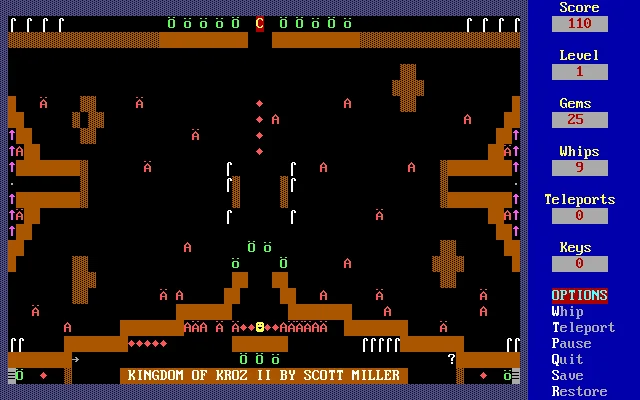
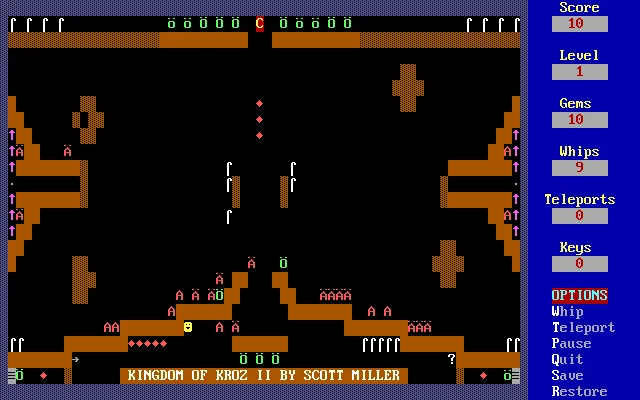
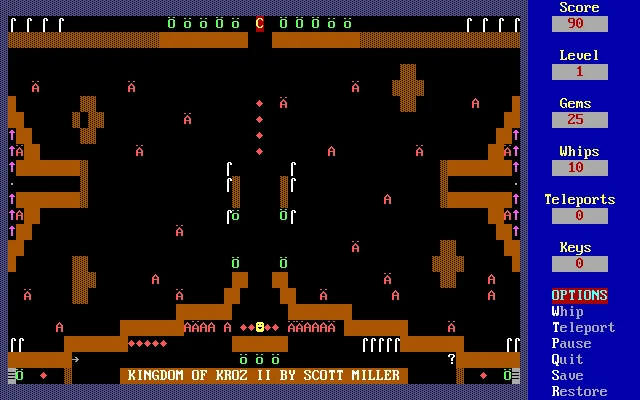
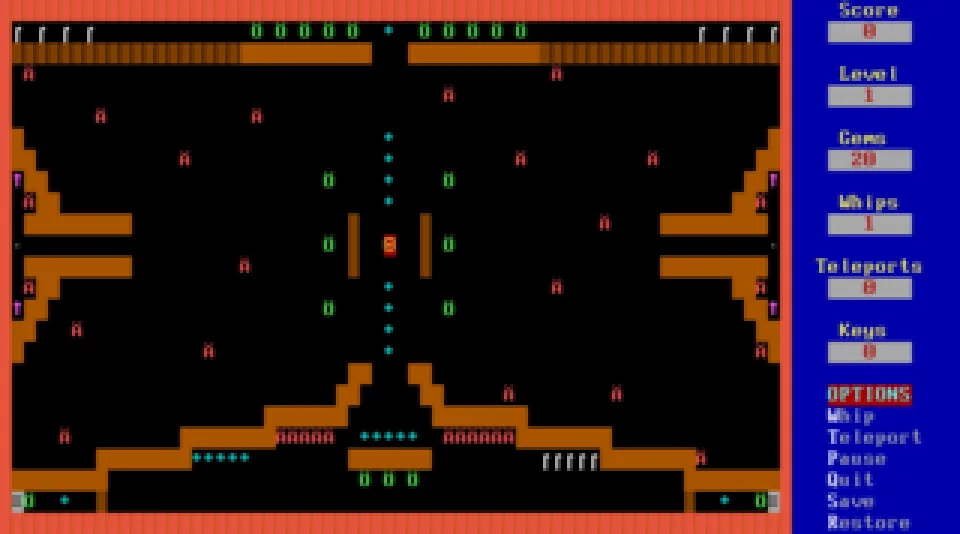
Kingdom of Kroz II is an exploration and survival adventure created by Scott Miller for Apogee. An archaeologist descends into an underground kingdom seeking a magical amulet, equipped with a lantern and whip. The maze, treasure and creatures appear as colourful text characters, while a side panel tracks gems, whips and other available resources.
This 1990 version identifies itself as Kingdom of Kroz II in the game, although the RetroBat archive is named Kingdom of Kroz. After selecting colour display, speed and difficulty, use the arrow keys to explore the chambers and W to use the whip. Each move can also bring creatures closer.
EVERY PIXEL COUNTS
The game in pictures.
Explore the screenshots and open every detail at full size.
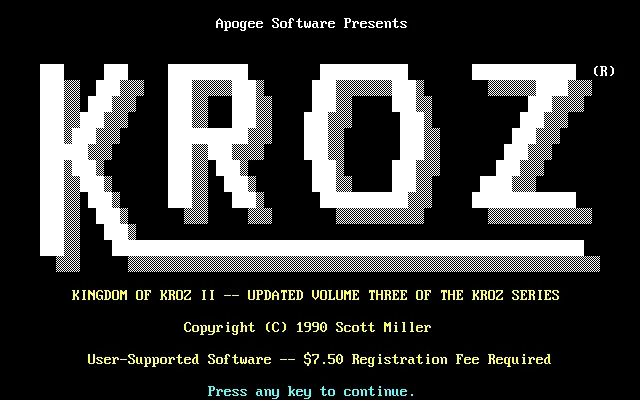
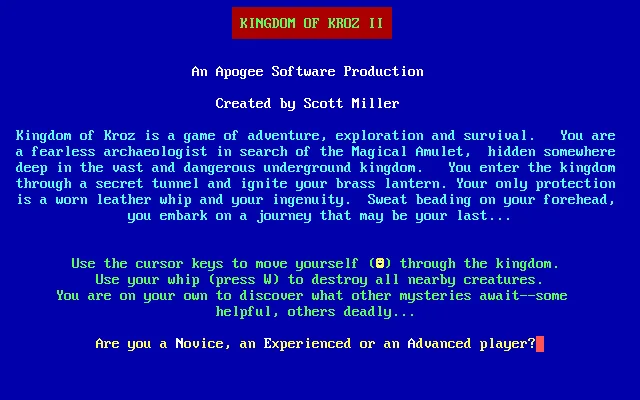
GET READY FOR YOUR NEXT GAME
Choose your download.
Format, compatibility and server. All in view.
Download Portable
COMPATIBILITYMS-DOS 6.22+ ✓ At no cost✓ No sign-up Download BoxSharer server · New tab BoxSharer02 OriginalDescargar versión alternativa
COMPATIBILITYMS-DOS 6.22+ ✓ At no cost✓ No sign-up Download BoxSharer server · New tabClicking opens the CLABA loading area and, in a few seconds, your download. If a link fails, let us know via Contact or in the forum.
Your game starts here
Play in your browser.
Pick, press and go back to the classics without leaving the game page.
RetrogamingRight in your browserNo installation
MS-DOSIn your browser
Kingdom of Kroz II
Online play uses the MS-DOS version; the game page and main download remain the PC one.
- 48 KB · downloads on click
- Save the game's files
- Keyboard, controller or touch
Controls
Click the game to use the keyboardOn mobile, play with the on-screen controllerPress C for colour, F for a fast PC and N for novice; press keys to advance through the instructions. Arrow keys move the explorer and W uses the whip.
- Full screen
Use the button on the bar. Esc returns to the game page; “Exit” closes the game.
- Saves
Save keeps the files the game creates, not the exact moment. Save inside the game, then press Save.
- Mobile and tablet
Press Controls during the game to show buttons and keyboard. Gamepad support depends on the browser.
Saves live in this browser and device. Clearing the site data deletes them too.
Something wrong?
Give us a hint.
A broken link, a detail to correct or a game that won't start. Your report helps keep this game page up to date.
Get in touchReport an issue with this game Discuss it in the forumCLABA ARCADE ROOM
This one and 493 more
play here.
When you finish your game, the room has other machines switched on.
Enter the roomTHE CLABA APP1.0 RC 1
Take the archive
with you.

Game pages, online play and your shelf on Android. Free, no sign-up.