Freeware · Board games
Solitare
Play standard or casino Klondike with keyboard commands to draw cards, move them and complete all four suits.
Board game by Freeware (1985) for MS-DOS. Playable in your browser or downloadable.
— no rating yet
THE CLABA ARCHIVE
Inside the game.
Its history, its ideas and the reasons to come back.
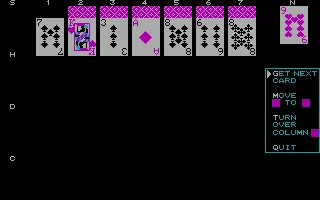
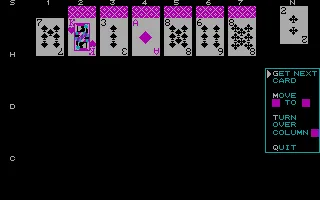
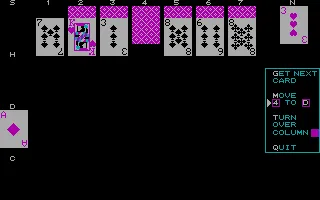
Solitare retains the Klondike arrangement of seven columns and four suit foundations. Cards are handled with keyboard commands. You draw from the deck, transfer cards between columns and turn over hidden cards as positions become available.
Bill Franklin wrote this 1985 adaptation. It offers standard and casino rules alongside a scoring system. Participants can also compare results using the same deck and deal. The help panel on the right lists the main operations. G draws the next card, M begins a move and T turns over the next hidden card in a column.
EVERY PIXEL COUNTS
The game in pictures.
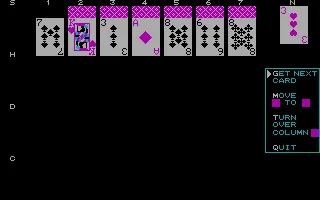
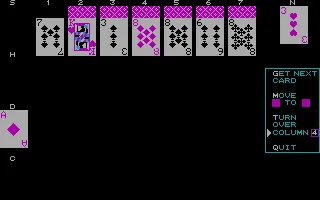
Explore the screenshots and open every detail at full size.
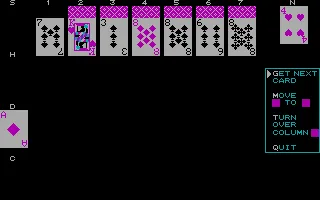
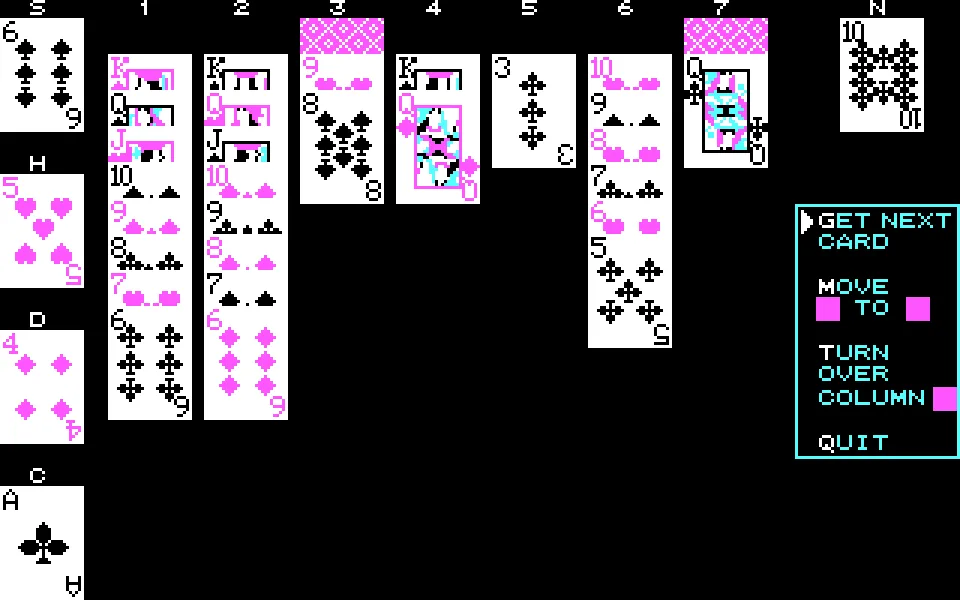
GET READY FOR YOUR NEXT GAME
Choose your download.
Format, compatibility and server. All in view.
Clicking opens the CLABA loading area and, in a few seconds, your download. If a link fails, let us know via Contact or in the forum.
Your game starts here
Play in your browser.
Pick, press and go back to the classics without leaving the game page.
RetrogamingRight in your browserNo installation
MS-DOSIn your browser
Solitare
Online play uses the MS-DOS version; the game page and main download remain the PC one.
- 24 KB · downloads on click
- Save the game's files
- Keyboard, controller or touch
Controls
Click the game to use the keyboardOn mobile, play with the on-screen controllerAnswer N with Shift+N to instructions and choose S with Shift+S for standard rules. Enter one player and a name, then answer N when the computer asks to join. Advance the Ready screens with a key. G draws from the deck. M followed by source and destination moves a card, such as M4D from column 4 to diamonds. T and a column number turn over its next card.
- Full screen
Use the button on the bar. Esc returns to the game page; “Exit” closes the game.
- Saves
Save keeps the files the game creates, not the exact moment. Save inside the game, then press Save.
- Mobile and tablet
Press Controls during the game to show buttons and keyboard. Gamepad support depends on the browser.
Saves live in this browser and device. Clearing the site data deletes them too.
Something wrong?
Give us a hint.
A broken link, a detail to correct or a game that won't start. Your report helps keep this game page up to date.
Get in touchReport an issue with this game Discuss it in the forumCLABA ARCADE ROOM
This one and 540 more
play here.
When you finish your game, the room has other machines switched on.
Enter the roomTHE CLABA APP1.0 RC 1
Take the archive
with you.

Game pages, online play and your shelf on Android. Free, no sign-up.