SOFTWARE ARCHIVE / 1983
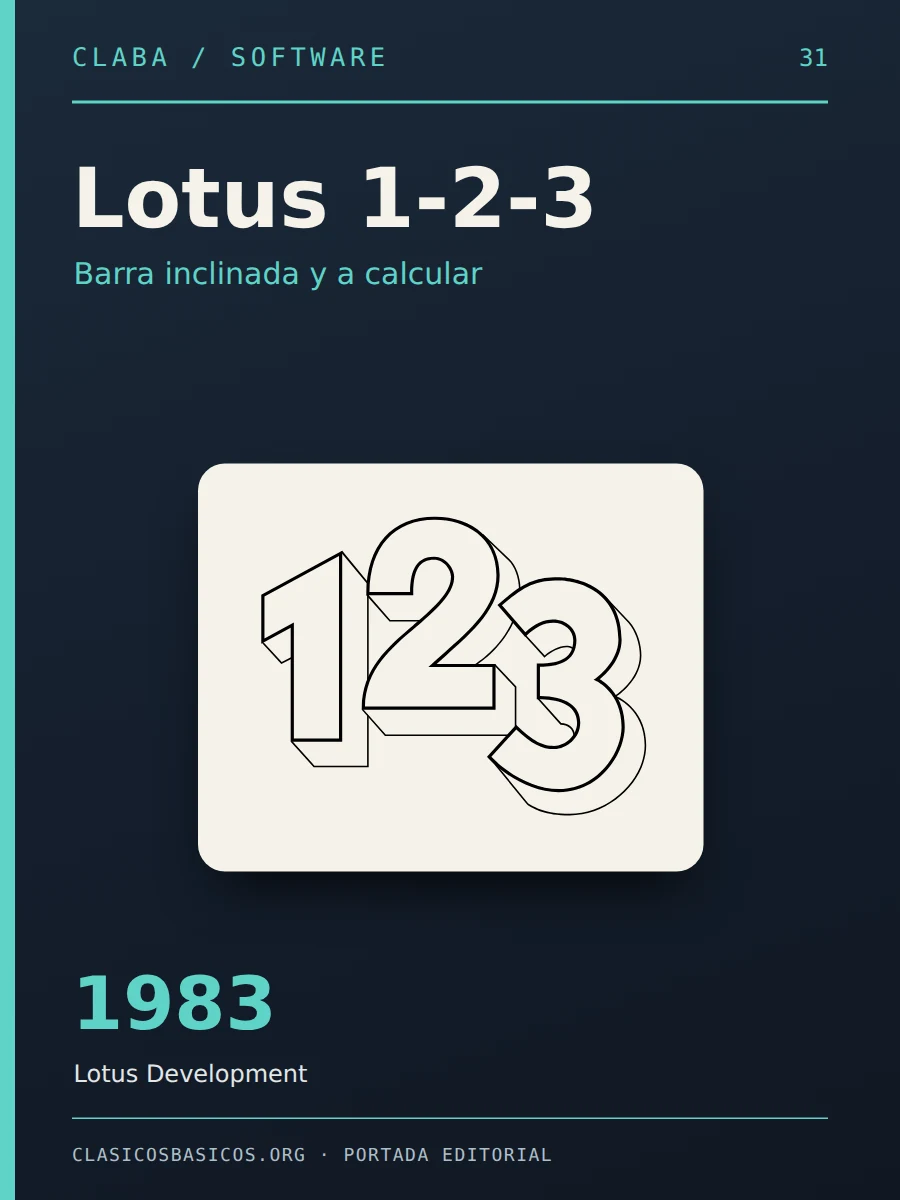
Lotus 1-2-3
Word Processors and SuitesThe spreadsheet that turned the IBM PC into an office tool: slash menus, graphics and macros that dominated the eighties.
A window into the history of our computers.
— no rating yet
- Platform
- MS-DOS
- Year
- 1983
- Category
- Word Processors and Suites
- Developer
- Lotus Development
- Language
- English
Inside Lotus 1-2-3
All it took was pressing the slash key and a line of words appeared at the top of the screen: Worksheet, Range, Copy, Move, File, Print, Graph, Data, System, Quit. With Lotus 1-2-3, accountants, financial directors and business students in the eighties discovered that a grid of cells could recalculate an entire budget in seconds. Many bought a PC just to use it, and for a decade talking about spreadsheets meant talking about 1-2-3.
History: the application that sold computers
Lotus Development Corporation was founded by Mitchell Kapor, a friend of the creators of VisiCalc, the first spreadsheet for personal computers. The program was written by Jonathan Sachs, who had already developed two spreadsheets before. Its name summed up the proposition: three tools in one, the spreadsheet, business graphics and a simple database. Lotus invested a million dollars in advertising in January and February 1983 and launched 1-2-3 on January 26 of that year for the IBM PC. It sold 175,000 copies in its first year and left VisiCalc, Multiplan and SuperCalc behind.
It was written in x86 assembly and wrote directly to video memory, instead of going through the slow DOS or BIOS routines, which made it blazingly fast. That dependence on the IBM PC hardware made it, along with Microsoft Flight Simulator, the acid test of compatibles: if a clone ran 1-2-3, it was truly compatible. Manufacturers even advertised their machines as “1-2-3 compatible”.
By the late eighties it was the best-known and most widely used computer program in the world. The arrival of Windows 3.0 changed the scene: Lotus was slow to adapt to the graphical interface and Microsoft Excel gradually took its place in the early nineties. IBM bought Lotus in 1995, integrated 1-2-3 into the SmartSuite suite and in 2013 announced the final retirement of the brand.
What made it special
- The slash menu: the / key opened a menu of words at the top of the screen; each command was chosen with its initial, so that /FS saved a file without looking at the keyboard.
- Integrated graphics: it generated bar, line and pie charts from the worksheet data, something very striking in 1983.
- Database in the worksheet: it let you sort and query records within a range of cells.
- Macros: sequences of commands stored in cells made it possible to automate tasks and build genuine applications; its macro system became the most popular application development language in the world.
- Context-sensitive help: the F1 key showed help on the command in progress, one of the first implementations of its kind.
- Add-ins: from version 2 it accepted extensions from other manufacturers, which created an ecosystem of hundreds of products, courses and books.
Versions that defined an era
- Release 1 (January 1983): the original for the IBM PC; 1A arrived in April.
- Release 2 (September 1985): add-ins, expanded memory and math coprocessor.
- Release 2.01 (July 1986): the most widespread of the decade.
- Release 3 (March 1989): three-dimensional worksheets and several files open at once; it required an 80286.
- Release 2.2 (1989): more speed and presentation-quality graphics for the more modest PCs.
- Release 2.3 (1991) and 2.4 (1992): WYSIWYG editing and, in 2.4, icons and new tools.
- 1-2-3 for Windows (1991): the first edition for Windows 3.0.
Legacy
Lotus 1-2-3 was the first great “killer app” of the IBM PC and contributed decisively to compatibles conquering the offices. It also left its name in the courts: Lotus won its 1990 lawsuit against the clones of its interface, but lost against Borland and its Quattro Pro in a case that reached the United States Supreme Court and ended, in 1996, in a tie that gave Borland the victory. The case is still cited when people discuss whether a program’s menus can be protected by copyright.
Its slash menu, a much more complete version of VisiCalc’s one-letter menus, and its macro system trained an entire generation of spreadsheet users. The edition we preserve here is 2.4 for DOS, from 1992, the last of the classic branch.


That's how it looked.
Full screenshots of the program. Tap to enlarge and move from one to the next.
Back to the desktop.
01Installing Lotus 1-2-3 2.4 in DOSBox and doing your first sum+
Reference environment: DOSBox 0.74-3 (or DOSBox Staging) on Windows, macOS or Linux. The package comes with five 3.5-inch, 720 KB floppy disk images.
Before you start
Download the ZIP and unpack it. Inside is a folder with the images disk1.img to disk5.img in the IMG subdirectory, and another with photos of the floppy disks. Copy the five images to a short folder, for example C:\RETRO\L124, and create an empty folder, for example C:\RETRO\DOS, to act as the hard disk.
Step by step
- In DOSBox, mount the hard disk with
mount c C:\RETRO\DOS. - Mount the five floppy disks as drive A: with
imgmount a C:\RETRO\L124\disk1.img C:\RETRO\L124\disk2.img C:\RETRO\L124\disk3.img C:\RETRO\L124\disk4.img C:\RETRO\L124\disk5.img -t floppy. - Switch to the floppy drive with
A:and start the installer withINSTALL. - The installer will ask for your name and your company’s name to personalize the copy: type them and confirm them, because they cannot be changed afterward.
- Indicate drive C: as the destination and accept the directory it proposes.
- When it asks for another floppy disk, press
Ctrl+F4in DOSBox to move to the next image and confirm. - When the system configuration comes up, choose a VGA or compatible display; you can leave the printer for later.
- When it finishes, go to
C:, enter the installation directory withCDand start the spreadsheet with123.
Check that it works
The grid with columns A, B, C… and the READY indicator at the top right should appear. Type a number in A1, another in A2 and the formula +A1+A2 in A3. Press / to open the menu; /FS saves the worksheet and /QY exits the program. F1 shows help.
If something goes wrong
If the installer cannot find the files, the wrong floppy disk is mounted: press Ctrl+F4 until you reach the one it asks for. If the graphics do not display, run INSTALL again from the program directory and choose a different display driver. If the keyboard does not respond to the slash key, try the / key on the numeric keypad.

Downloads and resources
Sources and documentation6
¿Lo utilizabas?
Comparte tu experiencia con Lotus 1-2-3 o resuelve una duda con la comunidad.
Conversar en el foro ↗on my computer.