Bethesda Game Studios · RPG
The Elder Scrolls III: Morrowind
Vvardenfell: a volcanic island of giant mushrooms and ash storms, 27 skills that grow with use, guilds and houses. Spanish repack and three original CDs.
Role-playing game by Bethesda Game Studios (2002) for PC, in Spanish and English.
4.7 21 votes
THE CLABA ARCHIVE
Inside the game.
Its history, its ideas and the reasons to come back.
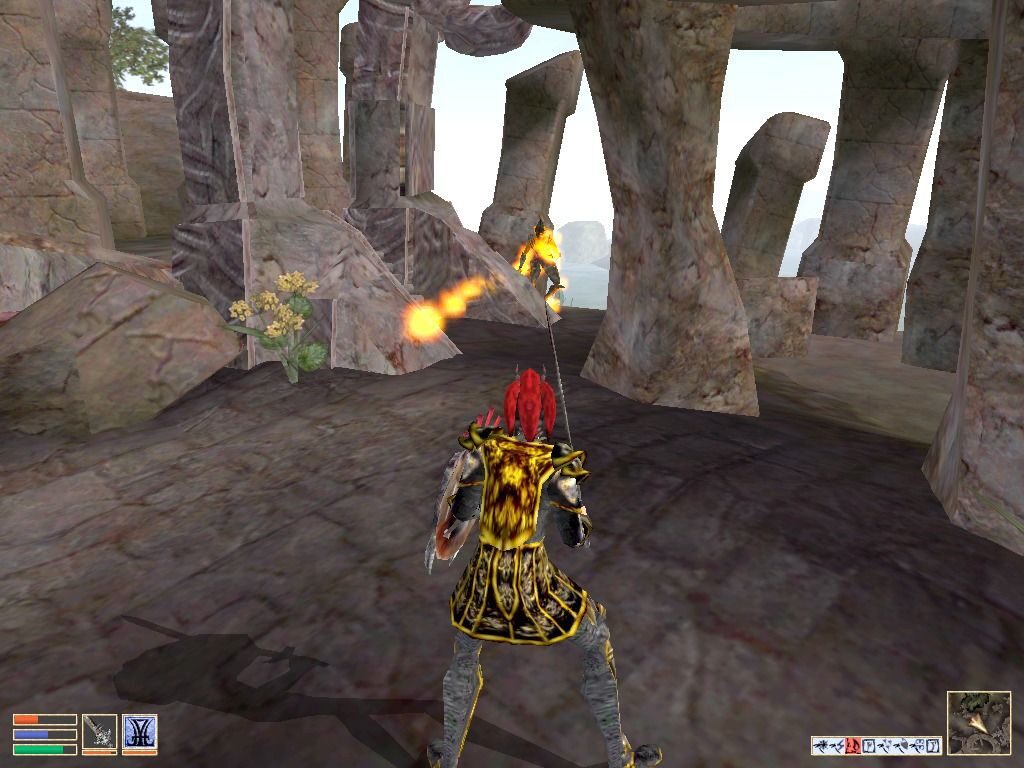
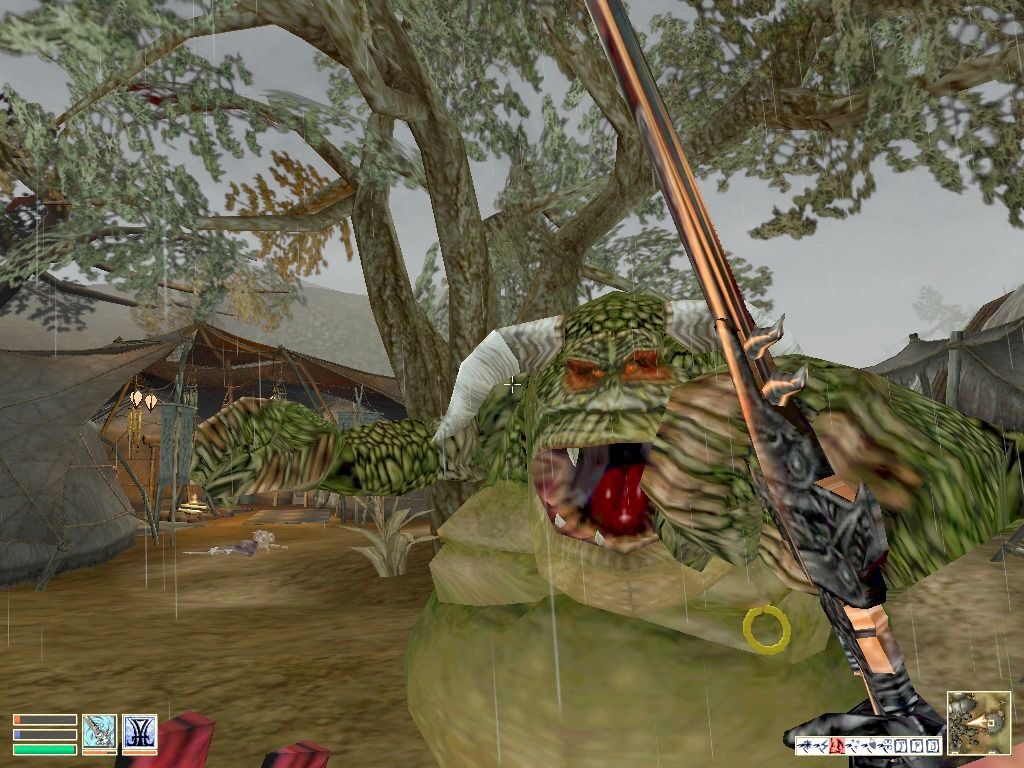
You wake up in the hold of a ship. Another prisoner asks you your name, a guard brings you up on deck and, as you set foot on the dock at Seyda Neen, an imperial official informs you that the emperor himself has ordered your release. You don’t know why. They hand you a sealed package and a name in Balmora, and from there the island is all yours. That is how The Elder Scrolls III: Morrowind begins, the role-playing game Bethesda put in stores in the first week of May 2002 for PC and, shortly afterward, for Xbox.
An island of ash and prophecies
The action takes place on Vvardenfell, a volcanic island in the province of Morrowind, homeland of the Dark Elves. Nothing resembles the medieval fantasy of the earlier entries: there are giant mushrooms turned into towers, enormous insects that serve as transport and an ash storm, the Blight, that descends from Red Mountain. Hidden there is Dagoth Ur, an ancient demigod who plots to drive out the Empire with the help of his cult, the Sixth House. The emperor has sent you to fulfill an old prophecy that nobody fully understands, and your first contact, the spy Caius Cosades, will explain why as you go.
How it plays
You create your character from ten races and a list of classes, or invent your own, and choose five major skills and five minor skills out of the 27 there are. Skills improve by using them, and when your major and minor skills add up to ten increases, you rest and level up. Combat has something of a tabletop game about it: whether a blow lands depends on your skill with that weapon and on your fatigue, and at first you will miss a lot.
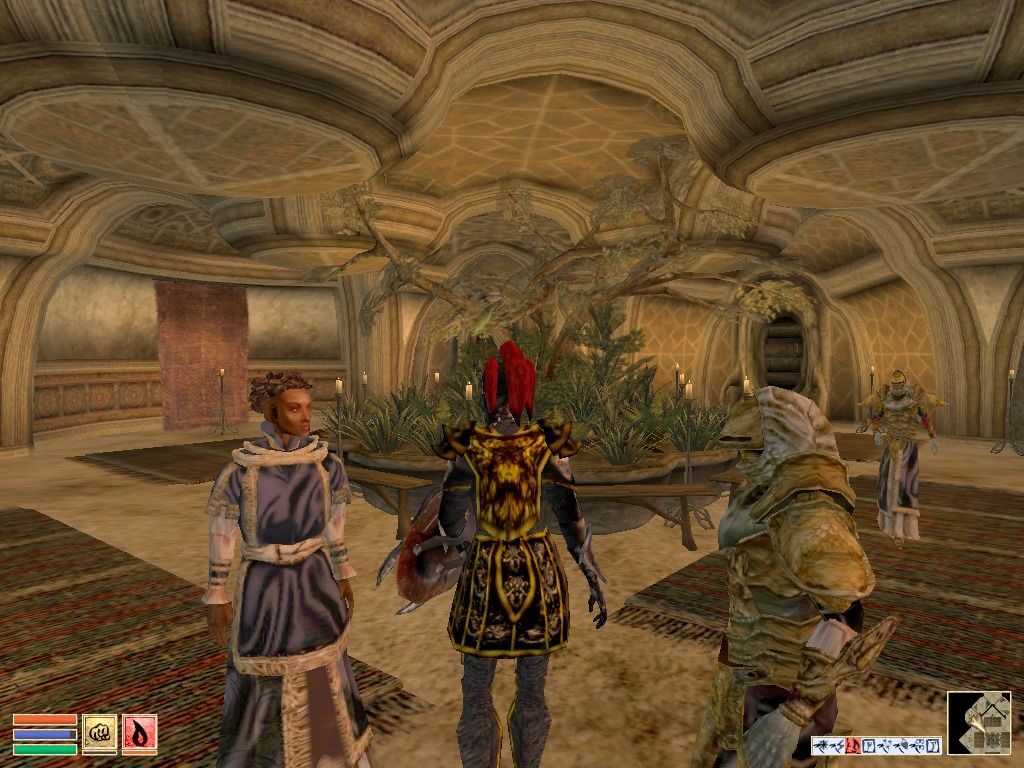
The rest is up to you. You can join the Mages Guild, the Fighters Guild or the Thieves Guild, serve the Imperial Legion, join one of the great houses of the Dark Elves or devote yourself to stealing. There is no fast travel on the map: you get around on foot, by silt strider, by boat, with the Mages Guild teleportation service or with spells such as Mark and Recall. Nor do they hold your hand: many quests only point you to a route and a few landmarks, and the journal fills up with notes in no time.
What made it special
Arena and Daggerfall generated a good part of their worlds automatically. For Morrowind, Bethesda decided to do everything by hand, object by object, and calculated it at close to a hundred years of work for one person. To achieve it, it tripled its staff and spent the first year of development creating its editor, the TES Construction Set. The editor came included with the PC game, and thanks to it the community has been making mods for more than twenty years. The game sold more than four million units according to Bethesda, and in 2002 it was up against Neverwinter Nights for the year’s best role-playing game awards.
It had two expansions: Tribunal, in November 2002, which takes you to the walled city of Mournhold, and Bloodmoon, in June 2003, which adds the frozen island of Solstheim and werewolves. In October 2003 the three parts were brought together in the Game of the Year Edition.
The edition we offer
In Downloads you have a repack with installation in English or Spanish and the translation by Clan DLAN (version 1.4.3, according to the forum note), marked for Windows XP, 7 and 10. It’s worth it: the edition sold today on Steam only comes with English, French and German, and it is thanks to that group of fans that you can play it in Spanish. There are also three images of the original English discs, one for Morrowind and one for each expansion. They are useful for preserving the edition; for playing on a current PC, the easiest option is the repack. If you have compatibility problems, see our tutorial on Windows XP classics on Windows 10 and 11 (in Spanish).
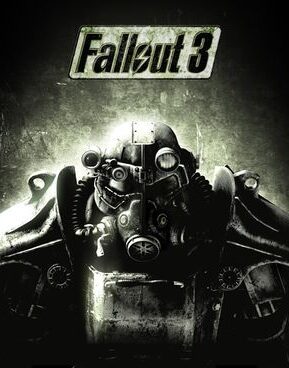
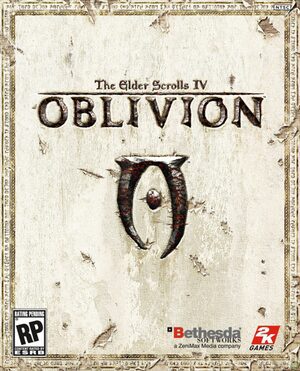
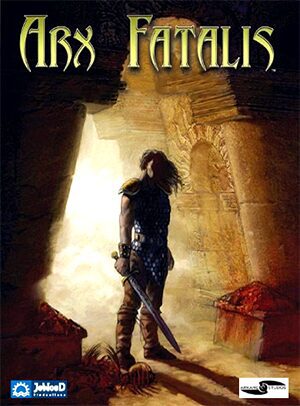
In Guides you have the first launch, the controls and some first steps so you don’t die from a rat bite; in Tips & tricks, the console and the most useful commands. The series began with The Elder Scrolls: Arena and continued with Oblivion; with the same open-world philosophy, Bethesda later made Fallout 3. If you like worlds that don’t hold your hand, try Arx Fatalis or Risen.
EVERY PIXEL COUNTS
The game in pictures.
Explore the screenshots and open every detail at full size.
GET READY FOR YOUR NEXT GAME
Choose your download.
Format, compatibility and server. All in view.
Download Repack
COMPATIBILITYWindows XP / 7 / 10 ✓ At no cost✓ No sign-up Download www.mediafire.com · New tab MediaFire02 ISODOWNLOAD CD
COMPATIBILITYWindows XP / 7 / 10 ✓ At no cost✓ No sign-up Download www.mediafire.com · New tab MediaFire03 ISODOWNLOAD CD
COMPATIBILITYWindows XP / 7 / 10 ✓ At no cost✓ No sign-up Download www.mediafire.com · New tab MediaFire04 ISODOWNLOAD CD
COMPATIBILITYWindows XP / 7 / 10 ✓ At no cost✓ No sign-up Download www.mediafire.com · New tabClicking opens the CLABA loading area and, in a few seconds, your download. If a link fails, let us know via Contact or in the forum.
THE SECRET SIDE OF THE GAME
Tips, tricks and secrets.
A hint at the right time. A code that changes everything.
How to enter them
Morrowind for PC has a command console. It opens with the key below Esc, to the left of 1 (on a Spanish keyboard, º). Type the command, press Enter and close it with the same key. If the command is correct, it turns blue; if not, an error appears. To apply a command to a door, a chest or a character, click on it with the console open: its name will appear in the title bar. Save first, because some commands can break quests.
God mode
tgm: turns god mode on or off. You become nearly invulnerable, but a reflected spell can still kill you.
Walking through walls
tcl: turns off collisions and lets you walk through walls and fly. Use it to get out of a jam and type it again to turn it off. If a character gets stuck in a wall, ra returns everyone in the area to their place.
Full map
fillmap: marks all the places on Vvardenfell on the world map, excluding Solstheim. tfow removes the fog from the local map.
Gold and items
player->additem gold_001 1000: gives you 1000 gold coins; change the number as you like. With the same command you can add any item if you know its ID.
Picking locks
With the console open, click on the door or chest and type unlock.
Going anywhere
coc followed by the name of the cell takes you there; if the name has spaces, put it in quotation marks. For example: coc "balmora, guild of mages". With the translation, use the name you see in the game.
No matches. Try another effect or code.
THE NEXT STEP, CLEARER
Guides to move forward.
From the first installation to that mission that won't give in.
Start here · first launch
- Download the repack from Downloads and install it in a short path outside
Program Files, for exampleC:\Juegos\Morrowind. That way you avoid permission problems when saving the configuration. - Start from the Morrowind launcher. Under Data Files you can see the active data files; if the translation appears there, leave it checked.
- If the configuration isn’t saved, run the launcher as administrator.
- The CD images are the original English edition. The disc of the first version used SafeDisc protection, which doesn’t work on current Windows; the official patches remove it, although they still ask for the disc in the drive.
Save games are stored in the Saves folder, inside the game folder. Before reinstalling, copy them with our tutorial on copying and restoring save games (in Spanish).
Controls
- W A S D: move. Mouse: look. E: jump. Ctrl: sneak. Shift: run; Caps Lock: always run. Q: move forward without holding a key.
- Space: use, open, take or talk. If you talk to someone while sneaking, you try to pickpocket them.
- Left click: attack, cast the readied spell or use lockpicks and probes.
- F: draw or sheathe your weapon. R: ready magic. 0: fists.
- Right click: pause and the inventory, map, magic and stats menus. J: journal.
- Tab: first or third person. T: rest or wait.
- F1: assign shortcuts to the 1–9 keys. F5 and F9: quicksave and quickload.
Everything can be remapped in the options.
First steps · surviving Vvardenfell
- Before leaving the Seyda Neen office, take the ring from the barrel. Outside, Fargoth, its owner, is waiting for you: give it back to him and you will get better prices at Arrille’s shop.
- At first you will miss blows easily. Use the weapons of your major skills and don’t fight with your fatigue at the minimum.
- Go to Balmora on the Seyda Neen silt strider and hand your orders to Caius Cosades. From there, the main story moves forward at your own pace.
- Join a guild early. The mages sell spells and teleport between cities; the fighters offer paid work from day one.
- Read each quest’s directions carefully. There are no markers on the map: you have to orient yourself with the directions and landmarks they give you.
- Learn Mark and Recall or buy scrolls of Divine Intervention and Almsivi Intervention: they save you many long walks.
- Save often and in several different slots.
Technical notes
It required Windows 98, ME, 2000 or XP, a 500 MHz processor, 256 MB of RAM, a 32 MB graphics card compatible with DirectX 8.1 and 1 GB of disk space. The last official patch for the base game is 1.2.0722, and the expansions have their own; the Game of the Year Edition already includes them. If you install separately, put the expansions in order: Tribunal first and then Bloodmoon.
- On Windows 8 and later a window border may be visible in full screen; the community has a fix for that.
- If the game closes when switching windows with Alt+Tab, change
Background Keyboard=0to1inMorrowind.ini. - If the mouse lags, raise the music volume a notch: it can happen with the music at minimum.
- If a music error appears at startup, check in
Data Files\Music\Specialthat the three MP3s are there and that your antivirus isn’t blocking them.
There are three community add-ons that are widely used: the Morrowind Code Patch, which fixes bugs in the executable; MGE XE, which allows widescreen resolutions and extends the view distance; and OpenMW, an open-source engine that needs the original game’s data. They are optional: apply them to a copy.
Sources
- Bethesda · history of Morrowind (tenth anniversary): the Tribunal project, the 1997 pause, the hand-made world, the hundred years of work and the Construction Set.
- Bethesda · press release of April 23, 2002: the game goes to press and reaches stores in the first week of May.
- Bethesda · press release of August 17, 2005: Lynda Carter and the more than four million units sold.
- PCGamingWiki: SafeDisc, patches, requirements, paths, languages, known bugs and community fixes.
- Steam · Game of the Year Edition: languages of the digital edition and minimum requirements.
- UESP · console, controls, leveling up, Fargoth and Tarhiel: commands, keys, skills and characters.
- Elder Scrolls Wiki · console commands: second source for the commands.
- GameSpot and Hackaday: the Xbox restarts during loading.
Something wrong?
Give us a hint.
A broken link, a detail to correct or a game that won't start. Your report helps keep this game page up to date.
Get in touchReport an issue with this game Discuss it in the forumCLABA ARCADE ROOM
251 classics
without installing anything.
Don't feel like installing? These play right in your browser.
Enter the roomTHE CLABA APP1.0 RC 1
Take the archive
with you.
Game pages, online play and your shelf on Android. Free, no sign-up.
ARCHIVE SECRETS
Did you know?
It was going to be called Tribunal. According to Bethesda itself, the third entry was conceived during the development of Daggerfall, under that title and set on the island of Summerset. It was later redesigned to cover the whole province of Morrowind, with its five great houses, and in 1997 it was shelved as too ambitious.
The editor came first. The studio devoted the entire first year of development to creating the Construction Set. On the team they said it was perhaps the best product they had ever made.
Wonder Woman is in it too. Lynda Carter, the star of the television series, voiced a character in Morrowind. It was her first work in a video game, and she returned for Oblivion.
A mage falls from the sky. When you leave Seyda Neen heading north, Tarhiel, a Wood Elf who was testing his Scrolls of Icarian Flight, which raise Acrobatics by 1000 points for seven seconds, may drop down in front of you. He forgot to think about the landing. Among his belongings are three more scrolls.
It restarted the Xbox without you noticing. Todd Howard said that when the Xbox version ran out of memory, it restarted the console during some loading screens that were longer than usual. In 2021, the explainer Modern Vintage Gamer confirmed it by analyzing the game’s code.