Obsidian Entertainment · RPG
Star Wars: Knights of the Old Republic II: The Sith Lords
Obsidian's sequel: you start as a Jedi, with seven lightsaber forms, prestige classes, Kreia and three Sith lords. Spanish repack, English voices.
Role-playing game by Obsidian Entertainment (2005) for PC, in Spanish. Available to download.
4.2 10 votes
THE CLABA ARCHIVE
Inside the game.
Its history, its ideas and the reasons to come back.
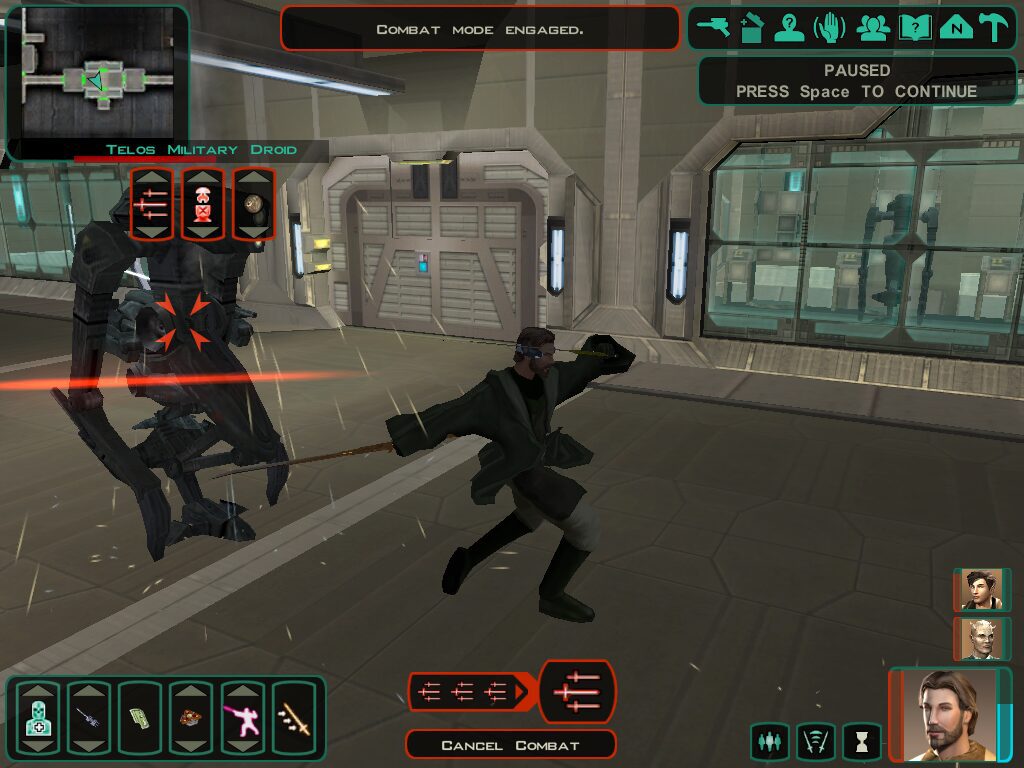
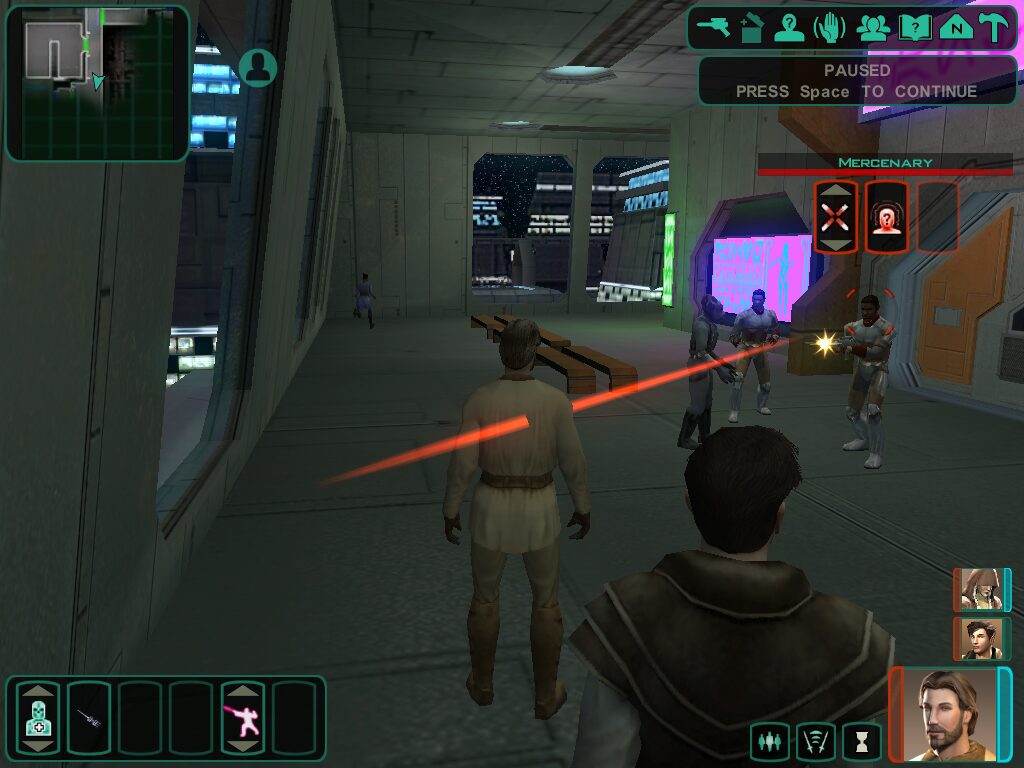
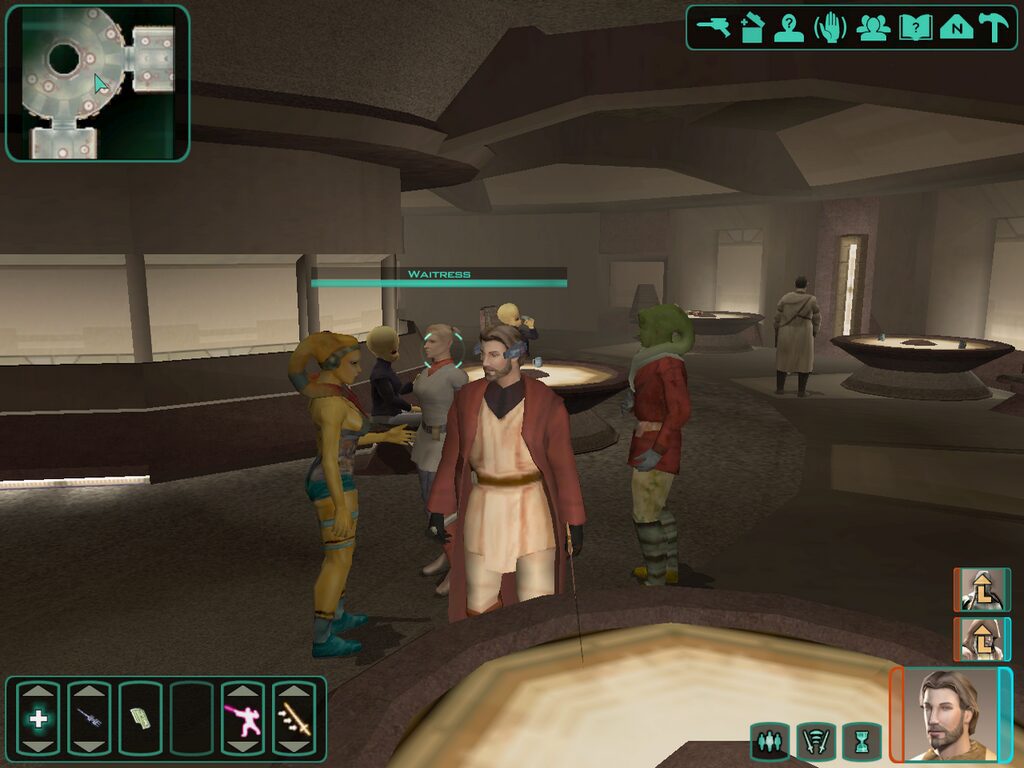
Five years have passed since the fall of Darth Malak and the Jedi Order is almost extinct. You are one of its last survivors, though it is far from clear that the Order wants you back: it cast you out a decade ago. Star Wars: Knights of the Old Republic II, The Sith Lords in the original and KOTOR II to almost everyone, continues BioWare's role-playing game but was written by another studio: Obsidian Entertainment, newly founded by Black Isle veterans with Chris Avellone as lead designer. LucasArts released it first on Xbox, in late 2004, and on PC on February 8, 2005.
The Exile and the Sith lords
Your character is the Exile, a Jedi who fought in the Mandalorian Wars and lost the connection to the Force. The game starts with you badly wounded aboard a battered freighter near the Peragus mining station, and from there you are accompanied by Kreia, an enigmatic old woman who serves as a mentor and who questions Jedi and Sith alike. Opposing you are three dark lords, among them Darth Sion and Darth Nihilus, who hunt the remaining Jedi. The journey takes you through Telos, Nar Shaddaa, the jungle moon of Dxun and the planet Onderon, and back to a ruined Dantooine and Korriban.
How it plays
The foundation is that of the first Knights of the Old Republic: real-time combat with pause on d20 rules, a party of three and decisions that tilt you toward the light or the dark side. But here you start out already a Jedi, choosing between Guardian, Consular or Sentinel, and later you can specialize in a prestige class: Weapon Master, Jedi Master or Jedi Watchman on the light side; Sith Marauder, Sith Lord or Sith Assassin on the dark.
The lightsaber gains depth with seven combat forms, from Shii-Cho to Juyo, each with advantages and penalties depending on whether you are fighting one enemy, several or another lightsaber. At workbenches and laboratories you can break down equipment you don't use to obtain components and craft upgrades, medpacs or grenades. Pazaak, swoop bike races (now with a jump) and the Ebon Hawk's turrets all return.
A classic that ran out of time
It was Obsidian's first project, and Avellone has said they had about fourteen months from start to finish, with penalties if they missed the date. It shows: the final stretch is rushed and a droid planet and an HK unit factory were left out. That is why it has had a second life thanks to its fans. The Restored Content Mod recovers a good part of what was cut using material that had been left on the discs. Even so, its morally gray script, Kreia and companions who react to what you do earned it a cult reputation, even among those who prefer the first game.
The edition we offer
In Downloads you will find an install-and-play repack, in Spanish, prepared for Windows XP, 7 and 10. The Spanish translation covers text only: the game was never dubbed into Spanish and the voices are in English. In Guides you will find the installation, the fixes for current systems and a strategy for the first levels; in Tips & tricks, the hidden console, which here has the peculiarity of being invisible. For compatibility problems, our tutorial on Windows XP classics on Windows 10 and 11 (in Spanish) lends a hand.
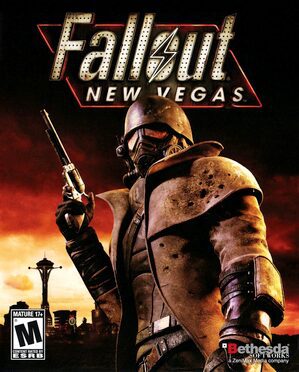
If you are left wanting more, Obsidian later made Fallout: New Vegas, and along the same RPG lines you have Neverwinter Nights. To stay in the galaxy, try Jedi Knight: Dark Forces 2 or Star Wars: Empire at War.
EVERY PIXEL COUNTS
The game in pictures.
Explore the screenshots and open every detail at full size.
GET READY FOR YOUR NEXT GAME
Choose your download.
Format, compatibility and server. All in view.
Clicking opens the CLABA loading area and, in a few seconds, your download. If a link fails, let us know via Contact or in the forum.
THE SECRET SIDE OF THE GAME
Tips, tricks and secrets.
A hint at the right time. A code that changes everything.
How to enable the console
Close the game and open the swkotor2.ini file in the installation folder with Notepad. In the [Game Options] section add the line EnableCheats=1 and save. In game, press the ` or ~ key on a US keyboard; on keyboards in other languages the key may differ. Careful: in KOTOR II the console is not visible. Type the code blind, respecting uppercase and lowercase, and press Enter. With Tab you can list the commands.
Save games made after using a cheat show "Cheat Used" over the screenshot. Save before trying anything.
Survival
invulnerability: toggles the party's invulnerability. heal: restores vitality and Force points for the character you are controlling. infiniteuses: limited-use items, such as shields or grenades, are not consumed (according to StrategyWiki, it also applies to enemies). turbo: your characters move much faster.
Experience and alignment
addexp followed by a number (for example, addexp 5000): adds that much experience. addlevel: gives you the experience you lack for the next level. addlightside and adddarkside with a number: add points to the light or dark side.
Credits and supplies
givecredits followed by a number: adds that many credits. givemed: advanced medpacs. giverepair: advanced repair kits. givecomspikes: computer spikes for terminals. If you don't specify an amount for these last three, StrategyWiki says you receive 99. If you receive the spikes, the console is working.
Attributes and skills
setstrength, setdexterity, setconstitution, setintelligence, setwisdom and setcharisma, followed by a value, set the active character’s attributes. For skills, setcomputeruse, setdemolitions, setstealth, setawareness, setpersuade, setrepair, setsecurity and settreatinjury work the same way.
Map and minigames
revealmap: uncovers the map of the area. bright: raises the brightness of the lights on the current map. restartminigame: restarts the swoop race or turret combat you are in, useful if a race has gone sideways.
No matches. Try another effect or code.
THE NEXT STEP, CLEARER
Guides to move forward.
From the first installation to that mission that won't give in.
Start here · first launch on a modern PC
- Download the repack from Downloads: it is the install-and-play version, prepared for Windows XP, 7 and 10.
- Install it outside
Program Files, in a short path such asC:\Juegos\KOTOR2. The game stores save games in the installation'sSavesfolder and its settings inswkotor2.ini, so that folder should not be protected. - Before playing, turn on vertical sync in the graphics options with the display at 60 Hz. Above that frame rate your character can get stuck after combat.
- Back up the
Savesfolder from time to time with our tutorial on copying and restoring save games (in Spanish): there is only a single autosave slot.
If something fails at startup, see the technical notes guide and our tutorial on Windows XP classics on Windows 10 and 11 (in Spanish).
Controls · what you should know
- Spacebar: pause. Use it at the start of every fight to give orders calmly.
- Caps Lock: detached camera. Hold Ctrl or the right mouse button to look around.
- R or left click: default action on the target (open, talk, attack).
- F: cancel combat. In a swoop race, pause and press F to abandon it.
- Swoop: Enter or click to take off and shift gears at the right moment, A and D to dodge, Spacebar to jump over obstacles.
- Turrets: aim with the mouse and fire with Enter or left click.
All keys can be remapped in the options. On the action bar you can also change your lightsaber form: hover over its icon and turn the wheel.
First steps · a Jedi who survives
- Pick your class to suit your style. The Guardian has more vitality per level (10, against 8 for the Sentinel and 6 for the Consular); the Consular has more Force points; the Sentinel advances faster in skills. For a first playthrough, the Guardian is the most forgiving.
- Spend the 30 attribute points wisely. Each attribute ranges from 8 to 18 and raising it costs more the higher it is. Wisdom gives Force points; Charisma boosts powers and Persuade.
- Only your own character uses Persuade. If you want to resolve conversations without fighting, invest in it.
- Make use of the workbenches. Break down what you don't use to get components: the Repair skill decides how many you get, and Treat Injury how many chemicals the laboratory gives you.
- Change lightsaber form to suit the fight. According to the manual's table, Ataru is best against a single enemy, Shii-Cho against groups and Makashi or Juyo against another lightsaber.
- In pazaak, hold on to your cards. You play with four drawn at random from your ten-card side deck, and you can use each one only once in the whole match. Whoever wins three sets takes the match.
Technical notes
The original asked for Windows 98, 2000, ME or XP, a 1 GHz processor (1.6 recommended), 128 MB of memory (512 recommended), a 32 MB card with DirectX 9.0c and OpenGL 1.4, and about 4 GB of disk space. It uses OpenGL, and that explains most failures on modern machines:
- Character stuck or stuttering after a fight: limit the frame rate. Vertical sync at 60 Hz or a cap of 90 frames per second or less.
- Crash when creating the character with AMD cards: disable Frame Buffer Effects in the advanced graphics options.
- "Has stopped working" on reaching the menu or loading: try windowed mode. In
swkotor2.inichangeFullScreen=1toFullScreen=0and addAllowWindowedMode=1under[Graphics Options]. With recent Nvidia cards, turning off threaded optimization in their control panel also helps. - Widescreen: the 2005 version doesn't come with it. Community patches work, but below 1366×768 the dialogue options cannot be seen.
- Recommended mods: the Restored Content Mod (TSLRCM) recovers cut content and fixes bugs, and has a Spanish version. The KotOR 2 Community Patch is installed afterward. Apply them to a copy of the installation, without mixing in other mods before confirming their compatibility.
Sources
- PC manual (Internet Archive): opening plot, Jedi and prestige classes, attributes, lightsaber forms, workbenches, pazaak, swoop, controls and credits.
- PCGamingWiki: PC date, requirements, languages, paths, known bugs and fixes, mods.
- Inverse: the fourteen months of development and Avellone's statements to Eurogamer.
- The A.V. Club · Modding the Sith Lords: cut content, droid planet and HK factory.
- Deadly Stream · TSL Restored Content Mod: the mod's authors, goals and installation.
- StrategyWiki · cheats, commands.gg · KOTOR console and GameRevolution · cheats: enabling the invisible console and codes.
Something wrong?
Give us a hint.
A broken link, a detail to correct or a game that won't start. Your report helps keep this game page up to date.
Get in touchReport an issue with this game Discuss it in the forumCLABA ARCADE ROOM
251 classics
without installing anything.
Don't feel like installing? These play right in your browser.
Enter the roomTHE CLABA APP1.0 RC 1
Take the archive
with you.
Game pages, online play and your shelf on Android. Free, no sign-up.
ARCHIVE SECRETS
Did you know?
Fourteen months. As Chris Avellone told Eurogamer in 2013, Obsidian had about fourteen months to make the game, its first project, with heavy penalties if it missed the date. He himself admitted that the minigames took up too much of their time.
The planet that never was. Before launch there was talk of a droid planet, M4-78, that didn't make it into the final version. A fan project, the M4-78 Enhancement Project, rebuilt it from what was left in the game's files.
Two hours as HK-47. Among the cut content was an HK droid factory in which you took control of HK-47 for almost two hours. The modder VarsityPuppet recovered it for the Restored Content Mod.
A star-studded cast. In the manual's credits, Kreia is voiced by actress Sara Kestelman, and veteran Ed Asner voices Master Vrook.
A soundtrack by several hands. The soundtrack is by Mark Griskey, with additional music by Jeremy Soule and the original themes by John Williams. It was recorded with the Northwest Sinfonia and mixed at Skywalker Sound.