TopWare Interactive · RPG
Realms of Arkania: Shadows over Riva
Third part of the German trilogy based on The Dark Eye: a city besieged by orcs, turn-based combat and first-person dungeons. In Spanish.
Role-playing game by TopWare Interactive (1997) for MS-DOS, in Spanish.
5.0 7 votes
THE CLABA ARCHIVE
Inside the game.
Its history, its ideas and the reasons to come back.
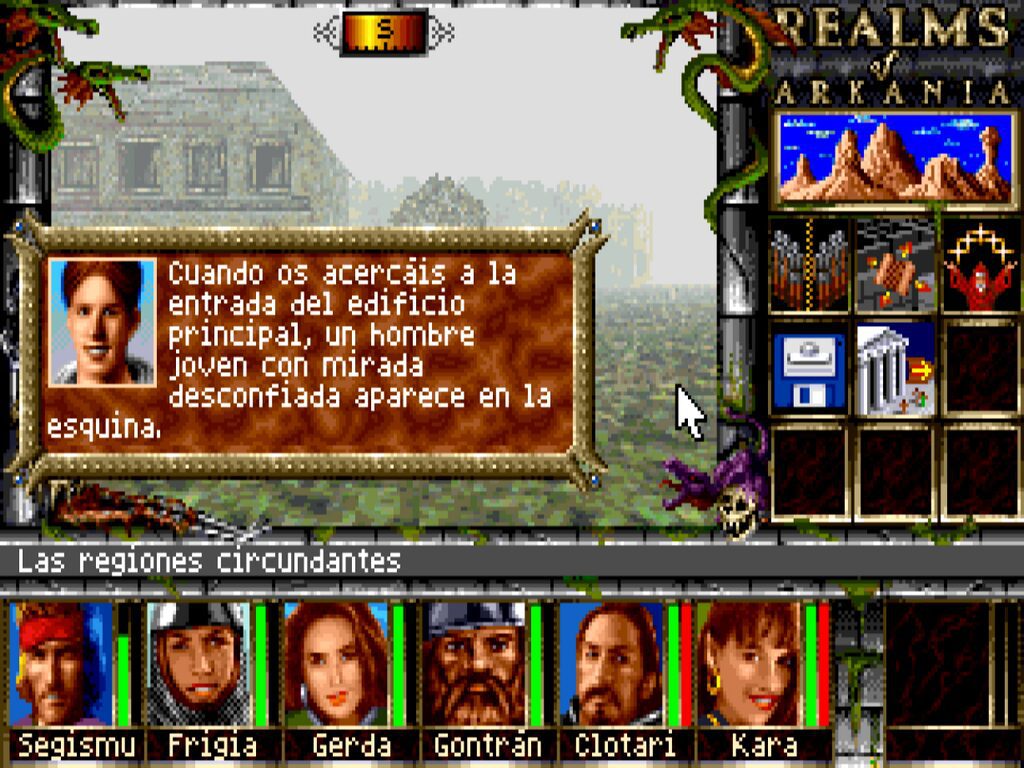
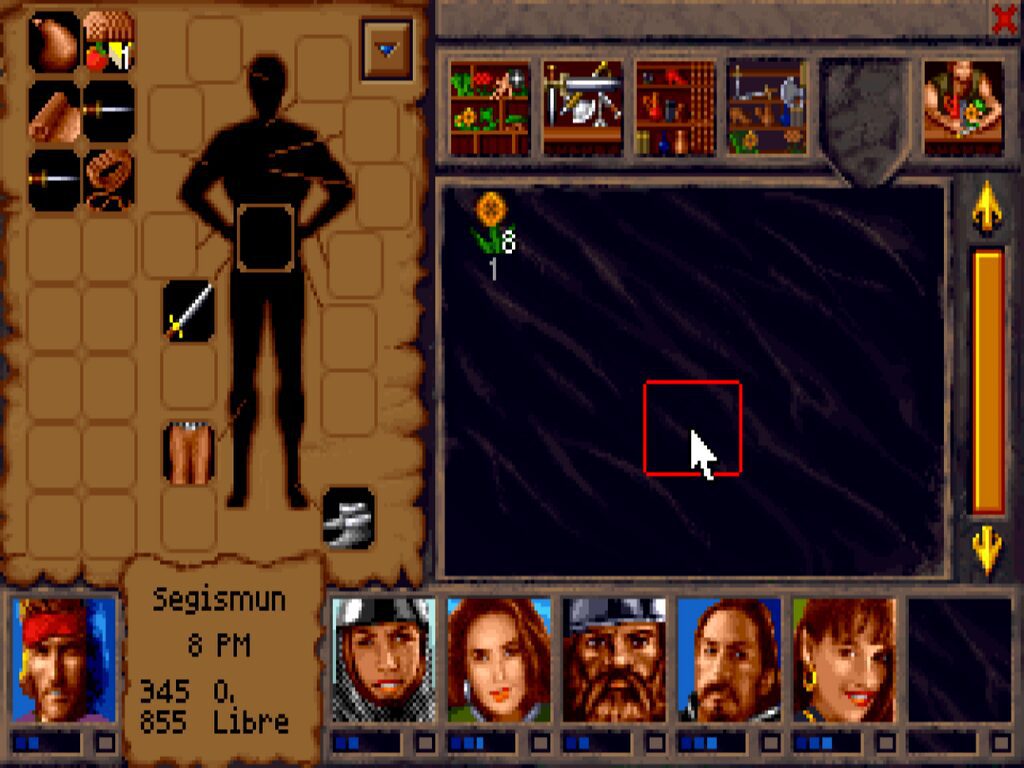
A burning harbor, an army of orcs camped at the gates and a magistrate who insists that nothing is wrong. Realms of Arkania: Shadows over Riva (Spanish title La Sombra sobre Riva, German Schatten über Riva) is the third and last installment of the role-playing trilogy that Attic Entertainment Software released in Germany based on the tabletop game Das Schwarze Auge, «The Dark Eye.» It came out for MS-DOS in December 1996 from TopWare; Sir-Tech brought it to the United States in 1997 and U.S. Gold to the United Kingdom.
A whole city to explore
The story continues that of Star Trail: dwarves and elves have sealed an alliance against the orcs and your party arrives in Riva, a besieged port city. The old dwarven mine has fallen into orc hands, the magistrate refuses to see the danger and rumors of traitors run through the slums. What looks like a war is actually something murkier, and finding out takes you from the streets to the sewers, from the mines to a prison island and even to underwater zones. Along the way there are memorable side quests, such as the disappearing corpses in the Campo de Boron cemetery.
How it plays
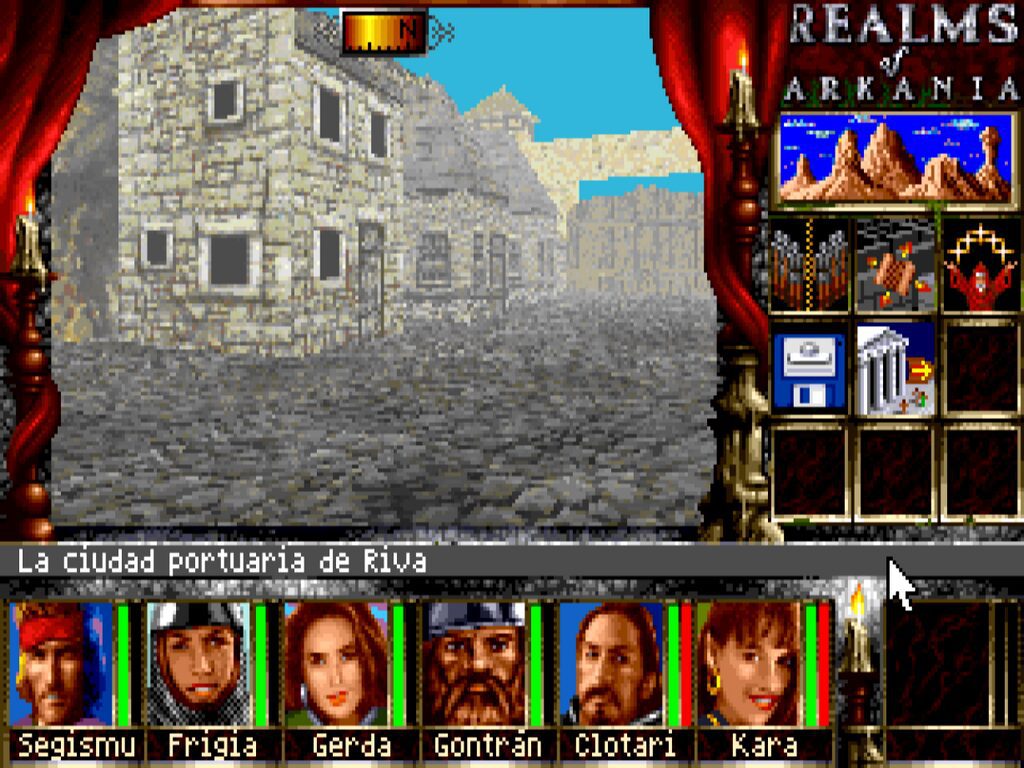
It is a first-person party-based RPG in the style of Eye of the Beholder, Lands of Lore or Dungeon Master II, but with a whole city to walk through: you move with the mouse through the streets and enter houses, taverns, temples, blacksmiths, tailors, bathhouses or the herbalist. Combat is turn-based on a separate screen, and character creation inherits the complexity of the tabletop rules: attributes, talents, spells and an adjustable difficulty system for those who prefer a simpler version. That fidelity to the rulebook is what its fans still value; the current GOG edition also mentions an automatic combat option for those who want to focus on the story.
What made it special
It was the farewell of a trilogy that became the first German role-playing series known outside its country. Critics of the time were generous: the US PC Gamer gave it 88%, PC PowerPlay 84% and Next Generation four stars out of five, although it also pointed out that it reused the combat system and some of the graphics of Star Trail. According to the data collected by Wikipedia, this title alone surpassed 400,000 units in 2008. Guido Henkel is credited as designer and composer.
The edition we offer
This is the Spanish-language version. Under Downloads you have two options: a repack prepared for Windows XP, 7 and 10, which is the convenient route, and the CD image intended for MS-DOS, for those who want to set it up by hand with DOSBox. The original game took between 40 and 75 MB on disk depending on the type of installation, and required a 486 with 8 MB of RAM, VGA and a CD-ROM drive. Under Guides you have the first launch, the controls and gameplay advice; under Tips & tricks, shortcuts and tips, because there are no reliable documented codes. Remember to back up your saves: we explain how in this tutorial.
EVERY PIXEL COUNTS
The game in pictures.
Explore the screenshots and open every detail at full size.
GET READY FOR YOUR NEXT GAME
Choose your download.
Format, compatibility and server. All in view.
Download Repack
COMPATIBILITYWindows XP / 7 / 10 ✓ At no cost✓ No sign-up Download www.mediafire.com · New tab MediaFire02 ISODownload ISO
COMPATIBILITYMS-DOS 6.22+ ✓ At no cost✓ No sign-up Download www.mediafire.com · New tabClicking opens the CLABA loading area and, in a few seconds, your download. If a link fails, let us know via Contact or in the forum.
THE SECRET SIDE OF THE GAME
Tips, tricks and secrets.
A hint at the right time. A code that changes everything.
Tip · there are no reliable cheat codes
There are no known cheats for this DOS version. In exchange, here are shortcuts and tips that are documented in the original materials.
Tip · keyboard shortcuts
Each function has a function key and a Ctrl combination. F1 or Ctrl+H: on-screen manual. F2: change the order of the heroes. F3: game options and volume. F5: journal. F6: automap. F7: save and load. F8: party status. F10: distribute items. Ctrl+P pauses and Ctrl+Q quits the game.
Tip · move faster
Hold Shift while walking to run and Alt to sidestep. On the numeric keypad, 7 and 1 tilt the view up and down and 5 centers it. In the game options you can turn on smooth mode to combine several arrow keys at once.
Tip · the mouse in the city
Left button in the view window: the party advances in the direction the red arrow points. Double click: you enter the building or open the sheet of the hero under the cursor. Right button: opens the options menu or cancels the current action.
Tip · what the venues are for
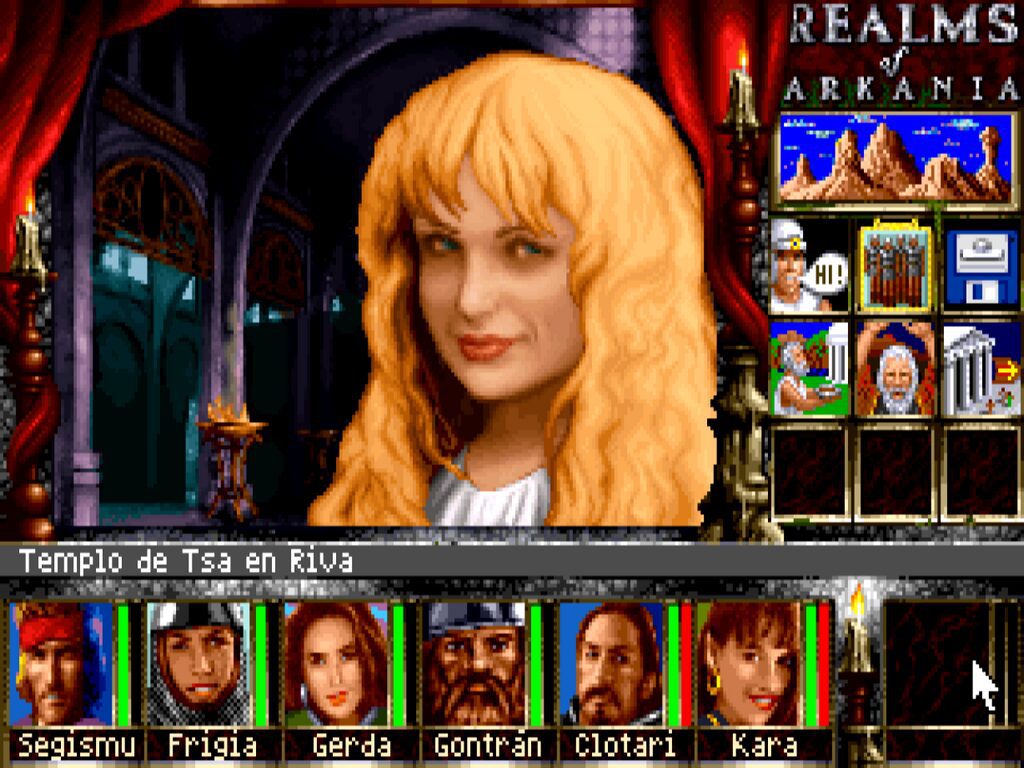
At the temple you can recruit, dismiss or create heroes and ask for a miracle. Blacksmiths repair weapons, herbalists and fortune-tellers treat wounds, illnesses and poisons, and the bathhouses are for resting. You can haggle with merchants: it is worth trying before paying the full price.
Tip · write everything down
Use the journal (F5) to take note of clues and the automap (F6) to leave text marks, especially in the sewers and mines. Save often with F7 and in several slots: a bad decision in the main quest has no way back.
No matches. Try another effect or code.
THE NEXT STEP, CLEARER
Guides to move forward.
From the first installation to that mission that won't give in.
Start here · first launch on a current PC
- From Downloads, download the repack if you use Windows XP, 7 or 10: it is the simplest option. The CD image is for those who want to set the game up from scratch.
- Unzip it into a short path outside Program Files, for example
C:\Juegos\Riva. - The original game is for MS-DOS: on current systems it needs DOSBox. If you don’t know how to configure it, follow the tutorial DOSBox from scratch.
- If you prefer a self-contained directory, you can follow create a portable game with DOSBox.
- With the CD image, install using the
INSTALLprogram on the disc. The manual offers two modes: light CD use (75 MB on disk, short waits) or heavy CD use (40 MB, long waits). Start it withRIVA. - In the sound setup, choose CD music if you have it available; the audio tracks are part of the original experience.
Controls
- Mouse: left click to choose or move around the city; double click to enter or view a hero’s status; right click for the menu or to cancel.
- Keyboard: arrow keys to move; Shift runs; Alt sidesteps; Page Up and Page Down open and close the current menu; Esc cancels.
- Function keys: F1 manual, F2 party order, F3 options, F4 date and time, F5 journal, F6 automap, F7 save and load, F8 status, F9 points, F10 item distribution.
- Ctrl+V toggles between the frame and full screen.
First steps · how to set up your game
- Before you start, adjust the difficulty level in the options: the game lets you choose how much detail and punishment you want from the rulebook.
- Balance your party: you need fighters who can hold the front line and someone who heals or casts spells.
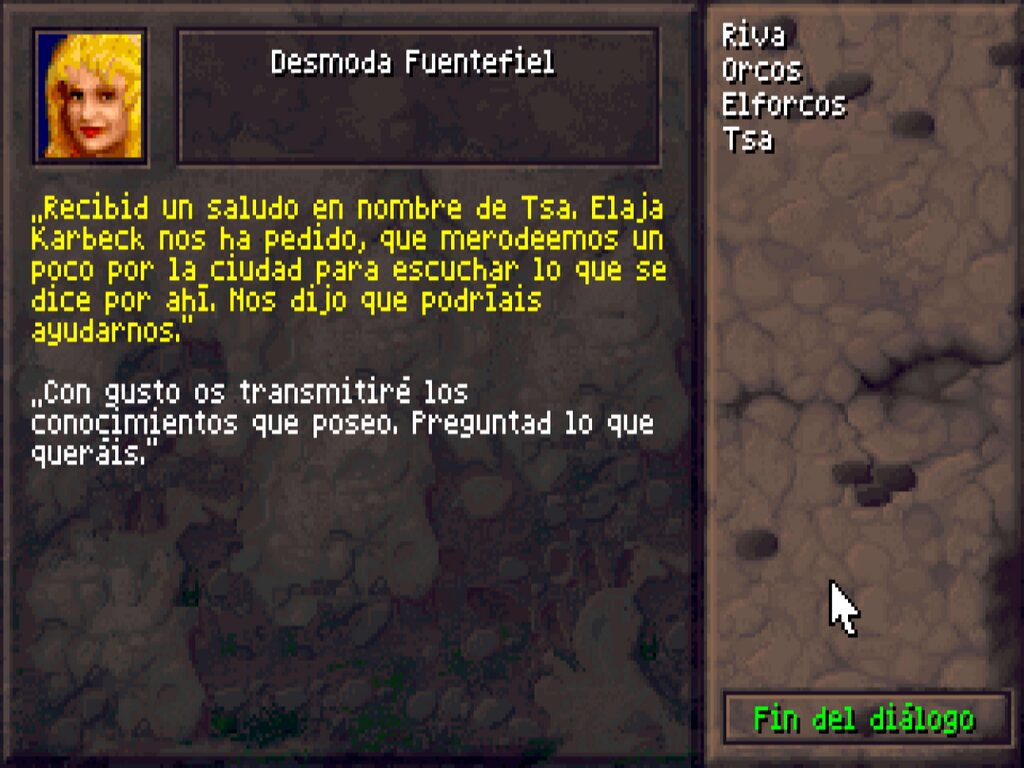
- In Riva, explore the city before going into the mine: there are merchants, temples and people who talk about what is going on.
- Use the herbalists and bathhouses to heal between fights instead of using up all your supplies.
- Make a safety save before every important quest and before entering a dungeon.
- Check the journal (F5) when you get stuck.
Technical notes
Original requirements according to the manual: a 486 PC or better, 8 MB of RAM (16 MB and a Pentium recommended), about 450 KB of available conventional memory, VGA, a CD-ROM drive and 55 MB of disk space. PCGamingWiki lists a standard DOS version with SVGA modes and Smacker videos. The modern GOG and Steam editions do not patch the game: they package it with DOSBox.
According to PCGamingWiki, there is no windowed mode, key remapping or gamepad support, and the music volume can only be switched on or off; the mouse does work in the menus. The configuration data is in RIVA.CFG and the saves in the game’s GAMES folder. To move your saves to another computer, see this tutorial.
Sources
- German manual of Schatten über Riva (Internet Archive): requirements, installation, controls, keys and TopWare prices.
- PCGamingWiki: developer, releases, requirements and technical data.
- GOG.com: current description, automatic combat and estimated length.
- Steam: description, 1997 awards and date of the classic edition.
- La Sombra sobre Riva (Internet Archive, in Spanish): origin of the Spanish version.
- Wikipedia: credits, dates, reception and sales.
Something wrong?
Give us a hint.
A broken link, a detail to correct or a game that won't start. Your report helps keep this game page up to date.
Get in touchReport an issue with this game Discuss it in the forumCLABA ARCADE ROOM
251 classics
without installing anything.
Don't feel like installing? These play right in your browser.
Enter the roomTHE CLABA APP1.0 RC 1
Take the archive
with you.

Game pages, online play and your shelf on Android. Free, no sign-up.
ARCHIVE SECRETS
Did you know?
A five-month German head start. It came out in Germany in December 1996, with TopWare as publisher, and reached North America in May 1997 from Sir-Tech. That is why listings date it 1996 or 1997 depending on where they come from.
Don’t put the CD in the stereo. The German manual warns that the first track on the disc contains program data and that playing it on an ordinary player could damage the speakers. The rest of the tracks were music to listen to while you played.
More expensive than its siblings. On the manual’s order form, TopWare sold the first two titles of the trilogy for 29.95 marks and this one for 49.95.
A respectable figure. According to Wikipedia, citing Die Zeit, Shadows over Riva alone surpassed 400,000 units in 2008, and the complete trilogy passed 2.4 million in 2011.
A Spanish version with pedigree. The Spanish copy preserved by the Internet Archive comes from the Spanish edition of the magazine Computer Gaming World, and its listing attributes the translation to TopWare.
One man, two jobs. Guido Henkel is credited as designer and as composer of the soundtrack.