Gas Powered Games · RPG
Dungeon Siege
Action RPG with no classes and no loading screens: up to eight adventurers, pack mules and the kingdom of Ehb in one piece. In Spanish, with Legends of Aranna.
Role-playing game by Gas Powered Games (2002) for PC, in Spanish. Available to download.
3.6 11 votes
THE CLABA ARCHIVE
Inside the game.
Its history, its ideas and the reasons to come back.
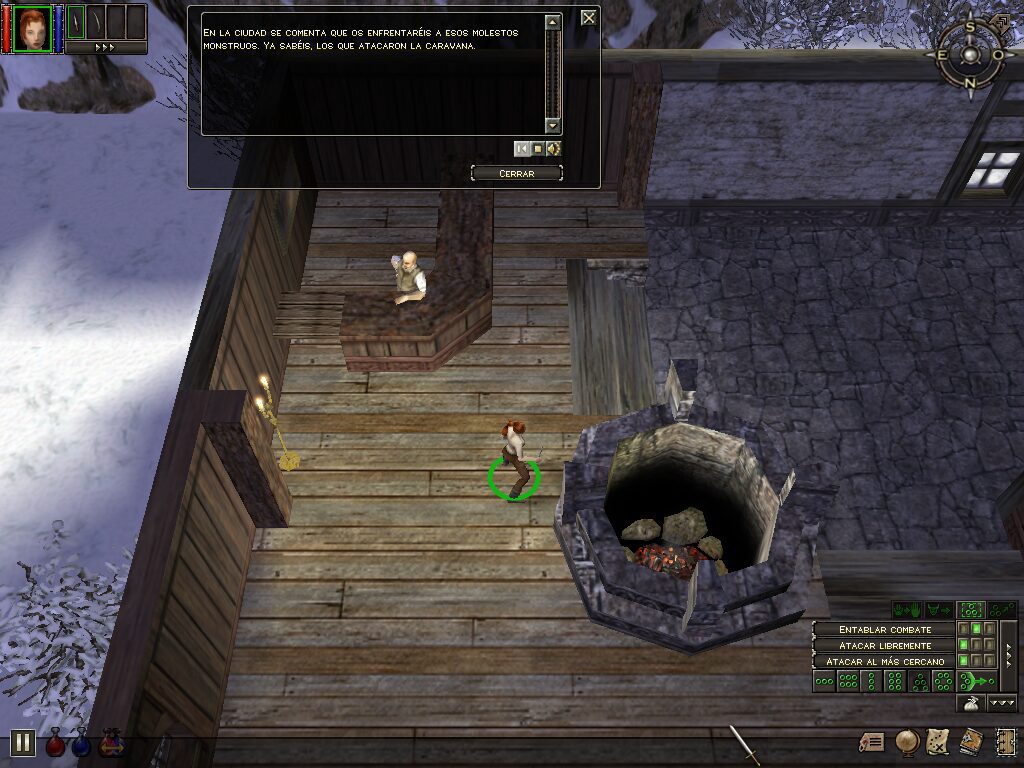
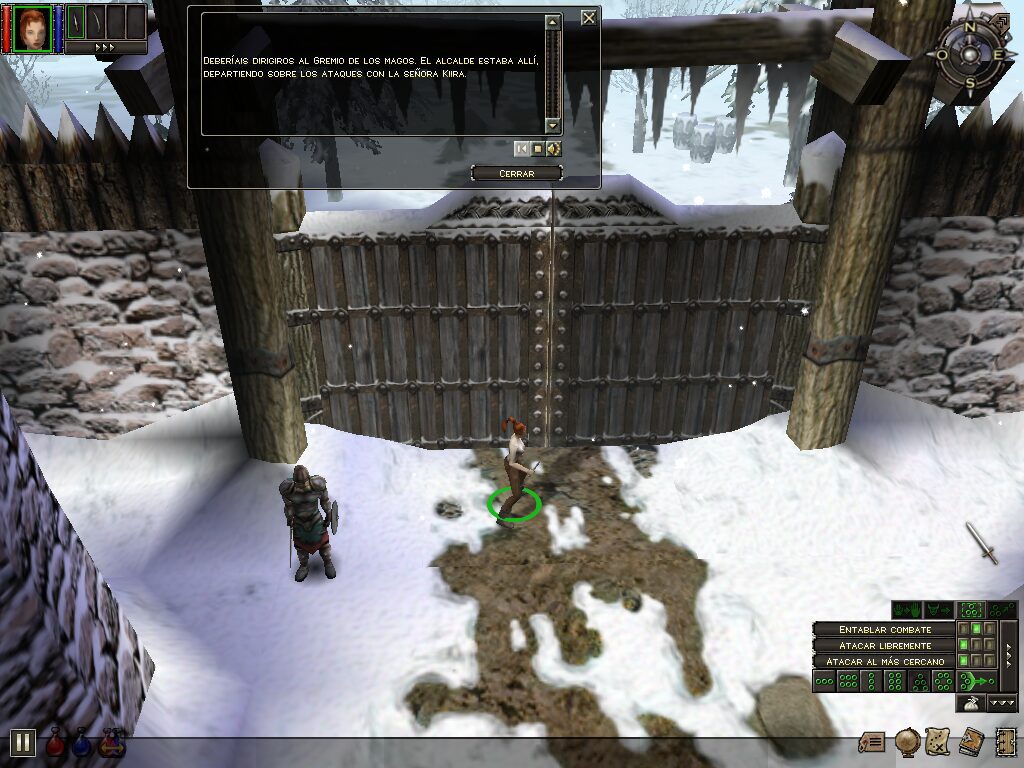
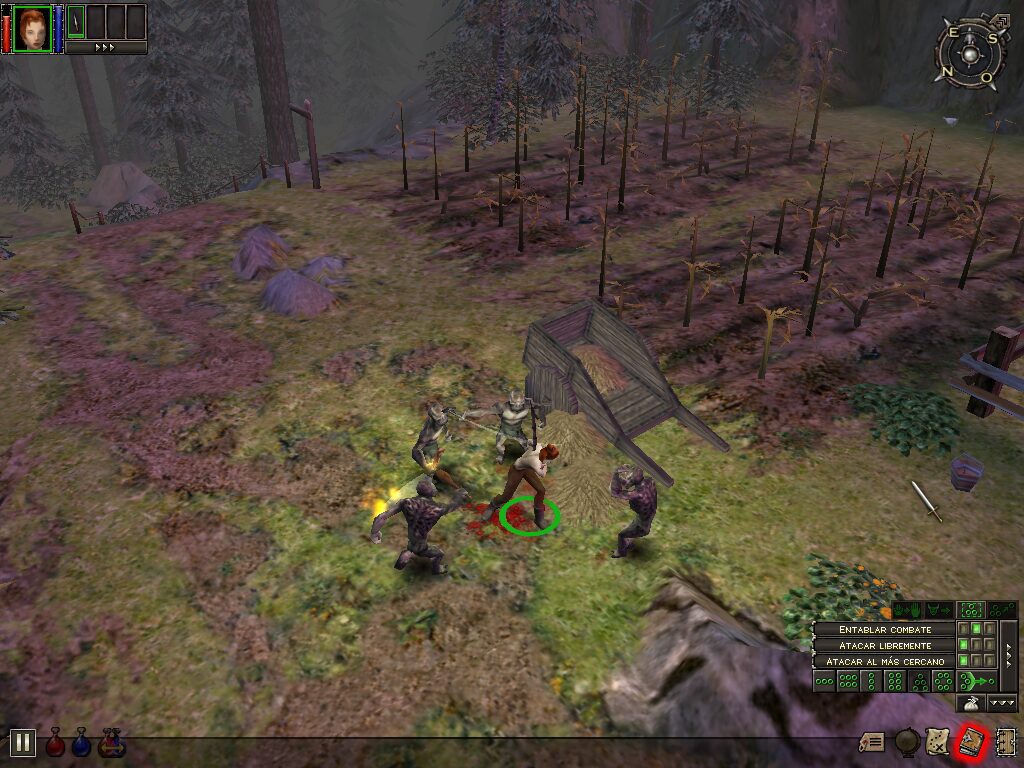
You are a farmer with no past beyond the fields when evil falls on the kingdom of Ehb. You step out to see what's going on and, without a single loading screen, that walk turns into a journey across the whole kingdom: forests, crypts, mines, mountains and, at the end of it, a revenge that goes back three hundred years. That is how Dungeon Siege begins, the first game from Gas Powered Games, published by Microsoft on April 5, 2002.
An RPG with the pedal to the floor
Behind it was Chris Taylor, the creator of Total Annihilation, who left Cavedog in 1998 to set up his own studio with several colleagues. His stated reference was Diablo: he loved it, but wanted to strip out what he considered excess, starting with the loading screens. The writer Neal Hallford joined when the project was already under way and found a map, some enemies and a beginning and an end; it fell to him to invent the why and to write a backstory far larger than anything the player gets to see.
How it plays
There are no classes here. Your character becomes a warrior, an archer, a nature mage or a combat mage depending on what it uses: every sword stroke raises melee skill, every arrow raises ranged skill, every spell raises the matching branch of magic, and with them grow strength, dexterity or intelligence. Along the way companions join you, some in exchange for gold, until you have a party of eight. You give the general orders, pick the formation and the level of aggression, and the AI takes care of the rest.
The unexpected star is the pack mule: you buy it in some villages, it doesn't fight unless it's cornered, and it carries three times what a character can. With one or two at the rear you hardly ever need to go back to the shop, which was exactly what the studio was after: fewer walks and more action.
A seamless world
The engine, built from scratch, stitched the map together in blocks that loaded while you walked; walls turned transparent when you entered a cave, and the camera zoomed in until you could see the details of each suit of armor or pulled back to follow the battle. It came at a high price: development, planned for two years, stretched to almost four, with twelve- to fourteen-hour days. Critics received it with an average of 86 on Metacritic, although many pointed out that the story was the weakest part. Gas Powered Games also released its own editor, the Siege Editor, so the community could create maps and mods.
Legends of Aranna
The expansion arrived in November 2003, the work of Mad Doc Software. It takes the adventure to the island of Utrae with a new campaign of about thirty hours, and adds half-giants, transformation spells, a new pack beast that does fight, the tragg, and conveniences such as selling everything at once or sharing potions among the party with one button. The box included the complete original game.
The edition we offer
Everything is in Spanish. In Downloads you'll find a Legends of Aranna repack that includes the base game, the most convenient route, and the images of the original discs: the two Dungeon Siege CDs and the three for the expansion. The CDs use SafeDisc protection, which Windows 10 and 11 no longer support, so on a current machine the repack is the better choice and, if something fails, our tutorial on Windows XP classics on Windows 10 and 11.
In Guides you'll find the first launch, the keyboard shortcuts and settings for current screens; in Tips & tricks, the codes the studio left behind. The story continues in Dungeon Siege II, and if you're left wanting more loot, try Diablo II, Sacred or Titan Quest.
EVERY PIXEL COUNTS
The game in pictures.
Explore the screenshots and open every detail at full size.
GET READY FOR YOUR NEXT GAME
Choose your download.
Format, compatibility and server. All in view.
Download Repack
COMPATIBILITYWindows XP / 7 / 10 ✓ At no cost✓ No sign-up Download www.mediafire.com · New tab MediaFire02 ISODOWNLOAD CD1
COMPATIBILITYWindows XP / 7 / 10 ✓ At no cost✓ No sign-up Download www.mediafire.com · New tab MediaFire03 ISODOWNLOAD CD2
COMPATIBILITYWindows XP / 7 / 10 ✓ At no cost✓ No sign-up Download www.mediafire.com · New tab MediaFire04 ISODOWNLOAD CD1
COMPATIBILITYWindows XP / 7 / 10 ✓ At no cost✓ No sign-up Download www.mediafire.com · New tab MediaFire05 ISODOWNLOAD CD2
COMPATIBILITYWindows XP / 7 / 10 ✓ At no cost✓ No sign-up Download www.mediafire.com · New tab MediaFire06 ISODOWNLOAD CD3
COMPATIBILITYWindows XP / 7 / 10 ✓ At no cost✓ No sign-up Download www.mediafire.com · New tabClicking opens the CLABA loading area and, in a few seconds, your download. If a link fails, let us know via Contact or in the forum.
THE SECRET SIDE OF THE GAME
Tips, tricks and secrets.
A hint at the right time. A code that changes everything.
How to enter them
Press Enter to open the chat, type the code preceded by + to activate it and press Enter again. With a – in front, the ones that can be undone are turned off; some can't. They are documented for Dungeon Siege.
Invincibility
+zool: the character you control becomes invincible. -zool returns it to normal.
Gold and potions
+checksinthemail: gives you 9,999,999 gold coins, the game's maximum. +potionaholic: drops three super health potions and three super mana potions beside you.
Spells and equipment
+sixdemonbag: six high-level summoning spells, three of combat magic (zombie, black draco and fire elemental) and three of nature magic (larch, furok and rock golem). +faertehbadgar: a set of “Badger” items that add hit points.
Maxed-out character
+drdeath: shoots the character’s attributes and skills up to the maximum. Use it wisely, because it ends any challenge.
View and effects
+loefervision: removes the fog from the map. +maxjooky and +minjooky: make the character huge or tiny. +xrayvision: strips the textures. +sniper: outsized range for weapons.
Tip · mules in the middle
The manual advises placing mules and weak characters at the back or in the middle of the formation. The mule moves out of combat on its own and only kicks if it's cornered, so don't count on it as a fighter: protect it like a mage.
No matches. Try another effect or code.
THE NEXT STEP, CLEARER
Guides to move forward.
From the first installation to that mission that won't give in.
Start here · first launch
- In Downloads, choose the Legends of Aranna repack: it includes the expansion and the base game, in Spanish.
- Install it in a short path, for example
C:\Juegos\DungeonSiege, outsideProgram Files, to avoid permission problems. - If the opening videos cause trouble, add
nointro=trueto the end of the shortcut's target. - The CD images (two for the original game and three for the expansion) are for preserving the edition or installing it on Windows XP or in a virtual machine: their SafeDisc protection doesn't work on Windows 10 and 11.
Saves and settings are stored in the Dungeon Siege folder inside Documents. Back them up before changing anything, using our tutorial on copying and restoring save games; if the game resists, go through the one on Windows XP classics on Windows 10 and 11.
Controls
- Spacebar or Pause: pauses the game so you can give orders at leisure.
- Ctrl+S / Ctrl+L: save and load. F9: quick save.
- Z: pick up the items on the ground. Alt: show their names.
- Tab: megamap. J: quest journal.
- Q or 1-4: switch weapon or spell. H: drink a health potion.
- Ctrl+A: select the whole party.
- Mouse wheel or - and =: zoom the camera in and out; arrow keys, screen edges or the middle button: rotate it.
- While holding the right button, moving the mouse sideways rotates the formation and the wheel changes the spacing between characters.
All the keys can be viewed and changed from Options, in the controls and hotkeys section.
First steps
- Decide early what you want to be: if you alternate sword, bow and magic, the character grows in everything at once and takes a long time to stand out.
- Accept the companions who offer themselves along the way; according to the manual, those who ask for gold tend to be good warriors, archers or mages.
- Buy a mule as soon as you can and sell what you don't need at the next shop.
- Use formations: warriors in front, mages, archers and mules behind.
- Adjust the party's aggression so they don't chase enemies into another ambush.
- Save often and in different slots: there are no loading screens to mark your progress.
Technical notes
Original requirements: Windows 98, ME, 2000 or XP, a 333 MHz processor, 128 MB of RAM, 1 GB of disk space and an 8 MB 3D card with DirectX 8. The maximum resolution of the menus is 1024×768; for widescreen, change width and height in DungeonSiege.ini (in the Documents folder) or pass them as parameters. Other useful parameters: fullscreen=false for windowed mode and vsync=false if you notice stuttering.
If the mouse jumps or the screen flickers, PCGamingWiki recommends the dgVoodoo 2 wrapper. There is a known bug: when a fairy heals a character, chunks of terrain can disappear; the community offers a patch that disables that spell. The last official patch is 1.11.1462. Microsoft's online service shut down, but co-op over a local network or direct IP is still available.
Sources
- Dungeon Siege manual (Internet Archive): keys, skills by use, mules, party of eight, potions and formations.
- Game Developer · Dungeon Siege postmortem: the studio's origin, the engine and almost four years of development.
- games™ · Behind the scenes of Dungeon Siege: Diablo as a reference, Hallford, automated testing, teleports and working days.
- PCGamingWiki: date, Metacritic, requirements, SafeDisc, parameters, patches and bugs.
- GameSpy · Legends of Aranna review: Mad Doc, Utrae, new features and the base game included.
- Dungeon Siege Heaven · cheats and Dungeon Siege Wiki · cheats: verified cheats.
- Dungeon Siege Heaven · the chicken level and pack mules.
Something wrong?
Give us a hint.
A broken link, a detail to correct or a game that won't start. Your report helps keep this game page up to date.
Get in touchReport an issue with this game Discuss it in the forumCLABA ARCADE ROOM
251 classics
without installing anything.
Don't feel like installing? These play right in your browser.
Enter the roomTHE CLABA APP1.0 RC 1
Take the archive
with you.

Game pages, online play and your shelf on Android. Free, no sign-up.
ARCHIVE SECRETS
Did you know?
A secret level full of chickens. On the multiplayer map, whoever solved the “Trial of Gallus” riddle reached a dungeon of giant chickens, each named after someone on the team, a boss chicken called Chris Taylor and, at the end, a colonel who dropped the “Chicken Gun”.
Robots that played by themselves. The content was so big that there weren't enough testers: the studio programmed automatic characters that roamed the world for days at top speed, hitting everything they found.
Abandoned Romans. For the backstory, Neal Hallford drew on Glen Cook's military novels and on the Romans who stayed behind in Britain after the empire withdrew: Ehb is what remains of a great empire that pulled out.
The teleport that never was. Chris Taylor admitted that what he regretted most was not having been able to include unrestricted teleports: there were only fixed portals, and they couldn't find a way to place them on the fly. “We ran out of time,” he summed up.
Sipping potions. According to the manual, when you drink a potion the character takes only what it needs to recover and the rest stays in the flask, one of those small conveniences with which the studio wanted to remove friction from the genre.