Capstone Software · Platformer
Zorro
Recover the gold stolen from a mission in this 1995 platform adventure: jump, use the whip and wield steel like Zorro.
Platform game by Capstone Software (1995) for MS-DOS (in English) and Commodore 64. Playable in your browser (MS-DOS) or downloadable.
Choose your version 2 platforms
4.4 7 votes
THE CLABA ARCHIVE
Inside the game.
Its history, its ideas and the reasons to come back.
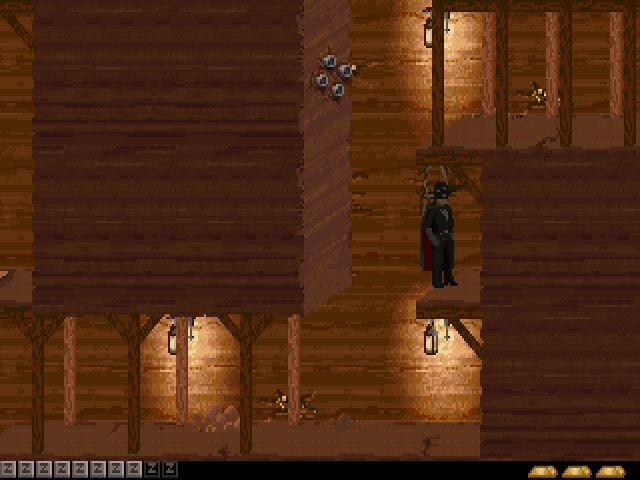
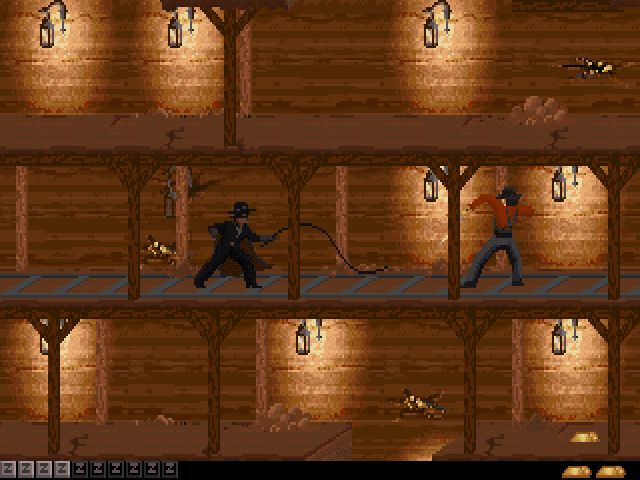
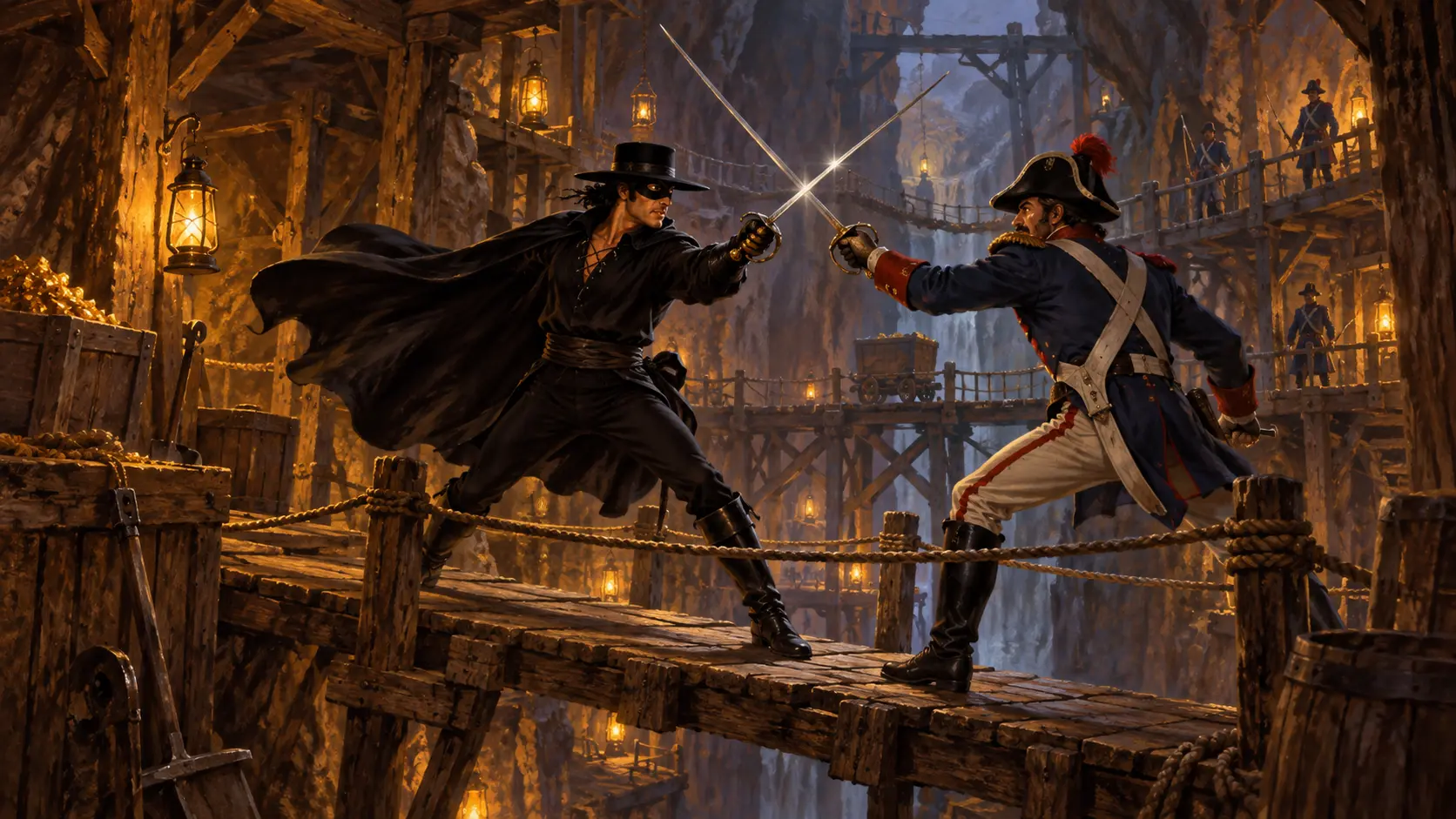
Zorro, Capstone’s 1995 game, takes the masked hero on a platforming and swordplay adventure. Don Francisco Cortez has stolen the gold from the La Refugio Sagrado mission, and getting it back means crossing guarded settings and getting past their dangers.
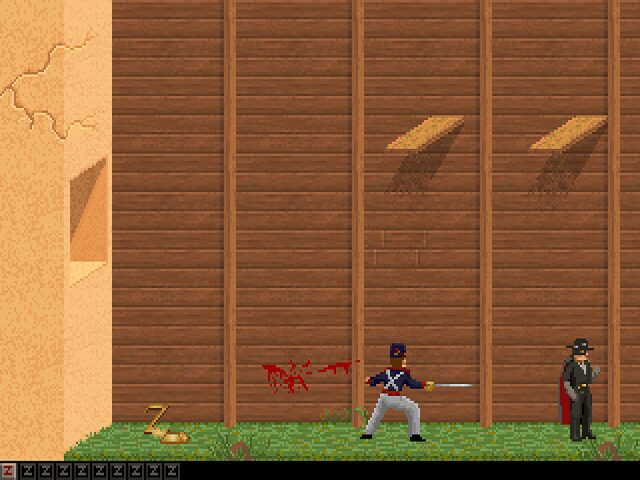
The route combines jumps, drops and duels. The sword changes how you move: with the weapon drawn you can attack and defend, but to get your jumping agility back you need to sheathe it.
The whip adds another action to a system worth practicing calmly. Distance from the edge, the character’s facing and the moment you draw the sword matter as much as pressing the attack button.
The MS-DOS edition can be played on this game page. It includes in-game help and a menu with six save files. The keys and the guide’s instructions correspond to this version.
ONE GAME, 2 PLATFORMS
Versions.
2 platforms19851 playable online
Pick a platform: the screenshots, downloads and online game on this page switch with it.
- Year
- 1995
- Developer
- Capstone Software
- Downloads
- 2
- Screenshots
- 3
The MS-DOS version is the one this page covers: the information, review and main screenshots are from this platform.
- Year
- 1985
- Port by
- James Garon / Datasoft
- Downloads
- 1
- Screenshots
- 1
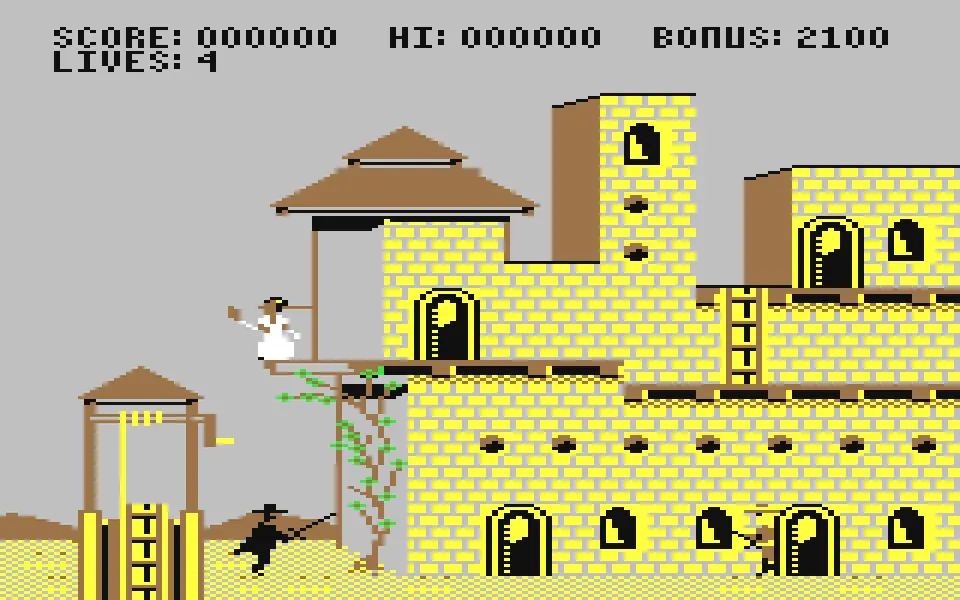
On Commodore 64, Zorro goes through a platform and puzzle adventure divided into screens: he looks for items, solves mechanisms and faces Colonel García's men. James Garon's design alternates jumping and sword combat; this C64 edition was published by Datasoft in 1985.
EVERY PIXEL COUNTS
The game in pictures.
Explore the screenshots and open every detail at full size.
GET READY FOR YOUR NEXT GAME
Choose your download.
Format, compatibility and server. All in view.
Version
SELECTED VERSIONMS-DOS2 files · also playable online
SELECTED VERSIONCommodore 641985 · 1 file
Clicking opens the CLABA loading area and, in a few seconds, your download. If a link fails, let us know via Contact or in the forum.
Your game starts here
Play in your browser.
Pick, press and go back to the classics without leaving the game page.
Version
MS-DOSIn your browser
Zorro
MS-DOS version. Your next game starts here.
- 1 MB · downloads on click
- Save the game's files
- Keyboard, controller or touch
Controls
Click the game to use the keyboardOn mobile, play with the on-screen controller- ↑←↓→
- move and jump
- Enter
- sideways jump
- Alt
- sword
- Ctrl
- whip
- F1
- help
- F2
- save
- F3
- load
- Full screen
Use the button on the bar. Esc returns to the game page; “Exit” closes the game.
- Saves
Save keeps the files the game creates, not the exact moment. Save inside the game, then press Save.
- Mobile and tablet
Press Controls during the game to show buttons and keyboard. Gamepad support depends on the browser.
Saves live in this browser and device. Clearing the site data deletes them too.
The Commodore 64 version can't be played in the browser yet.
You can download it or play another version now:
HIT PLAY
The game in motion.
Trailers and videos to see it in action.
-
Commodore 64 · Gameplay
Zorro gameplay on Commodore 64.
THE SECRET SIDE OF THE GAME
Tips, tricks and secrets.
A hint at the right time. A code that changes everything.
Tip: sheathe the sword before jumping
Press down to sheathe it. If you attempt a jump with the sword drawn, you will be using the combat controls rather than the platforming ones.
Tip: take a run-up for long gaps
With the sword sheathed, combine a sideways direction with Enter for the running jump. Practice on safe ground before trying it next to a precipice.
Tip: defend before answering
With the sword out, up lets you defend and Alt attacks. Get to the right distance and avoid advancing continuously toward the enemy.
Tip: use several save files
Save in another slot before a difficult sequence of jumps. That way you keep an earlier point if you reach a zone with low health.
No matches. Try another effect or code.
THE NEXT STEP, CLEARER
Guides to move forward.
From the first installation to that mission that won't give in.
Moving, jumping and checking the help
The left and right arrows are for running; up jumps and down crouches or drops down. Enter jumps sideways and, combined with a run, gives a longer jump. Press F1 to consult the help and C to page through it and return to the game.
Sword and whip
Alt draws the sword and attacks. With it drawn, up defends, the left and right arrows advance or retreat and Enter changes facing. Down sheathes the sword so you can run and jump again. Ctrl uses the whip.
Saving and recovering your game
Press F2, choose one of the six slots and confirm with Enter. Then press Save game in the site’s bar. To go back, use Load game in the bar and F3 inside Zorro; select your file and confirm. The site’s save keeps files, not a frozen image of the jump.
Sources and edition
Controls and menus checked against the F1 help and a playthrough of this DOS copy. The story was reviewed against the original Zorro manual. This game page covers Capstone’s 1995 game.
If you prefer to play installed on your own computer, see DOSBox from scratch and the guide to copying and restoring save games (both in Spanish).
Something wrong?
Give us a hint.
A broken link, a detail to correct or a game that won't start. Your report helps keep this game page up to date.
Get in touchReport an issue with this game Discuss it in the forumCLABA ARCADE ROOM
This one and 250 more
play here.
When you finish your game, the room has other machines switched on.
Enter the roomTHE CLABA APP1.0 RC 1
Take the archive
with you.

Game pages, online play and your shelf on Android. Free, no sign-up.
ARCHIVE SECRETS
Did you know?
The mission is to recover gold. The manual presents the theft committed by Don Francisco Cortez against La Refugio Sagrado as the reason for the adventure.
The sword changes the controls. Enter lets you jump without it and turn around during swordplay. The up arrow is used to jump or defend, depending on the character’s state.
Help is inside the game. F1 opens two pages with the moves; C moves to the next one and lets you return to the game.
There are six save files. F2 shows ZORRO1.SAV through ZORRO6.SAV; F3 opens loading. Saving and loading again during a game has been verified.