In Utero · Platformer
Evil Twin: Cyprien’s Chronicles
An orphan, his missing teddy bear and a nightmare archipelago: Ubi Soft's darkest 3D platformer, with SuperCyp, 76 levels and Spanish text.
Platform game by In Utero (2001) for PC (in Spanish and other languages) and Dreamcast. Available to download.
Choose your version 2 platforms
No computer handy? Play one of the 251 classics online right now
4.3 6 votes
THE CLABA ARCHIVE
Inside the game.
Its history, its ideas and the reasons to come back.
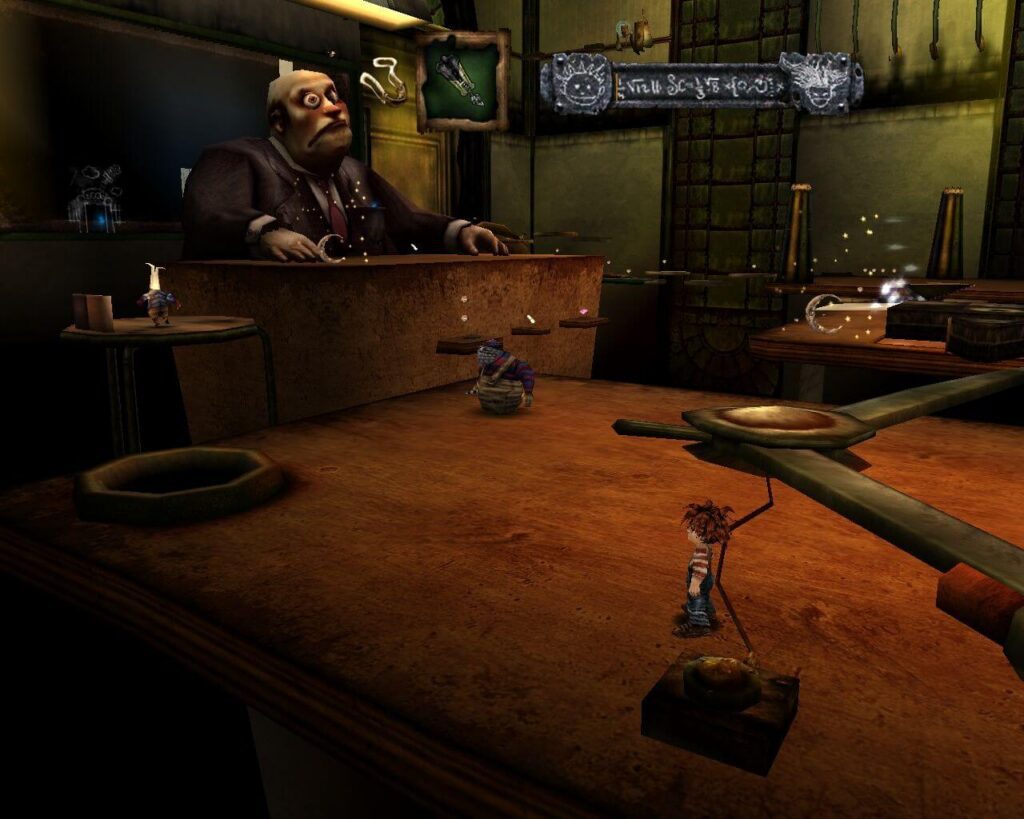
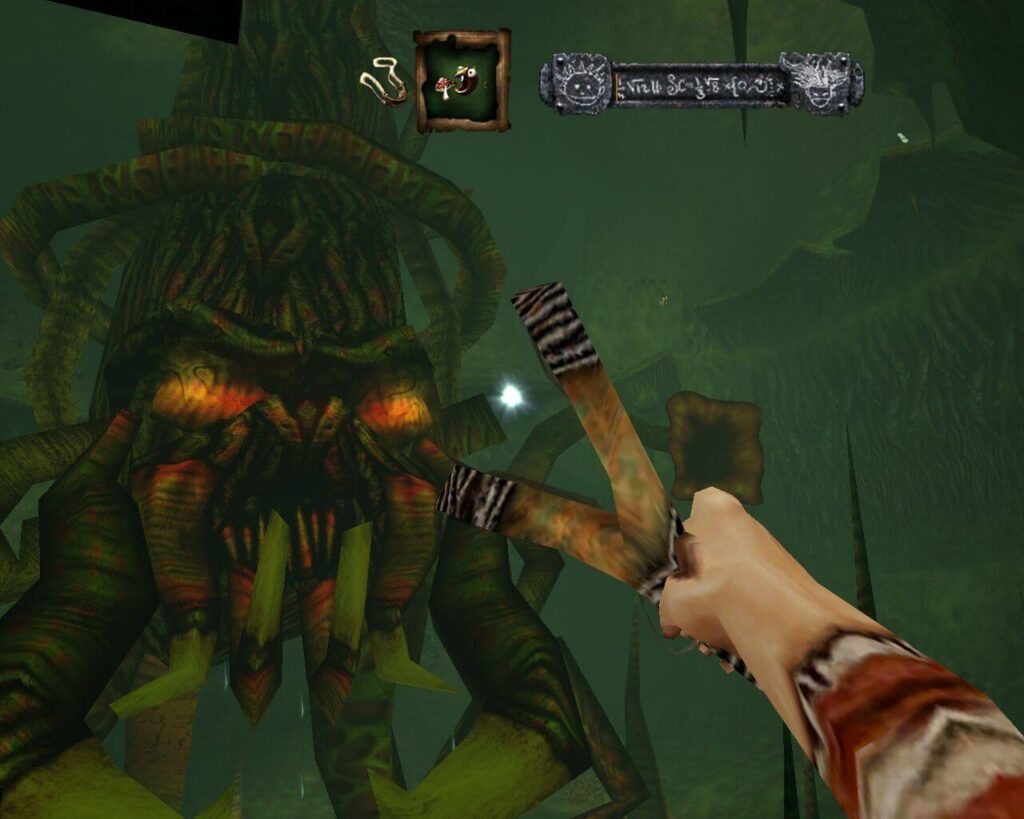
It is night, rain falls on an orphanage, and someone is playing the piano. The camera drops down a drain into a grimy bathroom where a boy looks at himself in the mirror, wanting nothing: it is his birthday and also the anniversary of his parents’ deaths. That is how Evil Twin: Cyprien’s Chronicles begins, a 3D platformer by the French studio In Utero that Ubi Soft published for PC in Europe in October 2001, with later versions for PlayStation 2 and Dreamcast. Few games in the genre have dared to be so dark.
A fairy tale for adults
Cyprien is ten years old, lives in an orphanage and loves superhero comics. That night, fed up with the party his friends have prepared, he disowns Lenny, his teddy bear, and the imaginary world they shared. The room darkens and the boy wakes up in Undabed, a nightmare archipelago ruled by a tyrant, the Big Boss, locked in a tower. There he is greeted by Wilbur, an elephant on a swing, who tells him that Lenny led the resistance and has disappeared. To reach him you have to gather the pieces of the Great Zipper, the key to the tower.
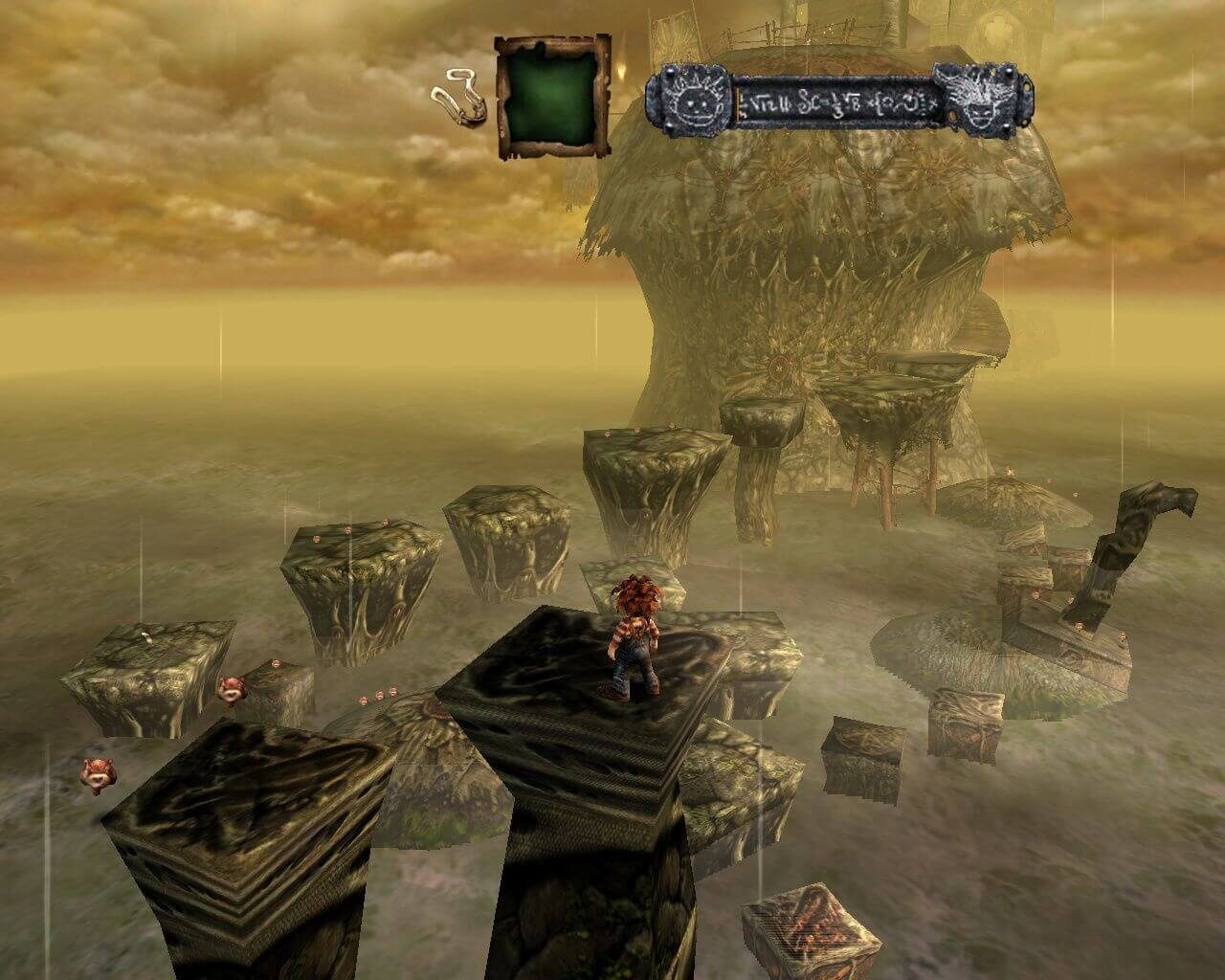
Along the way you meet some very strange peoples: the Demis, with bodies split in half, the Gens, nomads who live on an ark adrift, and the Volants, who inhabit a flying ship. The tone recalls American McGee’s Alice, which had come out a year earlier, and the art direction draws on German Expressionism and Tim Burton.
How it plays
There are eight worlds and 76 levels of jumping, fighting, conversations and small quests. Cyprien runs, jumps and defends himself with a slingshot that can be aimed in first person and that improves with accessories, such as a laser sight or ricocheting shots. If he collects the necessary icons, he transforms into SuperCyp, his superhero version, able to fly short distances and throw fireballs and lightning bolts. The camera combines automatic tracking from behind the character with side-on stretches that are almost 2D and fixed cinematic shots.
Beautiful and demanding
The press of the day was won over by its looks: highly detailed textures, more than two hundred cutscenes running on the game engine and a soundtrack by Bertrand Eluerd that is still remembered. The engine, Phoenix 3D, belonged to 4X Technologies, which polished some of its features together with the In Utero team. What did not convince was the control: many jumps demand pinpoint precision, the camera gets lost at the worst moment and playing with a keyboard is painful. Eurogamer gave it a 5 out of 10 and compared it with Heart of Darkness, another gorgeous game that, in its view, fell short when you actually played it. Even so, few platformers of its era have so much personality.
The edition we offer
It is the multilingual PC version. In Downloads you will find a repack that its label describes as «install and play», with five languages, including Spanish, and the ISO image with the two CDs merged into one for convenience; both are marked for Windows XP, 7 and 10. The Spanish covers text and subtitles: the voices can be set to English, French or German. The original discs carried SafeDisc 2 protection, which Windows 10 no longer supports, so on a current machine the easy route is the repack; for anything else, see our tutorial on Windows XP classics on Windows 10 and 11.
In Guides you have the first launch, the controls and fixes for widescreen displays; in Tips & tricks, advice for surviving the jumps. If you like platformers with personality, also try Croc, Jersey Devil or MDK.
ONE GAME, 2 PLATFORMS
Versions.
2 platforms2002
Pick a platform: the screenshots, downloads and online game on this page switch with it.
- Year
- 2001
- Developer
- In Utero
- Downloads
- 2
- Screenshots
- 3
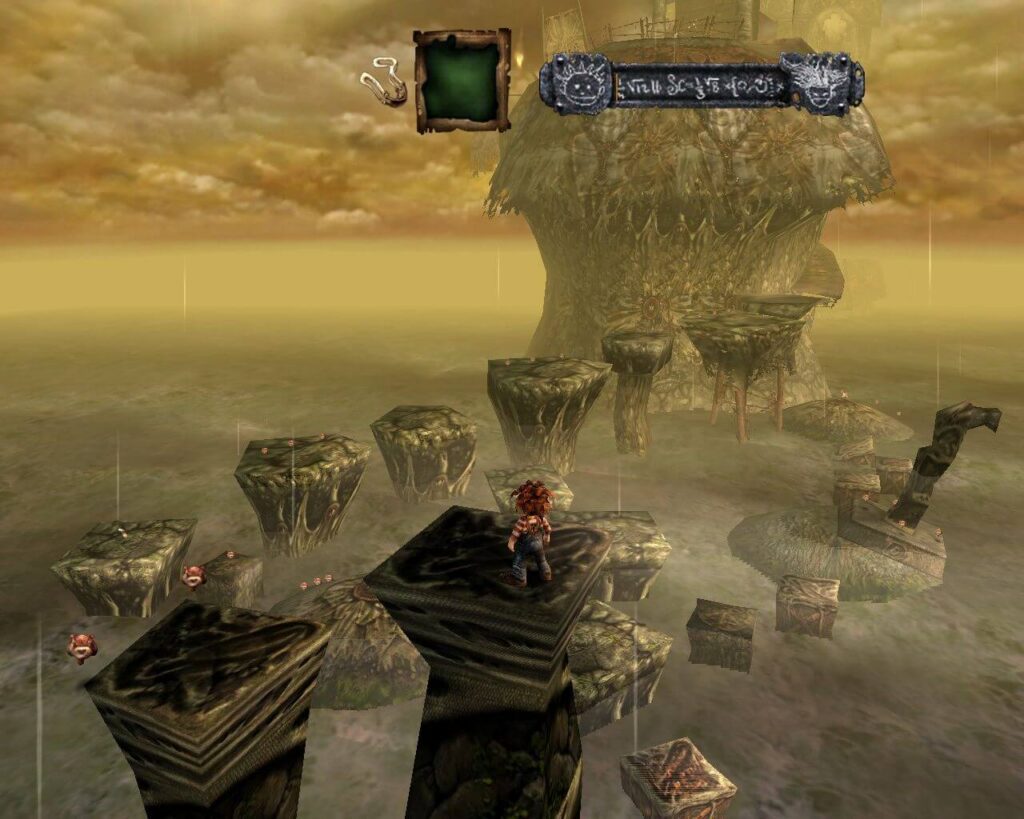
The PC version is the one this page covers: the information, review and main screenshots are from this platform.
- Year
- 2002
- Port by
- In Utero
- Downloads
- 1
- Screenshots
- 1
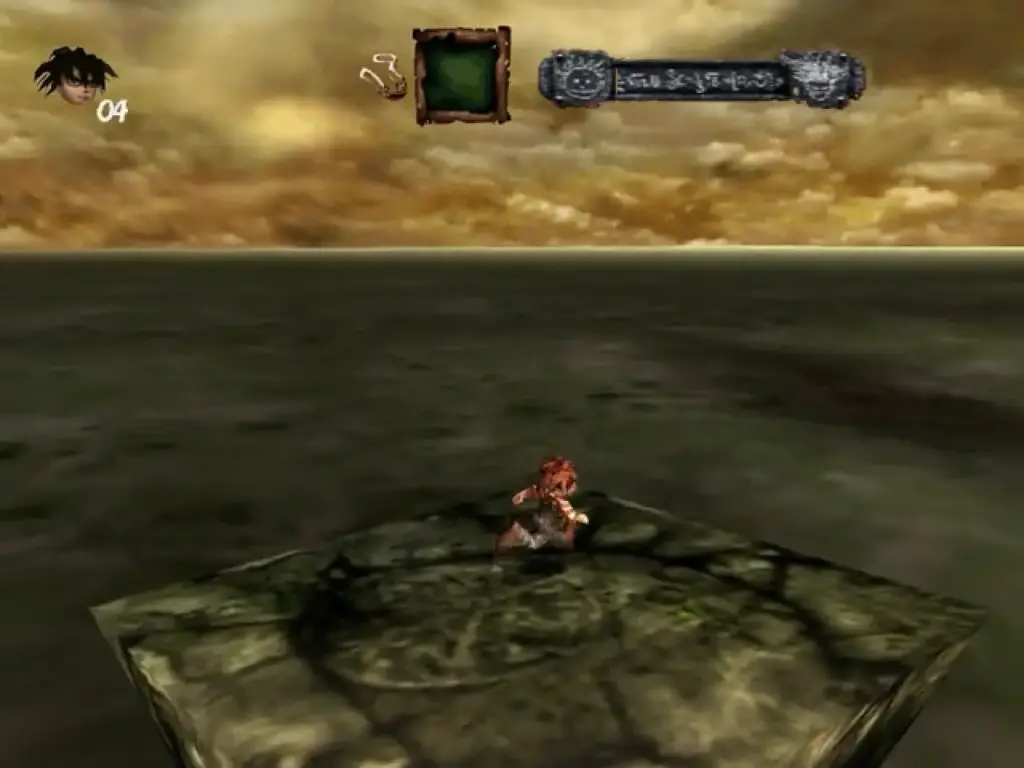
The Dreamcast version of Evil Twin: Cyprien's Chronicles reached the European market in 2002; this PAL edition joins the PC and PlayStation 2 versions. Its platform adventure follows Cyprien through a dreamlike world, with jumping, combat and three-dimensional exploration. The Dreamcast conversion was one of the last published projects of the French studio In Utero.
EVERY PIXEL COUNTS
The game in pictures.
Explore the screenshots and open every detail at full size.
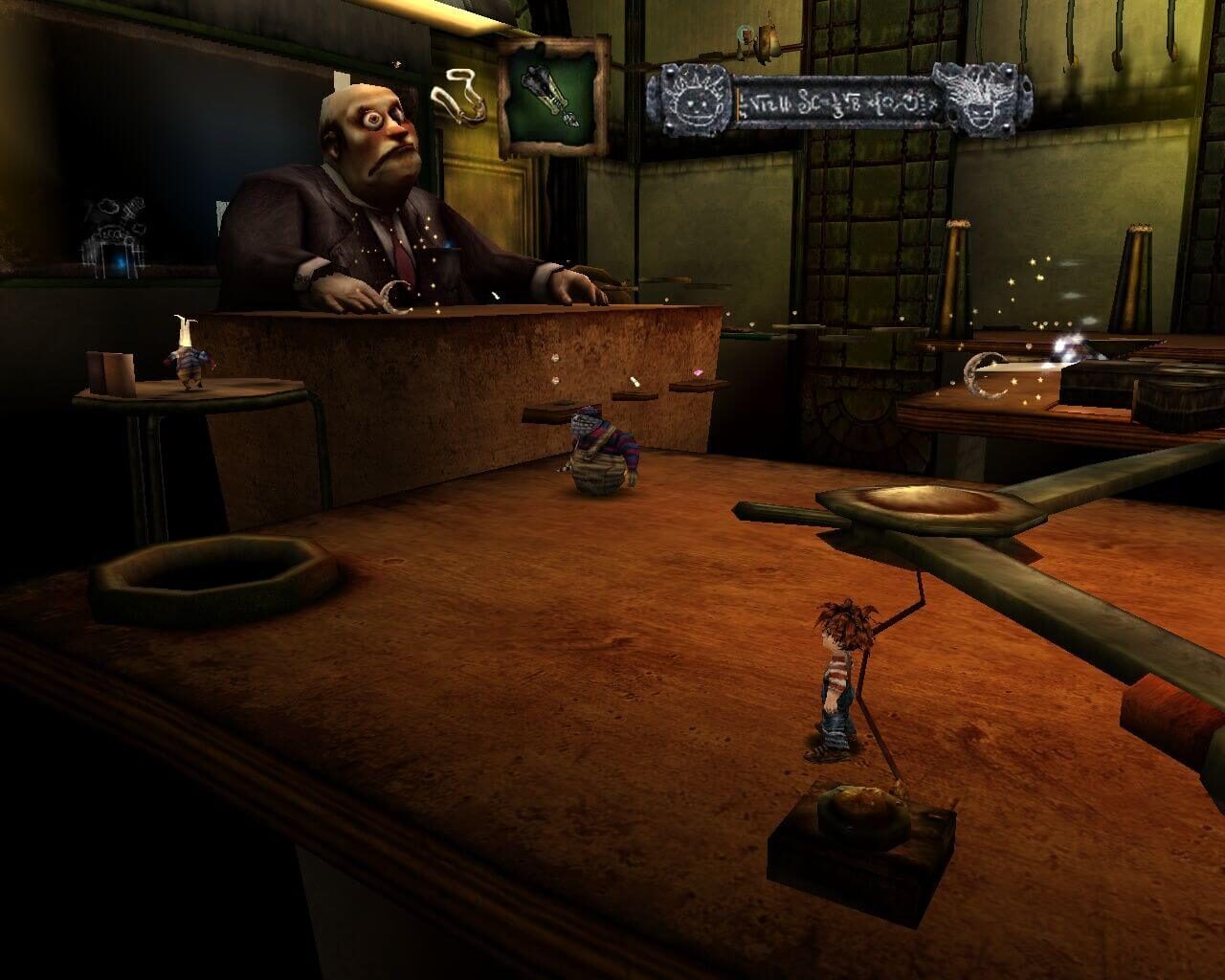
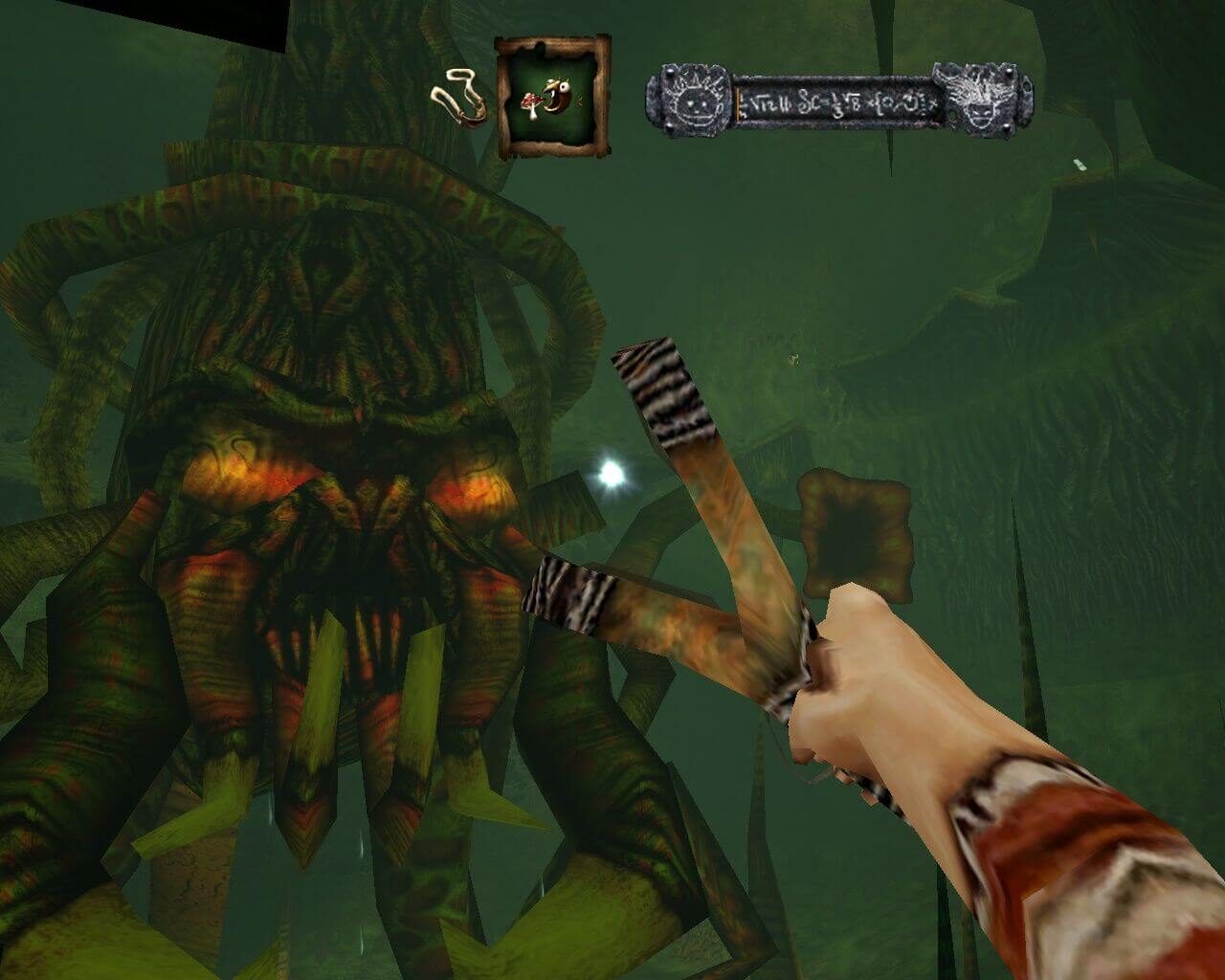
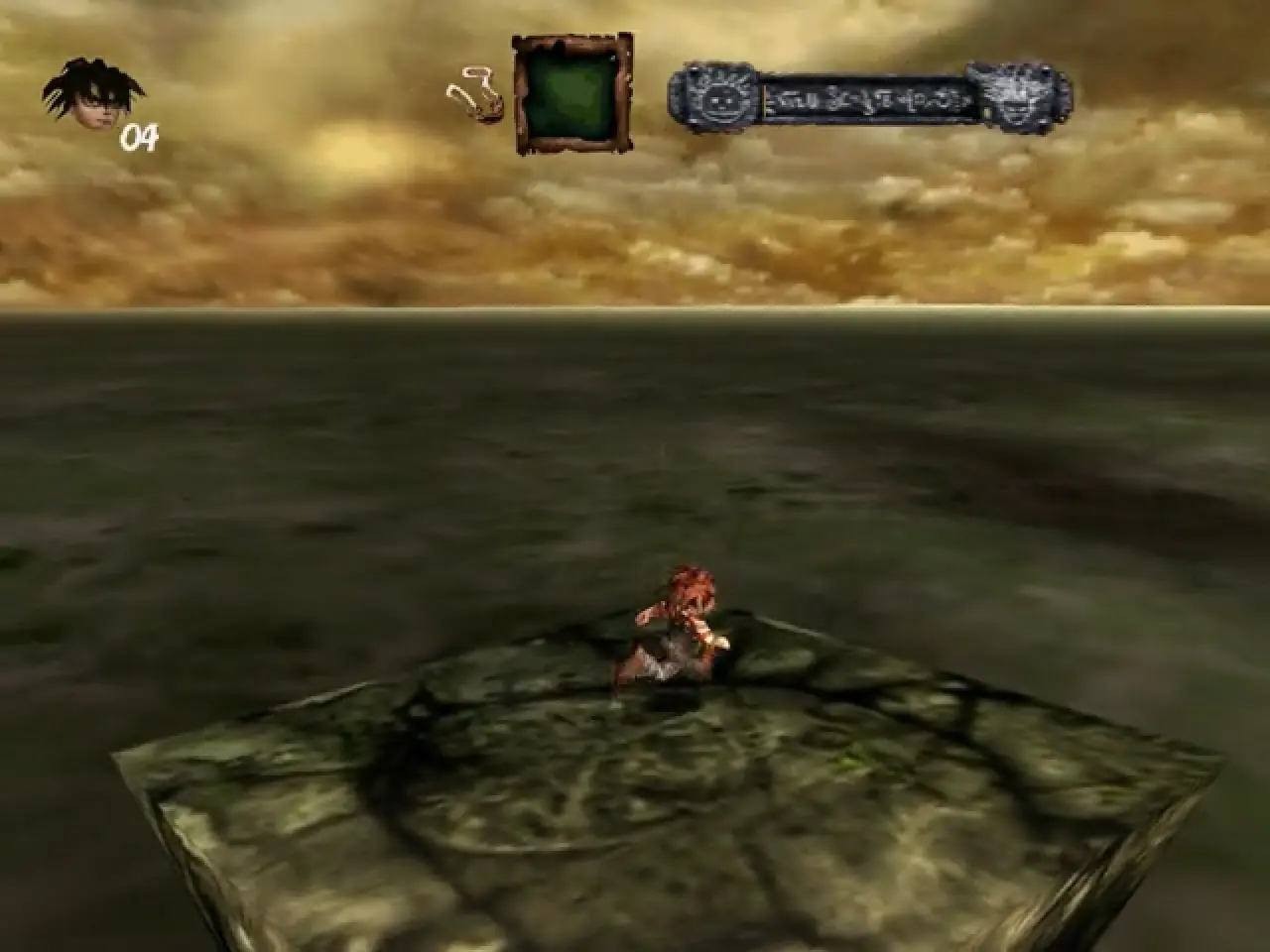
GET READY FOR YOUR NEXT GAME
Choose your download.
Format, compatibility and server. All in view.
Version
SELECTED VERSIONPC2 archivos
SELECTED VERSIONDreamcast2002 · 1 file
Clicking opens the CLABA loading area and, in a few seconds, your download. If a link fails, let us know via Contact or in the forum.
HIT PLAY
The game in motion.
Trailers and videos to see it in action.
-
Dreamcast · How it plays
An Evil Twin: Cyprien’s Chronicles gameplay session on Dreamcast.
THE SECRET SIDE OF THE GAME
Tips, tricks and secrets.
A hint at the right time. A code that changes everything.
Tip · no reliable codes on PC
The codes circulating for Evil Twin, button combinations such as the one for infinite lives, were published for the Dreamcast and PlayStation 2 versions. We have not found any reliable source confirming them on PC, so we do not include them. This tab is advice for the version we offer.
Tip · play with a gamepad
Many jumps demand near pixel-perfect precision, and the press of the day agreed that playing with a keyboard is painful. An analog gamepad with around eight buttons makes the game much more bearable. Set it up in the launcher, which lets you redefine keys and buttons and save the configuration.
Tip · reposition the camera before jumping
A good share of falls come from the camera, which does not always follow the direction Cyprien is running in. Before each risky jump, stop, center the view behind the character and jump with the camera still.
Tip · aim in first person
The slingshot has a first-person view for aiming precisely at distant enemies or at objects you cannot reach. Use it instead of firing blindly, especially once you get upgrades such as the laser sight.
Tip · SuperCyp, at the right moment
The transformation into SuperCyp depends on collecting his icons. When you have it, use it for the toughest stretches: he flies short distances and throws fireballs and lightning bolts that clear the way far better than the slingshot.
Tip · don't go above 60 frames per second
According to PCGamingWiki, above 60 fps the game can speed up. If your monitor goes higher, cap the frame rate or enable vertical sync, for example with dgVoodoo2.
No matches. Try another effect or code.
THE NEXT STEP, CLEARER
Guides to move forward.
From the first installation to that mission that won't give in.
Start here · first launch
- Download the repack from Downloads: it is ready to install and play on Windows XP, 7 and 10, without depending on the disc protection.
- Install it in a short path, outside
Program Files, such asC:\Juegos\EvilTwin. The game stores its configuration and save games in thesavesubfolder of its folder, so you avoid permission problems. - In the launcher, choose the resolution (the maximum it offers is 1024 × 768) and check the controls. The language is changed in the game’s options: the video section sets the text and menus, and the audio section, the voices.
- If at startup you see «Fatal Error #12: Language unreachable», the installer did not write the language to the registry: see the technical notes guide.
The ISO is for preserving the original edition: it carries SafeDisc 2, which does not work on Windows 10 and 11, so use it on Windows XP or in a virtual machine. Before reinstalling or changing computers, copy the save folder by following our tutorial on copying and restoring save games.
Controls
Keys and buttons are configured in the launcher, and the configuration can be saved to a separate file. What is worth keeping at hand:
- Movement and jump: with an analog gamepad, check the option to use the joystick for movement; the axes are then reserved for movement.
- Fire and first-person view: for aiming with the slingshot.
- Action: talk, use objects and activate mechanisms.
- Camera: keep the key to reposition it behind Cyprien handy.
The gamepad’s triggers and analog axes cannot be assigned to actions, only to camera zoom. The game recognizes DirectInput controllers; a modern one may need a mapping program.
First steps
- Do not skip the introduction: it explains who is who, and almost all the cutscenes use the game engine.
- The first level, with Wilbur, is a tutorial: practice the jumps over the polluted water there until you judge the distance well.
- Talk to every character. Besides telling the story, many give you the small quests that open the way.
- Pick up everything you see: slingshot upgrades and SuperCyp icons.
- When facing a hard jump, stop, reposition the camera and jump calmly.
If the style hooks you, American McGee’s Alice and Donald Duck: Quack Attack, also from Ubi Soft, are good companions from the same period.
Technical notes
It asked for Windows 98, 2000 or XP, a Pentium II (300 to 400 MHz depending on the source), 64 MB of RAM, a 3D accelerator card (16 MB recommended) and DirectX 8; the full installation takes up around 1.5 GB. It uses Direct3D 7.
- «Fatal Error #12: Language unreachable»: in the key
HKEY_CURRENT_USER\SOFTWARE\Ubisoft\Evil Twincreate a string value namedlngwith the contenten, as PCGamingWiki indicates. Afterward you can set the text to Spanish from the options. - Widescreen and field of view: the PCGamingWiki community has an unofficial patch, «Widescreen & FOV Fix», that allows higher resolutions and lets you adjust the field of view. Apply it to a copy of the installation.
- Windowed mode and vertical sync: with dgVoodoo2 you can play in a window and force vertical sync, which also prevents speed-ups above 60 fps.
- Compatibility in general: it can be troublesome on current systems; PCGamingWiki points to a speedrunning community guide with fixes.
Sources
- Eurogamer · 2001 review: introduction, story, Wilbur, Big Boss and the Great Zipper, slingshot and upgrades, SuperCyp, 76 levels and eight worlds, camera, keyboard control, music and score (5/10).
- GameSpot · interview with In Utero (2001): origin as an animated series, influences, control and camera references, camera system.
- Ubi Soft · official page (Wayback Machine): Cyprien, the Demis, the Gens and the Volants, eight islands, a hundred characters and 576 MB of textures.
- 4X Technologies (Wayback Machine): Phoenix 3D engine and 4X Movie codec.
- Gameswelt · review: more than 200 cutscenes, requirements and gamepad recommendation.
- PCGamingWiki: release date, SafeDisc 2, languages, save games and configuration, resolution, widescreen patch, controls, language error, Direct3D 7 and requirements.
- Bertrand Eluerd · soundtrack on Bandcamp: the three volumes and Evil Twin II.
Something wrong?
Give us a hint.
A broken link, a detail to correct or a game that won't start. Your report helps keep this game page up to date.
Get in touchReport an issue with this game Discuss it in the forumCLABA ARCADE ROOM
251 classics
without installing anything.
Don't feel like installing? These play right in your browser.
Enter the roomTHE CLABA APP1.0 RC 1
Take the archive
with you.

Game pages, online play and your shelf on Android. Free, no sign-up.
ARCHIVE SECRETS
Did you know?
It was going to be a cartoon series. In Utero conceived Evil Twin as a series of animated films for television about childhood fears. The scale of the project and the advice of a television producer made them switch to video games, and Ubi Soft presented it as a game «originally conceived as an animated cartoon».
Little Nemo, Arcimboldo and Bosch. Art director Stéphane Bachelet cited as references the comic Little Nemo in Slumberland, Arcimboldo’s vegetable faces, the paintings of Hieronymus Bosch and Tim Burton’s short Vincent, because of the resemblance between that boy who imagines himself to be Vincent Price and Cyprien.
Borrowing cameras from the best. Lead programmer Diego Fernandez-Bravo admitted that they took camera tricks from Rayman 2, Crash Bandicoot and Shadow of the Beast, the games he found most precise in character control.
Half a gigabyte of textures. Ubi Soft’s official page boasted eight islands, a hundred characters and 576 MB of uncompressed textures, an enormous figure for the time.
A sequel that never came. Bertrand Eluerd later released the complete soundtrack on Bandcamp in three volumes; the third gathers outtakes, demos and a couple of tracks from Evil Twin II, a project that was abandoned.