Ensemble Studios · Strategy
Age of Empires III
Eight European powers in the New World, card-based shipments from a home city and physics in every cannon shot. Spanish, with repack and three disc images.
Strategy game by Ensemble Studios (2005) for PC, in Spanish. Available to download.
4.8 21 votes
THE CLABA ARCHIVE
Inside the game.
Its history, its ideas and the reasons to come back.
A scout lands on an uncharted coast, heads into the forest in search of treasure and, across the ocean, a European city waits for you to ask for reinforcements. With that idea, Age of Empires III took Ensemble Studios’ series to the New World. Microsoft published it in October 2005, and over the next two years its expansions arrived, The WarChiefs and The Asian Dynasties.
From the 16th to the 19th century
Where Age of Empires II ended, this one begins: you are a European power that explores, colonizes and conquers America between roughly 1500 and 1850. There are eight civilizations, each with its own style: the Spanish, British, French, Portuguese, Dutch, Germans, Russians and Ottomans. The Dutch, for example, have few settlers but build banks that produce coins, and the Portuguese start with two town centers.
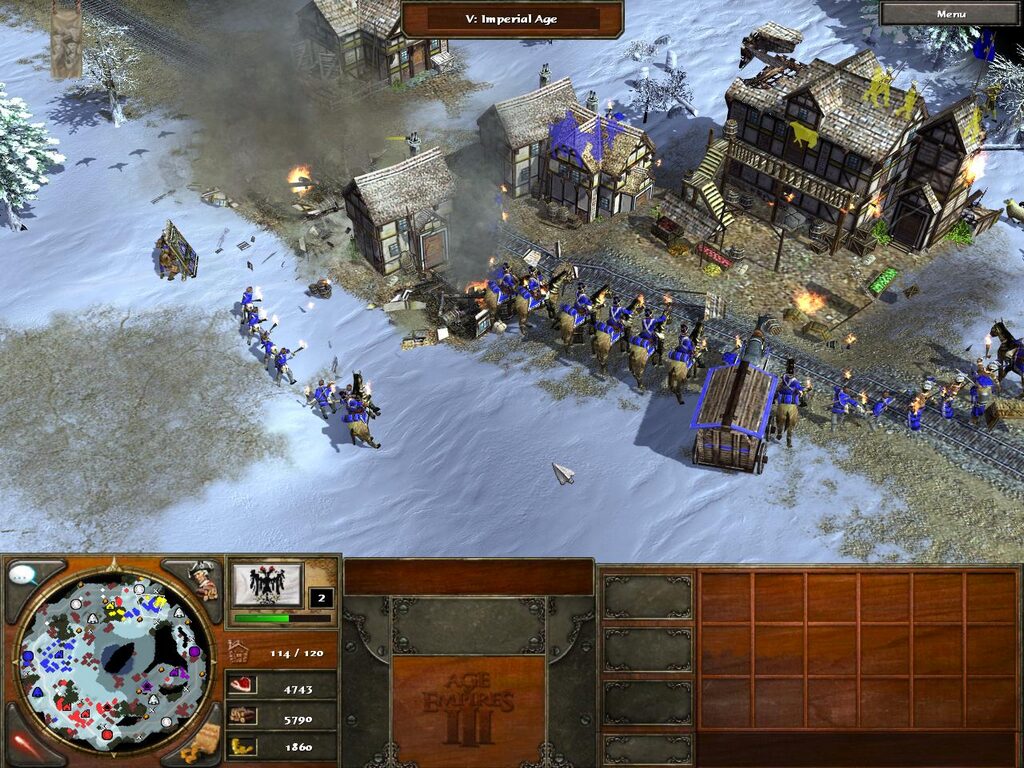
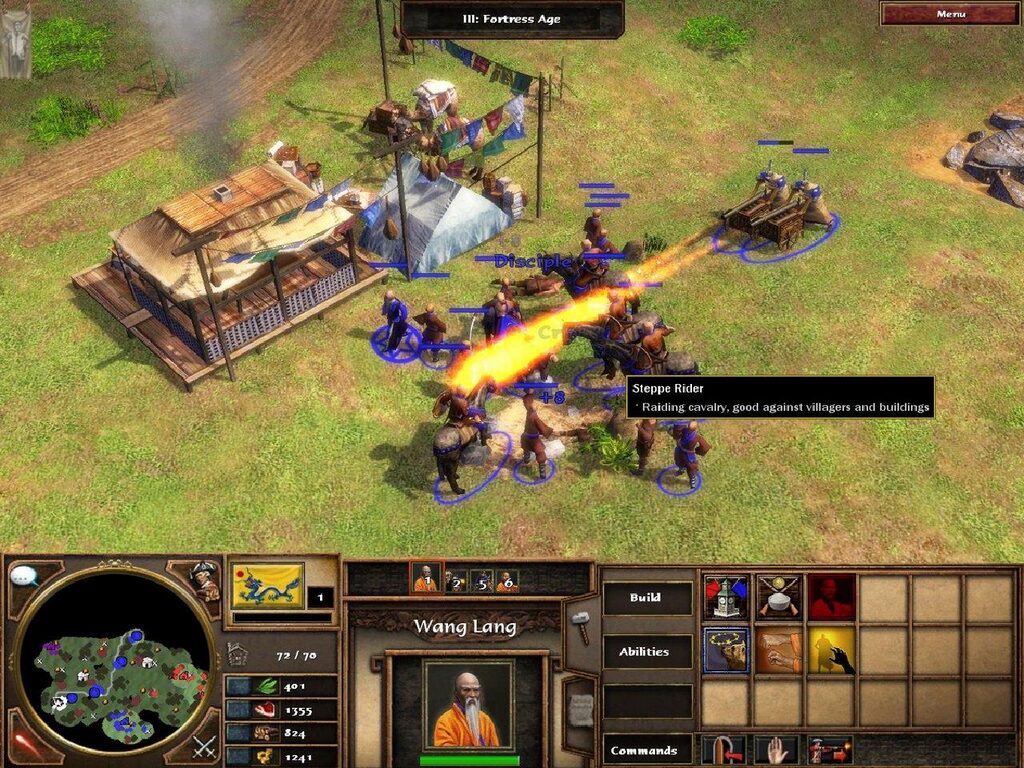
The game advances through five ages: Discovery, Colonial, Fortress, Industrial and Imperial. In the first you can’t even recruit soldiers; the Fortress Age brings heavy artillery, and the Imperial Age, expensive but decisive, usually breaks evenly matched games.
The Home City and other new features
The big bet was the Home City, your capital in Europe. Building, training, fighting or collecting treasure earns you experience and, every so often, you can request a shipment: settlers, soldiers, resources or technologies. The shipments work like cards from a deck of up to 20 that you prepare before the game, and your city levels up from one game to the next, like a role-playing character, unlocking new cards.
The economy changed too: settlers no longer carry resources to the storehouse, and mills and plantations produce without running out. On the map there are trade routes and native villages where you can build trading posts; with the natives you also win over their warriors and their technologies. And everything is seen with physics: cannonballs bounce, soldiers are sent flying and buildings crumble piece by piece.
Campaign and expansions
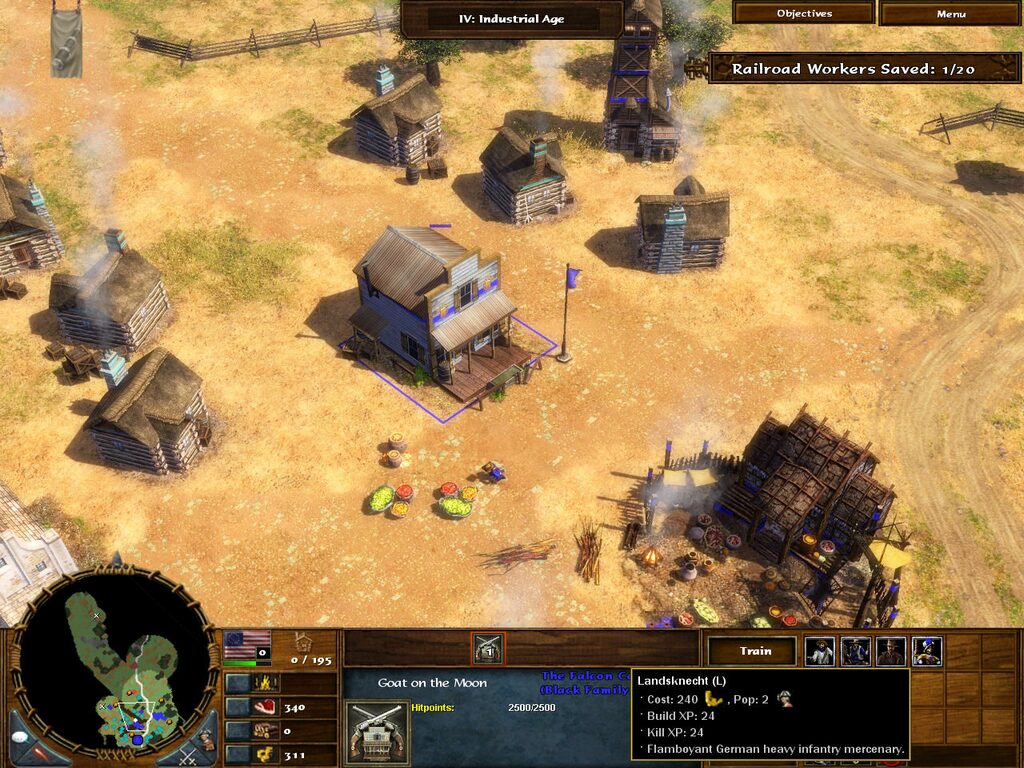
The campaign follows three generations of the Black family across 24 scenarios divided into three acts. It begins with Morgan Black, a knight of the Order of St. John, defending Malta from the Ottomans, and continues in America on the trail of the Fountain of Youth and a secret society, the Circle of Ossus. It is continued by his grandson John and, later, Amelia, at the head of a railroad company.
The WarChiefs (2006) adds three playable native civilizations, the Iroquois, Sioux and Aztecs, with campfire dances that change their bonuses, as well as revolutions, the Treaty mode and two more acts of campaign. The Asian Dynasties (2007), made by Big Huge Games together with Ensemble, adds the Japanese, Chinese and Indians, fifteen Asian wonders and three campaigns of its own.
The edition we offer
This is the Spanish-language edition, with translated text and voices. Downloads has four options, all labeled for Windows XP, 7 and 10: a repack that includes both expansions, the most convenient way to play today, and the images of the discs of the base game, The WarChiefs and The Asian Dynasties, for those who prefer to install from the original media. If anything resists, our tutorial on Windows XP classics on Windows 10 and 11 (in Spanish) helps with compatibility.
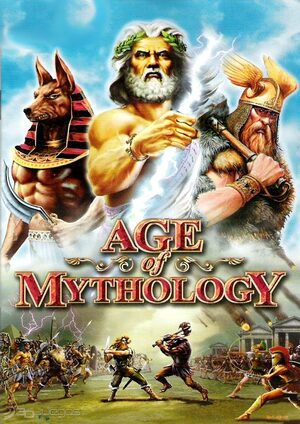
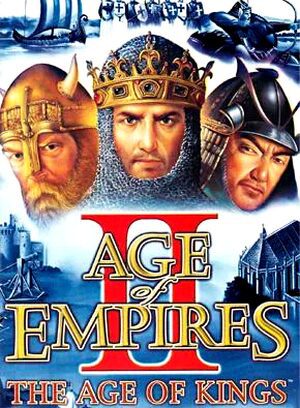
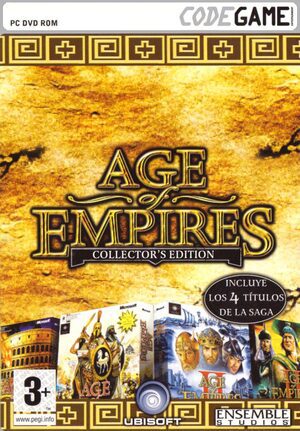
In Guides you will find the first launch, the interface and a simple opening; in Tips & tricks, the codes and how to type them. For the rest of the series, see Age of Empires, Age of Empires II and Age of Mythology; if you like the period, American Conquest deals with the same conquest of America, and Empire Earth and Medieval: Total War cover other centuries.
EVERY PIXEL COUNTS
The game in pictures.
Explore the screenshots and open every detail at full size.
GET READY FOR YOUR NEXT GAME
Choose your download.
Format, compatibility and server. All in view.
Download Repack
COMPATIBILITYWindows XP / 7 / 10 ✓ At no cost✓ No sign-up Download www.mediafire.com · New tab MediaFire02 ISODOWNLOAD CD
COMPATIBILITYWindows XP / 7 / 10 ✓ At no cost✓ No sign-up Download www.mediafire.com · New tab MediaFire03 ISODOWNLOAD CD
COMPATIBILITYWindows XP / 7 / 10 ✓ At no cost✓ No sign-up Download www.mediafire.com · New tab MediaFire04 ISODOWNLOAD CD
COMPATIBILITYWindows XP / 7 / 10 ✓ At no cost✓ No sign-up Download www.mediafire.com · New tabClicking opens the CLABA loading area and, in a few seconds, your download. If a link fails, let us know via Contact or in the forum.
THE SECRET SIDE OF THE GAME
Tips, tricks and secrets.
A hint at the right time. A code that changes everything.
How to enter them
During the game press Enter to open the chat, type the code exactly as it appears, with its spaces and symbols, and press Enter again. They only work in single-player games, and some, like the one that fattens animals, also affect your opponent: save before trying them.
Resources and experience
Give me liberty or give me coin: 10,000 coins. Medium Rare Please: 10,000 food. Nova & Orion: 10,000 experience, which translates into shipments from your city. The wood one exists, but it is a swear word that guides publish censored.
Map, speed and victory
X marks the spot: reveals the whole map, though it keeps the fog of war. speed always wins: wildly speeds up construction, production and gathering. this is too hard: you win the current game or scenario.
Joke units
tuck tuck tuck: a red monster truck that crushes trees, buildings and units. wee ooh wee ooh: another monster truck, «Big Andy». Ya gotta make do with what ya got: a mediocre bombard that fires animals. Where’s that axe?: George Crushington. o Canada 2005: the laser bear. don’t kick the pitbull: the Learicorn, a unicorn rider in a tuxedo. we <3 fluffy!1!: Fluffy, a hideously ugly dog. wuv woo vol.2: a flying tapir.
Animals and effects
a recent study indicated that 100% of herdables are obese: fattens all the herd animals on the map, including your opponent’s. Sooo Good: when a unit dies, a mocking caption appears above it naming the unit that killed it.
Only with The Asian Dynasties
trade plz: 10,000 export, the resource of the Asian civilizations. a whole lot of love: 10,000 of every resource, export included. ding ding ding: an ice cream truck. mustard relish and burning oil: a hot dog cart.
No matches. Try another effect or code.
THE NEXT STEP, CLEARER
Guides to move forward.
From the first installation to that mission that won't give in.
Start here · first launch on a current PC
- Download the repack from Downloads: it includes the base game and both expansions and is labeled for Windows XP, 7 and 10.
- Install it outside
Program Files, in a short path such asC:\Juegos\AoE3. - The base game and each expansion have their own executable: launch the one for the expansion you want to play.
- If you prefer the disc images, install in order: base game, The WarChiefs and The Asian Dynasties. Then apply the latest official patches (1.14, 1.06 and 1.03), which also remove the SmarteSECURE copy protection and leave only the product key.
Saved games are in Documents\My Games\Age of Empires 3\Savegame and profiles and settings are in Documents\My Games\Age of Empires 3\Users. Copy both folders before reinstalling; our tutorial on copying and restoring save games (in Spanish) explains how.
Controls · the interface and shortcuts
- Enter opens the chat, also for the cheats.
- The explorer is your first unit: he can’t be killed and is used to scout the map, collect treasure and set up trading posts.
- When you have accumulated enough experience, a shipment becomes available: open your home city from the interface and choose the card. It arrives at your town center, or at a fort or post of your choosing.
- Troops support formations: line, with the infantry firing in turns; charge, with bayonets and sabers; and artillery defense.
- With The Asian Dynasties come shortcuts for almost every unit, production in batches of five and selection of the whole army or of one type of unit, also for the European and native civilizations.
All keys can be reviewed and changed in the game options.
First steps · a simple opening
- In the Discovery Age there are no soldiers: put the settlers on food and wood, and send the explorer after treasure, which gives experience.
- Build a mill early or hunt; advancing to the Colonial Age costs 800 food.
- Use your first shipments for settlers or resources: speeding up the economy early on pays off more than any other card.
- Build a trading post on the trade route or in a nearby native village: it gives continuous experience and, with the natives, new units.
- The Fortress Age costs 1,200 food and 1,000 coins, and opens up forts and heavy artillery. Later on, plantations give you coins without running out.
- Prepare your deck before the game: with 20 cards at most, it’s best to mix economy, troops and some defensive upgrades.
Technical notes
It required Windows XP, a 1.4 GHz Pentium 4, 256 MB of RAM and a 64 MB card compatible with DirectX 9.0c. Today it runs stably on modern systems, although the executable is 32-bit.
- If it doesn’t start, try running it as administrator or in Windows XP SP2 compatibility mode.
- The «Initialization Failed» error is fixed by enabling DirectPlay in the Windows features; the warning that «MSXML 4.0» is not installed, by reinstalling that component from the disc or from Microsoft.
- The
+noIntroCinematicsparameter in the shortcut skips the intro videos. - The official online service, ESO, shut down on October 30, 2024. What remains is the local network, up to eight players, or community platforms such as Voobly.
If your machine resists, our Windows 10 and 11 compatibility tutorial (in Spanish) explains the compatibility modes.
Sources
- Archived official site · Home City, campaign, combat, graphics and civilizations: design, 24 scenarios, formations, physics, water and the eight powers.
- Interview with Dave Pottinger on the official site: tree physics.
- Armchair General · review: economy, cards, trade routes and campaign plot.
- Age of Empires III Heaven · ages, features, The WarChiefs, The Asian Dynasties and cheats: age costs, experience and decks, expansions and codes.
- Vandal · cheats and PC Games · cheats: cross-checked codes and how to enter them.
- Microsoft · The Asian Dynasties fact sheet (August 2007): developers, civilizations, wonders and sales.
- PCGamingWiki: dates, patches, SmarteSECURE, requirements, bugs, paths and the ESO shutdown.
- TechRadar · the Definitive Edition: name changes and statements from the studio.
Something wrong?
Give us a hint.
A broken link, a detail to correct or a game that won't start. Your report helps keep this game page up to date.
Get in touchReport an issue with this game Discuss it in the forumCLABA ARCADE ROOM
251 classics
without installing anything.
Don't feel like installing? These play right in your browser.
Enter the roomTHE CLABA APP1.0 RC 1
Take the archive
with you.
Game pages, online play and your shelf on Android. Free, no sign-up.
ARCHIVE SECRETS
Did you know?
A city like a role-playing character. Ensemble presented the Home City by comparing it to the persistent character of a role-playing game: the more you play and the better you do, the more powerful it becomes, and you can also change the look of its buildings, the weather and even the people who stroll its streets.
Trees with physics by chance. Dave Pottinger, Ensemble’s technical director, said that a programmer showed him one afternoon how it looked to apply physics to falling trees too. It stayed, with a small camera shake included, and ever since a stray cannonball can knock down a tree.
A programmer just for the water. The studio wanted the water to be so realistic that it assigned a programmer to it full time: foam on the shore, debris floating down the rivers and reflections that change with the angle of the camera and the sun.
2.5 million. In August 2007, when presenting The Asian Dynasties, Microsoft stated that Age of Empires III had already passed 2.5 million copies sold.
Revised names. The 2020 Definitive Edition changed some names from the original: the Sioux became the Lakota, the Iroquois the Haudenosaunee and the Discovery Age the Exploration Age. The studio admitted it had even considered not releasing it because of how native peoples were represented.