Rogue Entertainment · Shooter
Strife
Strife is a shooter-adventure by Rogue Entertainment for MS-DOS (1996). This English edition mixes combat, dialogue, and missions; it plays without VOICES.WAD.
Shooter by Rogue Entertainment (1996) for MS-DOS, in English. Playable in your browser.
— no rating yet
THE CLABA ARCHIVE
Inside the game.
Its history, its ideas and the reasons to come back.
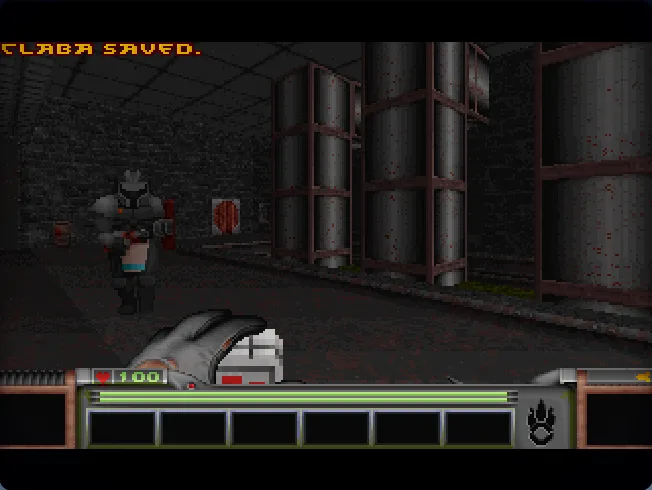
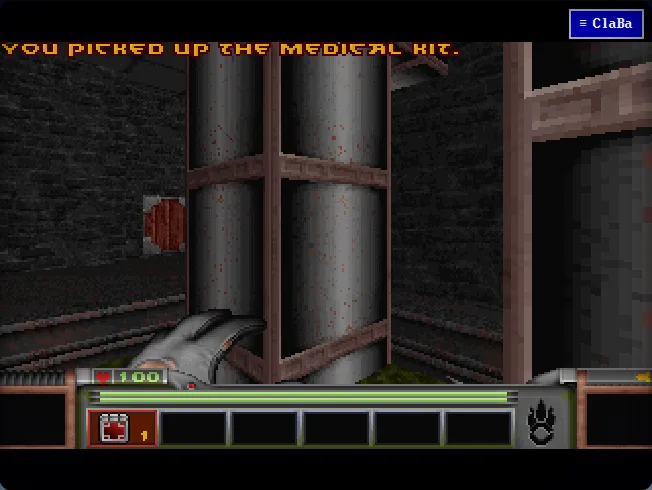
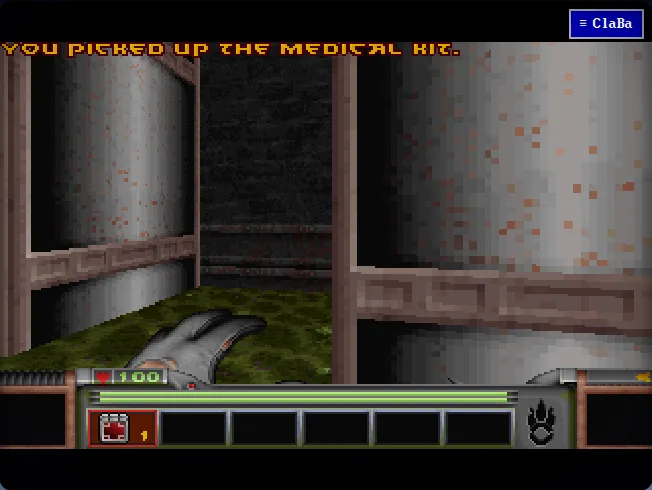
Strife places the player in a city subjugated by the Order, a power that mixes fanaticism and technology. Among soldiers and inhabitants trying to survive, the resistance offers a way to stand up to that control.
Rogue Entertainment’s game combines first-person combat with conversations, quests, trading and inventory. Talking can open a route or clarify a mission; shooting before understanding the situation can complicate what looked like a simple encounter.
Exploring means going back to familiar places, linking names to objectives and deciding when to use your resources. Healing items and equipment accompany a progression that requires more than reflexes.
Here you can play the original MS-DOS edition. The available package does not include VOICES.WAD, so this online version runs without the dialogue voices, with on-screen text. It also lacks the improvements of the later Veteran Edition.
EVERY PIXEL COUNTS
The game in pictures.
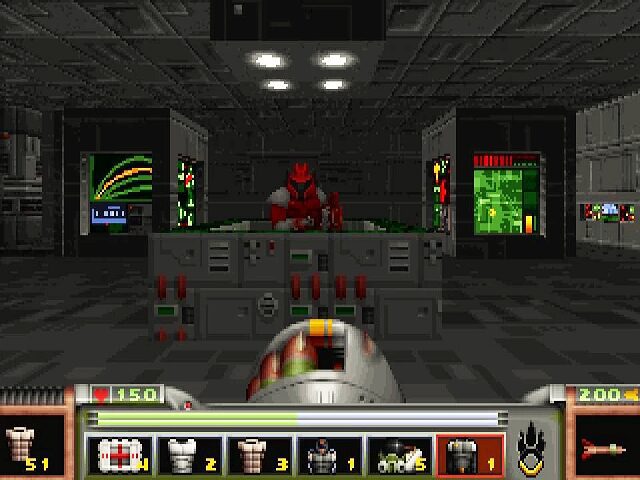
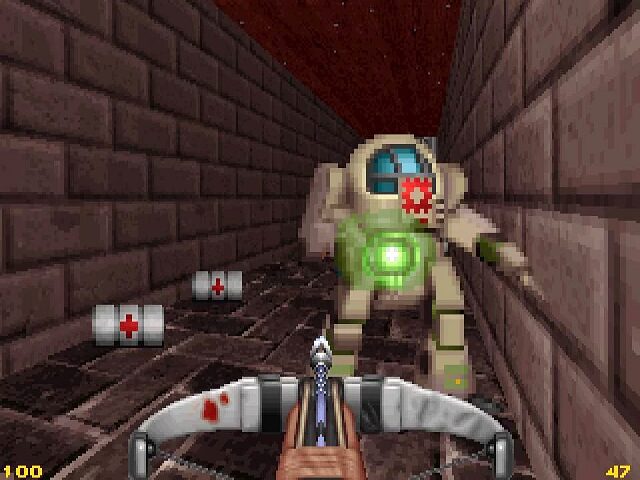
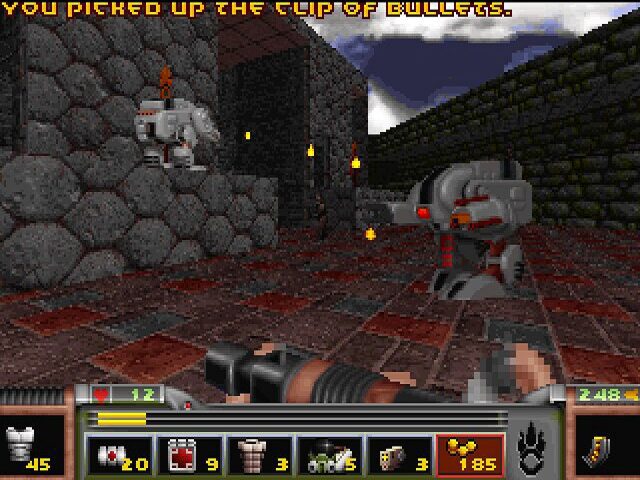
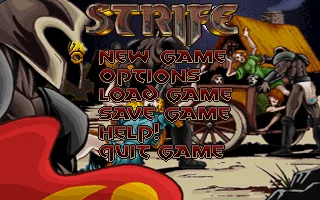
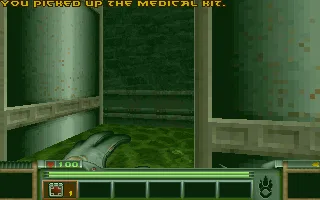
Explore the screenshots and open every detail at full size.
GET READY FOR YOUR NEXT GAME
Choose your download.
Format, compatibility and server. All in view.
Download Repack
COMPATIBILITYWindows XP / 7 / 10 ✓ At no cost✓ No sign-up Download www.mediafire.com · New tab MediaFire02 ISODownload ISO
COMPATIBILITYWindows XP ✓ At no cost✓ No sign-up Download www.mediafire.com · New tab BoxSharer03 PortableDownload Portable
COMPATIBILITYMS-DOS 6.22+ ✓ At no cost✓ No sign-up Download BoxSharer server · New tabClicking opens the CLABA loading area and, in a few seconds, your download. If a link fails, let us know via Contact or in the forum.
Your game starts here
Play in your browser.
Pick, press and go back to the classics without leaving the game page.
RetrogamingRight in your browserNo installation

MS-DOSIn your browser
Strife
Your next game starts here.
- 11 MB · downloads on click
- Save the game's files
- Keyboard, controller or touch
Controls
Click the game to use the keyboardOn mobile, play with the on-screen controller- ↑←↓→
- move and turn
- Ctrl
- attack
- Space
- talk and use
- A
- jump
- H
- heal
- W
- mission
- Full screen
Use the button on the bar. Esc returns to the game page; “Exit” closes the game.
- Saves
Save keeps the files the game creates, not the exact moment. Save inside the game, then press Save.
- Mobile and tablet
Press Controls during the game to show buttons and keyboard. Gamepad support depends on the browser.
Saves live in this browser and device. Clearing the site data deletes them too.
THE SECRET SIDE OF THE GAME
Tips, tricks and secrets.
A hint at the right time. A code that changes everything.
Tip: talk before attacking
Approach characters and try interacting before using your weapon. Read the responses: they may contain the next objective or a condition for moving forward.
Tip: review the mission
The W key checks the objective in this copy’s configuration. Use it when you return from exploring and have lost the thread of a quest.
Tip: heal before you run out of margin
H uses health in this configuration when you have the right resource. Check your inventory before entering a hostile area.
Tip: look after your character's save
The original DOS release ties progress to the character. Do not use the site’s button as a substitute for saving inside the game: first complete Strife’s own save.
No matches. Try another effect or code.
THE NEXT STEP, CLEARER
Guides to move forward.
From the first installation to that mission that won't give in.
Starting a new game
In New Game, select a difficulty and confirm with Enter. Choose a character slot, type a name and confirm to begin. Read the text: this copy does not have the voice file.
Combat and conversation controls
The arrow keys move and turn. Ctrl attacks, space interacts or talks and A jumps. The mouse is enabled in the game’s configuration. Enter uses the selected item; H is for healing and W checks the mission. Click in the game if it is not receiving keys.
First steps in the city
Watch which characters address you, check the objective and tell conversation spots apart from hostile encounters. Before wandering off, remember how to get back to the character who gave you the quest. Save before a decision or an unfamiliar area.
Saving and getting to know this edition
Use Strife’s save menu and then Save game on the site bar. When you return, Load game on the site restores the files; you must continue from the game’s own menu. README.TXT, STRIFE.CFG and VERSION.TXT are the technical references for this copy. The page for the official re-release distinguishes the original from the later improvements; the latter are not part of the DOS version offered here.
If you prefer to play installed on your computer, see DOSBox from scratch and the guide to copying and restoring save games (both in Spanish).
Something wrong?
Give us a hint.
A broken link, a detail to correct or a game that won't start. Your report helps keep this game page up to date.
Get in touchReport an issue with this game Discuss it in the forumCLABA ARCADE ROOM
This one and 540 more
play here.
When you finish your game, the room has other machines switched on.
Enter the roomTHE CLABA APP1.0 RC 1
Take the archive
with you.

Game pages, online play and your shelf on Android. Free, no sign-up.
ARCHIVE SECRETS
Did you know?
Conversation is part of the action. Interacting with characters lets you get information and advance quests, alongside first-person combat.
The voices were in a separate file. The original README explains that doing without VOICES.WAD removes the voices. That file is not included in the ZIP available for the browser.
The direct executable skips the startup movies. This copy’s documentation states that STRIFE1.EXE lets you start without going through the AVI videos.
This copy’s version is identified. VERSION.TXT says 1.0. Its controls and features correspond to the original DOS release, not the modern re-release.