
Valve Corporation · Shooter
Half-Life
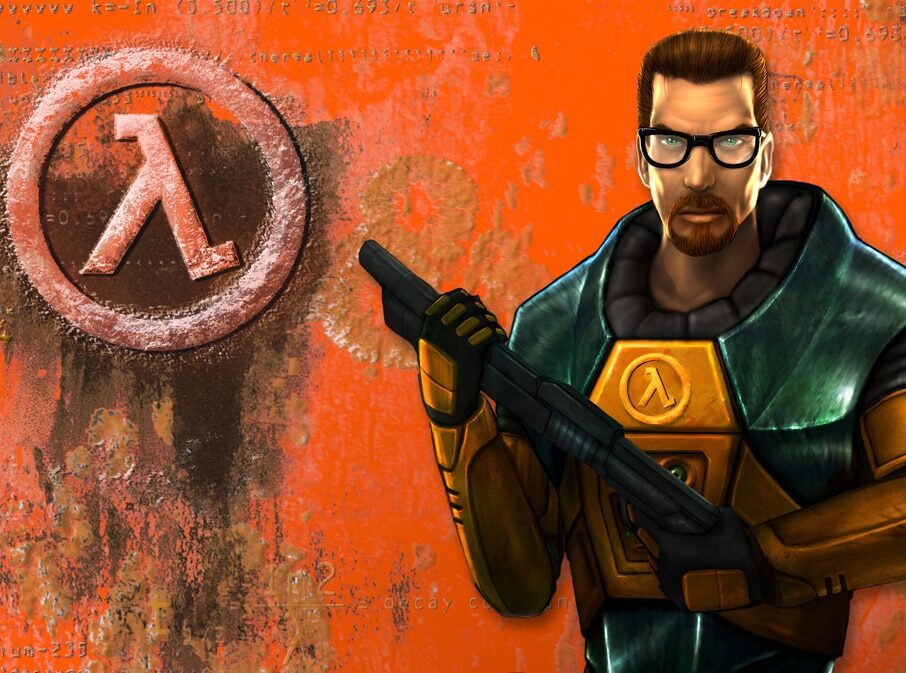
Gordon Freeman, Black Mesa and a story told without ever cutting away from the game. With the Spanish and English CDs and both Gearbox expansions.
4.8 67 votes
THE CLABA ARCHIVE
Inside the game.
Its history, its ideas and the reasons to come back.
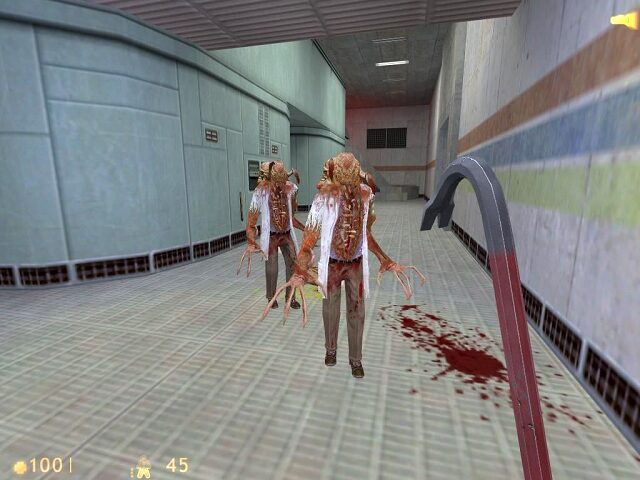
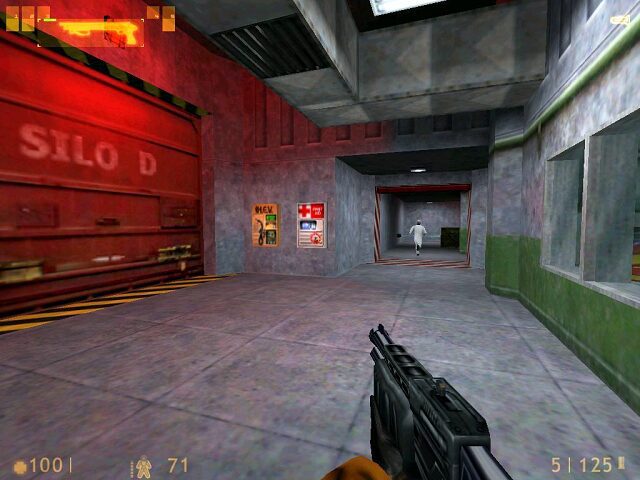
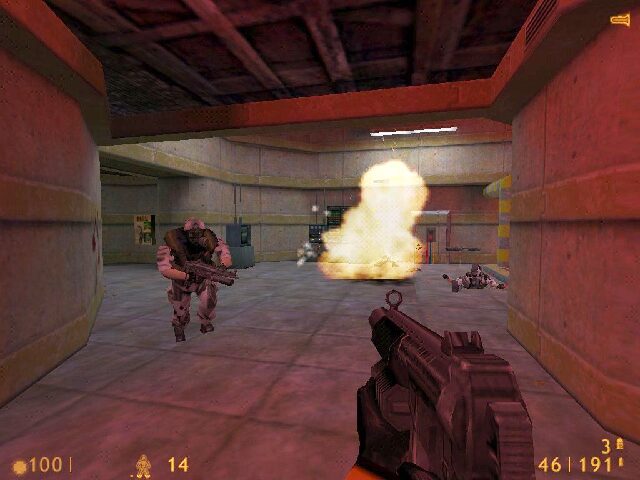
A train winding through the bowels of a scientific complex in the desert, a voice over the loudspeaker bidding you welcome and a physicist running late for work. For several minutes of Half-Life you shoot at nothing: you look out the window and listen. By the time the experiment that is going to break everything finally begins, you already know where you are and who works there. That opening, with no cuts or videos, explains a good part of the fame Valve’s first game earned.
Valve’s debut
Valve was founded in 1996 by Gabe Newell and Mike Harrington, two former Microsoft employees, and Half-Life was its first game. Sierra published it for Windows on November 19, 1998. It uses an engine based on Quake’s, so heavily modified that the team rewrote much of it, and it slipped a year past its planned date so the artificial intelligence and the levels could be redone.
The script is by Marc Laidlaw, a science-fiction novelist, author of Dad’s Nuke and The 37th Mandala, who joined Valve in 1997 and also wrote Half-Life 2. Among the declared influences is Stephen King’s The Mist: the project’s codename, “Quiver,” came from the military base in that novel.
How it plays
You are Gordon Freeman, a physicist at the Black Mesa research complex in New Mexico. An experiment goes wrong, opens a rift to another dimension and the facility fills with creatures; shortly afterward the military arrives with orders to leave no witnesses. Everything is told without cutting away from the game: there are no videos or camera changes, only what you see and hear through Freeman’s eyes.
The campaign is divided into nineteen chapters and mixes shooting, small environmental puzzles and platforming. Scientists and security guards can accompany you if you talk to them: they open doors, heal you or cover you. The arsenal starts with the legendary crowbar and ends with experimental weapons you would not expect in a laboratory, such as the tau cannon or the gluon gun. And your HEV suit, which recharges at wall stations, is as important as health.
Mods, expansions and legacy
The CD came with the Worldcraft level editor, and Valve published a development kit. From it came mods that ended up being games in their own right, starting with Counter-Strike, plus Team Fortress Classic and Day of Defeat. Gearbox’s two expansions revisit the same catastrophe through other eyes: Opposing Force (1999) with Corporal Adrian Shephard, one of the soldiers sent to clean up Black Mesa, and Blue Shift (2001) with the guard Barney Calhoun.
The edition you have here
In Downloads you will find the original CD images: Half-Life in Spanish and in English, and the two expansions, Opposing Force and Blue Shift, in Spanish. These are the retail versions, from before Steam, so they install the way they did back then, and this game page marks them as compatible with Windows XP, 7 and 10.
Since these are 1998 versions, on current Windows it is worth knowing a couple of things: they usually need Windows XP compatibility mode, the official online game servers of the time no longer exist and the interface is designed for 640 × 480. In Guides we tell you how to sort it out, and our tutorial How to play your Windows XP classics on Windows 10 and 11 explains the compatibility settings step by step.
More in the catalog
If you want to see where its engine comes from, play Quake. If you are left wanting more Counter-Strike, there is Counter-Strike: Condition Zero. And for installation questions or memories of Black Mesa, there is the Half-Life thread on the forum (in Spanish).
EVERY PIXEL COUNTS
The game in pictures.
Explore the screenshots and open every detail at full size.
GET READY FOR YOUR NEXT GAME
Choose your download.
Format, compatibility and server. All in view.
DOWNLOAD CD
COMPATIBILITYWindows XP ✓ At no cost✓ No sign-up Download www.mediafire.com · New tab MediaFire02 ISODOWNLOAD CD
COMPATIBILITYWindows XP ✓ At no cost✓ No sign-up Download www.mediafire.com · New tab MediaFire03 ISODOWNLOAD CD
COMPATIBILITYWindows XP / 7 / 10 ✓ At no cost✓ No sign-up Download www.mediafire.com · New tab MediaFire04 ISODOWNLOAD CD
COMPATIBILITYWindows XP / 7 / 10 ✓ At no cost✓ No sign-up Download www.mediafire.com · New tabClicking opens the CLABA loading area and, in a few seconds, your download. If a link fails, let us know via Contact or in the forum.
THE GAME STARTS HERE
Play in your browser.
Get your controls ready and go back to the classics.

PC · SPANISH · CLABA PLAYER 1.1
Half-Life
Your next game starts here.
Play nowThe game opens in its own screen. It needs a computer with WebGPU and a 757 MB first download. Saved games stay in this browser.
THE SECRET SIDE OF THE GAME
Tips, tricks and secrets.
A hint at the right time. A code that changes everything.
Enabling the console in the CD version
In the retail version you have to launch the game with the -console parameter: add it to the end of the target of the hl.exe shortcut. After that, the console opens with ~ (on a Spanish keyboard, the º key).
sv_cheats 1 · essential
Type sv_cheats 1 before any cheat. In older versions of the engine, such as the CD one, you have to restart the map, change level or save and load for them to take full effect.
god, noclip and notarget
god: invincible. noclip: walk through walls and fly. notarget: characters do not detect you, although the map’s events keep happening.
impulse 101 · full loadout
Gives you the HEV suit, all the weapons (from the crowbar to the gluon gun, including the crossbow and the rocket launcher) and ammunition. If you only want one weapon, use give: for example give weapon_357, give weapon_crossbow or give weapon_egon.
map · jump to another level
map followed by the map’s internal name takes you straight to it, for example map c2a1. It is useful for replaying a specific stretch without redoing the campaign.
Tip · talk to everyone
Press the use key (E) on scientists and guards. Guards follow you and cover you; scientists open doors you cannot open and some heal you. Press E again to make them stay where they are.
No matches. Try another effect or code.
THE NEXT STEP, CLEARER
Guides to move forward.
From the first installation to that mission that won't give in.
Start here · installing the CD on a current PC
- In Downloads, choose the Spanish or English CD.
- Mount the image with a double-click (Windows 10/11 shows it as a new drive) and run the installation.
- If the installer hangs, PCGamingWiki says it is usually enough to close the blocking process from Task Manager.
- Set the game’s executable to Windows XP (Service Pack 2) compatibility mode. It fixes the incomplete menu, the freezes on loading and the “Available memory less than 15MB” error. We explain it in How to play your Windows XP classics on Windows 10 and 11.
- Choose the OpenGL renderer in the video options. If it does not detect your card, software mode always works.
Default controls
- W/S: move forward and back. A/D: strafe. Mouse: look.
- Space: jump. Ctrl: crouch (crouched, you make less noise). Shift: walk slowly.
- Left button: primary fire. Right button: secondary fire. R: reload.
- E: use (doors, buttons, characters, wall chargers). F: flashlight, which drains suit energy.
- Q: previous weapon. Mouse wheel: switch weapons.
- Long jump (once you have the module): W + Ctrl + Space.
- F6: quick save. F7: quick load.
Source: the original 1998 manual.
First steps in Black Mesa
- Do the Hazard Course if it has been a while since you played: it is a training run with a holographic guide that teaches you to jump, crouch and use the suit.
- Save often with F6, especially before jumps and big fights.
- Wall chargers (health and suit) are used by holding E. Crates are dragged by holding E while walking backward.
- The crowbar opens grates and breaks glass and crates: many paths open up with it.
- Turn off the flashlight when you do not need it.
- Watch your back: some enemies follow your trail and others hunt in groups.
Technical notes and expansions
- No music: update the game to version 1.1.1.0 and leave the MP3s in the
valve\mediafolder. - 72 fps limit in the retail version: this is normal.
- Widescreen: the interface was designed for 640 × 480 and in widescreen the image is cropped at the top and bottom; raise the field of view to compensate.
- Online play: the original WON servers shut down. PCGamingWiki explains how to use alternative master servers with the
woncomm.lstfile. - Alternative: Xash3D FWGS is a compatible open-source engine that fixes problems with the non-Steam versions.
Opposing Force needs the original Half-Life installed; Blue Shift works without it and includes a high-definition model pack.
Sources
- Original manual (archive.org): requirements, controls, tips and the Black Mesa letter.
- PCGamingWiki: date, problems with the CD version on modern Windows and fixes.
- Combine OverWiki: development, codename, chapters and mods.
- MobyGames: trivia.
- MCV and The Encyclopedia of Science Fiction: Marc Laidlaw and his work.
- Valve Developer Community and Valve SDK: console cheats.
Something wrong?
Give us a hint.
A broken link, a detail to correct or a game that won't start. Your report helps keep this game page up to date.
Get in touchReport an issue with this game Discuss it in the forumCLABA ARCADE ROOM
This one and 247 more
play here.
When you finish your game, the room has other machines switched on.
Enter the room #5 in the community rankingTHE CLABA APP1.0 RC 1
Take the archive
with you.

Game pages, online play and your shelf on Android. Free, no sign-up.
ARCHIVE SECRETS
Did you know?
It was called “Quiver.” The codename came from the Arrowhead military base in Stephen King’s The Mist. “Triphammer” and “Belly of the Beast” were also considered; Gabe Newell explained that they chose “Half-Life” because it evoked the theme and had a symbol of its own, the lambda.
A real address. The manual opens with Black Mesa’s letter to Gordon Freeman, a visiting researcher at the Institute for Experimental Physics of the University of Innsbruck. The address that appears is that institute’s real one.
The writer, in the locker. In Gordon’s locker there are books by Marc Laidlaw, the author of the script: The Orchid Eater and The 37th Mandala. His name also appears on another locker in Sector C.
A weapon named after a Ghostbuster. The gluon gun was nicknamed “Egon,” after Egon Spengler, and in the code Valve released its internal name is still weapon_egon.
In Germany, robots. The German version replaced the soldiers with robots and the red blood with green, which delayed its release by four months, according to MobyGames.


