ID Software · Shooter
Doom II
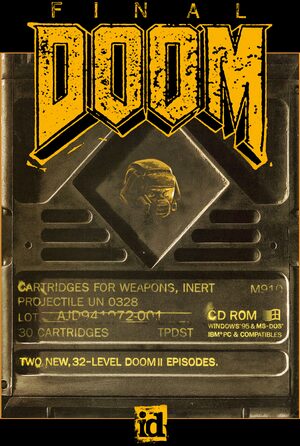
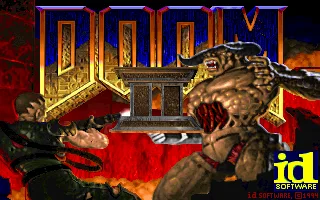
Doom II is id Software's shooter sequel for MS-DOS, released in 1994. This English copy brings the invasion to Earth, with the super shotgun and new enemies.
Shooter by ID Software (1994) for MS-DOS (in English) and Game Boy Advance. Playable in your browser (MS-DOS and Game Boy Advance) or downloadable.
Choose your version 2 platforms
4.6 56 votes
THE CLABA ARCHIVE
Inside the game.
Its history, its ideas and the reasons to come back.
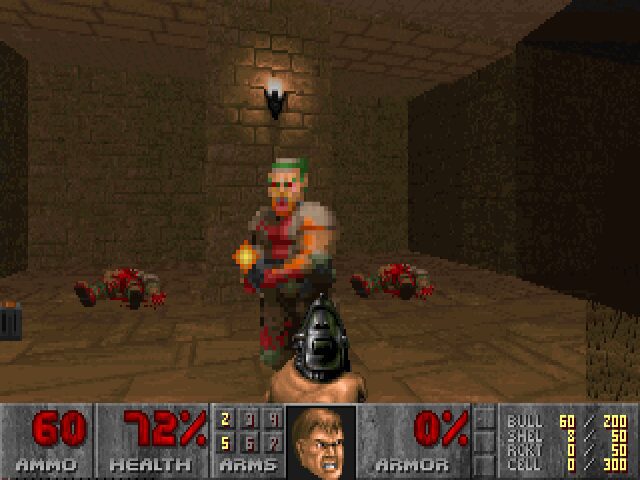
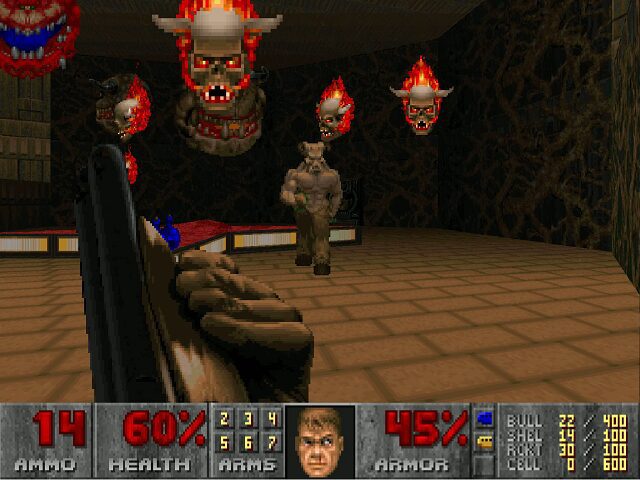


Doom II: Hell on Earth turns the return home into another nightmare. After surviving the Mars facilities, the marine finds Earth invaded. The answer is once again to move fast, recognize the threats and fight your way through rooms, corridors and spaces where standing still is costly.
Combat gets more demanding
The super shotgun widens the arsenal, but the enemies and their combinations force you to choose well when to shoot and when to look for cover. A door can protect you during a reload or lock in an even bigger problem. Keys, switches and side routes make every map more than a series of targets.
The online version
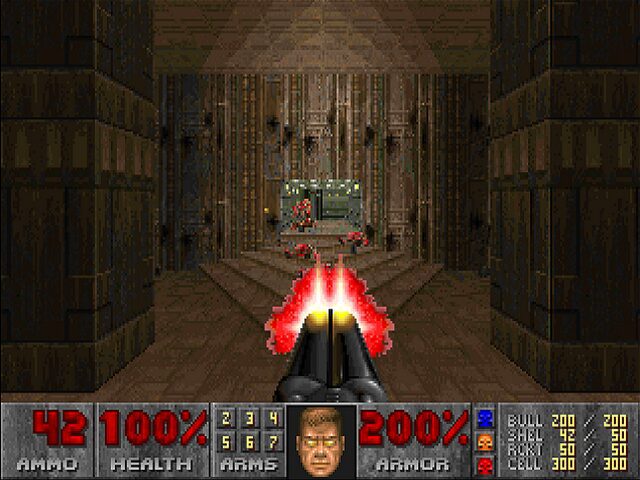
This page uses the original game for MS-DOS, with the maps MAP01–MAP32 present in the package. It keeps its classic control: turning with the arrow keys and strafing with Alt. The background is an editorial illustration; the player shows the original graphics.
ONE GAME, 2 PLATFORMS
Versions.
2 platforms1994–20022 playable online
Pick a platform: the screenshots, downloads and online game on this page switch with it.
- Year
- 1994
- Developer
- ID Software
- Downloads
- 3
- Screenshots
- 6
The MS-DOS version is the one this page covers: the information, review and main screenshots are from this platform.

- Year
- 2002
- Port by
- Torus Games
- Downloads
- 1
- Screenshots
- 6
Doom II for Game Boy Advance is the Torus Games adaptation published by Activision in 2002, with production by id Software. It brings the sequel's invasion of Earth, its mazes and its key hunting to the handheld. Its arsenal includes the super shotgun, and it combines firefights with the exploration of connected spaces. The original cartridge also allows linked games through the Game Link cable and compatible equipment.
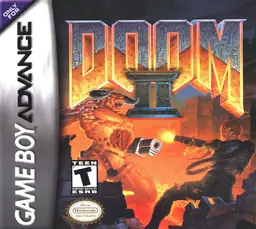
The download contains the cartridge image inside a ZIP. To use it outside the browser you need an emulator that supports Game Boy Advance. This version has its own cover art, screenshots and video, separate from the computer materials.
A single-player game in the browser has been tested in Entryway: movement, combat with the opening guards, picking up ammo and checking the map. X fires and Z is the action button for doors and switches; the arrow keys let you move and turn. Enter starts and pauses, and V opens the map. The player can save and restore a state in this browser. The cartridge's linked modes have not been tested here.
EVERY PIXEL COUNTS
The game in pictures.
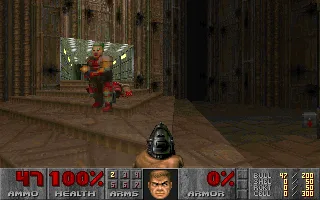
Explore the screenshots and open every detail at full size.


GET READY FOR YOUR NEXT GAME
Choose your download.
Format, compatibility and server. All in view.
Version
SELECTED VERSIONMS-DOS1994 · 3 files · also playable online
Download Repack
COMPATIBILITYWindows XP / 7 / 10 ✓ At no cost✓ No sign-up Download www.mediafire.com · New tab MediaFire02 MS-DOS · OriginalDownload Original
COMPATIBILITYMS-DOS 6.22+ ✓ At no cost✓ No sign-up Download www.mediafire.com · New tab BoxSharer03 MS-DOS · PortableDownload Portable
COMPATIBILITYMS-DOS 6.22+ ✓ At no cost✓ No sign-up Download BoxSharer server · New tabSELECTED VERSIONGame Boy Advance2002 · 1 file · also playable online
Clicking opens the CLABA loading area and, in a few seconds, your download. If a link fails, let us know via Contact or in the forum.
Your game starts here
Play in your browser.
There are 2 versions ready to play. Pick one and click.
Version

MS-DOSIn your browser
Doom II
MS-DOS version. Your next game starts here.
- 6 MB · downloads on click
- Save the game's files
- Keyboard, controller or touch
Controls
Click the game to use the keyboardOn mobile, play with the on-screen controller- Esc
- menu
- Enter
- confirm
- ↑←↓→
- move/turn
- Ctrl
- fire
- Space
- open
- Alt
- strafe
- Tab
- map
Right Shift: run. F2/F3: save/load.
- Full screen
Use the button on the bar. Esc returns to the game page; “Exit” closes the game.
- Saves
Save keeps the files the game creates, not the exact moment. Save inside the game, then press Save.
- Mobile and tablet
Press Controls during the game to show buttons and keyboard. Gamepad support depends on the browser.
Saves live in this browser and device. Clearing the site data deletes them too.
Game Boy AdvanceIn your browser
Doom II
Game Boy Advance version. Your next game starts here.
- 8 MB · downloads on click
- Save states in this browser
- Controller, keyboard or touch
Controls
Click the game to use the keyboardOn mobile, play with the on-screen controller- Enter
- start and pause
- Z
- confirm and use doors or switches
- X
- fire
- ↑←↓→
- move forward, move back and turn
- V
- open and close the map
- Full screen
Use the button on the bar. Esc returns to the game page; “Exit” closes the game.
- Saves
Save State, in the game's menu, keeps the exact moment. Load brings it back when you return.
- Mobile and tablet
Press Controls during the game to show buttons and keyboard. Gamepad support depends on the browser.
Saves live in this browser and device. Clearing the site data deletes them too.
HIT PLAY
The game in motion.
Trailers and videos to see it in action.
-
Game Boy Advance · How it plays
A Doom II gameplay session on Game Boy Advance.
THE SECRET SIDE OF THE GAME
Tips, tricks and secrets.
A hint at the right time. A code that changes everything.
Tip · clear your retreat
Before entering a room, locate a door or corner you can fall back to. Avoid retreating toward areas you have not checked yet.
Tip · shoot with intent
Watch how the ammo drops on the counter. Bursts against a wall do not deal with an enemy outside your line of fire.
Tip · use the map to get your bearings
Press Tab when you lose track of the way. Look for an exit you have not tried before repeating the same corridor.
Tip · save before experimenting
Reserve one slot for a safe point and another for trying a jump, switch or dangerous route. Do not overwrite your only save while you are about to die.
No matches. Try another effect or code.
THE NEXT STEP, CLEARER
Guides to move forward.
From the first installation to that mission that won't give in.
Start here · first game
Open Play online, press Play now and click on the screen. Wait for the title or the demo, press Esc and select New Game. Use the arrow keys to choose and Enter to confirm.
Select a moderate difficulty. The game starts at Entryway; the demo before it does not respond like a game controlled by you.
Controls · classic keyboard
Arrow keys: move forward, move back and turn. Ctrl: fire. Space: open doors and activate. Alt + arrow keys: strafe. Right Shift: run. Tab: map. 1–7: available weapons.
Click on the game again if you have just used a tab or a button on the page. Esc opens the game’s menu.
First steps · Entryway
First check that you can move forward and turn. Fire a short shot and watch the counter: you start with 50 bullets. Approach the doors to use Space and change position when an enemy has you in range.
Pick up resources after looking around; stopping to count items in an exposed space can cost you health.
Saving and continuing
Press F2 in the game, choose a slot, type a name and confirm. Then use Save in the player bar to keep those files in this browser.
To continue, press Load in the bar; when the fresh start finishes, open F3 and select your save. Save files are preserved: the exact moment shown on screen is not frozen. Clearing the site’s data may delete this local copy.
Sources and edition
Original Doom II manual for PC: story, menus and keyboard. id Software repository: code and notes on its release.
The startup and save instructions were verified with the package on this page. The configuration sets up Sound Blaster/Adlib music and running with Right Shift.
Doom II on the PlayStation disc
The Doom for PlayStation edition includes Doom II on the same disc. In the game menu, leave Game Mode on Single Player, move the skull to the episode selection, and switch Ultimate Doom to Doom II with left or right. Press Enter to start Entryway. In this version, A fires, Z uses doors and switches, Enter pauses, and V shows the map; the arrow keys move and turn. These controls apply to the PlayStation player.
Something wrong?
Give us a hint.
A broken link, a detail to correct or a game that won't start. Your report helps keep this game page up to date.
Get in touchReport an issue with this game Discuss it in the forumCLABA ARCADE ROOM
This one and 250 more
play here.
When you finish your game, the room has other machines switched on.
Enter the roomTHE CLABA APP1.0 RC 1
Take the archive
with you.

Game pages, online play and your shelf on Android. Free, no sign-up.
ARCHIVE SECRETS
Did you know?
- The archive of this edition contains 32 maps identified from MAP01 through MAP32.
- The super shotgun adds a second type of shotgun to the arsenal of the first Doom.
- The release of Doom’s source code in 1997 started from the Linux version: John Carmack explained that a sound library prevented the DOS code from being released as it was.