Crack Dot Com · Shooter
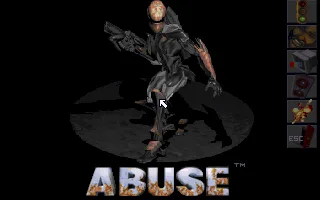
Abuse
Abuse is a Crack dot Com action game for MS-DOS (1995). This English edition mixes platforming, keyboard movement, and mouse aiming in any direction.
Shooter by Crack Dot Com (1995) for MS-DOS, in English. Playable in your browser or downloadable.
4.6 12 votes
THE CLABA ARCHIVE
Inside the game.
Its history, its ideas and the reasons to come back.
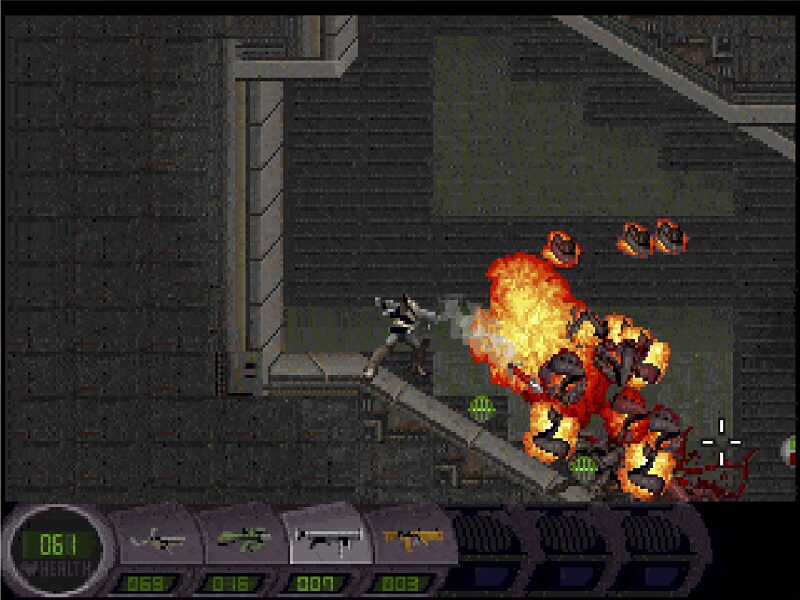
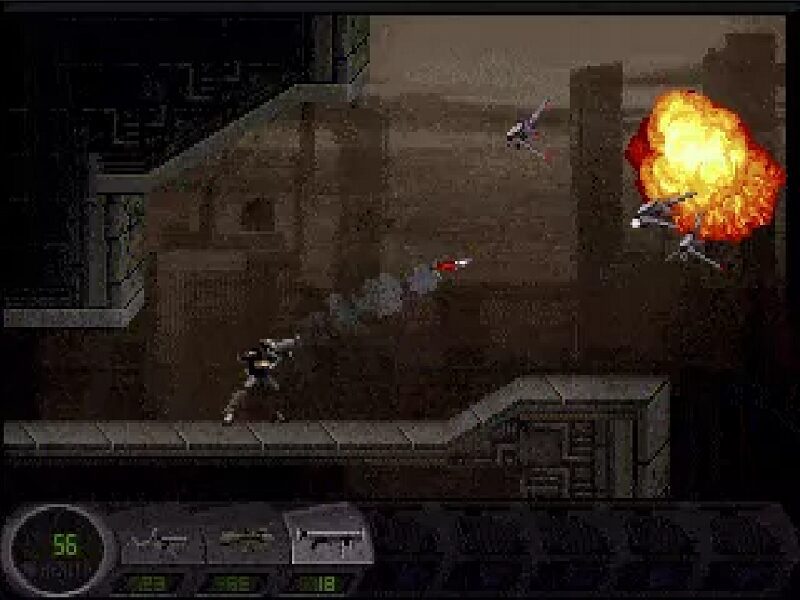
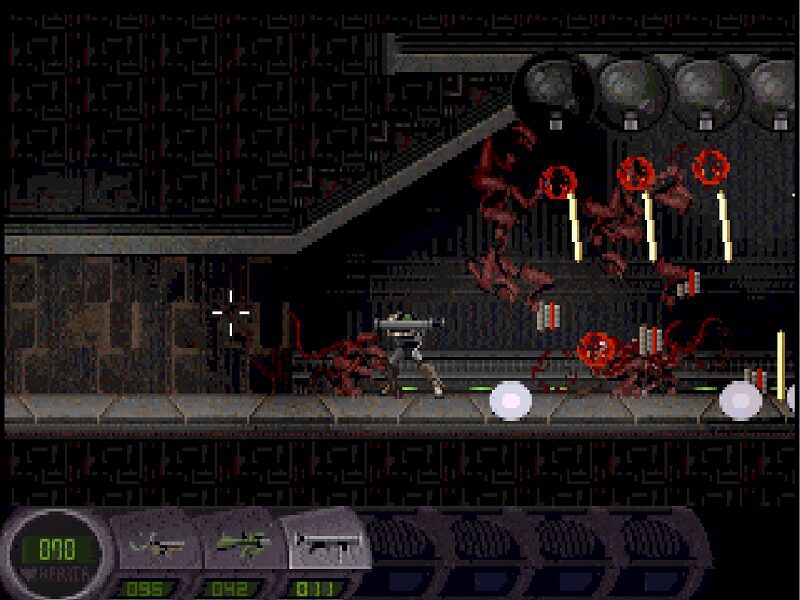
Abuse turns a prison break into a battle for survival. Nick fights his way through industrial facilities overrun by hostile creatures, among dark corridors, platforms and doors that force you to explore while enemies press in from several angles.
Its most recognizable trait is in your hands: the keyboard moves the character and the mouse aims the weapon. You can back away while still aiming, shoot at an upper platform or keep a pursuer at bay while you look for a way out. Aiming and movement have to work together.
The route combines jumps, switches, elevators and fast fights. It pays to learn to read each room before spending the ammo of the most powerful weapons. The darkness and the sound reinforce an oppressive science-fiction atmosphere.
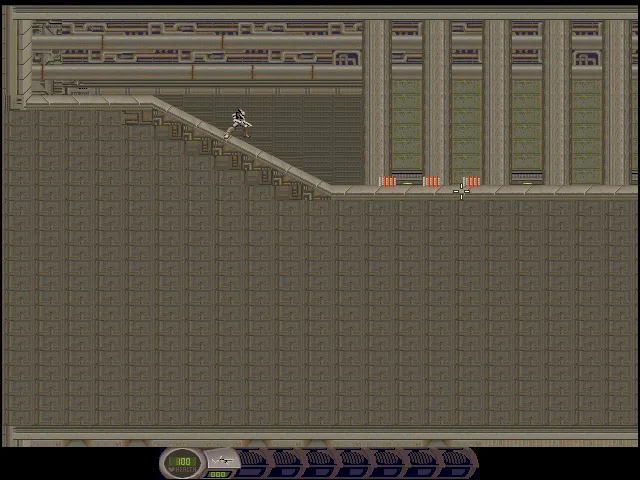
This page lets you play the MS-DOS edition. It uses the 640 × 480 VESA mode, which shows more of the stage than the original low-resolution mode. It keeps the arrow-key and mouse controls; check the guide before you start and click inside the game so that it receives your input.
EVERY PIXEL COUNTS
The game in pictures.
Explore the screenshots and open every detail at full size.
GET READY FOR YOUR NEXT GAME
Choose your download.
Format, compatibility and server. All in view.
Download Repack
COMPATIBILITYWindows XP / 7 / 10 ✓ At no cost✓ No sign-up Download www.mediafire.com · New tab MediaFire02 ISODownload ISO
COMPATIBILITYMS-DOS 6.22+ ✓ At no cost✓ No sign-up Download www.mediafire.com · New tab BoxSharer03 PortableDownload Portable
COMPATIBILITYMS-DOS 6.22+ ✓ At no cost✓ No sign-up Download BoxSharer server · New tabClicking opens the CLABA loading area and, in a few seconds, your download. If a link fails, let us know via Contact or in the forum.
Your game starts here
Play in your browser.
Pick, press and go back to the classics without leaving the game page.
RetrogamingRight in your browserNo installation
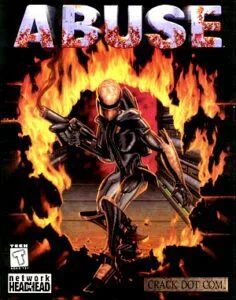
MS-DOSIn your browser
Abuse
Your next game starts here.
- 3 MB · downloads on click
- Save the game's files
- Keyboard, controller or touch
Controls
Click the game to use the keyboardOn mobile, play with the on-screen controller- ↑←↓→
- move and jump
- Esc
- menu
Mouse: aim and fire.
- Full screen
Use the button on the bar. Esc returns to the game page; “Exit” closes the game.
- Saves
Save keeps the files the game creates, not the exact moment. Save inside the game, then press Save.
- Mobile and tablet
Press Controls during the game to show buttons and keyboard. Gamepad support depends on the browser.
Saves live in this browser and device. Clearing the site data deletes them too.
THE SECRET SIDE OF THE GAME
Tips, tricks and secrets.
A hint at the right time. A code that changes everything.
Tip: back away without losing your aim
Move Nick toward a clear area and keep the cursor on the enemy. Avoid backing toward an edge you haven’t inspected yet.
Tip: save the special weapons
Use just enough weapon for each encounter and save scarce ammo for groups or tough enemies. Picking up a weapon can automatically change the selected one: check the indicator before firing.
Tip: master jumping before combat
Practice with the up arrow in the first safe area. You don’t need to point the weapon in the direction of the jump: keep aiming with the mouse.
Tip: activate, observe and return
After throwing a switch, check nearby doors and platforms. Don’t assume the exit will be on the same screen.
No matches. Try another effect or code.
THE NEXT STEP, CLEARER
Guides to move forward.
From the first installation to that mission that won't give in.
First launch and controls
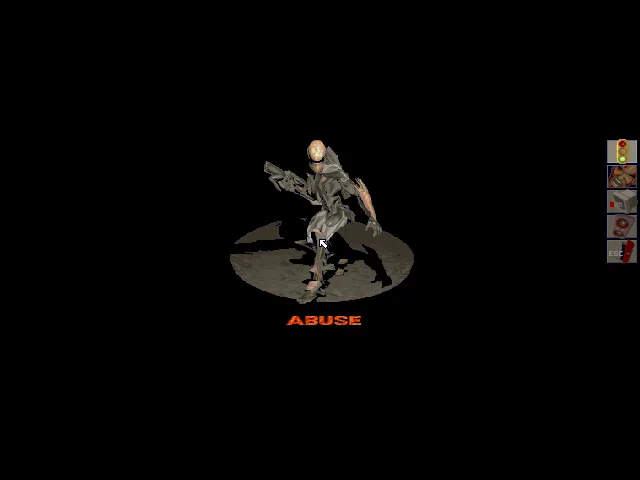
Press Play now and wait for it to load. If the intro appears, Esc opens the menu. Click on the traffic light to begin; the fist icon lets you review the difficulty. The copy keeps a high difficulty: adjust it if it is your first game. Use the arrow keys to move; up is for jumping or climbing and down for crouching or interacting depending on the place. Aim with the mouse and fire with its left button. Click in the play area to give it focus. It is an edition designed especially for a computer with keyboard and mouse. Online mode uses VESA 640 × 480: it offers a wider field of view and smaller characters. Full screen helps you see them better.
How to approach the first rooms
Spend the beginning separating two tasks: moving the character and aiming. Clear the retreat route first, look at changes in level and activate the mechanisms you find. If you are surrounded, look for a position from which enemies come in from fewer directions.
Saving and continuing in the browser
Use the save points you find inside the game before pressing Save game on the site’s bar. That button keeps game files, not a snapshot of the fight. When you come back, press Load game on the bar and select the save from the game’s menu. The data belongs to this browser and device.
Documentation of this edition
Controls and settings checked against INPUT.LSP, OPTIONS.LSP, DOS_NOTE.TXT and ABUSE.DOC included in the package. You can consult the original Abuse manual.
If you prefer to play installed on your computer, see DOSBox from scratch and the guide to copying and restoring save games.
Something wrong?
Give us a hint.
A broken link, a detail to correct or a game that won't start. Your report helps keep this game page up to date.
Get in touchReport an issue with this game Discuss it in the forumCLABA ARCADE ROOM
This one and 250 more
play here.
When you finish your game, the room has other machines switched on.
Enter the roomTHE CLABA APP1.0 RC 1
Take the archive
with you.

Game pages, online play and your shelf on Android. Free, no sign-up.
ARCHIVE SECRETS
Did you know?
Aiming and moving are independent actions. The mouse directs the weapon while the keyboard governs movement and jumps: a separation that defines its combat.
The editor came in the package. ABUSE.DOC explains how to build levels and switch from the editor to playtesting; it also documents the use of Lisp to define behaviors.
More resolution was not always better. DOS_NOTE.TXT recommends 320 × 200 for playing and explains that the larger modes were added for the editor: they show more of the stage than intended.
The tutorial is part of the setup. The copy includes its training resources and has the option to skip them turned off.