Dinamic Multimedia · Sports
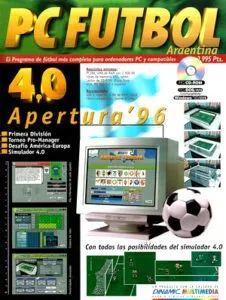
PC Fútbol 4.0: Argentina Apertura 96'
Argentina's Primera A in Apertura 96, from the database to the field: pick a club, set keyboard against CPU and start with a friendly.
4.0 5 votes
THE CLABA ARCHIVE
Inside the game.
Its history, its ideas and the reasons to come back.
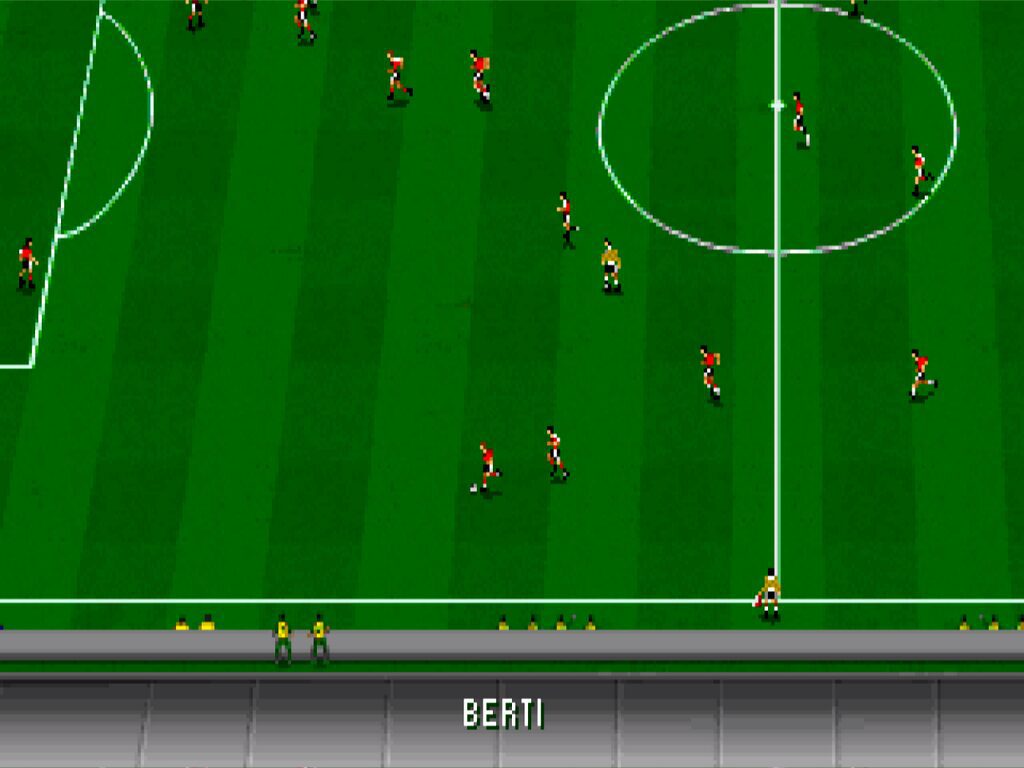
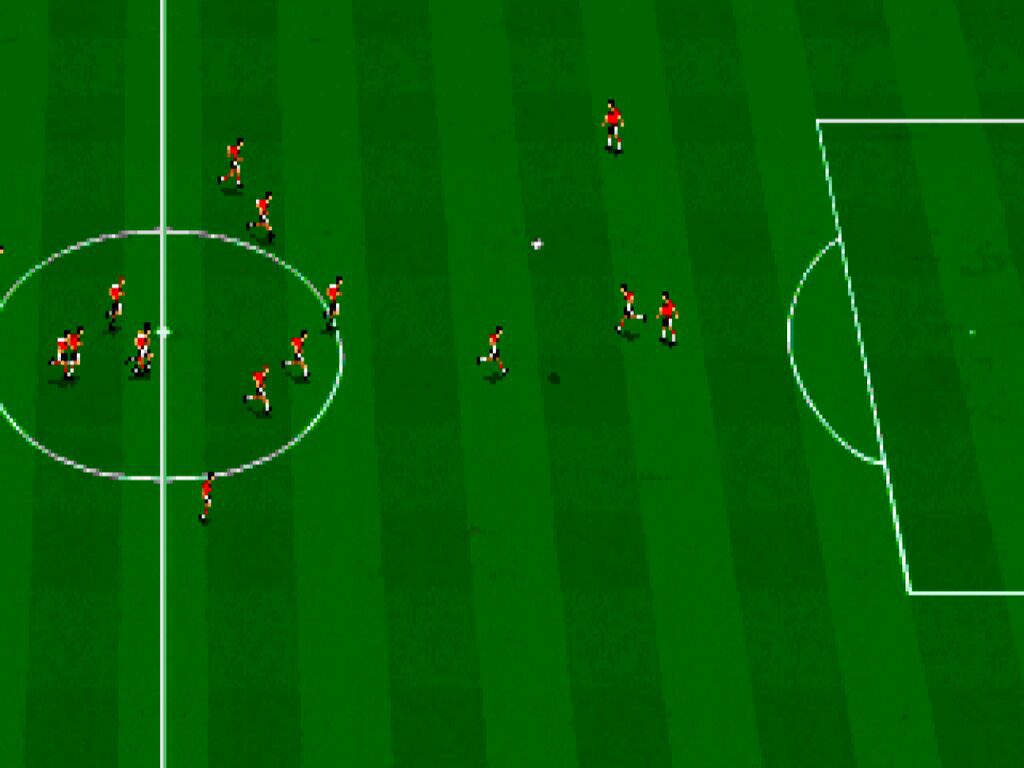
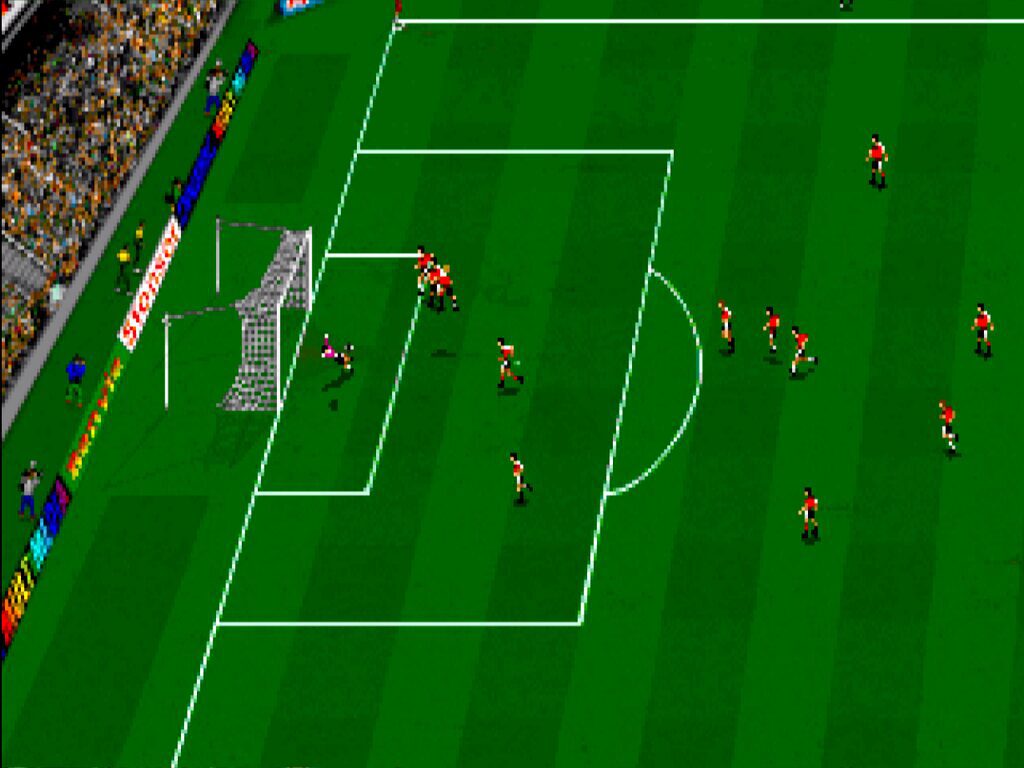
PC Fútbol 4.0: Argentina Apertura 96 brings Dinamic’s formula to the Argentine Primera A: look up teams and players, follow the tournament or start a competition of your own. You can approach soccer from the front office or jump onto the field and control the players.
The league, from several points of view
The menu (in Spanish) distinguishes Base de datos (Database), Seguimiento del torneo (Tournament tracking), Partido amistoso (Friendly match), Desafío América-Europa (America-Europe Challenge) and the Arcade, D.T. (coach), Manager and Pro-Manager modes. These are not different ways of naming the same match: choose the section that matches what you want to do.
To start without getting lost in management, set up a friendly. Choose your club, an automatic opponent and check the controller (controlador): this copy may suggest a joystick for the human player. Switch it to keyboard (teclado) before starting if you are going to play with the computer keys.
Boca and River, on the field
The test of this edition pitted Boca against River in an interactive match. The setup lets you choose duration, effects, atmosphere, field size and pre-match. Visionado (Viewing) and Resultado (Result) are not the same as controlling the players: keep Interactivo (Interactive) to practice movement and action.
The default keyboard layout uses F, V, O and P, with Space as the action button. The name of the selected player helps you get your bearings while the camera follows the play. Start with the kick-off and by moving the player in several directions; the coach’s job can wait until you have mastered a friendly.
The online copy is the Argentine DOS version identified as Apertura 96. It keeps the original files and its shield-based copy protection; it is not PC Fútbol 5 or a recreation of the current league. Startup, a match and the controls were checked, but not a full championship or a goal scored by the user.
EVERY PIXEL COUNTS
The game in pictures.
Explore the screenshots and open every detail at full size.
GET READY FOR YOUR NEXT GAME
Choose your download.
Format, compatibility and server. All in view.
Download Repack
COMPATIBILITYWindows XP / 7 / 10 ✓ At no cost✓ No sign-up Download www.mediafire.com · New tab MediaFire02 ISODownload ISO
COMPATIBILITYMS-DOS 6.22+ ✓ At no cost✓ No sign-up Download www.mediafire.com · New tabClicking opens the CLABA loading area and, in a few seconds, your download. If a link fails, let us know via Contact or in the forum.
Your game starts here
Play in your browser.
Pick, press and go back to the classics without leaving the game page.
RetrogamingRight in your browserNo installation
MS-DOSIn your browser
PC Fútbol 4.0: Argentina Apertura 96'
Your next game starts here.
- 6 MB · downloads on click
- Save the game's files
- Keyboard, controller or touch
Controls
Click the game to use the keyboardOn mobile, play with the on-screen controller- F
- up
- V
- down
- O
- left
- P
- right
- Space
- action
- Enter
- name
Mouse: menus. In a friendly, switch JOYSTICK to TECLADO (KEYBOARD) and leave the opponent as CPU.
- Full screen
Use the button on the bar. Esc returns to the game page; “Exit” closes the game.
- Saves
Save keeps the files the game creates, not the exact moment. Save inside the game, then press Save.
- Mobile and tablet
Press Controls during the game to show buttons and keyboard. Gamepad support depends on the browser.
Saves live in this browser and device. Clearing the site data deletes them too.
THE SECRET SIDE OF THE GAME
Tips, tricks and secrets.
A hint at the right time. A code that changes everything.
Tip: check the controller
If JOYSTICK appears under your team, press Cambiar control (Change control) until you see TECLADO (KEYBOARD). Having buttons on screen does not mean the game is waiting for the arrow keys.
Tip: start against the CPU
Leave CPU as the second player to get an automatic opponent. Check both teams and the controller before pressing Jugar (Play).
Tip: practice F, V, O and P
F is up, V is down, O moves left and P moves right. These are the keys this copy shows when you choose keyboard; Redefinir (Redefine) lets you change them.
Tip: tell playing from watching
Visionado (Viewing) and Resultado (Result) are for settling the match another way. To learn the controls and touch the ball, select Interactivo (Interactive).
No matches. Try another effect or code.
THE NEXT STEP, CLEARER
Guides to move forward.
From the first installation to that mission that won't give in.
Startup and shield-based copy protection
Open Play online and Play now. Wait for the shields screen and answer the page and number it asks for. The community visual reference for the codes includes a specific section for PC Fútbol 4.0 Apertura 96. Compare the logo, not just the abbreviated team name, and read the next question again after each correct answer.
In this copy, page5/shield12, the Lanús logo, and page7/shield5, Banfield, were accepted. These are verified examples, not a certification of all the relationships in the external tables. The protection has not been removed or altered.
Setting up Boca against River
In the menu choose 3, Partido amistoso (Friendly match). Enter your name and confirm with Enter; choose the Boca shield. For the second player leave CPU, confirm and select River. You can choose other teams, but Boca–River is the match used in the test.
Choosing keyboard and Interactive
In the setup, press Cambiar control (Change control) under the first team until you see TECLADO (KEYBOARD); keep CPU on the second. Keep Interactivo (Interactive). The screen shows F/V/O/P and Space; do not use the arrow keys thinking they are the default profile. If you change the keys with Redefinir (Redefine), external notes will still describe the default ones.
From pre-match to kick-off
Press Jugar (Play). If you have kept the pre-match (previo), wait for the line-ups and advance with Space. When the field appears, press Space to start the action and practice P and F first. The name at the bottom shows the selected player. Space is the action button; match duration and game situation matter. The test confirmed the kick-off, movement and action commands, not a goal.
Management and first match
After the friendly you can explore the database or choose one of the management modes in the menu. Do not confuse Seguimiento del torneo (Tournament tracking) with a competition of your own. To learn, change few options at a time and keep a CPU opponent. Completing Manager or Pro-Manager has not been certified.
Edition, sources and saving
The package keeps the local Apertura 96 ZIP and launches FUTBOL4A.EXE from its verified DOS directory. The names, modes and controls above were checked against the game’s own screens. The shield reference is community-made and is identified as such.
The player’s Save keeps DOS files created by the game; it does not replace a native option for saving a competition, nor has recovering an advanced championship been certified. No physical gamepad, touch or Internet multiplayer support is promised.
Something wrong?
Give us a hint.
A broken link, a detail to correct or a game that won't start. Your report helps keep this game page up to date.
Get in touchReport an issue with this game Discuss it in the forumCLABA ARCADE ROOM
This one and 250 more
play here.
When you finish your game, the room has other machines switched on.
Enter the roomTHE CLABA APP1.0 RC 1
Take the archive
with you.

Game pages, online play and your shelf on Android. Free, no sign-up.
ARCHIVE SECRETS
Did you know?
- The menu distinguishes D.T. (coach), Manager and Pro-Manager, as well as the Arcade tournament.
- Desafío América-Europa (America-Europe Challenge) appears as a separate mode.
- The setup lets you pick Interactivo (Interactive), Visionado (Viewing) or Resultado (Result).
- In the Boca–River friendly, the pre-match presents La Bombonera and the coaches Bilardo and Díaz.