Midway Home Entertainment · Racing
Hydro Thunder
Supersonic boats, impossible shortcuts and a boost that sends rivals flying. Midway's racer, in Spanish and with a repack for Windows.
Racing game by Midway Home Entertainment (2001) for PC (in Spanish), Nintendo 64 and Dreamcast. Available to download.
Choose your version 3 platforms
No computer handy? Play one of the 251 classics online right now
4.6 8 votes
THE CLABA ARCHIVE
Inside the game.
Its history, its ideas and the reasons to come back.
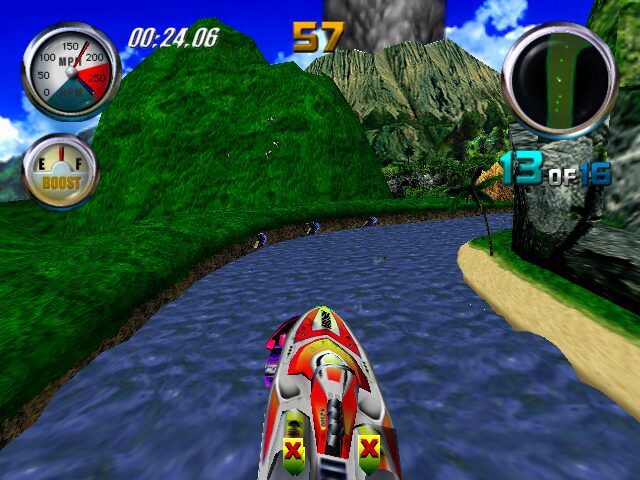
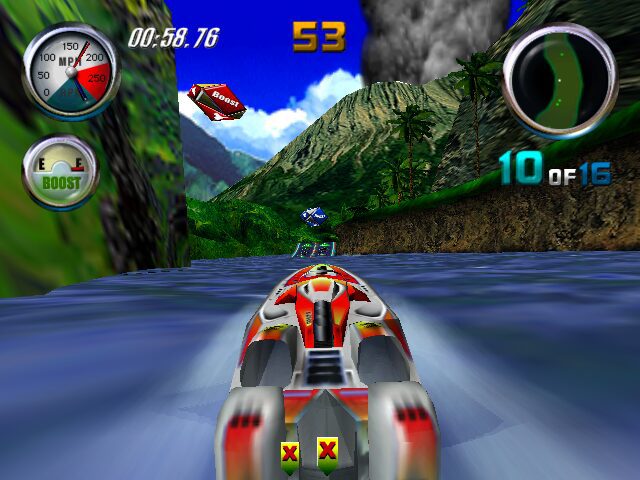
A blisteringly fast boat, a frozen canal in the Arctic Circle, a New York devastated by water, and a button that gives you a speed boost strong enough to send your rivals flying through the air. Hydro Thunder is an outboard powerboat racing game as over-the-top as it sounds, born in 1999 in the arcades of Midway and later converted to consoles and PC. The edition we offer on our site is the PC one, in Spanish.
Full-throttle boat racing
Its approach recalls that of Daytona USA: what matters is speed, drifting and spectacle. You race on water tracks full of ramps, shortcuts and obstacles, from frozen seas to a post-apocalyptic version of New York. There are four classes of boats, three easy, three medium, three hard and four bonus, and the same split for the tracks: the easy ones are short and simple, the hard ones are dark and complicated, and the extra ones mix both.
To unlock what comes next, you have to win. Finishing in the top three on the easy tracks opens the medium ones and their boats; the hard ones open by finishing first or second on the medium tracks, and the extra tracks by winning the hard ones. Winning the extra ones gives you the bonus boats.
The boost, the big idea
Blue and red boost icons are scattered around the track; the red ones are scarcer because they give more fuel. With fuel, the boost button takes you to much higher speeds and allows the so-called Mighty Hull: ramming another boat and sending it flying. Combined with the brake, it becomes a Hydro Jump, a jump that, together with the many ramps, lets you reach shortcuts and pick up icons that would otherwise be out of reach. Driving well is about managing that boost.
From the arcade to the computer
The arcade game came out in February 1999. The Dreamcast version arrived as a launch title in September of that year and is the one closest to the arcade cabinet. The PlayStation and Nintendo 64 versions came out in early 2000; the PlayStation one added a career mode, and the N64 one allows four players in split-screen with the Expansion Pak. The console versions added two extra tracks, Catacomb and Castle Von Dandy. The Windows version appeared in Europe in 2001 and, according to Wikipedia, was only sold in budget re-releases.
If you like no-frills racing, on our site you also have Road Rash and Speed Busters.
The edition we offer
In Downloads you will find a Spanish-language repack for Windows XP or later. The original requirements are modest: Windows 95, a Pentium, 24 MB of RAM and DirectX 7. Today you will most likely want to force the resolution or play in a window, and for that PCGamingWiki recommends dgVoodoo 2. If this is your first Windows XP classic on a modern system, start with our tutorial: how to play your Windows XP classics on Windows 10 and 11. In Guides you will find the game’s menus and keys, and in Tips & tricks, advice for winning.
ONE GAME, 3 PLATFORMS
Versions.
3 platforms1999–2001
Pick a platform: the screenshots, downloads and online game on this page switch with it.
- Year
- 2001
- Port by
- Midway
- Downloads
- 1
- Screenshots
- 5
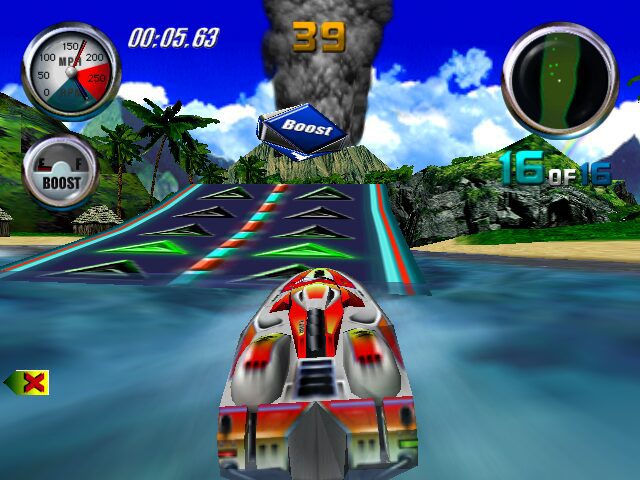
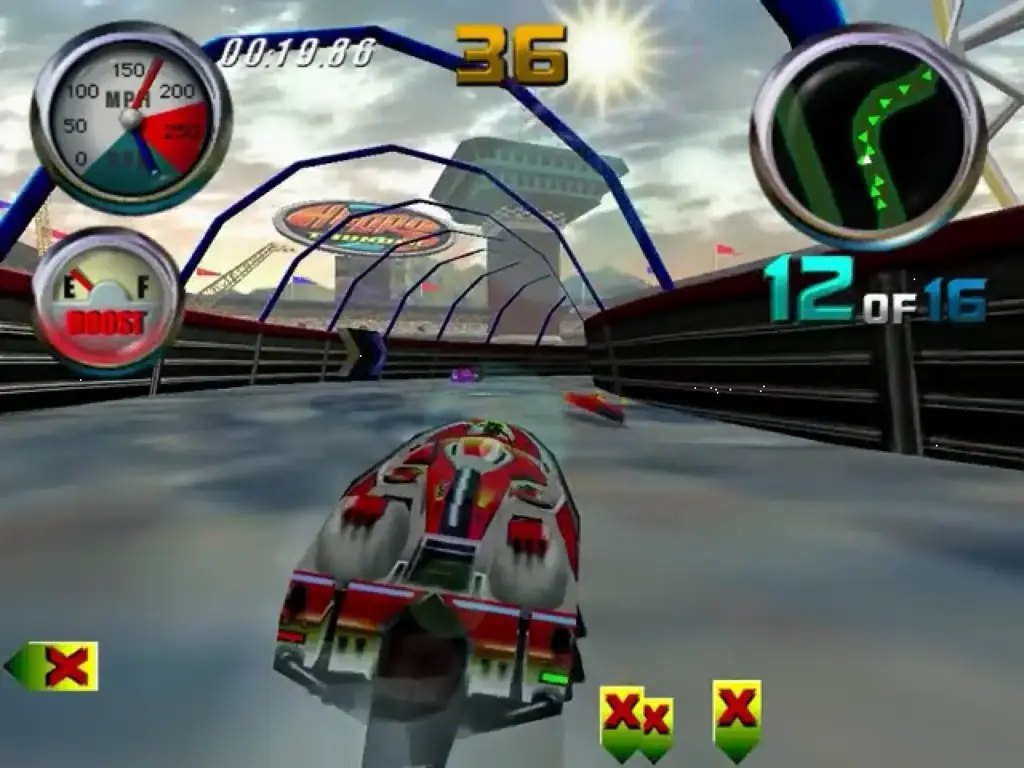
Windows version from 2001, released in Europe in budget re-releases. It requires a Pentium, 24 MB of RAM and DirectX 7, runs at 30 frames per second, and uses F2 for options, keyboard and controller.
- Year
- 2000
- Port by
- Midway
- Downloads
- 1
- Screenshots
- 1
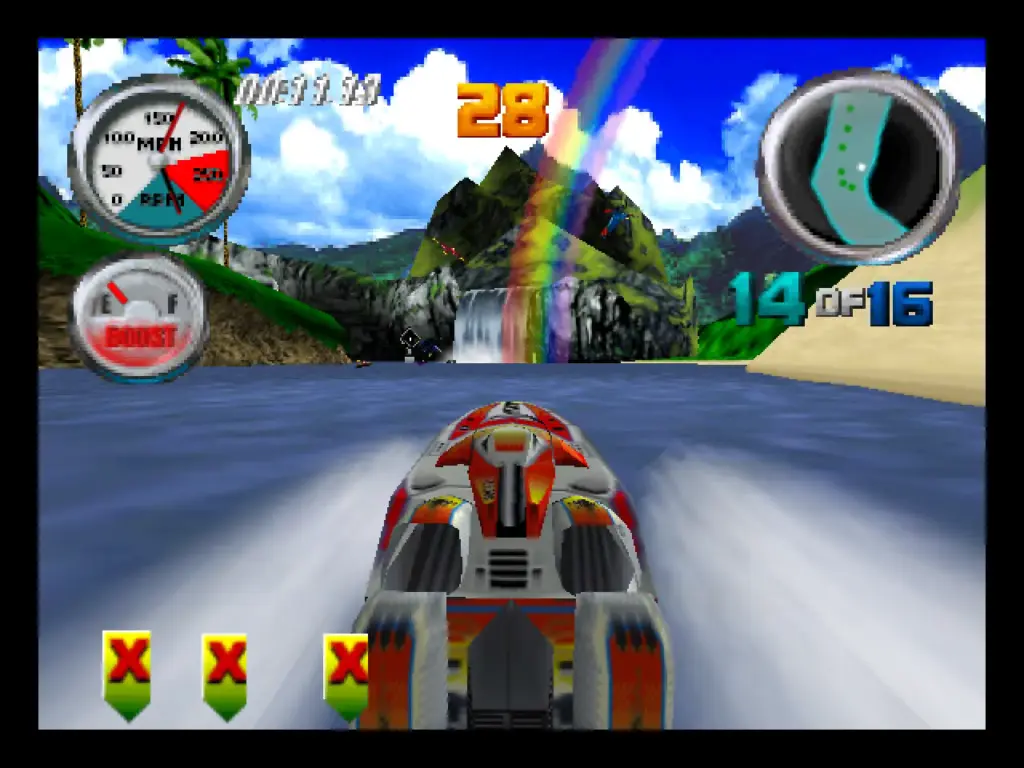
Nintendo 64 version from 2000. It supports four-player split-screen if you use the Expansion Pak, something the other versions do not offer, and adds the extra tracks Catacomb and Castle Von Dandy. According to critics, it is less flashy and somewhat slower than the Dreamcast version.
- Year
- 1999
- Port by
- Eurocom
- Downloads
- 1
- Screenshots
- 1
The Dreamcast conversion, published by Midway in 1999, brings the arcade game's speedboat racing to Sega's console. It keeps the water circuits, the high-speed boats and the power-ups that let you look for shortcuts and beat the time-trial stretches. This edition is based on the US Dreamcast image.
EVERY PIXEL COUNTS
The game in pictures.
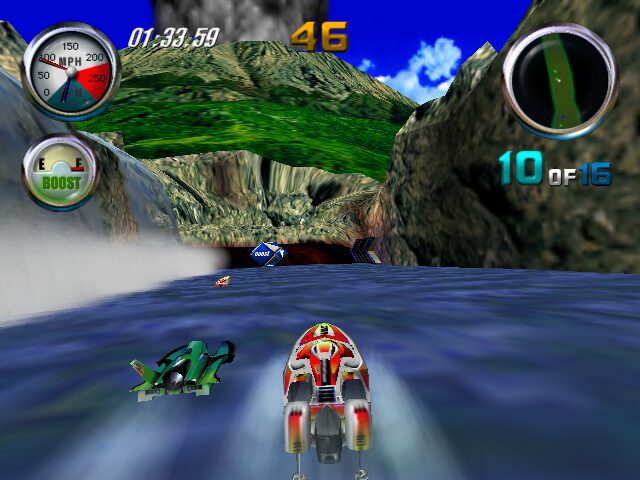
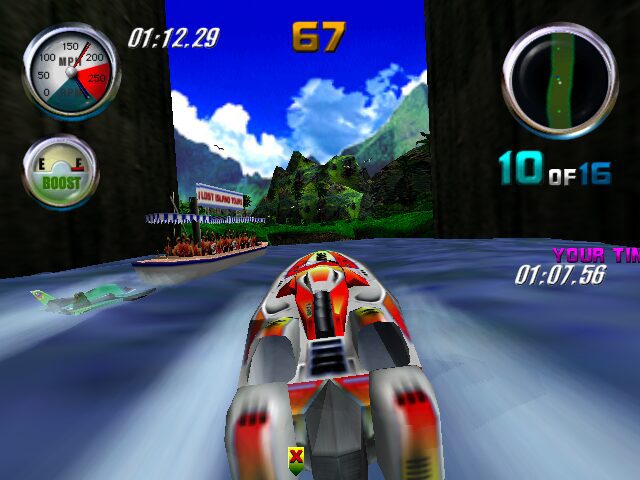
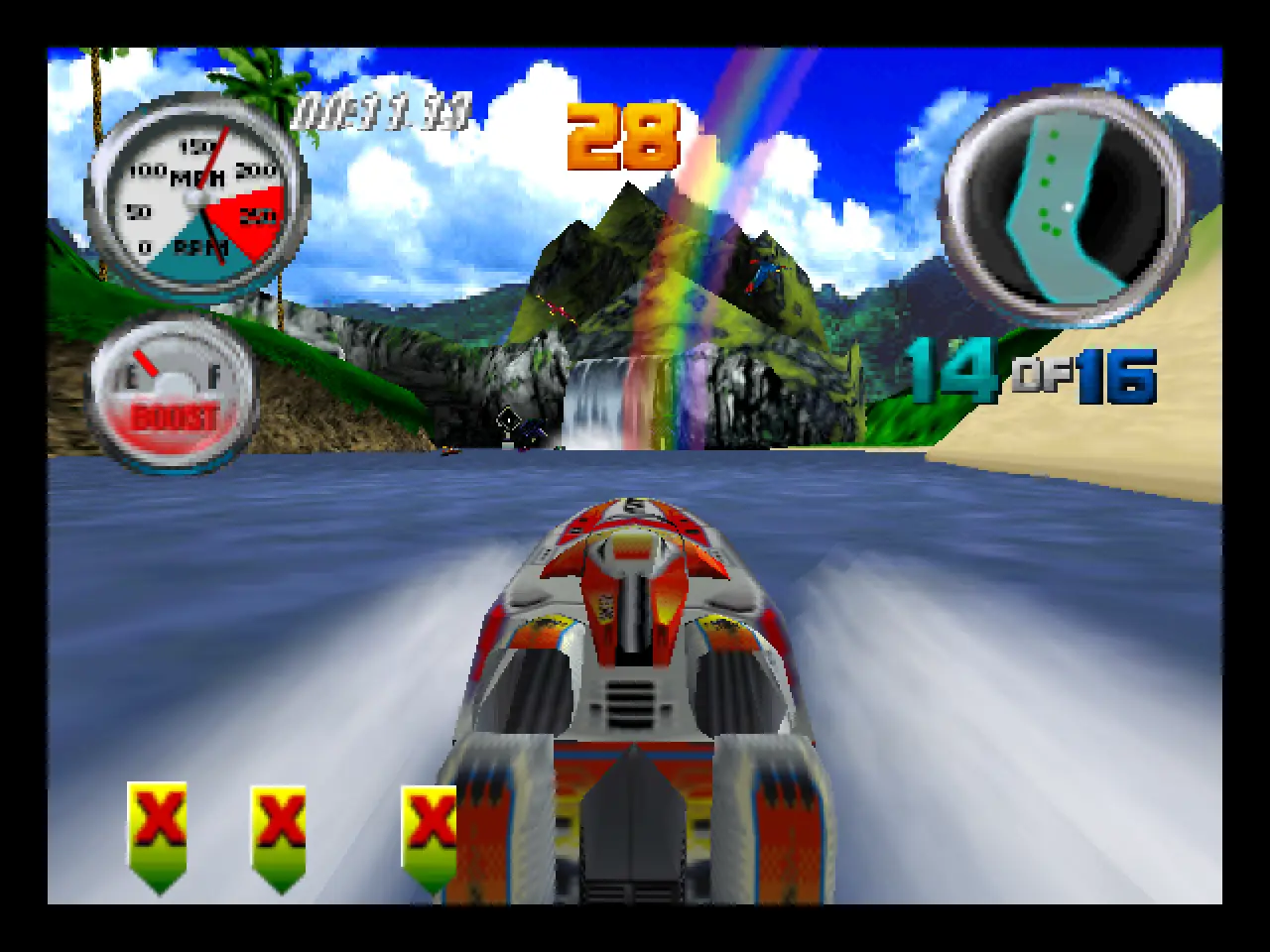
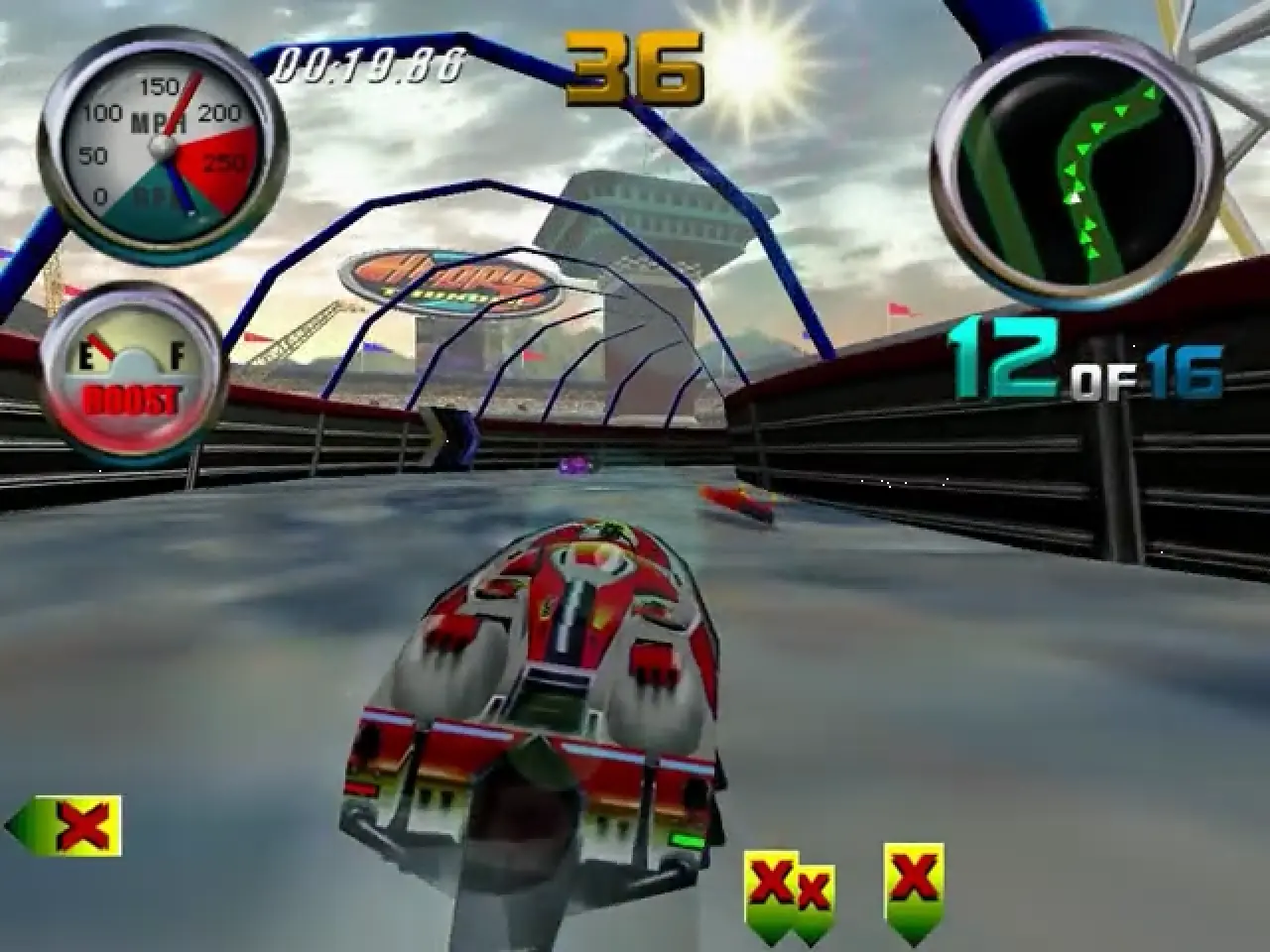
Explore the screenshots and open every detail at full size.
GET READY FOR YOUR NEXT GAME
Choose your download.
Format, compatibility and server. All in view.
Version
SELECTED VERSIONPC2001 · 1 file
SELECTED VERSIONNintendo 642000 · 1 file
SELECTED VERSIONDreamcast1999 · 1 file
Clicking opens the CLABA loading area and, in a few seconds, your download. If a link fails, let us know via Contact or in the forum.
HIT PLAY
The game in motion.
Trailers and videos to see it in action.
-
Nintendo 64 · How it plays
A game of Hydro Thunder on Nintendo 64.
-
Dreamcast · How it plays
A Hydro Thunder gameplay session on Dreamcast.
THE SECRET SIDE OF THE GAME
Tips, tricks and secrets.
A hint at the right time. A code that changes everything.
Tip · Where to start
We have not been able to confirm any cheat codes for this PC edition with two reliable sources, so instead we are leaving you verified gameplay tips. The only thing you need to know to get started is the unlock scheme: finishing in the top three on the easy tracks opens the medium ones.
Tip · The boost is yours
Red boost icons give more fuel than blue ones, but there are fewer of them. If you see a red icon on a shortcut, it is almost always worth the risk.
Tip · Hydro Jump
Brake and press boost at the same time to jump. Combine it with ramps to reach shortcuts and pick up icons that are out of reach at water level.
Tip · Mighty Hull
With boost active, if you ram another boat you can send it flying. Use it to get rid of a rival who is getting in your way in the corners.
Tip · Pick a boat that suits your style
The easy boats are more manageable but slower, the hard ones are very fast and hard to control, and the medium ones sit in between. Start with the easy ones and move on to the hard ones once you have mastered the tracks.
Tip · The options menu
Press F2 in the game to open the options menu for graphics, sound, keyboard and controller. F1 shows what each hotkey does.
No matches. Try another effect or code.
THE NEXT STEP, CLEARER
Guides to move forward.
From the first installation to that mission that won't give in.
Start here · first launch on a current PC
- Download the repack from Downloads; it is a Spanish-language version for Windows XP and later.
- Extract it to a short path, for example
C:\Juegos\HydroThunder. - Launch the game. If it does not open or the picture is broken, try Windows XP or Windows 98 compatibility mode from the executable’s properties.
- Press F2 to adjust graphics, sound, keyboard and controller.
- If you want a different resolution, antialiasing or a window without losing quality, use dgVoodoo 2, as PCGamingWiki recommends.
- More help: Windows XP classics on Windows 10 and 11.
Controls · keys and controller
With F2 you access the keyboard and controller settings. PCGamingWiki warns that key remapping only works during a race, and that the menus still use the arrow keys and the space bar. The game supports a controller and allows remapping and adjusting its sensitivity, although some actions, such as pause, have no button assigned.
First steps · how to win your first races
- Start with the easy tracks in an easy boat and learn the layout before spending boost.
- Pick up all the blue icons and look for the red ones on the shortcuts.
- Use boost on the straights and save a little for the Hydro Jump on the ramps.
- Finish in the top three to open the medium tracks; then first or second for the hard ones.
- Once you have mastered the hard tracks, win them to open the extra ones and, after that, the bonus boats.
Technical notes
PCGamingWiki states that the Windows edition requires a Pentium, 24 MB of RAM and DirectX 7, that it runs at 30 frames per second with vertical sync always on, and that the volume control may not work on modern systems. The native windowed mode only works at a low software resolution, so dgVoodoo 2 is advisable. If you want to back up or move your progress, see this save game tutorial. The commercial edition included a disc check.
Sources
- PCGamingWiki: requirements, 30 fps, F1/F2/F8 keys, controller and dgVoodoo 2.
- Retro XP · XP Arcade: differences between the console versions and rights after Midway.
- Giant Bomb: console and Windows release dates.
- Wikipedia: gameplay, unlocks, arcade cabinet and re-releases.
Something wrong?
Give us a hint.
A broken link, a detail to correct or a game that won't start. Your report helps keep this game page up to date.
Get in touchReport an issue with this game Discuss it in the forumCLABA ARCADE ROOM
251 classics
without installing anything.
Don't feel like installing? These play right in your browser.
Enter the roomTHE CLABA APP1.0 RC 1
Take the archive
with you.

Game pages, online play and your shelf on Android. Free, no sign-up.
ARCHIVE SECRETS
Did you know?
Daytona style. According to Wikipedia, the game resembles Sega’s Daytona USA in its approach, but on water.
Same steering wheel as Cruis’n USA. The arcade cabinet used the steering wheel from Cruis’n USA without pedals, with a variable-acceleration lever with forward, neutral and reverse.
A subwoofer in the seat. The game volume in the arcade cabinet was low and the rumble volume was higher, so that the player would feel “inside” the boat.
One game, many versions. There is no definitive edition: the Dreamcast one is closest to the arcade game, the PlayStation one has a career mode and the N64 one supports four players with the Expansion Pak.
From Midway to Microsoft. After Midway’s bankruptcy, Microsoft acquired the rights and released the sequel Hydro Thunder Hurricane for Xbox 360 on July 27, 2010.