Disney Interactive · Racing
Cars Mater-National Championship
Lightning McQueen against rivals from around the world in Radiator Springs: races, monster trucks and 20+ mini-games. Spanish PC version with dgVoodoo included.
Racing game by Disney Interactive (2007) for PC, in Spanish.
4.6 39 votes
THE CLABA ARCHIVE
Inside the game.
Its history, its ideas and the reasons to come back.
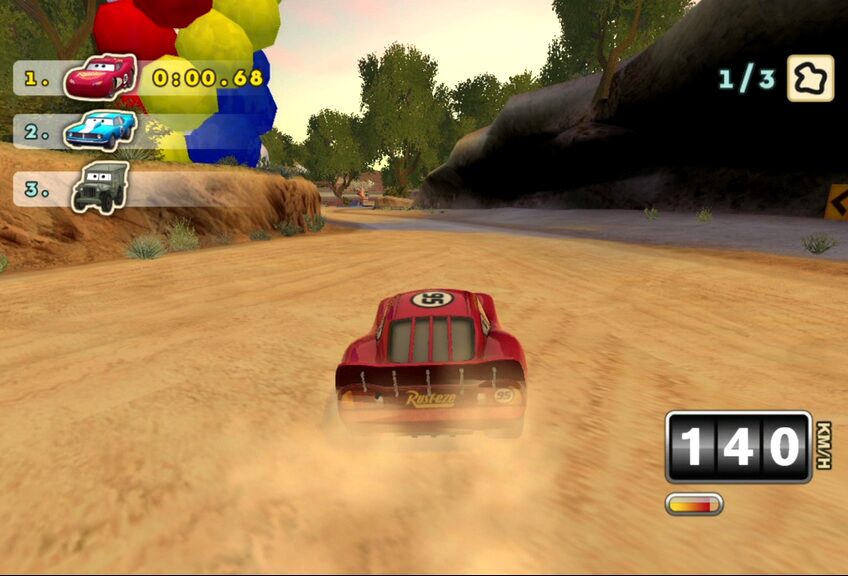
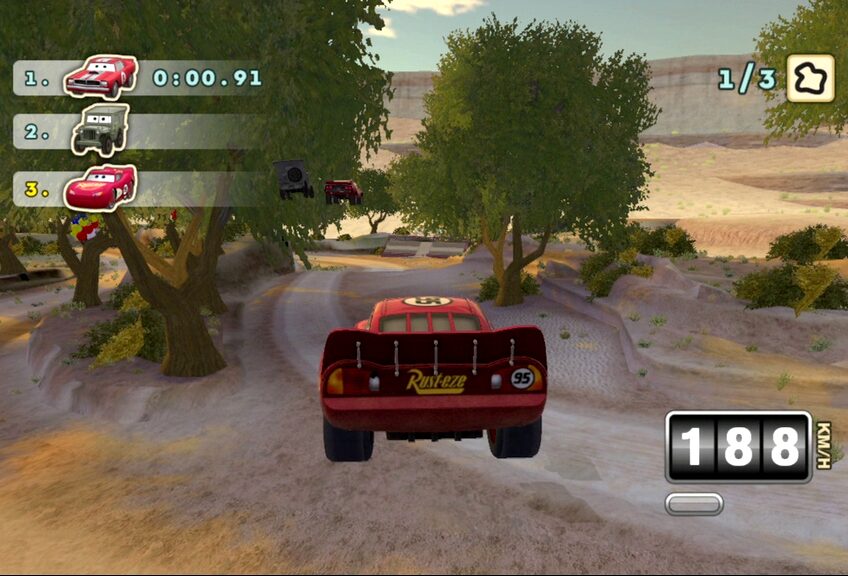
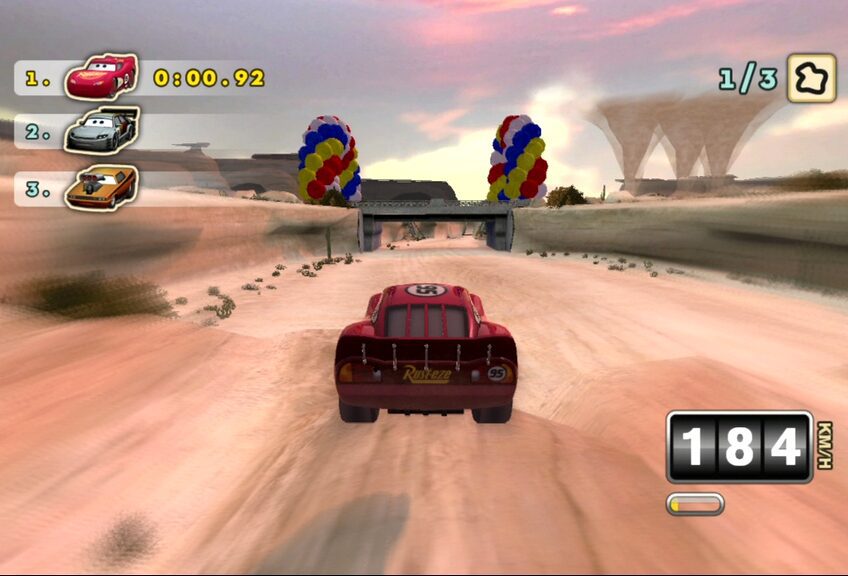
Radiator Springs has become too small. Lightning McQueen is now Piston Cup champion and Mater, his friend, the rusty tow truck, has had an idea: to set up an international tournament in town so that the world’s best racers come to take him on. That is how Cars Mater-National Championship begins, the second installment of the Cars video game, made by Rainbow Studios for THQ and released in fall 2007.
A racing festival on Route 66
You drive McQueen through an open world that revisits the three zones of the first game, redesigned: Radiator Springs itself, Ornament Valley and Tailfin Pass. Around town you run into Mater, Doc, Ramone or Luigi, and the newcomers: an English convertible, a German sedan, an Italian thoroughbred and rivals from Sweden or Japan, caricatures of the cars of each country. While you compete, McQueen oversees the construction of his headquarters and of Radiator Springs’ big stadium.
How it plays
The core is the racing: you against four rivals on closed circuits, with turbo, drifts and the car leaning into tight corners. Finishing in the top three in Radiator Springs unlocks the following zones. Around that there are many more events: chases in which you have to tag the rival and get away, relays, fuel races, monster truck challenges and more than twenty mini-games. Among them are Ramone’s music duel, which is played to the rhythm of songs from the film, tractor tipping with Frank, and night-time scares on Mater.
Exploring pays off: there are hidden pennants, stickers, eight paint jobs and eight new sets of wheels for McQueen, and parts scattered around the map with which Luigi builds the monster versions of Mater and McQueen. Mike and Sulley, from Monsters, Inc., also make an appearance.
The context: a license that sold itself
The first Cars, from 2006, was, according to THQ, that year’s best-selling children’s video game brand and the fastest-selling Disney-Pixar game to date, with more than seven million units shipped. The sequel came out on Xbox 360, PlayStation 3, PlayStation 2, Wii, Nintendo DS, Game Boy Advance and PC, each with its own version. The PC press was lukewarm: Jeuxvideo.com gave it 11 out of 20 and praised the car modeling and the voice acting, but criticized the desert scenery, which repeats too much, and the lack of novelty compared with the first game. For an audience aged seven to twelve, it concluded, it is still pleasant entertainment. If you like Pixar licenses, on our site you also have Ratatouille, Toy Story 3 and Monsters, Inc. Scream Arena, and if what you’re after is cartoon racing, Wacky Races.
The edition we offer
This is the PC version in Spanish, with Spanish text and voices. In Downloads there is a repack ready to install and play. Since some users of the forum (in Spanish) had crashes at startup on Windows 10, the repack was rebuilt to include dgVoodoo, a graphics wrapper that usually fixes this kind of failure in games of the period. If it still gives you trouble, our tutorial on Windows XP classics on Windows 10 and 11 goes over the other solutions.
In Guides you have the first launch, the controls and what’s worth knowing about the controller and the widescreen display; in Tips & tricks, the codes for the PC version and how to enter them.
EVERY PIXEL COUNTS
The game in pictures.
Explore the screenshots and open every detail at full size.
GET READY FOR YOUR NEXT GAME
Choose your download.
Format, compatibility and server. All in view.
Clicking opens the CLABA loading area and, in a few seconds, your download. If a link fails, let us know via Contact or in the forum.
THE SECRET SIDE OF THE GAME
Tips, tricks and secrets.
A hint at the right time. A code that changes everything.
How to enter them
Go into the Options menu and look for the cheat codes section (Cheat Codes in the English version). Type the code exactly as it appears, in capital letters, and confirm it. They are the same codes as in the console versions.
Paint jobs and wheels
PAINTIT: alternate colors for all the characters except McQueen. NCEDUDZ: alternate colors for McQueen. INSTYLE: all the story-mode wheel sets and the tires in Luigi’s shop (Casa Della Tires).
Events and extras
PLAYALL: all the races and mini-games in Arcade mode and the three zones of story mode. BUYTALL: all the bonus art, available to buy. ALLYORS: unlocks nearly everything, except most of the story-mode races.
Driving
VRYFAST: Expert difficulty. ZZOOOOM: unlimited turbo. 0TO200X: extreme acceleration.
Tip · before using codes
If you want to follow the story normally, play first without PLAYALL or ALLYORS, because they take away the fun of unlocking zones one by one. VRYFAST, on the other hand, is handy if the AI falls short: on the lower difficulties the rivals put up no fight. Just in case, make a copy of your save game first.
Tip · monsters are earned by playing
Monster Mater is built from six truck parts hidden around Radiator Springs; Monster McQueen, from two parts plus a new horn. Take them to Luigi. No code unlocks them directly, so it pays to explore the town at your leisure between races.
No matches. Try another effect or code.
THE NEXT STEP, CLEARER
Guides to move forward.
From the first installation to that mission that won't give in.
Start here · first launch on a current PC
- Download the repack from Downloads. It is the Spanish version, ready to install and play.
- Install it in a short path outside
Program Files, for exampleC:\Juegos\CarsMate, to avoid permission problems. - The repack includes dgVoodoo, which fixes the startup crashes seen on Windows 10. If the game still closes, check that the dgVoodoo files are in the game folder and try the compatibility mode from our tutorial on Windows XP classics on Windows 10 and 11.
- The opening videos can be skipped with a small community fix that replaces the files in
DataPC\C\Movies\2997(PCGamingWiki documents it).
Save games are in Documents\THQ\Cars2. Before reinstalling or switching computers, follow our tutorial on copying and restoring save games.
Controls · keyboard or controller
- The keys can be remapped from the options, and so can the controller.
- Mind the steering: while you hold a key down, the car turns little by little until it reaches the limit. Short taps for gentle curves and a long press for tight ones.
- With a controller, the game reads the sticks and triggers as if they were buttons: a slight tap to the right turns to the maximum. Jeuxvideo.com recommended the controller despite how hard it is to set up on PC; PCGamingWiki considers it barely playable. Try both and stick with whichever works best for you.
- Ramone’s music duel doesn’t show the keys on screen, so it’s worth practicing it first in Arcade mode.
First steps · how to progress
- Start with the Radiator Springs races: finishing in the top three opens Ornament Valley and Tailfin Pass.
- Save the turbo for the straights and for recovering after a hit. In tight corners turning isn’t enough: lean the car and drift, or you’ll end up in the scenery.
- Between races, explore the town: the pennants, stickers and monster truck parts are scattered around the map.
- In the chases, you first have to tag the rival and then reach the marked point before they catch up with you.
- If the races feel easy, raise the difficulty: on the low levels the AI barely competes.
Technical notes
Official requirements: Windows 2000, XP or Vista, a Pentium 4 or Athlon XP at 1.6 GHz, 512 MB of RAM according to the Steam page, a 64 MB DirectX 9.0c-compatible graphics card and 2 GB of disk space. It is a 32-bit executable with Direct3D 9.
- Widescreen: not built in. The community has a fix that replaces game files (make a backup first) and another for the field of view in
DataPC\C\rscamera.ini. - Anisotropic filtering and vertical sync: they don’t appear in the menu. You can force them from the graphics card’s control panel; the road looks much less blurry.
- Frame rate: there is no cap, and the camera turns faster the higher the rate. Turning on vertical sync or capping the frame rate makes it more manageable.
- Multiplayer: split screen on the same PC only. There is no local network or online play.
Sources
- THQ · April 2007 press release (Nintendo World Report): Rainbow Studios as developer, premise, sales of the first Cars.
- Jeuxvideo.com · review of the PC version (December 2007) (in French): zones, event types, unlocking by finishing position, controller and score.
- PCGamingWiki: requirements, save game path, controller, widescreen, frame rate, multiplayer and the Steam version.
- Steam · official page: mini-games, Mike and Sulley’s appearance, requirements and the 2015 date.
- Cheatbook · PC codes and Cyberly · PC codes: list of codes and the menu where they are entered.
- GameRevolution · cheats and achievements: confirms the codes and details monster truck parts, paint jobs, wheels and mini-games.
Something wrong?
Give us a hint.
A broken link, a detail to correct or a game that won't start. Your report helps keep this game page up to date.
Get in touchReport an issue with this game Discuss it in the forumCLABA ARCADE ROOM
541 classics
without installing anything.
Don't feel like installing? These play right in your browser.
Enter the roomTHE CLABA APP1.0 RC 1
Take the archive
with you.

Game pages, online play and your shelf on Android. Free, no sign-up.
ARCHIVE SECRETS
Did you know?
Guests from another film. Mike and Sulley, from Monsters, Inc., appear in the game, and one of its Xbox 360 achievements is named, precisely, «James P. Sullivan Cup». Their own PC game is on our site too: Monsters, Inc. Scream Arena.
The sequel to a bestseller. THQ announced this second part boasting that the first Cars had been the best-selling children’s video game brand of 2006 and the second best-selling game of the year overall.
The folder is called Cars2. The PC version’s save games are stored in Documents\THQ\Cars2: to the game this was the second part, long before the film Cars 2 existed.
The camera depends on the frame rate. The game doesn’t cap the frame rate, and both the camera’s turning and the swing of Monster Mater’s hook are tied to it: the more frames, the faster the camera turns.
A second life on Steam. In February 2015 Disney put it back on sale in digital format, with its licensed music intact. The series continued with Cars Race-O-Rama in 2009.