
Eurocom · Action-adventure
Robots
Rodney Copperbottom travels to Robot City: platforming, a scrap launcher and the 2005 film. Spanish edition with a repack and both CDs.
Choose your version 4 platforms
No computer handy? Play one of the 251 classics online right now
— no rating yet
THE CLABA ARCHIVE
Inside the game.
Its history, its ideas and the reasons to come back.
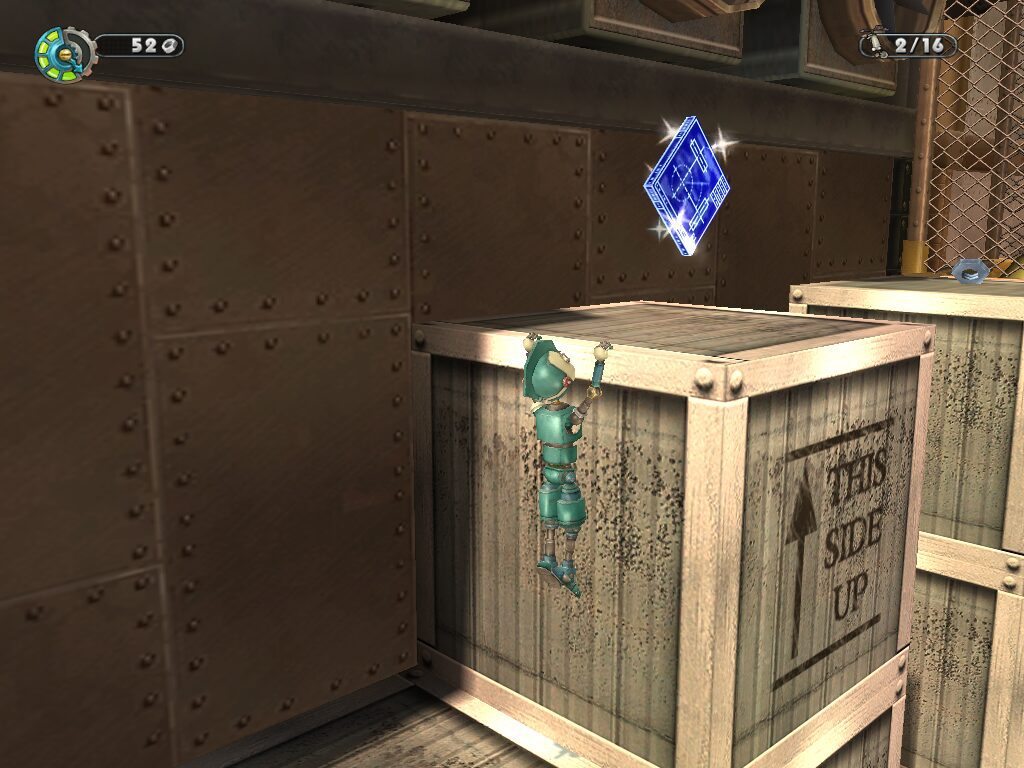
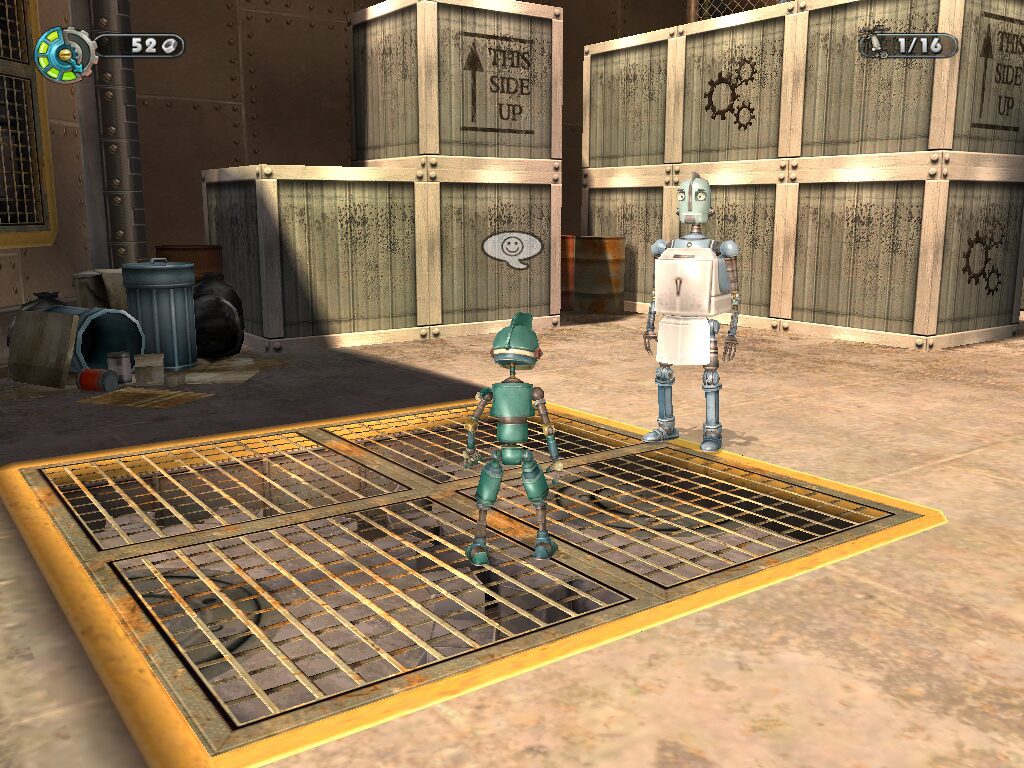


A small-town robot, a dream and a piece of scrap metal with wings. Robots is the video game of the 2005 animated film, made by Eurocom and published by Vivendi Universal Games for PC, PlayStation 2, Xbox and GameCube. You are Rodney Copperbottom, a young inventor who leaves Rivet Town to get to Robot City and work with his idol, the great Bigweld.
From scrap to the big city
The story follows that of the film: Bigweld has disappeared, the factory is in the hands of the sinister Phineas T. Ratchet and the old robots, the rusties, are about to run out of spare parts. Rodney joins them, goes down into the sewers for scrap and ends up at Bigweld’s mansion to stand up to Ratchet. At the start he repairs Wonderbot, his flying helper, and along the way you will also control him and Bigweld himself in a chase.
How it plays
It is a third-person platformer. Scrap is both currency and ammunition: you collect pieces throughout the levels, shoot them with the scrap launcher your father gives you and spend them in the shops, where scrap capacity expands from 200 to 500 and to 1000 and there are upgrades for the weapon. With a wrench you hit in melee, and later come the Magnabeam, which recharges in energy circles, a magnetic bomb and an electric weapon. Collecting blueprints lets you invent gadgets. Between stages, the trip along the city’s highway, an enormous curved tube, is one of the most characteristic elements.
What the critics said
IGN’s review of the PC version, by Ed Lewis, gave it a 5 out of 10: it praised the resemblance to the films and the generosity of the checkpoints, but criticized demanding controls, a camera that sometimes gets in the way, the absence of the voice cast and repetitive stages of collecting 16 pieces per challenge. That is what happens with movie games: they appeal more to those who adore the film. For the other movie platformers of the era, on the site you have Madagascar, Toy Story 2 or WALL-E.
A nice detail: when you finish the story, three minigames are unlocked in the main menu, Jack Hammer’s Oil Rush, the transit system and the zip-line challenge.
The edition we offer
In Downloads there is a repack in Spanish for Windows XP and later, and the images of the two original CDs (CD1 and CD2). For a current machine the repack is the most convenient; if the CDs don’t install on the first try, our tutorial on Windows XP classics on Windows 10 and 11 will give you some clues. The gameplay advice is in Tips & tricks and the details on controls and startup in Guides.
ONE GAME, 4 PLATFORMS
Versions.
4 platforms2005
Pick a platform: the screenshots, downloads and online game on this page switch with it.
- Year
- 2005
- Developer
- Eurocom
- Downloads
- 3
- Screenshots
- 3
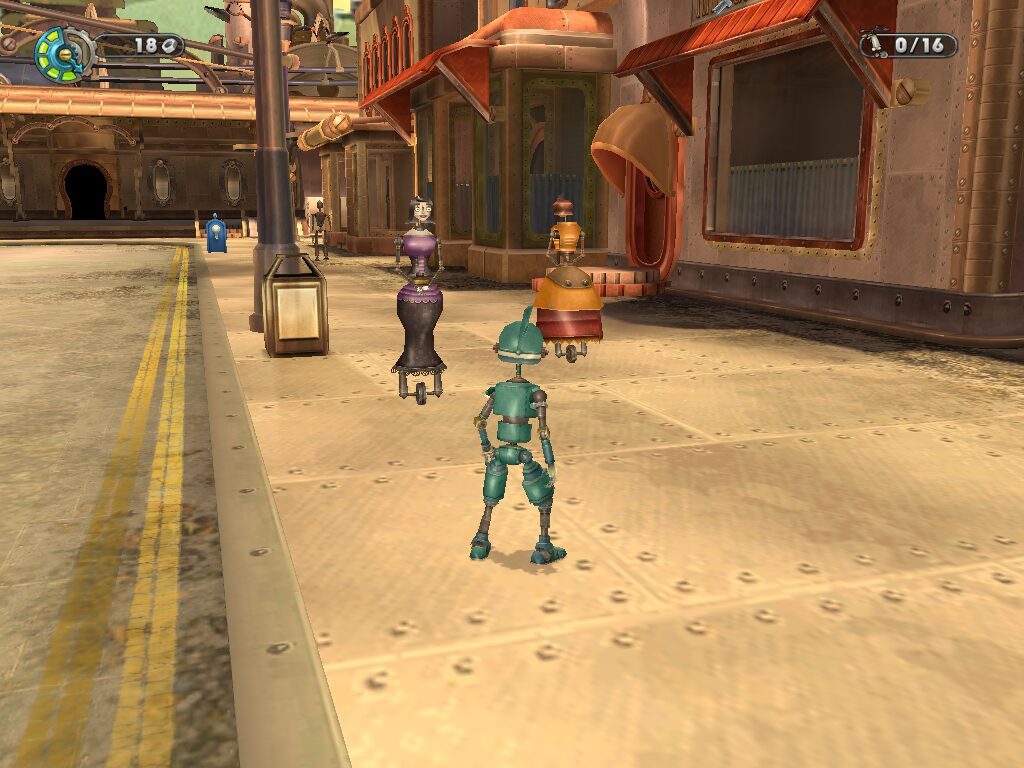
The PC version is the one this page covers: the information, review and main screenshots are from this platform.

- Year
- 2005
- Port by
- Game Boy Advance handheld adaptation
- Downloads
- 1
- Screenshots
- 6
The Game Boy Advance edition adapts Rodney's adventure to a handheld console: you move through Robot City stages from a layered perspective, jump between platforms and face hostile robots while helping those who need parts. Wonderbot accompanies Rodney in this version. It should not be confused with the Nintendo DS edition, which adds a touch-screen map and other features specific to that console. The US GBA release dates from 2005; its credits go to Griptonite and Vivendi Universal Games.
- Year
- 2005
- Port by
- Eurocom Entertainment Software
- Downloads
- 1
- Screenshots
- 1
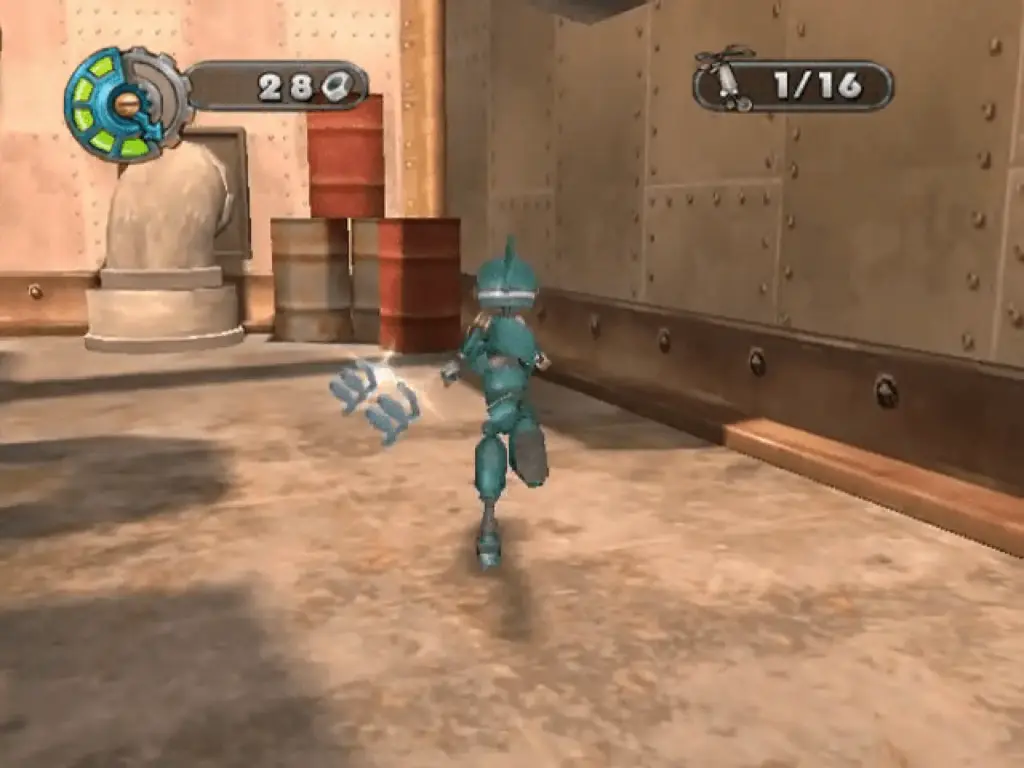
The GameCube edition of Robots sends Rodney Copperbottom to Robot City to meet Bigweld. Across settings from the film, you explore, fight Ratchet's robots and collect parts to upgrade your abilities and build gadgets. Eurocom developed this adaptation, released in 2005.

- Year
- 2005
- Port by
- Eurocom
- Downloads
- 1
- Screenshots
- 1
On PlayStation 2, Robots is a 3D platform adventure starring the inventor Rodney Copperbottom. You travel through places in Robot City, fight hostile machines and solve obstacles while upgrading the devices and weapons you build from parts. Wonderbot also appears; he can glide across gaps and reach spaces too narrow for Rodney. Eurocom developed this 2005 edition for home consoles.
EVERY PIXEL COUNTS
The game in pictures.
Explore the screenshots and open every detail at full size.


GET READY FOR YOUR NEXT GAME
Choose your download.
Format, compatibility and server. All in view.
Version
SELECTED VERSIONPC3 archivos
Download Repack
COMPATIBILITYWindows XP / 7 / 10 ✓ At no cost✓ No sign-up Download www.mediafire.com · New tab MediaFire02 PC · ISODOWNLOAD CD1
COMPATIBILITYWindows XP / 7 / 10 ✓ At no cost✓ No sign-up Download www.mediafire.com · New tab MediaFire03 PC · ISODOWNLOAD CD2
COMPATIBILITYWindows XP / 7 / 10 ✓ At no cost✓ No sign-up Download www.mediafire.com · New tabSELECTED VERSIONGame Boy Advance2005 · 1 file
SELECTED VERSIONGameCube2005 · 1 file
Clicking opens the CLABA loading area and, in a few seconds, your download. If a link fails, let us know via Contact or in the forum.
HIT PLAY
The game in motion.
Trailers and videos to see it in action.
-
Game Boy Advance · How it plays
A game of Robots on Game Boy Advance.
-
GameCube · How it plays
Robots gameplay on GameCube.
THE SECRET SIDE OF THE GAME
Tips, tricks and secrets.
A hint at the right time. A code that changes everything.
Tip · about cheats
We have not found reliable cheat codes for the PC version: the ones going around, like infinite health, appear on console pages and we have not been able to verify them. The tips that follow have been checked.
Tip · spend your scrap wisely
Scrap serves as ammunition and as money. Before spending it on scrap launcher upgrades, expand your capacity with the Maxi-Scrap 500 and 1000, and buy the Refine-O-Max, which doubles the value of what you collect.
Tip · ten extra scrap
After the first level, go to the dining room with Rodney’s father, choose the scrap launcher and shoot at everything except the targets until you use up all your scrap. It will give you 10 more pieces, according to the Cyberly site.
Tip · the highway
In the half-pipe section of the highway, go as fast as you can and jump from the edge just as you reach a hole: that way you fly over it. According to IGN, the highway is also good for traveling, racing and collecting pieces.
Tip · against Ratchet
In the fight on the machines, destroy as many robots as you can and shoot once at those that open their blue eye, before they close it. Shoot Ratchet when he lands on a robot; he throws bombs that you can shoot down.
Tip · better with a controller
IGN warns that the mouse is of no use, not even for the camera, and that the keyboard is awkward in a platformer. If you have a controller, use it. Weapon switching is done from a menu, so choose before entering combat.
Tip · bonus minigames
Finish the story to unlock three minigames in the main menu: Jack Hammer’s Oil Rush, the transit system and the zip-line challenge.
No matches. Try another effect or code.
THE NEXT STEP, CLEARER
Guides to move forward.
From the first installation to that mission that won't give in.
Start here · first launch on a current PC
- Get the repack in Downloads, intended for Windows XP and later.
- Install it outside
Program Files, in a short path such asC:\Juegos\Robots. - If it doesn’t start the first time, right-click the executable, choose Properties, then the Compatibility tab, and try Windows XP compatibility mode and running as administrator.
- The two original CDs are for preserving the edition as is; install them only if the repack doesn’t work for you.
We have not been able to verify where this version stores its data: before you start playing, make a copy of the game folder and look in Documents and in AppData, following our tutorial on copying and restoring save games.
Controls
According to IGN, the mouse does nothing in the game: it doesn’t even control the camera. It is played with keyboard or controller, and the review itself recommends using a controller. The moves are the usual ones: jump, double jump, climbing onto crates, sliding and shooting or hitting with the wrench.
Weapon switching is done from the menu, not with a shortcut, so it pays to choose before each fight.
First steps · how to make progress
- In each zone, the goal is to gather the scattered pieces (16 per challenge, according to IGN) before moving on to the next challenge.
- Pay attention to ledges: some let you grab on and others, even if they look the same, don’t. It’s trial and error.
- Checkpoints are generous and send you back with full health a few steps behind.
- Buy scrap capacity first and weapon upgrades afterward.
- Go back to the dining room with your father for the scrap bonus.
Technical notes
We have not found a reliable source with the official requirements of the PC version, so we don’t give them. By period (2005) and by the repack’s label, the game is intended for Windows XP. The reviews of the time speak of clean graphics with no frills.
If you see video problems on a current monitor, try Windows XP compatibility mode and disable fullscreen optimizations in the executable’s properties. We know of no official or community patches for this version.
Sources
- IGN · Robots review (PC), March 8, 2005: controls, stage structure, checkpoints, voices and score.
- Cyberly · Robots (PC): unlockables and tips.
- HonestGamers: game page (Eurocom, Vivendi Universal).
- Wikipedia: guidance on weapons, shops and handheld versions.
Something wrong?
Give us a hint.
A broken link, a detail to correct or a game that won't start. Your report helps keep this game page up to date.
Get in touchReport an issue with this game Discuss it in the forumCLABA ARCADE ROOM
251 classics
without installing anything.
Don't feel like installing? These play right in your browser.
Enter the roomTHE CLABA APP1.0 RC 1
Take the archive
with you.

Game pages, online play and your shelf on Android. Free, no sign-up.
ARCHIVE SECRETS
Did you know?
The title joke. IGN subtitled its review of the PC version «Sadly, not a Kraftwerk music title», an allusion to the German electronic music group Kraftwerk.
Images yes, voices no. According to IGN, the game reuses the film’s art, but only a small part of its footage, and the videos lack the original voices.
Two games with the same name. While the PC and console versions were a linear platformer by Eurocom, the Game Boy Advance and Nintendo DS versions by Griptonite worked as a metroidvania-style open world.
Scrap as currency. Rodney starts with a scrap reserve of 200, which expands to 500 and to 1000 by buying upgrades. The Refine-O-Max doubles the value of what you collect.
A burning behind, no damage. If Rodney slides many times in a row, his behind starts to burn, a gag that costs him no health.


