Ubisoft Montreal · Action-adventure
Prince of Persia: The Sands of Time
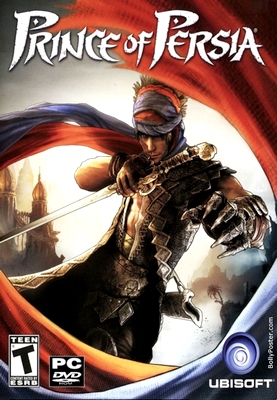
A dagger that rewinds time, a palace full of sand creatures and a wary alliance with Farah. The Spanish PC version, with a repack and the DVD image.
Action-adventure game by Ubisoft Montreal (2003) for PC, in Spanish. Available to download.
4.9 42 votes
THE CLABA ARCHIVE
Inside the game.
Its history, its ideas and the reasons to come back.
The Prince opens his tale by warning that time is not a river flowing in a single direction but an ocean in the middle of a storm. He speaks from experience: at his belt he carries a dagger capable of rewinding it. With Prince of Persia: The Sands of Time, Ubisoft Montreal in 2003 revived the series created by Jordan Mechner and completely reinvented it. The PC version reached stores in December of that year, a few weeks after the console releases.
A palace overrun by sand
King Sharaman’s army attacks the palace of a maharajah in India with the help of a treacherous vizier. The Prince is left with the Dagger of Time as his spoils, and his father with a gigantic hourglass and with Farah, the maharajah’s daughter. Once in the palace of the Sultan of Azad, the vizier tricks the Prince into opening the hourglass with the dagger, and the Sands of Time turn all its inhabitants into sand creatures. Only three are spared, each thanks to an object: the vizier with his staff, Farah with her medallion and the Prince with the dagger. From there on, he and Farah have to work together to undo the disaster, although neither trusts the other.
Acrobatics, sword and time
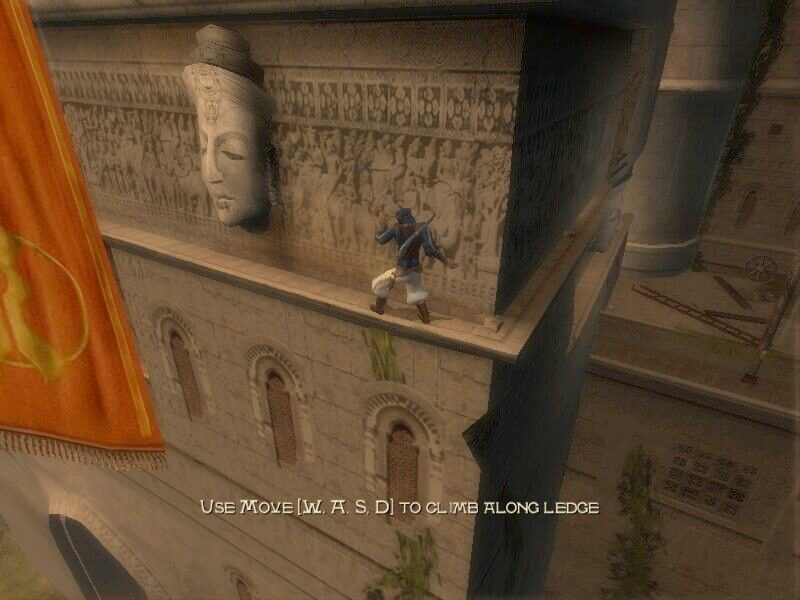
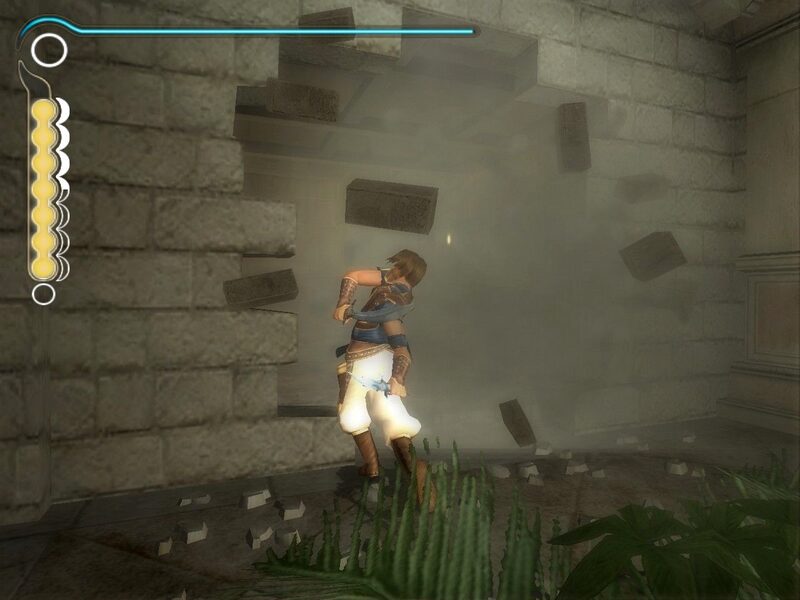
It is a third-person platform adventure. The Prince runs along walls, leaps between columns, hangs from ledges, swings on bars and ropes, and dodges spikes, blades and saws. Each room of the palace is a jumping puzzle, and in many of them you need Farah’s help, as she shoots her bow and opens passages he cannot fit through.
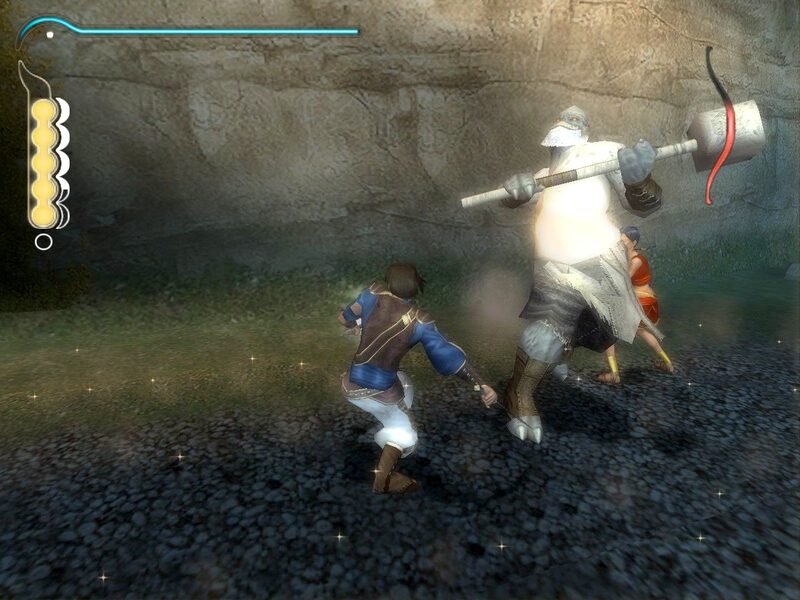
Combat has a twist of its own: the sword knocks the creatures down, but only the dagger destroys them, absorbing their sand as it does so. That sand fuels the dagger’s powers. The best known lets you rewind up to ten seconds to undo a badly judged jump or even your own death; with more sand come slow motion, freezing a single enemy and freezing everything around you. The sand visions work as save points and, along the way, show you glimpses of what is to come.
A return in grand style
Ubisoft acquired the Prince of Persia catalog in 2001 and assigned the project to its Montreal studio, which at the time was also working on Splinter Cell. Mechner had been away from video games for years; he joined as an advisor and ended up writing the script, designing, and directing the voice recording sessions. The team decided to build on the 1989 game rather than on Prince of Persia 3D, and to use an improved version of the Jade engine, the one from Beyond Good & Evil. The rewind began as a gameplay idea; the dagger and the sands came later, to explain it within the story.
Critics welcomed it with open arms, and in 2004 it took the game design and programming awards at the Game Developers Choice Awards. Sales started slowly in North America, but the game ended up a success and the story continued with Warrior Within and The Two Thrones. Years later, Ubisoft tried a different course with Prince of Persia (2008), a different world and a different Prince.
The edition we offer
It is the Spanish-language PC version. In Downloads you will find a Spanish repack ready to install and play, marked for Windows XP, 7 and 10, and the multilanguage DVD image, with five languages including Spanish. According to PCGamingWiki, the Spanish release has Spanish text and voices, and the DVD only performs a disc check: the first CD editions used SafeDisc, which no longer works on current versions of Windows. If something won’t cooperate on Windows 10 or 11, our tutorial on Windows XP classics on Windows 10 and 11 will help.
In Guides you will find the first launch, the keyboard and mouse controls and fixes for modern machines; in Tips & tricks, the secret level that recreates the original Prince of Persia and combat advice. If you want to explore the origins, continue with Prince of Persia 2; and if you enjoy leaping across ruins, Tomb Raider is the other great reference.
EVERY PIXEL COUNTS
The game in pictures.
Explore the screenshots and open every detail at full size.
GET READY FOR YOUR NEXT GAME
Choose your download.
Format, compatibility and server. All in view.
Download Repack
COMPATIBILITYWindows XP / 7 / 10 ✓ At no cost✓ No sign-up Download www.mediafire.com · New tab MediaFire02 ISODOWNLOAD DVD
COMPATIBILITYWindows XP / 7 / 10 ✓ At no cost✓ No sign-up Download www.mediafire.com · New tabClicking opens the CLABA loading area and, in a few seconds, your download. If a link fails, let us know via Contact or in the forum.
THE SECRET SIDE OF THE GAME
Tips, tricks and secrets.
A hint at the right time. A code that changes everything.
How to enter them
The PC version has no codes you type in. Its big secret is activated with a key combination when starting a new game, and it is designed for the default control configuration: if you have changed the keys, reset them before trying it. You have to press it quickly and without releasing the key that is held down.
Secret level · the first Prince of Persia in 3D
Start a new game and, when the Prince is on the balcony, before he passes through the curtains into Farah’s room, hold down X and press in order: Space, left click, E, C, E, Space, left click, C. A short level opens that recreates, in 3D, the first level of the 1989 Prince of Persia. On console it is reached in a different way, but that route does not work on PC.
Tip · the magic fountains
According to the manual, each time you drink from a magic fountain your life bar is lengthened permanently. They are hidden behind entrances that are easy to miss, so watch for gaps in the walls and paths that branch off from the main route. Ordinary water from fountains and pools only heals: hold the right button to drink until the bar is full.
Tip · eight sand clouds
The sand clouds floating loose around the palace are not decoration: according to the manual, for every eight you collect, the dagger gains one more sand tank, which means an extra rewind. Collect them with E whenever you see them.
Tip · block and counterattack
Hold the right button to block: the sword deflects blows from any direction. If you press left click just as the enemy attacks, the Prince counterattacks and can knock him down in a single blow; pressing E at that same instant finishes him off with the dagger. Do not stand still: jumping over your opponent to strike him from behind or bouncing off a wall are two other ways to attack.
Tip · if you do not know where to go next
When you first enter an area, the camera makes a sweep: that route is the hint about where to go. If you still get stuck, rewatch the last sand vision and use the alternate view (Q) to get the full layout of the room. And do not forget: if you miss a jump, rewind.
No matches. Try another effect or code.
THE NEXT STEP, CLEARER
Guides to move forward.
From the first installation to that mission that won't give in.
Start here · first launch
- In Downloads, the most convenient route is the Spanish repack, prepared for Windows XP, 7 and 10.
- Install it in a short path outside
Program Files, for exampleC:\Juegos\PoP-Arenas, to avoid permission problems. - The first time, create a profile: it stores your options and your save games.
- If you prefer the DVD image, mount it (if it is an ISO, Windows 10 and 11 do it with a double click; otherwise, use a virtual drive program) and install from it. The game checks the disc at startup, so keep the image mounted.
- If the launcher fails or mistakes your processor for a «Pentium II», PCGamingWiki recommends opening
pop.exefrom the game folder while the launcher is open.
Save games are stored inside the game’s Profiles folder. Copy it before reinstalling, as we explain in our tutorial on copying and restoring save games.
Controls · keyboard and mouse
- W, A, S, D: move the Prince. Shift: walk.
- Space: jump, roll and dodge.
- Left click: attack with the sword.
- Right click (special action): wall-run, push, swing, drink and, in combat, block.
- E: use the dagger (collect sand and freeze an enemy).
- R: hold it to rewind; tap it briefly for slow motion. R + right click: total freeze.
- C: cancel or let go of a ledge. Q: alternate view. F: look around with the camera. Esc: menu.
Everything can be changed in Options. Gamepads work through DirectInput; with a modern Xbox controller there are sensitivity problems, which PCGamingWiki solves with tools such as XInput Plus.
First steps · how to survive the palace
- The first stretch, in the maharajah’s palace, teaches the basics: practice wall-runs and jumps between columns there.
- Save at every sand vision: they are the only save points.
- Always keep some sand in the dagger. A full tank is an extra life if you miss a jump or get surrounded.
- In combat, knock enemies down with the sword and finish them with the dagger while they are on the ground: that is the only way to destroy them and recover their sand.
- Keep an eye on Farah. Her bow can take a few hits; if it breaks and she is hit again, the game is over, unless you rewind.
- When you find yourself surrounded, spread your blows among several enemies rather than focusing on just one.
Technical notes
The manual asked for Windows 98 SE, 2000, ME or XP, an 800 MHz Pentium III or Athlon, 256 MB of RAM, 1.5 GB of disk space and a 64 MB GeForce3 or Radeon 8500 card; the GeForce4 MX was not supported. Ubisoft released an official patch for the GeForce 6800 cards.
- Above 60 frames per second physics and sound glitches appear in the cutscenes: cap the FPS at 60 in the driver, on
pop.exe. - Excessive fog: in
Hardware.ini, setForceVSFog=1andInvertFogRange=0. - Invisible interface: in the same file, change
CanStretchRect=1toCanStretchRect=0. - Water that cannot be seen on some Intel integrated graphics: disable the water effects.
- Very quiet dialogue: enable loudness equalization in the Windows speaker settings.
The community maintains a widescreen patch by nemesis2000 and a compilation of fixes that includes DSOAL to restore EAX sound. They are optional: apply them to a copy of the installation.
Sources
- PC manual (Ubisoft, 2003), on Internet Archive: requirements, controls, dagger powers, sand clouds, magic fountains, combat and tips.
- PCGamingWiki: PC release date, copy protection by version, languages, save game location, patches and fixes for current systems.
- Game Developer · post-mortem by Yannis Mallat: the 2001 start, cuts, the slave village chapter and the 780 animations.
- Jordan Mechner · official website: the lunch with Guillemot, his role in the game, Assassin’s Creed and the stamps.
- GameRevolution · PC cheats and GameFAQs (archived copy): the secret level combination.
- Steam Community: confirmation of the combination on PC and that the console method does not work.
- StrategyWiki · controls: Windows controls table.
Something wrong?
Give us a hint.
A broken link, a detail to correct or a game that won't start. Your report helps keep this game page up to date.
Get in touchReport an issue with this game Discuss it in the forumCLABA ARCADE ROOM
251 classics
without installing anything.
Don't feel like installing? These play right in your browser.
Enter the room #2 in the community rankingTHE CLABA APP1.0 RC 1
Take the archive
with you.

Game pages, online play and your shelf on Android. Free, no sign-up.
ARCHIVE SECRETS
Did you know?
It all began with a lunch. In 2001, Yves Guillemot, founder of Ubisoft, invited Jordan Mechner to lunch in Paris to propose bringing Prince of Persia back to the consoles of the day. Mechner says the project gave him back his desire to make video games.
A chapter that was cut. Producer Yannis Mallat said in his post-mortem for Game Developer that, shortly before Christmas 2002, they cut an entire chapter set in a slave village in order to finish on time.
More than 780 animations. The Prince was by far the biggest piece of the game. All that effort on his movements left less time for the enemies, as Mallat himself acknowledged.
From the sequel to Assassin’s Creed. After the success, the core of the Montreal team started on a new installment that ended up turning into Assassin’s Creed, as Mechner recalls on his website.
Even on stamps. Mechner boasts that The Sands of Time took Prince of Persia back to the top of the charts, to the industry awards and even to French postage stamps.