Tate Multimedia · Action-adventure
Kao the Kangaroo: Round 2
3D platforming with the boxing kangaroo: 25 levels in five worlds, minigames, star-based abilities and codes that work. PC edition as a repack.
Action-adventure game by Tate Multimedia (2005) for PC (in Spanish and other languages), GameCube and PlayStation 2. Available to download.
Choose your version 3 platforms
No computer handy? Play one of the 541 classics online right now
— no rating yet
THE CLABA ARCHIVE
Inside the game.
Its history, its ideas and the reasons to come back.
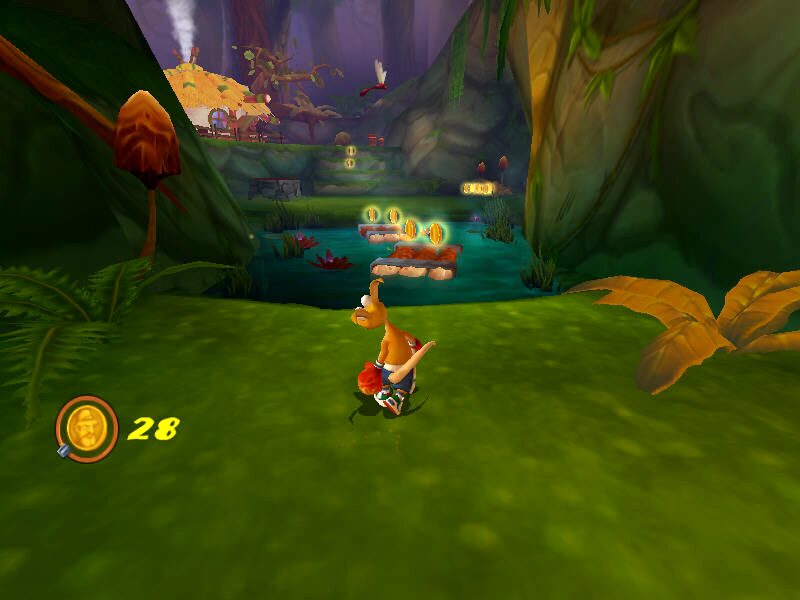
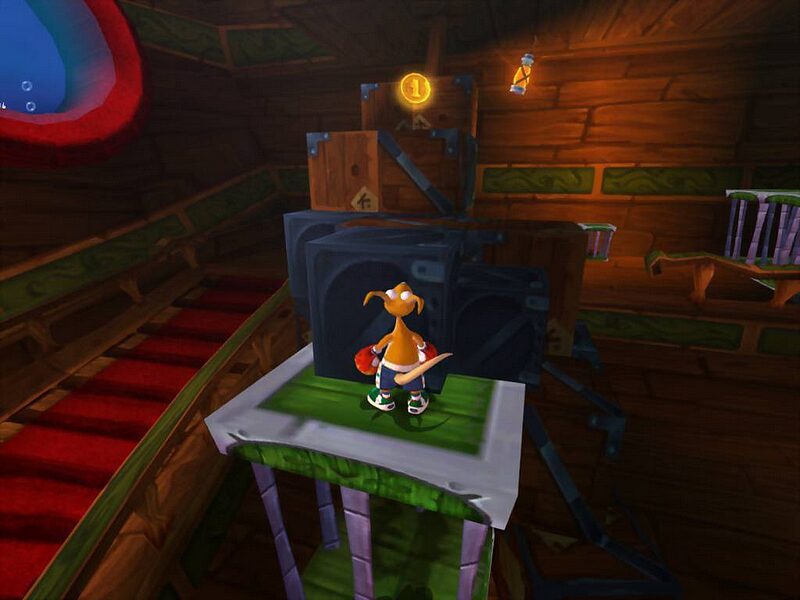
A kangaroo in boxing gloves, a hunter with the same thirst for revenge as in the first installment and all your friends locked up on a ship. Kao the Kangaroo: Round 2 is a lighthearted 3D platformer that was born in Poland, under the local title Kangurek Kao: Runda 2, and was released there in November 2003 by Cenega. The European edition arrived in 2005 with JoWooD and the American one, with Atari, in 2006.
The hunter’s revenge
The evil hunter from the first game returns, captures Kao and all his friends and takes them away on his ship. Kao manages to escape and has to face the hunter and his allies once more in order to rescue them. The plot is storybook stuff, unpretentious, and what counts is the journey: 25 levels spread across five worlds with different themes.
How it plays
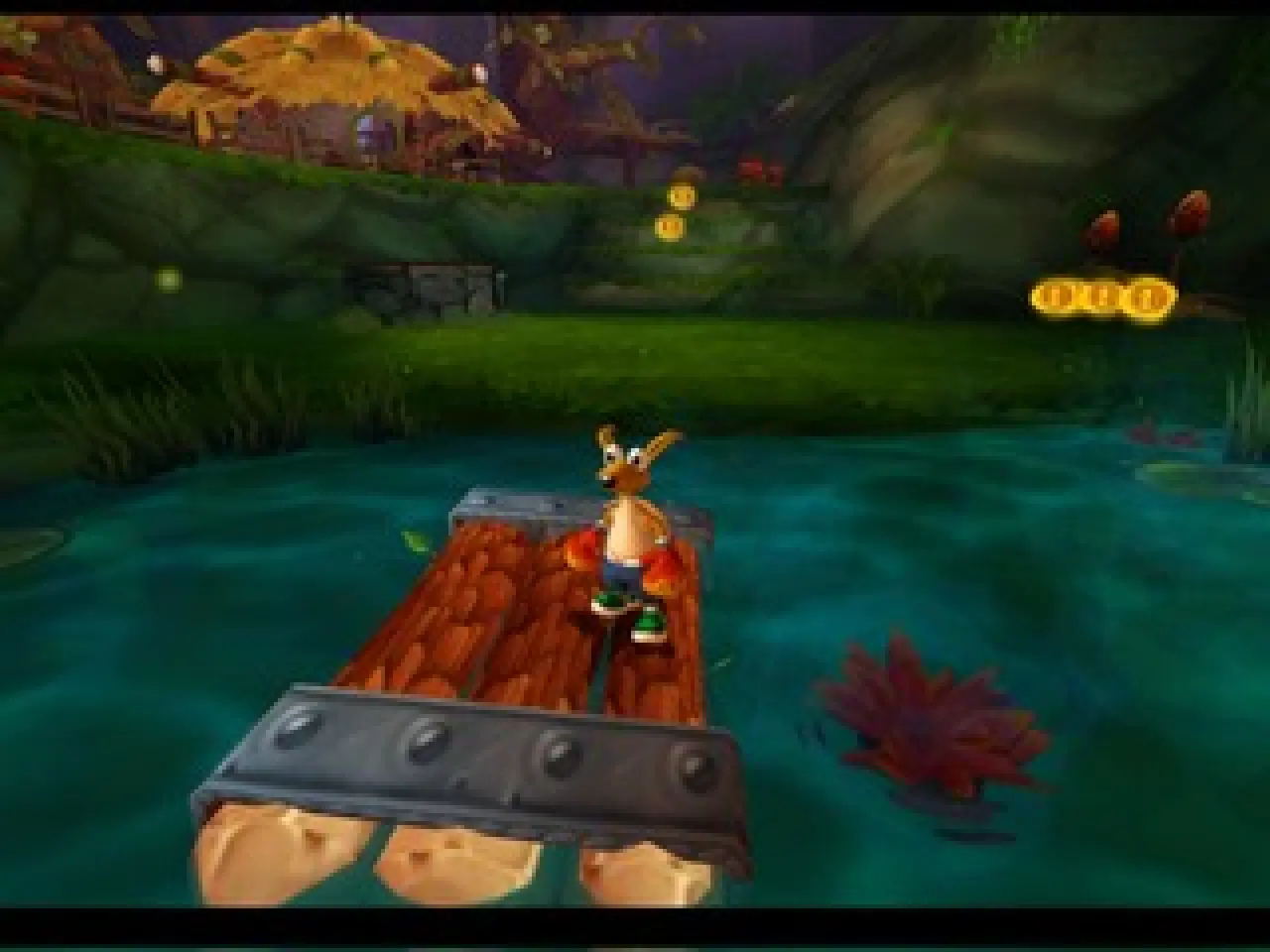
The gameplay is that of early-2000s 3D platformers: running, jumping, rolling and hitting. Kao fights with his boxing gloves and throws boomerangs, and besides the platforming stretches there are stages with other mechanics, such as diving, snowboarding or boxing. Along the levels you collect ducats, crystals and stars: crystals open minigames (baseball, racing, rope, shooting or trees) and stars unlock abilities, such as jumping farther, a more effective jump or tail attack, rolling without limit or having unlimited boomerangs.
Reviews at the time were mixed: the console versions hovered around 57-62 out of 100 on Metacritic, and the game is remembered more for its charisma and family-friendly character than for its technical ambition. Today the game is sold on digital stores with modern support, but this page preserves the period version. If you like platformers in that vein, the pages for Croc 2 and Pac-Man World 2 have close relatives.
A small saga
Round 2 is the sequel to Kao the Kangaroo. Tate Interactive reused its foundation for Kao Challengers, the PSP version, and for Kao: Mystery of the Volcano, which came out on PC in 2005. In 2019 it arrived on Steam and in 2021 it was added to GOG along with the other two titles in the series.
The edition we offer
In Downloads there is a multilingual repack of the PC version, marked as compatible with Windows XP onward. It is a 2003-2005 game using DirectX 9, so on a modern computer it is best to follow the tutorial on how to play Windows XP classics on Windows 10 and 11 (in Spanish). In Guides you will find the first launch, the controls and the technical notes, and in Tips & tricks the codes we have been able to confirm, and there are quite a few of them.
ONE GAME, 3 PLATFORMS
Versions.
3 platforms2005–2006
Pick a platform: the screenshots, downloads and online game on this page switch with it.
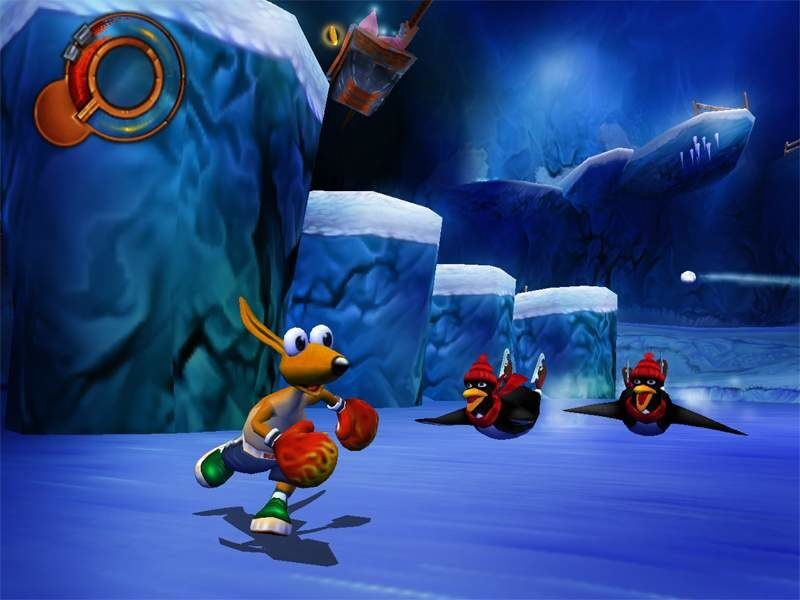
- Year
- 2005
- Developer
- Tate Multimedia
- Downloads
- 1
- Screenshots
- 3
The PC version is the one this page covers: the information, review and main screenshots are from this platform.
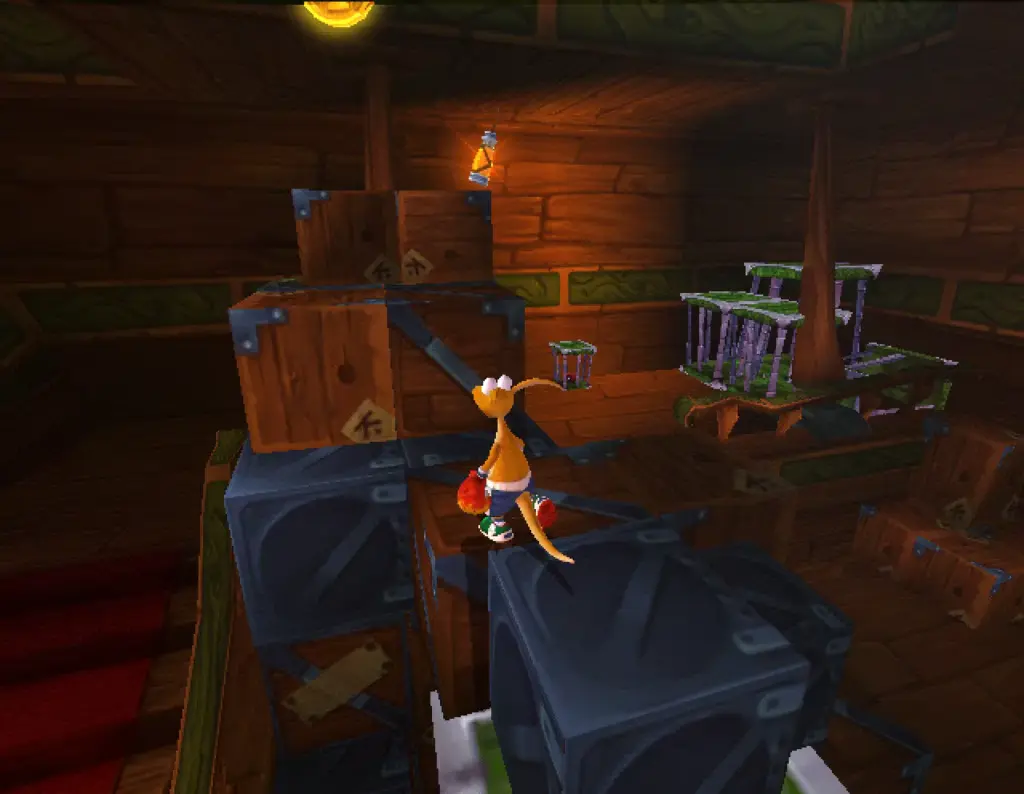
- Year
- 2006
- Port by
- Tate Interactive
- Downloads
- 1
- Screenshots
- 1
In the GameCube edition of Kao the Kangaroo: Round 2, Kao travels through three-dimensional levels to rescue his animal friends from the hunter Barnaba. The adventure combines jumping, exploration and combat using the kangaroo's boxing gloves; its levels are spread across different worlds. This version is part of the game's releases for consoles and computer, and came out on GameCube in 2006.
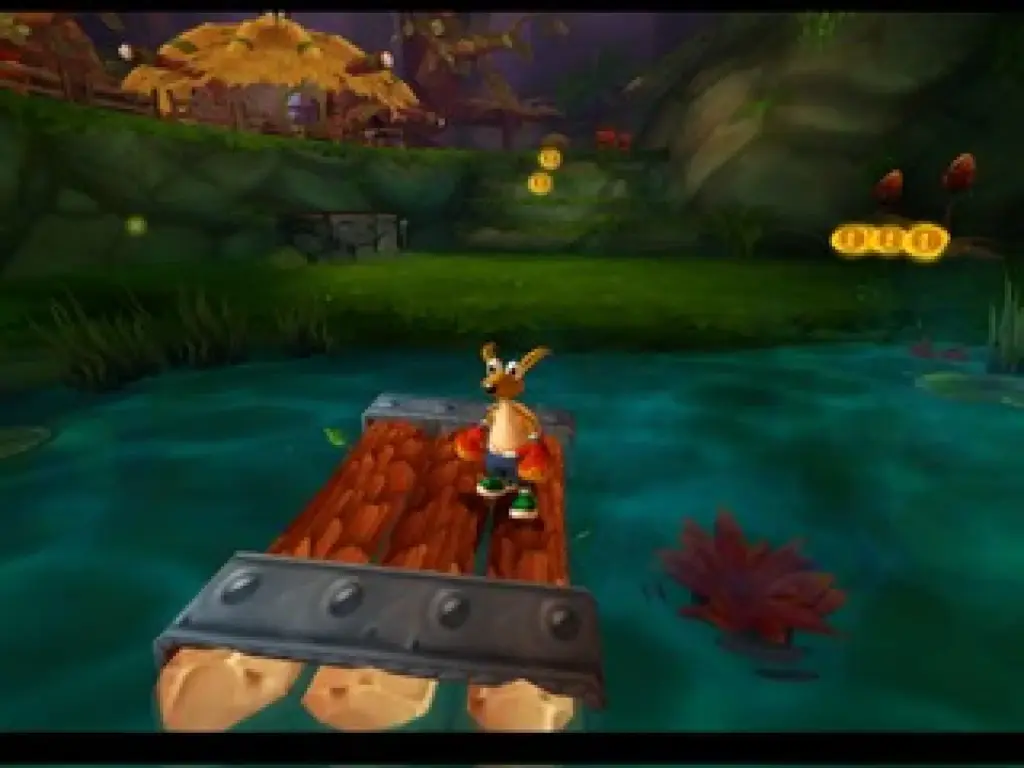
- Year
- 2005
- Port by
- Tate Interactive
- Downloads
- 1
- Screenshots
- 1
The PlayStation 2 edition of Kao the Kangaroo: Round 2 brings the 3D platform adventure starring Kao the kangaroo to the console. The journey combines jumping, boxing-glove strikes and exploration areas across different settings. This version was developed by Tate Interactive and published in Atari's US catalog; the CHD corresponds to the United States.
EVERY PIXEL COUNTS
The game in pictures.
Explore the screenshots and open every detail at full size.
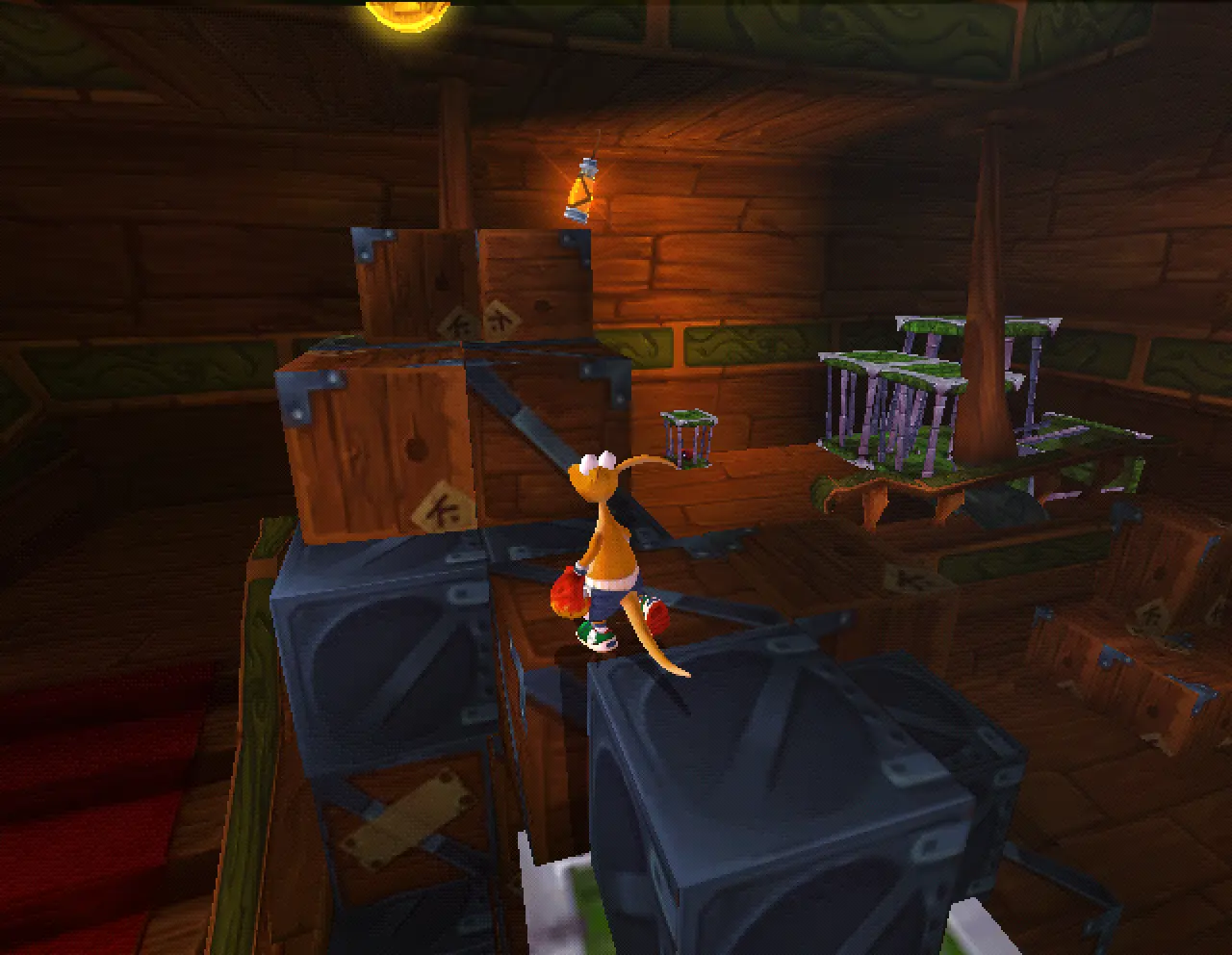
GET READY FOR YOUR NEXT GAME
Choose your download.
Format, compatibility and server. All in view.
Version
SELECTED VERSIONPC1 archivo
SELECTED VERSIONGameCube2006 · 1 file
Clicking opens the CLABA loading area and, in a few seconds, your download. If a link fails, let us know via Contact or in the forum.
HIT PLAY
The game in motion.
Trailers and videos to see it in action.
-
GameCube · How it plays
Kao the Kangaroo: Round 2 gameplay on GameCube.
-
PS2 · How it plays
A Kao the Kangaroo: Round 2 gameplay session on PS2.
THE SECRET SIDE OF THE GAME
Tips, tricks and secrets.
A hint at the right time. A code that changes everything.
How to enter them
The PC codes use a «SELECT» button. With a keyboard, open the key.ini file (in the game’s media folder in most editions, or in %LOCALAPPDATA%\Kao - Round 2 in the American one) and look for KF_R1_key: by default it is 210, the Insert key. Pause the game, hold down SELECT on the main menu and press the indicated actions in order. If it is correct, a sound plays. The sources write the actions as x (jump), q (roll), t (throw) and o (punch), taking the names of the gamepad buttons.
Levels
Next level: jump, roll, throw, roll, punch, jump. All levels in the selector: jump, roll, throw, roll, roll, punch, throw, jump.
Energy and boomerangs
Partial invulnerability (you still die in water and pits): jump, roll, jump, punch, roll, punch, throw, jump. Unlimited boomerangs: jump, throw, roll, punch, roll, punch, throw, jump.
Crystals and stars
250 crystals: jump, roll, punch, throw, roll, punch, throw, jump. 50 stars (first ability): jump, punch, throw, punch, punch, punch, jump. 100 stars: jump, punch, throw, punch, throw, punch, jump. 150: jump, punch, roll, punch, roll, punch, jump. 200: jump, punch, throw, roll, throw, punch, jump. 250: jump, throw, punch, throw, punch, throw, jump.
Developer tools
Show X, Y, Z position: jump, punch, jump, roll, jump, punch, jump. Load all levels in order: jump, roll, throw, punch, jump, punch, throw, roll, jump.
Launch options (Steam)
In the Steam version you can add launch options: -$=3000 sets the ducats at the start of a new game, -c=250 the crystals and -s=255 the stars, and -novbr disables gamepad vibration. They are not known to work in our repack.
Unlockables to earn
With crystals: rope minigame at 50, trees at 100, shooting at 150, racing at 200 and baseball at 250. With stars: longer jump (50), more effective jump attack (100), more effective tail attack (150), unlimited rolling (200) and unlimited boomerangs (250).
No matches. Try another effect or code.
THE NEXT STEP, CLEARER
Guides to move forward.
From the first installation to that mission that won't give in.
Start here · first launch
- Download the repack from Downloads: it is multilingual and marked for Windows XP onward.
- Extract it to a short path outside
Program Files, for exampleC:\Juegos\Kao2. - Open the game launcher and choose language and resolution. If it fails on Windows 10 or 11, enable Windows XP compatibility mode by following the tutorial on Windows XP on Windows 10 and 11 (in Spanish).
- Save games are stored in the
Kao2.SGfile, in the game’smediafolder in most editions. Copy it from time to time; the tutorial on copying and restoring save games (in Spanish) explains how.
Controls
According to Magic Game World, the default keyboard layout is: WASD to move, Space to jump or interact, Shift to attack, Q to roll, E to throw and Ctrl for the sidestep. The bindings are stored in key.ini and can be changed; the game supports gamepads (the Steam version, XInput and DualShock 4), although the launcher needs a mouse. The Y axis is inverted by default on the gamepad.
First steps · what to collect and why
- Collect crystals whenever you can: they open the minigames in steps of 50.
- Stars are your permanent upgrade: the first ability arrives at 50.
- Ducats count too: there are cash prizes, such as the one in the race.
- Combine punches, rolling and boomerangs: they are the same actions the game’s codes use.
- On the diving, snowboarding or boxing levels, the mechanics change: try them out calmly first.
Technical notes
According to PCGamingWiki, the game requires at minimum a 600 MHz Pentium III, 128 MB of RAM, a 32 MB GeForce 256 and DirectX 9.0c; European copies use SecuROM 5, Polish and Russian ones StarForce 3 and American ones SecuROM 7. It is capped at 60 fps with vertical sync always on. The Steam version supports widescreen, 4K and ultrawide resolutions; in the retail edition you can change the width in user.ini with the -w= option. The configuration files are key.ini (controls and volume), lang.ini (language) and user.ini (graphics).
Sources
- PCGamingWiki: requirements, files, video, input and copy protections.
- Chapter Cheats: PC codes and how to enter them.
- Cheatbook: unlockables, launch options and the same codes.
- Magic Game World: default keys.
Something wrong?
Give us a hint.
A broken link, a detail to correct or a game that won't start. Your report helps keep this game page up to date.
Get in touchReport an issue with this game Discuss it in the forumCLABA ARCADE ROOM
541 classics
without installing anything.
Don't feel like installing? These play right in your browser.
Enter the roomTHE CLABA APP1.0 RC 1
Take the archive
with you.

Game pages, online play and your shelf on Android. Free, no sign-up.
ARCHIVE SECRETS
Did you know?
Born in Poland. The game is called Kangurek Kao: Runda 2 there and came out in November 2003 with Cenega, two years before its European release.
A sequel with relatives. Tate Interactive reused it for Kao Challengers (PSP) and for Kao: Mystery of the Volcano (PC, 2005).
Available at no cost for 24 hours. When it arrived on Steam, on June 1, 2019, it could be added to your library at no cost for one day; in February 2021 the three games in the series landed on GOG.
A code to see coordinates. Among the PC codes there is one that shows Kao’s X, Y and Z position on screen, and another that loads all the levels in order, typical developer tools.
Up to five abilities. With 50, 100, 150, 200 and 250 stars, five abilities are unlocked; the last one is having unlimited boomerangs.