Strategic Simulations Inc. · Point-and-click adventure
Veil of Darkness
Gothic horror adventure/RPG in a Romanian valley ruled by a vampire. Conversations with hidden words and three combat modes. Spanish repack.
Point-and-click adventure by Strategic Simulations Inc. (1994) for PC, in Spanish.
4.9 7 votes
THE CLABA ARCHIVE
Inside the game.
Its history, its ideas and the reasons to come back.
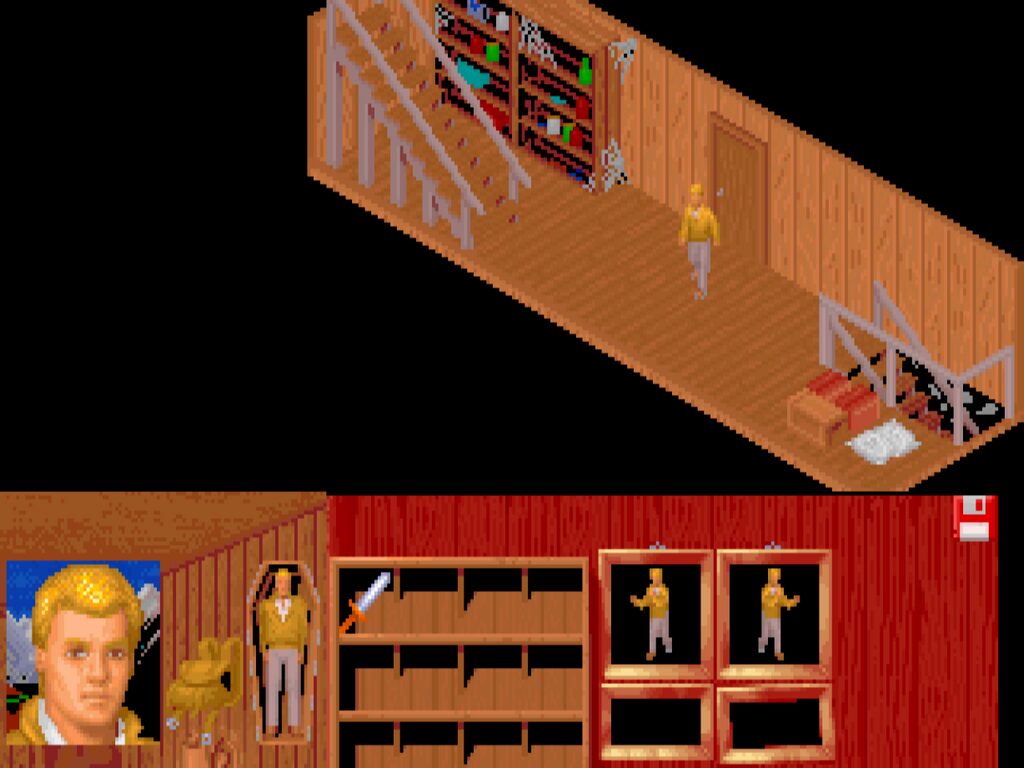
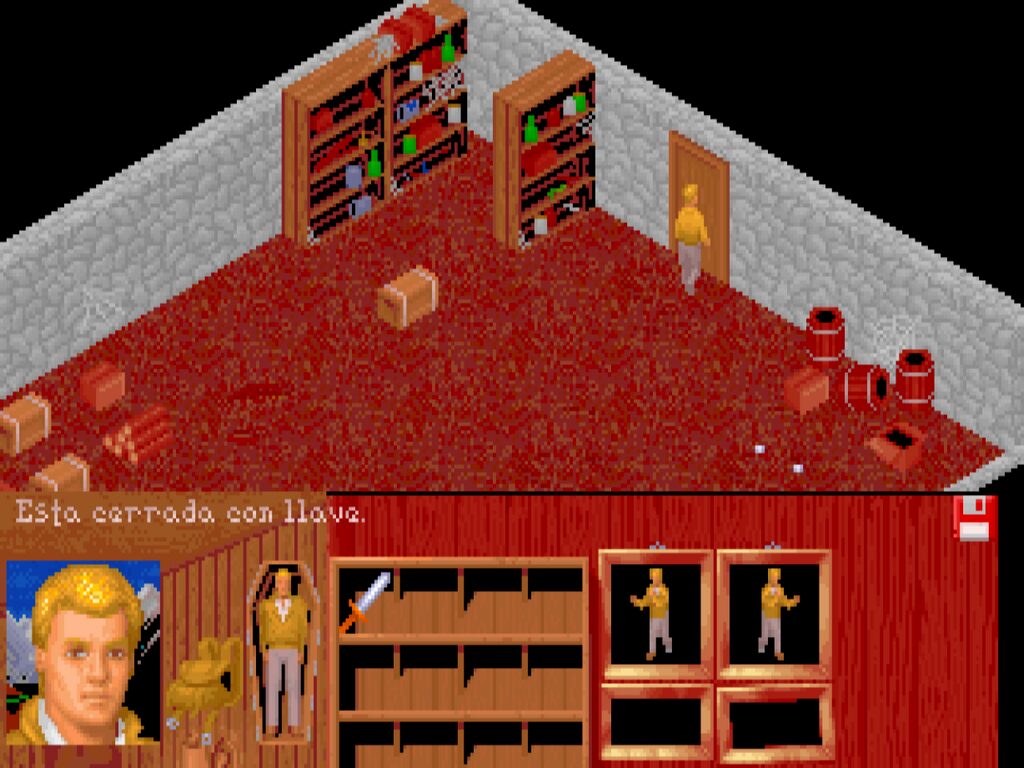
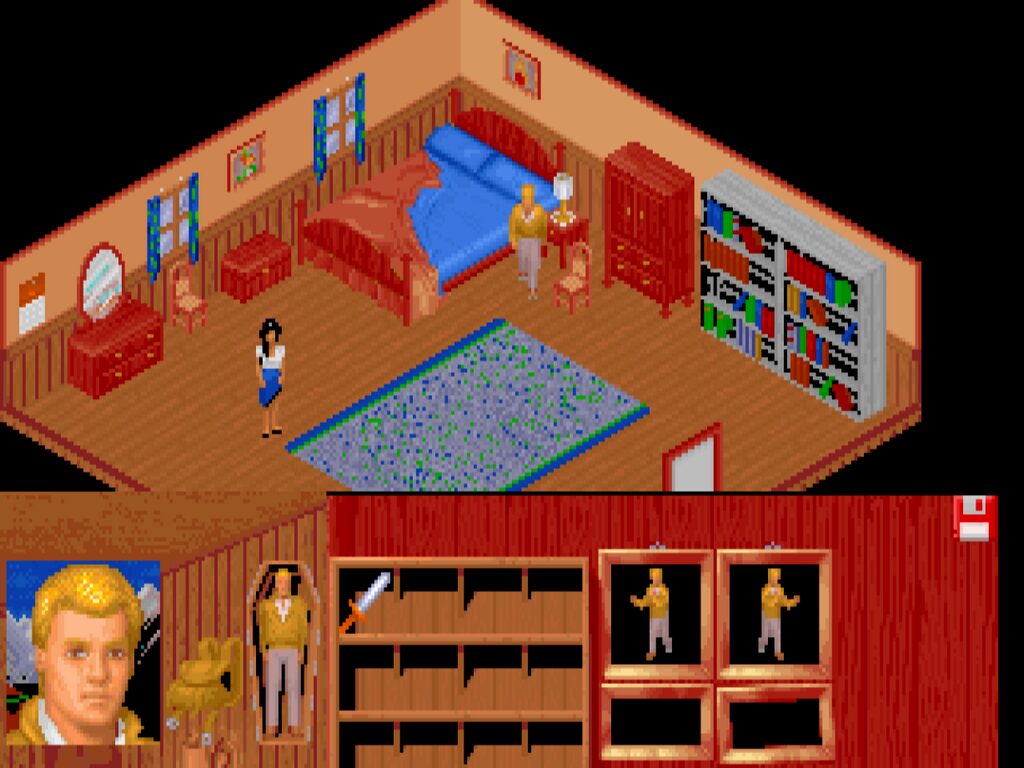
Your cargo plane burns among the wreckage of the crash, and what awaits you is a village plunged into eternal night. Veil of Darkness blends graphic adventure, RPG and gothic horror in a Romanian valley where every inhabitant seems to keep a secret and almost all of them fear the same man. It was programmed by Event Horizon Software, the team that would later rename itself DreamForge, and published by Strategic Simulations (SSI) in 1993 for MS-DOS.
A valley trapped in the night
You are a pilot whose plane crashes in a remote valley in Romania. You are rescued by Deirdre, the daughter of Kirill, the richest man in the area, who explains that your arrival was prophesied: you will put an end to Kairn, the vampire lord who murdered her father and brothers to take the valley and who keeps everyone locked in perpetual darkness. Hence the title, the “veil” of darkness. The story owes a lot to Dracula, but it pulls it off with craft: werewolves, skeletons, zombies and specters along the way, and a Prophecy that marks, line by line, what you have fulfilled and what remains.
How it plays
The action is seen in isometric perspective, with a raised 3D map and below it the character screen: face, backpack, hands with action icons and even a mirror in which blessings, curses and poisons appear. Everything is handled with the mouse, although you can also play with the keyboard. The world is open within each zone, but doors are opened with objects, clues and conversations, not with force.
The conversations are the most original part. The characters’ lines contain underlined words you can click, but some also have hidden words: single terms you only know because another character or a book has mentioned them and that you have to type yourself. Before starting, you choose among three real-time combat modes, from most to least demanding: full, simplified and easy. Each creature demands its own weapon, and plants and objects cure the ailments thrown at you.
What made it special
It stands out for details that were uncommon in 1993: an automap that can be printed for the mazes, a conversation log that is saved to a file, and a dialogue system in which you sometimes have to type the exact word. The same creators returned to gothic horror with Ravenloft: Strahd’s Possession, and if you like the genre, Alone in the Dark and Shadow of the Comet are close at hand. Thirty years later, in June 2023, it appeared on Steam and GOG with DOSBox included.
The edition we offer
In Downloads there is a Spanish repack, prepared for Windows XP or later. It is an MS-DOS version, so it will normally run through DOSBox; if you have never used that emulator, our tutorial DOSBox from scratch (in Spanish) walks you through it step by step. In Guides you have the first launch, the controls and advice so you don’t get stuck, and in Tips & tricks a handful of useful tips, because this game doesn’t rely on cheat codes.
EVERY PIXEL COUNTS
The game in pictures.
Explore the screenshots and open every detail at full size.
GET READY FOR YOUR NEXT GAME
Choose your download.
Format, compatibility and server. All in view.
Clicking opens the CLABA loading area and, in a few seconds, your download. If a link fails, let us know via Contact or in the forum.
THE SECRET SIDE OF THE GAME
Tips, tricks and secrets.
A hint at the right time. A code that changes everything.
First of all · there are no cheat codes here
Neither the manual nor the PCGamingWiki documentation mentions cheat codes, and we are not going to make them up. Instead, this tab gathers tips drawn from the game’s own manual that save you from starting over.
Tip · choose your combat mode carefully
At the start you choose between full, simplified or easy combat, and it cannot be changed later without starting from scratch. There are fights early on, so if you find them too easy or too hard, it is better to restart before moving on. Full gives less health and no bonus; easy gives a lot of health and high bonuses.
Tip · write down every word you are told
The hidden words are single words and you have to type them. If a character tells you to ask another about something, do it literally. The conversation log (in the game options, “Logging”) lets you save them to a file and review them when you get stuck.
Tip · the Prophecy is your progress meter
When you return the hammer to Kirill you receive the Prophecy; open it with the icon or with F2. Each time you fulfill a part, the corresponding line lights up red and fades, so you know how much is left.
Tip · valley map and maze maps
F1 opens the valley map, where new places appear when someone tells you about them (Boris’s farm, for example). Inside a maze, that icon becomes the automap. Remember where you came in: to leave you have to return to the edge you entered by.
Tip · weight, weapons and saving
The backpack in the portrait fills up according to weight: if it reaches the maximum it gets a red outline and you move more slowly. Each creature calls for its own weapon, so try several. You can save at any time and almost without limit, so save before entering each maze or major fight.
No matches. Try another effect or code.
THE NEXT STEP, CLEARER
Guides to move forward.
From the first installation to that mission that won't give in.
Start here · first launch on a current PC
- Download the repack from Downloads: it is in Spanish and marked for Windows XP or later.
- Extract it to a short path, outside
Program Files, for exampleC:\Juegos\Veil. - The original game is for MS-DOS, so if the repack doesn’t start directly, mount it in DOSBox as explained in the tutorial DOSBox from scratch (in Spanish).
- If the sound isn’t what you expect, run
SETUP.COMand choose a sound card; further down, in the technical notes, you have a trick for getting music and effects at the same time. - Save games are stored in the game’s
SAVESfolder; copy that folder to keep them (how to copy and restore them, in Spanish).
Controls · mouse and keyboard
- Moving with the mouse: place the pointer at the edge of the screen in the direction you want to go and hold the left button. If the pointer is over a character, you will talk to them.
- Picking up and dropping: left-click on your character on the map to pick up what is under them; right-click sends it to the backpack. To drop, take the object out and click on your character.
- Keyboard: numbers 1 to 9 on the numeric keypad to move; 1 and 3 use or throw the object in the right hand, 2 and 4 the one in the left.
- Useful keys:
Ctalks to the nearest character,Ttakes what is under your feet,Ppauses,Oopens the disk options (save and load),F1map,F2Prophecy,F9turns sound on or off andAlt+Qexits to DOS. - Dialogues: click an underlined word or the first letter of the word;
Escapeor right-click closes the conversation.
First steps · how not to get lost
- Choose a combat mode according to what you like: if you prefer the story, easy; if you come from RPGs, full.
- Talk to everyone and do it again whenever you get something new: unlocking places depends on what you are told.
- The first task is to recover a hammer for Kirill. When you return it you receive the Prophecy and new places open up, among them the tavern.
- Look at the mirror in the portrait: that is where you see curses and poisons. Click its icon to find out what it is doing to you.
- Don’t carry everything. Extra weight slows you down, and containers (bags, sacks) let you organize your inventory.
- Save before every maze and every fight, and use the automap so you don’t lose the thread.
Technical notes
It is a 1993 MS-DOS game designed for mouse and VGA. With DOSBox it runs without major surprises, and in fact the modern Steam and GOG editions package it that way.
According to PCGamingWiki, the configuration program, SETUP.COM, only lets you choose one sound device, so either you miss effects or the music comes out of the PC speaker. You can have Sound Blaster and Roland MT-32 at the same time: run SETUP.COM choosing “CMS Sound Blaster,” then “Roland LAPC-1” and save; then edit GRAPH.INI with a hex editor and change the byte at position 0x08 from 0x58 to 0x30. It is optional and best done on a copy.
Save games go to SAVES inside the game folder. The manual warns that, once the combat mode is chosen, it cannot be changed in that game.
Sources
- Original Veil of Darkness manual (Internet Archive): interface, controls, keys, combat, hidden words, maps and Prophecy.
- PCGamingWiki: current editions, save game folder and sound configuration.
- Steam page: official description and date of the 2023 re-release.
- FM Towns edition (Internet Archive) and PC-98 edition: Japanese editions by Ving.
- Wikipedia: plot, 1993 release year and studio details.
Something wrong?
Give us a hint.
A broken link, a detail to correct or a game that won't start. Your report helps keep this game page up to date.
Get in touchReport an issue with this game Discuss it in the forumCLABA ARCADE ROOM
251 classics
without installing anything.
Don't feel like installing? These play right in your browser.
Enter the roomTHE CLABA APP1.0 RC 1
Take the archive
with you.

Game pages, online play and your shelf on Android. Free, no sign-up.
ARCHIVE SECRETS
Did you know?
Words you have to type. According to the manual, some characters have hidden keywords that never appear underlined: you learn them in another conversation or from a book and have to type them into the dialogue window. The manual gives the example of the word “coins,” which Kirill tells you to ask his servant about.
You printed it on paper. The automap of the mazes could be printed, and the log of conversations with the characters could be sent to the printer or to a text file. The manual even warns that the printer must use the IBM character set.
A studio with several names. Event Horizon Software ended up being called DreamForge Intertainment; under that name it made Ravenloft: Strahd’s Possession (1994), also for SSI.
It traveled to Japan. Besides the MS-DOS version, it came out in Japan for FM Towns and PC-98, with a subtitle that translates as “The Cursed Prophecy,” from the publisher Ving.
On sale again. Steam and GOG released it on June 6, 2023 with DOSBox already configured, according to PCGamingWiki; the Steam store presents it as a “gothic nightmare adventure.”