Lucasfilm Games · Point-and-click adventure
Monkey Island 2: LeChuck’s Revenge
Guybrush hunts for Big Whoop amid voodoo, Largo LaGrande and LeChuck's return. A classic DOS adventure in Spanish with full and Light modes.
Choose your version 2 platforms
4.9 32 votes
THE CLABA ARCHIVE
Inside the game.
Its history, its ideas and the reasons to come back.
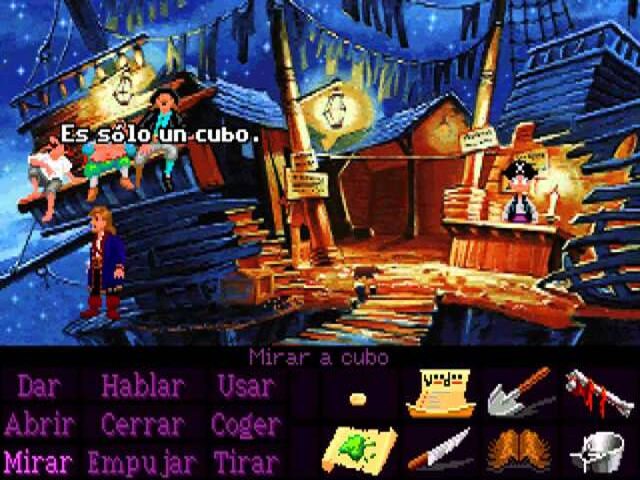
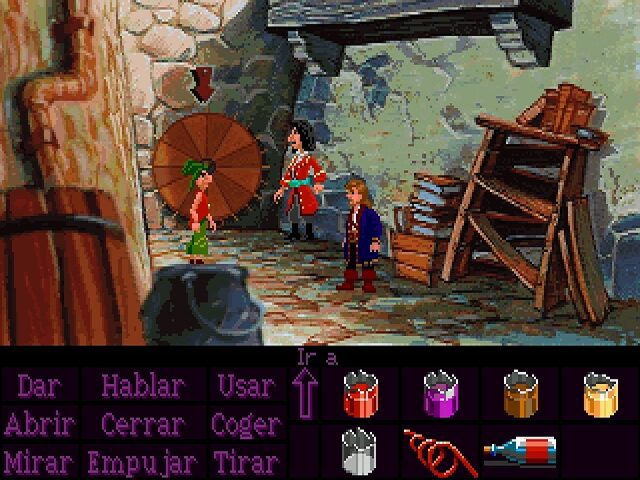
Monkey Island 2: LeChuck’s Revenge sends Guybrush Threepwood back to the Caribbean with a beard, a coat and a confidence his troubles don’t justify. The hunt for the treasure of Big Whoop takes him to Scabb Island, where Largo LaGrande collects tolls in his own way and the memory of LeChuck still threatens to ruin the trip.
The sequel expands the game of conversations, inventory and exploration. Objects have uses that only appear when you connect something someone said with a need elsewhere. The humor moves from the dialogue to the scenery: a bridge, a laundry or a bar become little stories well worth a calm look.
More islands, more unfinished business
The pleasure lies in tying up loose ends. A clue that seemed merely decorative finds its place later, and a familiar room becomes interesting in a new way when you carry a new item. You can talk again, check your inventory and switch objectives before resorting to a full solution.
The ClaBa edition
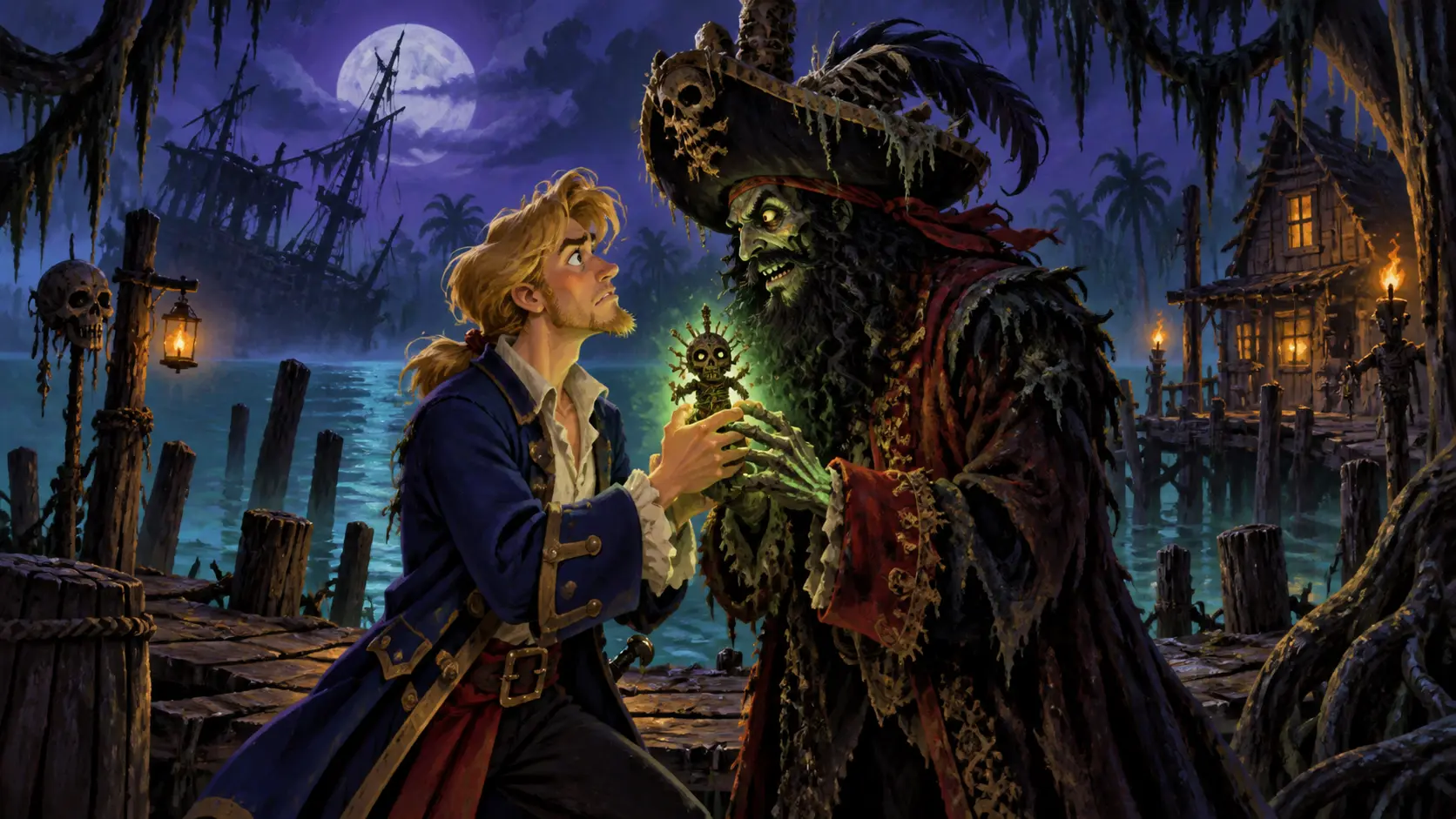
The player uses the classic MS-DOS adventure in Spanish, with its icon-based inventory and two difficulty modes. At startup, press Enter and choose the full adventure or Monkey 2 Light. The full mode keeps all the puzzles; Light offers a simplified run through the game. The header illustration is editorial and does not replace the original box art.
ONE GAME, 2 PLATFORMS
Versions.
2 platforms1991–19921 playable online
Pick a platform: the screenshots, downloads and online game on this page switch with it.
- Year
- 1991
- Port by
- LucasArts
- Downloads
- 1
- Screenshots
- 3
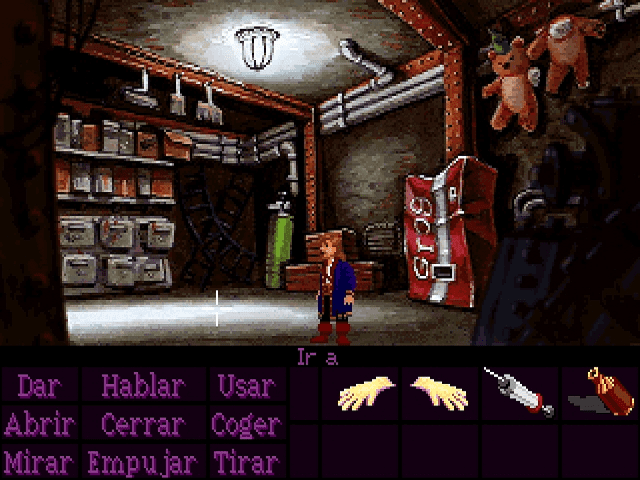
The original came out in December 1991 on six floppy disks for MS-DOS, with 256-color VGA graphics and the debut of iMUSE, LucasArts' interactive music system. The copy on this page is the Spanish DOS edition, with the icon-based inventory and the two difficulty modes: full and Lite.

- Year
- 1992
- Downloads
- 2
- Screenshots
- 1
The Amiga version was delayed until the summer of 1992 and was published by U.S. Gold in Europe. To fit in the Amiga's memory, the game was split into four consecutive parts spread across eleven floppy disks; reviews highlighted that the disk swapping was well handled, though they recommended installing it on a hard drive. Amiga Computing gave it 95%, and CU Amiga gave the Kixx XL re-release 91%.
EVERY PIXEL COUNTS
The game in pictures.
Explore the screenshots and open every detail at full size.
GET READY FOR YOUR NEXT GAME
Choose your download.
Format, compatibility and server. All in view.
Version
SELECTED VERSIONMS-DOS1991 · 1 file · also playable online
SELECTED VERSIONAmiga1992 · 2 files
Download for hard drive
COMPATIBILITYRequires an emulator ✓ At no cost✓ No sign-up Download BoxSharer server · New tab BoxSharer02 Amiga · Floppy disksDownload original floppy disks
COMPATIBILITYRequires an emulator ✓ At no cost✓ No sign-up Download BoxSharer server · New tabClicking opens the CLABA loading area and, in a few seconds, your download. If a link fails, let us know via Contact or in the forum.
Your game starts here
Play in your browser.
Pick, press and go back to the classics without leaving the game page.
Version
MS-DOSIn your browser
Monkey Island 2: LeChuck’s Revenge
MS-DOS version. Your next game starts here.
- 6 MB · downloads on click
- Save the game's files
- Keyboard, controller or touch
Controls
Click the game to use the keyboardOn mobile, play with the on-screen controller- Enter
- title screen
- F5
- save/load
- Esc
- release mouse
Click: capture mouse. Left button: action. Right button: highlighted verb.
- Full screen
Use the button on the bar. Esc returns to the game page; “Exit” closes the game.
- Saves
Save keeps the files the game creates, not the exact moment. Save inside the game, then press Save.
- Mobile and tablet
Press Controls during the game to show buttons and keyboard. Gamepad support depends on the browser.
Saves live in this browser and device. Clearing the site data deletes them too.
The Amiga version can't be played in the browser yet.
You can download it or play another version now:
THE SECRET SIDE OF THE GAME
Tips, tricks and secrets.
A hint at the right time. A code that changes everything.
Tip · choose the difficulty before you start
To play all the puzzles, select the first option. Light can be a shorter way into the story; remember which mode you chose when you consult a guide.
Tip · listen to Largo's demands
His presence shapes your first steps in Woodtick. Observe what triggers his appearance and pick up the clues in the dialogue before looking for a way out of the conflict.
Tip · check your inventory after a scene
A conversation or an encounter can change what you are carrying. Examine the items that are still available before repeating a plan.
Tip · note down needs, not just objects
A list like «someone wants this» helps more than remembering every place where you clicked. Link each request to what you have seen in another area.
Tip · come back with a new idea
Revisit the characters after making progress on another puzzle. The dialogue and useful items may make more sense with the information you have just obtained.
No matches. Try another effect or code.
THE NEXT STEP, CLEARER
Guides to move forward.
From the first installation to that mission that won't give in.
Startup and mode selection
Press Play now and wait for the title screen. Continue with Enter. Click the game to capture the mouse and select the box for the full adventure or for Monkey 2 Light. After the introduction, guide Guybrush across the bridge toward Woodtick; the encounter with Largo is part of the opening.
Mouse and inventory
Click the screen to take control of the game’s mouse. Then move the cursor and press the left button to walk, choose a verb or select an object. The right button performs the highlighted action. Esc releases the pointer so you can return to the ClaBa bar; click the screen again to capture it. On touch screens, open Controls and use the virtual mouse.
To combine two items, choose Usar (Use), select the object and then the target. When talking, click the line you want to say. The inventory icons let you tell at a glance what you are still carrying.
First steps on Scabb Island
Walk around Woodtick after the encounter on the bridge. Look at the signs, enter the places you can access and listen to the locals. Work out what is blocking your progress and which objects might be related to the problem. It is better to understand a request than to try the whole inventory on every character.
Saving and restoring a game
First save inside the game: press F5, choose Salvar or Guardar (the Spanish edition’s Save option), select a slot, type a name and confirm with OK. Wait until you are back in the game and press Save on the ClaBa bar. To restore your progress, use Load on the bar, wait for the startup and open F5 → Cargar (Load) inside the game. The save keeps the game’s files in this browser; it does not capture the image you are looking at. Don’t clear the site’s data if you want to keep them.
When you start again, get past the title screen and select the mode before opening F5. Load the saved slot; there is no need to replay the part you have already played.
Sources and edition
Game modes, controls and credits cross-checked against the original Monkey Island 2 manual. Language, difficulty selection, movement, the Woodtick encounter and game restoration were tested on ClaBa’s DOS copy. The existing URL, box art and downloads are kept.
Something wrong?
Give us a hint.
A broken link, a detail to correct or a game that won't start. Your report helps keep this game page up to date.
Get in touchReport an issue with this game Discuss it in the forumCLABA ARCADE ROOM
This one and 247 more
play here.
When you finish your game, the room has other machines switched on.
Enter the room #1 in the community rankingTHE CLABA APP1.0 RC 1
Take the archive
with you.

Game pages, online play and your shelf on Android. Free, no sign-up.
ARCHIVE SECRETS
Did you know?
- The original edition includes two modes: the full adventure and a Light version with fewer puzzles.
- The inventory shows drawings of the objects, as opposed to the written list of the first classic Monkey Island.
- The music uses iMUSE, credited to Michael Land and Peter McConnell, to follow the changes in the adventure.
- The introduction frames the story with Guybrush telling Elaine how he ended up in trouble.