Infogrames · Point-and-click adventure
Shadow of the Comet
Lovecraftian horror in 1910: a photographer, Halley's Comet and three days to find out what happened in Illsmouth. Repack and CD for DOSBox.
No computer handy? Play one of the 251 classics online right now
4.8 10 votes
THE CLABA ARCHIVE
Inside the game.
Its history, its ideas and the reasons to come back.
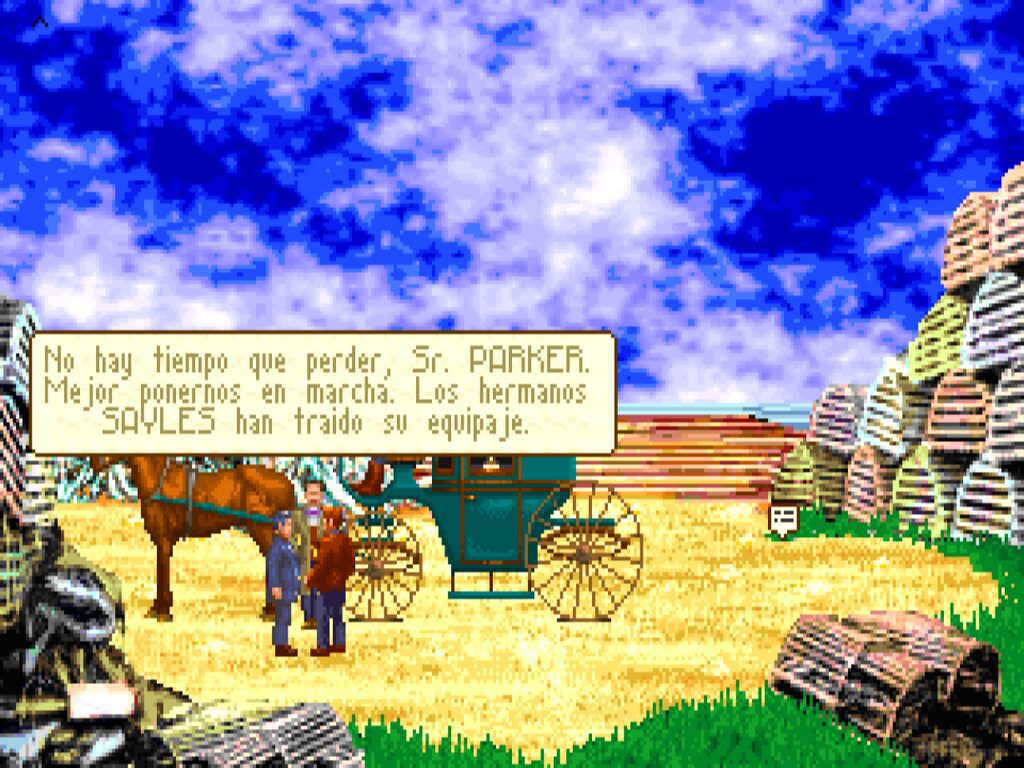
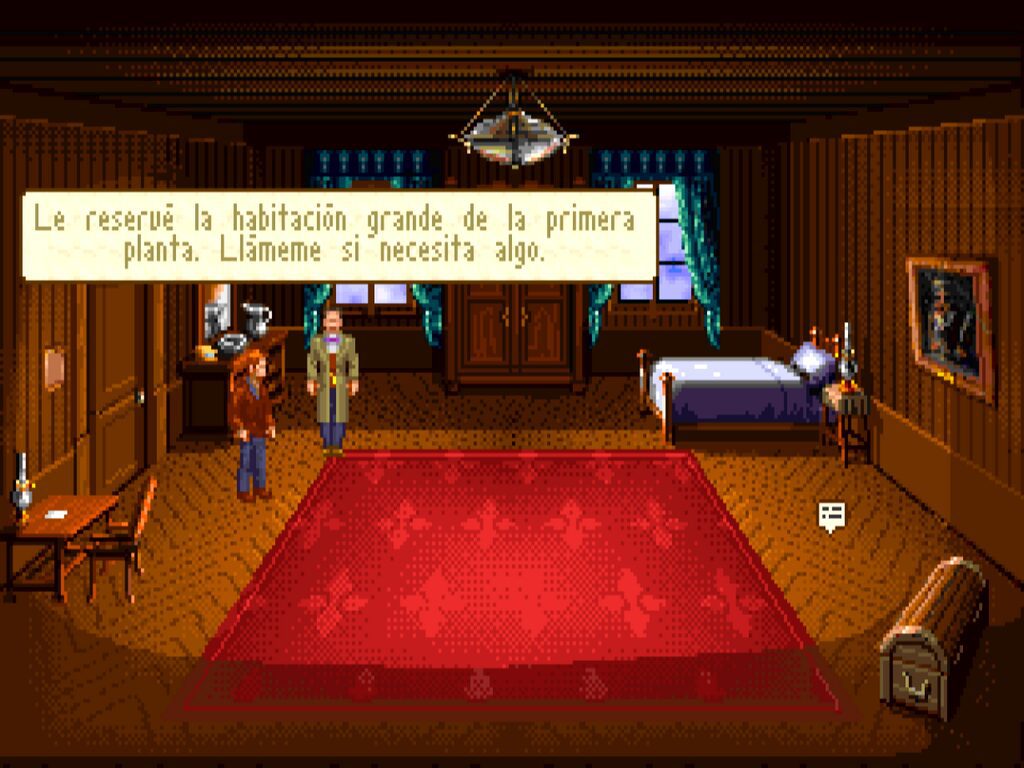
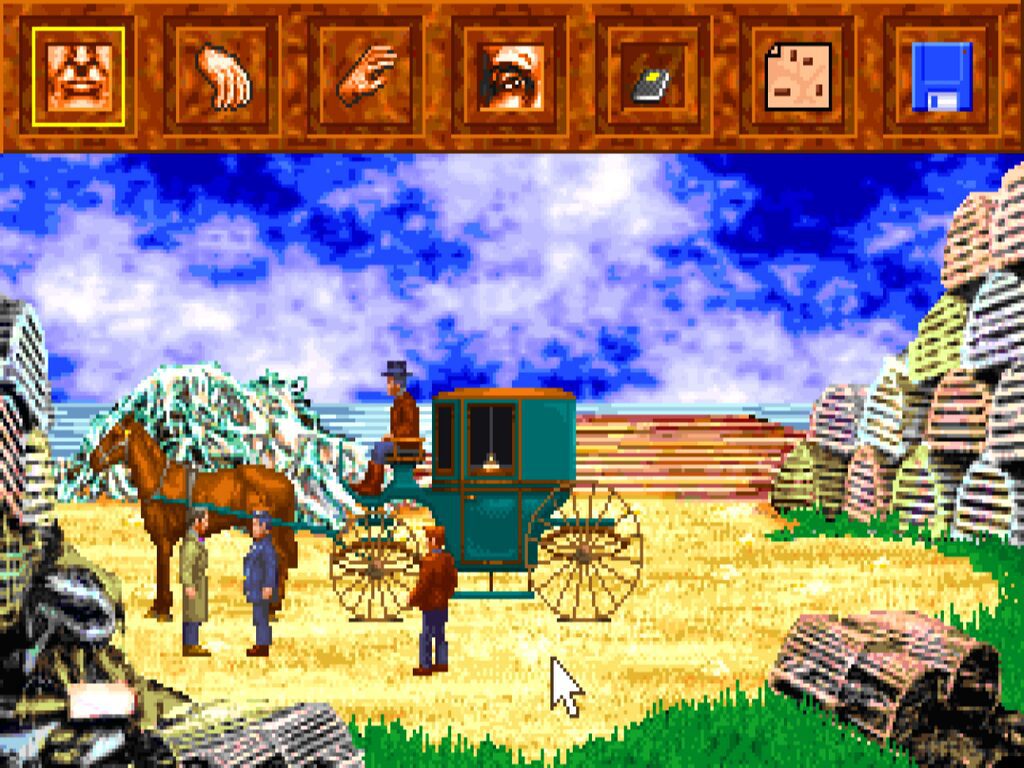
You arrive by train in a New England fishing village with a camera, a few photographic plates and a mission: to photograph the passage of Halley’s Comet. What nobody has told you is that the village, Illsmouth, has been keeping a secret since 1834, the last time the comet crossed the sky. Shadow of the Comet, by Infogrames (1993), is a Lovecraftian horror adventure that takes its time to unsettle you.
Three Days in Illsmouth
You play John Parker, a young British photographer who travels in 1910 following in the footsteps of Lord Boleskine, the scientist who observed the comet from there 74 years earlier and ended up committed to an asylum in London. You have three days, from your arrival to the comet’s passage, to find out what happened back then. The village is full of neighbors to talk to (a classic walkthrough mentions around forty), houses with locked doors and a forest in which to get lost. Illsmouth is a nod to Innsmouth, the town in The Shadow over Innsmouth, and the plot also takes elements from The Dunwich Horror.
How It Plays
It is a third-person adventure: you move Parker with the cursor keys and a line coming out of his eyes points to what can be examined or picked up. Almost everything is handled with the keyboard: L to look, G to get, U to use, T to talk, O to open the inventory, I to consult your clue diary and M for the map, which saves you long walks. Tension rises with the days: the first hours are calm, but then cults, nervous guards and creatures appear, and one bad decision can be fatal; players count more than forty ways to die.
Why It Is Remembered
It brought Lovecraft’s universe to adventure games from the same French house that had signed Alone in the Dark, and it had a follow-up in Prisoner of Ice (1995), which does not directly continue its story. Computer Gaming World praised the plot, the puzzles and its «rather mischievous» black humor, though it lamented that it could not be played comfortably with a mouse. In 2011, Adventure Gamers ranked it number 74 among the best adventures of all time. If you like the genre, you can take another stroll through cosmic horror in Necronomicón: El Alba de las Tinieblas (Necronomicon: The Dawning of Darkness).
The Edition We Offer
In Downloads there are two options, both labeled as multilanguage: a repack prepared for Windows XP and later, and the ISO image of the CD, meant to run in DOS with DOSBox. For the latter, our tutorial DOSBox from scratch (in Spanish) walks you through it; if you prefer the repack and something resists on a modern Windows, see how to play Windows XP classics on Windows 10 and 11 (in Spanish). In Guides you will find the launch, the controls and tips for surviving, and in Tips & tricks, what does work in a game that has hardly any codes.
EVERY PIXEL COUNTS
The game in pictures.
Explore the screenshots and open every detail at full size.
GET READY FOR YOUR NEXT GAME
Choose your download.
Format, compatibility and server. All in view.
Download Repack
COMPATIBILITYWindows XP / 7 / 10 ✓ At no cost✓ No sign-up Download www.mediafire.com · New tab MediaFire02 ISODownload ISO
COMPATIBILITYMS-DOS 6.22+ ✓ At no cost✓ No sign-up Download www.mediafire.com · New tabClicking opens the CLABA loading area and, in a few seconds, your download. If a link fails, let us know via Contact or in the forum.
THE SECRET SIDE OF THE GAME
Tips, tricks and secrets.
A hint at the right time. A code that changes everything.
Tip · there are no cheat codes here
We have not found any cheat code for this game in manuals or reliable guides, so we are not listing any. What does exist are habits that make it far more bearable; you will find them in the following rows.
Tip · play with the keyboard
The shortcuts L (look), G (get), U (use), M (map) and O (inventory) are faster and more precise than moving and clicking. With the map open, the cursor keys shorten your trips.
Tip · pick up everything and reread the diary
Pick up any object you see and check the inventory (O) before writing anything off as impossible. Press I to reread the clues gathered: they almost always say what is missing.
Tip · talk to everyone, twice
Stand next to the character or wait until they finish what they are doing. When a conversation stalls, T usually draws out one more clue. It is not a race against the clock: take all the time you need.
Tip · mind what you answer
Answers matter. Telling Tobias Jugg that you don’t like reading makes him not trust you later. Before a key conversation, save your game with the game’s save function.
Tip · the forest and the guards
Beware of overconfidence and of nervous guards. In the forest it is easy to get lost and the map doesn’t help there: don’t wander off without knowing why.
No matches. Try another effect or code.
THE NEXT STEP, CLEARER
Guides to move forward.
From the first installation to that mission that won't give in.
Start here · first launch
- Choose in Downloads: the repack is meant for Windows XP and later; the CD ISO is marked as DOS and is played with DOSBox.
- Unzip to a short path such as
C:\Juegos\Comet, outsideProgram Files. - For the ISO, mount the image as a CD in DOSBox. In DOS the game asks for a 256-color VGA and a Sound Blaster-compatible card, which DOSBox emulates.
- Before you start playing in earnest, back up your save games; our tutorial on copying and restoring save games (in Spanish) explains how.
If you have never used DOSBox, start with DOSBox from scratch (in Spanish).
Controls
- Cursor keys: move Parker and, with the map open, shorten trips.
- L: look and examine; G: get; U: use; T: talk; O: inventory; I: clue diary; M: map.
- A line coming out of Parker’s eyes indicates that the object can be examined or picked up.
The game supports the mouse, but it is awkward; the press of the time already criticized it and current GOG reviews agree. Try the keyboard.
First steps
- The first day is the relaxed one: walk around the village, talk to everyone and learn where everything is. Write down names and places.
- Get the photographic plates, visit the village archives and keep an eye on the forest; the night ends with a photo session and an encounter that will leave you unconscious.
- The second day goes deeper into the cult; the third brings the ending. The classic walkthrough warns that on those days there are risks to your health, to travel and in combat.
- Pick up everything and go back to the locked houses when you have a new key.
There is no clock pressure, so exploring thoroughly carries no penalty.
Technical notes
It is a 1993 DOS game. Original requirements: DOS 5.0, an 80386 at 16 MHz, 2 MB of RAM, 256-color VGA and a Sound Blaster-compatible card, according to PCGamingWiki. On a current PC, DOSBox is the sensible choice; save games in the GOG version are stored next to the game, in .SAV files.
The ISO image is of the CD. GOG, for its part, sells both versions, CD and floppy disk, with text in English, German, Spanish, French and Italian. Keep in mind that DOSBox does not mute the audio when it loses focus.
Sources
- PCGamingWiki: date, requirements, save game location and audio notes.
- GOG: languages, CD and floppy disk versions, and relaunch.
- Cyberly walkthrough: keys, three-day structure and tips.
- Speed Demos Archive: record, ways to die and dialogue decisions.
- The Let’s Play Archive: atmosphere and difficulty.
- Wikipedia: plot, reception and accolades (for orientation only).
Something wrong?
Give us a hint.
A broken link, a detail to correct or a game that won't start. Your report helps keep this game page up to date.
Get in touchReport an issue with this game Discuss it in the forumCLABA ARCADE ROOM
251 classics
without installing anything.
Don't feel like installing? These play right in your browser.
Enter the roomTHE CLABA APP1.0 RC 1
Take the archive
with you.

Game pages, online play and your shelf on Android. Free, no sign-up.
ARCHIVE SECRETS
Did you know?
A town with a borrowed name. Illsmouth is a variation on Innsmouth, Lovecraft’s town in The Shadow over Innsmouth; the plot blends that story with The Dunwich Horror.
More than forty ways to die. Those who have replayed it thoroughly count more than forty fatal endings, and there are video compilations that still miss many of them.
A bit over an hour. The speedrun archive’s record for completing it in one go is 1 h 1 min 19 s, set in 2018 by Wilson Luiz Oliveira, though with shortcuts that require knowing every puzzle in advance.
Slight him and he remembers. If you tell the librarian Tobias Jugg that you don’t like reading, he will distrust you and won’t help you later: a single careless answer can leave you stuck.
It returned in 2015. GOG relaunched the game on July 21, 2015 with preconfigured DOSBox, alongside its successor Prisoner of Ice, and it includes the CD and floppy disk versions.