Lucasfilm Games · Point-and-click adventure
Loom
A Lucasfilm adventure with no verbs and no deaths: play four-note melodies on the distaff to enchant the world. Spanish repack for Windows.
Point-and-click adventure by Lucasfilm Games (1990) for PC (in Spanish) and Atari ST. Available to download.
Choose your version 2 platforms
No computer handy? Play one of the 251 classics online right now
4.5 13 votes
THE CLABA ARCHIVE
Inside the game.
Its history, its ideas and the reasons to come back.
Before you begin, the game recommends that you listen to a tape. Loom came with a half-hour cassette, a radio drama that told how the Guild of Weavers came to their island and who the child born from a loom was. When it ends, the story continues on the computer. Brian Moriarty, who had previously written text adventures for Infocom, directed it for Lucasfilm Games in 1990 with an unusual purpose: an adventure in which you cannot die or get stuck.
A fantasy of threads and swans
You play Bobbin Threadbare, a young weaver raised by the old woman Hetchel and eyed with suspicion by the Elders of the Guild. On the night of his seventeenth birthday, the Elders are turned into swans, Bobbin picks up the staff of one of them, the distaff, and sets off on a journey to find his own people before the Third Shadow falls on the world. Along the way he meets other guilds, such as the shepherds, the blacksmiths and the glassmakers, and a bishop who covets the distaff in order to rule the world.
A game you play like an instrument
Loom has no verbs and no inventory. Everything goes through the distaff, which shows the notes of a scale at the bottom of the screen. The spells, called drafts, are four-note melodies: you hear them in the environment, jot them down and play them on the right object to open, dye, sharpen or scare. At first you only master a few notes; with experience, Bobbin can perform more complex drafts. And there are three difficulty modes: in Practice, the notes appear written out; in Standard, the distaff marks them; and in Expert you have to play by ear, with an extra scene at the end as a reward.
It is short, but that was the design: its creators wanted it to be finished rather than left half done on a shelf. Mark Ferrari’s 16-color backgrounds and the arrangements of Tchaikovsky’s Swan Lake, adapted by George Alistair Sanger, provide the rest of its atmosphere. If you like the Lucasfilm style, our site also has Maniac Mansion, The Secret of Monkey Island, Zak McKracken, Indiana Jones and the Fate of Atlantis and The Dig.
The edition we offer
In Downloads there is a Spanish-language repack prepared for Windows XP, 7 and 10. To get the game ready on a current PC, see our tutorial on how to play Windows XP classics on Windows 10 and 11. In Guides you have the first launch, the keys and a couple of tips for the beginning; in Tips & tricks, advice for not getting stuck with the drafts.
ONE GAME, 2 PLATFORMS
Versions.
2 platforms1990
Pick a platform: the screenshots, downloads and online game on this page switch with it.
- Year
- 1990
- Developer
- Lucasfilm Games
- Downloads
- 1
- Screenshots
- 3
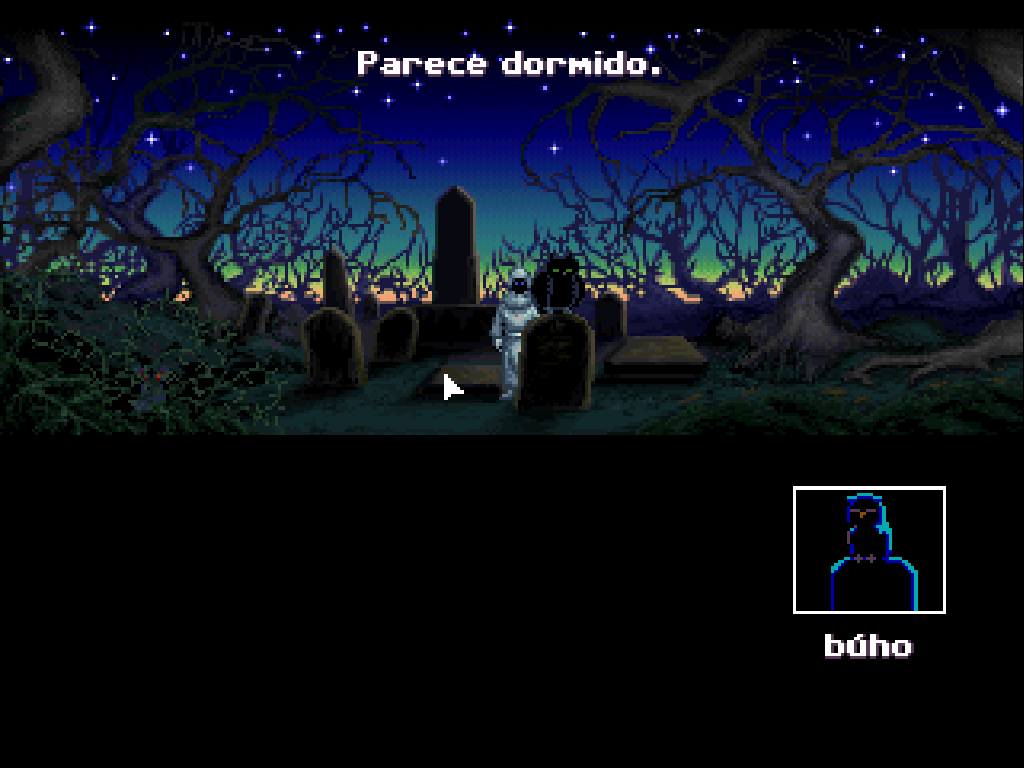
This is the Spanish-language PC version of Loom offered on this page. The original game came out on MS-DOS in May 1990 with 16-color EGA graphics, and a CD edition with voices was released years later; it is not recorded here which of the two the repack contains.
- Year
- 1990
- Downloads
- 1
- Screenshots
- —
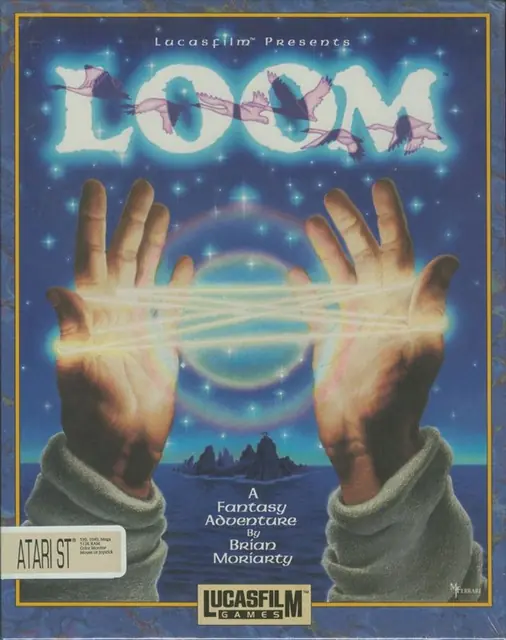
This is the same Loom from Lucasfilm Games, in its 1990 floppy disk version for the Atari ST, released shortly after the MS-DOS one alongside the Amiga and Macintosh versions. Like the other floppy disk versions from that year, it is the original 16-color edition, without the voices or the re-recorded soundtrack of the 1992 CD edition. The file we offer is the French edition.
EVERY PIXEL COUNTS
The game in pictures.
Explore the screenshots and open every detail at full size.
GET READY FOR YOUR NEXT GAME
Choose your download.
Format, compatibility and server. All in view.
Version
SELECTED VERSIONPC1990 · 1 file
Clicking opens the CLABA loading area and, in a few seconds, your download. If a link fails, let us know via Contact or in the forum.
THE SECRET SIDE OF THE GAME
Tips, tricks and secrets.
A hint at the right time. A code that changes everything.
Tip · Loom has no codes
There are no official passwords or cheats for this adventure, and the melodies of the drafts can also change from one game to the next, so any list of notes would be unreliable. What does work are these tips from the manual itself.
Tip · choose the game mode wisely
At the start you choose between three modes. In Practice, a little box writes out the letters of the notes and lets you play them back with a click. In Standard, the segments of the distaff light up and a staff helps you identify the notes. In Expert there is no help, and anyone who reaches the end that way sees an extra animated scene.
Tip · write down the drafts
Each draft is four notes. When you hear a four-note melody as you touch an object, write it down in the book of patterns from the box or in a notebook, in pencil. In a new game, the notes may change.
Tip · try everything, there is no penalty
The manual says it bluntly: you cannot die, the story cannot be left with no way out, and many puzzles have more than one solution. Double-click on everything and try the drafts on every object; some of them are experiences to enjoy rather than puzzles.
Tip · if you get stuck
According to the manual, the information you need is always nearby. If you are not making progress, perhaps you need to solve another puzzle first or discover a new melody.
Tip · original version or voiced version
If you can choose, the 1990 16-color version keeps the complete script; the 1992 CD edition added voices, but had to shorten dialogue. Brian Moriarty recommends buying the commercial version and playing whichever one you prefer.
No matches. Try another effect or code.
THE NEXT STEP, CLEARER
Guides to move forward.
From the first installation to that mission that won't give in.
Start here · first launch
- Download the repack from Downloads: it is prepared for Windows XP, 7 and 10.
- Unzip it into a short path, such as
C:\Juegos\Loom, outsideProgram Files. - Run the launcher that comes with the repack. If you use a recent version of Windows and it fails, see How to play your Windows XP classics on Windows 10 and 11.
- Choose the game mode (Practice, Standard or Expert). If a copy protection screen appears («Secret Weave»), it refers to the icons in the book of patterns that came in the box, decoded with a red cellophane sheet; the scanned manual in the sources explains how it works.
- Your games are saved with the save key; if you want to make a backup, see Your save games deserve another life.
Controls
- Move Bobbin: click where you want him to go, inside the animation window.
- Examine or use an object: double-click it or click its icon in the icon box, at the bottom right. Bobbin must be next to the object.
- Play a draft: click each note on the distaff, in the right order.
Esccancels a half-played draft. - Save and load:
F5on most computers (it does not work during cutscenes or conversations). - Skip scene:
Esc. Restart:F8. Sound:F6. Pause: spacebar.
These are the keys the manual gives for most machines; they may vary in some versions.
First steps · the island of Loom
- Touch the leaf of the tree next to where you start.
- Head to the Elders’ Sanctuary, at the far left of the village: you will see three tapestries and the Loom.
- Pick up the distaff that Elder Atropos drops; without it you cannot finish the game.
- Open the swan egg that Hetchel turns into: you will hear the Opening draft and be able to play it yourself.
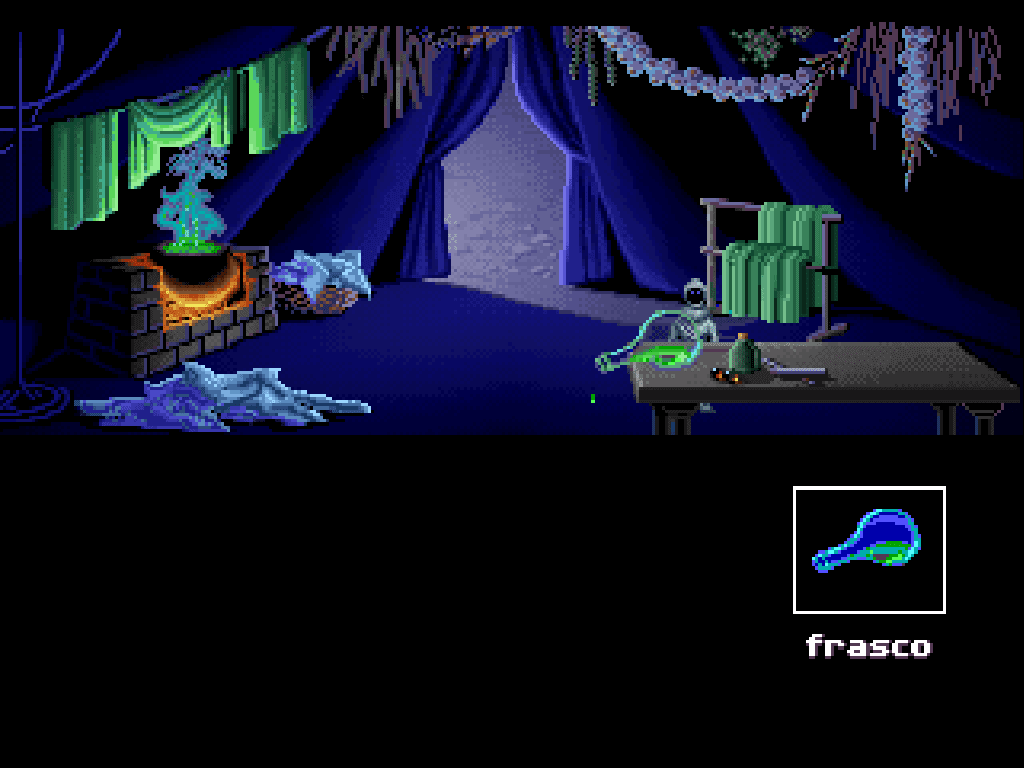
- Visit Hetchel’s shop, at the far right: the flask and the dye pot will teach you more drafts.
These steps are taken from the manual itself, which suggests them as first experiments.
Technical notes
Loom runs on the SCUMM engine and the original 1990 version uses 16-color EGA graphics at 320×200. Today it plays well with ScummVM, which supports the floppy disk versions and the CD one. According to PCGamingWiki, the resolution is only 320×200, the digital versions on Steam and GOG include only the voiced CD edition and not the audio drama, and using a Roland MT-32 with the EGA version required an official patch.
On a large screen, the stretched look of 320×200 is normal; ScummVM and DOSBox let you correct the aspect ratio, and you can see the tutorial DOSBox from scratch.
Sources
- Original Loom manual (Internet Archive): modes, controls, keys, first experiments, design philosophy and credits.
- PCGamingWiki: Loom: differences between versions, MT-32 patch, resolution and availability.
- The International House of Mojo: Brian Moriarty’s advice: the EGA version recommended by its author.
- Indie Retro News: Loom review: platforms and release chronology.
- Wikipedia (in English): plot, version history and the Dolby S cassette, for orientation only.
Something wrong?
Give us a hint.
A broken link, a detail to correct or a game that won't start. Your report helps keep this game page up to date.
Get in touchReport an issue with this game Discuss it in the forumCLABA ARCADE ROOM
251 classics
without installing anything.
Don't feel like installing? These play right in your browser.
Enter the roomTHE CLABA APP1.0 RC 1
Take the archive
with you.

Game pages, online play and your shelf on Android. Free, no sign-up.
ARCHIVE SECRETS
Did you know?
A tape before you play. The original package came with a cassette containing a roughly thirty-minute audio drama that introduced the world of Loom; according to Wikipedia, it was the first commercial tape with Dolby S noise reduction. The game starts exactly where the recorded story ends.
Pencil, never pen. The manual insists on writing the drafts in the book of patterns in pencil, because in each new game the notes of each draft may be different.
Tchaikovsky in MIDI. The soundtrack draws on excerpts from Swan Lake, transcribed by George Alistair Sanger and Gary Hammond. The swans in the plot are no coincidence.
Not a single death. In the manual, Lucasfilm boasted that in Loom you cannot die or get stuck: «nothing in the game can kill you». It was a statement of intent against the adventures of the day.
Its author’s favorite. Brian Moriarty has recommended playing the original EGA version, with ScummVM in EGA mode and AdLib sound, as the most faithful way to see the game as it was conceived in 1989-1990.