Exxos · Point-and-click adventure
KULT: The Temple of Flying Saucers
Help Raven get through five psychic trials, decipher the temple of the Protozorqs and escape with his life.
Point-and-click adventure by Exxos (1989) for MS-DOS (in Spanish and other languages), Amiga and Atari ST. Playable in your browser (MS-DOS and Amiga) or downloadable.
Choose your version 3 platforms
4.7 6 votes
THE CLABA ARCHIVE
Inside the game.
Its history, its ideas and the reasons to come back.
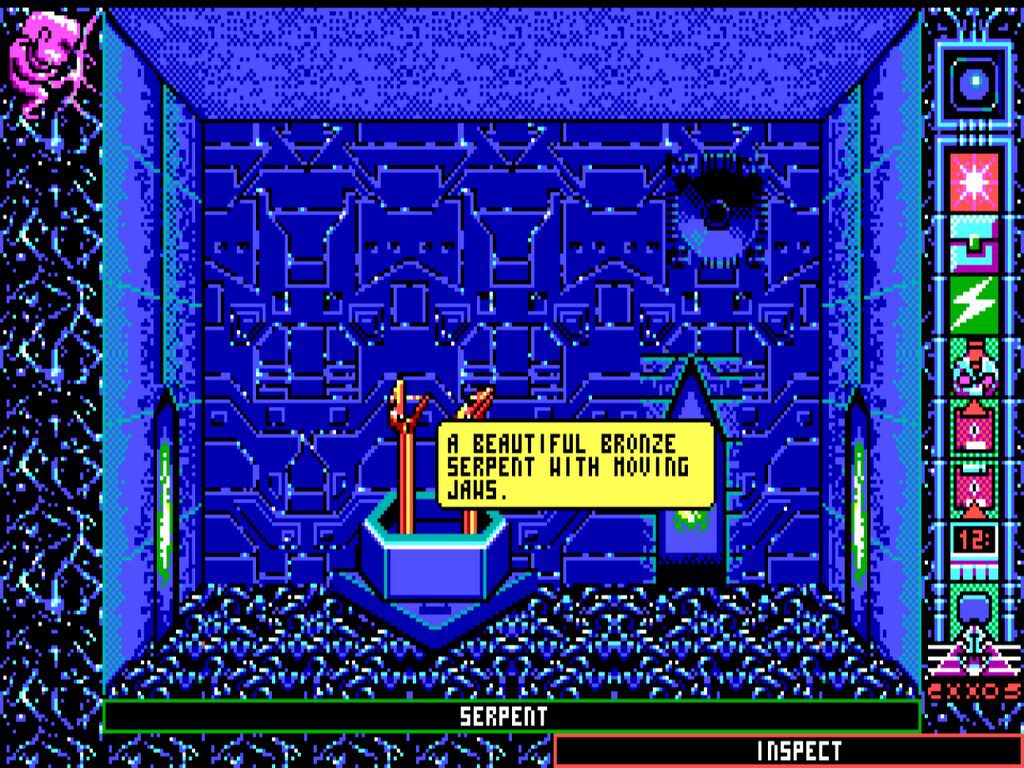
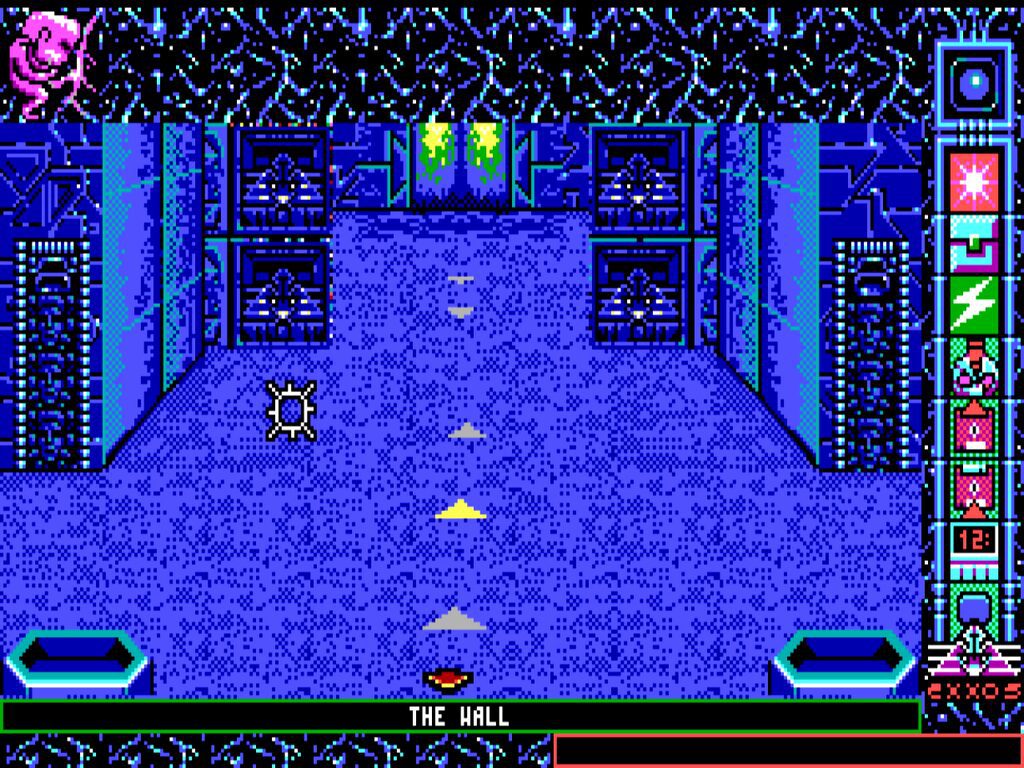
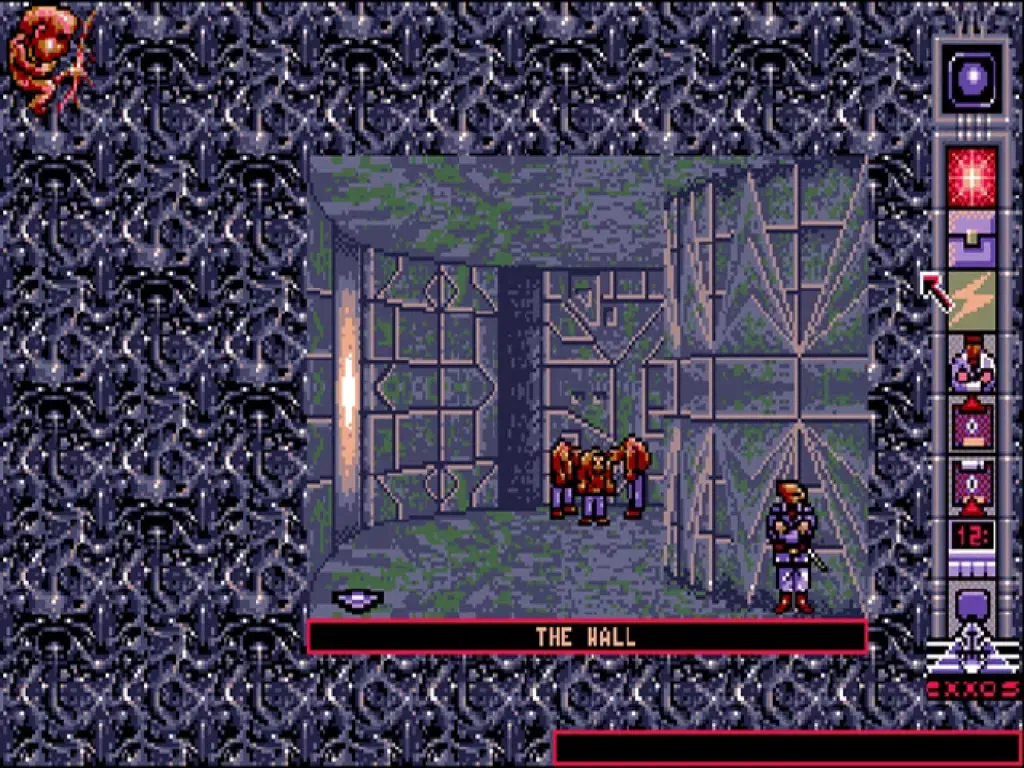
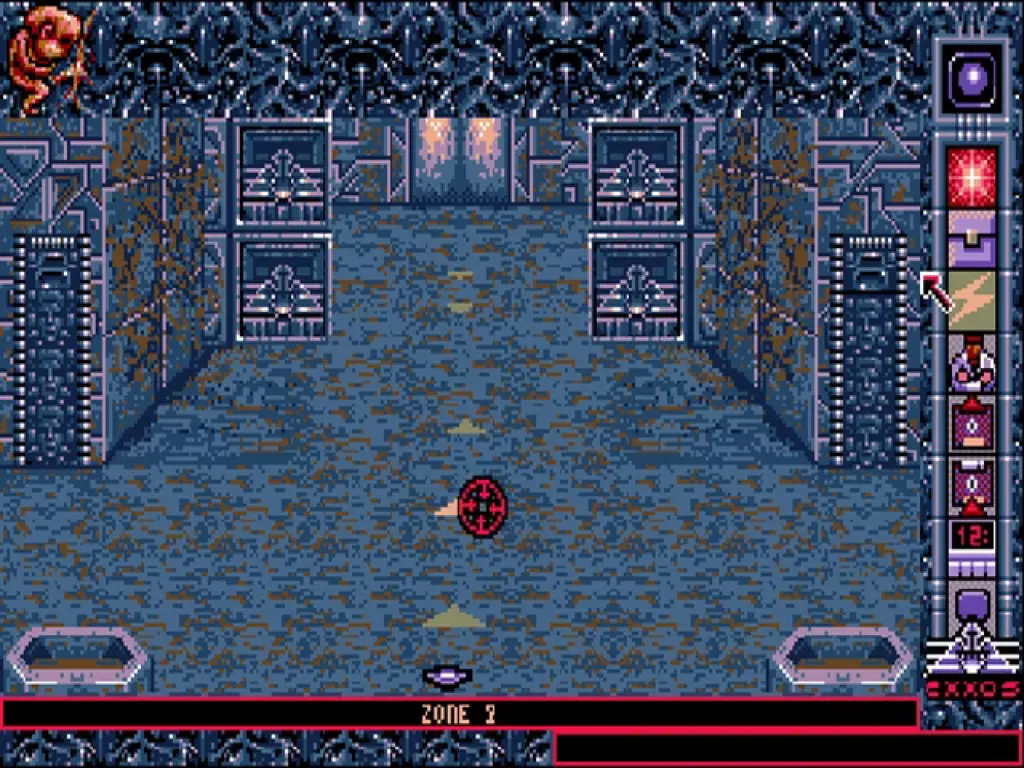
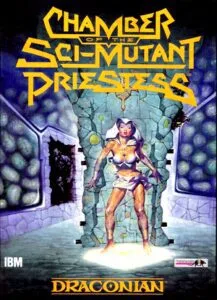
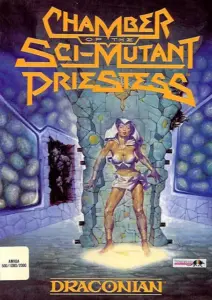
KULT: The Temple of Flying Saucers —also released as Chamber of the Sci-Mutant Priestess— is a science-fiction adventure as strange as it is deliberately hostile. Raven, a Tuner gifted with mental powers, wakes up a prisoner in the temple of the Protozorqs and must get through their rituals, find his companion and escape.
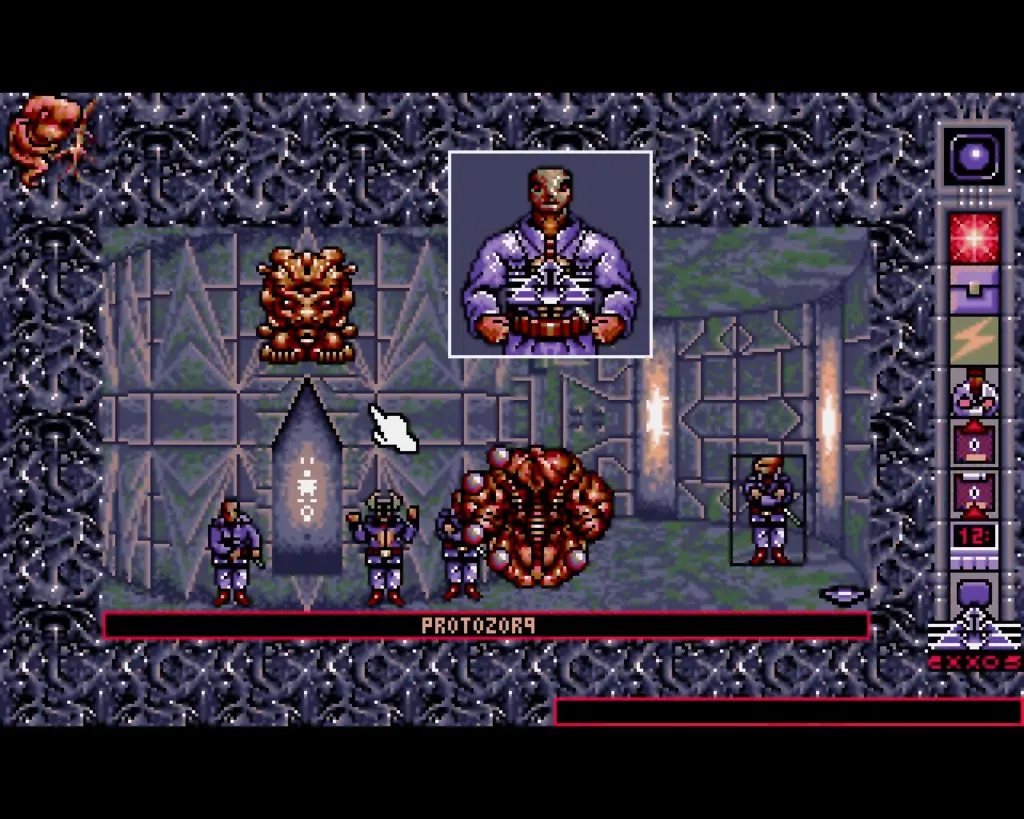
The first half revolves around five trials subject to a one-hour limit. The Master of Trials hands over an object and sends Raven to a chosen room; solving the puzzle earns a Vort skull that can be exchanged for another tool. The temple’s ring is also occupied by aspirants and guardians, so watching, talking and deciding when to use force are all part of the puzzle.
Ideas before verbs
The interface abandons the usual list of actions. Icons along the side represent objects, powers and functions, while a text area identifies what Raven is looking at. Many answers are chosen by clicking bubbles inside a brain, and the order of the trials can vary. The result sits somewhere between a point-and-click adventure and an experimental role-playing game.
The 1989 DOS edition
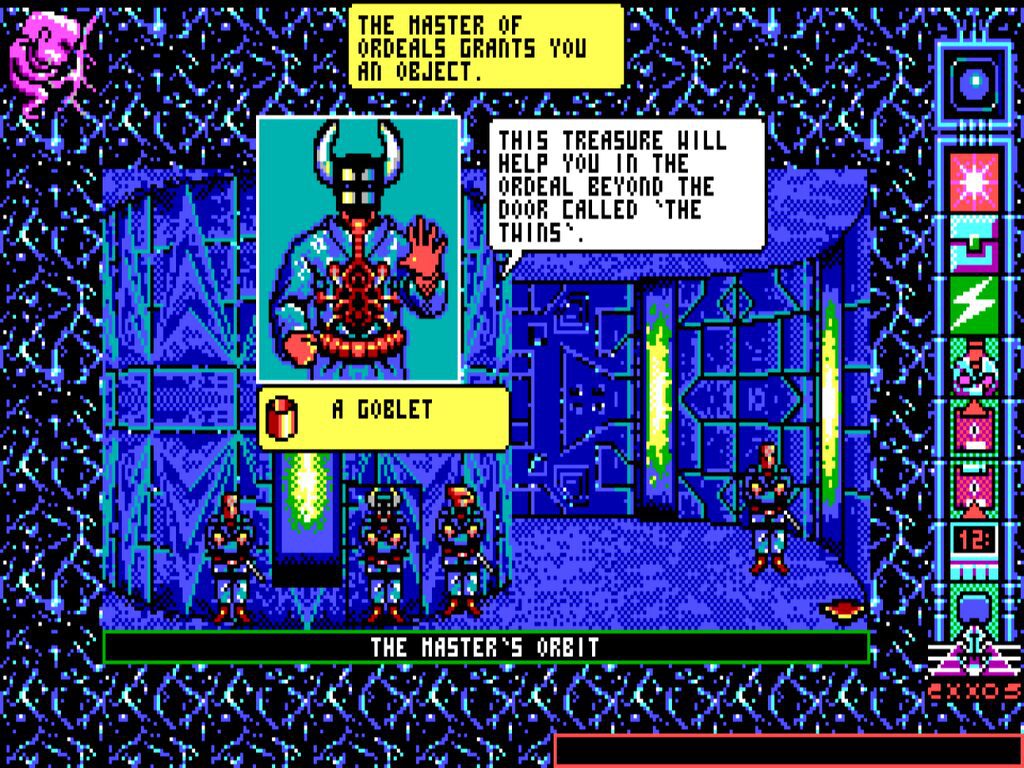
ClaBa’s online version offers Spanish text, 16-color EGA graphics and music. It uses the adaptation by kurt and cireja, which combines the American EGA edition with the text of the Spanish CGA version. The launcher keeps its menus in English and the initial question about the presentation appears in French; the adventure’s dialogue, objects and descriptions are in Spanish. The earlier downloads on this page still correspond to the English edition.
KULT on the Amiga
The Amiga version delivers the same first-person science-fiction adventure: rooms to examine, characters to negotiate with and mental powers that can open an exit or turn a bad decision into instant death. Its presentation and sound are part of this edition’s personality; interaction relies on the mouse and the icons on the right, rather than a permanent list of verbs.
The version selector on this page distinguishes Amiga from MS-DOS. The Amiga side brings together the WHDLoad installation and the European IPF floppy disks, including the Bit Star re-release. The available resources are in English, French and German; to play with the Spanish dialogue, choose the DOS version. The two versions keep their own files and controls.
ONE GAME, 3 PLATFORMS
Versions.
3 platforms19892 playable online
Pick a platform: the screenshots, downloads and online game on this page switch with it.
- Year
- 1989
- Developer
- Exxos
- Downloads
- 2
- Screenshots
- 3
ClaBa's DOS version combines EGA graphics and music with Spanish text through the adaptation by kurt and cireja. It keeps the English opening menu and a presentation question in French. The two historical DOS downloads remain in English.
- Year
- 1989
- Port by
- ERE Informatique / Exxos
- Downloads
- 3
- Screenshots
- 6
On the Amiga, KULT keeps Raven's adventure, the temple of the Protozorqs and the eight PSI powers. The European version lets you choose English, French or German; the packages gathered here do not include Spanish. A WHDLoad installation for hard drive and two IPF floppy disk images are offered: the European edition and the Bit Star reissue. WHDLoad avoids disk swapping and removes the original's copy protection. The video and screenshots for this edition are from the Amiga.
- Year
- 1989
- Port by
- Exxos / ERE Informatique
- Downloads
- 1
- Screenshots
- —
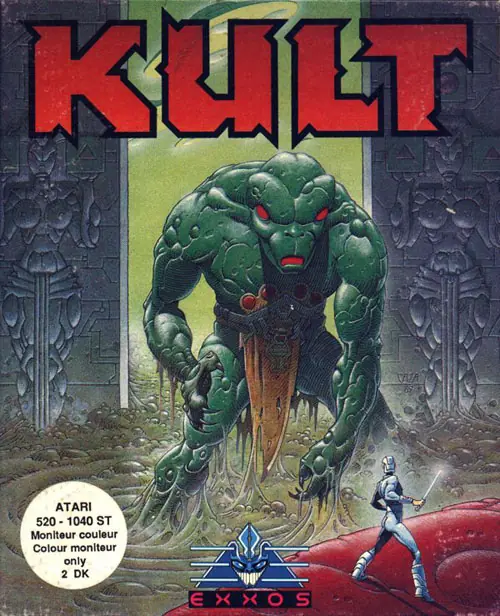
KULT first appeared on the Atari ST, in 1989: it was the first 16-bit version published in Europe. Programmed by Patrick Dublanchet, with graphics by Michel Rho, design by Johan Robson and music by Stéphane Picq, it takes up two floppy disks and lets you choose English, French or German; like the Amiga one, it uses digitized sound effects. In Spain it was published by Erbe with Spanish text.
EVERY PIXEL COUNTS
The game in pictures.
Explore the screenshots and open every detail at full size.


GET READY FOR YOUR NEXT GAME
Choose your download.
Format, compatibility and server. All in view.
Version
SELECTED VERSIONMS-DOS1989 · 2 files · also playable online
SELECTED VERSIONAmiga1989 · 3 files · also playable online
Download for hard drive
COMPATIBILITYRequires an emulator ✓ At no cost✓ No sign-up Download BoxSharer server · New tab BoxSharer02 Amiga · Floppy disksDownload IPF disk · Europe · English, French and German
COMPATIBILITYRequires an emulator ✓ At no cost✓ No sign-up Download BoxSharer server · New tab BoxSharer03 Amiga · Floppy disksDownload IPF disk · Bit Star reissue · English, French and German
COMPATIBILITYRequires an emulator ✓ At no cost✓ No sign-up Download BoxSharer server · New tabClicking opens the CLABA loading area and, in a few seconds, your download. If a link fails, let us know via Contact or in the forum.
Your game starts here
Play in your browser.
There are 2 versions ready to play. Pick one and click.
Version
MS-DOSIn your browser
KULT: The Temple of Flying Saucers
MS-DOS version. Your next game starts here.
- 424 KB · downloads on click
- Save the game's files
- Keyboard, controller or touch
Controls
Click the game to use the keyboardOn mobile, play with the on-screen controller- Space
- continue
- F1
- start
- N
- skip the presentation
- Esc
- release the pointer
Mouse: explore and choose.
- Full screen
Use the button on the bar. Esc returns to the game page; “Exit” closes the game.
- Saves
Save keeps the files the game creates, not the exact moment. Save inside the game, then press Save.
- Mobile and tablet
Press Controls during the game to show buttons and keyboard. Gamepad support depends on the browser.
Saves live in this browser and device. Clearing the site data deletes them too.
AmigaIn your browser
KULT: The Temple of Flying Saucers
Amiga version. Your next game starts here.
- 512 KB · downloads on click
- Save states in this browser
- Controller, keyboard or touch
Controls
Click the game to use the keyboardOn mobile, play with the on-screen controller- V
- virtual keyboard
- ↑←↓→
- choose key
- X
- press key
- Esc
- release the pointer
Mouse: explore and confirm.
- Full screen
Use the button on the bar. Esc returns to the game page; “Exit” closes the game.
- Saves
Save State, in the game's menu, keeps the exact moment. Load brings it back when you return.
- Mobile and tablet
Press Controls during the game to show buttons and keyboard. Gamepad support depends on the browser.
Saves live in this browser and device. Clearing the site data deletes them too.
The Atari ST version can't be played in the browser yet.
You can download it or play another version now:
HIT PLAY
The game in motion.
Trailers and videos to see it in action.
-

MS-DOS · CLABA TV · KULT: El templo quiere que obedezcas
CLABA TV's take on Exxos's 1989 adventure: the ceremony, the interface, its dangers and whether it is worth stepping inside. Running time: 11:39.
-
Amiga · How it plays
A game of KULT: The Temple of Flying Saucers on Amiga.
THE SECRET SIDE OF THE GAME
Tips, tricks and secrets.
A hint at the right time. A code that changes everything.
Tip: examine the starting object
The Master hands you an item related to the first trial. Before you walk away, work out what the object is and look for a room whose problem fits its function.
Tip: don't waste the Vort skulls
Each solved trial lets you obtain another tool. Think about which trial is still missing before making the exchange: carrying the right object saves a lot of time.
Tip: read the text strip
The image can be cryptic, but the lower area names characters and interactive elements. Move the pointer around calmly before ruling out a screen.
Tip: save after clearing a trial
The time limit and the variable order make it costly to redo progress. Keep a save game after each important puzzle and before trying a risky answer.
No matches. Try another effect or code.
THE NEXT STEP, CLEARER
Guides to move forward.
From the first installation to that mission that won't give in.
Getting started with KULT on ClaBa
- Press Play now and wait for the title screen.
- Press Space and then F1 to start the adventure.
- The question «Voulez-vous voir la présentation?» asks whether you want to watch the introduction. Press N to skip it.
- The Master of Trials hands you an object: the conversations and descriptions are in Spanish.
- Click on the screen to capture the mouse. Examine and choose actions with the left button; press Esc to release the pointer.
Understanding the interface
The scene takes up the center; on the right, icons for status, inventory and powers are stacked. The lower strip identifies the room or the element you are pointing at. Dialogues replace typed answers with visual areas that you click.
The five trials
The Master sends Raven to a trial and provides a relevant object. Solve the room’s mechanism to earn a Vort skull, return to the ring and exchange it for the tool that looks most useful for the next one. The order can vary between playthroughs.
Exploration, aspirants and powers
Walk the ring watching the names that appear in the text area. Some aspirants attack and others may carry useful objects. The psychic powers are resources of the character, not mere decoration: check the icons before forcing a fight or an answer.
Edition and saving
The online version combines the EGA graphics and music of the American edition with the Spanish text of the CGA edition, through the adaptation by kurt and cireja published on AbandonSocios (in Spanish). It keeps an English boot menu and the initial question about the presentation in French. The page’s two historical downloads remain in English.
To keep your progress, first save from the game’s own floppy disk icon and then press Save in the ClaBa bar. Load restores the files and restarts DOS: enter the game and use its load game option. The data is stored only in this browser and device.
Choosing between Amiga and DOS
Select MS-DOS to play with the Spanish text through the EGA adaptation. Choose Amiga to access its box, screenshots, video and downloads. The WHDLoad installation is prepared for hard disk; the IPF downloads preserve the European floppy disk and its Bit Star re-release. These Amiga packages do not include Spanish. Switching versions closes any game that is open.
The documentation for CFou!’s WHDLoad installer explains the requirements and the differences between its revisions. Our download keeps the v1.1b installer; it is not the 2020 v1.2 revision.
Playing KULT on the Amiga
- Choose Amiga in the version selector and press Play now. Click on the screen to activate the controls.
- On the title screen, press V to open the Amiga’s virtual keyboard. The arrow keys select a key and X presses it; V hides it again. Use a key to continue from the title.
- When the flags appear, use the E key on the virtual keyboard to choose English. F for French and D for German are also available.
- Advance the presentation dialogues with the left mouse button. On reaching the temple, the Master hands you an object related to a trial.
- Move the mouse over the scene and read the names in the lower strip. Click to walk the passageways, examine objects and choose an action. Use Esc to release the pointer.
The web version uses a WHDLoad copy with CFou!’s official v1.2 installer. The downloads keep their originals: WHDLoad v1.1b and two IPF floppy disks. The Amiga version does not include Spanish; to play in Spanish, select MS-DOS.
Something wrong?
Give us a hint.
A broken link, a detail to correct or a game that won't start. Your report helps keep this game page up to date.
Get in touchReport an issue with this game Discuss it in the forumCLABA ARCADE ROOM
This one and 250 more
play here.
When you finish your game, the room has other machines switched on.
Enter the roomTHE CLABA APP1.0 RC 1
Take the archive
with you.

Game pages, online play and your shelf on Android. Free, no sign-up.
ARCHIVE SECRETS
Did you know?
- Exxos and ERE Informatique released the game in 1989 for DOS, Amiga and Atari ST.
- The North American edition changed the title to Chamber of the Sci-Mutant Priestess.
- Raven is a Tuner, able to use psychic powers; the Protozorqs are physical mutants who rule the temple.
- The five initial trials must be solved within one hour, although their order can change.
- ClaBa’s copy keeps the North American title on its opening screen, but the launcher identifies the adventure as KULT.