
Cryo Interactive · Point-and-click adventure
Dragon Lore: The Legend Begins
Werner, a farm boy who turns out to be the son of a Dragon Knight, must win the Order's vote in this 1994 Cryo adventure, in Spanish.
Point-and-click adventure by Cryo Interactive (1994) for MS-DOS (in Spanish) and 3DO.
Choose your version 2 platforms
No computer handy? Play one of the 251 classics online right now
— no rating yet
THE CLABA ARCHIVE
Inside the game.
Its history, its ideas and the reasons to come back.
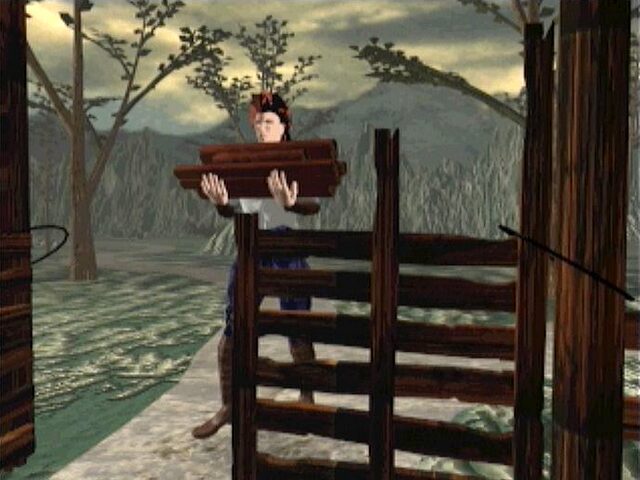
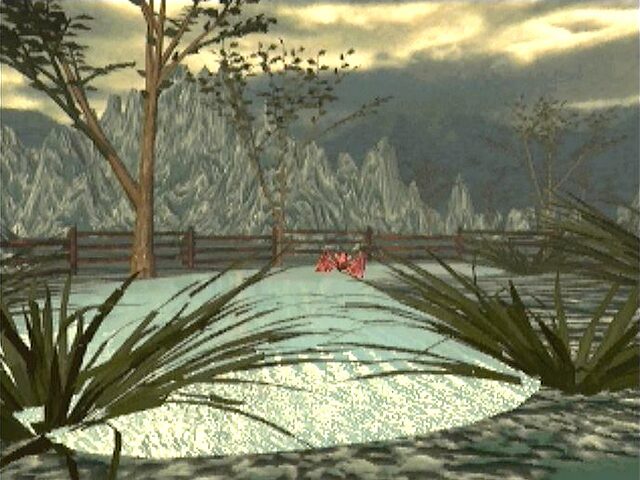
Raised on a farm, among cows and little else, Werner discovers one day that he is not who he thought he was. He is the son of a murdered Dragon Knight and heir to a castle. From there he will have to cross a fantasy world to win the vote of the other knights of the Order. Dragon Lore: The Legend Begins is an adventure by the French studio Cryo Interactive, released in 1994 on two CD-ROMs for MS-DOS, one of those games that boasted about rendered graphics when the CD was only just starting to reach homes.
The Great Dragon’s dream
The manual says that the world is the dream of a dragon and that, like any dream, it sometimes turns into a nightmare. Among humans, dwarves, elves and sea peoples, each race has its protector dragon, and you are Werner von Wallenrod, son of a knight who fell at the hands of Haagen von Diakonov. Your goal is to be admitted to the Order of the Dragon Knights; to do that you need to travel the land, complete quests and win their favor. The second half of the game takes place in your rival’s castle.
How it plays
It is a first-person adventure with «node-based» movement: you advance from screen to screen along fixed routes, but with far more frames and animated transitions than its contemporaries, which makes the world feel like a real territory and not a series of corridors. Everything is handled with a single cursor, a little red dragon that changes its gesture depending on what you can do: advance, turn, pick up an object, operate a mechanism or look.
On top of that there is a combat component: you can equip weapons, armor and a shield, cast spells by typing runes in a book, and fight enemies. Many situations have a peaceful way out and a violent one (a dog-like monster can be given a bone instead of a beating), and what you do influences the knights’ vote, since some approve of wisdom and others of cruelty.
A classic with its flaws
We won’t pretend it has aged well. Hardcore Gaming 101 describes it as a piece of its time: a conventional plot, puzzles often reduced to hunting for objects, clumsy combat and a low VGA resolution that makes it blurry. Even so, it acknowledges that the size of the world is the best thing it offers. Adventure Game Hotspot recalls that it is a cryptic game, to the point that the official strategy guide came with a fictional account that helped you understand what was going through the character’s mind. It is Cryo’s second big experiment with computer-generated imagery, after MegaRace, and shares a studio with KGB and Dune.
The edition we offer
This page includes the Spanish version in two formats, which you can see in Downloads. There is a repack for Windows XP and later and, for those who prefer the original experience, the images of the two CDs to play with DOSBox. In Guides you will find how to launch it, the meaning of each dragon gesture and how to mount the discs. If you want to learn to use the emulator, start with DOSBox from scratch.
ONE GAME, 2 PLATFORMS
Versions.
2 platforms1995
Pick a platform: the screenshots, downloads and online game on this page switch with it.
- Year
- 1994
- Developer
- Cryo Interactive
- Downloads
- 3
- Screenshots
- 3
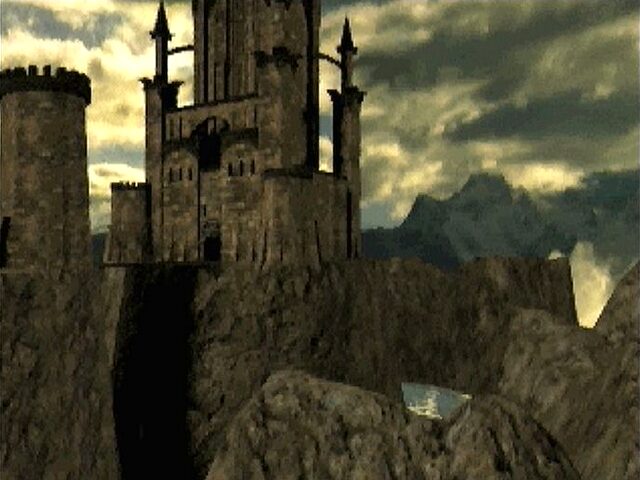
The MS-DOS version is the one this page covers: the information, review and main screenshots are from this platform.
- Year
- 1995
- Port by
- Cryo Interactive / Mindscape
- Downloads
- 3
- Screenshots
- 1
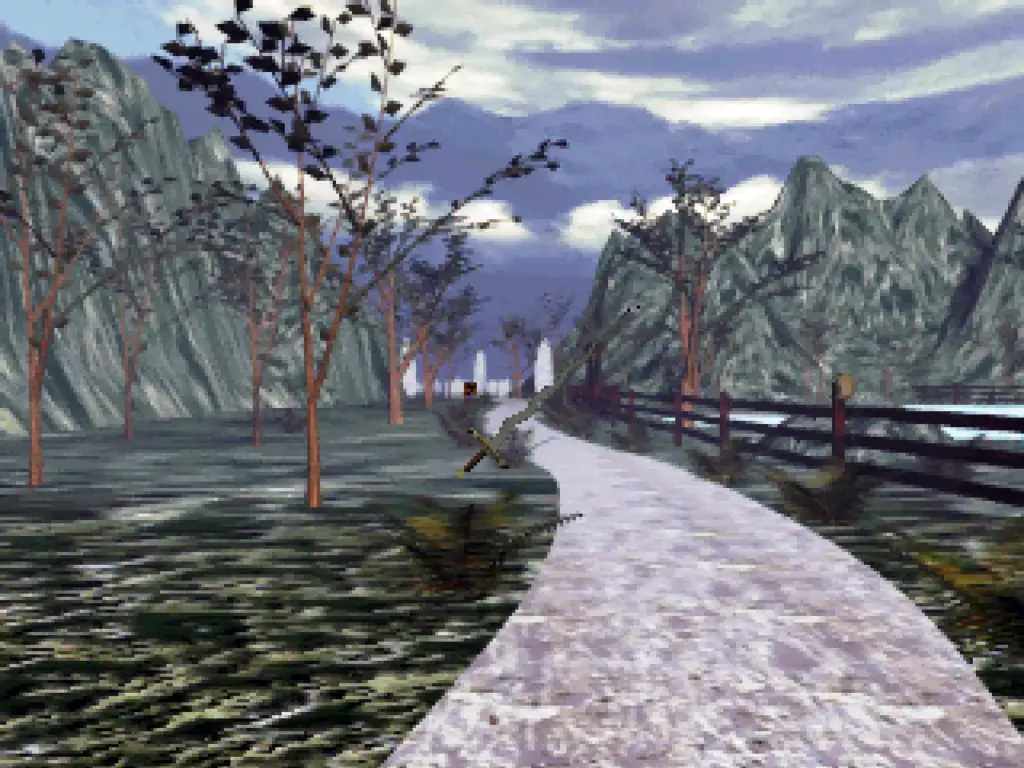
The 3DO edition arrived in 1995 and was distributed on three CDs. This adaptation of Cryo's adventure keeps the first-person perspective and Werner von Wallenrod's journey through a fantasy realm. The three discs split up the game's content; this page gathers the links for each disc under a single 3DO version.
EVERY PIXEL COUNTS
The game in pictures.
Explore the screenshots and open every detail at full size.

GET READY FOR YOUR NEXT GAME
Choose your download.
Format, compatibility and server. All in view.
Version
SELECTED VERSIONMS-DOS3 archivos
Download Repack
COMPATIBILITYWindows XP / 7 / 10 ✓ At no cost✓ No sign-up Download www.mediafire.com · New tab MediaFire02 MS-DOS · ISODOWNLOAD CD1
COMPATIBILITYMS-DOS 6.22+ ✓ At no cost✓ No sign-up Download www.mediafire.com · New tab MediaFire03 MS-DOS · ISODOWNLOAD CD2
COMPATIBILITYMS-DOS 6.22+ ✓ At no cost✓ No sign-up Download www.mediafire.com · New tabSELECTED VERSION3DO1995 · 3 files
Download disc 1
COMPATIBILITYRequires an emulator ✓ At no cost✓ No sign-up Download BoxSharer server · New tab BoxSharer02 3DO · CHDDownload disc 2
COMPATIBILITYRequires an emulator ✓ At no cost✓ No sign-up Download BoxSharer server · New tab BoxSharer03 3DO · CHDDownload disc 3
COMPATIBILITYRequires an emulator ✓ At no cost✓ No sign-up Download BoxSharer server · New tabClicking opens the CLABA loading area and, in a few seconds, your download. If a link fails, let us know via Contact or in the forum.
HIT PLAY
The game in motion.
Trailers and videos to see it in action.
-
3DO · How it plays
A Dragon Lore: The Legend Begins gameplay session on 3DO.
THE SECRET SIDE OF THE GAME
Tips, tricks and secrets.
A hint at the right time. A code that changes everything.
Tip · no codes here
We have not found reliable cheats or cheat codes for Dragon Lore, and we won’t make any up. The advice on this tab comes from the game’s manual and from period and current analyses.
Tip · read the dragon's gesture
Move the cursor slowly across the screen and watch the dragon: if it does not turn toward a direction, you can’t go that way. With the black ball you can pick things up, with the hammer operate a mechanism and with the eye take a close look at a place.
Tip · equip yourself before fighting
The manual warns that carrying armor, a shield or a weapon in your backpack is useless: you have to put them on in the inventory (weapon in the left hand, shield on the right arm, armor on the body). Without a weapon, Werner fights with his fists.
Tip · try the peaceful solution
Many obstacles have a way out without violence. Hardcore Gaming 101 cites the case of the monster at the start, which can be killed or placated with a bone. Decide what kind of knight you want to be, because your actions affect the final votes.
Tip · combat is done with clicks
In combat, the manual says you strike with the right button and that the area of the screen where you click changes the type of blow. There is no health bar, so it pays to save before every fight; the Esc key opens the menu for saving.
Tip · talk from a distance
You don’t need to be right next to a character: with the dragon cursor, right-click on him and right-click again to move on to the next line. To avoid fights, the manual recommends not trying to talk to someone when you get too close.
No matches. Try another effect or code.
THE NEXT STEP, CLEARER
Guides to move forward.
From the first installation to that mission that won't give in.
Start here · first launch on a current PC
- In Downloads, choose the repack if you want to play on Windows without complications; unpack it into a short path such as
C:\Juegos\DragonLoreand run it. - If you prefer the original version, download the CD1 and CD2 images. They are for MS-DOS: you need DOSBox.
- In DOSBox, mount the first image with a command like
imgmount d C:\Juegos\DragonLore\CD1.iso -t iso(adjust the name and path to yours), switch tod:and launch the installer or whatever program is on the disc. - When the game asks for the second CD, press Ctrl+F4 in DOSBox to switch images, or mount both with
imgmount d C:\ruta\CD1.iso C:\ruta\CD2.iso -t iso. - If the repack does not open on Windows 10 or 11, try the compatibility mode from this guide.
We have not downloaded or opened the files on this page; the steps describe what is usual for a DOS game on CD. Check the download label and the forum (in Spanish) note in case it includes its own instructions.
Controls · the mouse does everything
- Move: point the dragon forward, back, left or right and click. If the dragon doesn’t change, you can’t go that way.
- Pick up and use: click on the object; the cursor turns into it. Then click on what you want to use it on. To throw it, right-click.
- Inventory: move the cursor to the upper left corner and press the right button; press it again to exit. To examine an object you are carrying on the cursor, right-click on Werner’s eyes.
- Stats: with the dragon, click on Werner’s head.
- Spells: put the spellbook in your left hand, type the spell’s runes and right-click to cast it.
- Menu: the Esc key opens the menu to continue, load, save, restart or quit.
First steps · the knight's path
- Explore each screen calmly: it is a big world and important objects are not always in plain sight.
- Wield a weapon as soon as you find one. The manual warns that carrying it without equipping it is no use.
- Before killing an enemy, check whether there is another way to resolve it; the knights vote according to your behavior.
- Save often and always before fighting; there is no health bar.
- If you get stuck, the original strategy guide read like a novel in which the character explained his motives, and that helped you work out what to do.
Technical notes
The original is an MS-DOS program on two CDs, with low-definition VGA resolution. It runs well in DOSBox, which is the method GOG used in 2013 to sell it on Windows and, later, on Mac. The requirements of the GOG version are Windows XP to 10, 1.8 GHz, 512 MB of RAM and a DirectX 7-compatible graphics card.
There is no online play. The game is saved from the Esc menu, and if you copy the save with the help of this tutorial you can carry it from one machine to another. The game also came out for the 3DO console, which we do not include here.
Sources
- Manual of the Mindscape edition (Internet Archive): story, controls, inventory, combat, spells and credits.
- Hardcore Gaming 101: analysis, interface, combat, Dragon Lore Gold and Cryo’s background.
- Adventure Game Hotspot: the knights’ votes, difficulty and the official guide.
- GOG: DOSBox version, length and requirements.
- PCGamingWiki: release dates on DOS, Windows and Mac.
Something wrong?
Give us a hint.
A broken link, a detail to correct or a game that won't start. Your report helps keep this game page up to date.
Get in touchReport an issue with this game Discuss it in the forumCLABA ARCADE ROOM
251 classics
without installing anything.
Don't feel like installing? These play right in your browser.
Enter the roomTHE CLABA APP1.0 RC 1
Take the archive
with you.

Game pages, online play and your shelf on Android. Free, no sign-up.
ARCHIVE SECRETS
Did you know?
The cursor is a dragon. According to the manual, the game’s pointer is a little red dragon that changes its gesture: it spins when there is nothing there, carries a black ball in its mouth over an object you can pick up and a hammer if you can operate something.
Wisdom or violence. The Dragon Knights vote according to how you have behaved. In an Adventure Game Geek video, one of the players chose violence and killed all the knights and almost every creature he met; he still ended up being named a knight.
A guide with a novel included. The official strategy guide came with a fictional walkthrough, narrated from inside the story, which according to Adventure Game Hotspot was very useful for understanding the character’s intentions.
Cryo’s second attempt. Hardcore Gaming 101 points out that the studio was coming off MegaRace, a racing game with video, and that Dragon Lore was its next bet on rendered graphics. Cryo kept that line until its closure in 2002.
A second life. There was a re-release, Dragon Lore Gold, with short added cutscenes, more music and effects, and bug fixes. Years later, in November 2013, GOG relaunched it for Windows with DOSBox.


